

Seating Chart Template: Excel Seating Planner with Conflict Checker
Seat up to 200 guests at 20 tables of 10 and the table plan fills itself in. It flags guests who should not share a table and prints folding place cards.
Seating plans get redrawn every time an RSVP changes, and the one pairing you were warned about is the one that slips through.
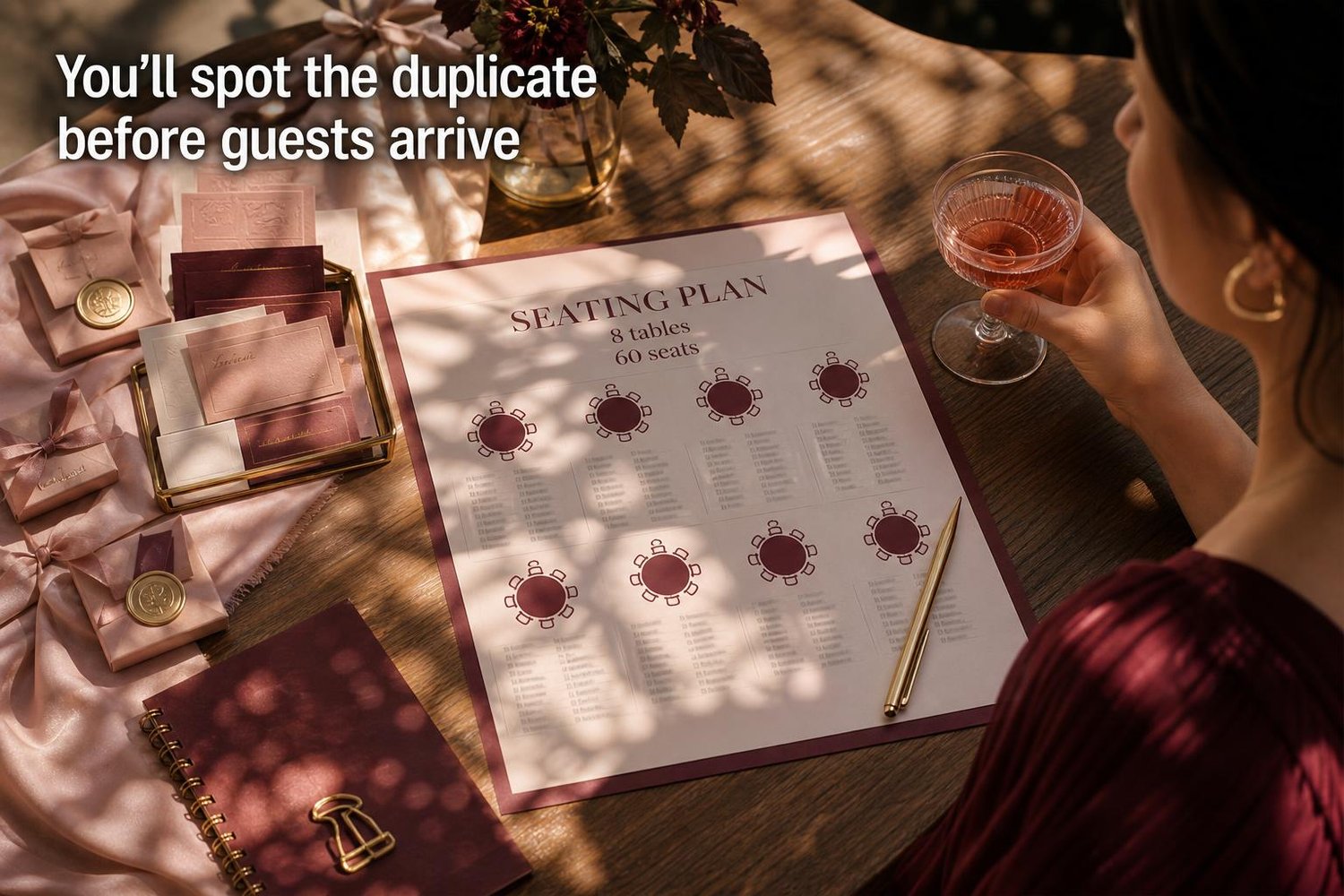
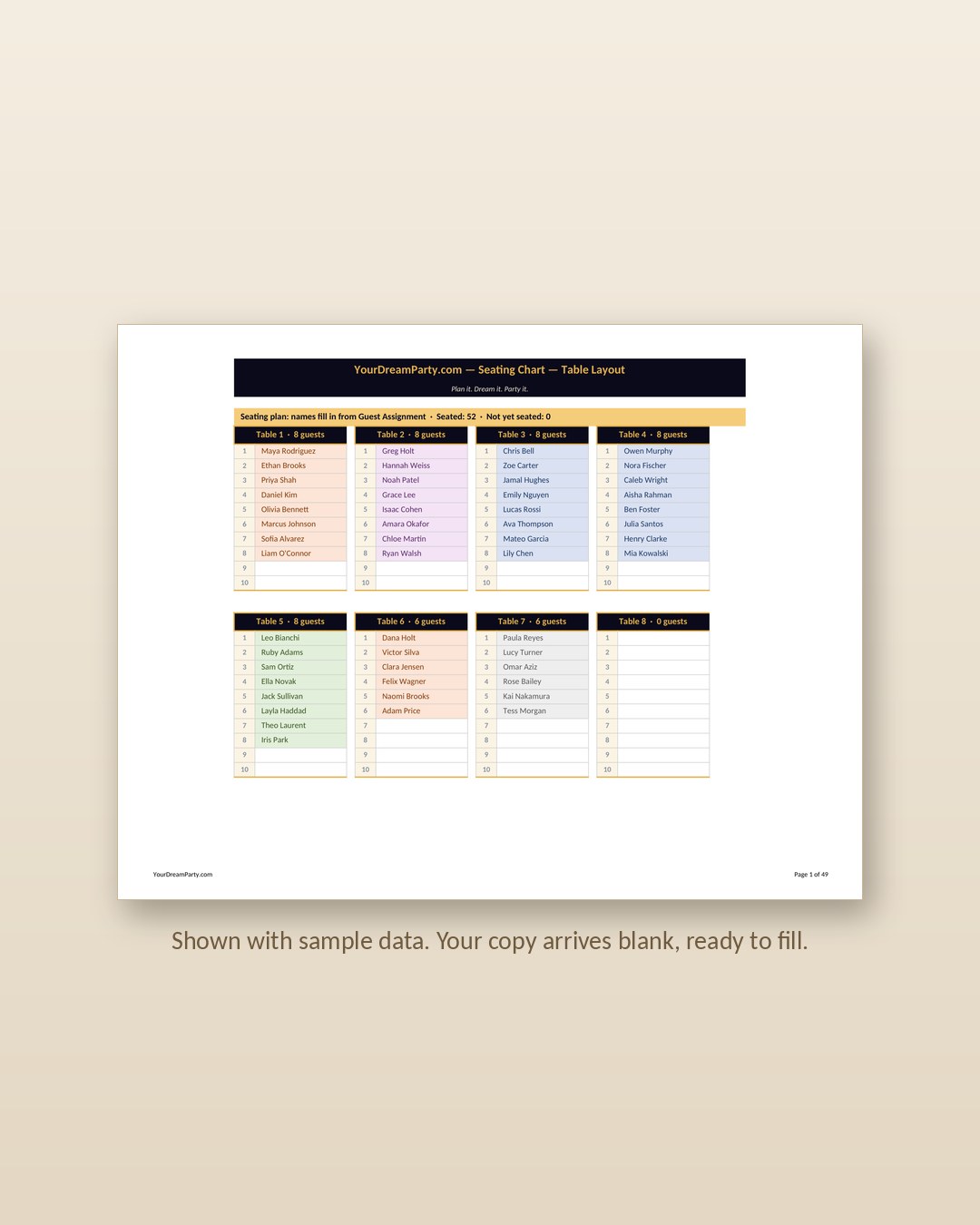
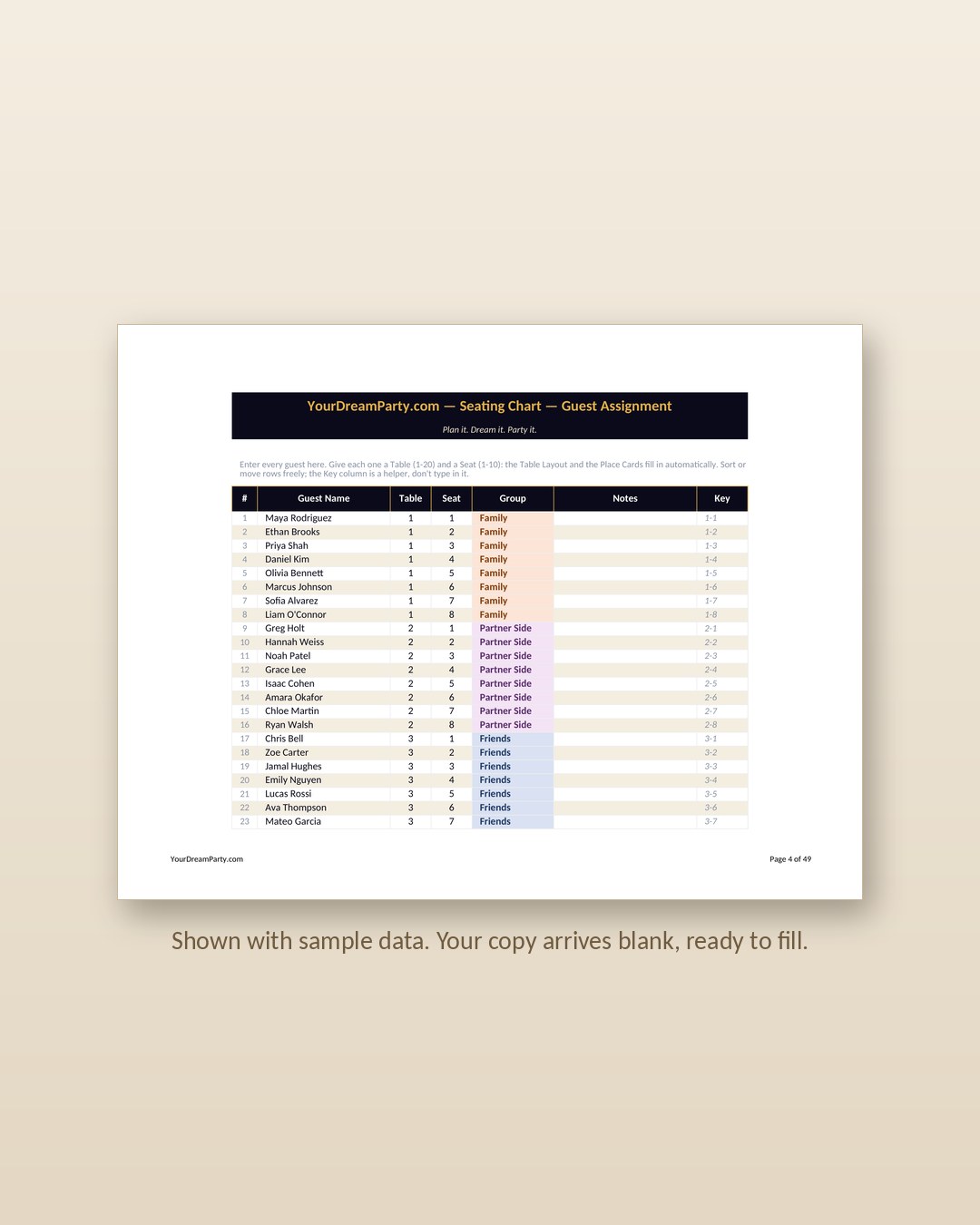
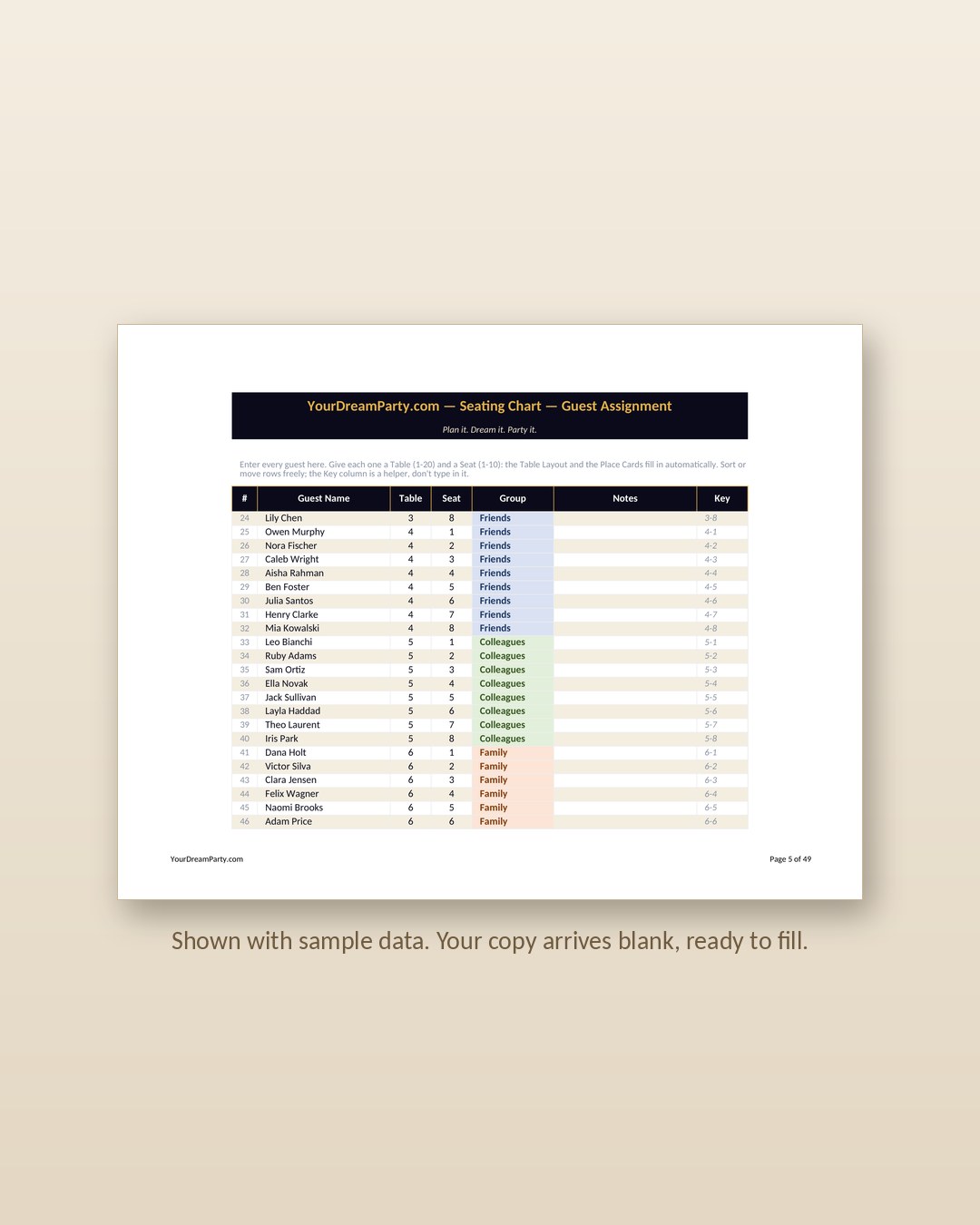
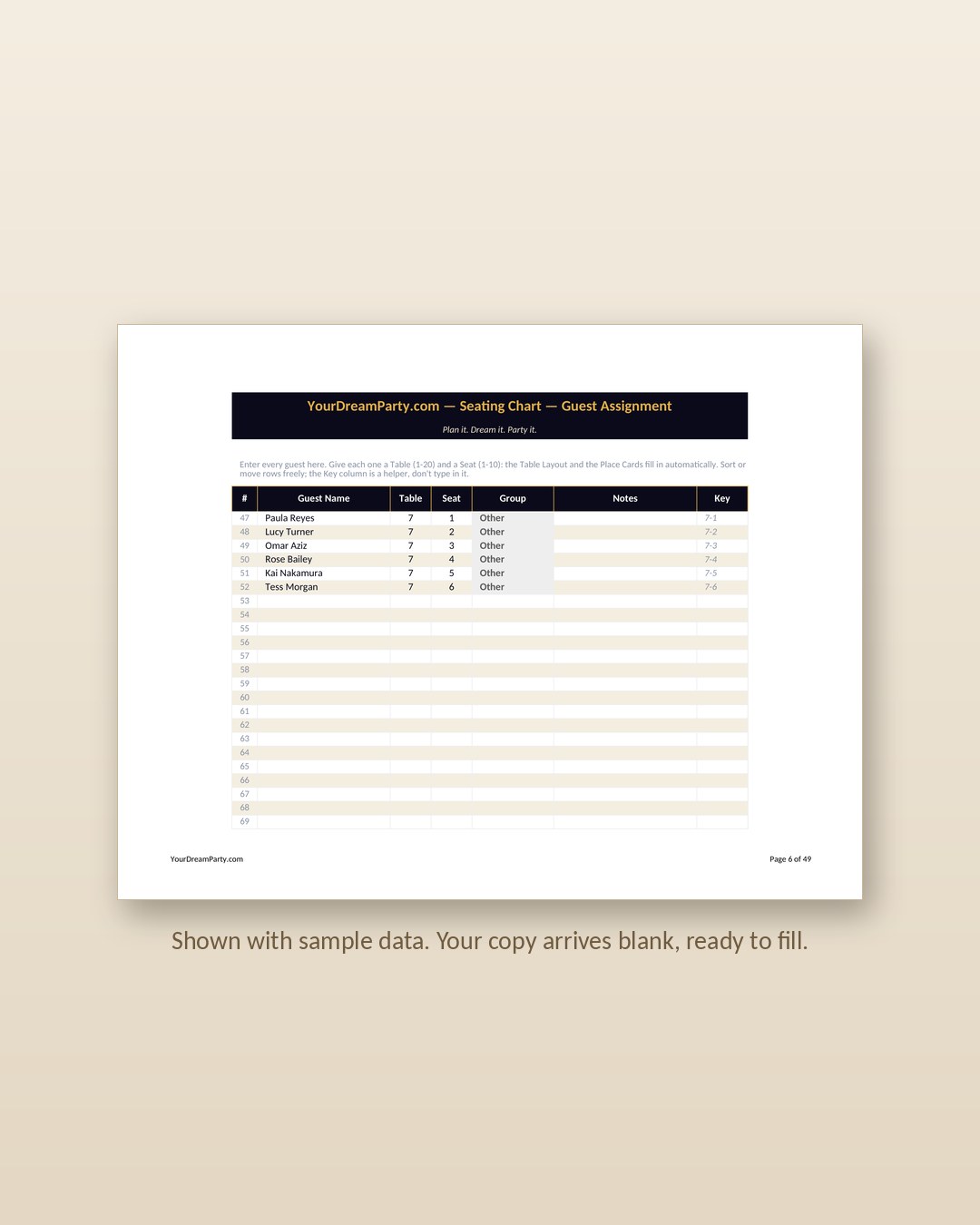
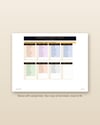
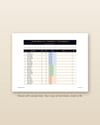
Here you work from one list. On Guest Assignment, give each guest a table (1-20) and a seat (1-10), plus a group and notes. The Table Layout sheet fills in by itself: 20 tables of 10 seats, names color-coded by group, a guest count on every table and a count of anyone still unseated. Two guests on the same seat? Both turn red.
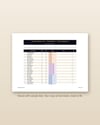
The Conflict Checker takes up to 40 pairs of guests who should not sit together. Pick both names from the dropdowns: it shows red for Same table, green for OK and yellow while one of them is not seated yet.
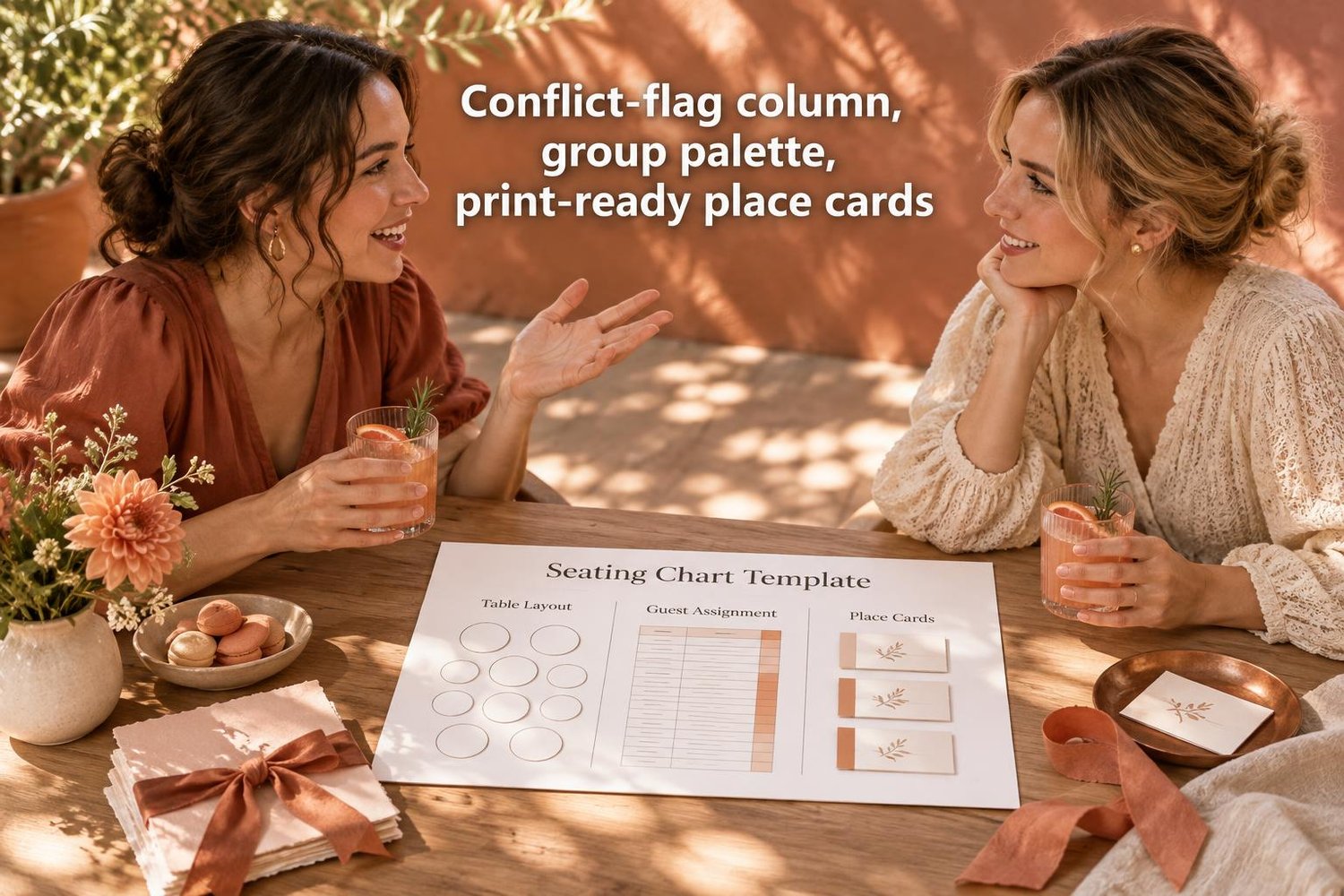
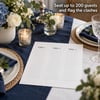
When the plan is final, the Place Cards sheet turns every guest into a folding tent card, 6 to a page, with the table number under the name. The table plan prints US Letter landscape on 3 pages, with no table split across two. It opens on a Start Here tab with five first steps and a marked picture of where to type, and a one-page Quick Start PDF comes with it. Made for Excel, works in Google Sheets; Apple Numbers opens it without the dropdowns.
One download, two editions: the US edition for US paper sizes, and the UK edition for A4 with UK spelling.
What's Included
- Guest Assignment for up to 200 guests: table, seat, group and notes
- Table Layout fills in automatically: 20 tables × 10 seats
- Names color-coded by group, with a guest count per table
- Double-booked seats turn red; unseated guests are counted
- Conflict Checker for up to 40 pairs: Same table, OK or Unseated
- Place Cards sheet: folding tent cards, 6 per page, with table numbers
- Table plan prints US Letter landscape on 3 pages
- Start Here tab and a one-page Quick Start PDF: five first steps and where to type
- Made for Excel, works in Google Sheets; Apple Numbers opens it without the dropdowns
Format
US edition: Excel workbook (XLSX), 6 sheets, prints on US Letter, plus a Quick Start PDF
UK edition: Excel workbook (XLSX), 6 sheets, prints on A4, plus a Quick Start PDF
License: Personal use. Print as many copies as you need for your own events, at home or at a print shop, fill in and edit the file, and share it with the people planning the event with you. You may not resell, share publicly or redistribute it, include it in products or services you sell, use it for paid event-planning work or use it to train AI models. All content © YourDreamParty.com. All rights reserved.