
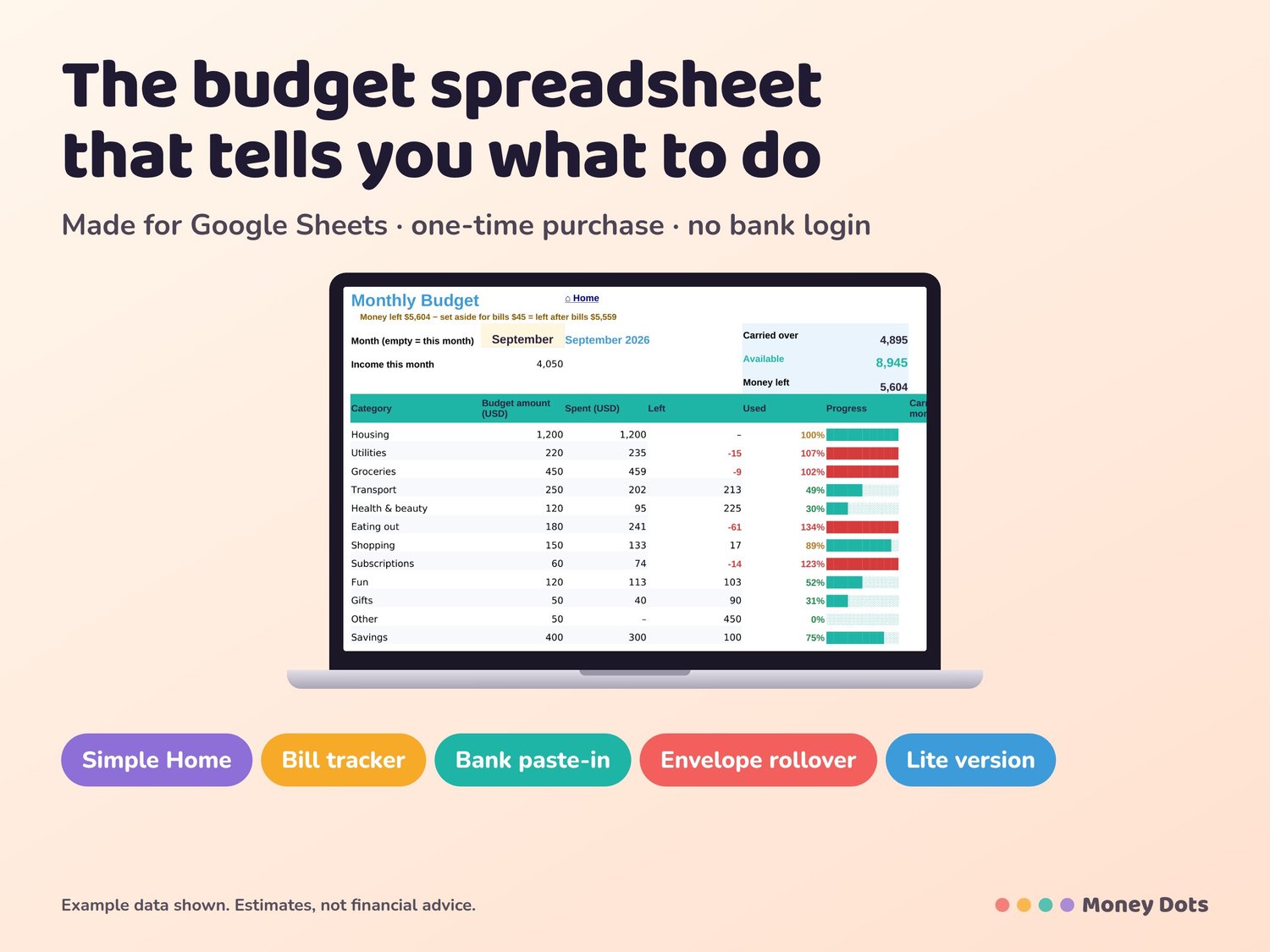
Budget Planner Google Sheets – Beginner-Friendly, Simple Monthly | Money Dots
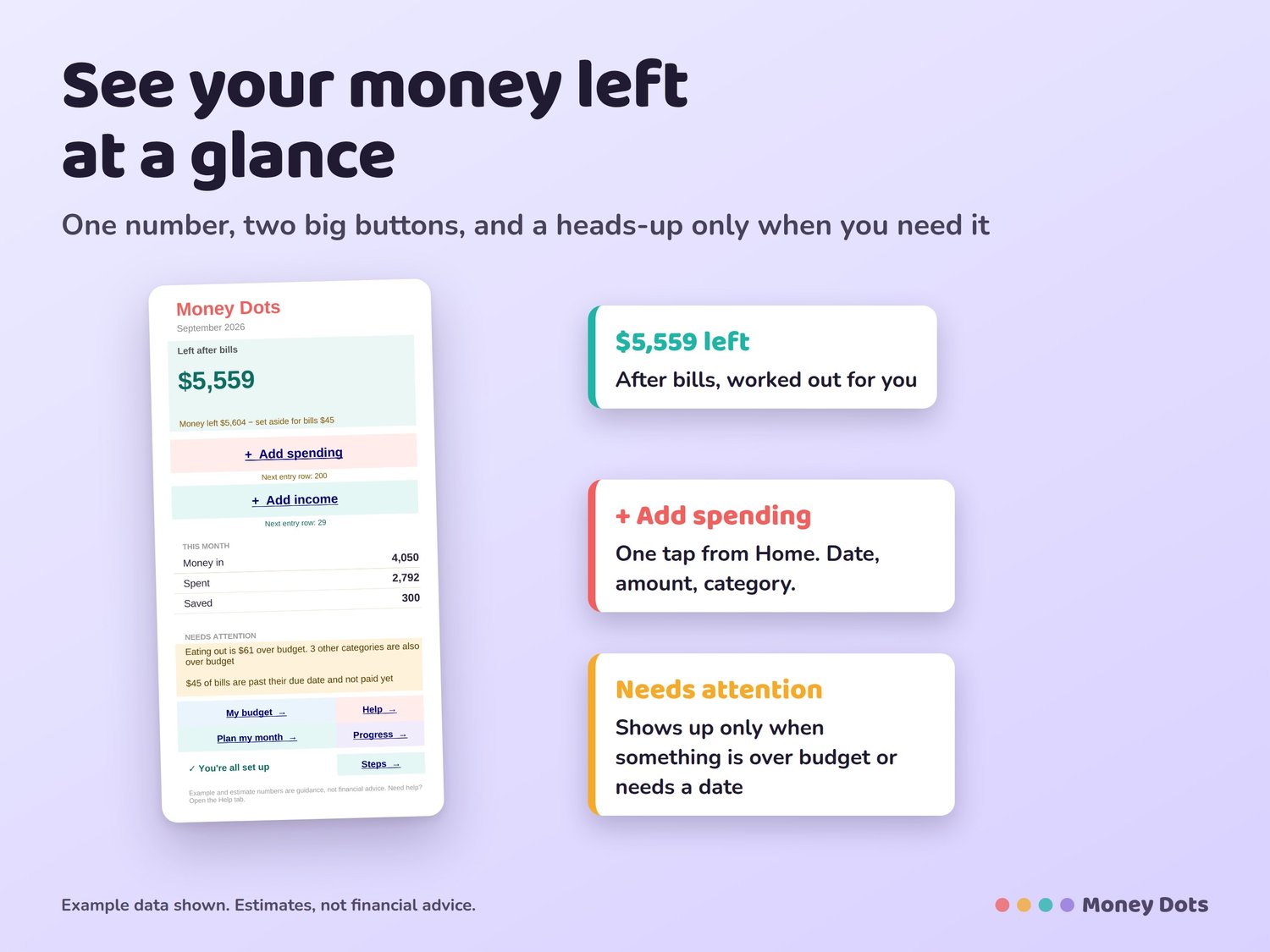
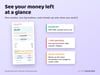
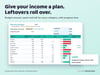
See your money left at a glance.
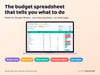
The simple budget planner that shows you what's left.
Open it, see your money left this month, and tap + Add spending. That's it. Made for beginners: a teenager's first budget, a couple who just moved in together, or anyone starting fresh. One-time purchase, no subscription, no bank login.
WHAT YOU GET
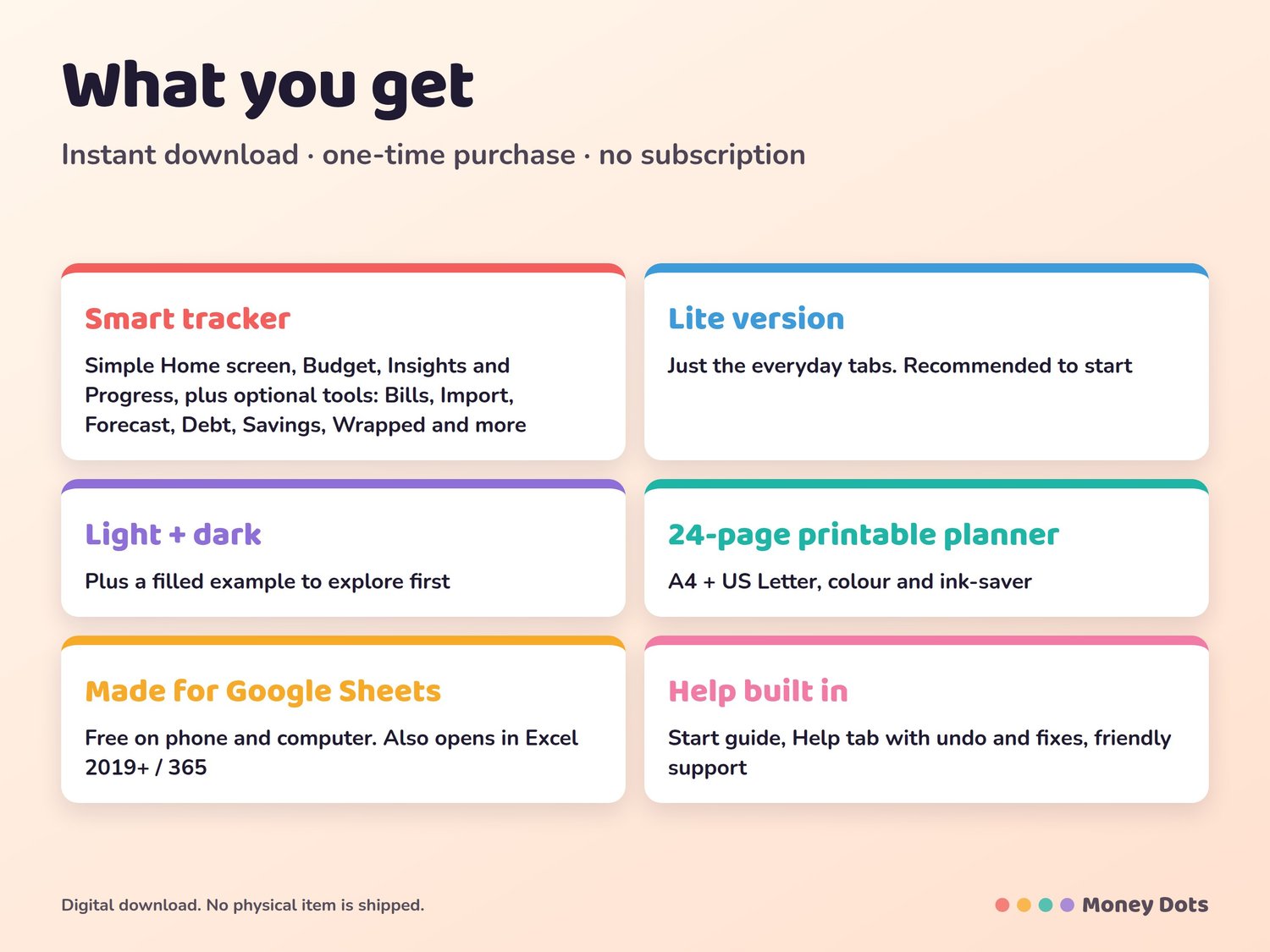
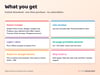
• A simple Home screen: money left this month (after bills), two big buttons (Add spending, Add income), and a heads-up only when something needs it
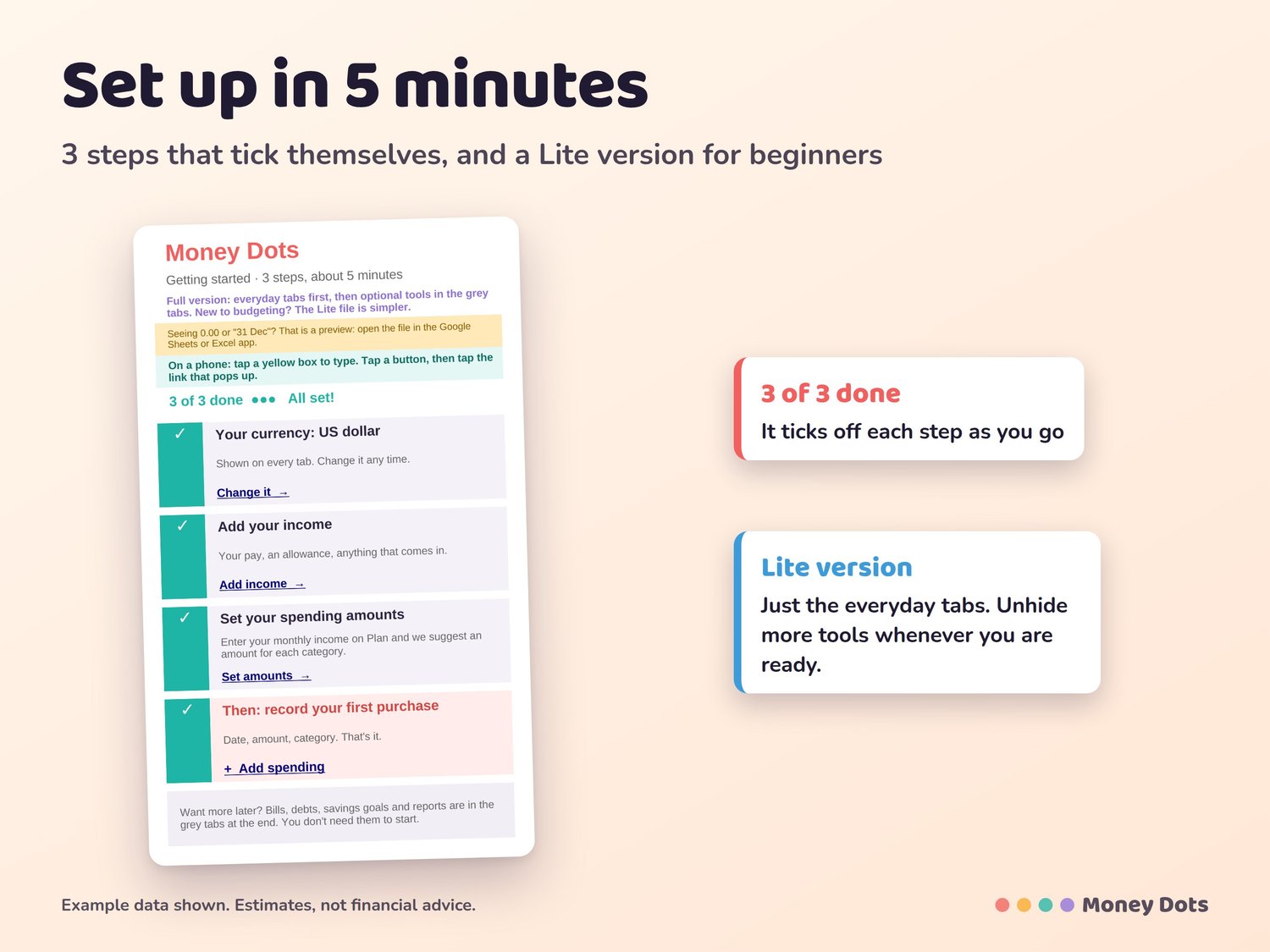
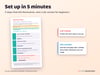
• Set up in 5 minutes: 3 steps that tick themselves (currency, income, spending amounts)
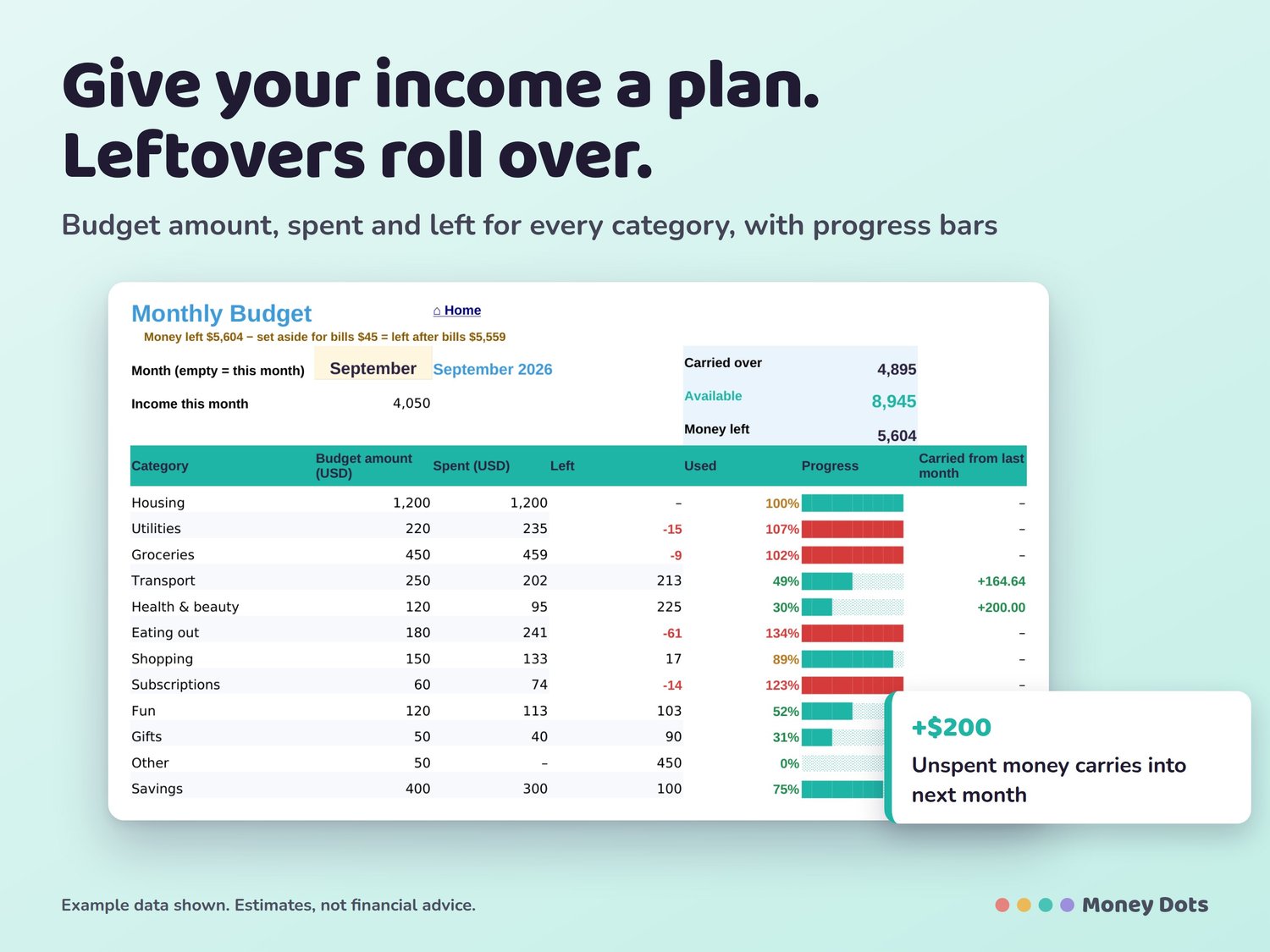
• Budget amounts suggested from your monthly income
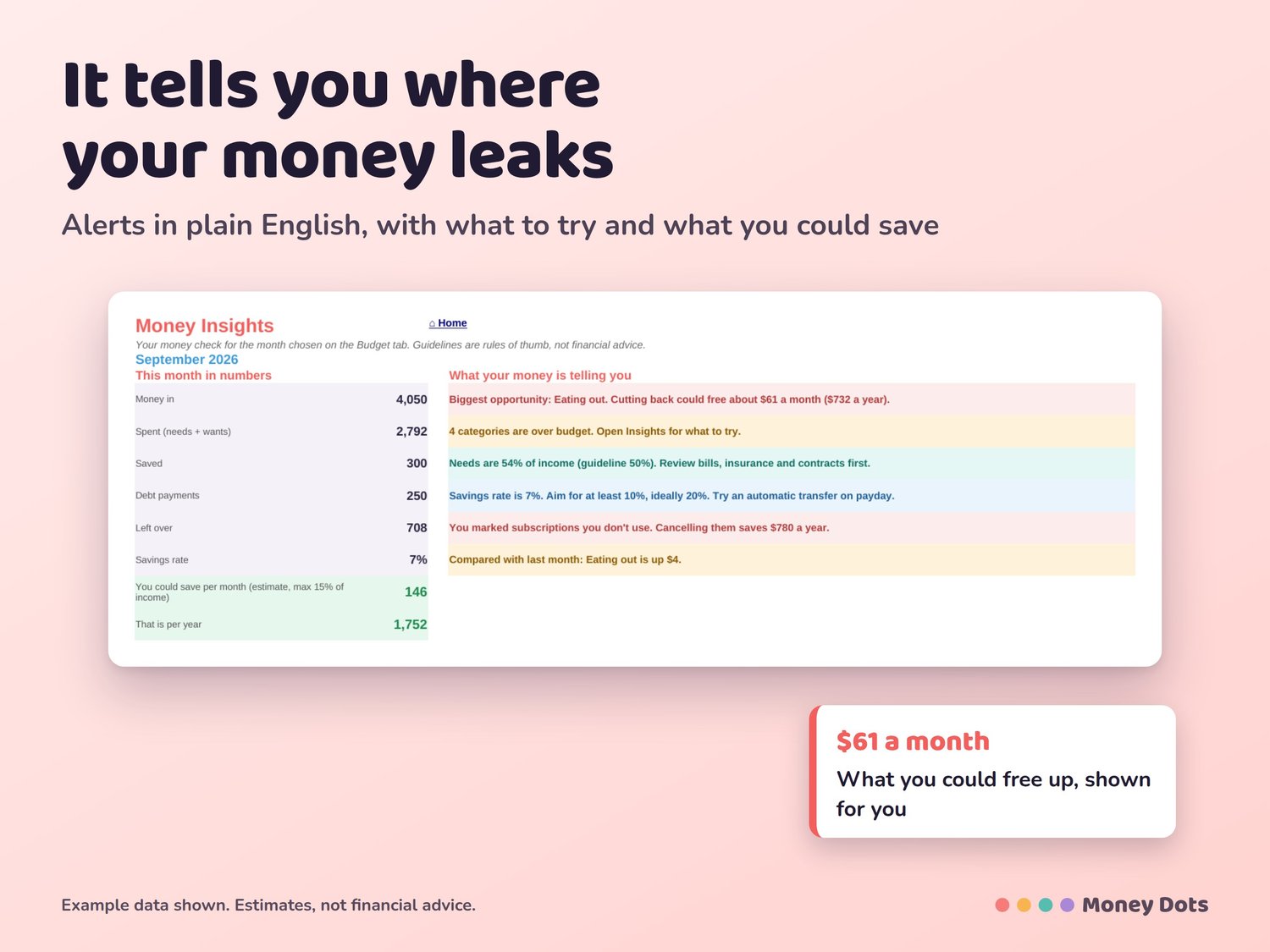
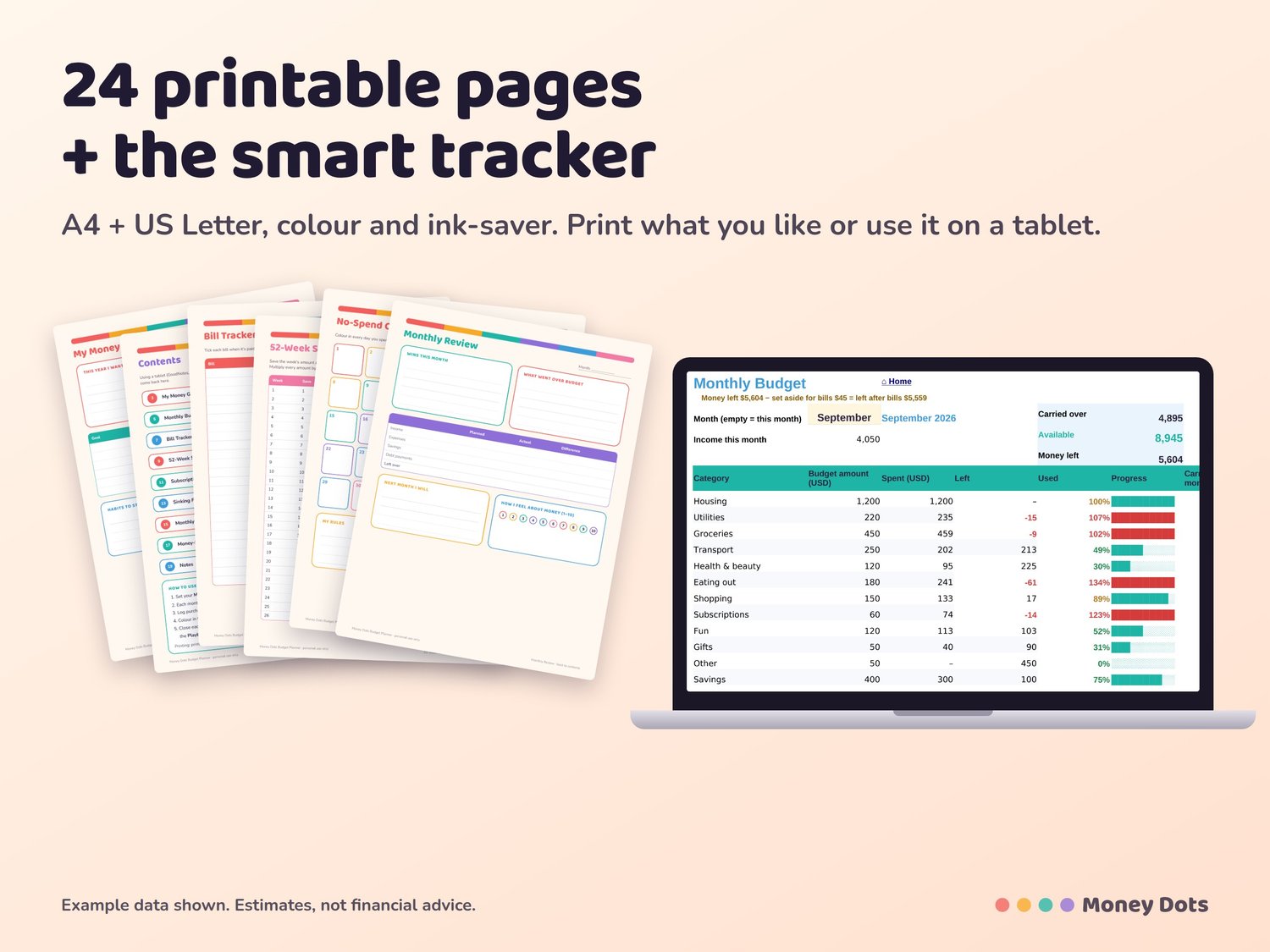
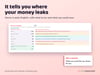
• Budget, Insights and Progress charts that update by themselves
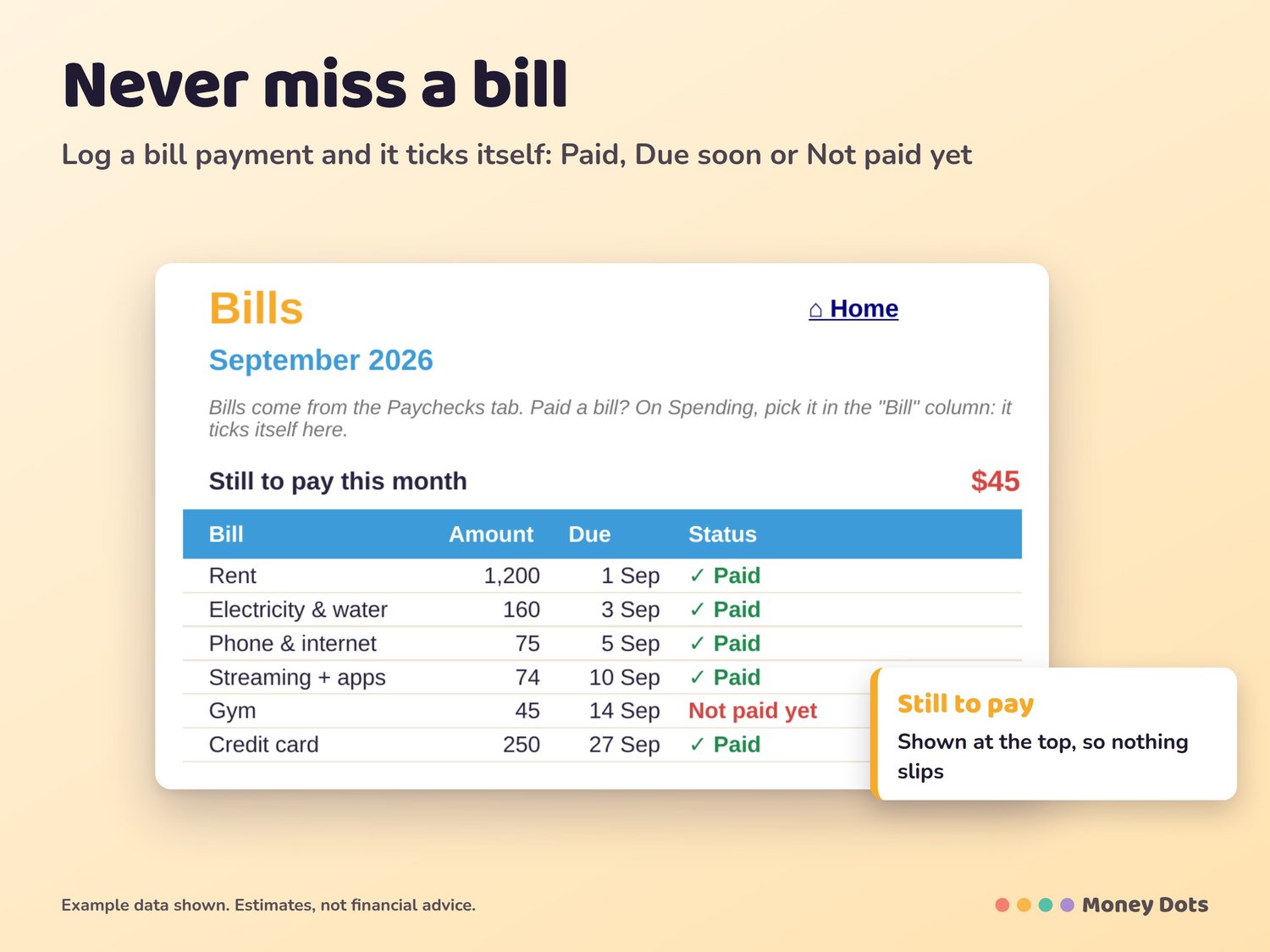
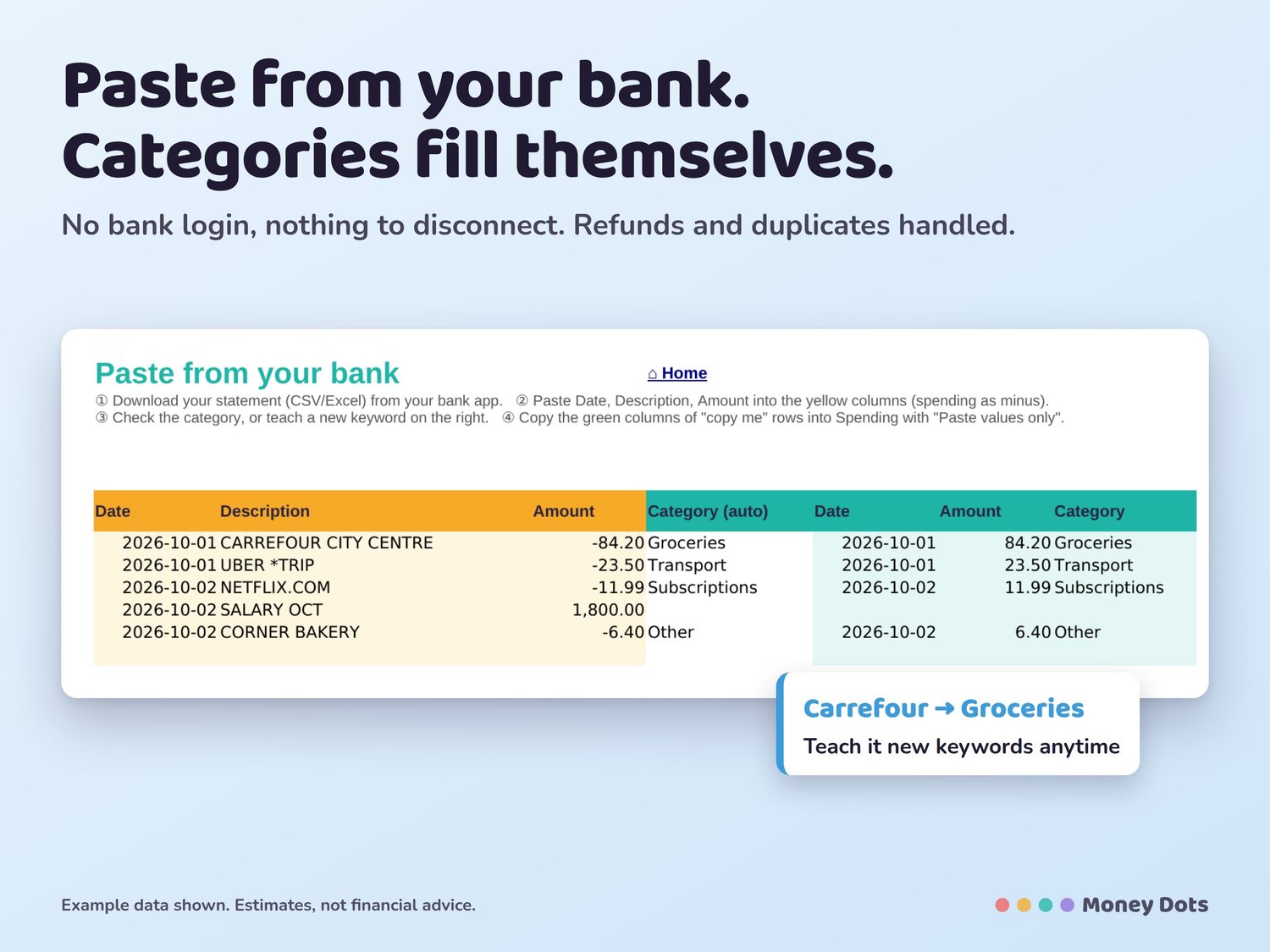
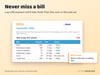
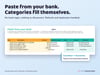
• Two versions: Lite (recommended to start, just the everyday tabs) and Full, with optional tools (bills that tick themselves when paid, debt payoff, savings goals, 90-day forecast, bank paste-in, year summary)
• Light and dark mode, plus a filled example to explore first
• 29 currencies
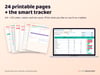
• 24-page printable planner (A4 + US Letter, colour + ink-saver)
• Start Here guide and a Help tab
HOW TO OPEN
Made for Google Sheets (free). On a phone, open the tracker in the Google Sheets app (not the Files preview): tap a yellow box to type; tap a button, then tap the link that pops up. On a computer: drive.google.com > New > File upload > open with Google Sheets. Also opens in Excel 2019+ / Microsoft 365.
Instant download. Example numbers and tips are guidance, not financial advice.
QUICK ANSWERS
• Do I need Excel? No. It's made for the free Google Sheets app (it also opens in Excel 2019+ / 365).
• Does it work on my phone? Yes, in the Google Sheets app.
• My currency? Pick from 29 in one tap.
• Refunds: Digital files can't be returned, but if anything doesn't work, message me and I'll help you fix it.