FREE Onshape CAD skills - surface modelling (jug with spout)
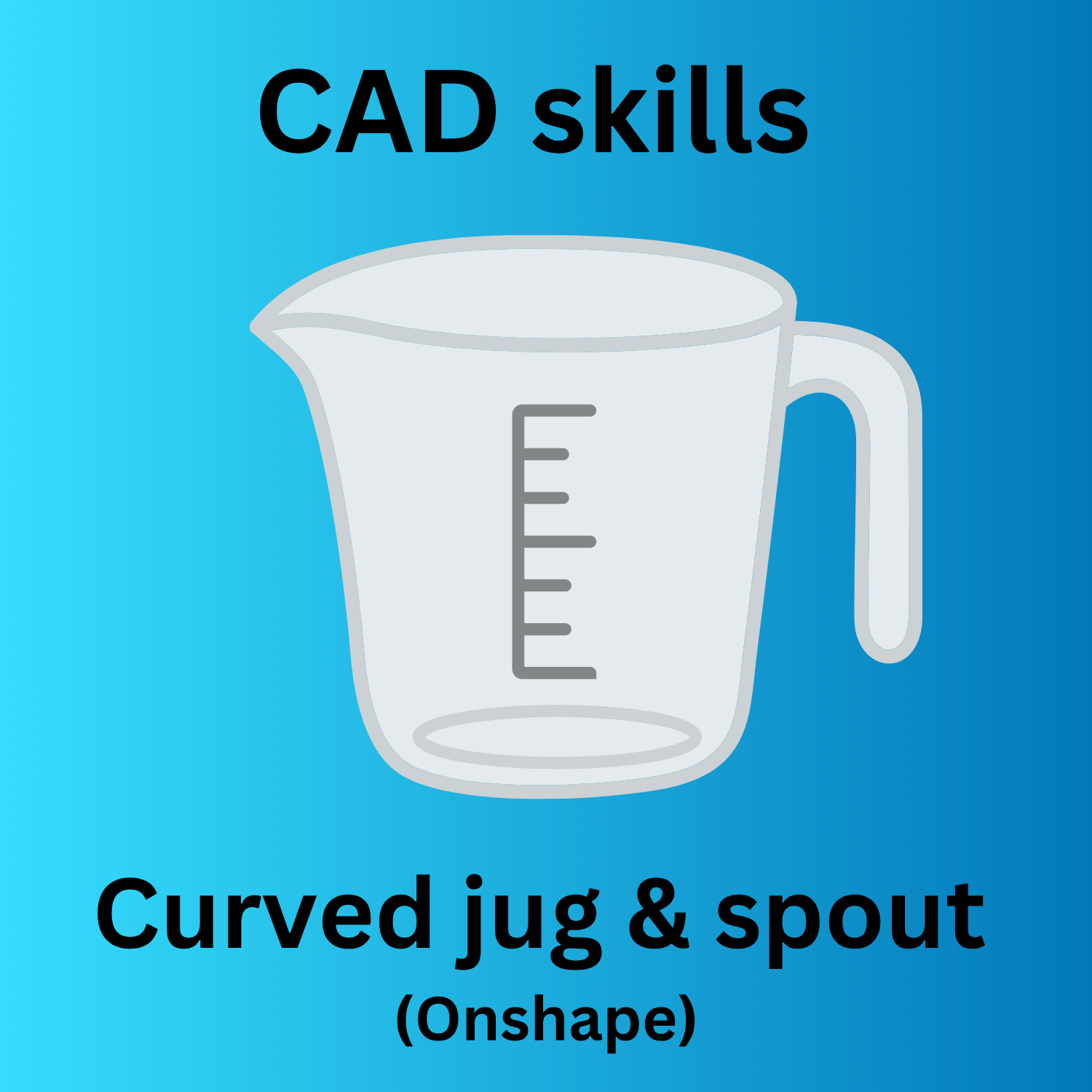
In this Onshape CAD tutorial, you’ll learn how to surface model a jug with a spout, lid and curved handle. This guidance is designed for Level 3 Engineering students preparing for coursework, but it’s also ideal for anyone wanting to improve their CAD, product design and surface modelling skills in Onshape.
In this step-by-step tutorial, you'll draw the main body and spout while developing essential 3D CAD techniques used in engineering and product design. This project is ideal for:
✅ Engineering students
✅ Product design students
✅ Beginners learning Onshape
✅ Anyone wanting to improve their CAD modelling skills
By the end of the activity, you'll have a range of transferable CAD skills that can be applied to more advanced engineering projects. Topics covered:
• 2D sketching and constraints
• Surface lofting
• Surface modelling between curves
• Projected curves
• Creating a spout (move boundary and mutual trim)