
Welcome Amenity & Gift Cost-per-Stay Planner: Hotel Welcome Amenity Cost Workbook and Presentation Standards
Full description
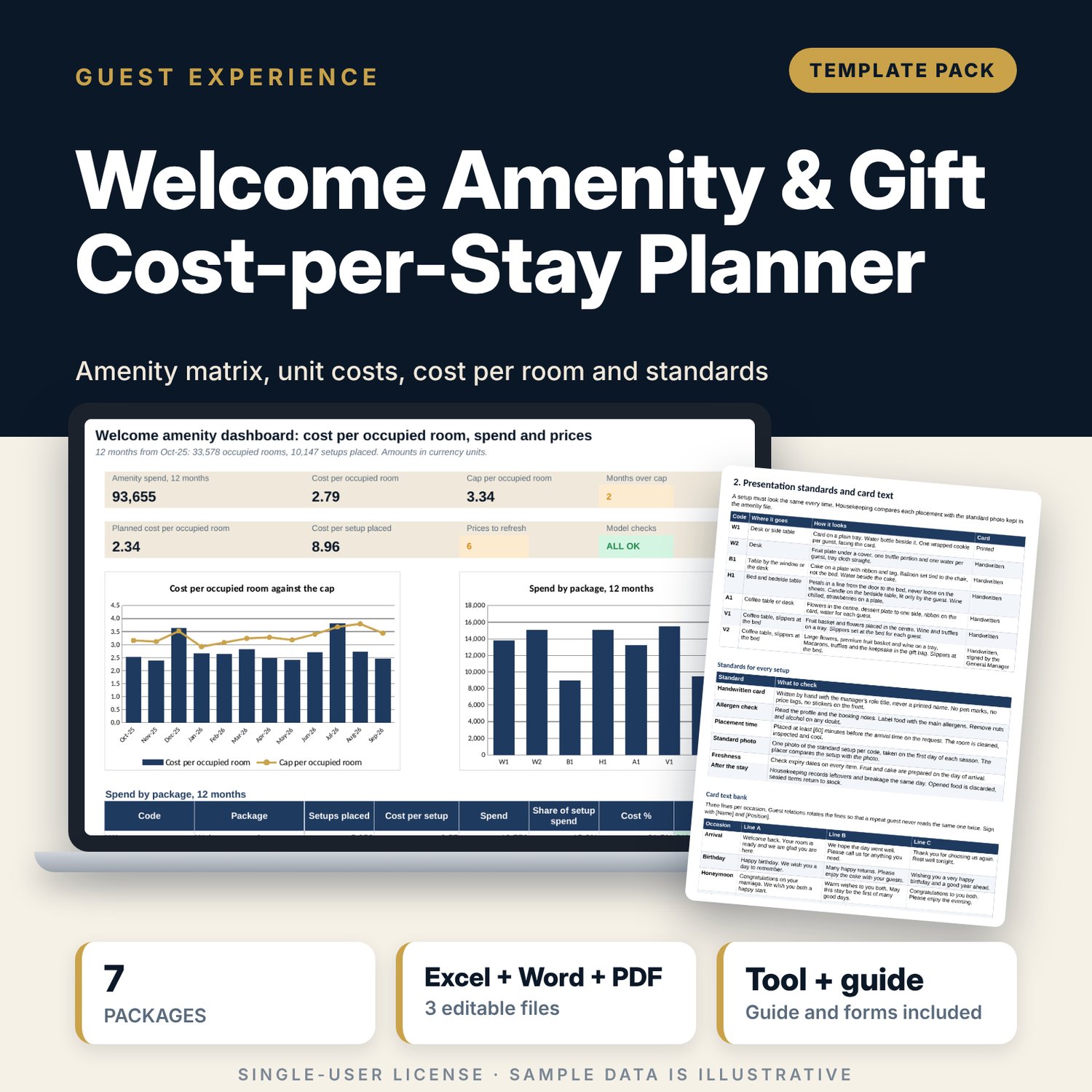
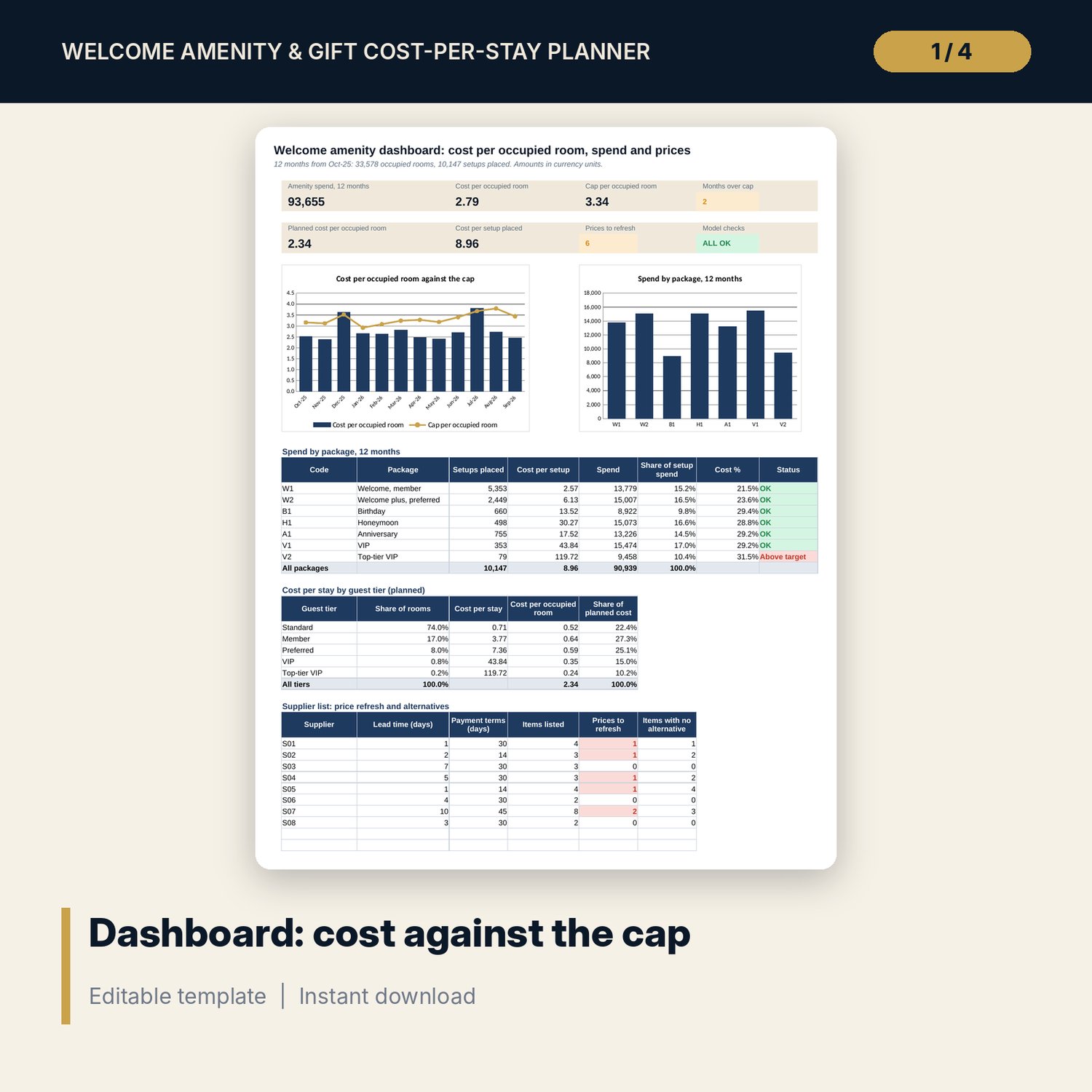
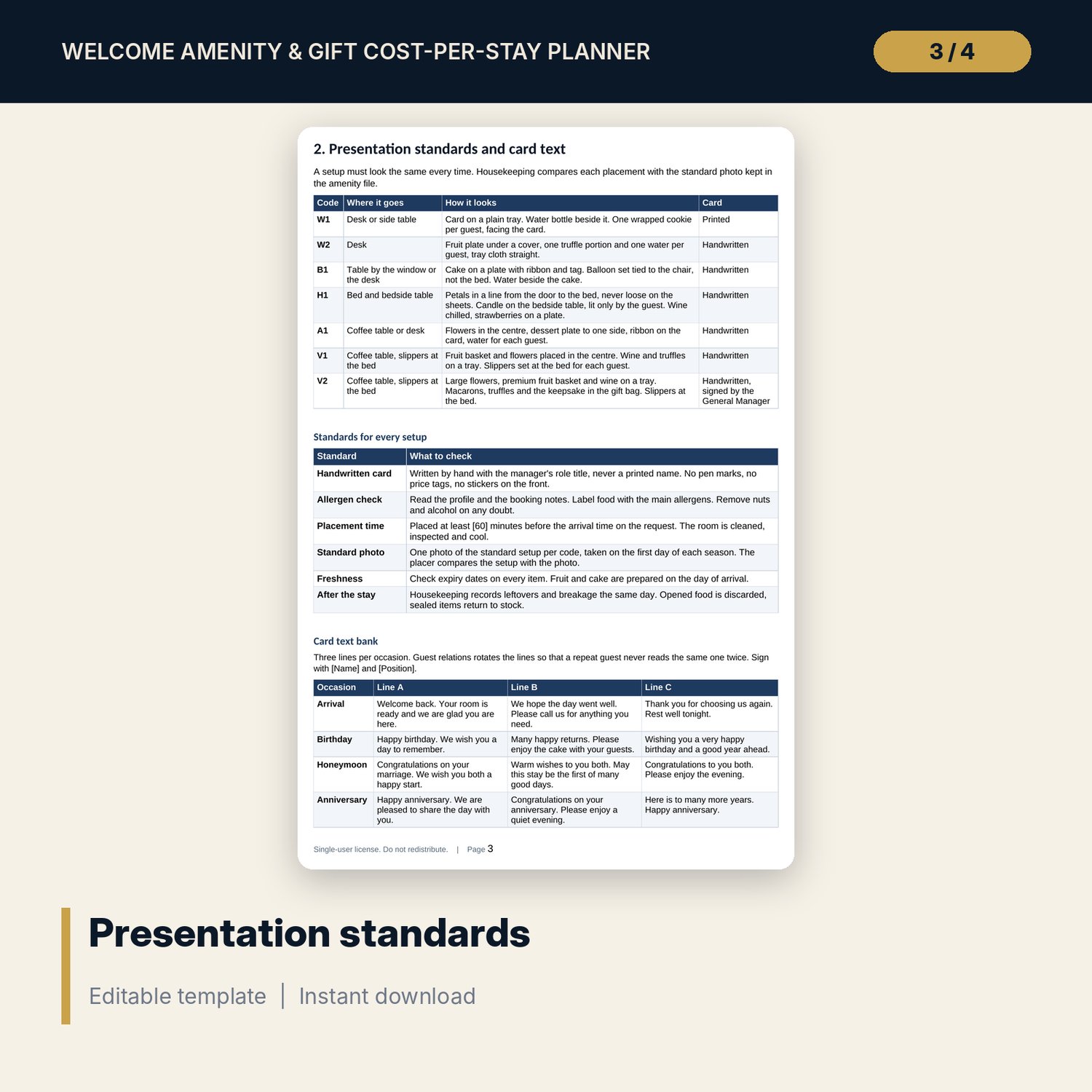
For front office managers, food and beverage managers, guest relations teams and finance controllers who give welcome, birthday, honeymoon, anniversary and VIP amenities and need to know what each one costs. The workbook prices 7 amenity packages from 29 costed items, splits each setup into room and food and beverage parts, shows the cost by bed type, places a package for each of 5 guest tiers and 4 occasions, and turns the occasion mix into a cost per stay and a planned cost per occupied room. Twelve months of use then show the actual cost per occupied room against a cap set as a share of the average rate. Flags show months over the cap, packages above the cost percent target and prices past the refresh interval. The Word document gives your team the contents of each package, presentation standards, a 12-step request and placement procedure, a card text bank, a group welcome drink procedure, four forms and a 20-point checklist.
What is inside
- Welcome_Amenity_Cost_Planner.xlsx: 7 tabs, 712 formulas, 2 native charts, 19 drop-down and input rules
- Items: 29 sample items with pack size, unit cost, supplier, alternative and price date, plus 16 spare rows, and a quantity grid for 7 packages and the group welcome drink
- Settings: cap, cost percent target, drink uptake and waste, refresh interval, 7 package codes with prices and authoriser roles, 4 bed types and a list of 8 suppliers
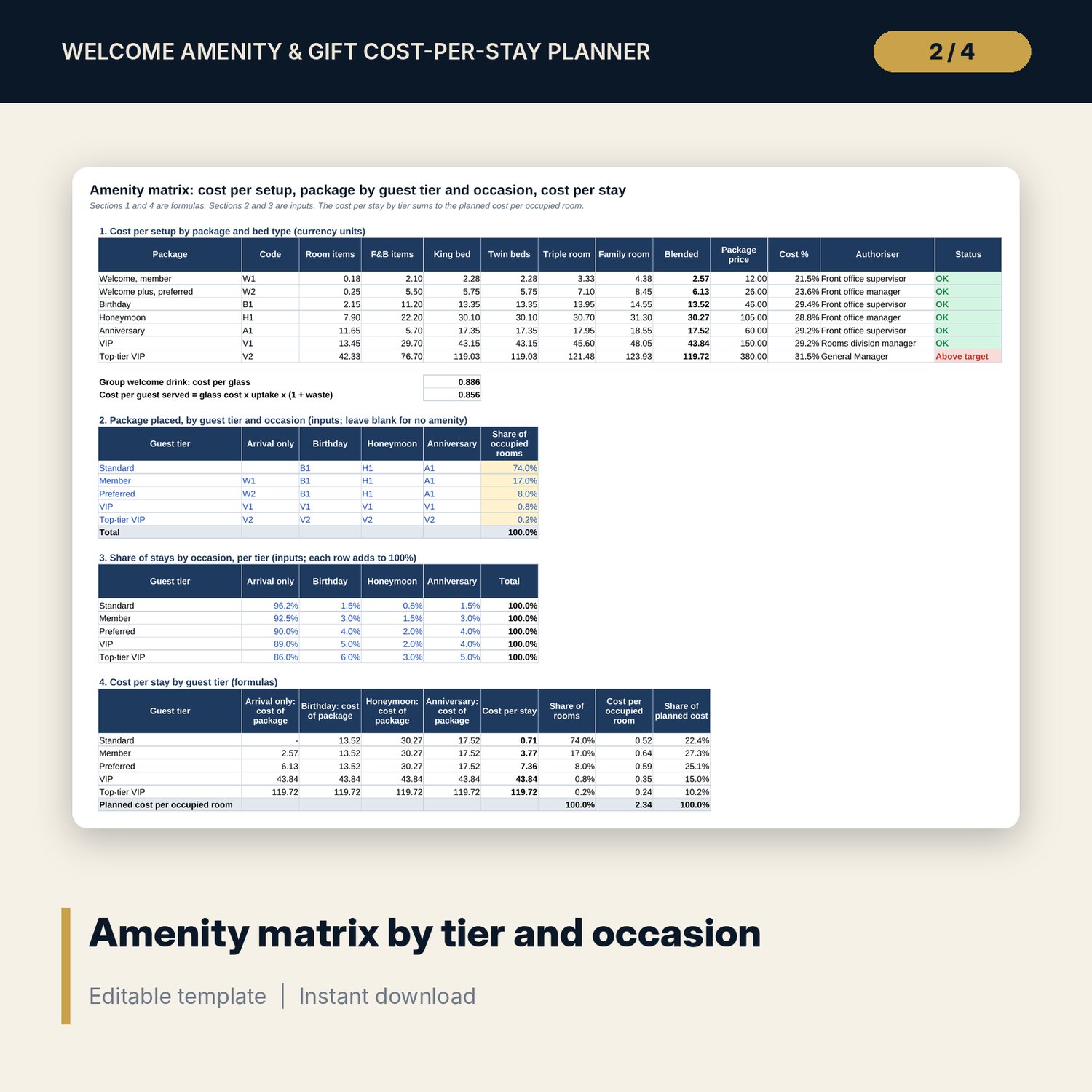
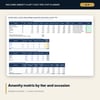
- Matrix: cost per setup by package and bed type, the package placed for each tier and occasion, the occasion mix and the cost per stay by tier
- Monthly: 12 months of occupied rooms, average rate, setups placed by package, group drink pax and wastage, with cost per occupied room, headroom and status
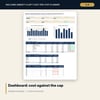
- Dashboard with 7 KPI tiles, a check tile, 2 charts, spend by package, cost per stay by tier and a supplier price-refresh table; 8 integrity checks
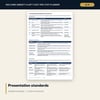
- Welcome_Amenity_Standards_and_Forms.docx and PDF: 9 pages with roles, amenity codes and authorisers, package contents, presentation standards, a card text bank, a request to placement procedure, group welcome drink rules, cost control and a worked example
- Four printable forms: request and placement, use record, wastage record and group welcome drink log; a 20-point standards checklist
- README.txt and LICENSE-and-Terms.txt
How it works
- Set the cap, the cost percent target and the package prices and authorisers on Settings.
- List your items and supplier prices on Items and set the quantity of each item in each package.
- Choose the package for each guest tier and occasion on Matrix, with the share of stays by occasion.
- Enter occupied rooms, average rate, setups placed, group drink pax and wastage each month, then read the Dashboard.
Details
- Formats: 1 Excel workbook (.xlsx), 1 standards and forms document in Word (.docx) and PDF, English
- Software: Excel 2016 or later, or LibreOffice Calc 7 or later; any word processor that opens .docx
- No macros, no external links, no data tables, no array formulas
- 3 files plus README and license; instant digital download
Good to know
- Sample data is illustrative. Items, prices, volumes and rates are invented. Amounts are in currency units.
- Alcohol rules, food-safety rules and allergen labelling differ by place. Verify local requirements. These files are management tools, not legal or food-safety advice.
- The cap, targets, prices and shares are inputs you set.
- Single-user license. Do not redistribute.
FAQ
How is the cost per setup calculated?
For each package the workbook adds quantity times unit cost for every item. Items marked per guest are multiplied by the guests of each bed type, and the result is blended by your share of rooms by bed type.
Can I change which package a guest tier receives?
Yes. The matrix on the Matrix tab is a set of drop-down inputs. Change a cell and the cost per stay and the planned cost per occupied room update.
What does the cap measure?
The cap is a share of the average rate, set on Settings. Each month the workbook compares total amenity spend per occupied room with the cap and shows Within cap, Near cap or Over cap.
What happens if a package price is blank?
Cost percent cannot be worked out, so the package shows No price and a check fails until you enter one.
Do I need macros?
No. Every result is a standard worksheet formula.