







His Money Moves 2026 Launch Edition (Jul–Dec) — The Private Money Planner That Lives on Your Phone
Don't wait for January to get your money right.
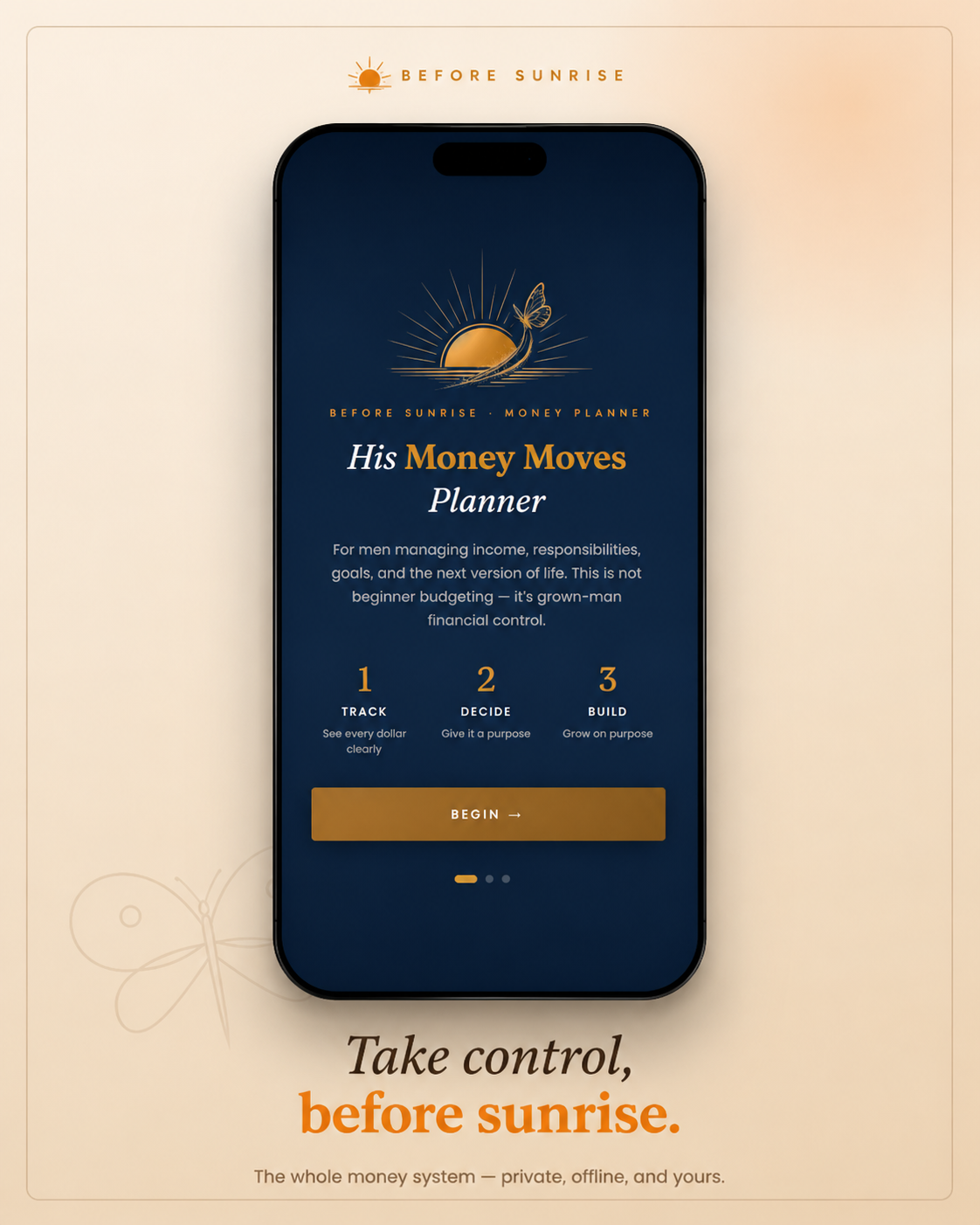
His Money Moves 2026 Launch Edition is a private financial system built by a finance professional with more than three decades in banking. It lives on your phone, works offline, and keeps your financial information on your device, where it belongs.
Designed for men managing real income, real responsibilities, goals, and the next version of their lives, this six-month edition helps you reset your finances from July through December so you can finish the year stronger than you started it.
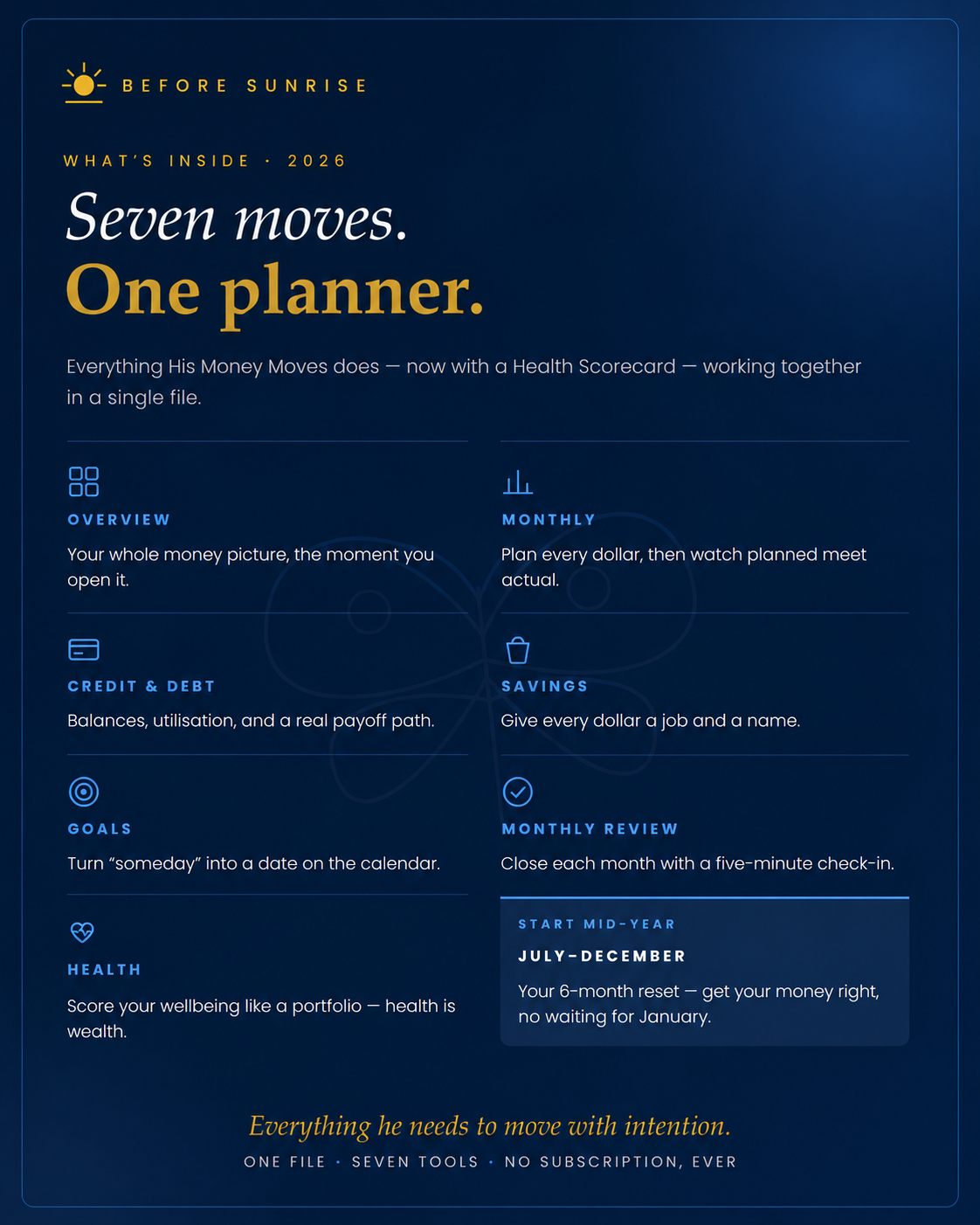
Seven tools. One complete financial picture.
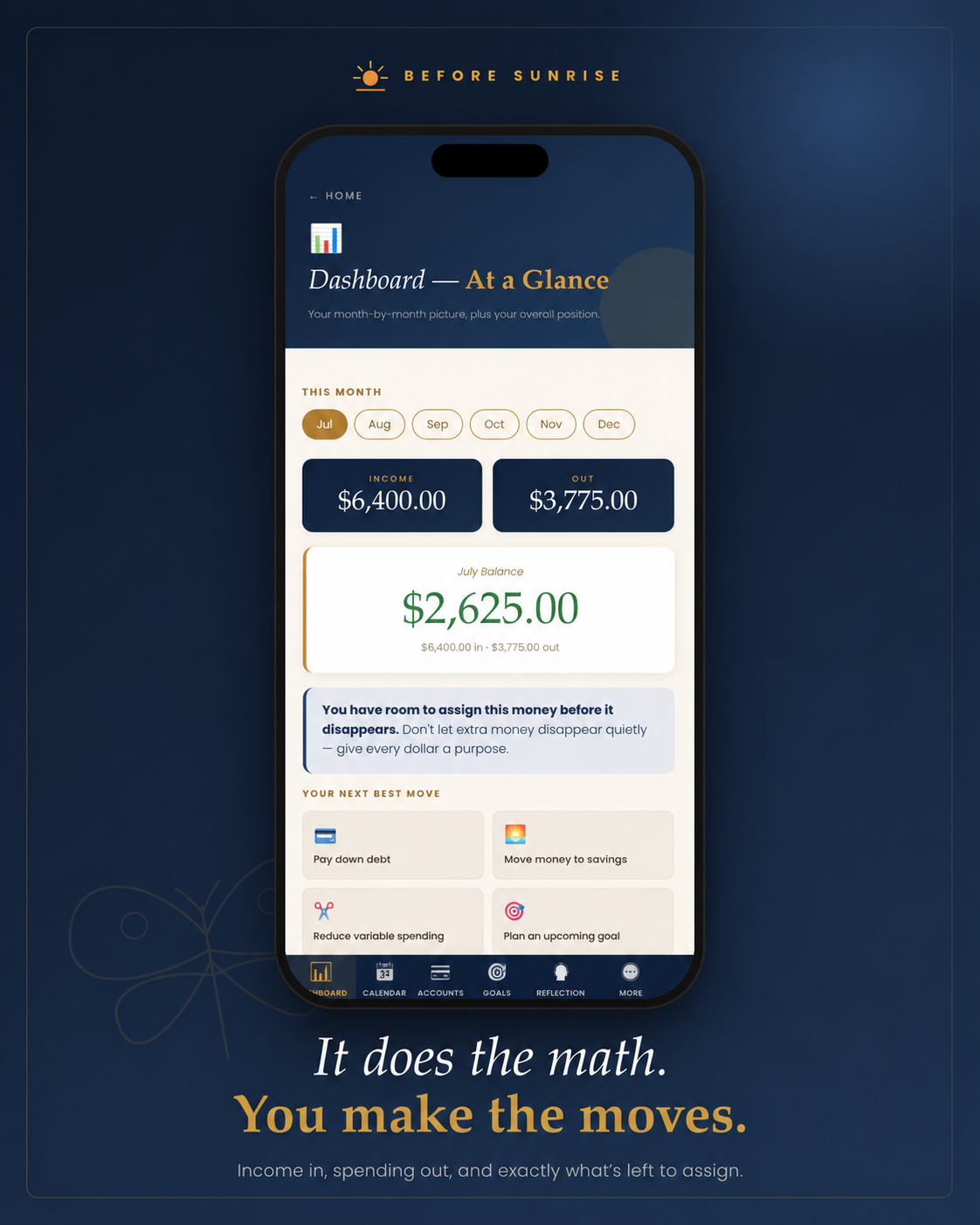
- Overview — See your complete financial picture at a glance.
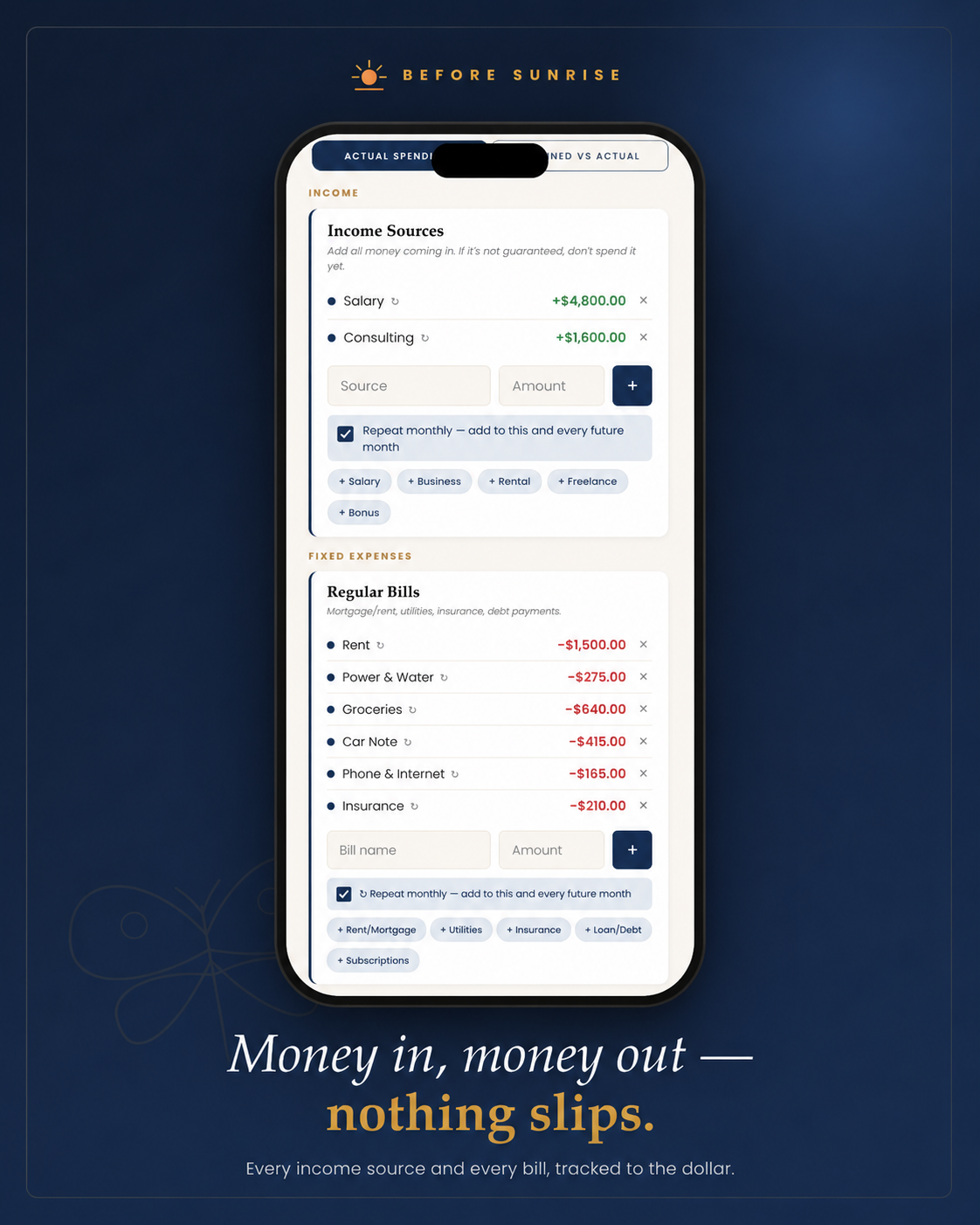
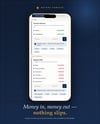
- Monthly Budget — Plan every dollar and compare planned versus actual spending.
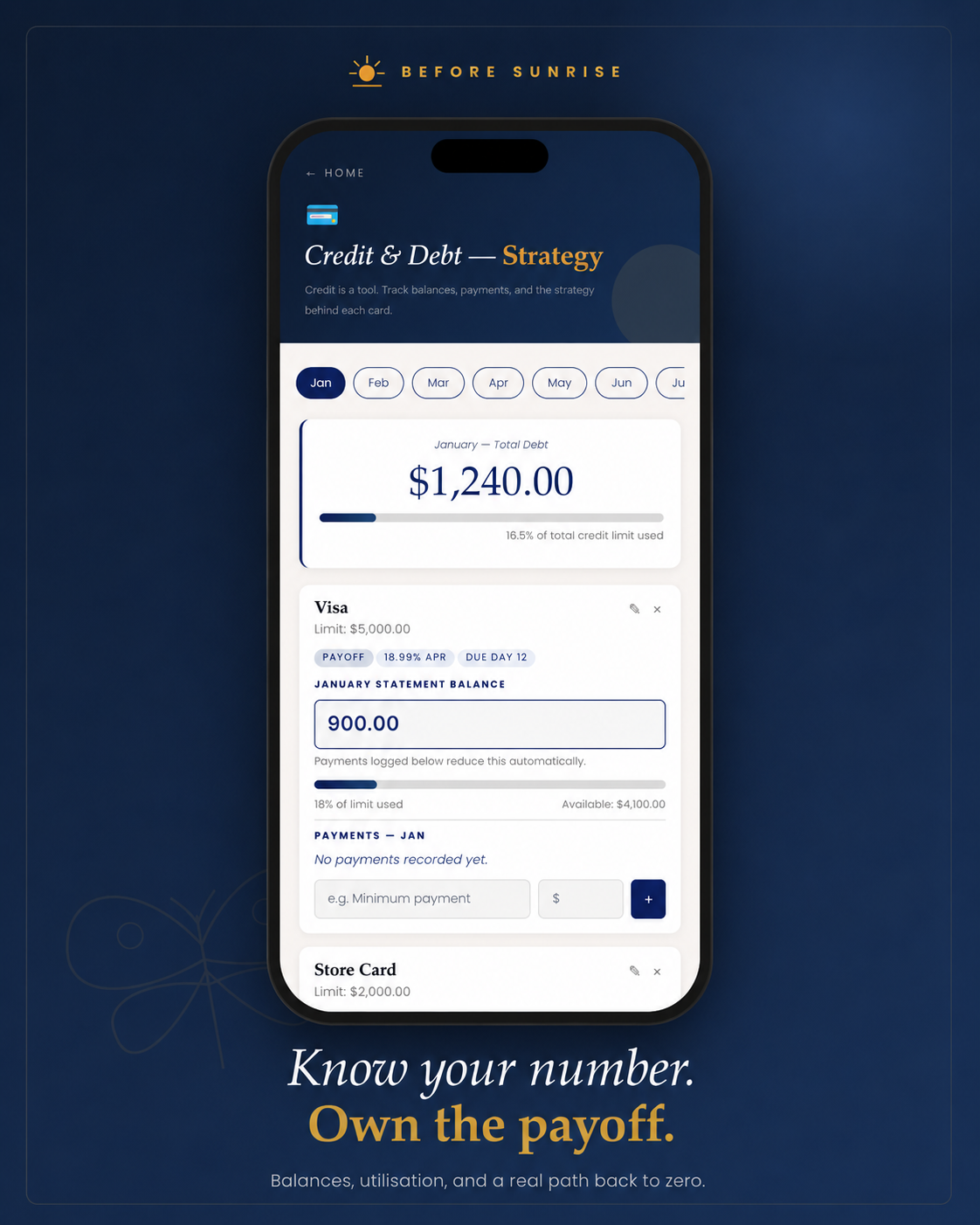
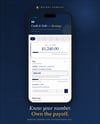
- Credit & Debt — Carry balances forward month to month, log payments, track utilisation, due dates, Debt-to-Income, and your payoff journey.
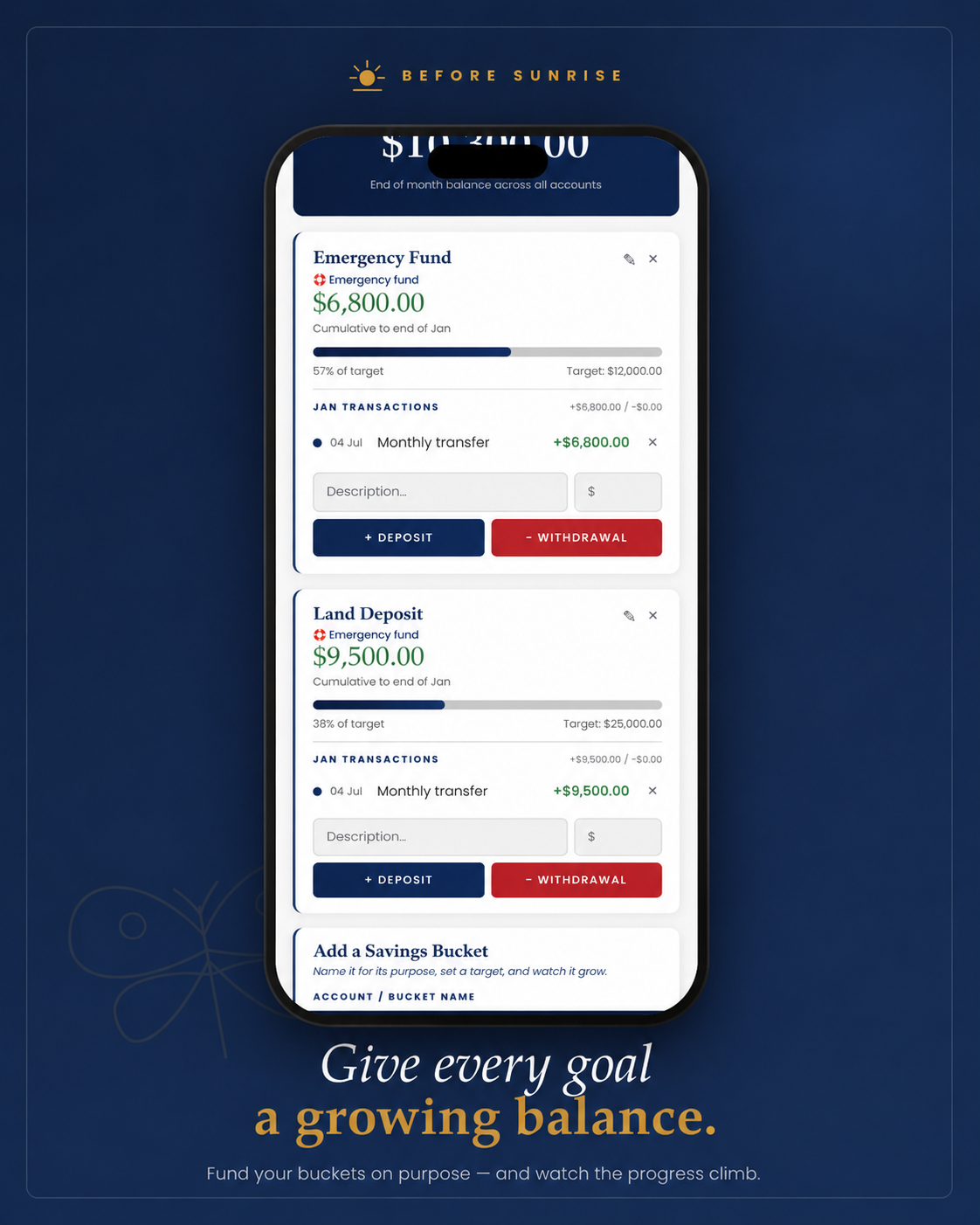
- Savings — Build savings with purpose and watch your progress grow.
- Goals — Set meaningful financial goals and know exactly what to save each month to reach them.
- Monthly Review — Close each month with a simple five-minute financial check-in.
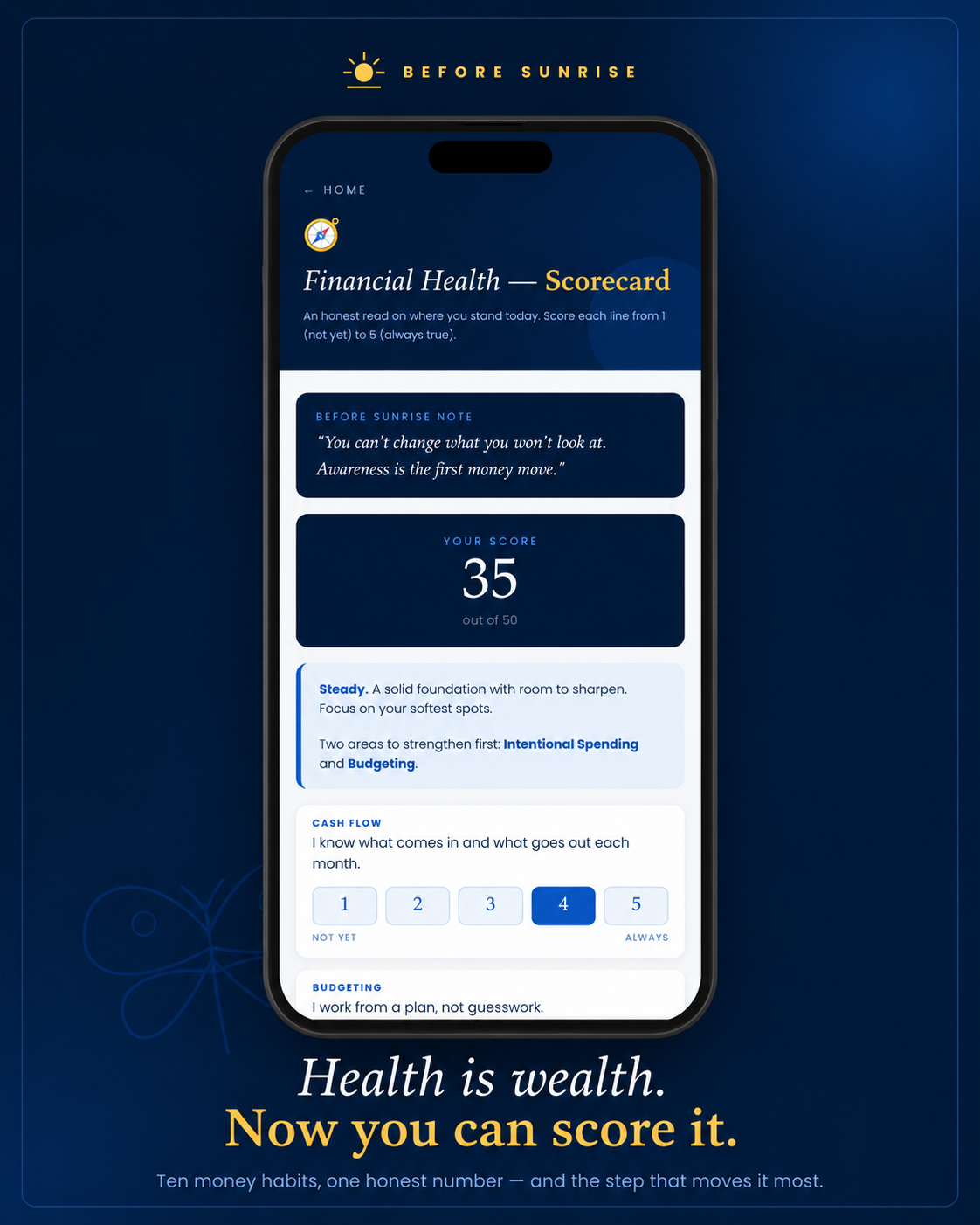
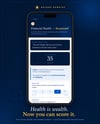
- Health Scorecard — Measure your financial wellbeing across ten essential habits.
Start mid-year. Half the year is still yours.
When you're ready, moving into His Money Moves 2027 is seamless. Your balances, goals, planned budget, recurring bills, and Health Scorecard history carry forward using the same backup file you already have.
How it works
Your download includes the planner HTML file and a PDF user guide.
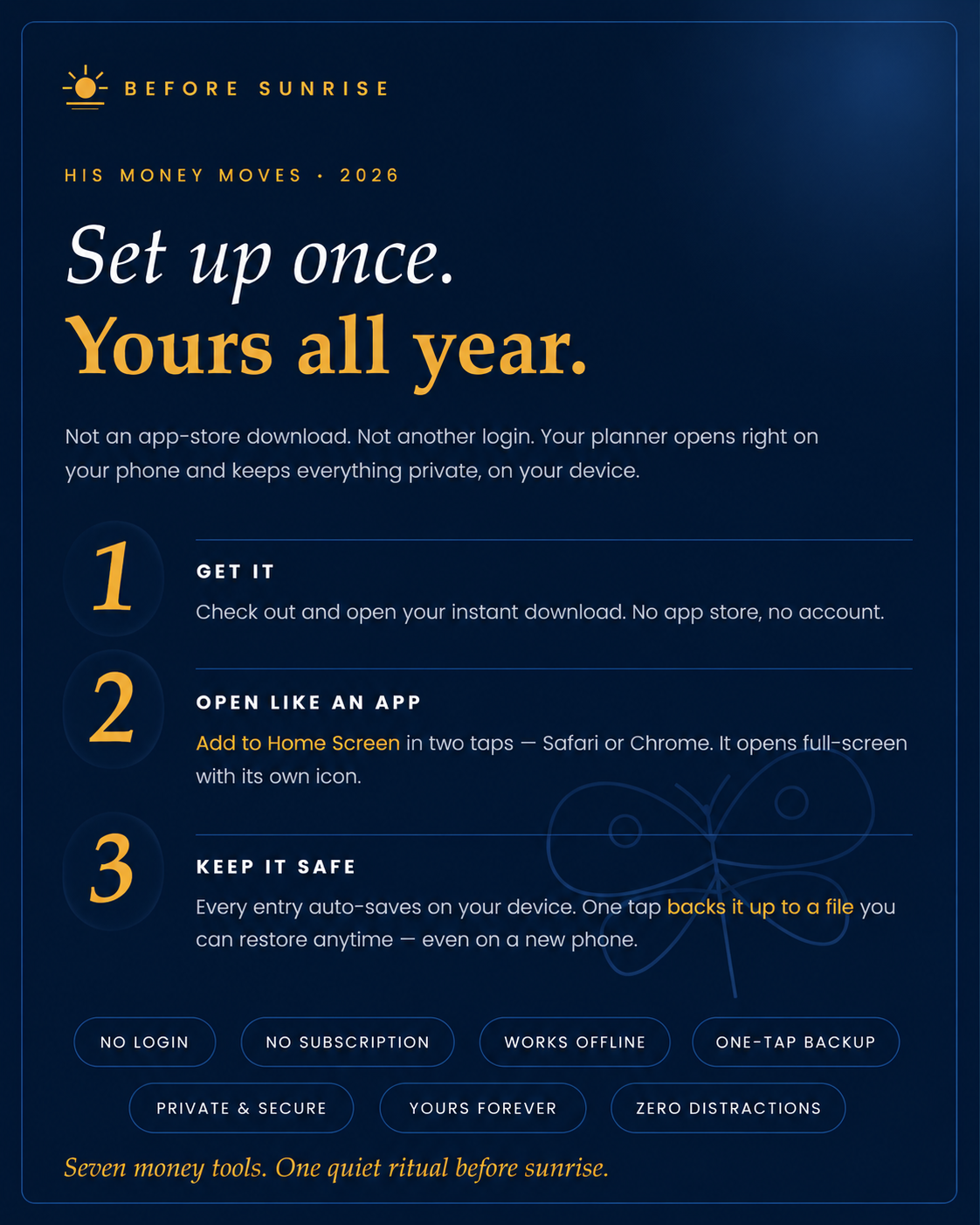
Android: Open your Downloads folder and find the planner file. Rename it to whatever you like, then press and hold it and choose Add to Home Screen. It opens full-screen with its own icon and works offline.
Laptop or desktop: Open the file from wherever you saved it, or drop a shortcut on your desktop for one-click access.
iPhone or iPad: Apple doesn't allow Home Screen icons for downloaded files. Save the planner to your Files app and open it with a free document browser such as Documents by Readdle — full steps are in the user guide.
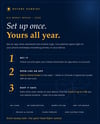
Set it up once. Spend about twenty minutes with your statements in front of you. After that: five minutes a week, ten at month's end. That's the whole ask.
Your entries save automatically on the device where you set the planner up. It does not sync between devices — one tap creates a backup you can restore on another device, and that same backup carries your information into next year's planner.
No login.
No subscription.
No monthly fee.
One private financial system. One stronger finish to the year.