
Bebe Studio
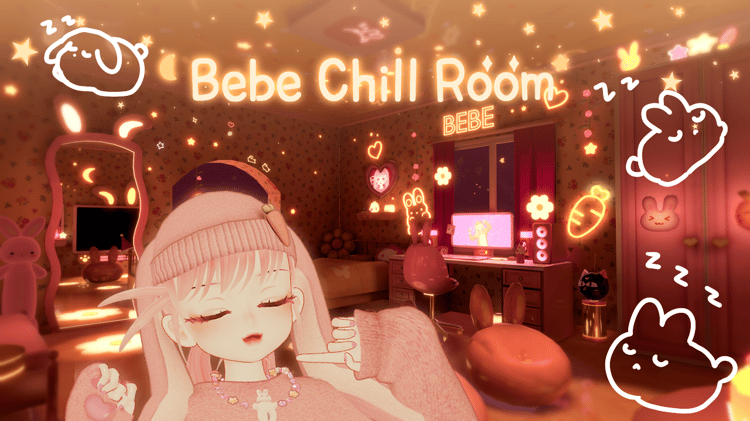
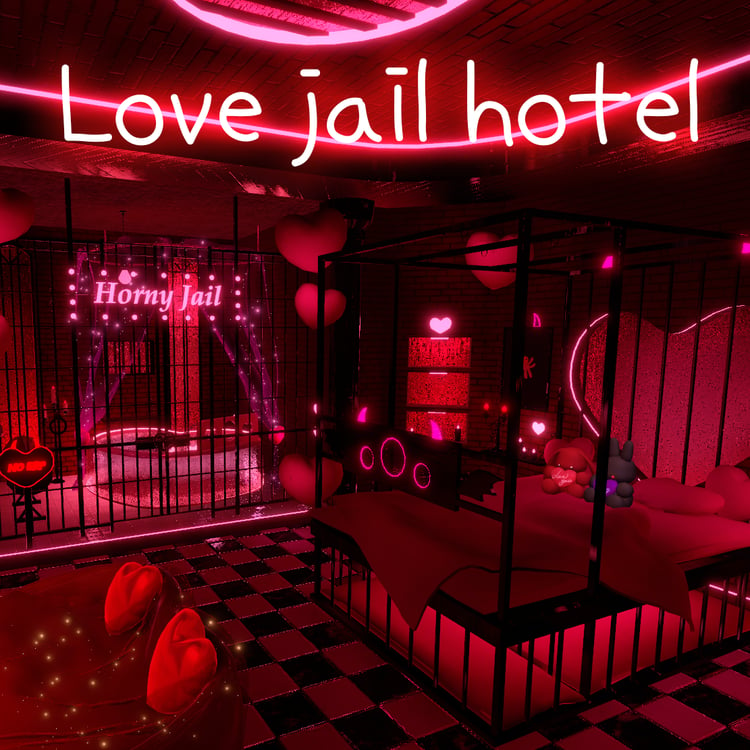
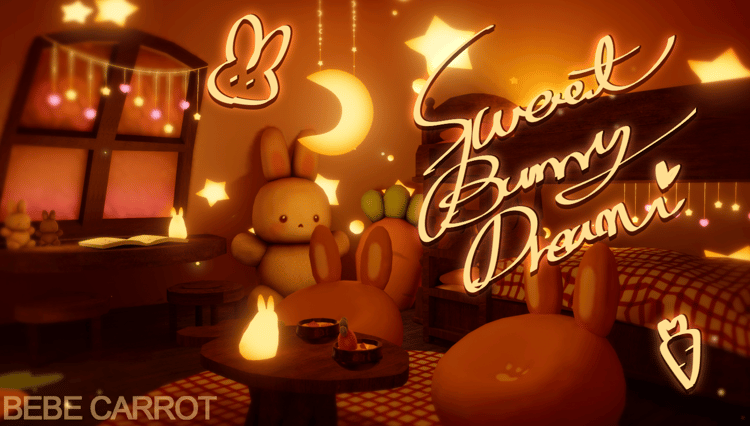
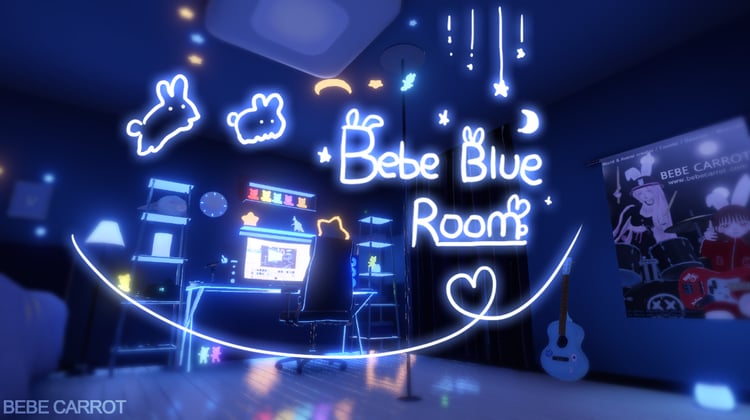
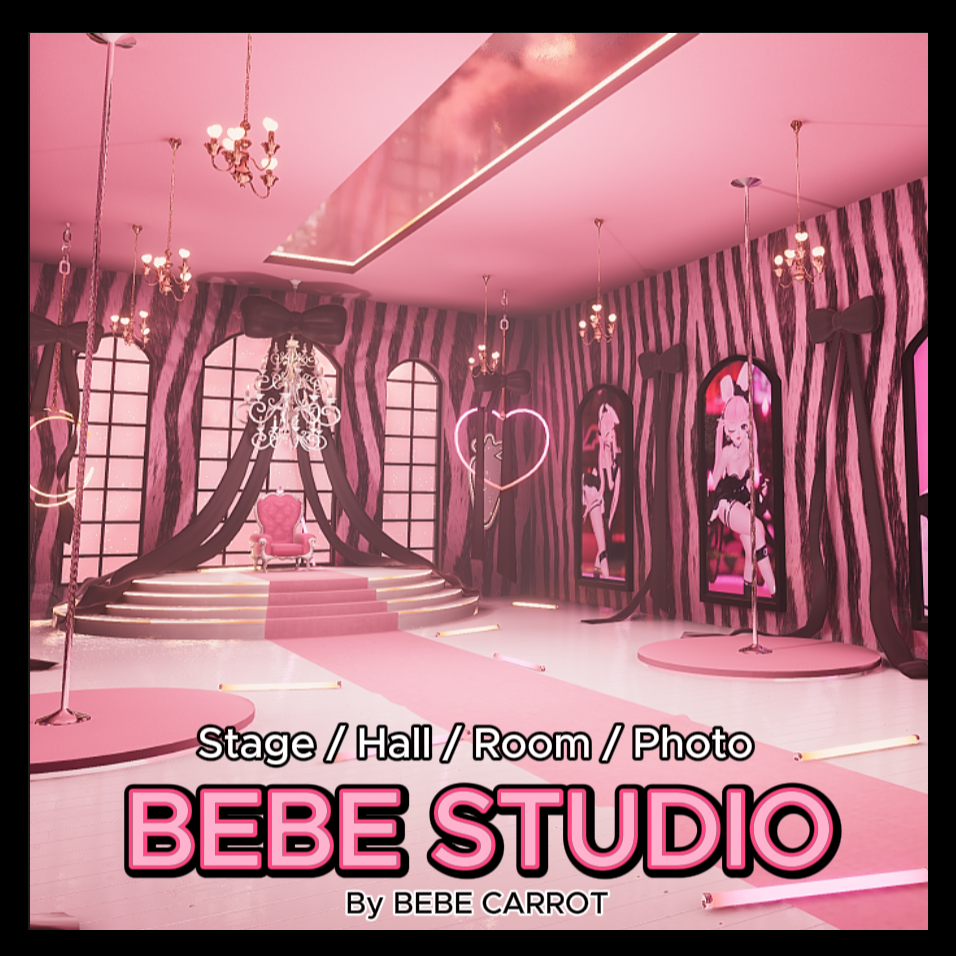
Bebe studio world 💗🖤
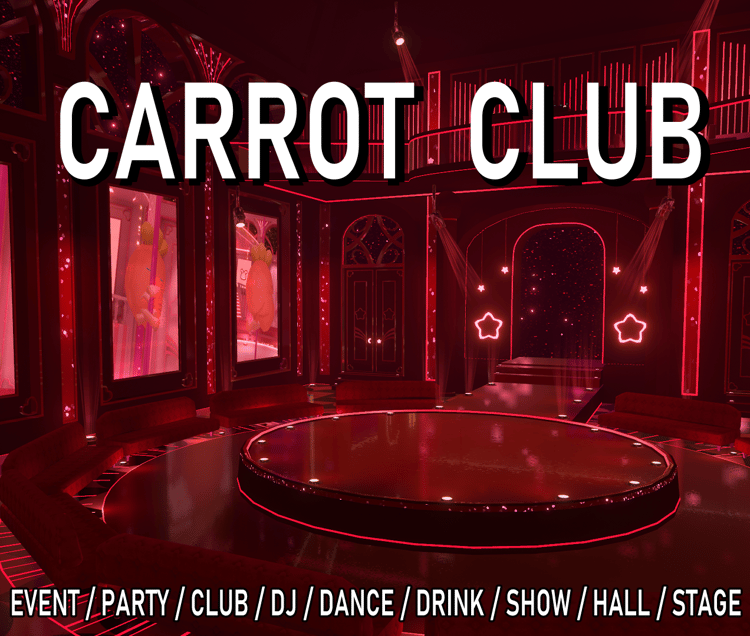
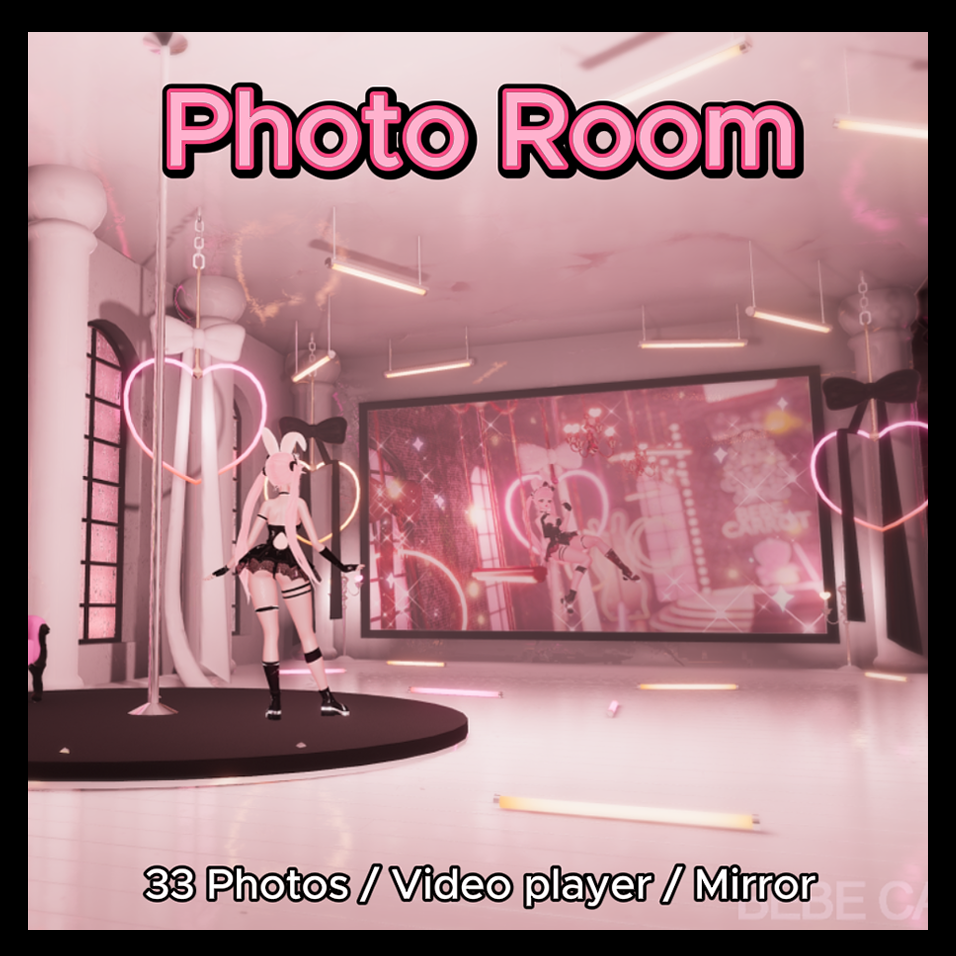
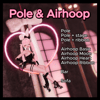
Stage / Photo / Heart & Princess Theme world
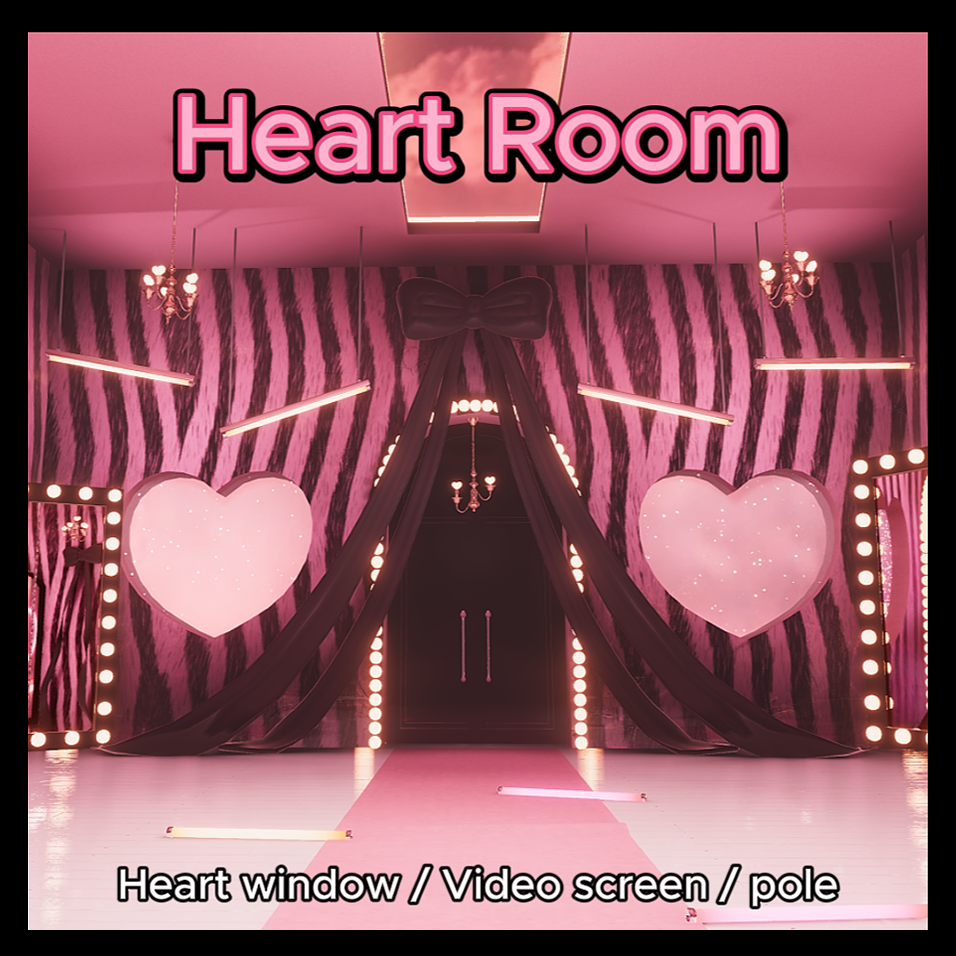
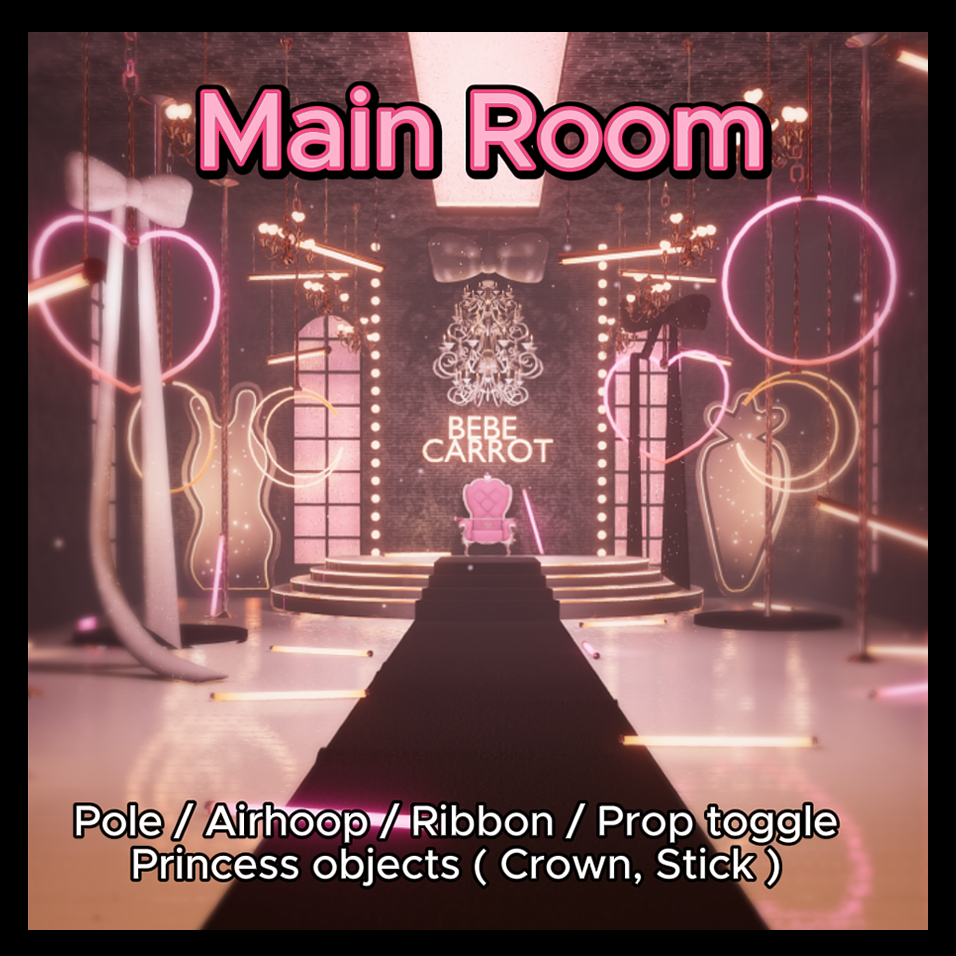
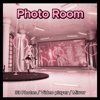
Main room / Photo room / Heart room / Entrance hall
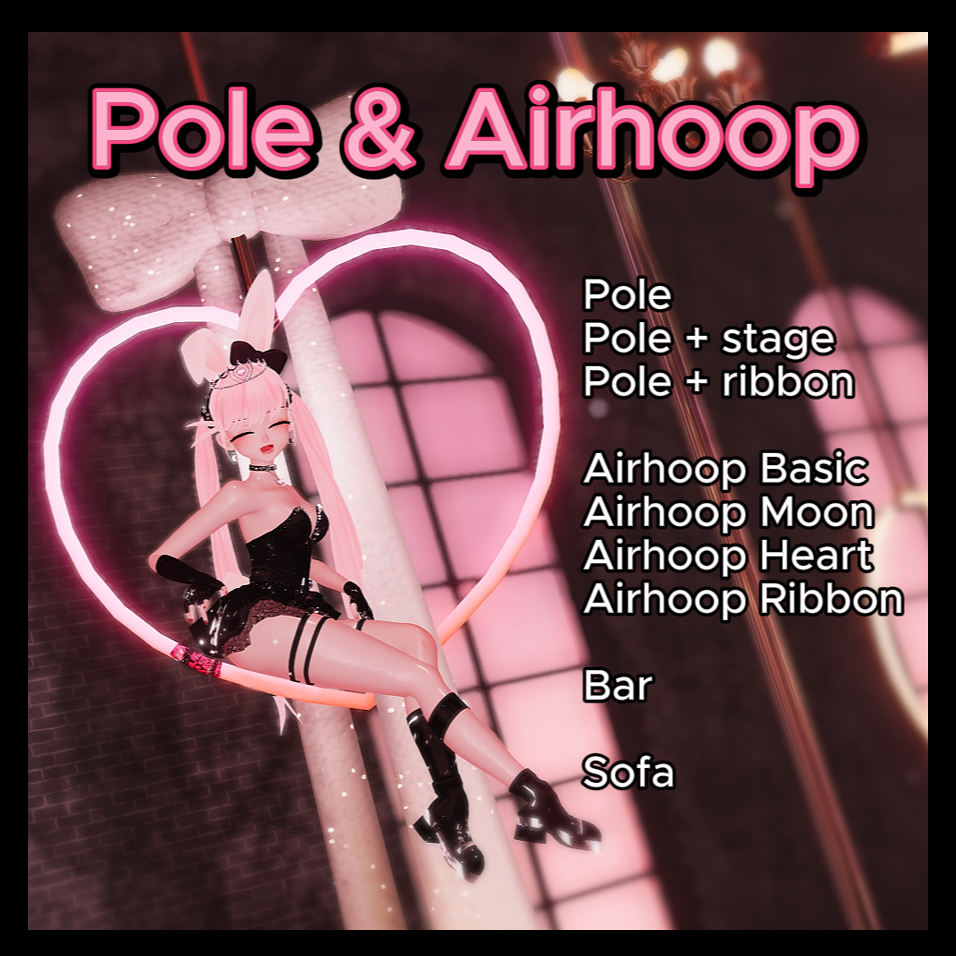
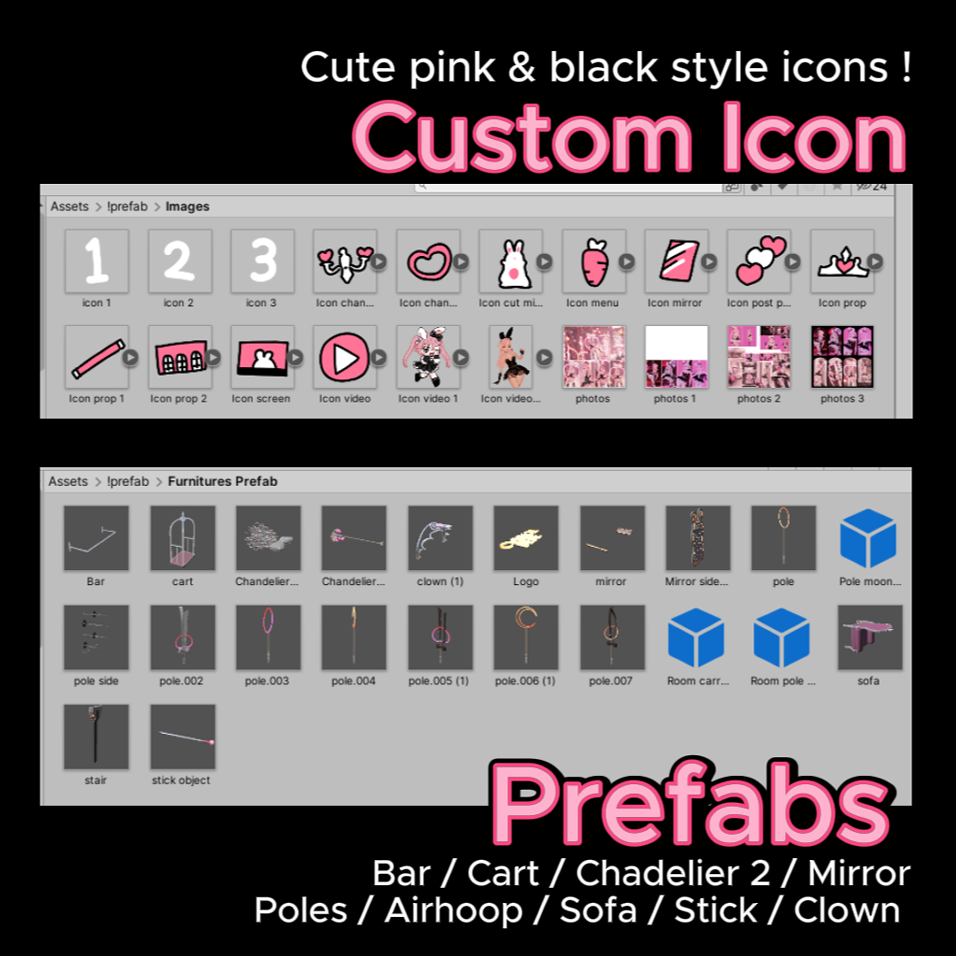
🖤Object : Princess crown & stick
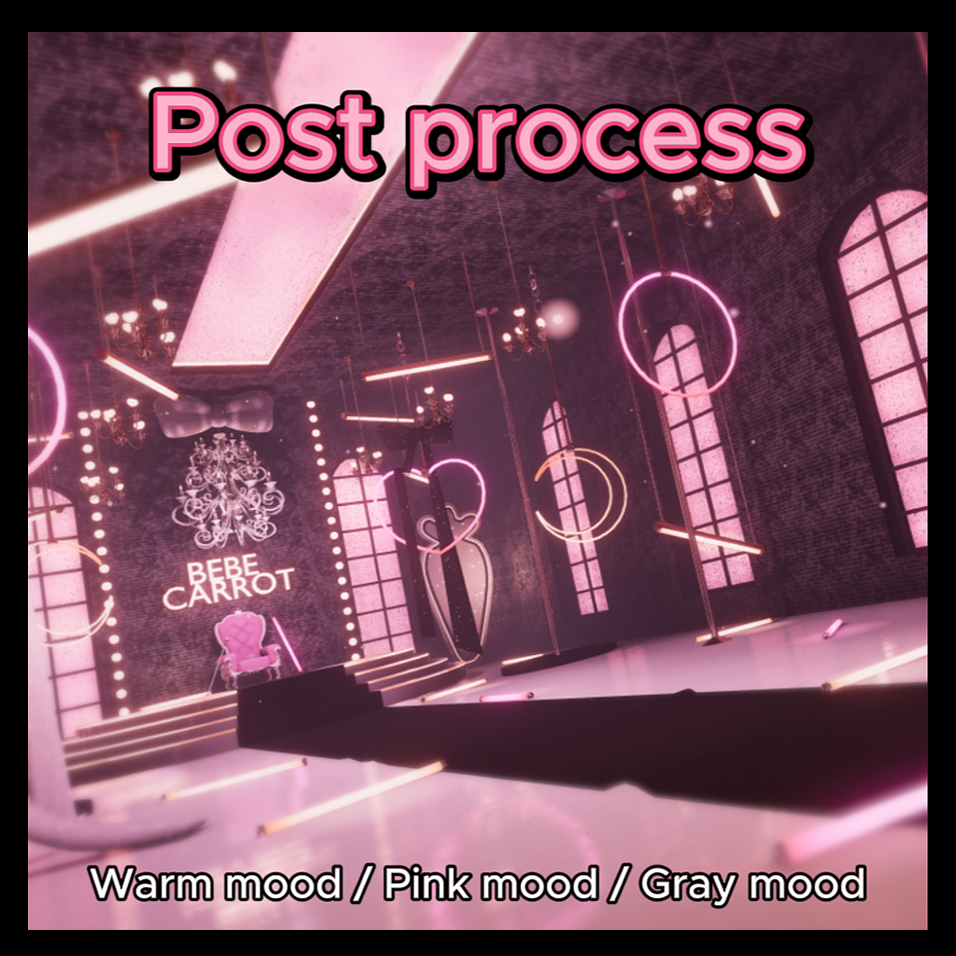
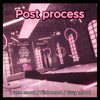
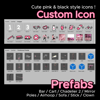
💗Toggle : Mirror, Cutout mirror, props, video, post process change , Object on/off
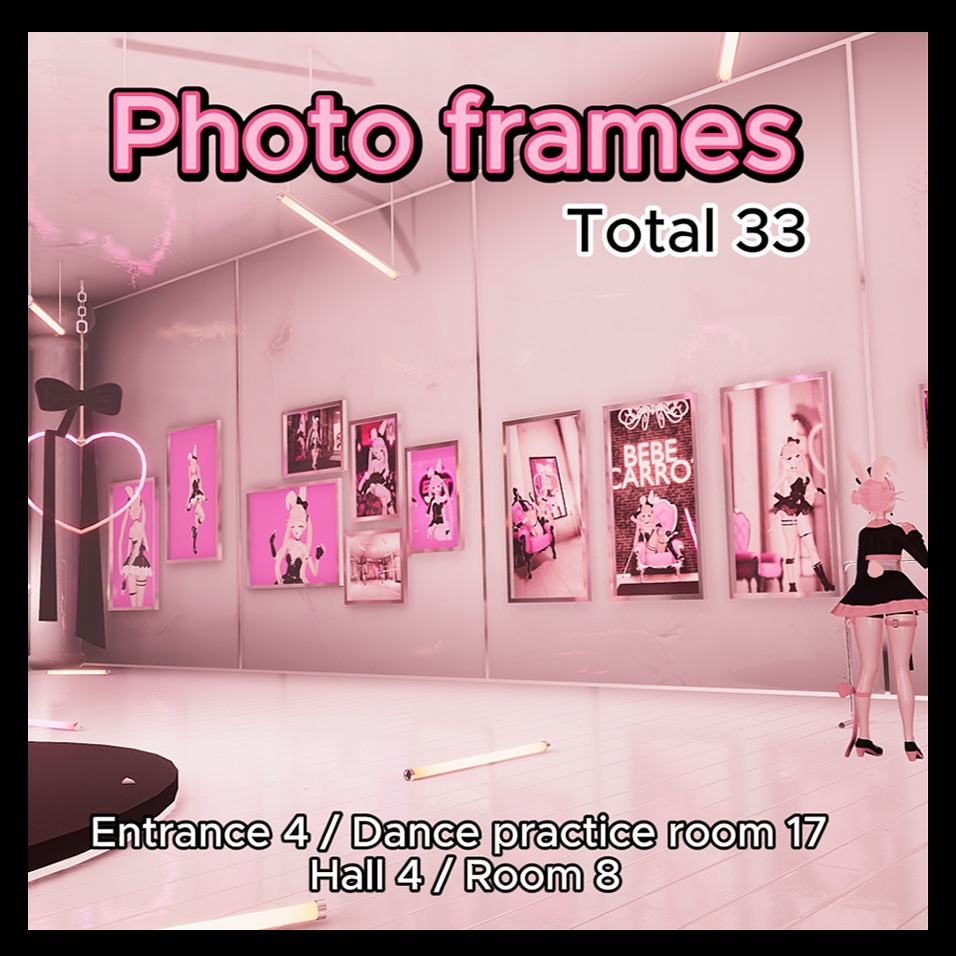
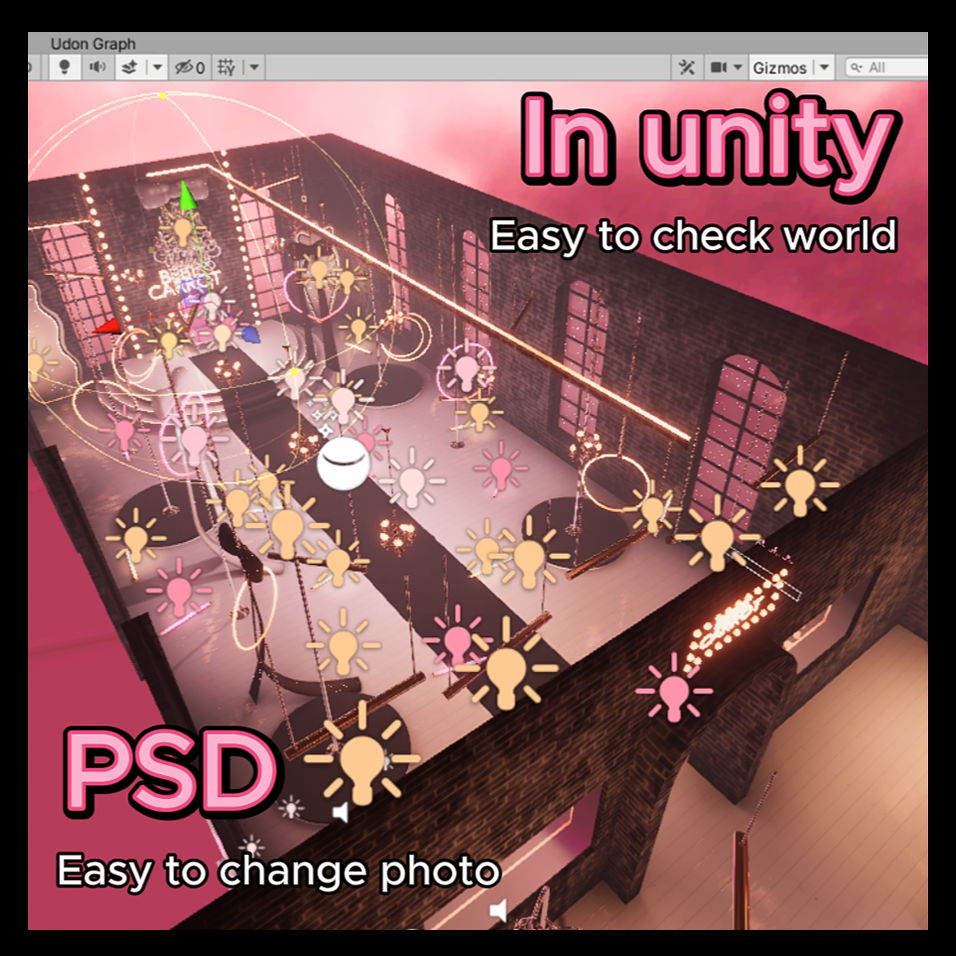
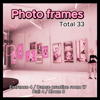
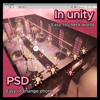
🖤Photo frame total 33 ( Easy to put photos - PSD file)
: Entrance 4 / Dance practice room 16 + 5 / Room 8
💗World size : 52mb
VRChat world link
https://vrchat.com/home/world/wrld_b2792090-fac2-4e14-8ae6-32bb853c282c
Videos using this world
https://youtu.be/RZZLvjiL3Ms?feature=shared
https://youtube.com/shorts/prdG7sffpJ4?feature=shared
<Special Thanks>
Shader by Poiyomi
Textrue by textures.com
Video player by MerlinVR
Toggle by のあしょっぷ。
Cut-out mirror by acertainbluecat
※world Licenses※
✔You can upload world as public world
✔Allow using world +18
✔You can decorate world freely
❌ No Commercial use
❌ No share, No resell, No get donate on it
❌ Only use on VRChat
❌ No remove the credit < Bebe Carrot> on world
❌ No edit mesh badly
◎Please credit my name when publish world
◎Please make sure other people don't use the world commercially when you publish world
◎When you ask commission to upload world instead you,
You and the person who does the commission both have to buy world
◎Have to buy ' Commercial use right' option for commercial use for streaming , showcase
Copyrightⓒ2024 By BEBE CARROT. All right reserved
cutiebebecarrot@gmail.com
www.bebecarrot.com
------------------------------------------
How To Open World
1. Use VCC , Unity 2022.3.22f1
2. Make New Project ( World Project )
3. Open project
4. Import ' poiyomi shader '
5. Import World pakage - > Open sence [* Assets-!dance-Bebe dance sence]
6. Upload world
Detail tutorial with image
https://bebecommission.carrd.co/#worldtutorial