
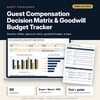

Guest Compensation Decision Matrix & Goodwill Budget Tracker: Guest Compensation Policy and Goodwill Budget Template
Full description
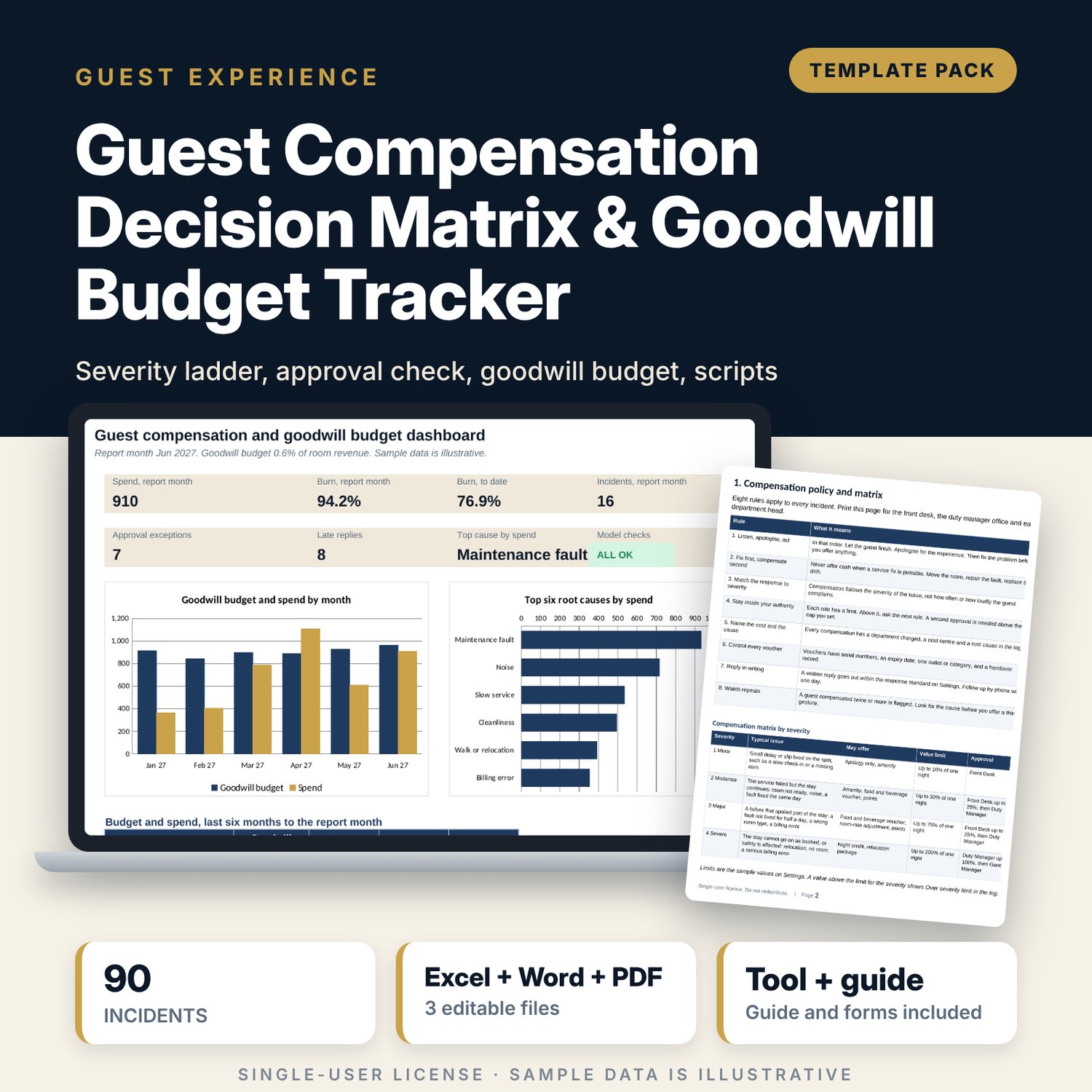
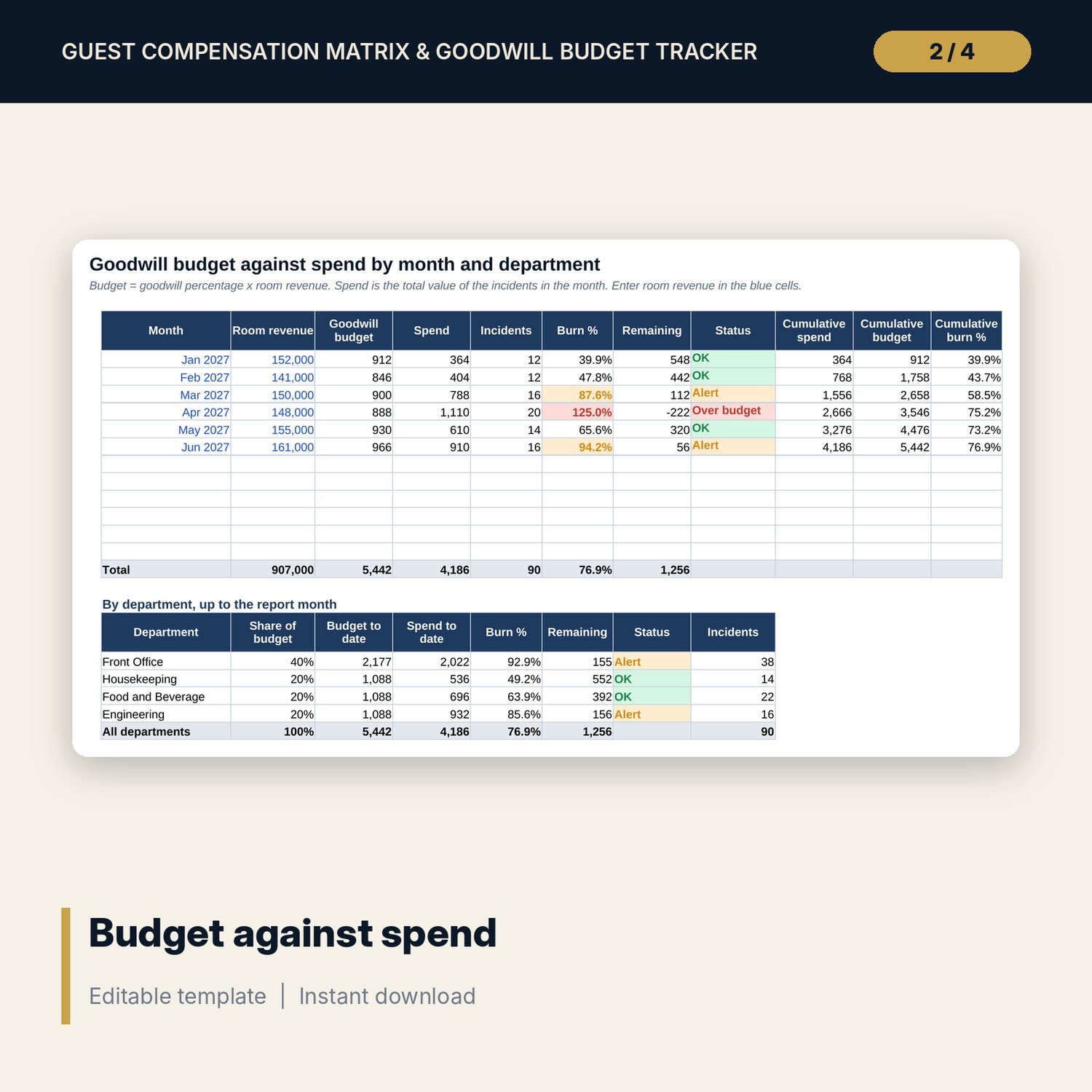
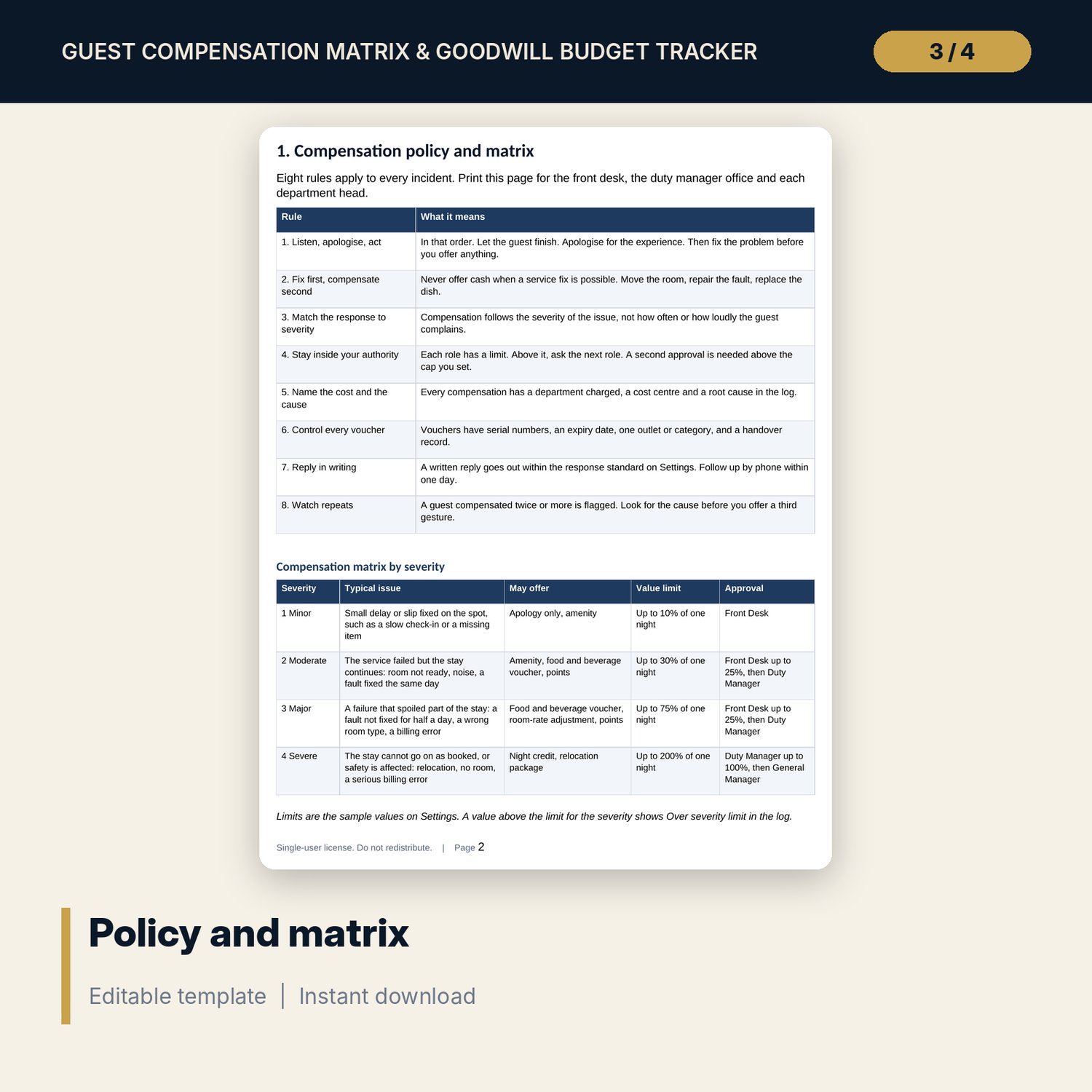
For hotel general managers, front office managers and guest relations teams who give goodwill compensation and need to control it. The workbook keeps an incident log of 90 sample incidents with department, root cause, severity, segment, room rate, compensation type, value and approver role. For each incident it finds the limit for the severity, the role the authority ladder requires and whether the approver was high enough, and it flags repeat compensation and late replies. A budget tab sets the goodwill budget as a percentage of monthly room revenue and shows spend, burn % and an alert by month and by department. A root-cause tab ranks causes by spend with a cumulative share. The Word pack holds the policy and matrix, scripts, voucher forms, a relocation checklist and a worked example.
What is inside
- Goodwill_Budget_and_Compensation_Tracker.xlsx: 7 tabs, 1,256 formulas, 2 native charts, 17 drop-down and input rules
- Incident Log: 90 sample incidents plus 40 spare rows, 19 columns with severity limit, role needed, approval check, repeat and late flags
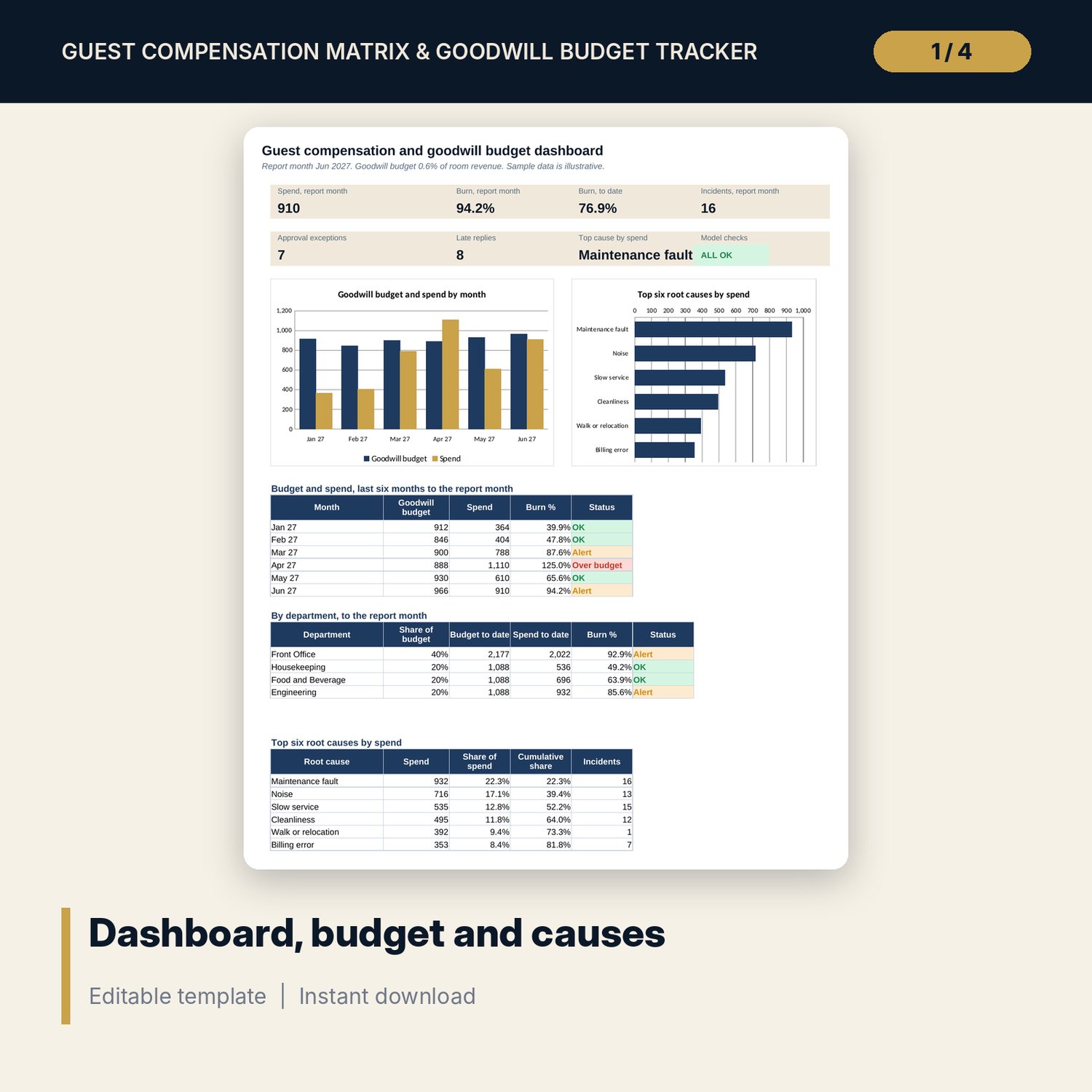
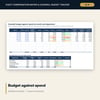
- Budget vs Spend: 6 sample months plus 6 spare rows, budget, spend, burn %, status and a department table
- Root Causes: 10 root causes plus 4 spare, a ranked list with cumulative share and a severity table
- Settings: severity ladder with 4 levels, authority ladder with 3 roles, department split and drop-down lists
- Dashboard: 7 KPI tiles, a check tile, 2 charts and 3 summary tables; 8 integrity checks on the Checks tab
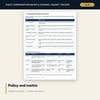
- Guest_Compensation_Policy_and_Scripts.docx and PDF: 8 pages with a policy and matrix, authority ladder and approval form, scripts, voucher request and handover record, relocation checklist, monthly review and a worked example
- README.txt and LICENSE-and-Terms.txt
How it works
- Set the goodwill budget percentage, report month and ladder limits on Settings.
- Enter room revenue by month, then log each incident with its severity, root cause, value and approver.
- Read the approval check, repeat and late flags, and resolve each exception.
- Review burn % by month and department and the ranked root causes. Use the Word pages for scripts, vouchers and relocation.
Details
- Formats: 1 Excel workbook (.xlsx), 1 policy and scripts pack in Word (.docx) and PDF, English
- Software: Excel 2016 or later, or LibreOffice Calc 7 or later
- No macros, no external links, no data tables, no array formulas
- 3 files plus README and license; instant digital download
Good to know
- Sample data is illustrative. Guest codes, dates and amounts are generated.
- Ladder limits and the budget percentage are examples. Set them to your own policy.
- These files are management tools, not legal, tax or financial advice. Verify local consumer rules and the tax treatment of vouchers and cash.
- Single-user license. Do not redistribute.
FAQ
How does the severity ladder work?
Each severity has a limit, a percentage of one night's room rate. A compensation above the limit shows Over severity limit. You set the limits on Settings.
How is the approval check decided?
The sheet compares the value with the share of one night's rate each role may approve. If the approver role is lower than the role needed, it shows Approver too low.
How is the goodwill budget set?
As a percentage of each month's room revenue. The sample uses 0.6 percent. Burn % is spend divided by budget, with an alert at 80 percent.
Do I enter guest names?
No. The log uses a guest ID. Link it to your booking record.
Do I need macros?
No. Every result is a standard worksheet formula.