
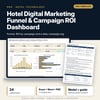
Hotel Digital Marketing Funnel & Campaign ROI Dashboard: Impressions to Clicks to Bookings, Cost per Booking and ROAS by Channel
Full description
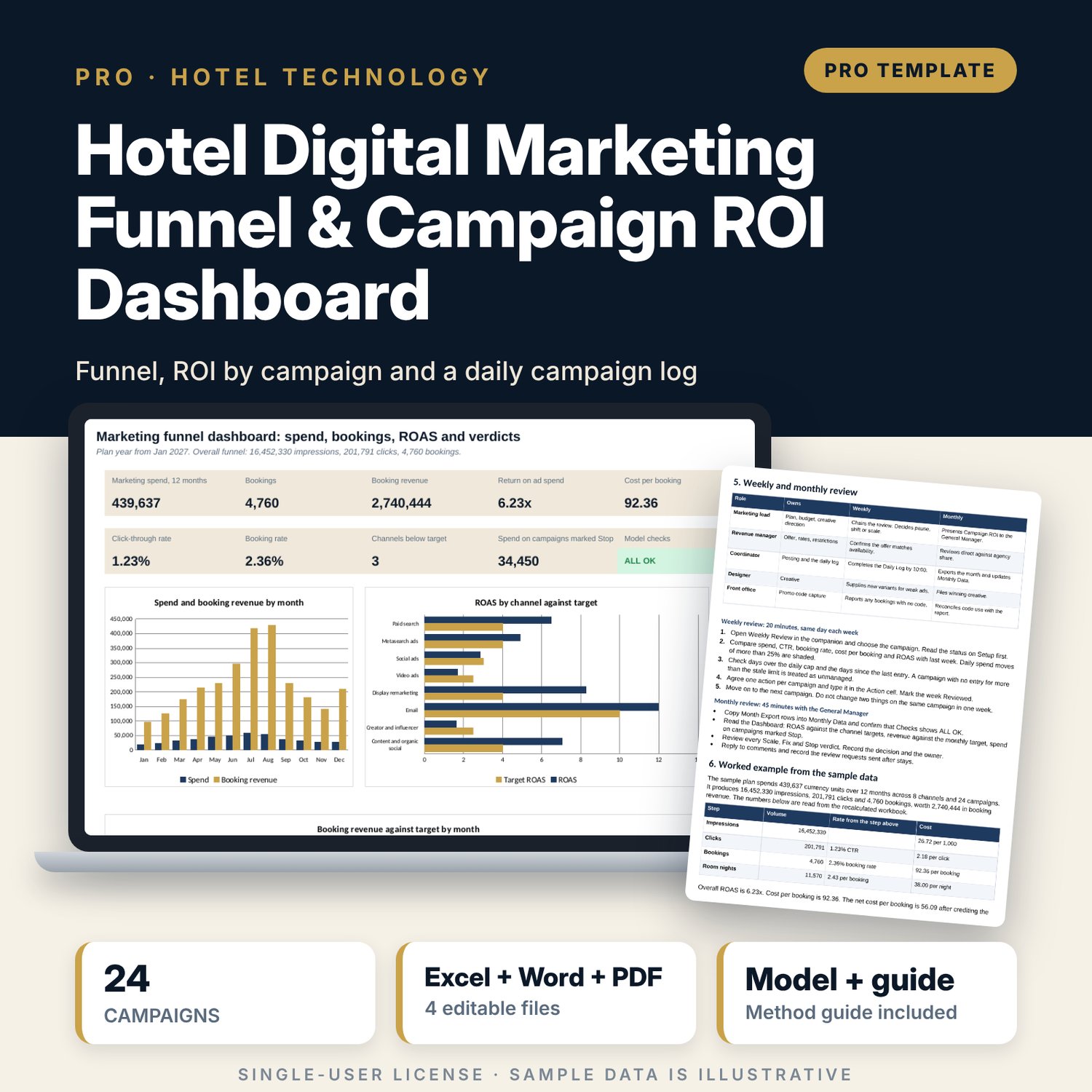
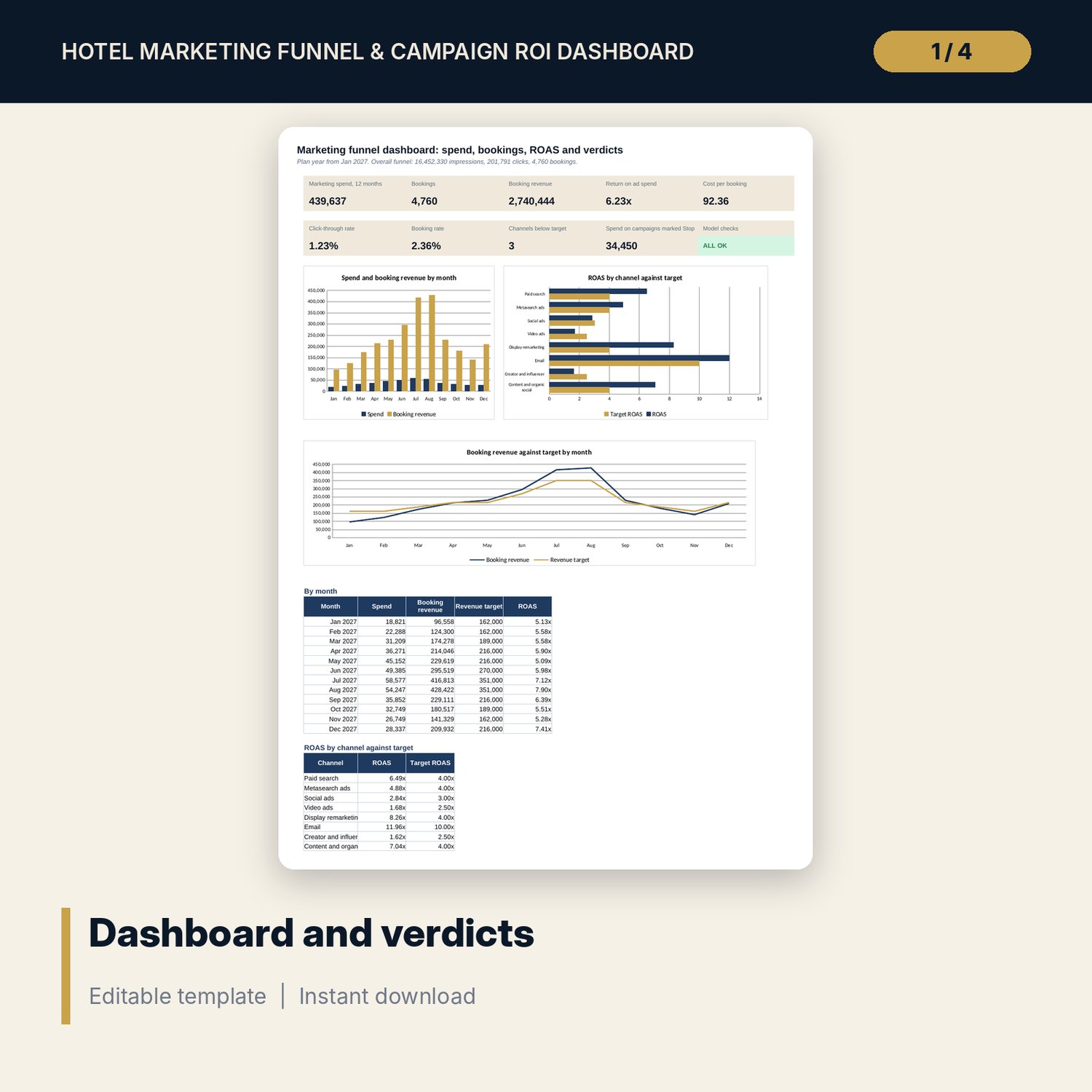
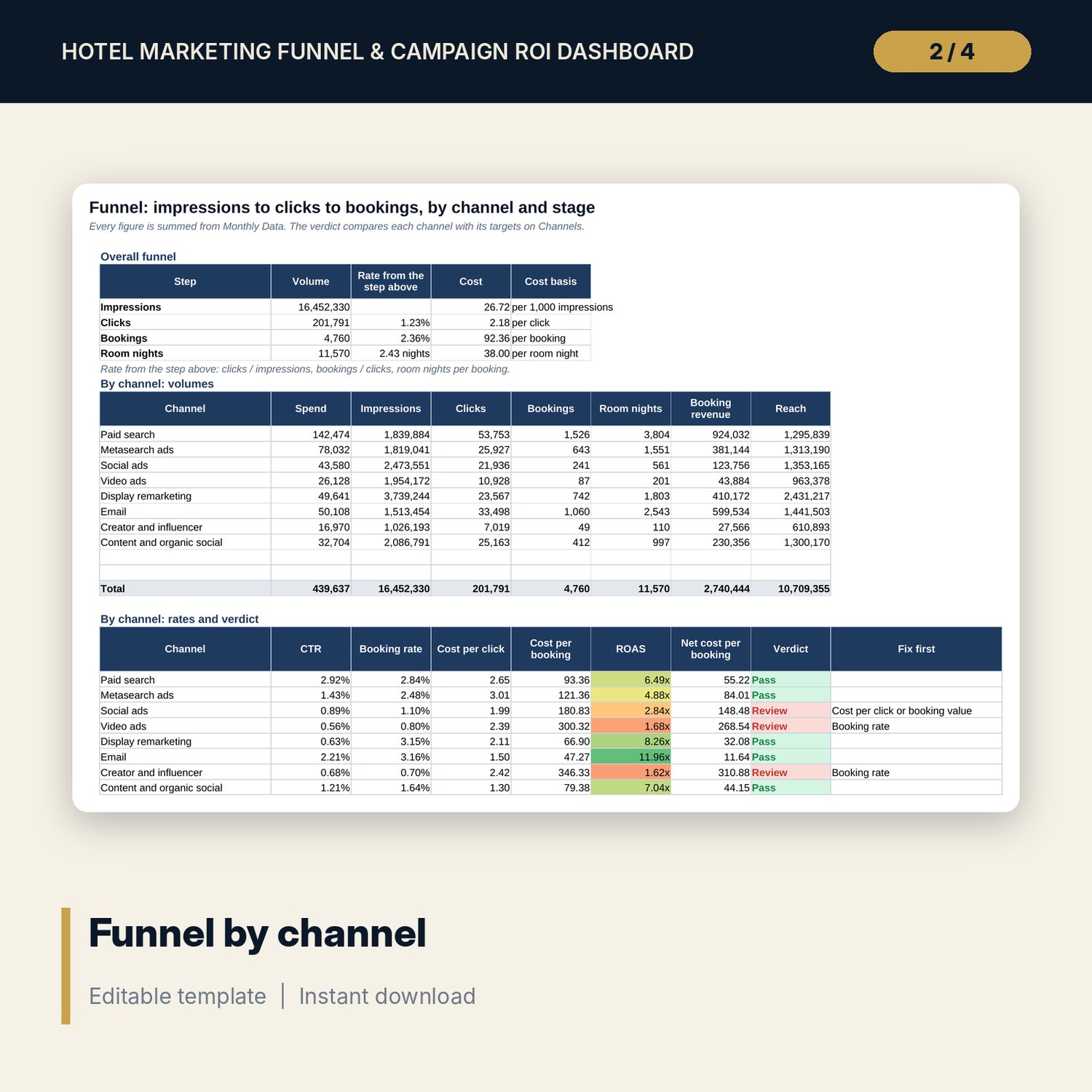
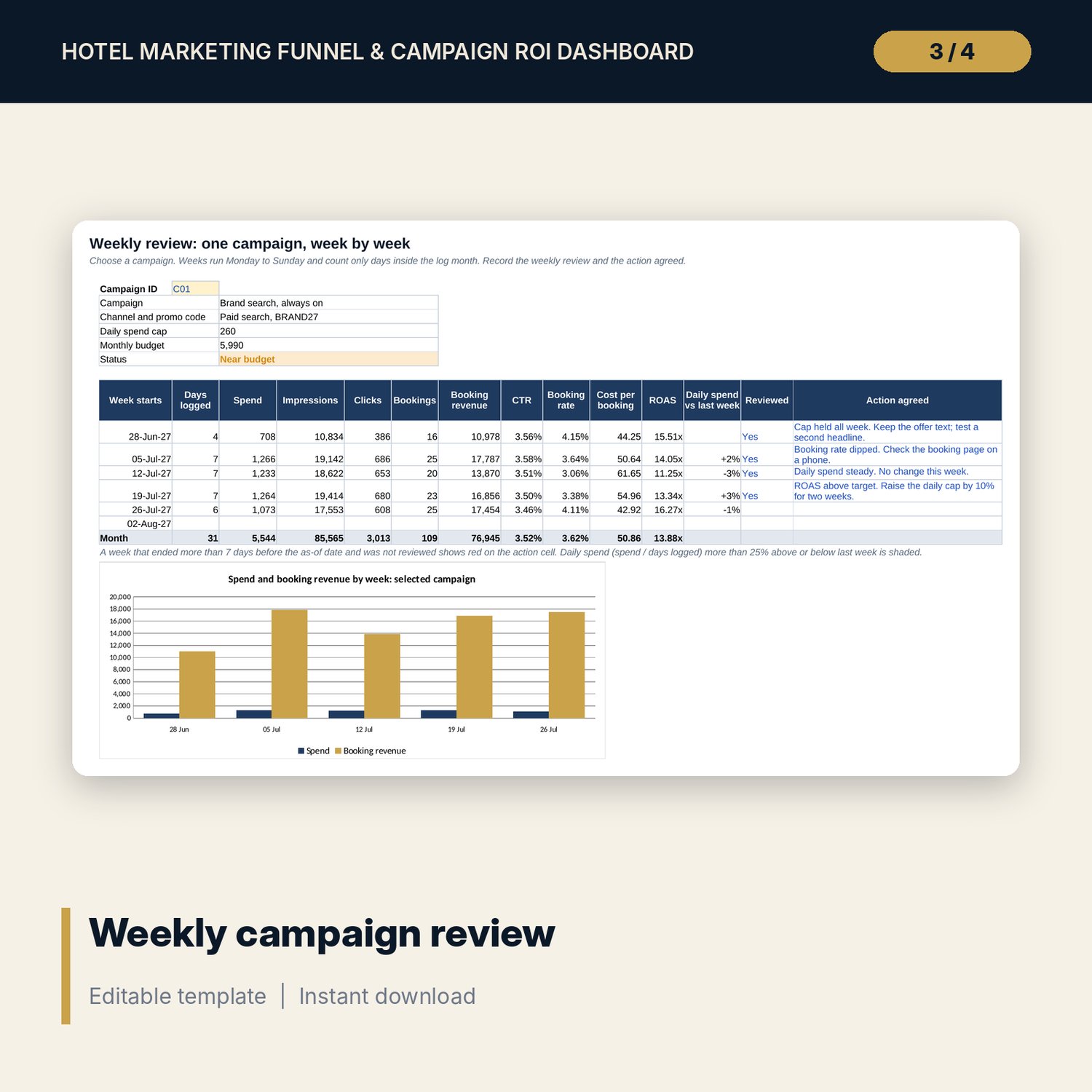
For hotel marketing leads, revenue managers and general managers who spend on search, metasearch, social, video, email and creators and need to know what each channel and campaign returns. The workbook follows impressions to clicks to bookings, then calculates click-through rate, booking rate, cost per click, cost per booking, return on ad spend and a net cost per booking that credits the agency commission avoided. Each channel gets a Pass or Review verdict with the funnel step to fix first, and each campaign gets a Scale, Keep, Fix or Stop verdict against its channel target. The companion log records spend and results day by day with spend caps and a weekly review, then exports the month in the layout the main workbook needs.
What is inside
- Marketing_Funnel_ROI_Dashboard.xlsx: 12 tabs, 3,071 formulas, 3 native charts, 14 integrity checks, 23 drop-down and input rules
- Channels: 8 sample channels with minimum click-through rate, minimum booking rate, target return on ad spend and maximum cost per booking; Campaigns: 24 sample campaigns with stage, owner, audience, phase, promo code and budget
- Monthly Data: 143 sample campaign-month rows plus 37 spare rows with spend, impressions, clicks, bookings, room nights, revenue and reach, and a row check
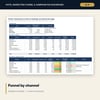
- Funnel by channel and by funnel stage with a Pass or Review verdict and a fix-first prompt; Campaign ROI with rank and a Scale, Keep, Fix or Stop verdict for every campaign
- Monthly Trend: 12 months of spend, rates, revenue against target, and a channel by month return heat map
- Sensitivity: 2 grids of 7 x 5 cells for click-through and booking rate, the booking rate each channel needs, and a budget shift between two channels
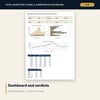
- Dashboard with 9 KPI tiles, a check tile and 3 charts; Method tab with 16 documented calculations
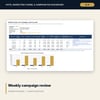
- Marketing_Funnel_ROI_Campaign_Log.xlsx: 5 tabs, 2,783 formulas, 244 sample daily rows for 8 campaigns plus 60 spare rows, daily spend caps, a weekly review by campaign and a Month Export that matches Monthly Data, 7 checks
- Marketing_Funnel_ROI_Guide.docx and PDF: 9 pages with the metric equations, channel targets, campaign brief, tracking and launch checklist, review routine, a worked example read from the workbook, report templates and a glossary
- README.txt and LICENSE-and-Terms.txt
How it works
- Set the plan start, the revenue target, the agency commission and the target for each channel.
- List your campaigns with promo codes and enter spend, impressions, clicks, bookings and revenue by month.
- Read the funnel, the channel verdicts and the campaign verdicts. Test a better click-through or booking rate and a budget shift on Sensitivity.
- Log the days in the companion, hold the weekly review and copy Month Export into Monthly Data at month end.
- Keep the Checks tab at ALL OK and use the guide checklist before each launch.
Details
- Formats: 2 Excel workbooks (.xlsx), 1 guide in Word (.docx) and PDF, English
- Software: Excel 2016 or later, or LibreOffice Calc 7 or later
- No macros, no external links, no data tables, no array formulas
- 4 files plus README and license; instant digital download
Good to know
- Sample data is illustrative. Replace it with your own figures.
- Management aid, not financial advice. Verify commission rates, attribution and targets with your own data.
- The main workbook holds up to 10 channels, 32 campaigns and 180 campaign-month rows. All amounts use one currency.
- Single-user license. Do not redistribute.
FAQ
Where do the bookings come from?
You enter them by campaign and month from your platform reports and the booking engine, counted under each campaign promo code or tracking tag. The workbook does not connect to any platform.
What is net cost per booking?
Spend less the commission you avoid on the share of bookings that would otherwise have come through an agency, divided by bookings. You set the commission rate and the share on Assumptions.
How does a campaign get Scale, Keep, Fix or Stop?
Its ROAS is divided by the target for its channel. At or above the Scale multiple is Scale, at or above 1 is Keep, at or above the Fix multiple is Fix, below that is Stop. You can change both multiples.
Does the companion work on its own?
Yes. It has its own campaign list, daily log, weekly review and checks. Its Month Export is laid out to paste into the main workbook.
Do I need macros?
No. Every result is a standard worksheet formula.