
Meal Planner with Automatic Grocery List
On Sale
ZAR99.00
ZAR 99.00
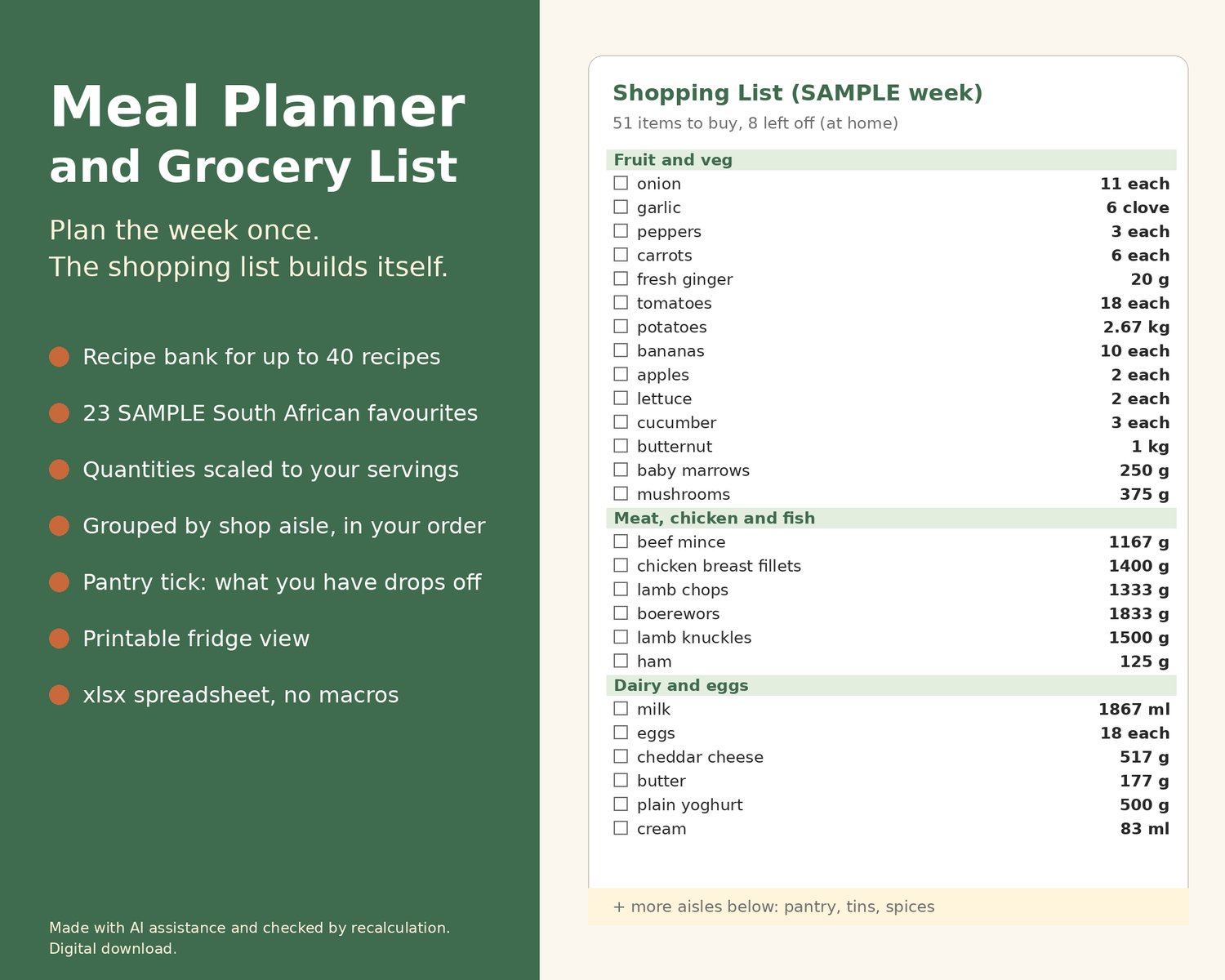
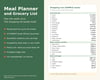
Stop writing the shopping list from scratch every week. Keep your recipes in one place with their ingredients, pick breakfast, lunch and supper for each day, and the grocery list builds itself: every ingredient added up across the week, scaled to the number of people you are cooking for and grouped by shop aisle.
WHAT IT DOES
- Recipes: up to 40 recipes, each with how many it serves and up to 12 ingredients with quantity, unit and aisle. A Check column flags a missing name, a quantity typed as text, a unit or aisle that is not on your list, and two recipes with the same name.
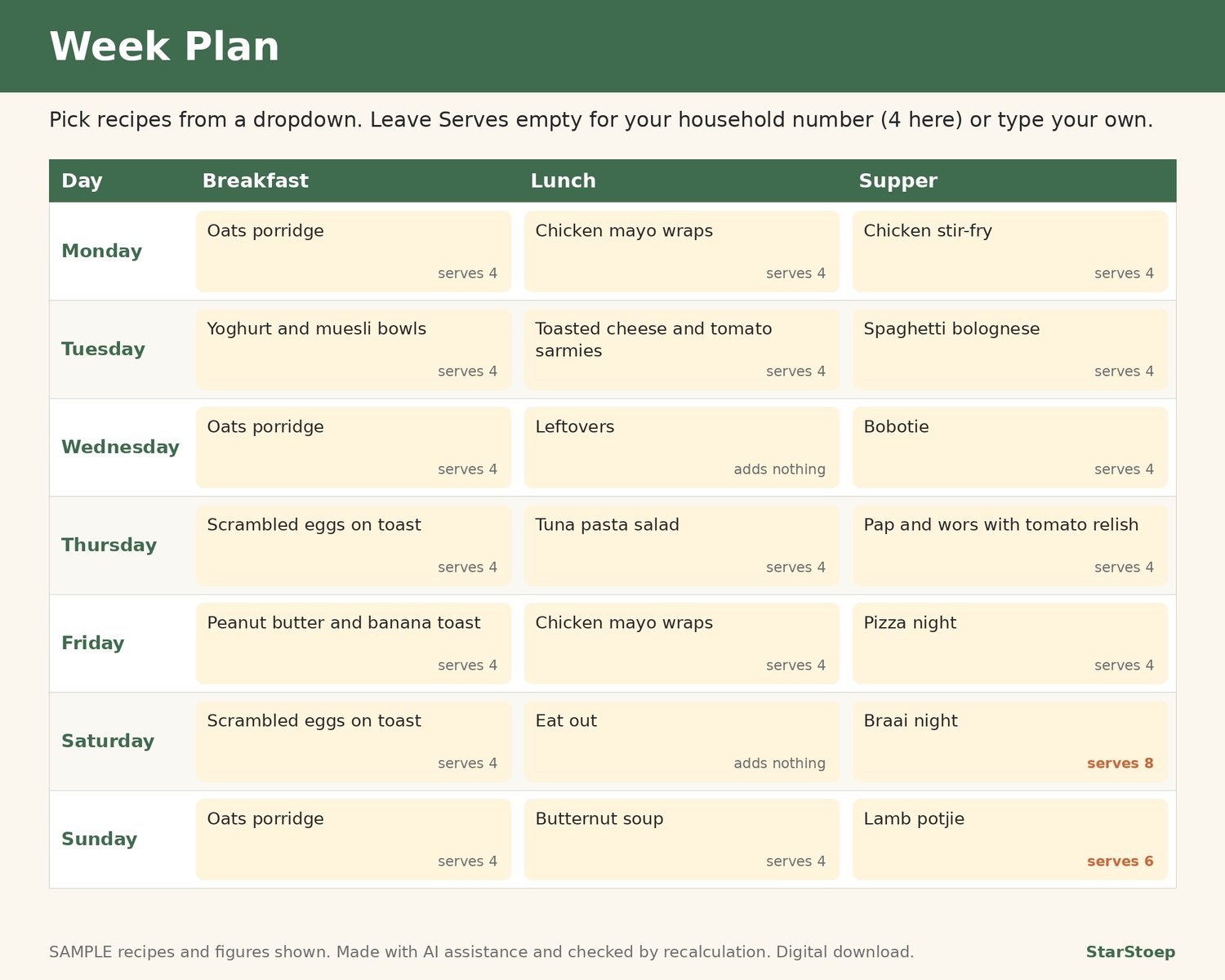
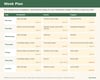
- Week Plan: 7 days x breakfast, lunch and supper, picked from a dropdown of your recipes. Leave the Serves box empty to use your household number, or type a number for that meal (for example 8 for a braai with friends). Leftovers, Eat out, Takeaway and Skip are also on the dropdown and add nothing to the list.
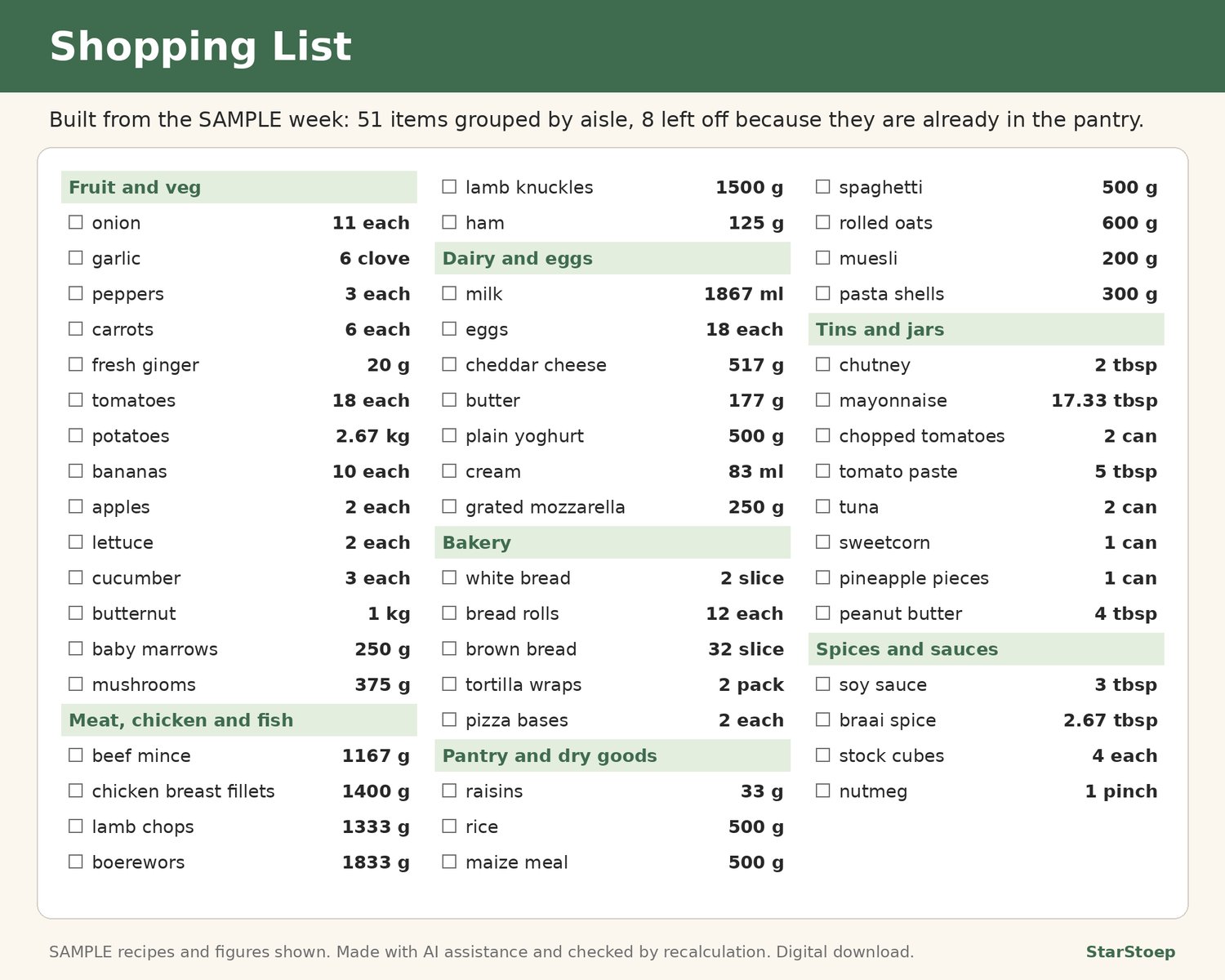
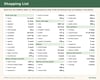
- Shopping List: fills itself. The same ingredient in the same unit is added up across all the week's meals (for example onions from 7 recipes become one line), quantities are scaled to the servings you planned, and items are grouped in the aisle order you set. Countable units (each, clove, can, slice, bunch and similar) are rounded up to whole numbers, g and ml show whole numbers and kg and l show 2 decimals; a Round up Yes/No and a decimals setting per unit on Settings let you change this. If the same item appears in two units (onion each and onion g), both lines show with a note.
- Pantry: list what you keep at home and mark Yes when you have enough. That ingredient drops off the shopping list, and the list tells you how many items were left off.
- Fridge View: a printable one-page grid of the week's meals.
WHAT'S INSIDE
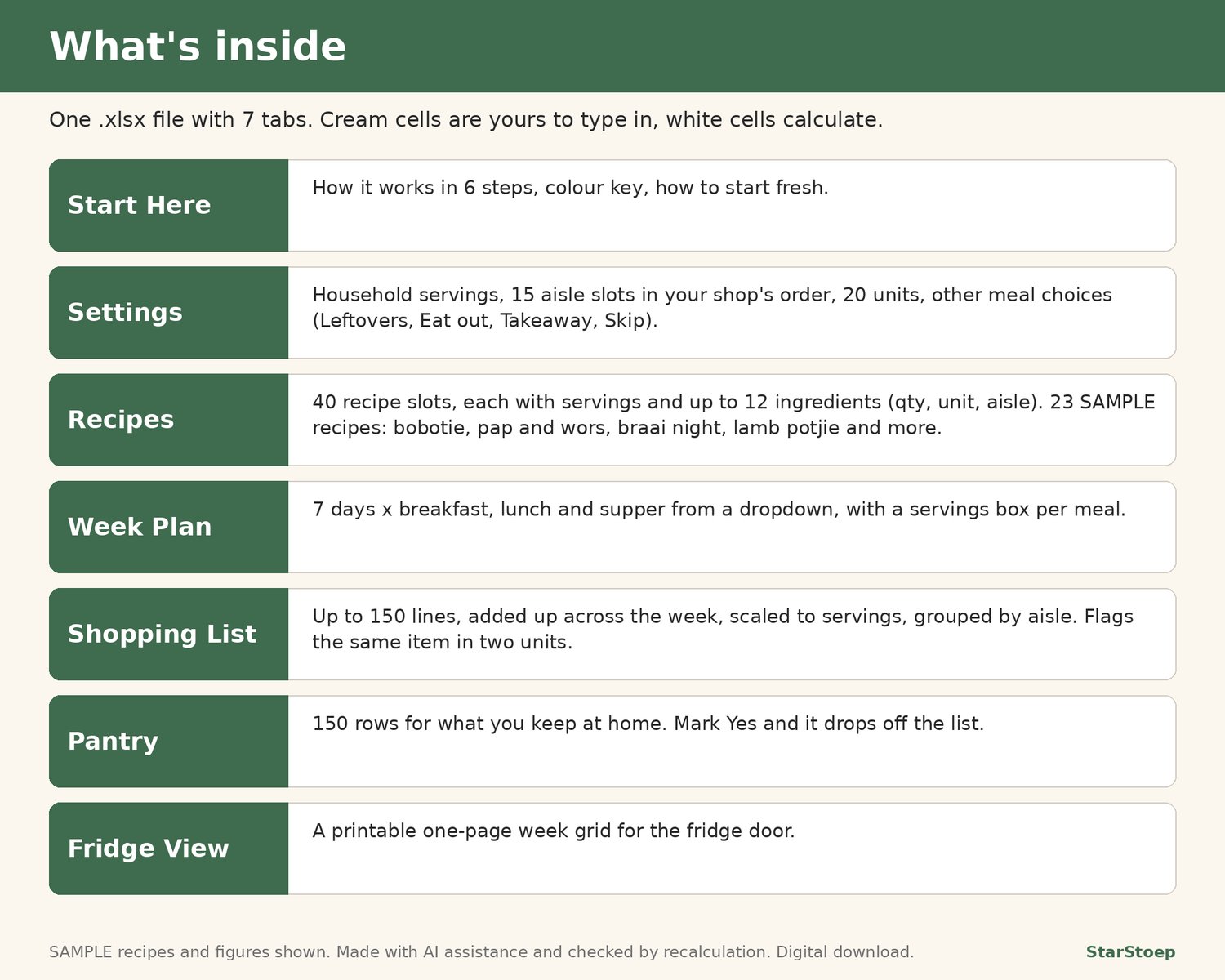
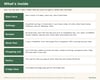
- 1 .xlsx spreadsheet with 7 tabs: Start Here, Settings, Recipes, Week Plan, Pantry, Shopping List, Fridge View
- 23 clearly labelled SAMPLE recipes with a South African flavour (bobotie, pap and wors, braai night, lamb potjie, chakalaka with pap, vetkoek and mince, bean bunny chow, malva pudding and more), a SAMPLE week and SAMPLE pantry so you can see how it works
- Editable lists: household servings, 15 aisle slots, 20 unit slots (each with Round up Yes/No and decimals), 6 other meal choices
- Room for 40 recipes, 150 pantry items and 150 shopping list lines
- Cream cells for your input, white cells that calculate. No macros, no add-ons.
HOW TO OPEN IT
- An .xlsx spreadsheet with no macros. Tested in LibreOffice Calc; not yet opened in Excel or Google Sheets.
- Start with the Start Here tab, then Settings.
GOOD TO KNOW
- Digital download. No physical item is sent.
- Checked by recalculation.
- This is a planning and shopping tool. It has no calorie, nutrition, diet or weight features and gives no health or dietary advice.
- Quantities scale in a straight line. Countable units are rounded up to whole numbers, but nothing is rounded to pack sizes (a 1 kg bag, a 6-pack of rolls).
- Ingredients combine only when the name and unit match, so keep your spelling consistent.
- The sample recipes are examples to show how the file works, not tested recipes.
- Not affiliated with Google or Microsoft.
- Different from our Household Budget Planner: that one plans money; this one plans meals and shopping.