

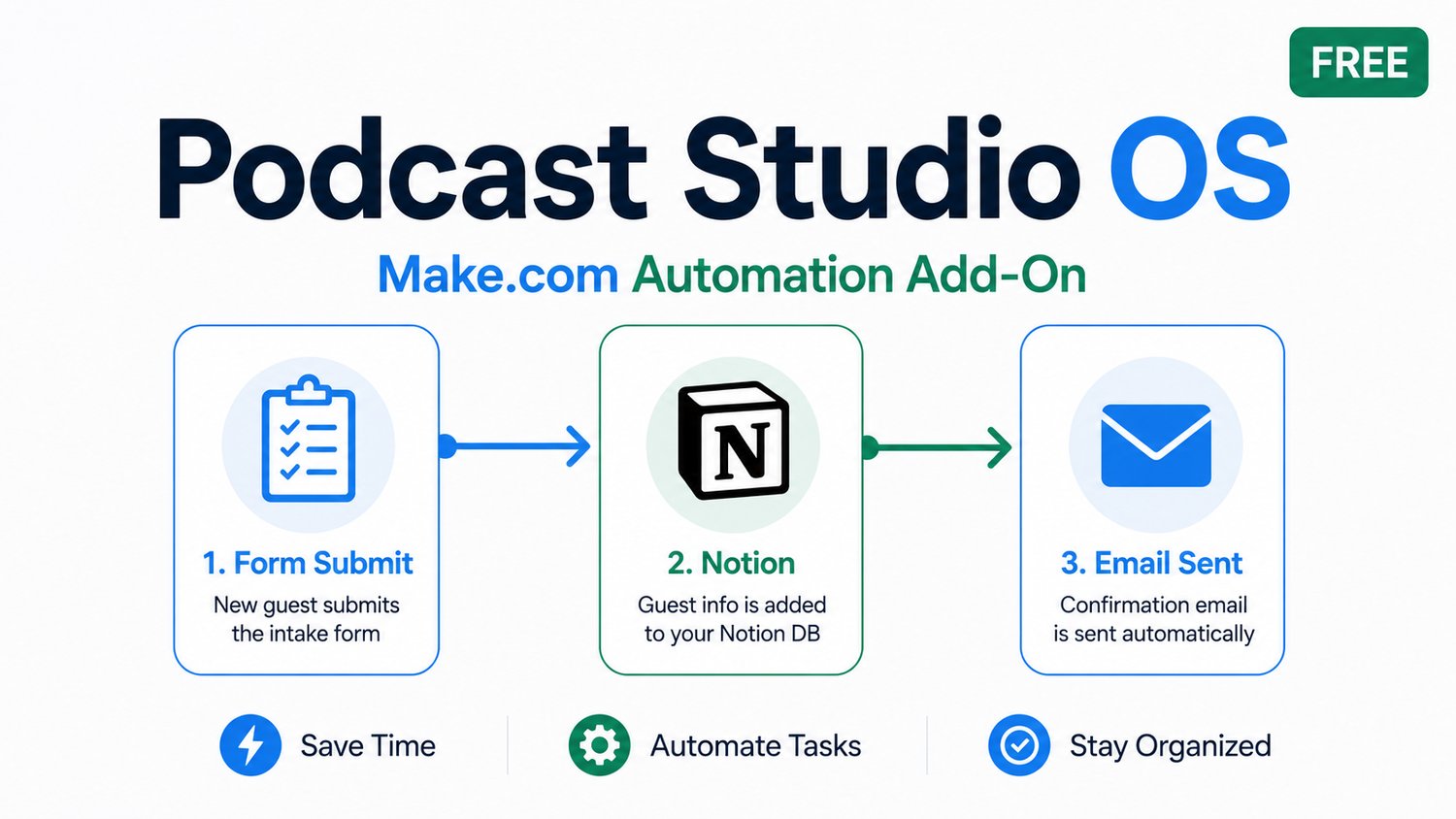
Podcast Studio OS Automation Add-On (Free)
You've got the Notion template. Now let it run itself.
This free add-on gives you three ready-to-import Make.com automation scenarios built specifically for the Podcast Studio OS. No coding. No figuring out how Make.com works from scratch. Just import, connect your accounts, and your guest workflow runs on autopilot.
What's Inside
Scenario 1 — Guest Intake → Notion + Confirmation Email *(Start here — easiest)*
A guest submits your intake form → a record is automatically created in your Notion Guests database → they receive an instant confirmation email. You don't have to touch anything.
Scenario 2 — Guest Approved → Booking Link Email
You mark a guest as "Approved" in Notion → Make.com detects the change → your scheduling link goes out automatically within 15 minutes. No more copying and pasting booking links into individual emails.
Scenario 3 — 48-Hour Recording → Prep Email
Every morning at 8am, Make.com checks for guests recording in the next 48 hours and sends them your pre-recording prep email. Set it once, runs forever.
What You Get
- Make.com Blueprint (JSON) — Import all three scenarios directly into Make.com. Field mappings, filters, and email bodies are already written.
- Step-by-Step Setup Guide (PDF) — Build each scenario in order with numbered steps, screenshots descriptions, tips, and what to watch out for. About 10–15 minutes per scenario.
Requirements
- Free Make.com account (make.com)
- Podcast Studio OS Notion template (sold separately — link below)
- Gmail connected to Make.com
- An intake form — Tally (free, recommended) or Google Forms
Make.com's free tier allows 1,000 operations per month. Running all three scenarios for up to 100 guests per month uses approximately 400 operations — well within the limit.
How It Works
1. Download the zip file
2. Open Make.com → import the blueprint JSON
3. Follow the setup guide PDF — one scenario at a time
4. Activate Scenario 1, test it, then move to Scenario 2
5. All three scenarios typically take under an hour to set up total
Get the Notion Template
This add-on is built for the Podcast Studio OS Notion template. If you don't have it yet:
👉 Podcast Studio OS — Notion Template
Sold by BusinessPro Consulting LLC. Free for personal podcast use. May not be resold or redistributed. By downloading, you agree to the Podcast Studio OS Terms of Use.