
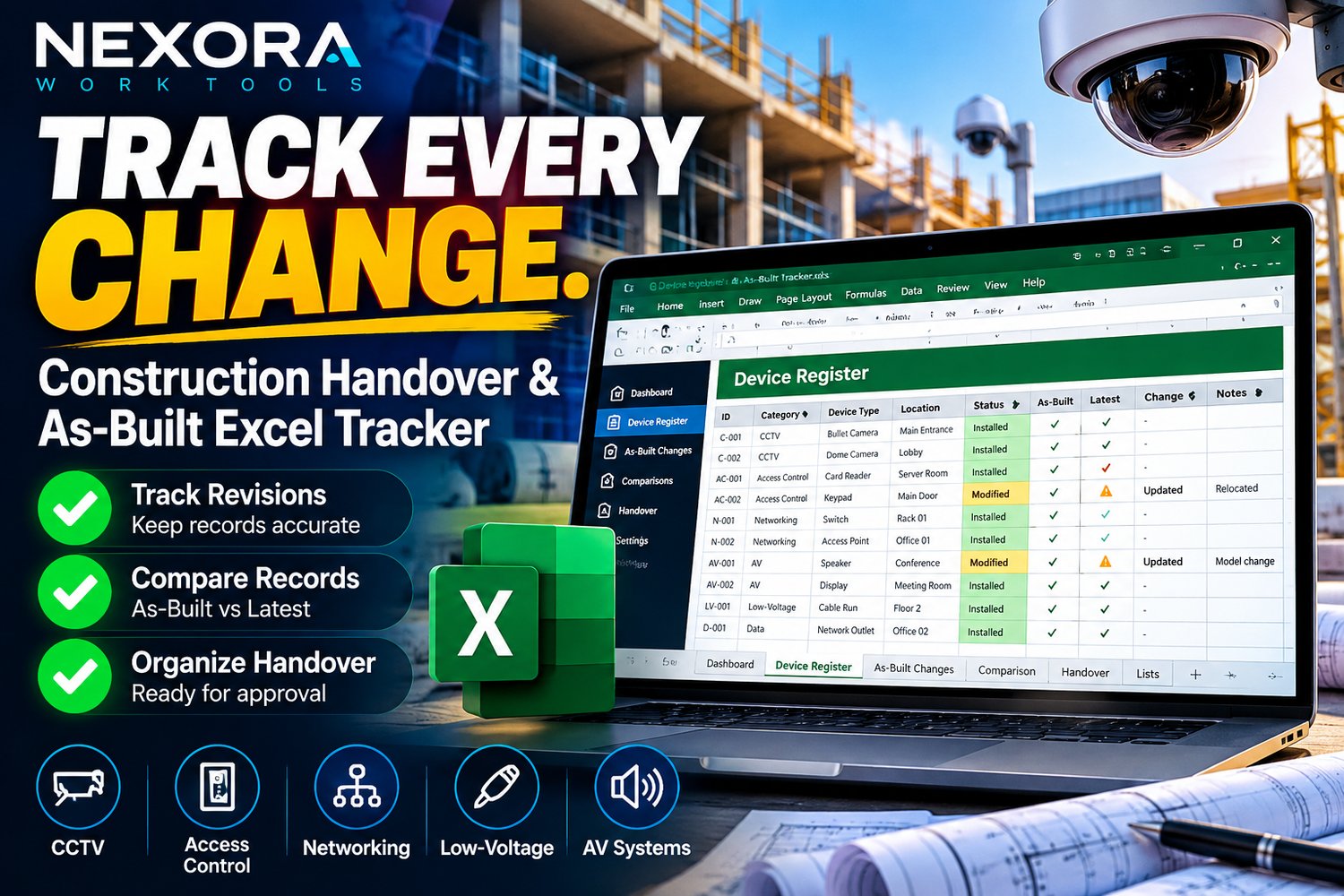

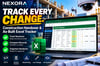

Track Every Change | Construction Handover & As-Built Excel Tracker
Keep Your Device Records Accurate — Even After Project Handover
The professional Excel-based tracking system for construction closeout, CCTV, access control, and low-voltage projects.
Your as-built documentation has been delivered. Then a camera is replaced, an IP address changes, or equipment is relocated.
Without a proper change-tracking process, your device register quickly becomes outdated.
NEXORA Device Register & As-Built Change Tracker PRO helps you identify those changes, maintain accurate equipment records, and organize your project handover documentation.
What Makes This Different?
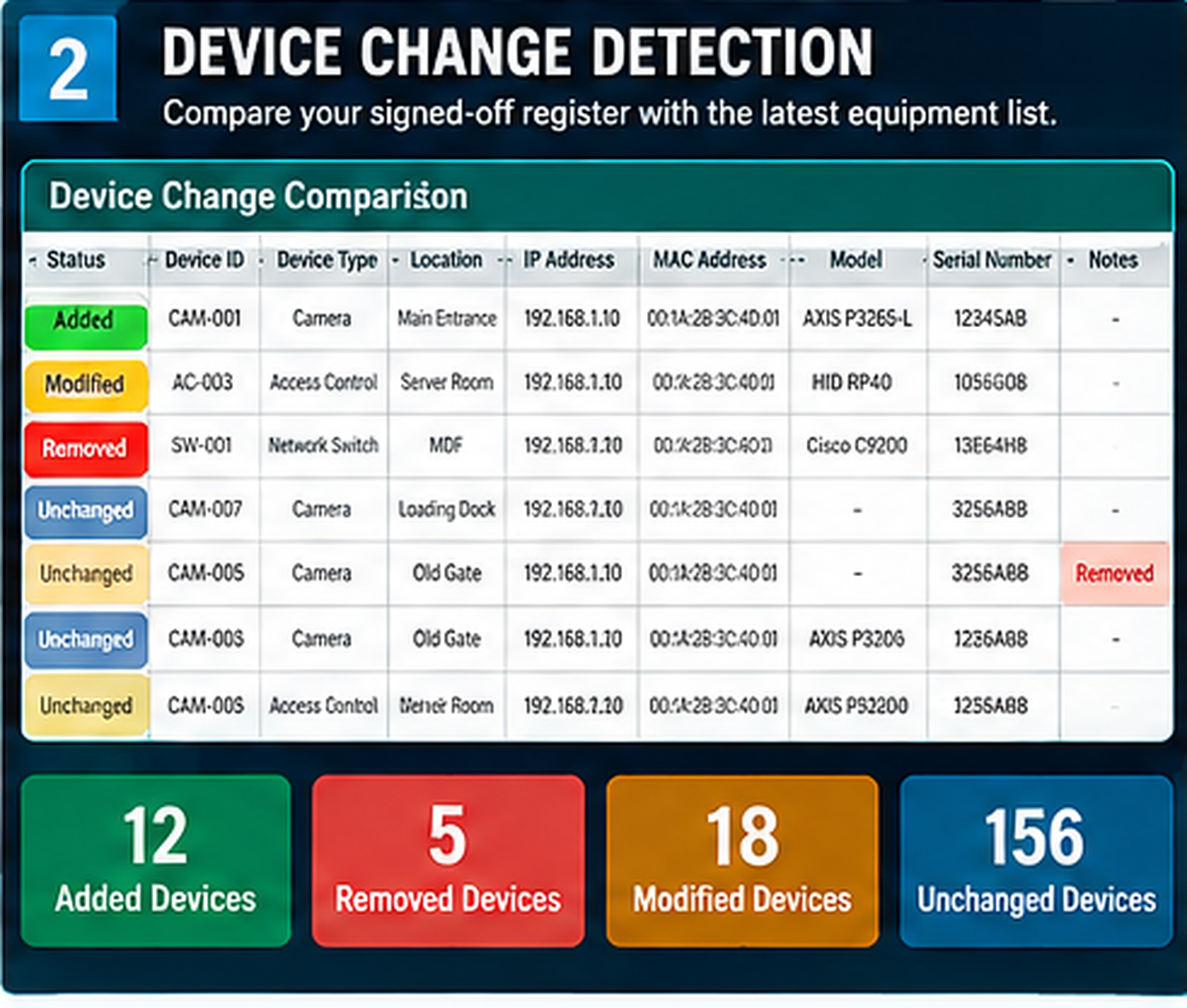
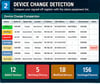
1. Device Change Detection
Compare your signed-off equipment baseline with the latest register. Identify added, removed, modified, and unchanged devices.
2. More Accurate Equipment Records
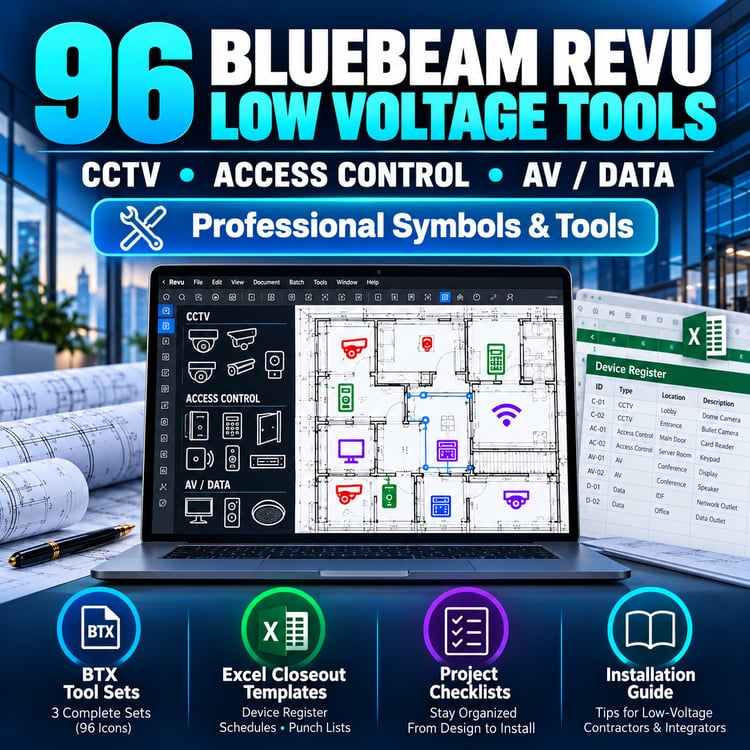
Track device IDs, equipment types, locations, IP/MAC addresses, serial numbers, models, and status.
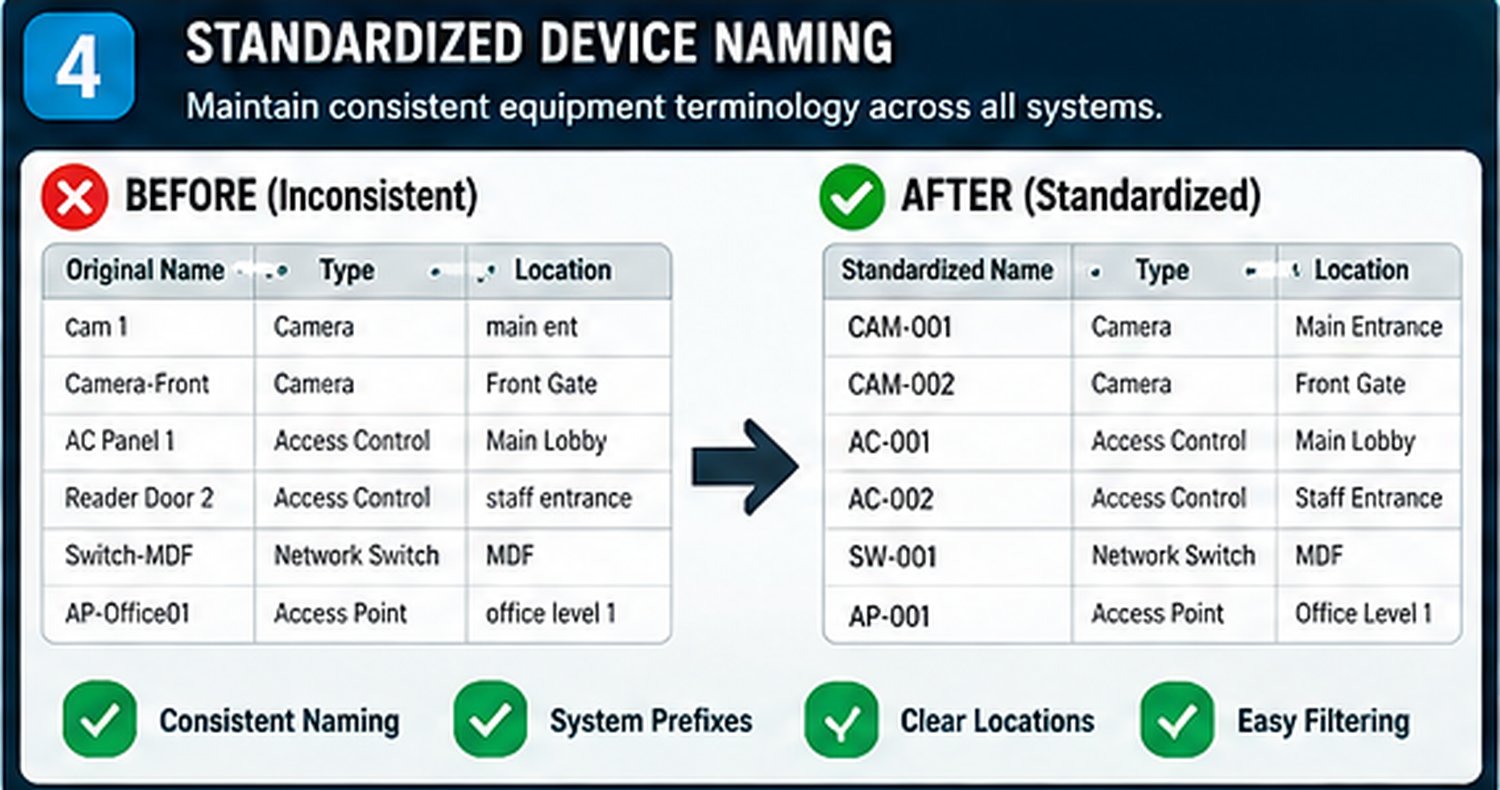
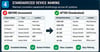
3. Standardized Device Naming
Maintain consistent equipment terminology across CCTV, access control, networking, and AV projects.
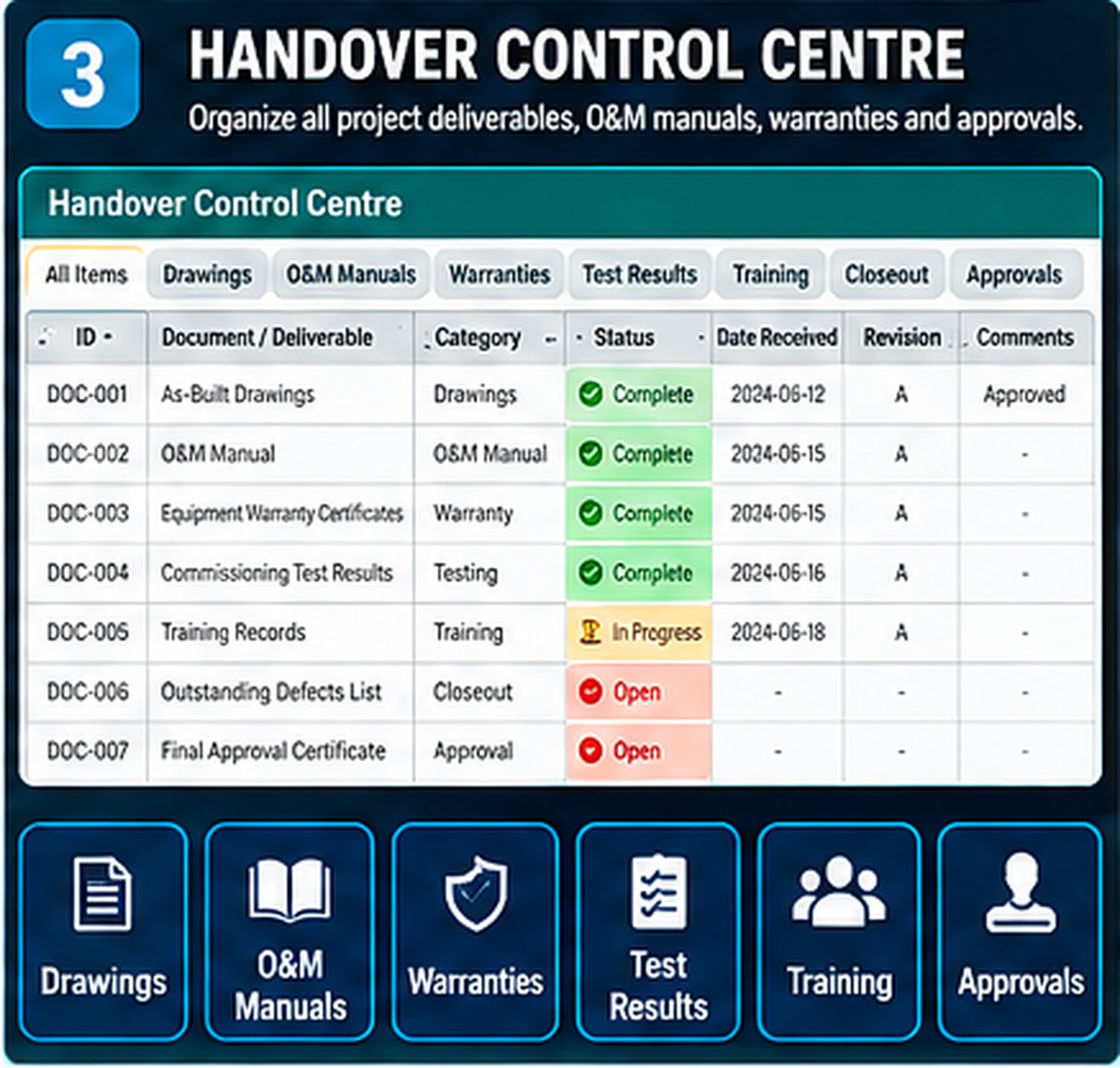
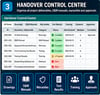
4. Complete Handover Documentation
Organize project deliverables, O&M manuals, warranties, commissioning evidence, outstanding defects, and approvals.
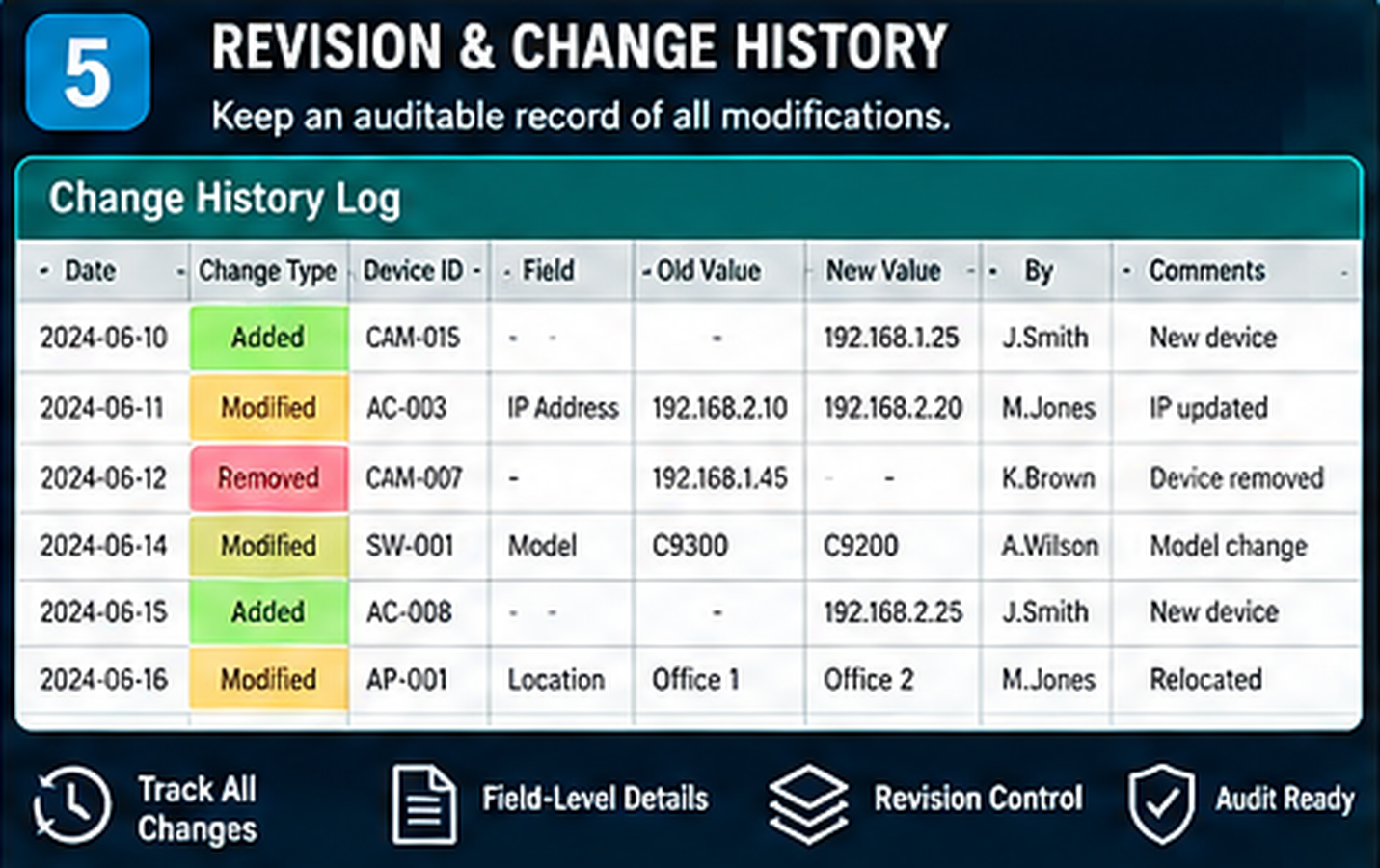
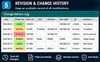
5. Revision & Change History
Document changes and maintain an auditable revision workflow after the original project closeout.
What's Included?
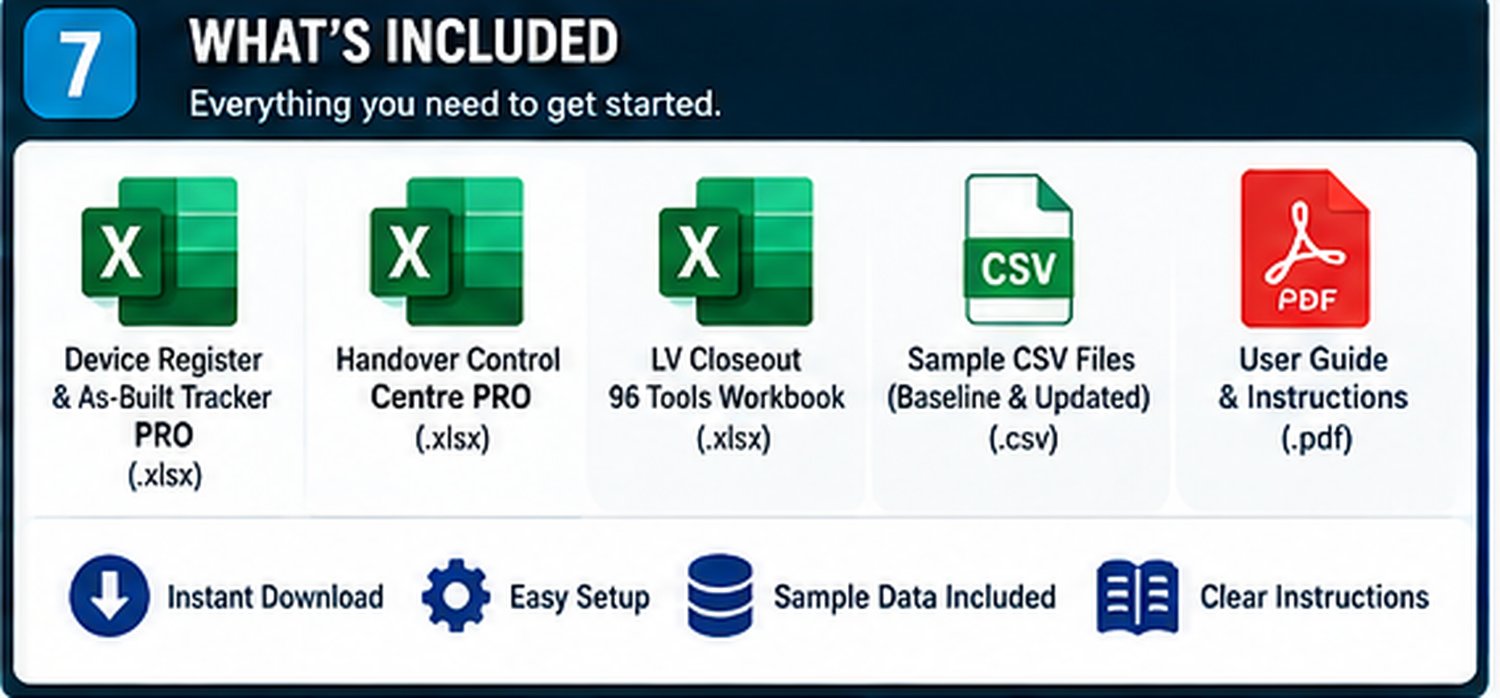
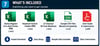
- NEXORA Device Register & As-Built Tracker PRO (.xlsx)
- NEXORA Handover Control Centre PRO (.xlsx)
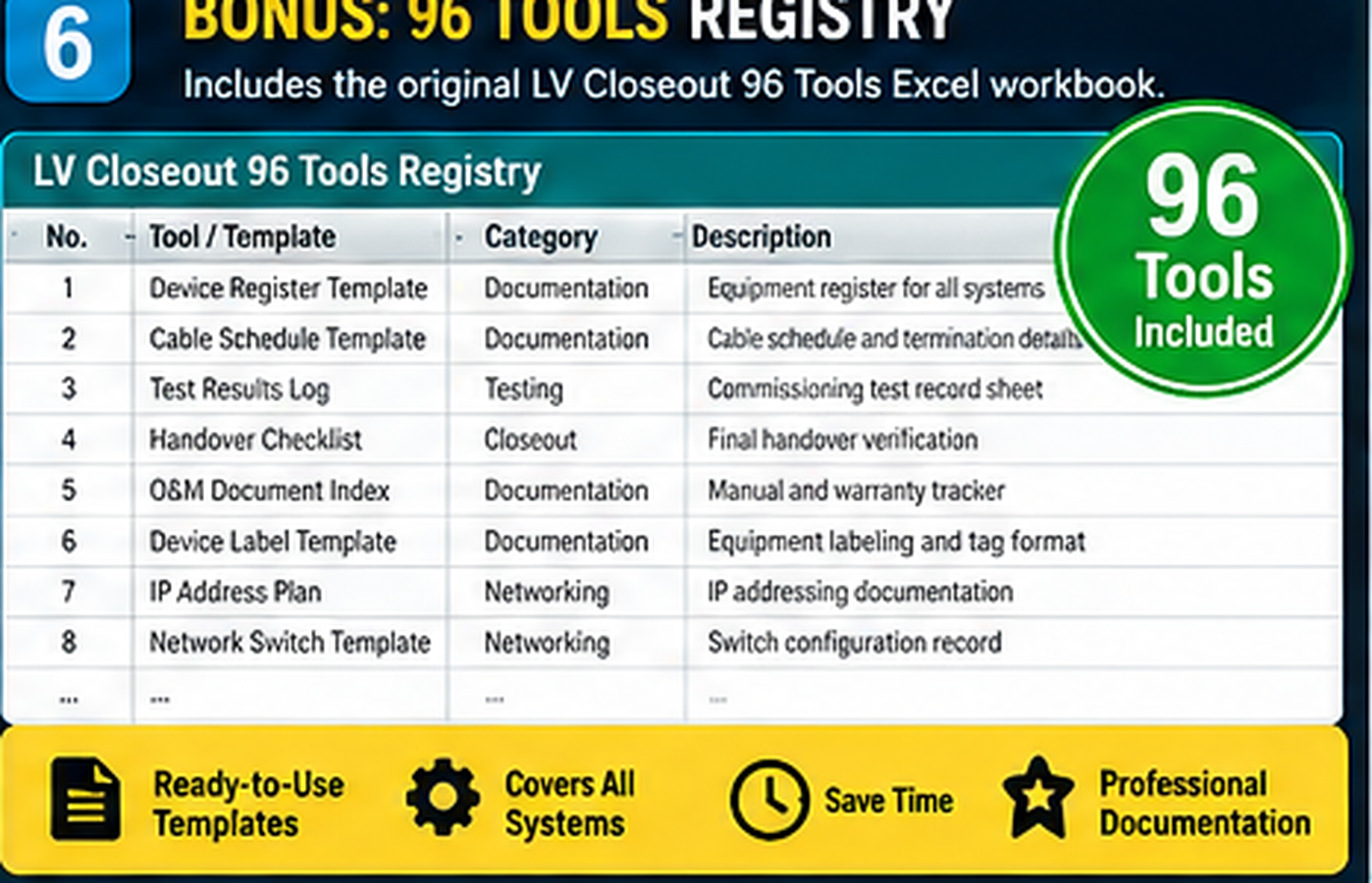
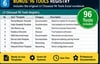
- BONUS: Original LV Closeout 96 Tools Excel workbook (.xlsx)
- Sample baseline and updated equipment CSV files
- User instructions, validation information, and license
Designed For
- CCTV and security system contractors
- Access control integrators
- Low-voltage and structured cabling teams
- Construction project managers
- Commissioning and handover coordinators
- Facilities maintenance documentation teams
How It Works
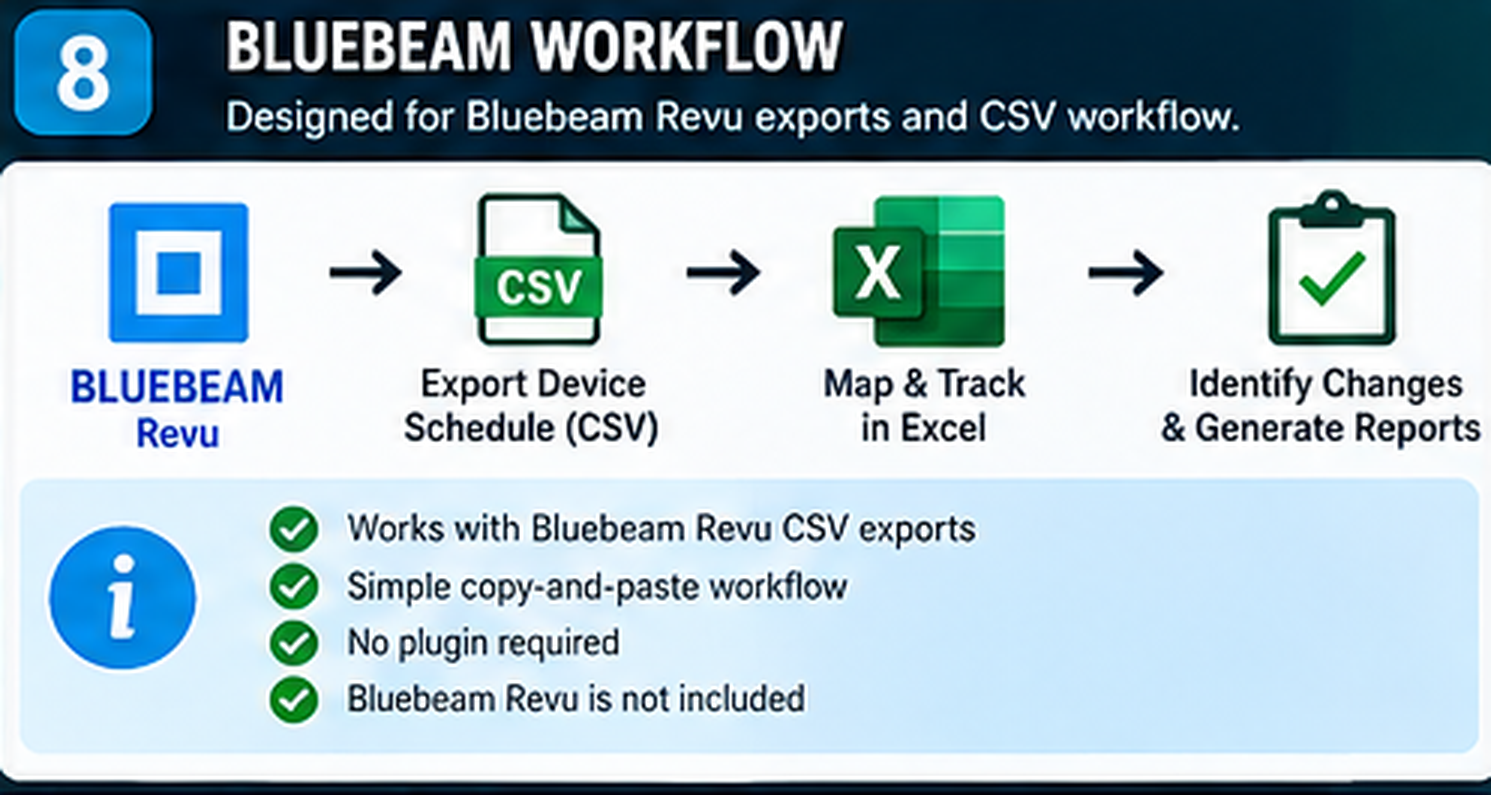
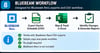
- Export your device schedule from Bluebeam Revu or prepare a compatible CSV.
- Map and paste device data into the Excel tracker.
- Compare baseline and updated records.
- Review changes, naming inconsistencies, and missing information.
- Record approvals, revisions, and handover documentation.
Important Compatibility Information
This is a Microsoft Excel-based digital product, not a Bluebeam plugin.
CSV mapping is assisted through a documented copy-and-paste workflow. It does not automatically synchronize Bluebeam Studio Projects or update issued PDFs.
Bluebeam Revu is not included. Compatible export capabilities depend on your Bluebeam subscription.
One purchase. A structured workflow for your project equipment records and handover documentation.
Created by NEXORA WorkTools.
Independent product. Not affiliated with, sponsored by, or endorsed by Bluebeam, Inc.