
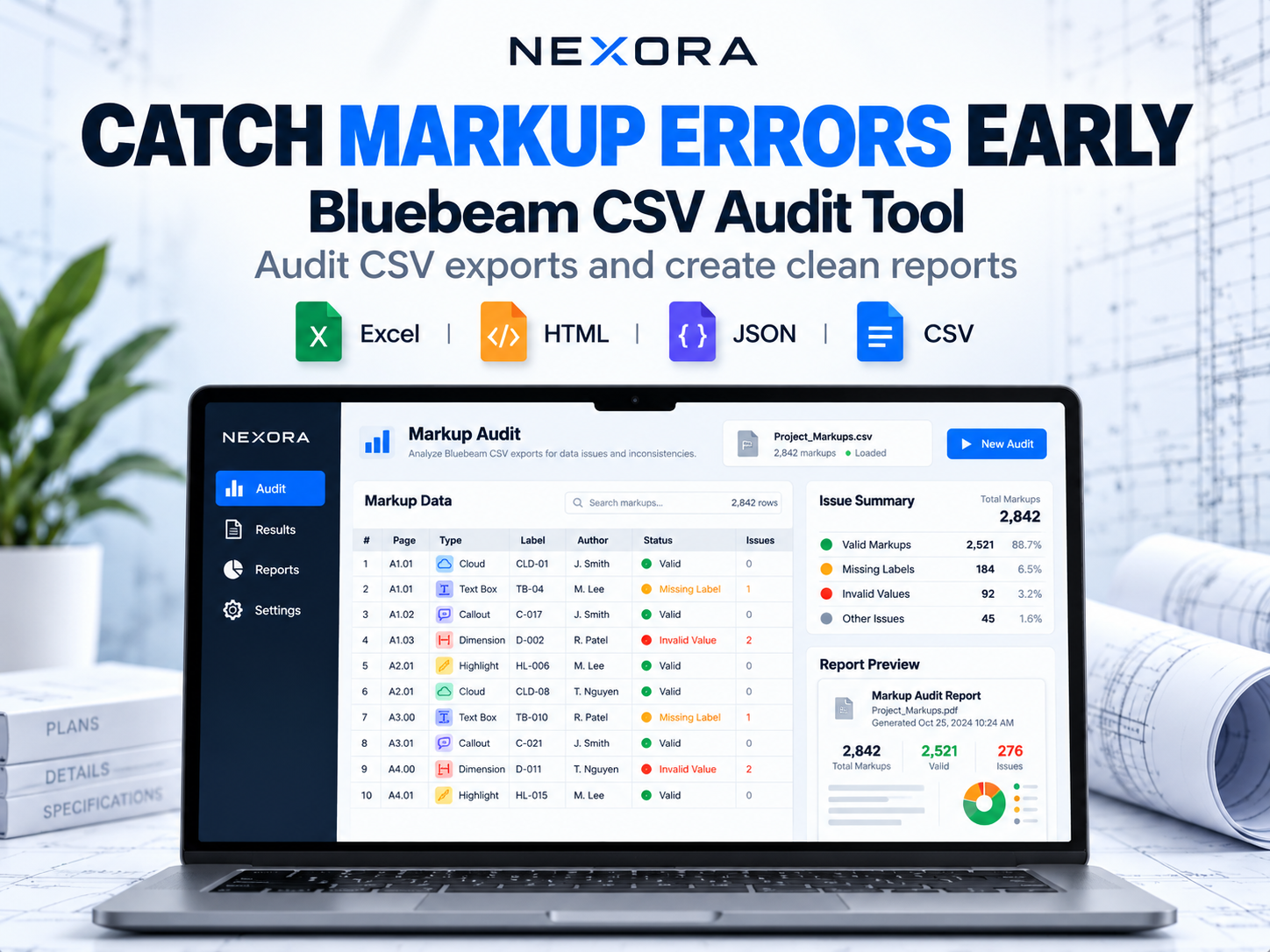







Catch Markup Errors Early | Bluebeam CSV Audit Tool
On Sale
€14.99
€14.99
Find Errors in Your Bluebeam Markup Data Before They Reach Your Reports.
Stop spending time manually checking exported markup data.
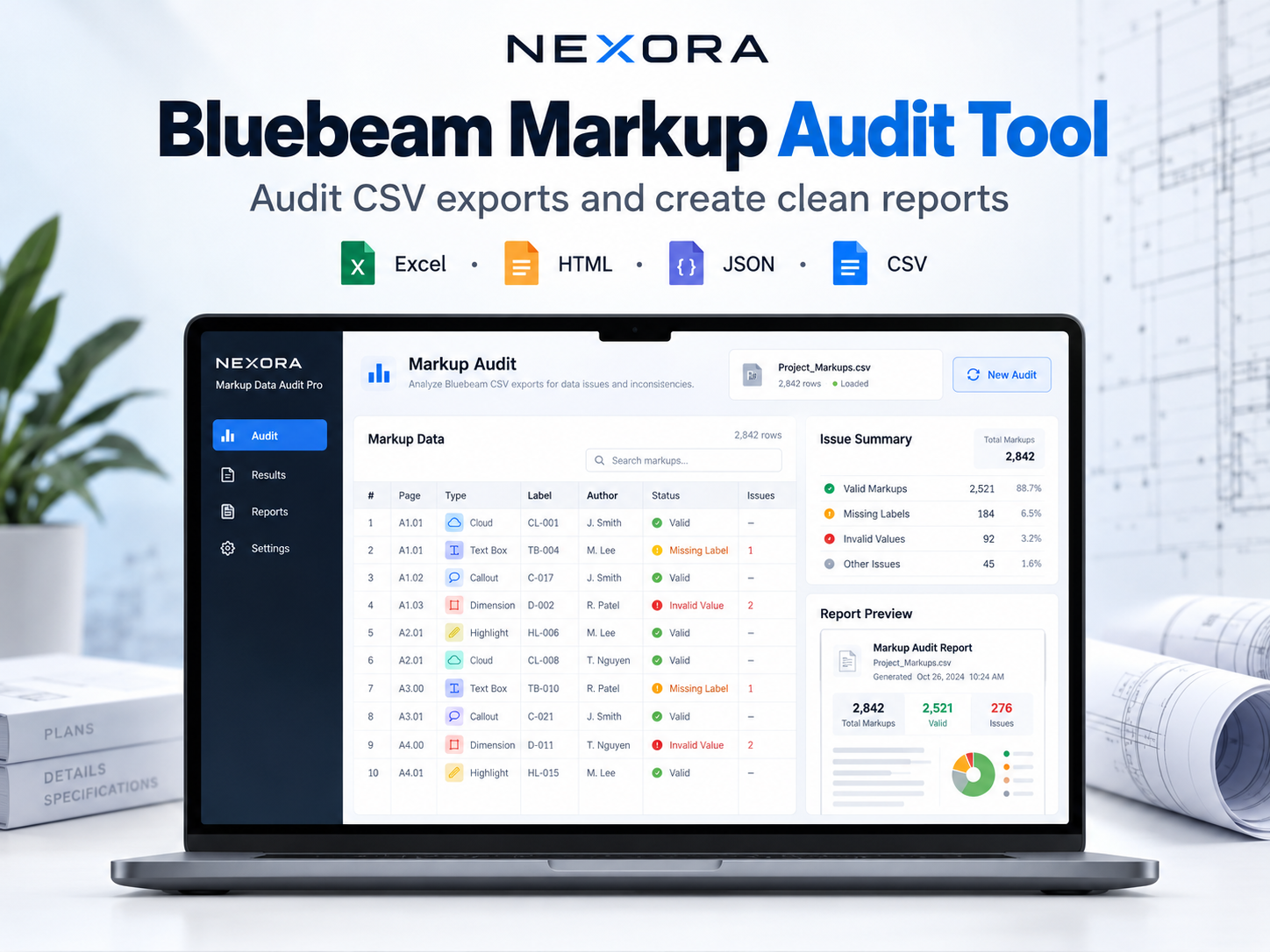
NEXORA Markup Data Audit Pro is an offline desktop utility designed to analyze CSV exports from Bluebeam Revu, identify potential data issues, and generate structured audit reports.
What Does It Do?
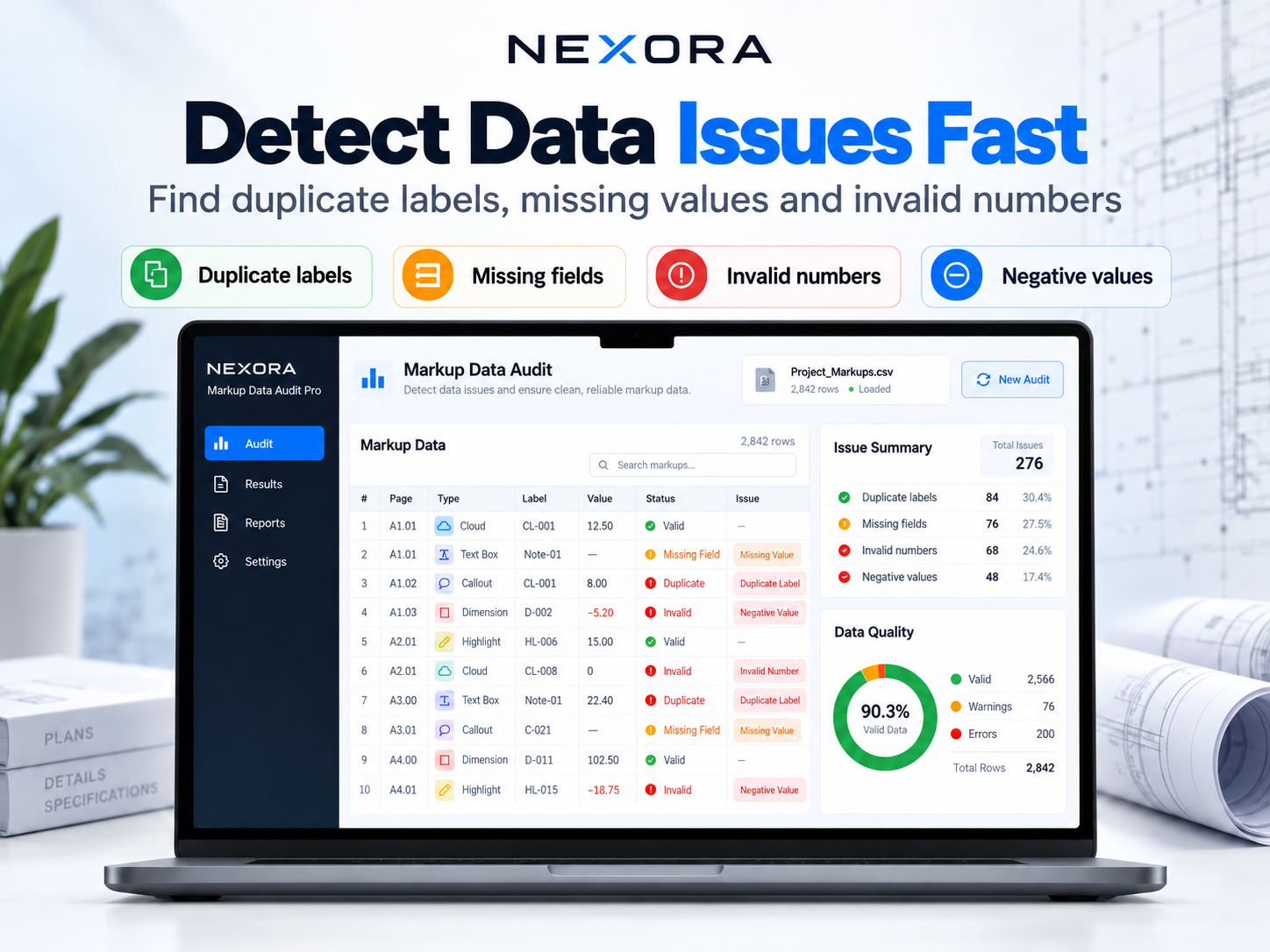
- Detect Duplicate Labels – Identify repeated markup labels that may need review.
- Find Missing Fields – Spot missing information in your exported data.
- Check Invalid Numbers – Flag nonnumeric, negative, or ambiguous measurement values.
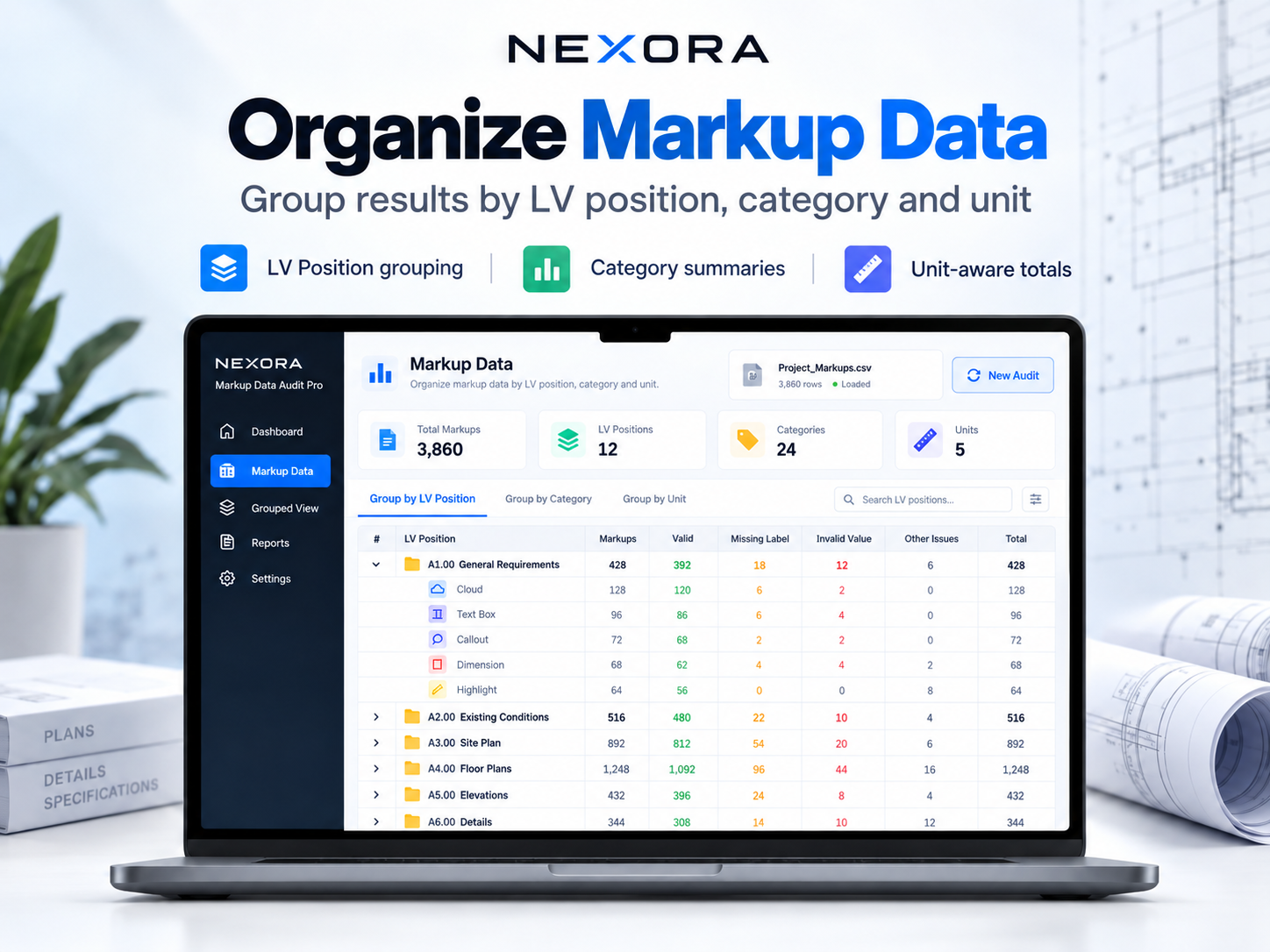
- Organize Markup Data – Group measurements by LV position, category, and unit.
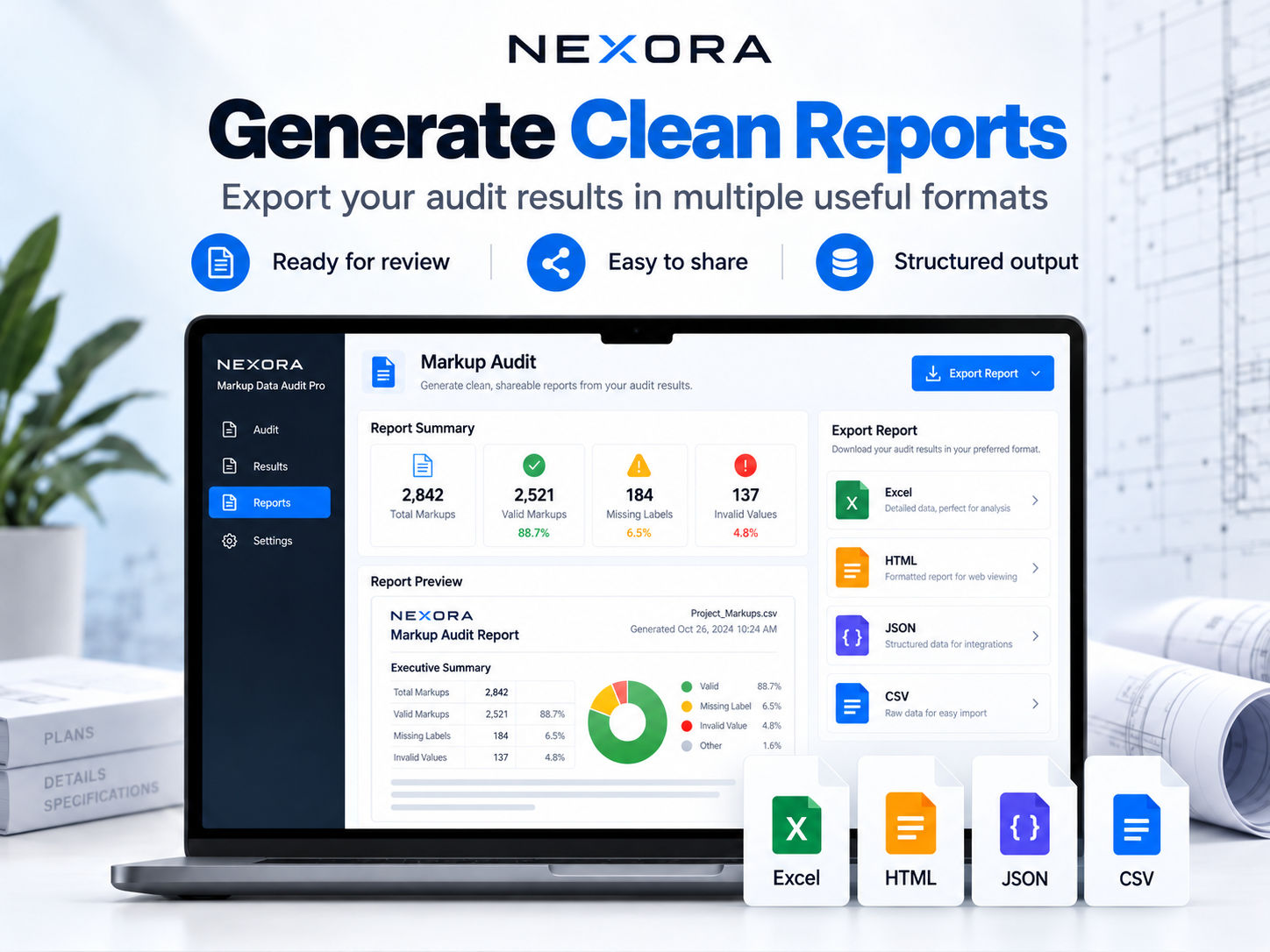
- Generate Audit Reports – Export results to Excel (XLSX), HTML, JSON, and CSV.
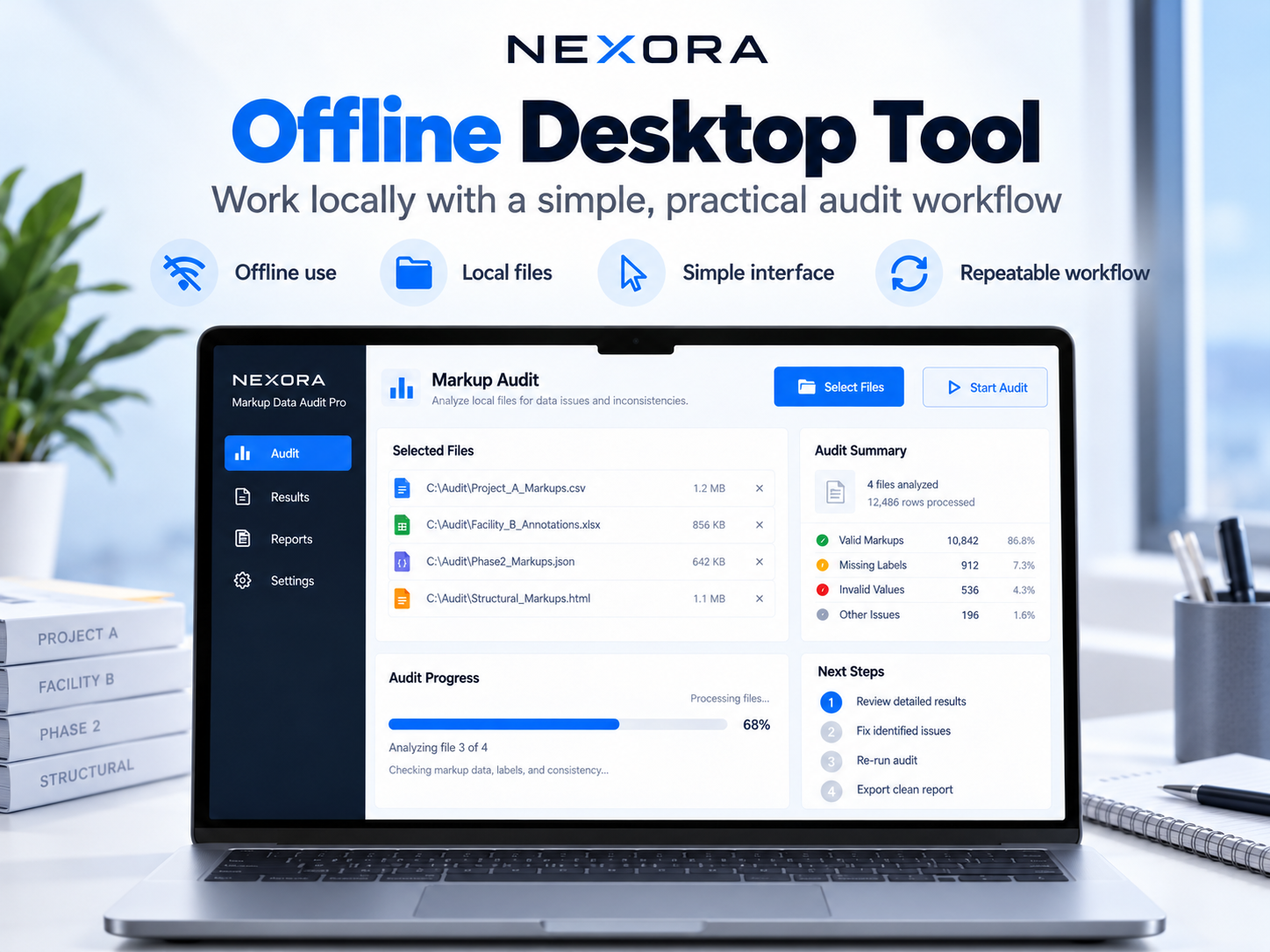
- Work Offline – Process your files locally without cloud uploads or API subscriptions.
How It Works
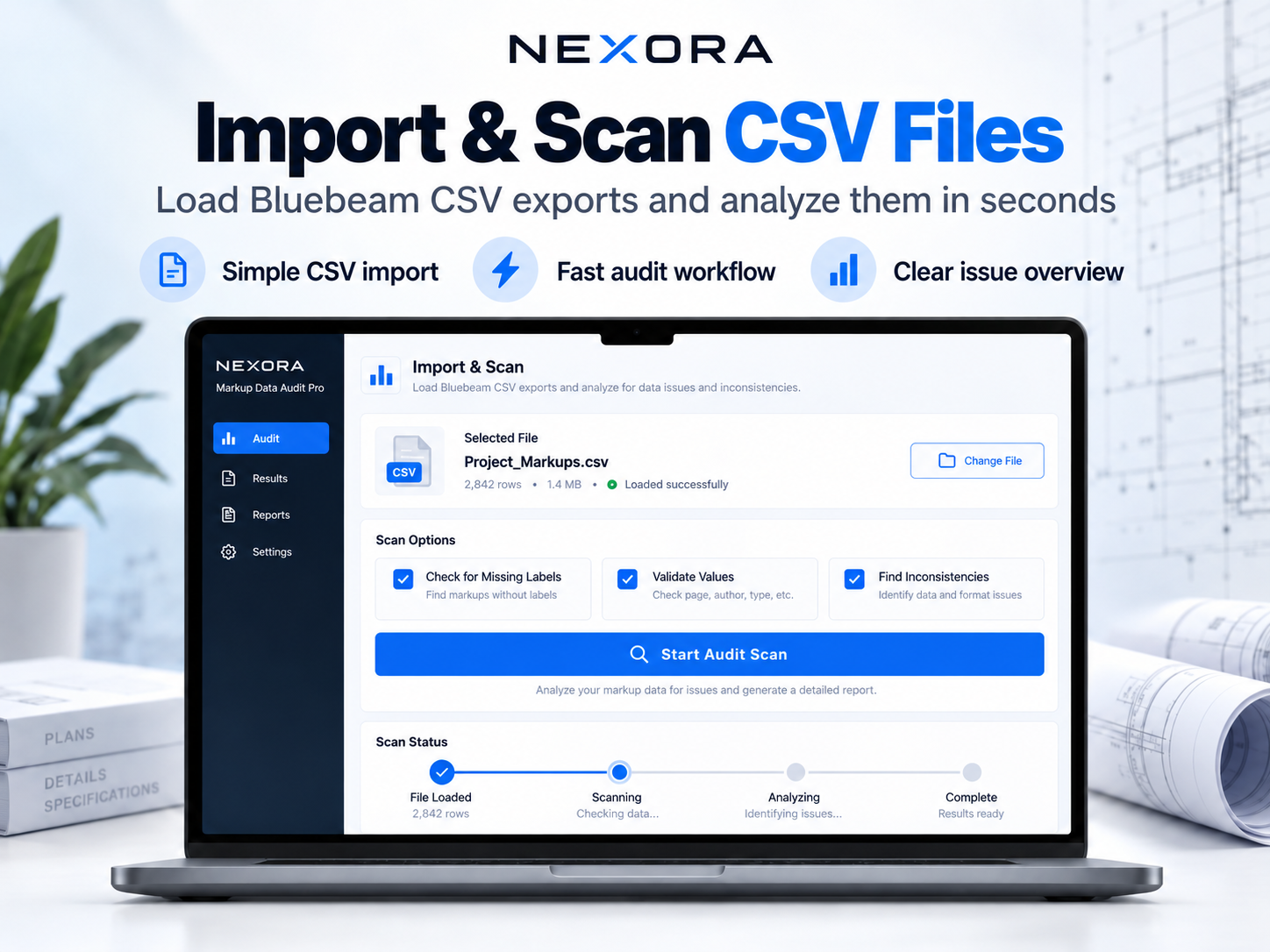
- Export your Markups List from Bluebeam Revu as a CSV file.
- Open NEXORA Markup Data Audit Pro.
- Select your exported CSV and run the audit.
- Review detected issues and download your reports.
Who Is It For?
- Construction estimators
- Quantity surveyors
- Electrical and low-voltage contractors
- MEP professionals
- Project managers
- Bluebeam Revu users
What's Included?
- NEXORA Markup Data Audit Pro v1.2
- Python desktop application with Windows launcher
- Sample CSV files and demonstration reports
- Excel, HTML, JSON, and CSV reporting
- Quick Start Guide and documentation
- Windows executable build script
System Requirements
- Windows 10/11
- Python 3.10 or newer
- Bluebeam Revu for generating compatible markup CSV exports
Important: This is a standalone CSV auditing tool, not a Bluebeam plugin. It does not modify original PDF drawings or automatically repair markups inside Bluebeam. Python installation is required; a precompiled Windows EXE is not included.
Digital Download — No Physical Product Will Be Shipped.
NEXORA is an independent product and is not affiliated with or endorsed by Bluebeam.