
Hotel Pest Control Program & Sighting Log: Pest Control Log Spreadsheet for Hotels
Full description
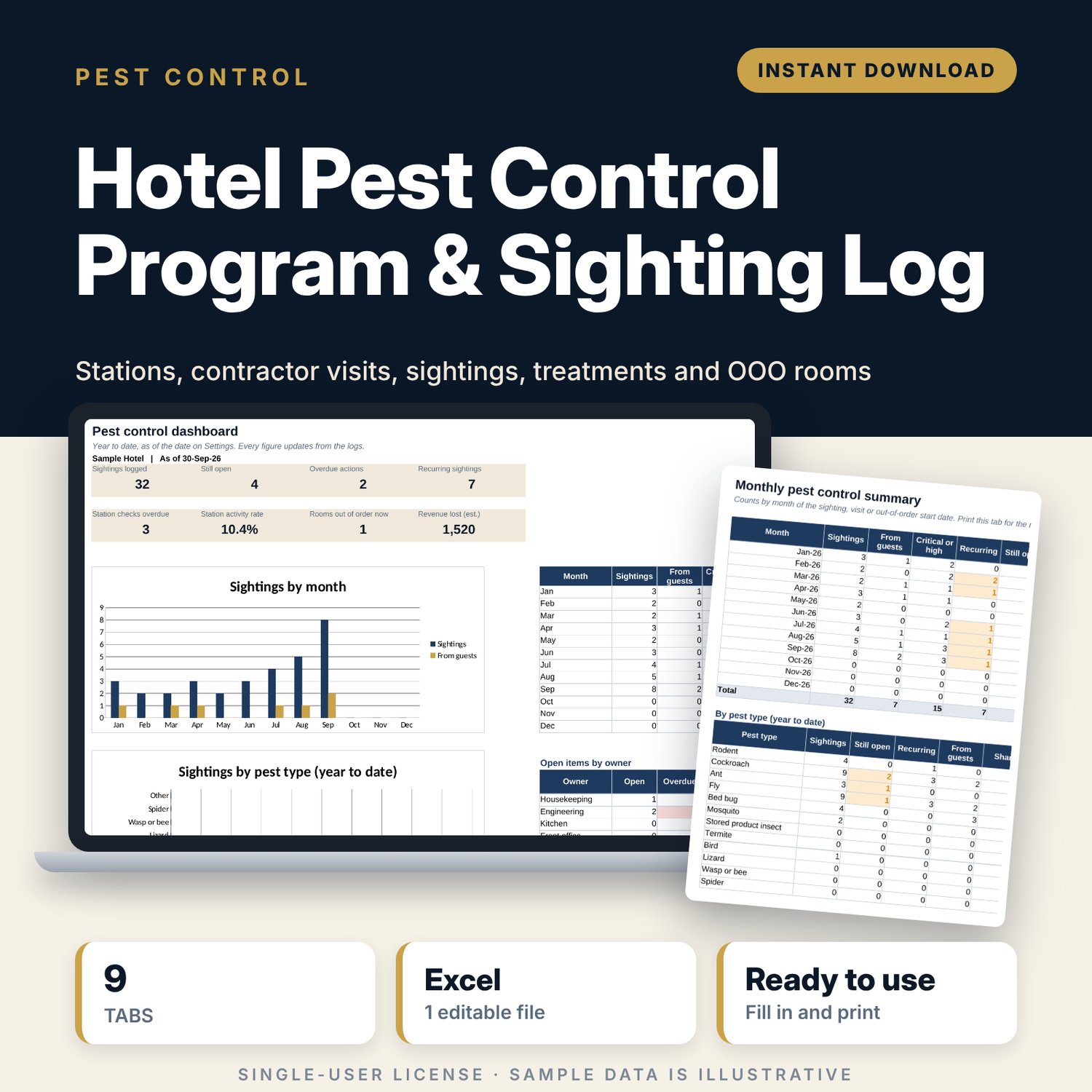
For hotel general managers, executive housekeepers, chief engineers and hygiene leads who need one place to run the pest control programme and show records at an audit. You register every bait station and trap, log each contractor visit and each sighting, and plan repeat treatments. The workbook flags overdue station checks, overdue actions and sightings that keep coming back to the same spot, links rooms taken out of order to the sighting that caused them, and rolls everything into a monthly summary and a one-page dashboard.
Save with a bundle: this template is also in the Hotel Engineering, Safety & Compliance Bundle, 11 templates for $35 instead of $83. All 141 templates are in the All-Access Hospitality Template Library for $79.
What is inside
- Hotel_Pest_Control_Program_Log.xlsx: 9 tabs, 2,326 formulas, 2 native charts, 25 drop-down or number rules.
- Settings: 10 general inputs (as-of date, room rate, recurring rule and alerts), close-out days for 4 severity levels, 12 drop-down lists including 15 areas and 13 pest types.
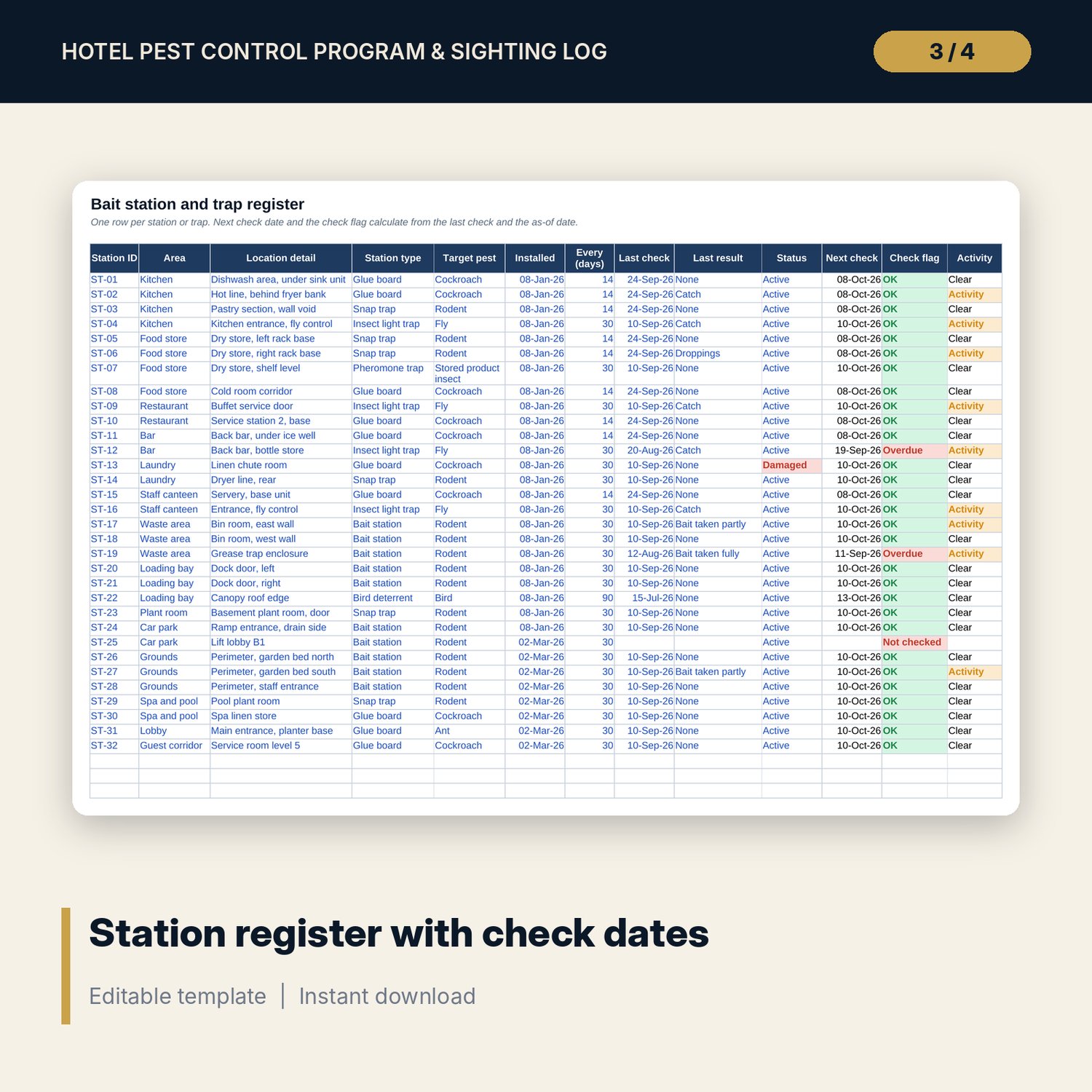
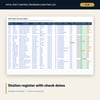
- Station_Register: room for 150 stations and traps (32 sample rows) with next check date, check flag and activity flag.
- Contractor_Visits: room for 100 visits (15 sample rows) with activity rate, findings, treatment, follow-up and a flag for overdue follow-ups, missing reports and high activity.
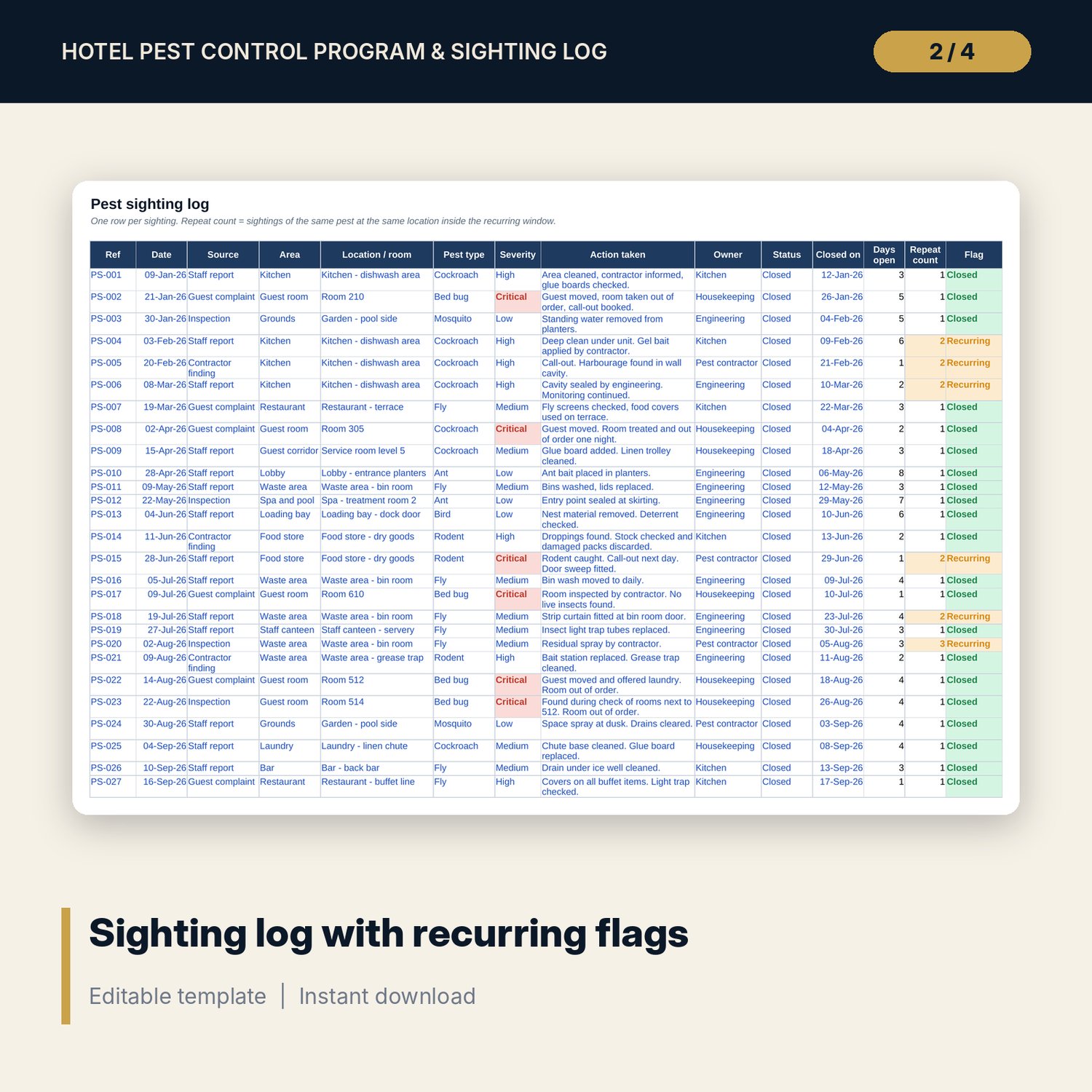
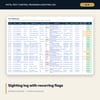
- Sighting_Log: room for 300 sightings (32 sample rows) with days open, repeat count and an Overdue / Recurring flag.
- Treatment_Schedule: room for 60 planned treatments (16 sample rows) with next due date, status, re-entry time and safety sheet check.
- Room_OOO: room for 60 out-of-order records (6 sample rows) linked to the sighting reference, with nights lost and estimated revenue lost.
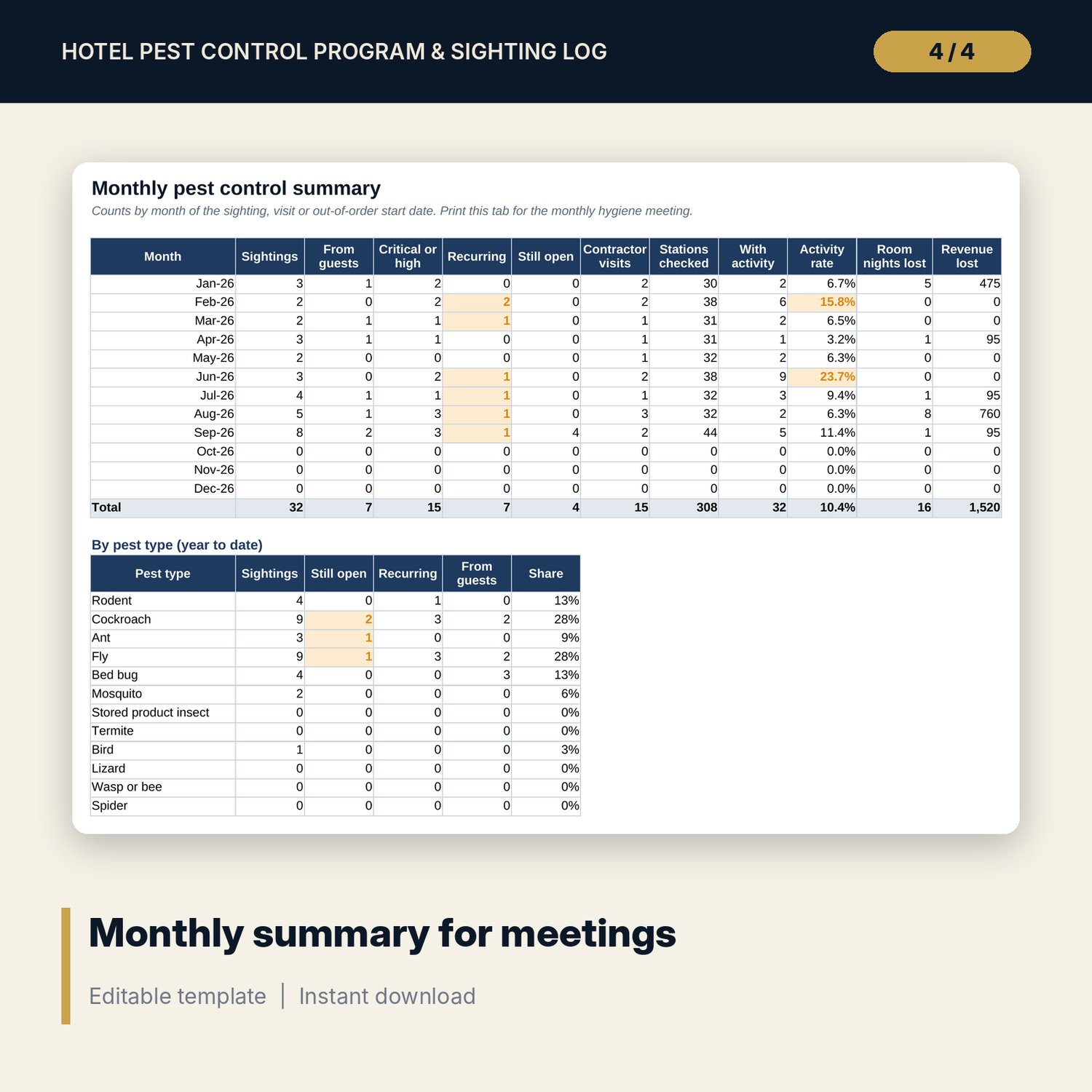
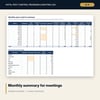
- Monthly_Summary: 12 months by 11 measures, plus year-to-date tables for 13 pest types and 15 areas.
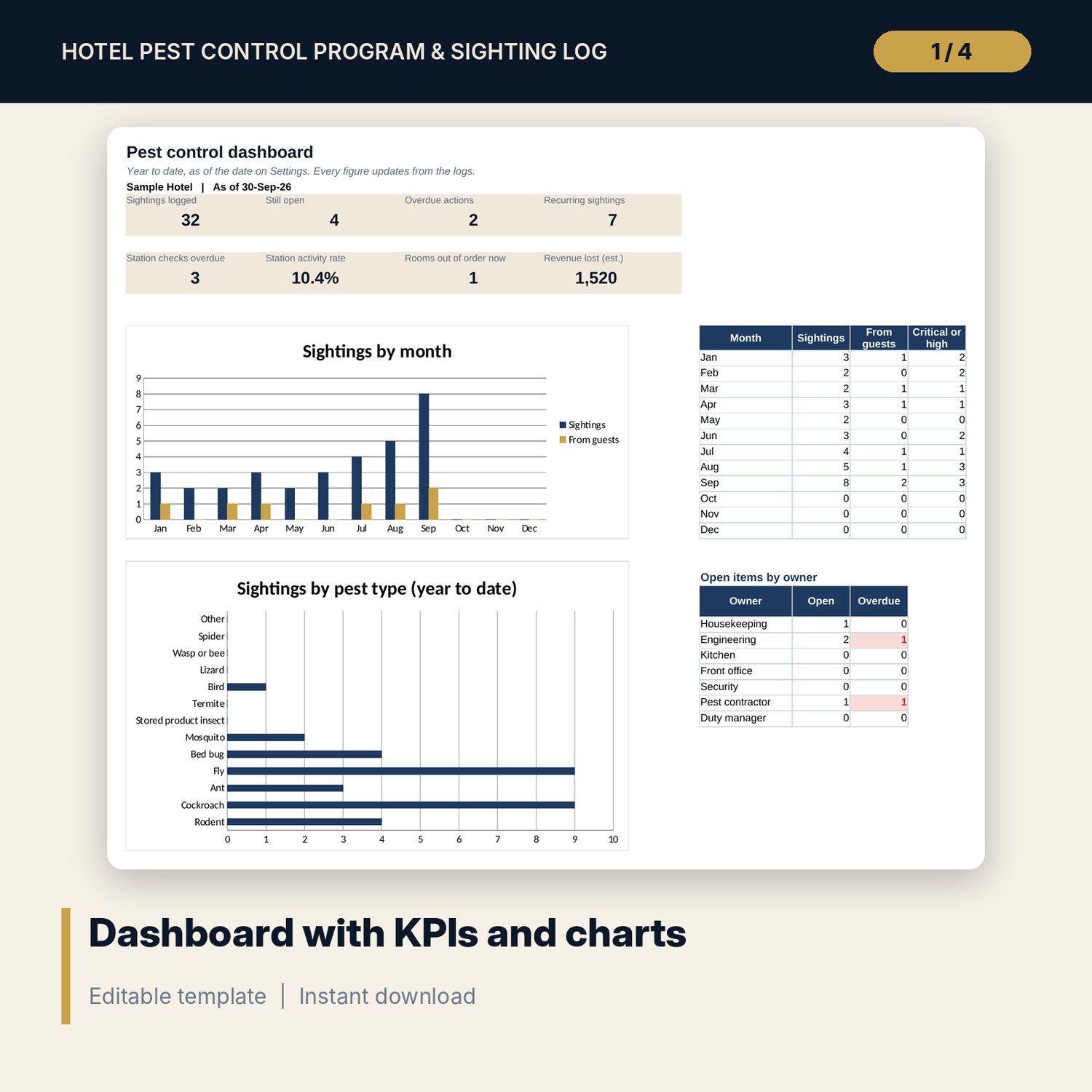
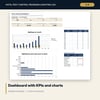
- Dashboard: 8 KPI tiles, 2 charts (sightings by month, sightings by pest type) and open items for 7 owners.
- README.txt and LICENSE-and-Terms.txt.
How it works
- Enter the hotel label, year, as-of date and average room rate on Settings, and check the close-out days by severity.
- Replace the sample stations with your own site map codes and check frequencies.
- Log every contractor visit and sighting on the day. Add a Room_OOO row when a room is taken out of order.
- Review the Dashboard each week and act on red and amber flags.
- Print Monthly_Summary for the monthly hygiene or safety meeting.
Details
- Format: Excel workbook (.xlsx). No macros.
- Language: English.
- Software: Excel 2016 or later, or a spreadsheet program that opens .xlsx files, such as Google Sheets or LibreOffice Calc.
- Delivery: instant digital download. Nothing is shipped.
Good to know
- All sample stations, visits, sightings and rooms are illustrative. Replace them with your own records.
- The workbook records your programme. It does not replace a licensed pest control operator. Pesticide use and record rules differ by place; verify local requirements.
- Single-user license. Do not share or resell the files.
FAQ
How does the recurring flag work?
A sighting is marked Recurring when the same pest is logged at the same location again inside the window you set on Settings (30 days in the sample).
Do overdue flags update by themselves?
They count from the as-of date on Settings. Type =TODAY() in that cell and they update every day.
Can I change the areas and pest types?
Yes. Edit the lists on Settings and every drop-down updates.
Does it work in Google Sheets?
It opens in Google Sheets and the formulas calculate. Check the drop-downs after import.
Is this a physical product?
No. It is a digital download. Refund terms follow the store policy at the time of purchase.