
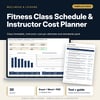
Fitness Class Schedule & Instructor Cost Planner: Class Timetable, Attendance and Instructor Cost Tracker
Full description
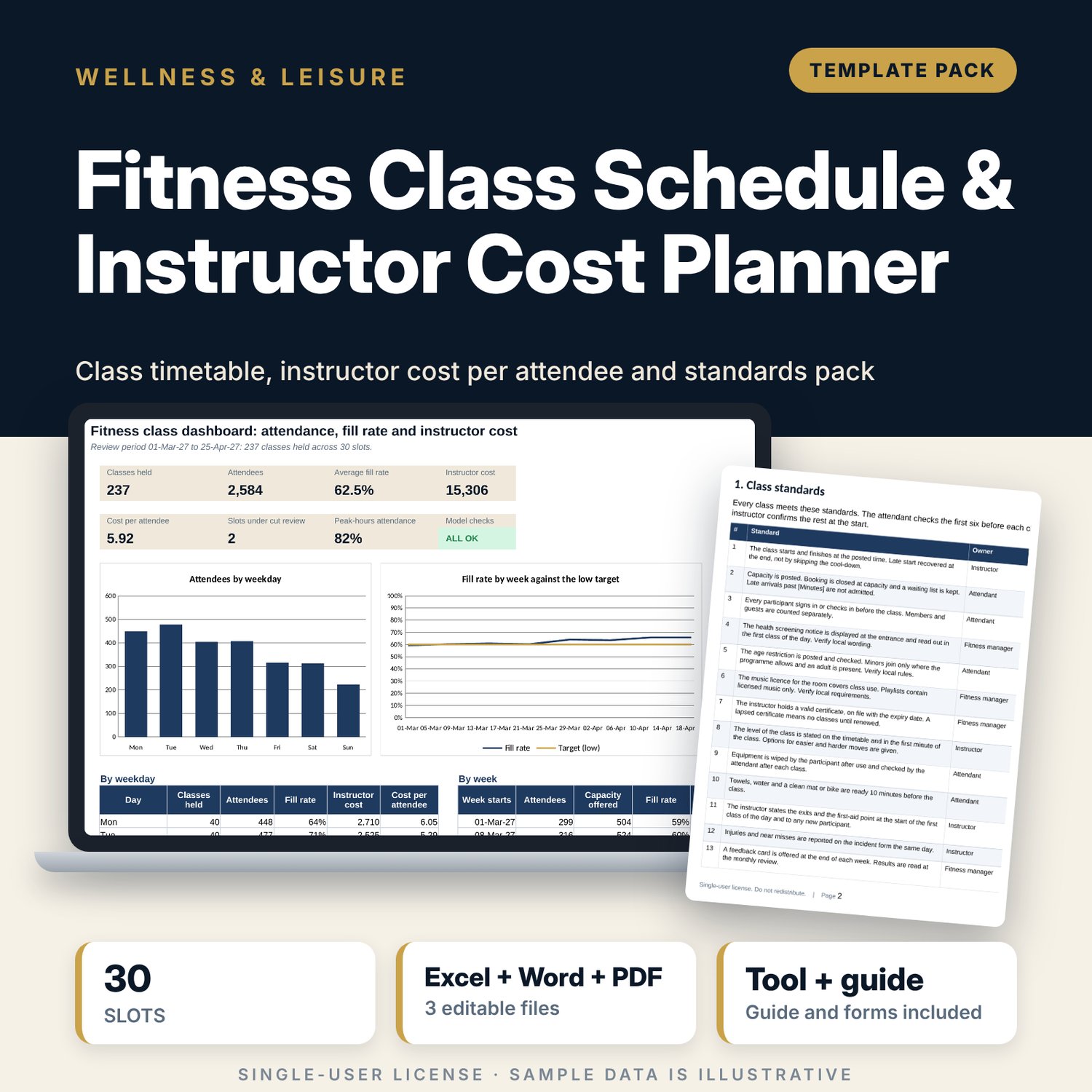
For hotel fitness managers, spa and wellness managers and general managers who run group classes and need to know which ones earn their place. The workbook holds a weekly timetable with a printable grid, a roster of instructors paid per class or per hour, and an attendance log of 237 classes held. For each slot it calculates fill rate against capacity, instructor cost per attendee, break-even attendance (average fee divided by value per attendee), instructor cost as a share of value and the number of recent weeks under your cut threshold. An action flag then says Cut review, Below target, On target or Add capacity. The Word pack gives you class standards, instructor rules and pay, the monthly timetable procedure, opening and closing checklists, equipment checks with an out-of-order tag, forms and a worked example.
What is inside
- Fitness_Class_Planner.xlsx: 7 tabs, 3,719 formulas, 2 native charts, 18 drop-down and input rules
- Settings: targets, cut rule, peak windows and a 10-instructor roster with certificate status and a substitute list
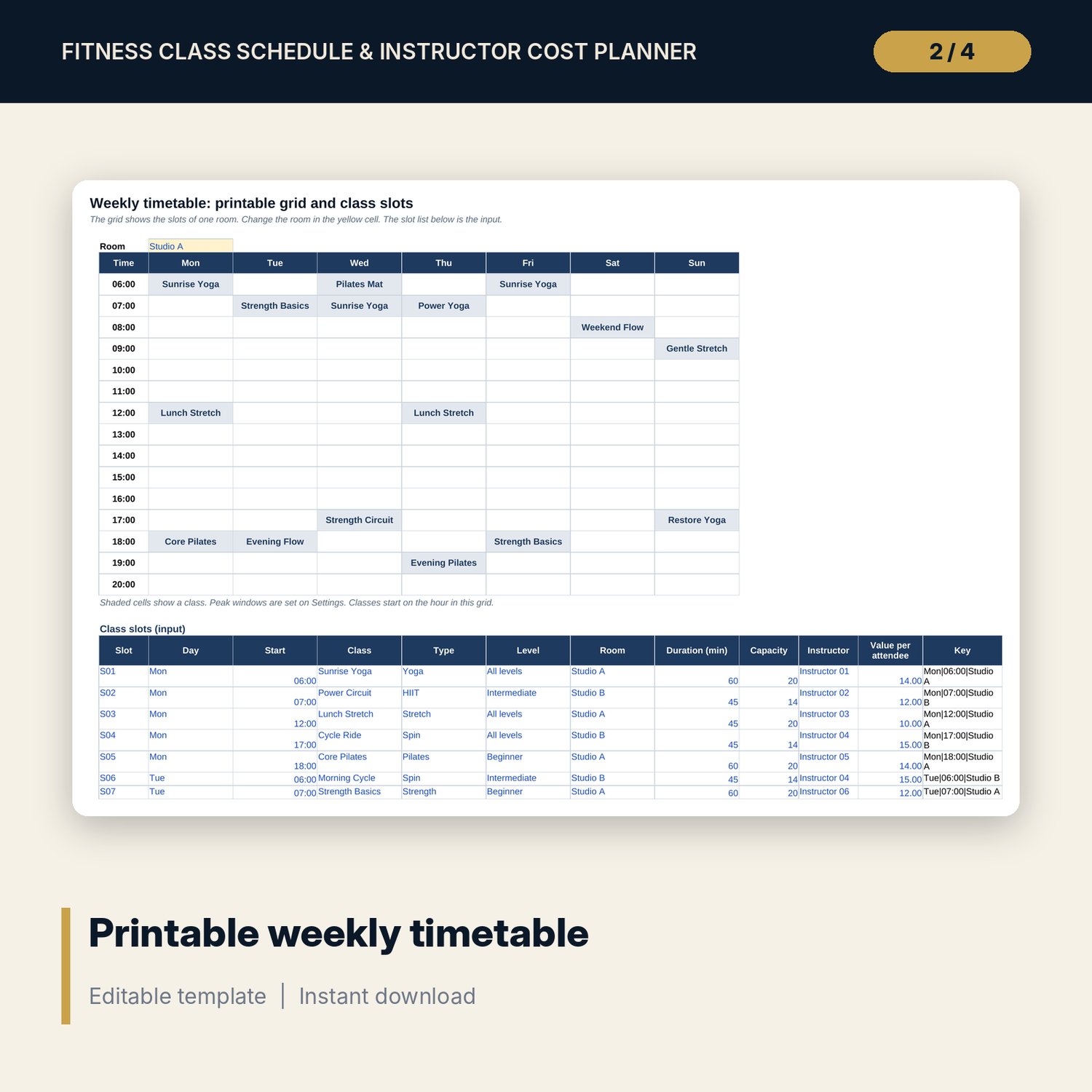
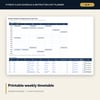
- Timetable: printable weekly grid for any room and 30 sample class slots plus 6 spare rows
- Attendance Log: 237 sample classes over 8 weeks plus 40 spare rows, with instructor cost and row flags
- Class Analysis: 19 columns per slot, from fill rate to action flag
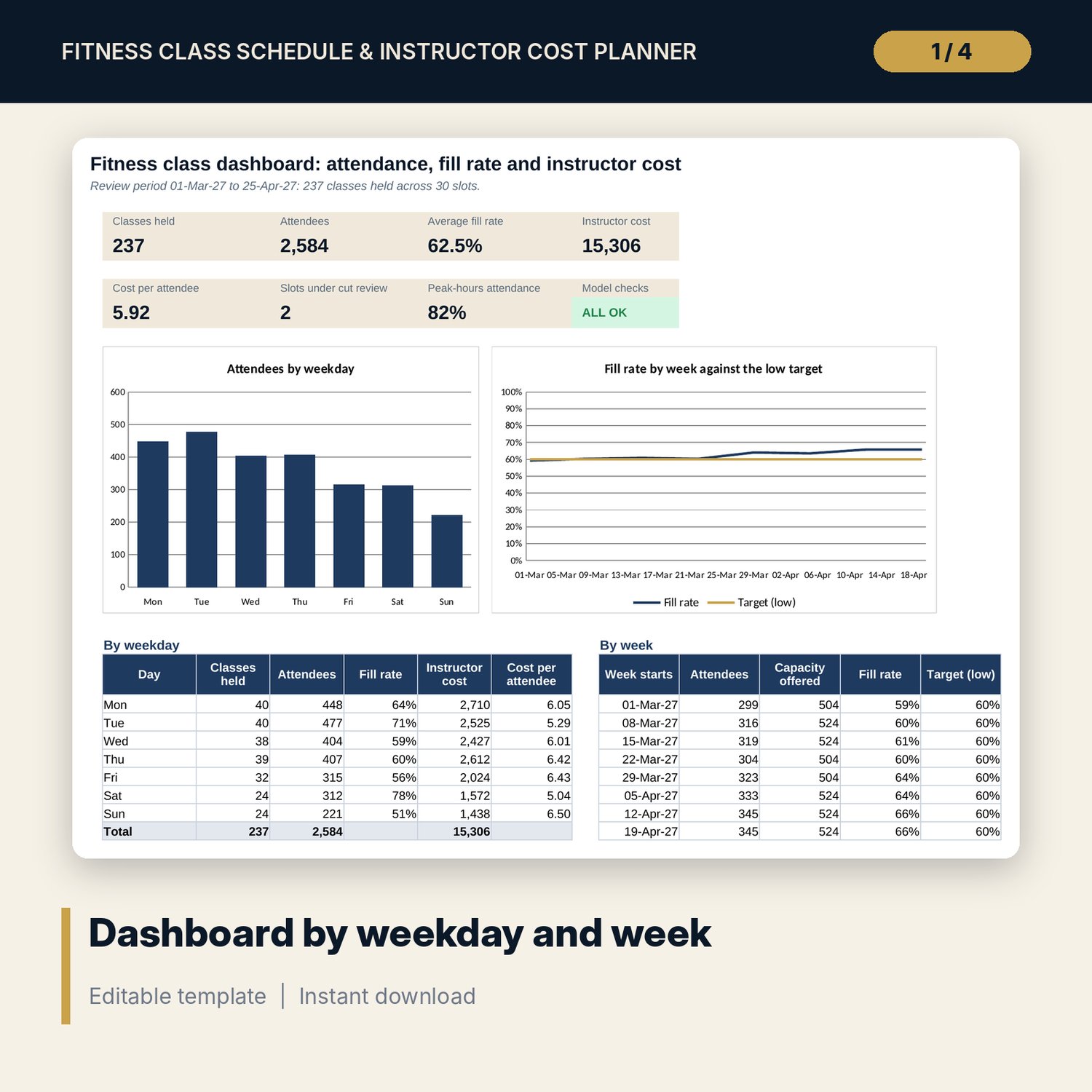
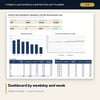
- Dashboard: 7 KPI tiles, a check tile, 2 charts; 7 integrity checks on the Checks tab
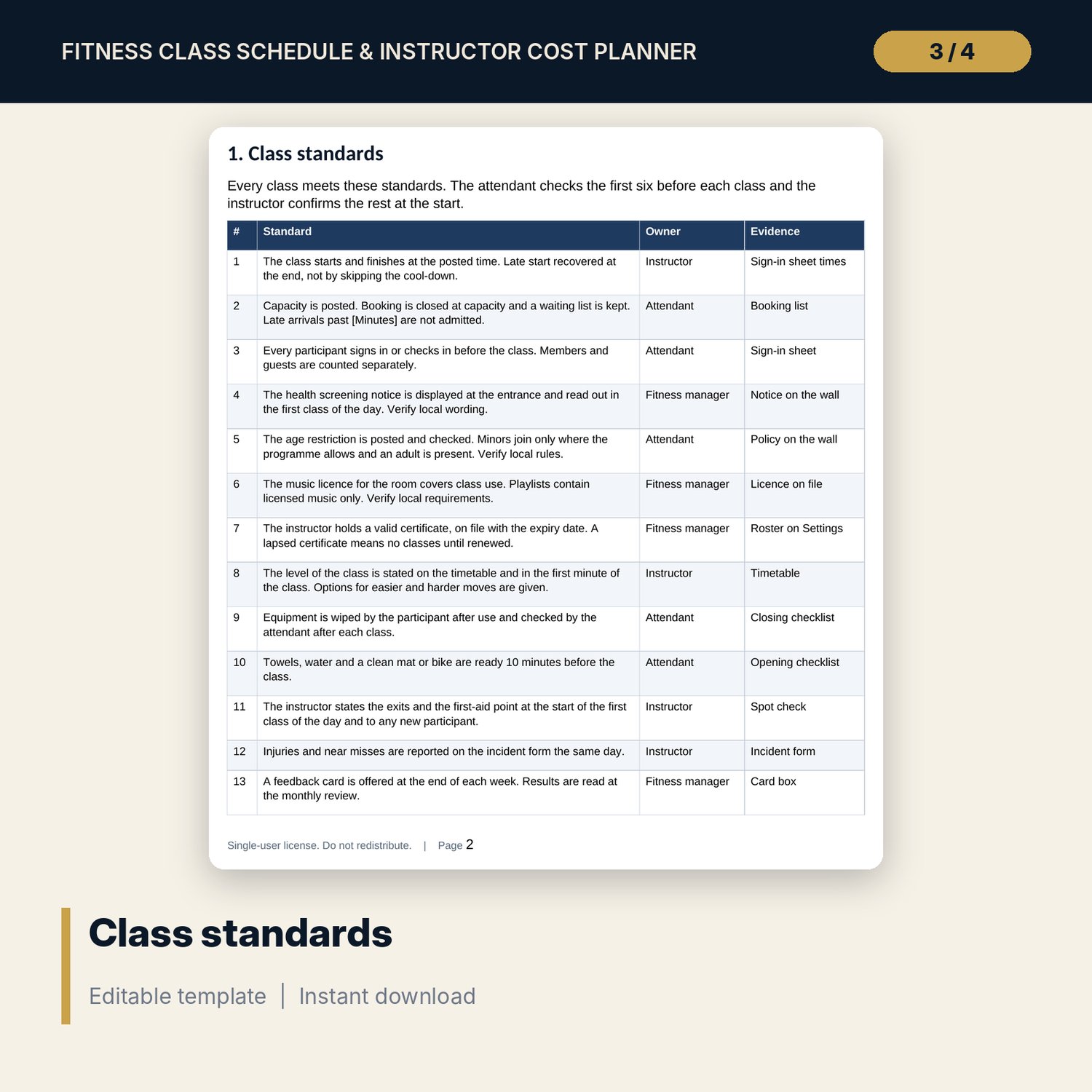
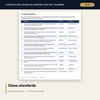
- Fitness_Class_Standards.docx and PDF: 9 pages with 13 class standards, instructor rules, timetable procedure, two checklists, equipment checks, forms and a worked example
- README.txt and LICENSE-and-Terms.txt
How it works
- Set the review weeks, fill targets, cut rule and instructor roster on Settings.
- Enter your class slots on Timetable and print the grid for each room.
- Log each class held on Attendance Log with members, guests and any substitute.
- Read Class Analysis and the Dashboard, then run the monthly timetable review with the Word pack.
Details
- Formats: 1 Excel workbook (.xlsx), 1 standards pack in Word (.docx) and PDF, English
- Software: Excel 2016 or later, or LibreOffice Calc 7 or later
- No macros, no external links, no data tables, no array formulas
- 3 files plus README and license; instant digital download
Good to know
- Sample data is illustrative. Replace it with your own figures.
- Value per attendee is your own figure: the fee a paying guest would pay, or the value you attribute to a free class.
- Age limits, health screening notices, music licences and equipment life depend on local rules and your suppliers. Verify local requirements.
- These files are management tools, not legal or safety advice.
- Single-user license. Do not redistribute.
FAQ
How does the cut rule work?
A slot shows Cut review when its fill rate was under the cut threshold (30% in the sample) in every one of the last six weeks. You can change both numbers on Settings.
Can I pay instructors per class and per hour?
Yes. Each instructor has a pay basis and a rate. Per hour pays the rate times the class duration divided by 60.
What if a substitute teaches?
Enter the substitute on the log row. The cost uses the substitute's own rate, and the row is flagged if the person is not on the substitute list.
Does the timetable grid work for more than one room?
Yes. Choose the room in the yellow cell and the grid shows that room's classes. The sample has three rooms.
Do I need macros?
No. Every result is a standard worksheet formula.