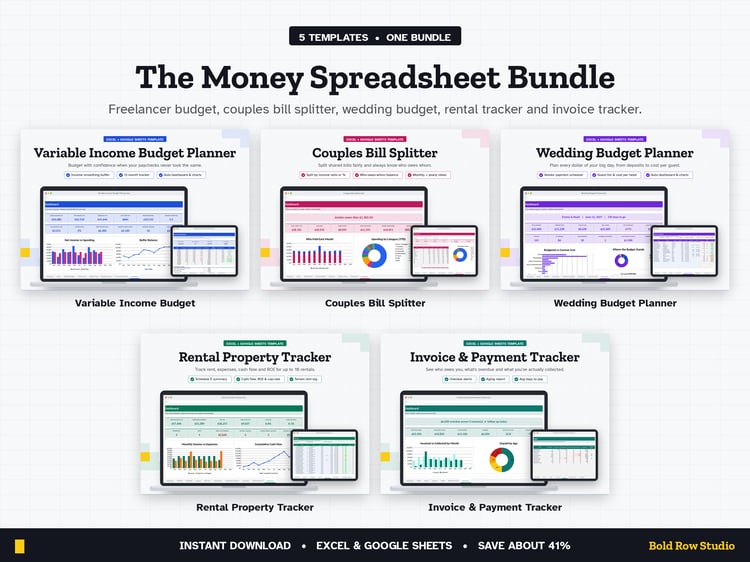
Variable Income Budget Planner: Freelancer & Gig Worker Budget Spreadsheet (Excel + Google Sheets)
The Variable Income Budget Planner is a spreadsheet template for Microsoft Excel and Google Sheets that helps you budget when your income changes from month to month. It's made for freelancers, gig workers, creators and commission earners who want a baseline budget, an income buffer and a steady monthly salary they pay themselves.
WHAT'S INCLUDED
• Variable-Income-Budget-Planner_BLANK.xlsx: ready for your numbers
• Variable-Income-Budget-Planner_EXAMPLE.xlsx: filled with sample data so you can see how it works
• Download guide (PDF) with step-by-step Excel and Google Sheets setup
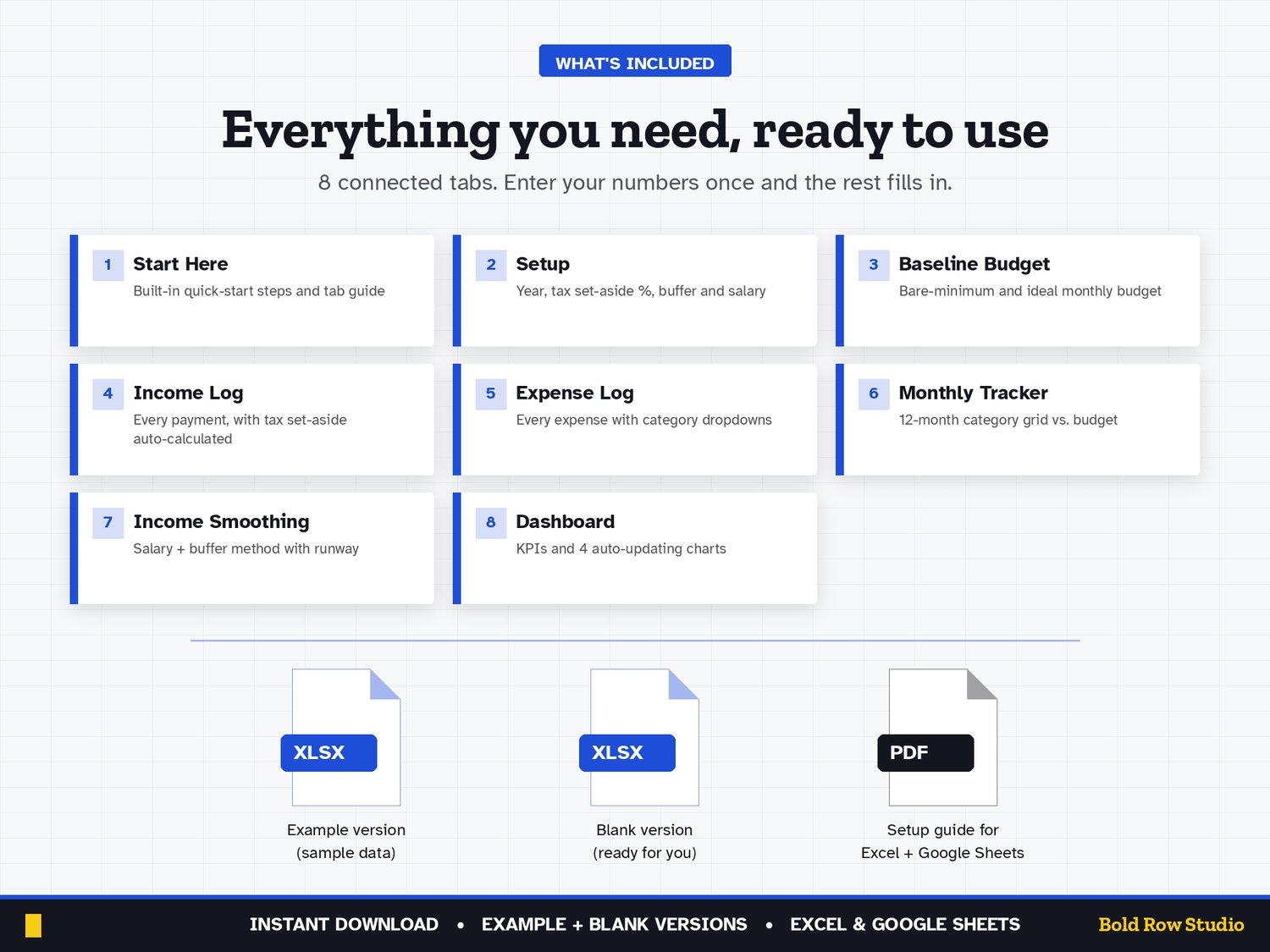
8 TABS
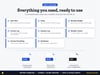
Start Here (built-in quick-start notes) · Setup · Baseline Budget · Income Log · Expense Log · Monthly Tracker · Income Smoothing · Dashboard
Room for 500 income entries, 500 expenses and 30 categories. Dropdown menus, locked formula cells (no password, so you can customize) and frozen headers.
KEY FEATURES
• Know your number: set a bare-minimum budget and an ideal budget, so lean months aren't scary
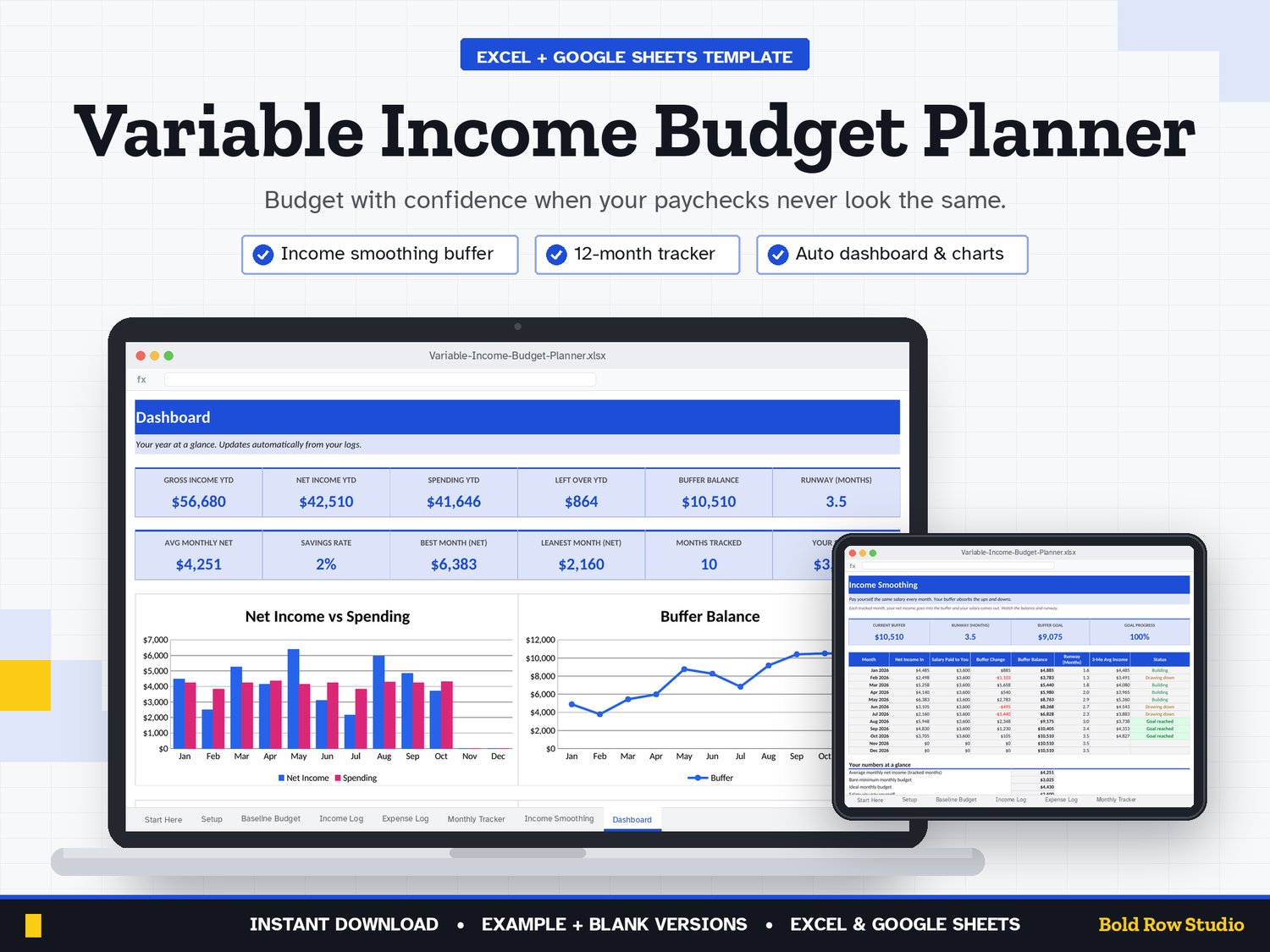
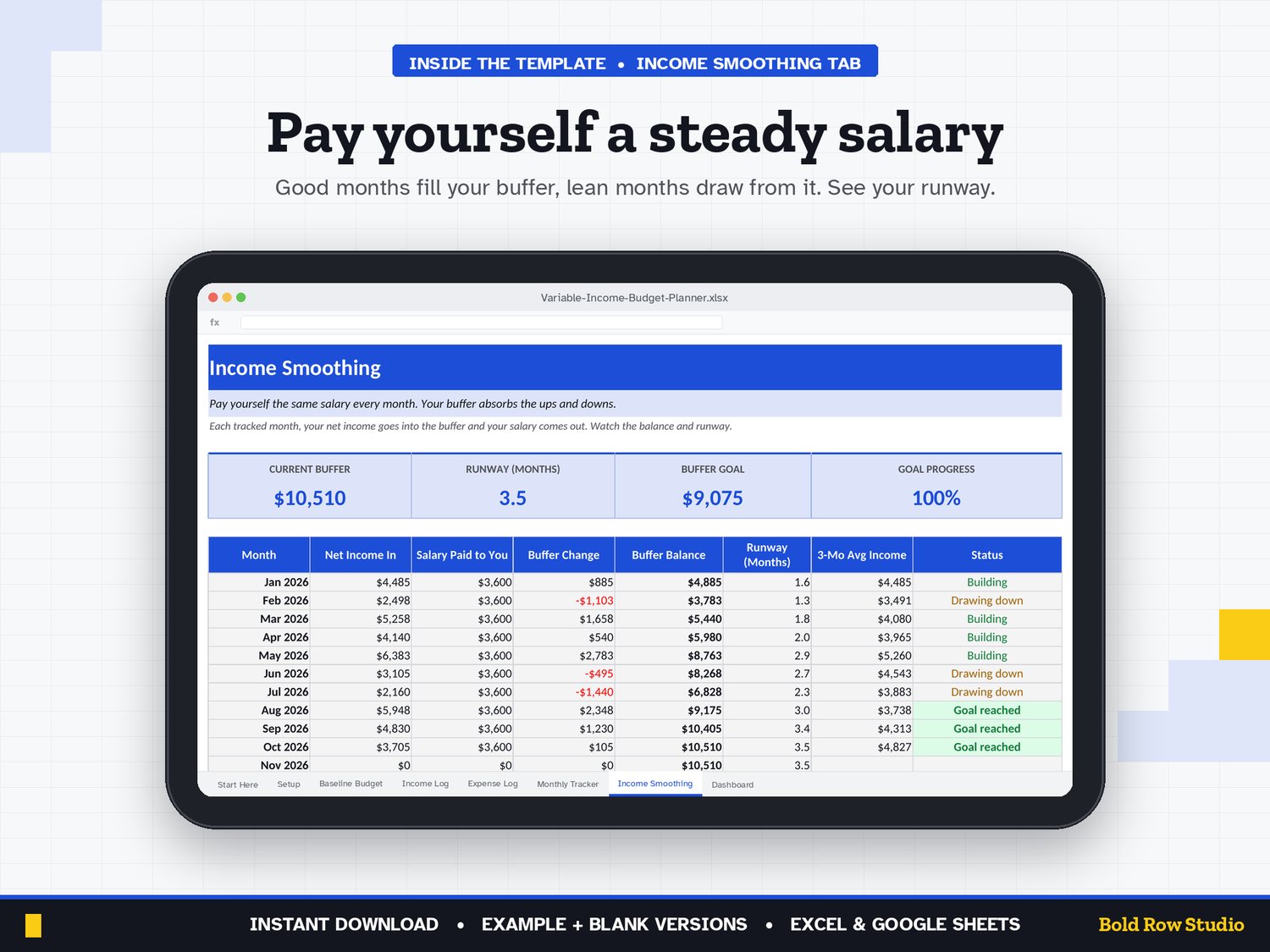
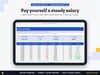
• Smooth out the ups and downs: Income Smoothing shows your buffer balance, runway and status every month
• Tax set-aside built in: every payment you log automatically sets aside your chosen tax %
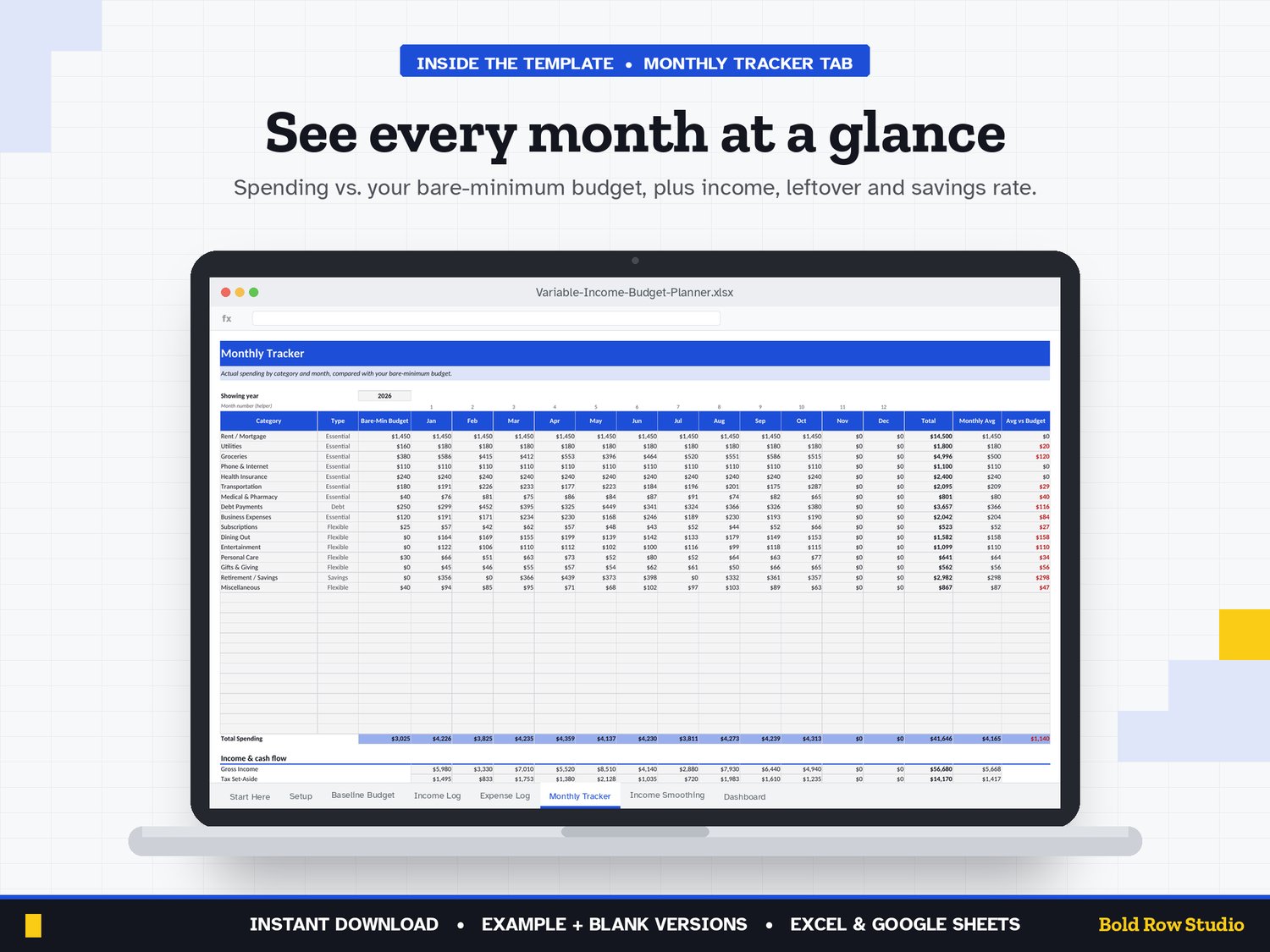
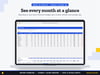
• See the whole year: a 12-month tracker compares actual spending with your baseline budget
• A dashboard that updates itself: KPIs plus 4 charts (income vs spending, buffer, categories, income sources)
• No formulas to write: type in the blue cells, everything else calculates
HOW IT WORKS
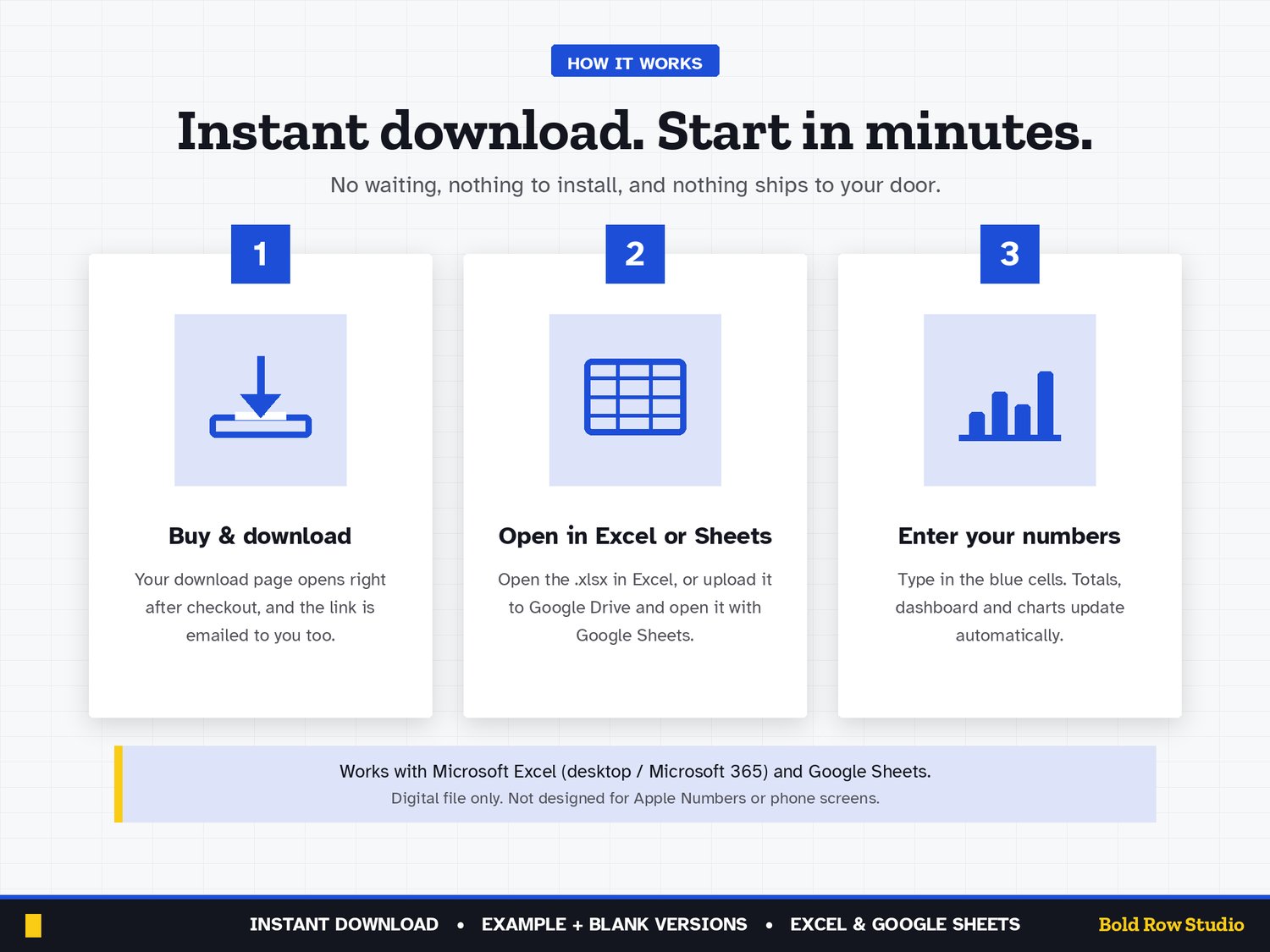
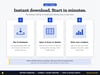
1. Buy and download instantly: your download page opens right after checkout, and the link is also emailed to you.
2. On a computer, open the BLANK file in Microsoft Excel, or upload it to Google Drive and open it with Google Sheets (the PDF guide shows both).
3. Start on the Start Here tab and type your numbers into the blue cells. The grey formula cells, summaries and dashboard charts update automatically.
4. Open the EXAMPLE file any time to see how a filled-in version looks.
COMPATIBILITY
✔ Microsoft Excel (Windows and Mac desktop, Microsoft 365)
✔ Google Sheets (free): upload the .xlsx to Google Drive, then Open with Google Sheets
✘ Not designed for Apple Numbers or phone screens. A computer is recommended.
FREQUENTLY ASKED QUESTIONS
Q: Does it work in Excel and Google Sheets?
A: Yes. It works in Microsoft Excel (Windows or Mac desktop, or Microsoft 365) and in Google Sheets, which is free with a Google account. It isn't designed for Apple Numbers.
Q: Should I use Google Sheets or Excel?
A: Either works: the formulas, dropdowns and charts work in both. Choose Excel if you want to keep the file on your computer. Choose Google Sheets if you want a free, browser-based option. For Google Sheets, upload the .xlsx file to Google Drive, right-click it and choose Open with > Google Sheets, then File > Save as Google Sheets.
Q: Can I use it on my phone or tablet?
A: It's designed for a computer screen, not a phone. Phones often can't open .xlsx downloads, so download and set it up on a computer. Once it's saved as a Google Sheet, you can open it in the Google Sheets mobile app to check your numbers, but a computer is best for setup and data entry.
Q: How do I download it?
A: Right after checkout your download page opens, and the download link is also emailed to you. Download all the files on a computer, then follow the PDF guide to open the BLANK file in Excel or Google Sheets.
Q: Can I customize it?
A: Yes. Enter your income sources, payment methods and budget year in the blue cells on the Setup tab and the rest of the workbook updates. Formula cells are locked without a password so they can't be overwritten by accident. To change formulas or the layout, unprotect the tab: Review > Unprotect Sheet in Excel, or Data > Protect sheets and ranges in Google Sheets.
Q: Can I get a refund?
A: Yes, within 14 days of purchase, in two cases: a file has a problem I can't fix, or you bought the same product twice by mistake. Email todorgan@gmail.com with your order details.
GOOD TO KNOW
• This is a digital product. Nothing will be shipped.
• Amounts are shown in US dollars ($). Any currency works; change the cell format if you like.
• For personal use. Please don't share or resell the files.
• Questions or a problem with a file? Email todorgan@gmail.com.
AI disclosure: this template was designed with the help of AI tools. The formulas, layout and example data were reviewed and tested before release.