
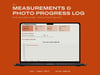





Measurements & Photo Progress Log
The two body-progress signals that survive daily noise: a weight log whose headline is the seven-day average, and a photo protocol on a fixed schedule with fixed conditions.
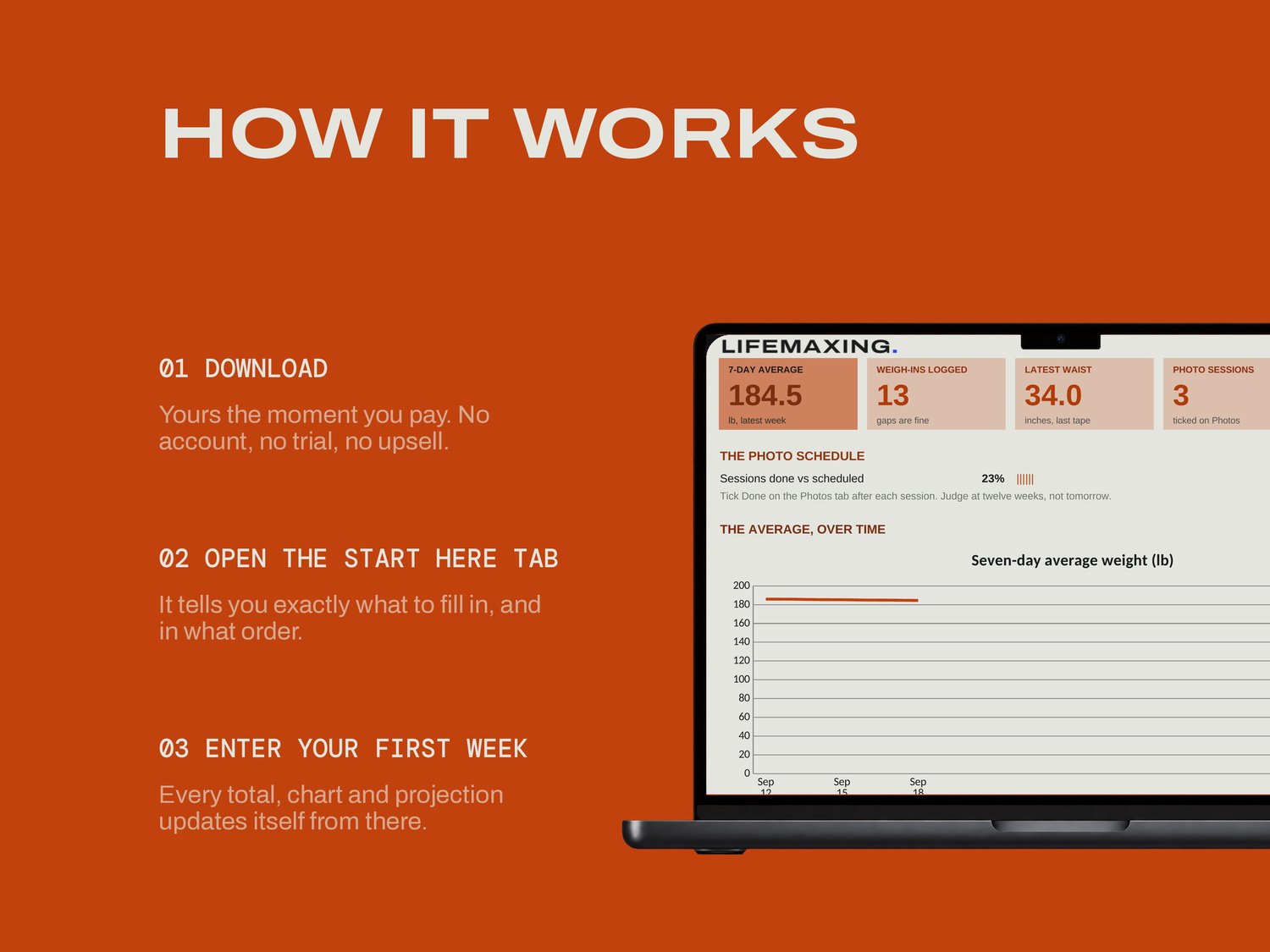
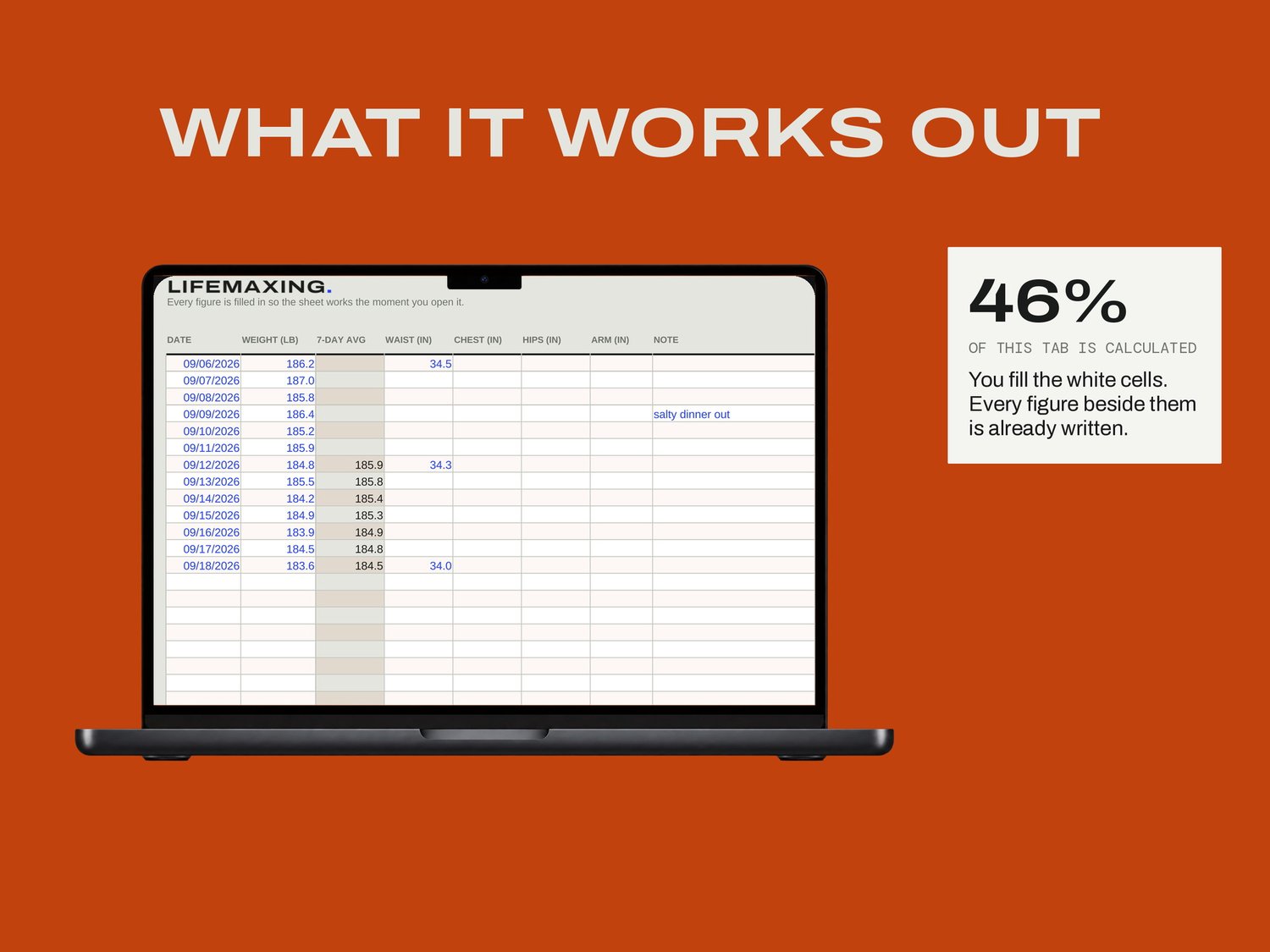
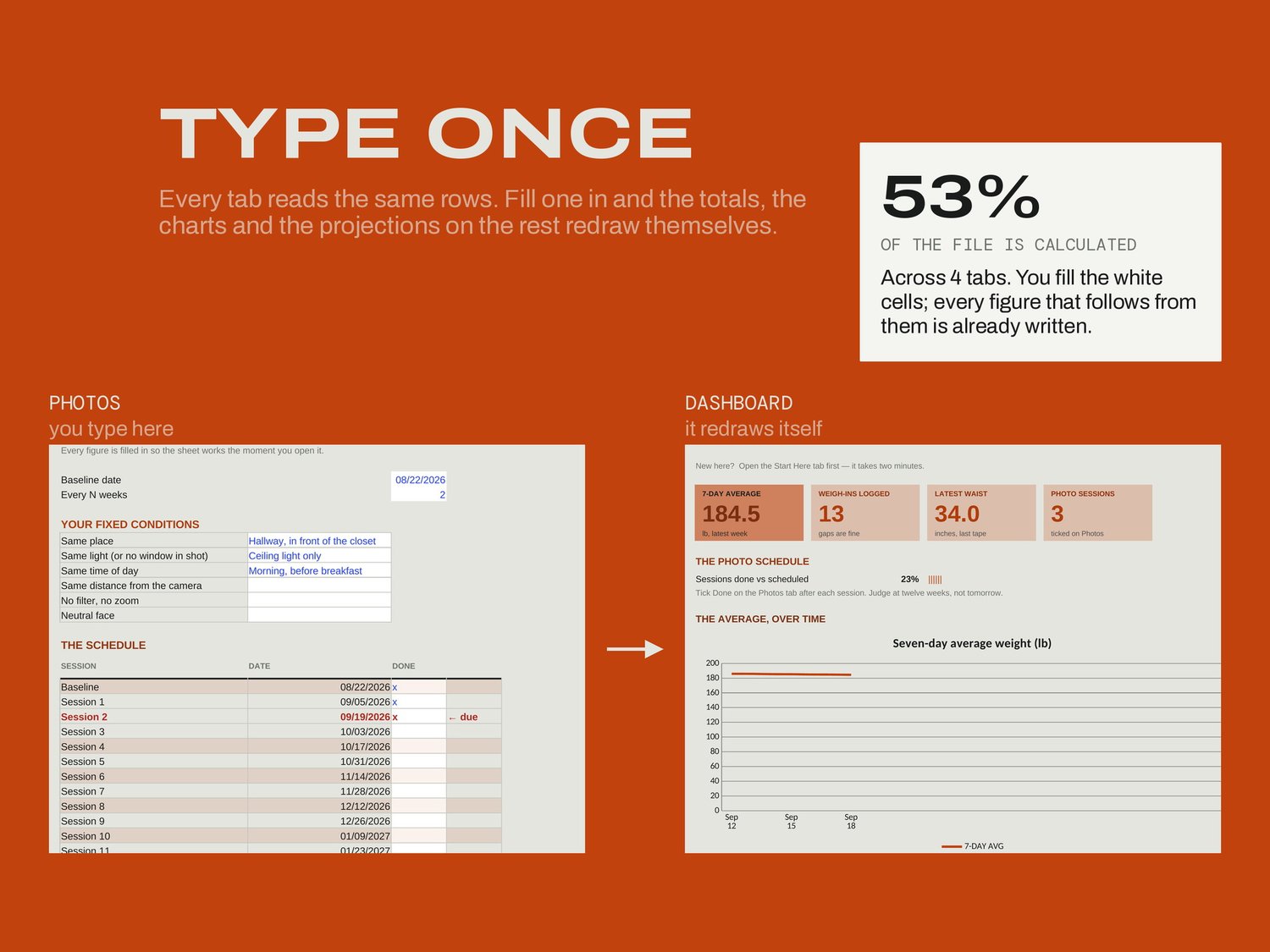
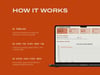
Weigh in when you weigh in. Daily is ideal and gaps are fine, because the average is what the file reports and a missing Tuesday does not break it. Tape measurements go in weekly at most. On the Photos tab you set the baseline and the cadence once, write down your own fixed conditions, and follow the due marker.
WHAT'S INSIDE
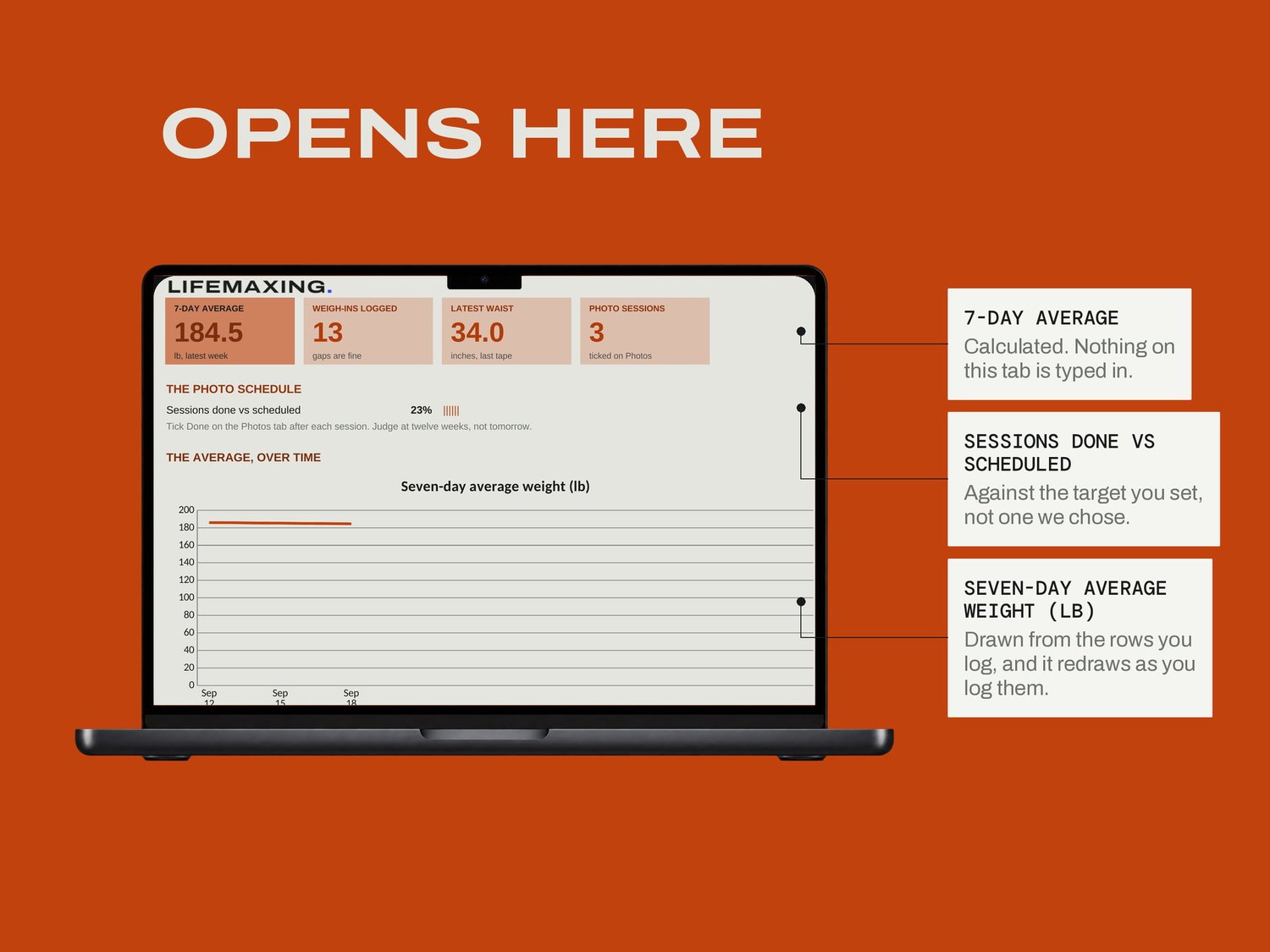
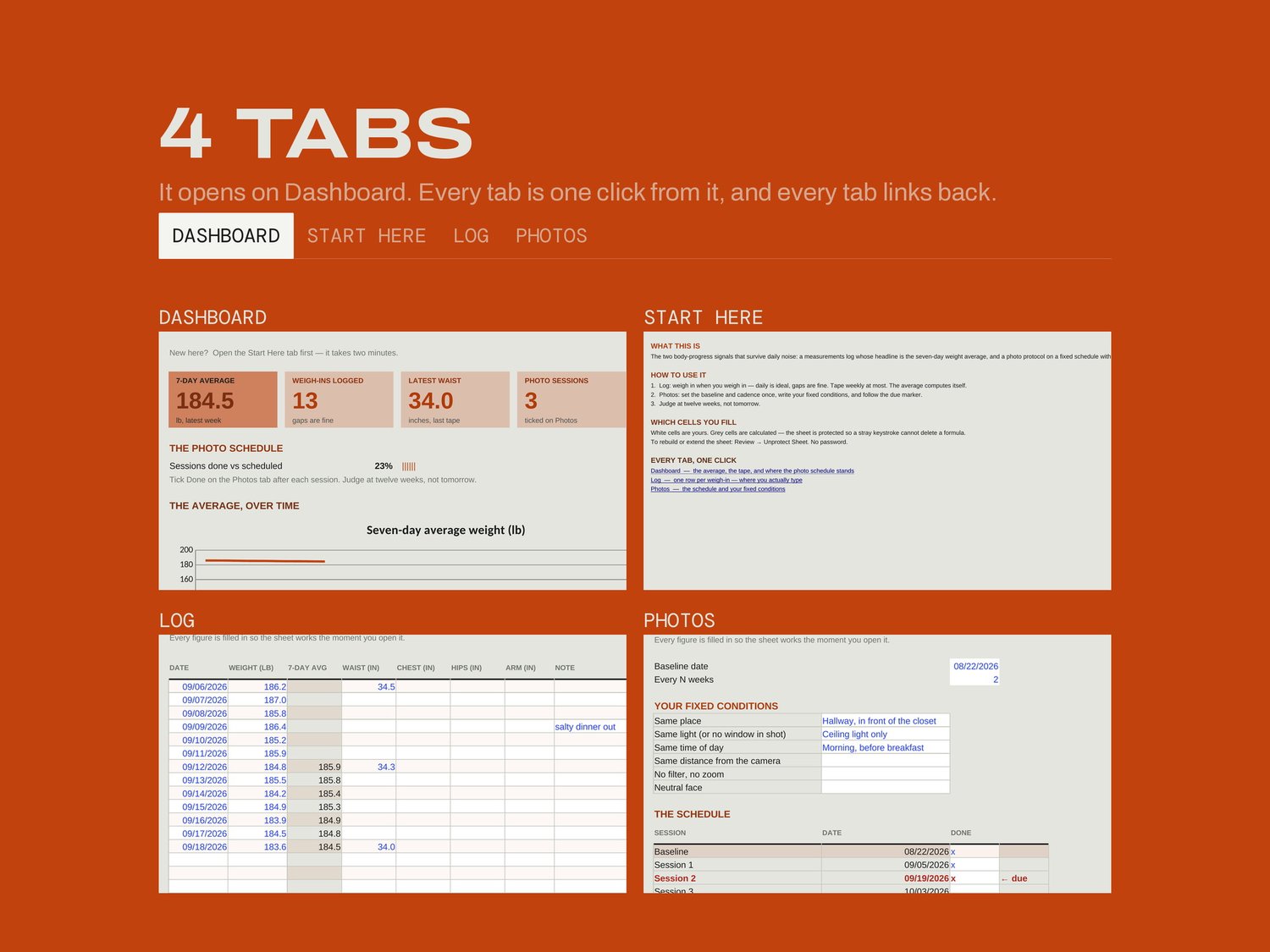
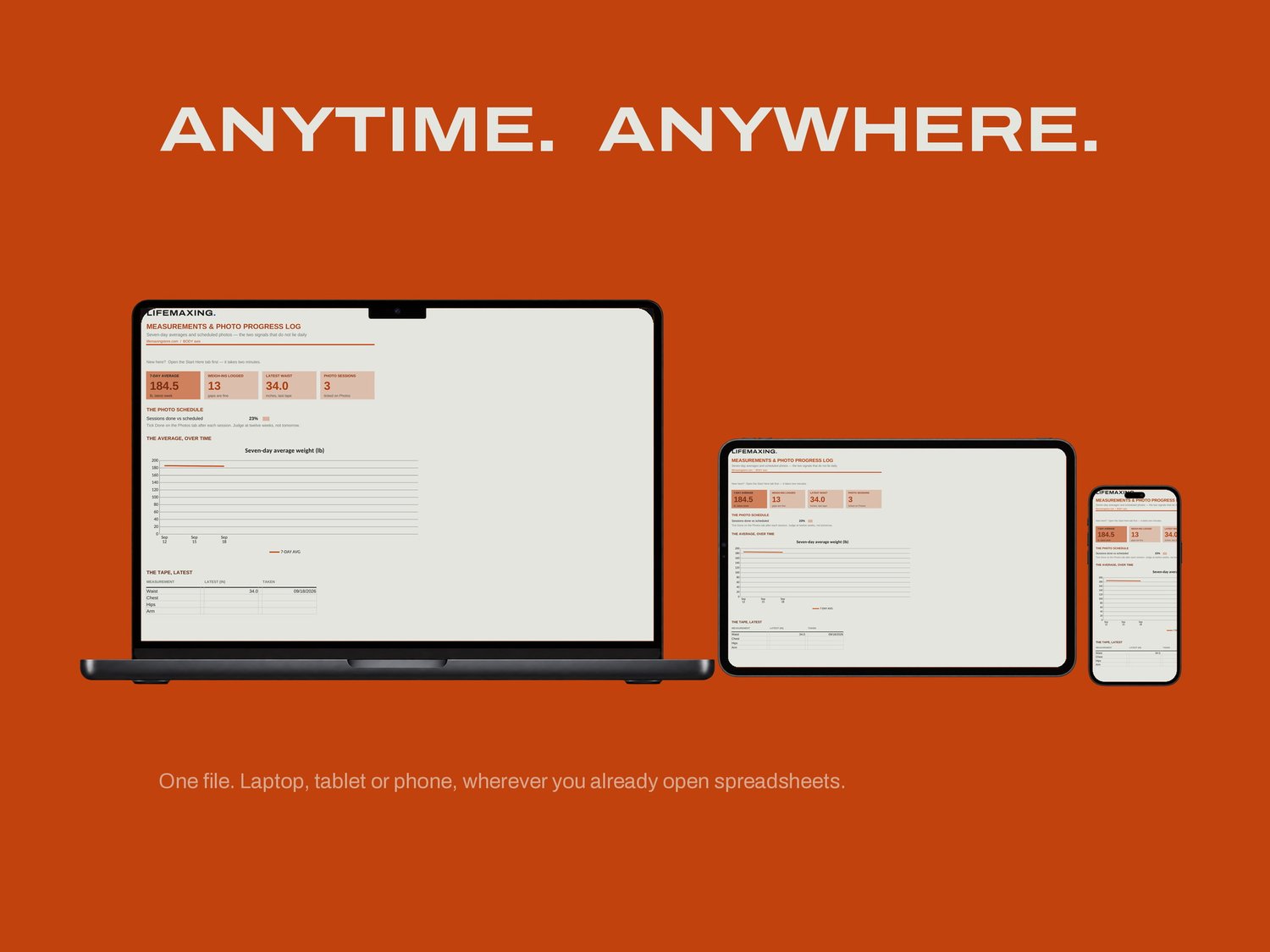
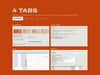
Dashboard - the average, the tape, and where the photo schedule stands
Start Here - how the file works and which cells are yours
Log - one row per weigh-in, where you actually type
Photos - the schedule and your fixed conditions
THE PART NOBODY ELSE BUILDS
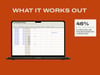
The seven-day average stays blank until seven days exist. Most trackers show an average from day one, which is a single morning's water weight wearing a serious-looking label, and it is the number that makes people quit in week one. The photo protocol is the other half: same time of day, same light, same distance, written down once so that twelve weeks later you are comparing progress rather than comparing two different rooms. Judge at twelve weeks, not tomorrow.
WHAT YOU GET
Excel workbook (.xlsx)
Google Sheets template - one click to copy
Setup instructions (PDF)
Free updates for life
BEFORE YOU BUY
Works in Microsoft Excel 2016 and later, and in Google Sheets. It stores your numbers and your schedule; the photos live wherever you keep photos. General information only, not medical or dietary advice. Pounds by default. Digital download, all sales final.