


Training & Nutrition Log
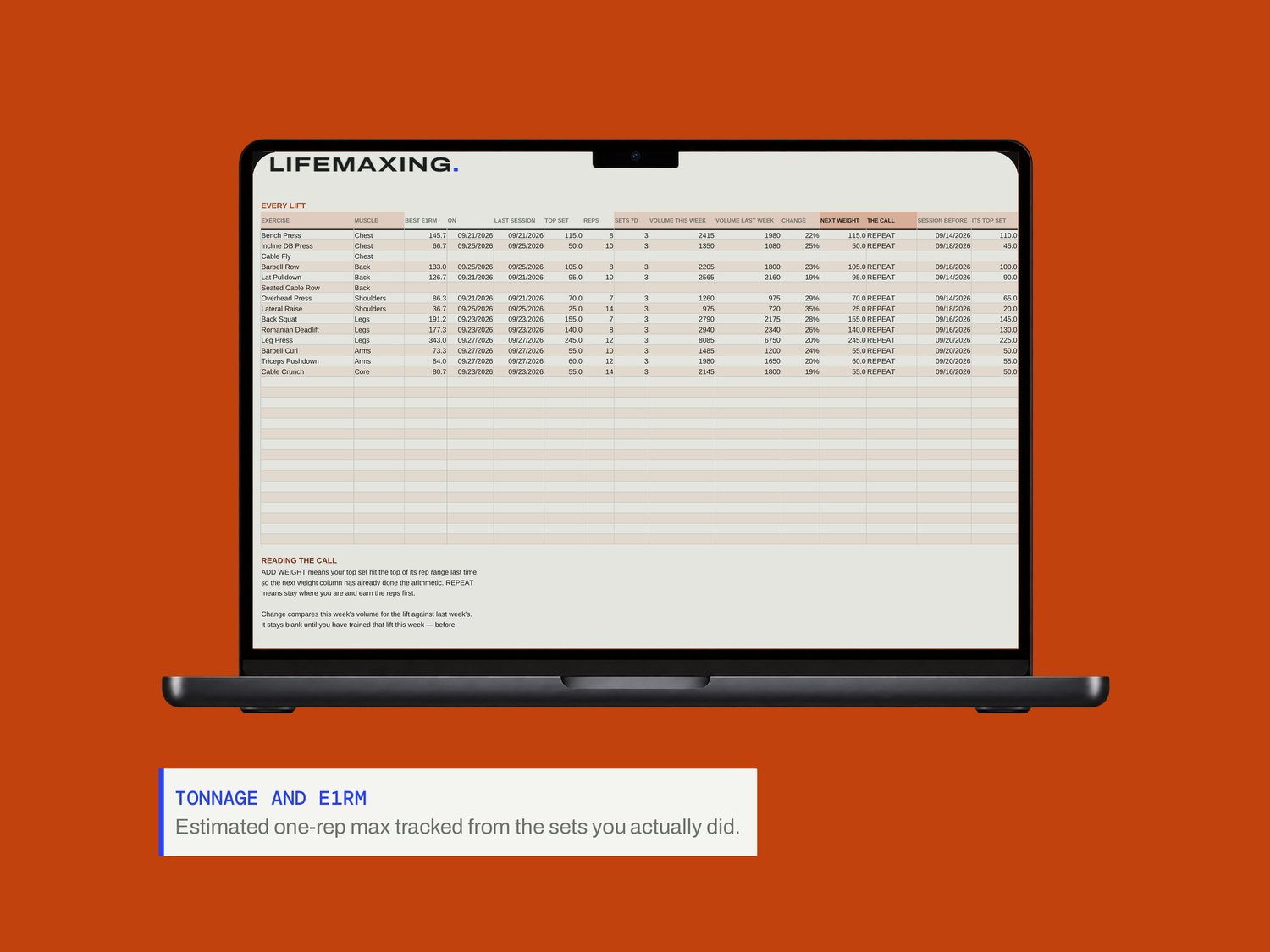
A training log that answers one question every session: what goes on the bar next time. You log the sets, and Progress reads them back as a call - add weight, or repeat and earn the reps first.
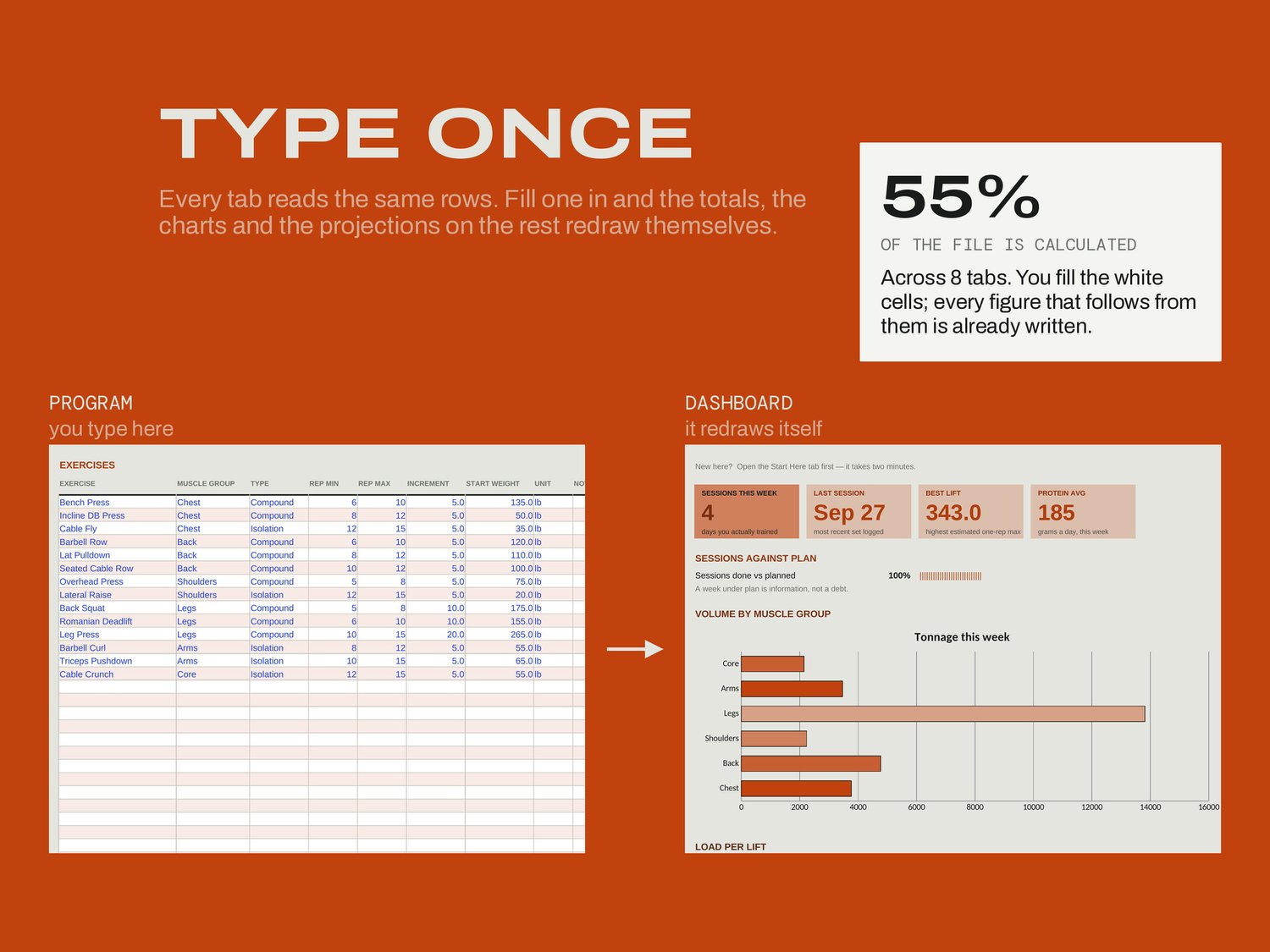
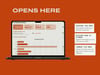
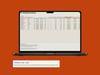
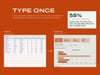
Setup is the week you are in, how many sessions you plan and your daily food targets. Program is your exercise library, where each lift carries its own rep range and increment. The Log is one row per set, and only the first six columns are typed; Last time and the arrow beside it show what you did last session.
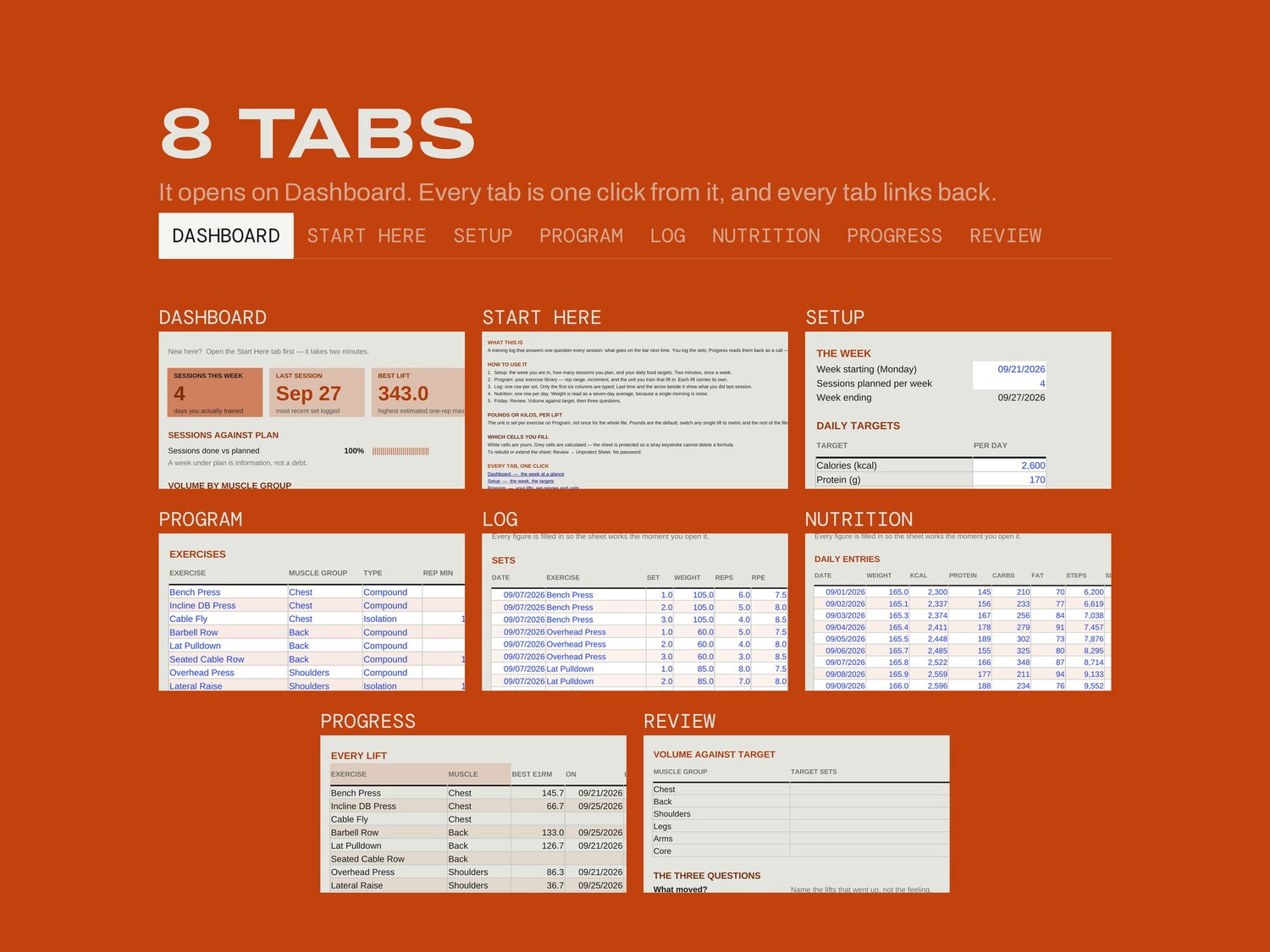
WHAT'S INSIDE
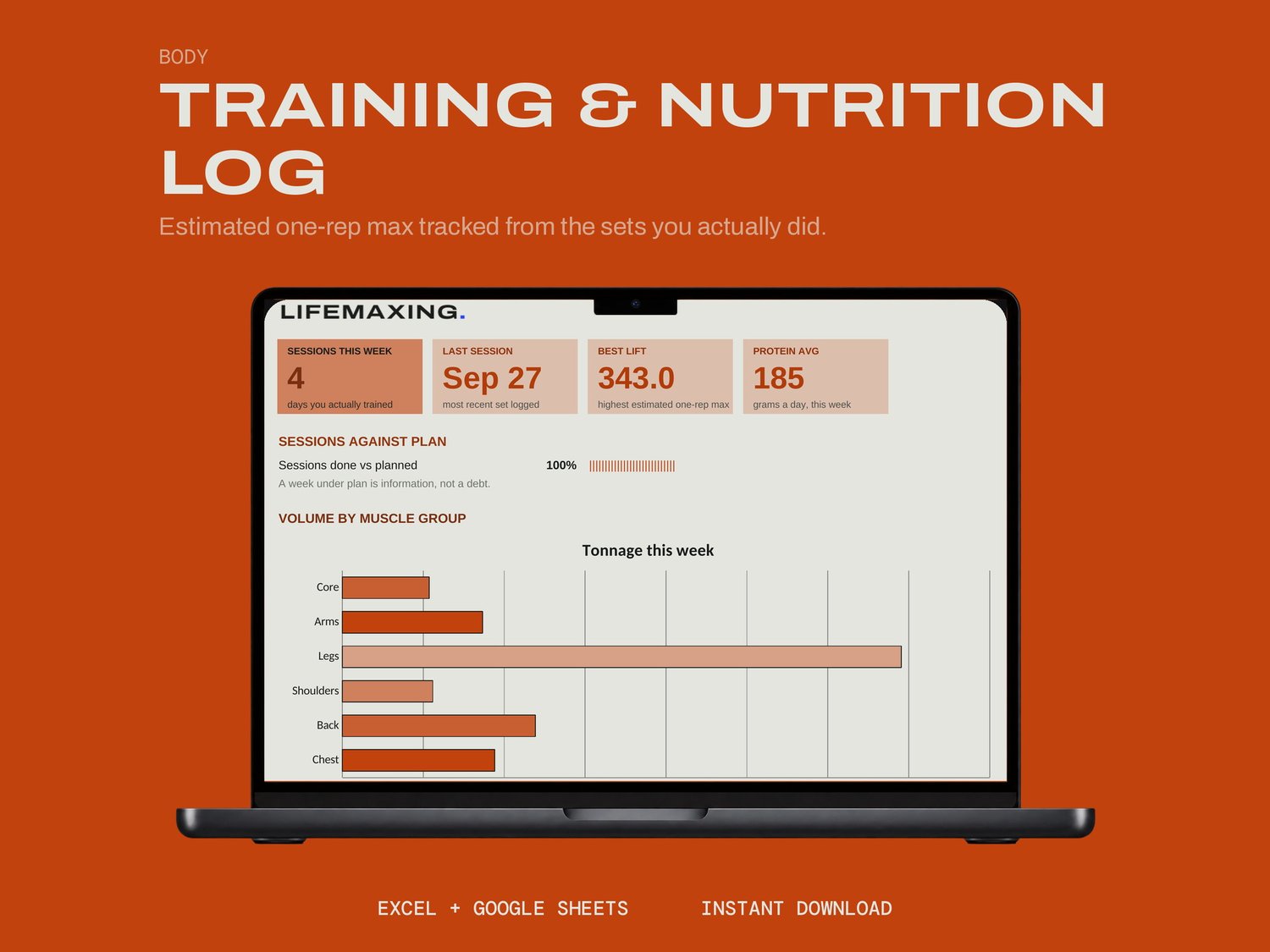
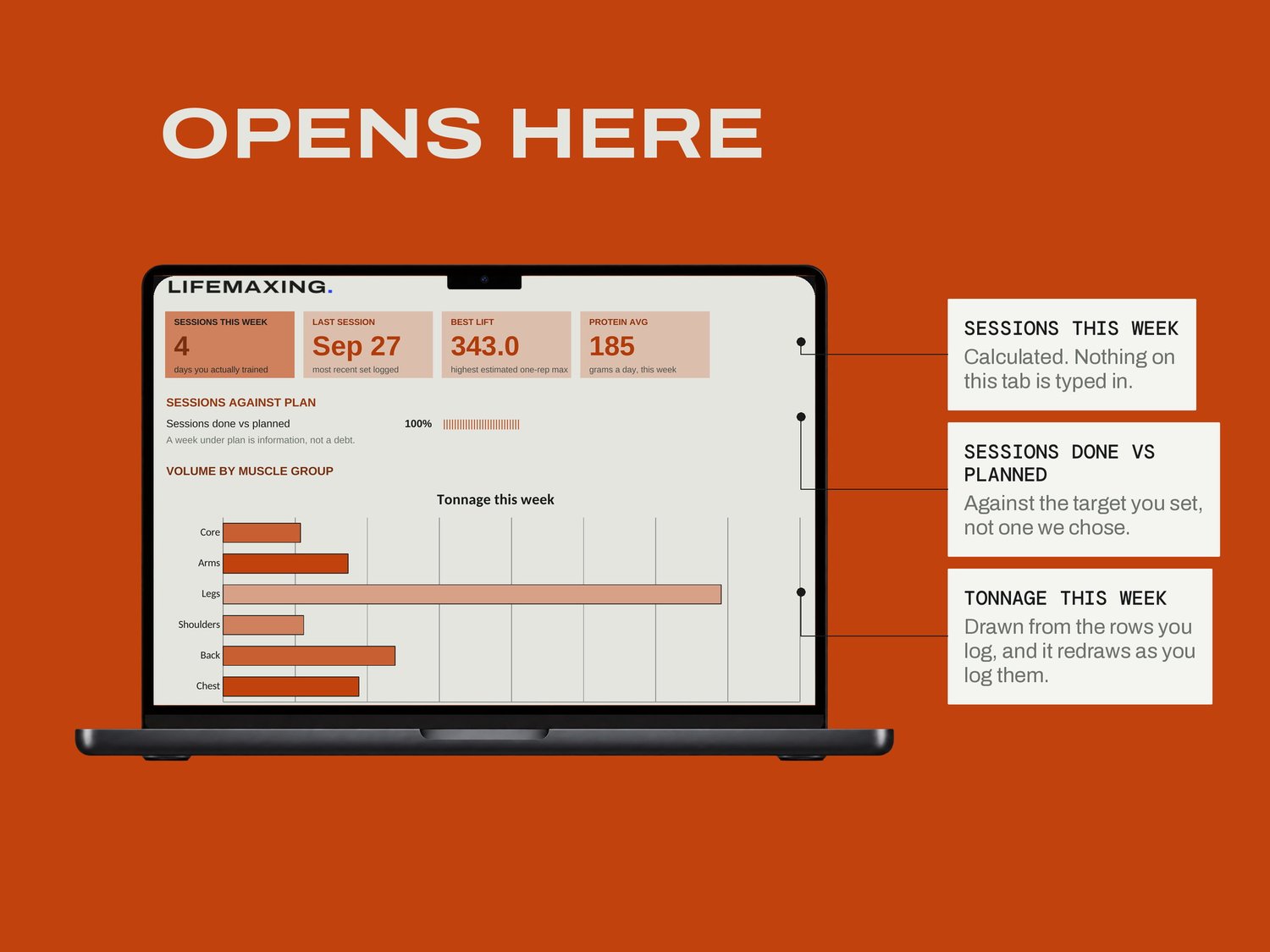
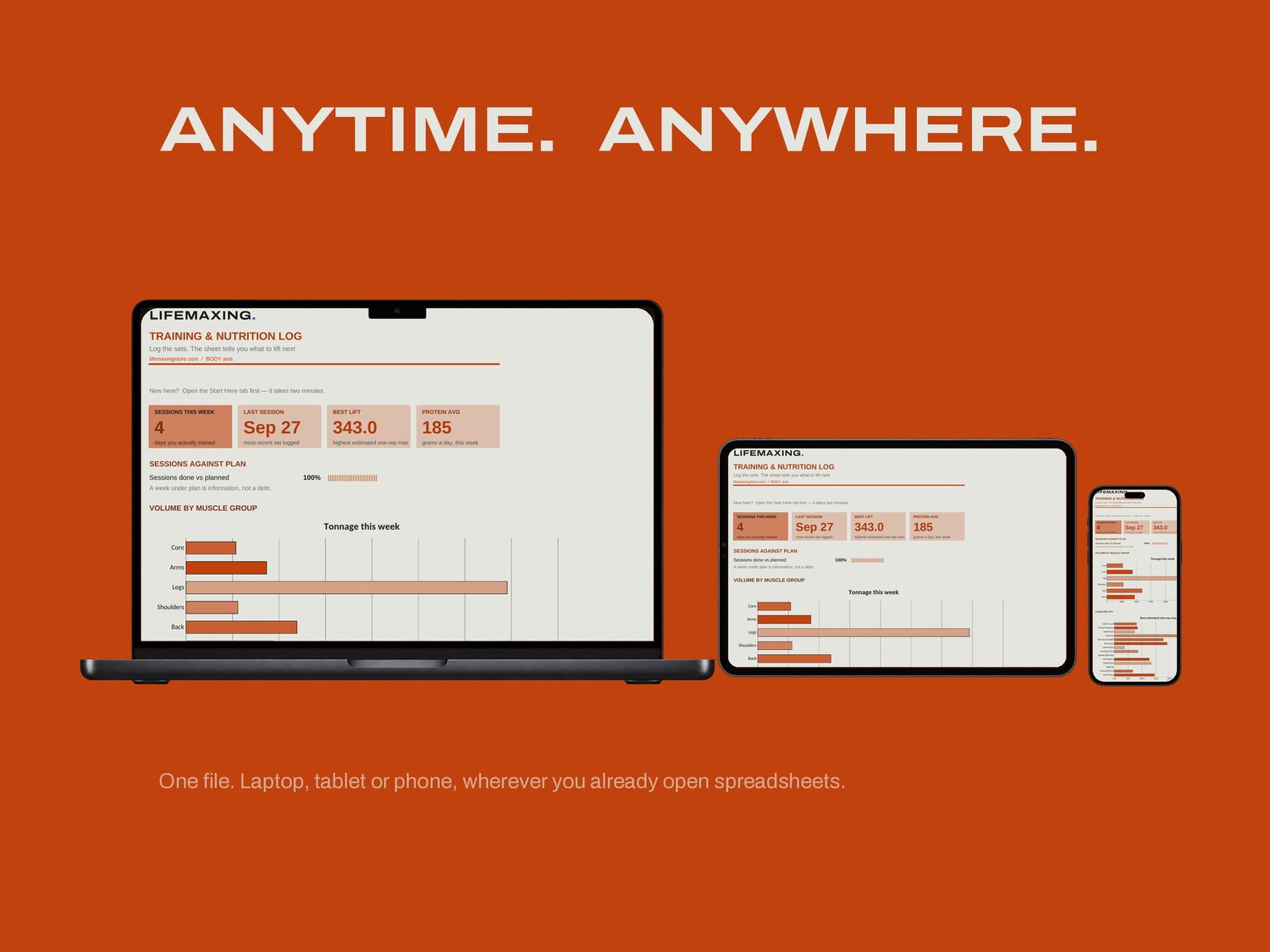
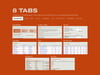
Dashboard - the week at a glance
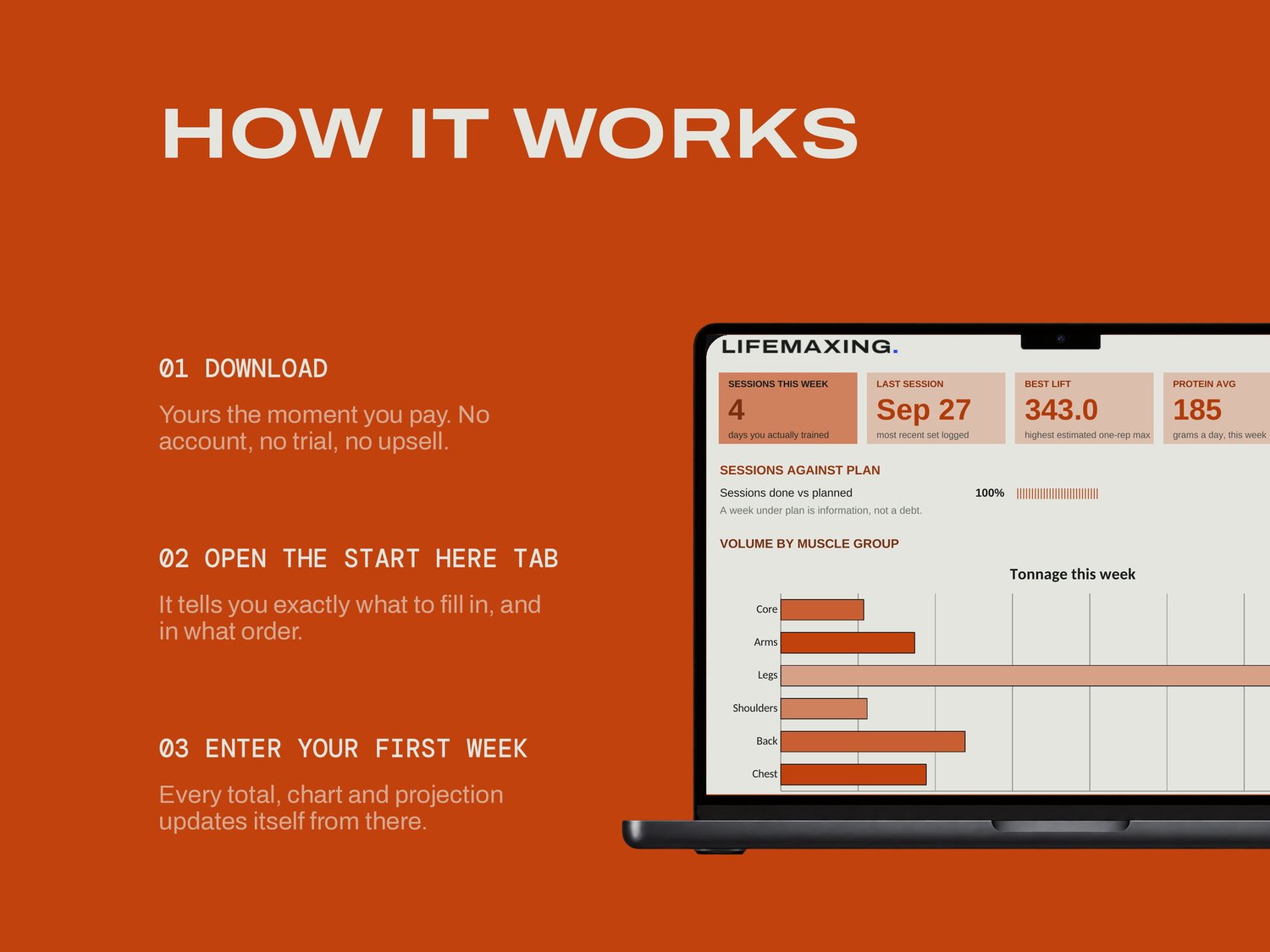
Start Here - how the file works and which cells are yours
Setup - the week, the targets
Program - your lifts, rep ranges and units
Log - one row per set, where you actually work
Nutrition - one row per day
Progress - what to put on the bar next time
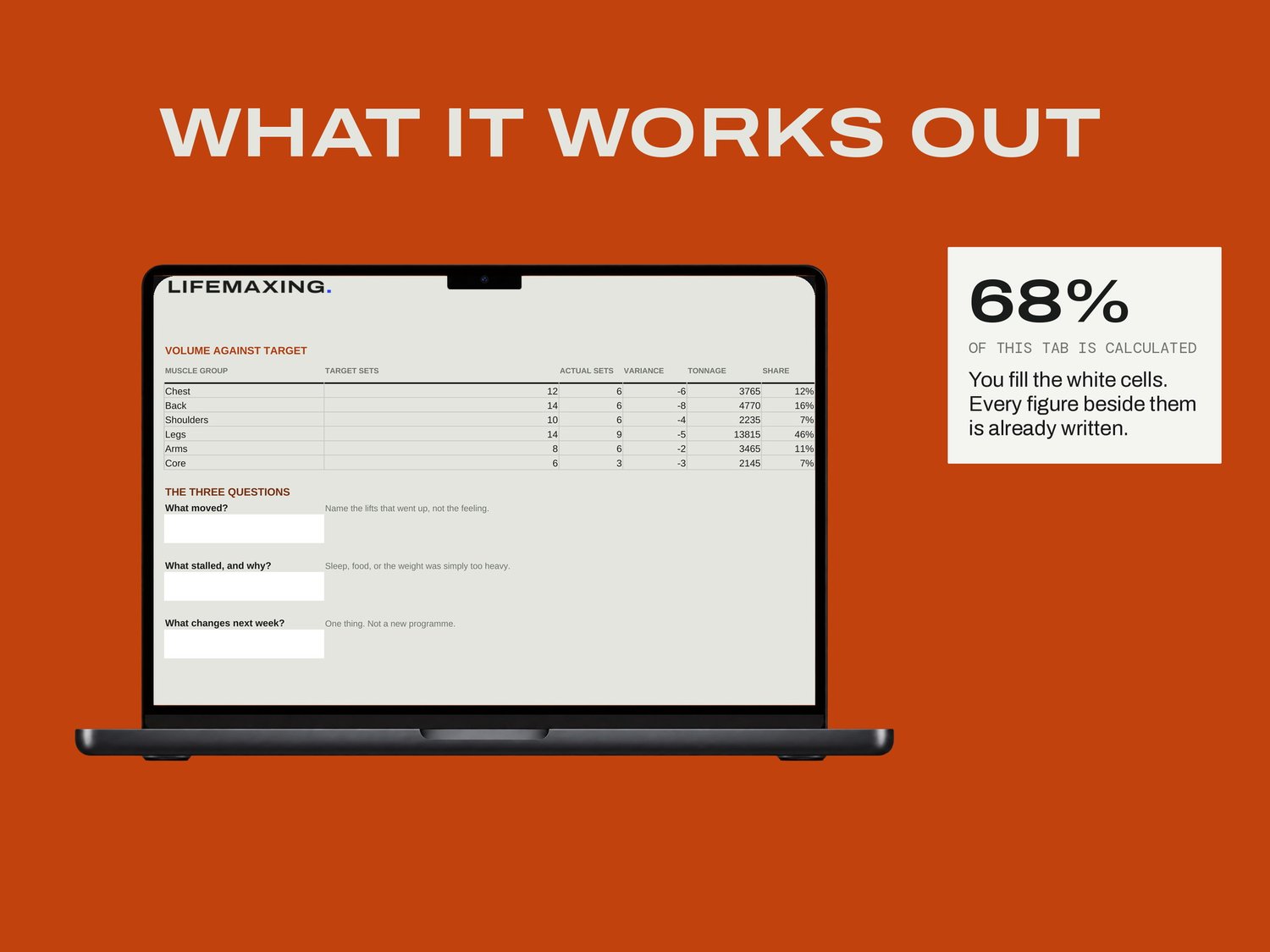
Review - Friday, against target
THE PART NOBODY ELSE BUILDS
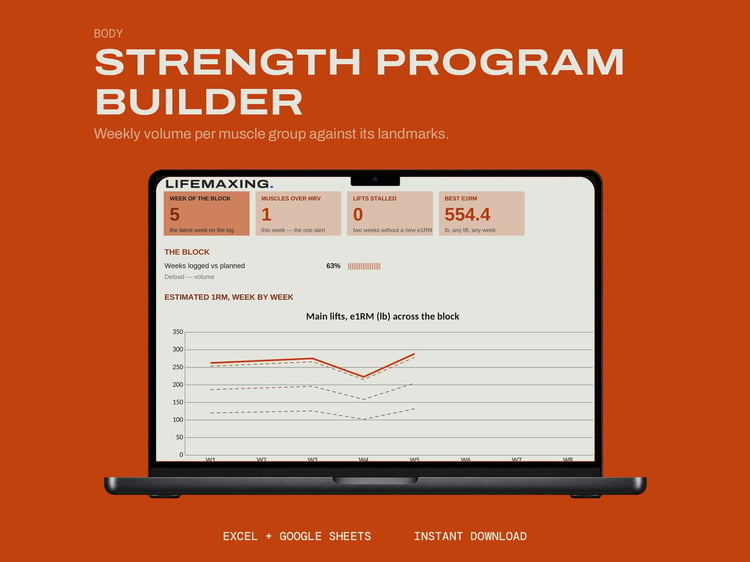
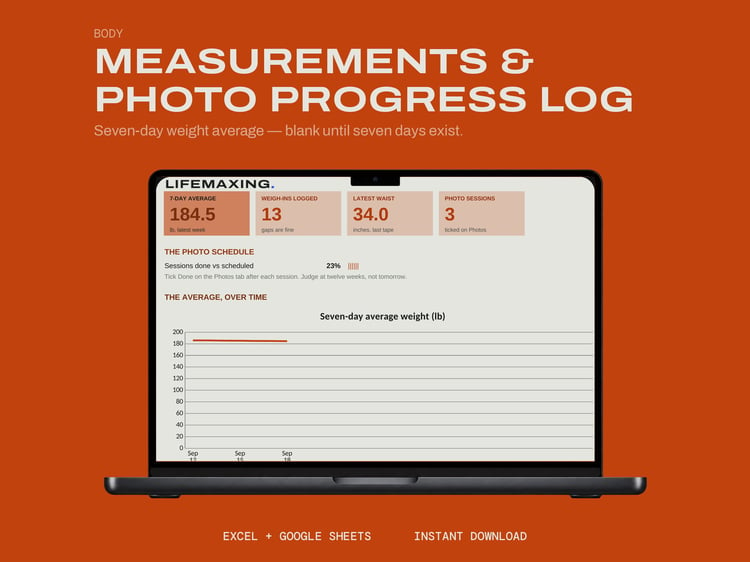
Pounds or kilos, per lift. The unit is set per exercise on the Program tab rather than once for the whole file, so you can switch a single lift to metric and nothing else moves. People squat in one unit and press dumbbells in the other, and a global switch makes one of those a lie. On the food side, bodyweight is read as a seven-day average, because a single morning is water and not information.
WHAT YOU GET
Excel workbook (.xlsx)
Google Sheets template - one click to copy
Setup instructions (PDF)
Free updates for life
BEFORE YOU BUY
Works in Microsoft Excel 2016 and later, and in Google Sheets. There is no deload logic in this file; that is the Strength Program Builder. General information only, not medical or dietary advice. The program ships in pounds. Digital download, all sales final.