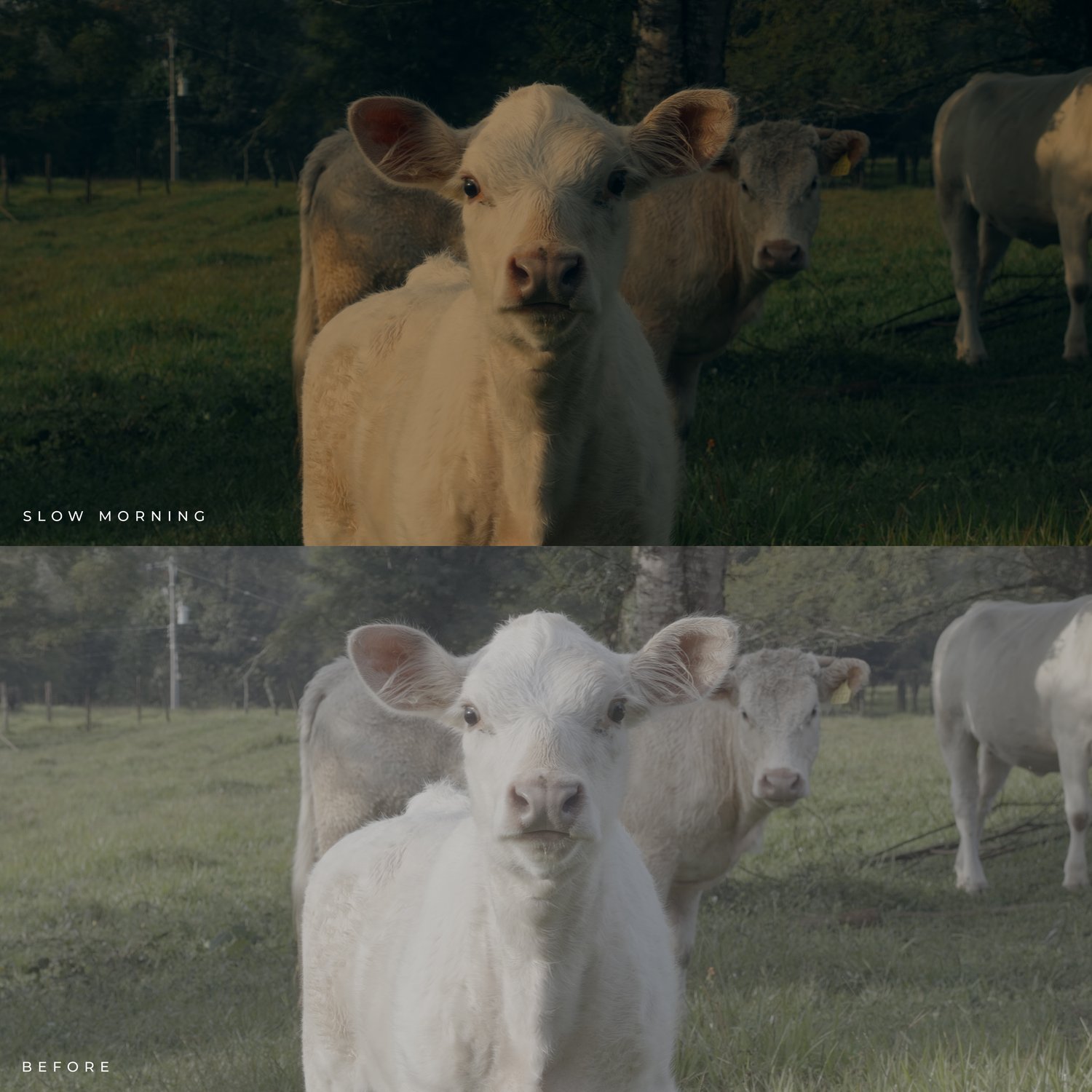
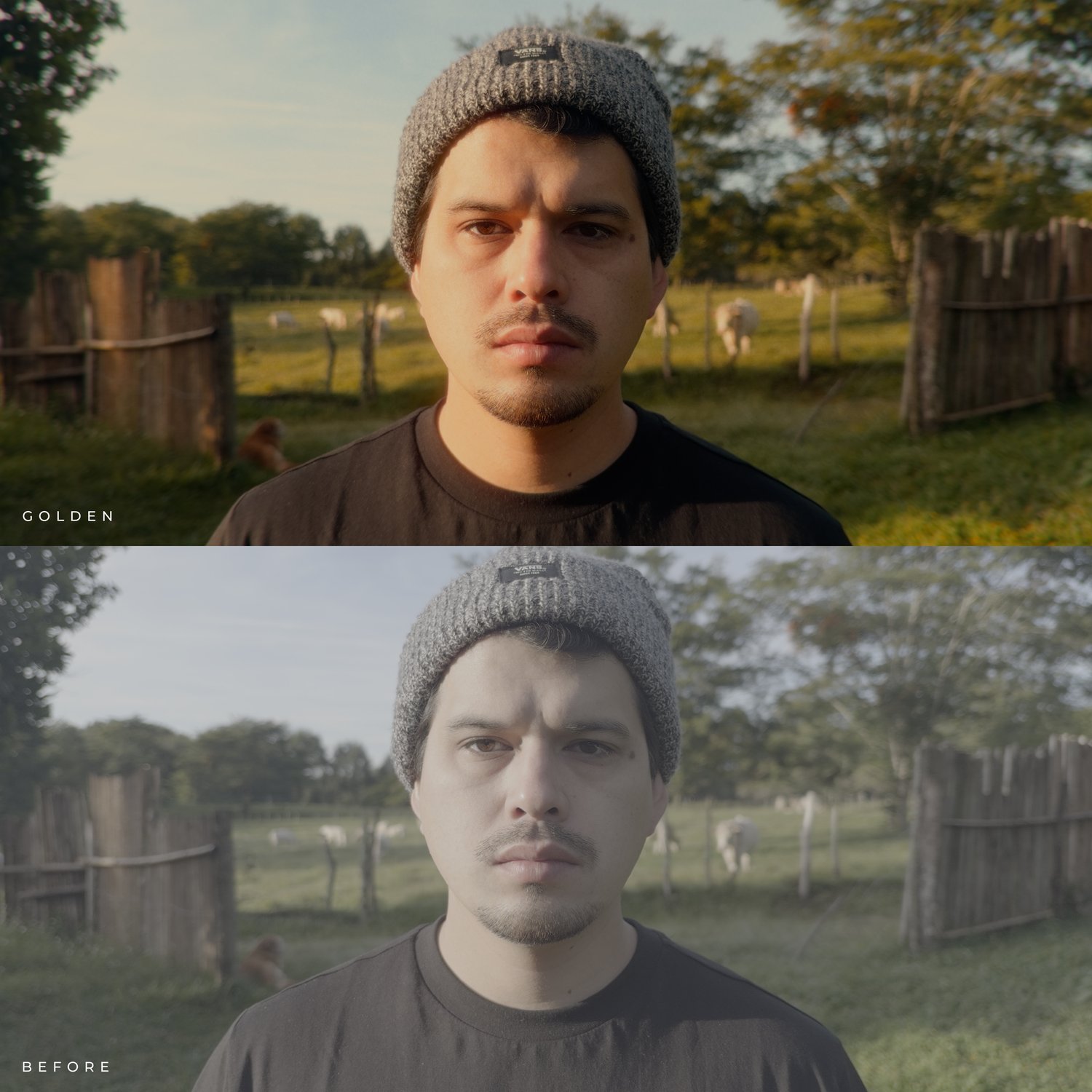
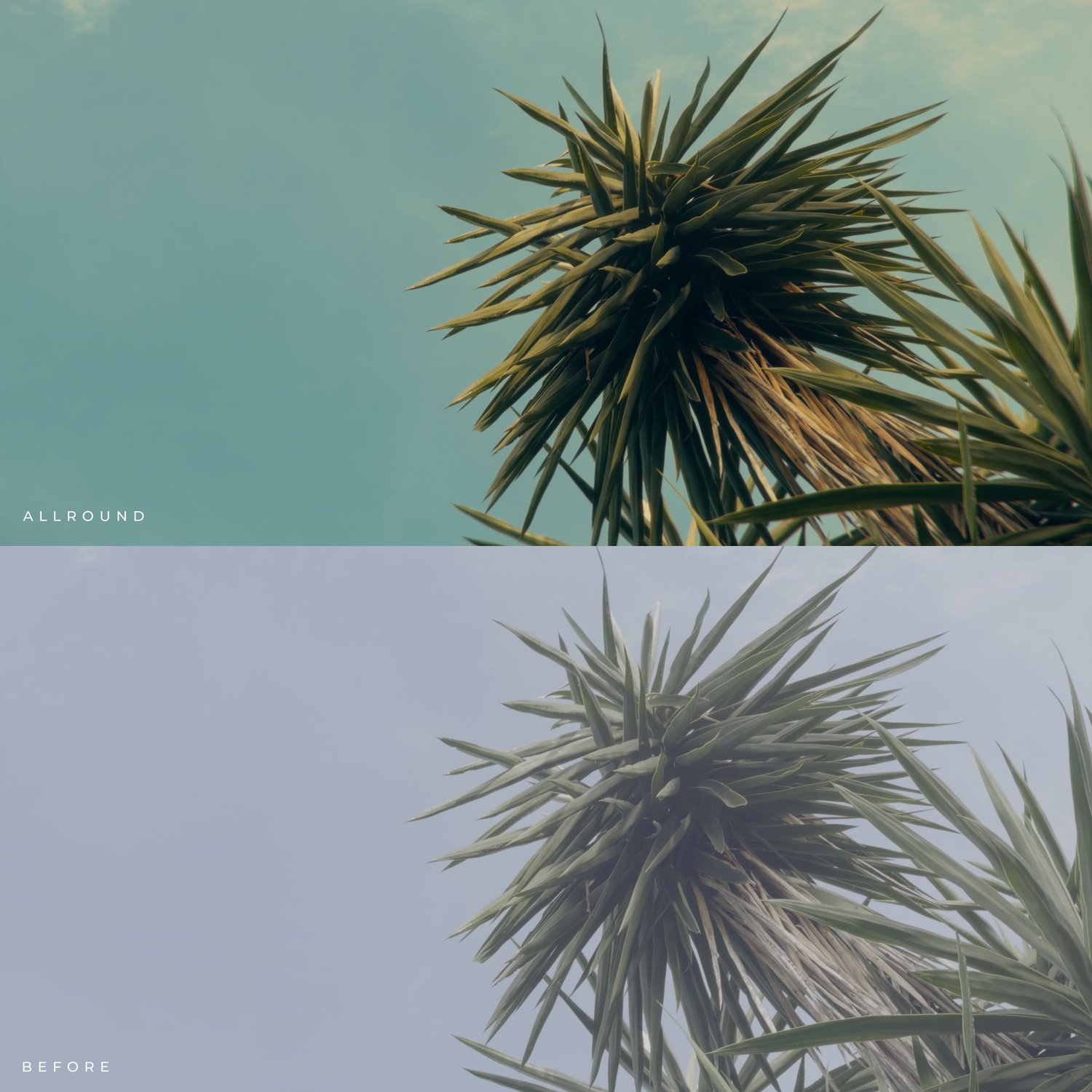
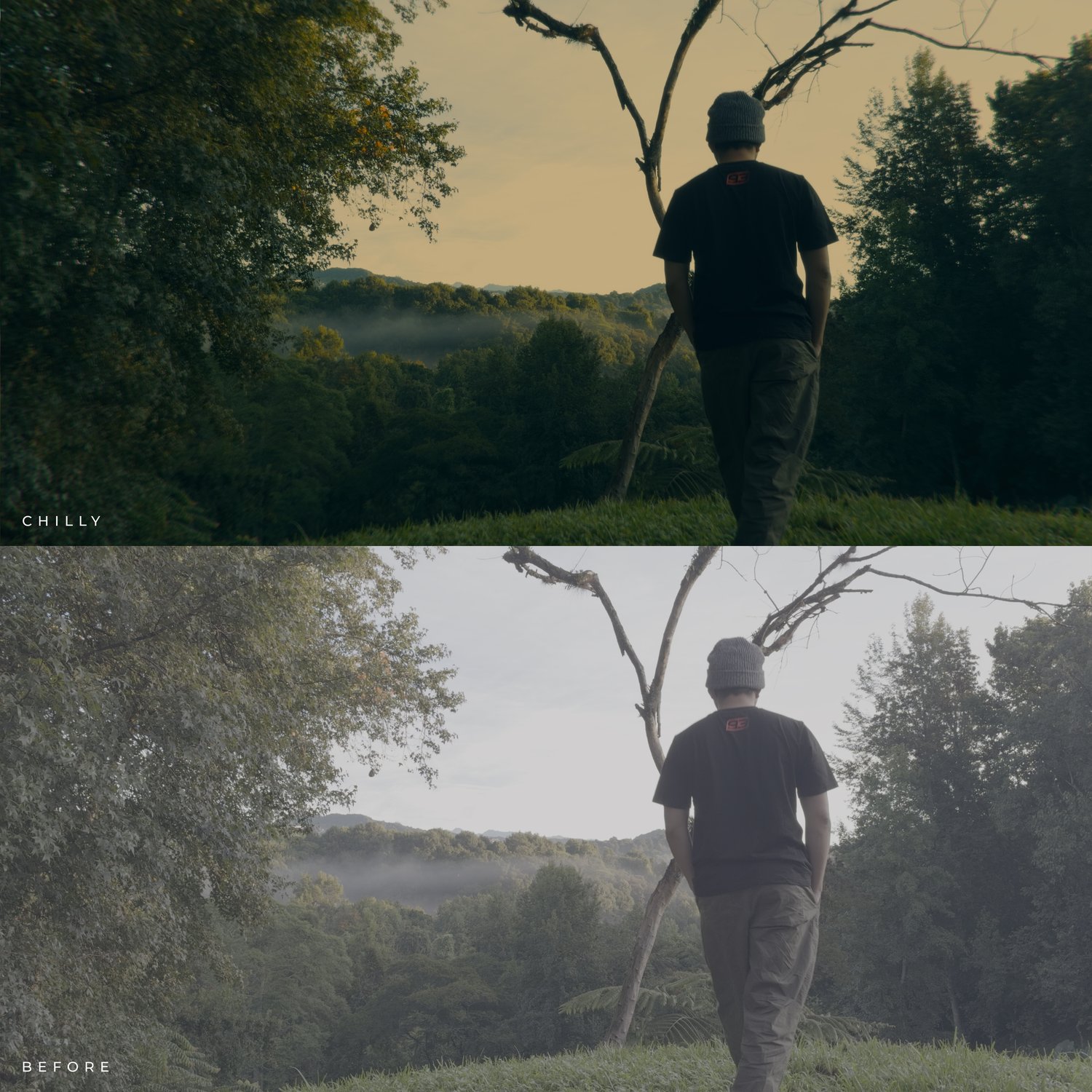

iPhone Cine LUT Pack | 12 Premium LUTs
ENGLISH.
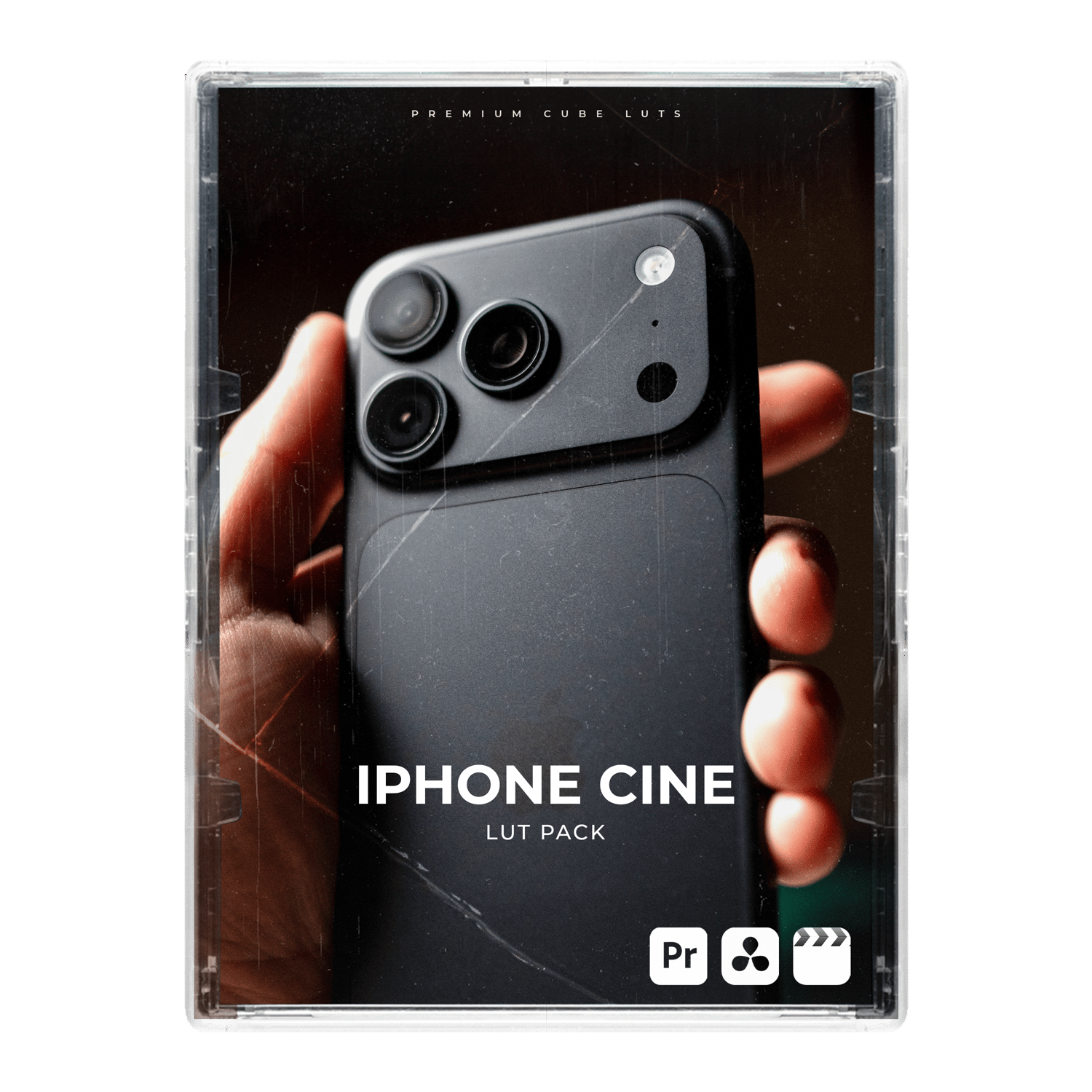
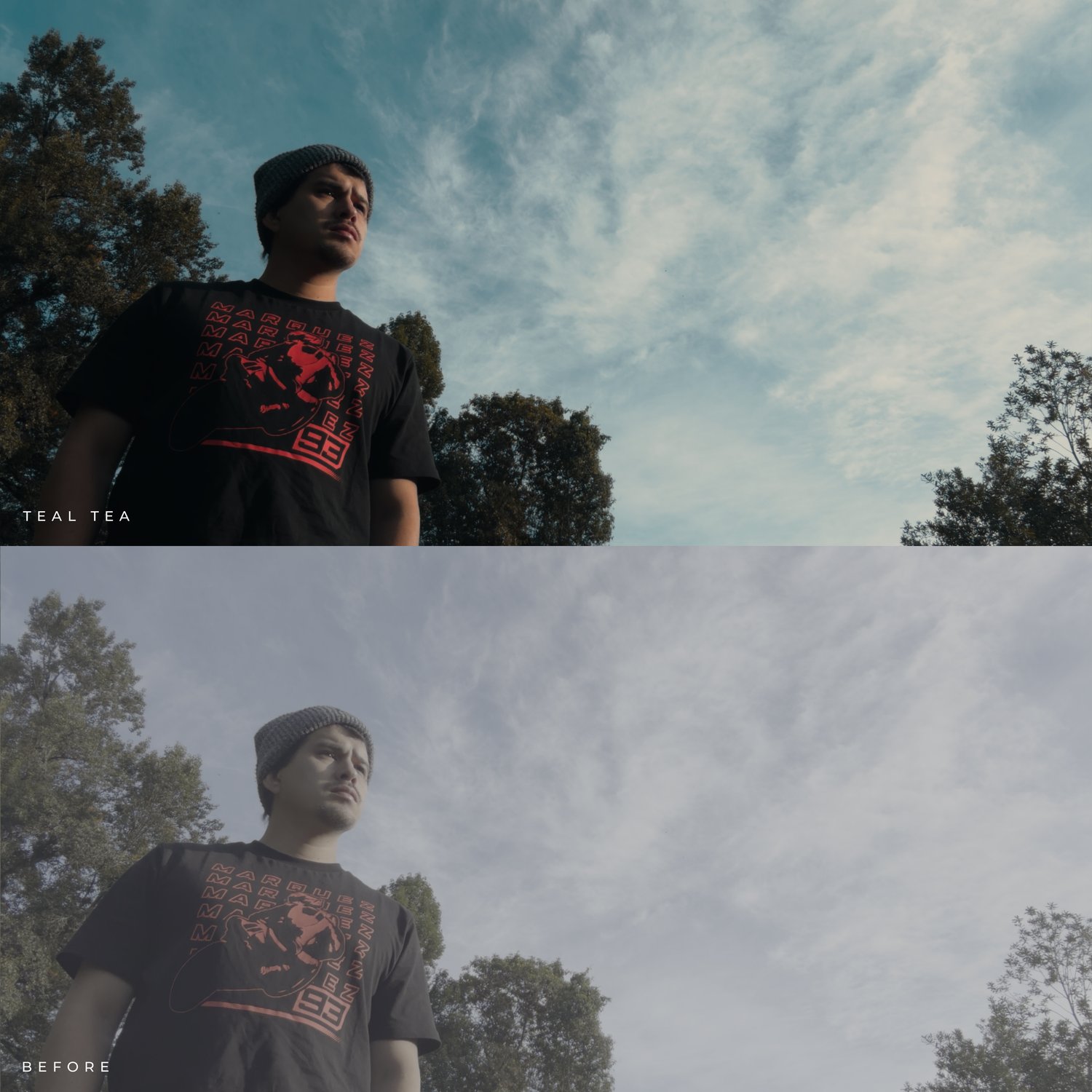
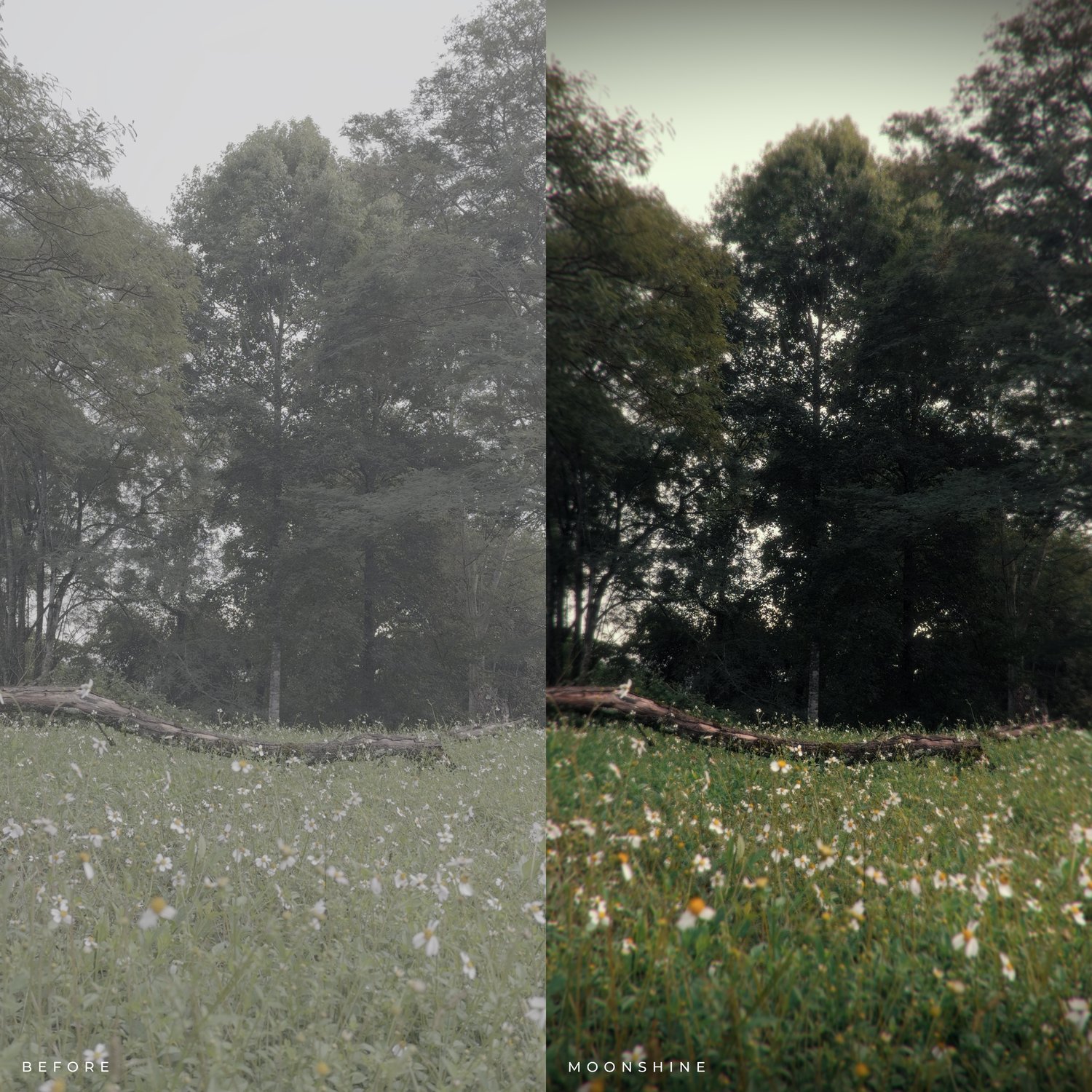
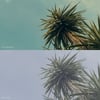
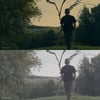
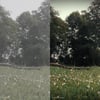
This is the iPhone Cine LUT Pack, with 12 carefully curated Look Up Tables (LUT) specially designed for iPhone footage for instantly achieving a film-like color grade in your videos. This pack is perfect for filmmakers and video editors who want to create stunning, cinematic visuals on the go.
What's inside?
📽️ 12 Creative LUTS (.CUBE) & 🎞️ 1 Apple Log Film Powergrade for DaVinci Resolve (.DRX)
Each LUTs come in two versions:
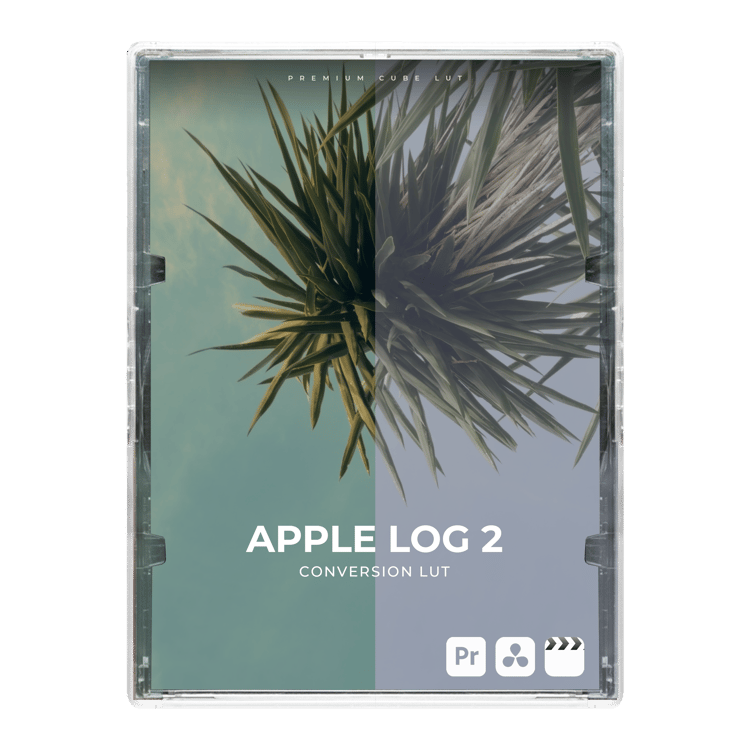
- Apple Log 2 versions are all-in-one LUTs that both color grade and convert your video from Apple Log to Rec.709.
- Rec.709 versions do not include conversion, in case you prefer to convert your Log footage by other means and/or prefer shooting in Rec.709.
The Apple Log Film Powergrade is designed to be used in conjunction with the LUTs in the pack, adding bloom, halation and grain to make for a more emphatic film-like edit.
Note 1: For the best results, record with the standard iPhone camera app in Apple Log 1 & 2. Turn HDR off.
Note 2: After applying the filter, adjust the contrast, exposure, and intensity to your liking for best results.
Note 3: Please note that I cannot refund your money on digital products.
ESPAÑOL.
Este es el iPhone Cine LUT Pack, que incluye 12 Look Up Tables (LUT) cuidadosamente diseñadas específicamente para grabaciones de iPhone, permitiéndote lograr al instante una gradación de color de estilo film en tus vídeos. Es el paquete ideal para cineastas y editores de vídeo que buscan crear imágenes impactantes y cinematográficas sobre la marcha.
¿Qué hay dentro?
📽️ 12 Creative LUTS (.CUBE) & 🎞️ 1 Apple Log Film Powergrade for DaVinci Resolve (.DRX)
Cada LUT se ofrece en dos versiones:
- Las versiones Apple Log 2 son LUTs integrales que realizan tanto la corrección de color como la conversión del vídeo de Apple Log a Rec.709.
- Las versiones Rec.709 no incluyen la conversión, por si prefieres convertir tu metraje Log mediante otros métodos o grabar directamente en Rec.709.
El Apple Log Film Powergrade está diseñado para utilizarse junto con los LUTs del paquete, añadiendo efectos de bloom, halo (halation) y grano para lograr un acabado film más marcado.
Nota 1: Para mejores resultados, graba utilizando la aplicación de cámara estandar de tu iPhone en Apple Log 1 & 2. Apaga HDR.
Nota 2: Después de aplicar el filtro, ajuste el contraste, la exposición y la intensidad a su gusto para obtener los mejores resultados.
Nota 3: Tenga en cuenta que no puedo reembolsar su dinero en productos digitales.