

Bell Desk, Luggage Storage & Transport Log: Luggage Storage Log, Group Luggage Counts and Transport Schedule
Full description
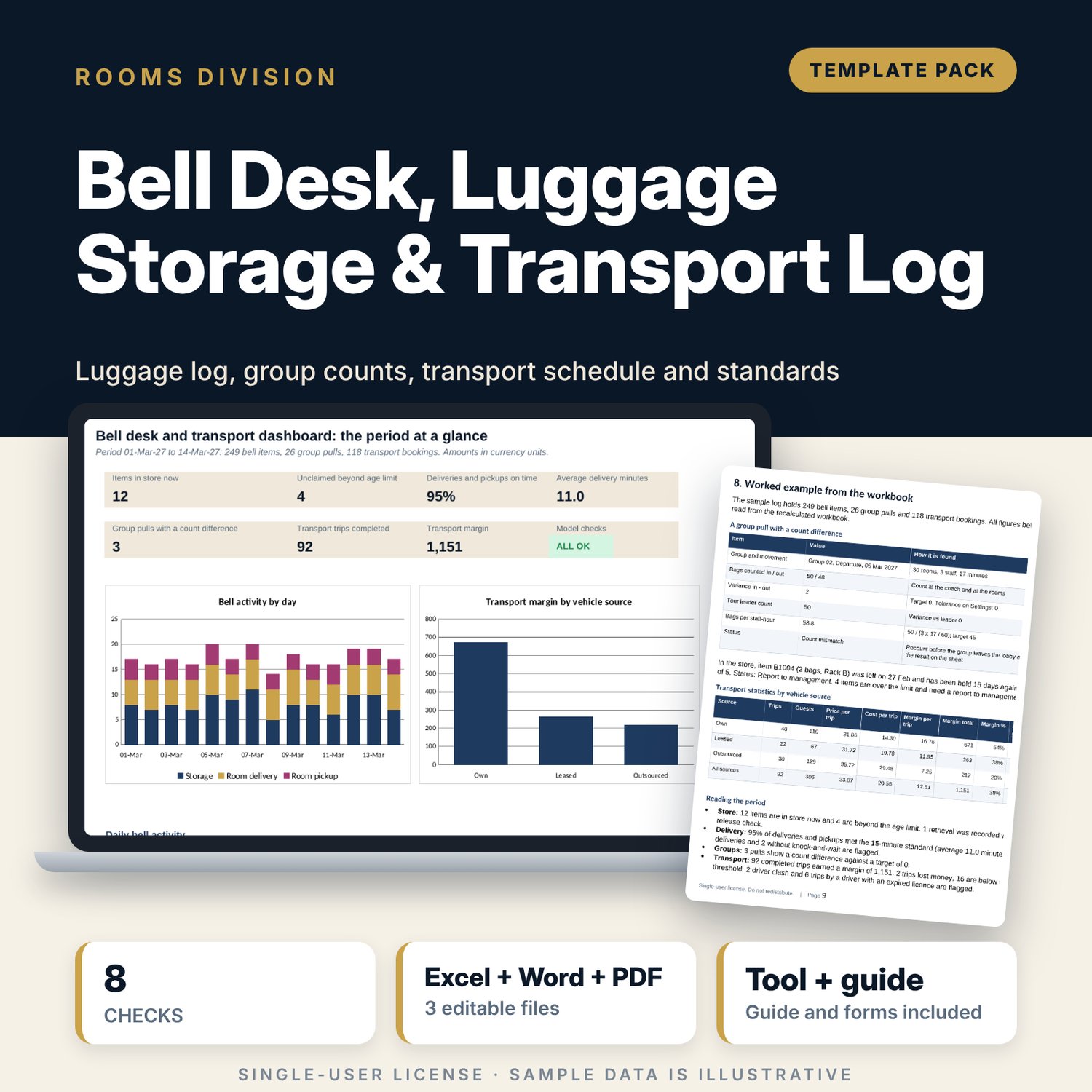
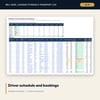
For bell captains, front office managers and transport supervisors who need the bell desk to leave a record. Bell Log holds every claim check, room delivery and room pickup, and calculates days stored, delivery minutes and a flag for unclaimed items, late deliveries and missing release checks. Group Luggage compares bags counted in, counted out and the tour leader count, and measures bags per staff-hour. Transport holds bookings with driver, vehicle source, price and cost, calculates margin per trip, flags driver clashes, expired licences and low margin, and shows a seven-day driver schedule grid. The Dashboard gives monthly transport statistics by vehicle source. The Word document sets 16 bell desk standards with procedures, a claim check, a lost claim check form, a group count sheet, a booking slip, audit sheets and a worked example.
What is inside
- Bell_Desk_Luggage_Transport_Log.xlsx: 7 tabs, 2,658 formulas, 2 native charts, 21 drop-down and input rules
- Bell Log: 249 sample rows (storage, room delivery, room pickup), 15 columns, 60 spare rows, status and flag columns
- Group Luggage: 26 sample group pulls with count variances, untagged bags, bags per staff-hour and gratuity check, 14 spare rows
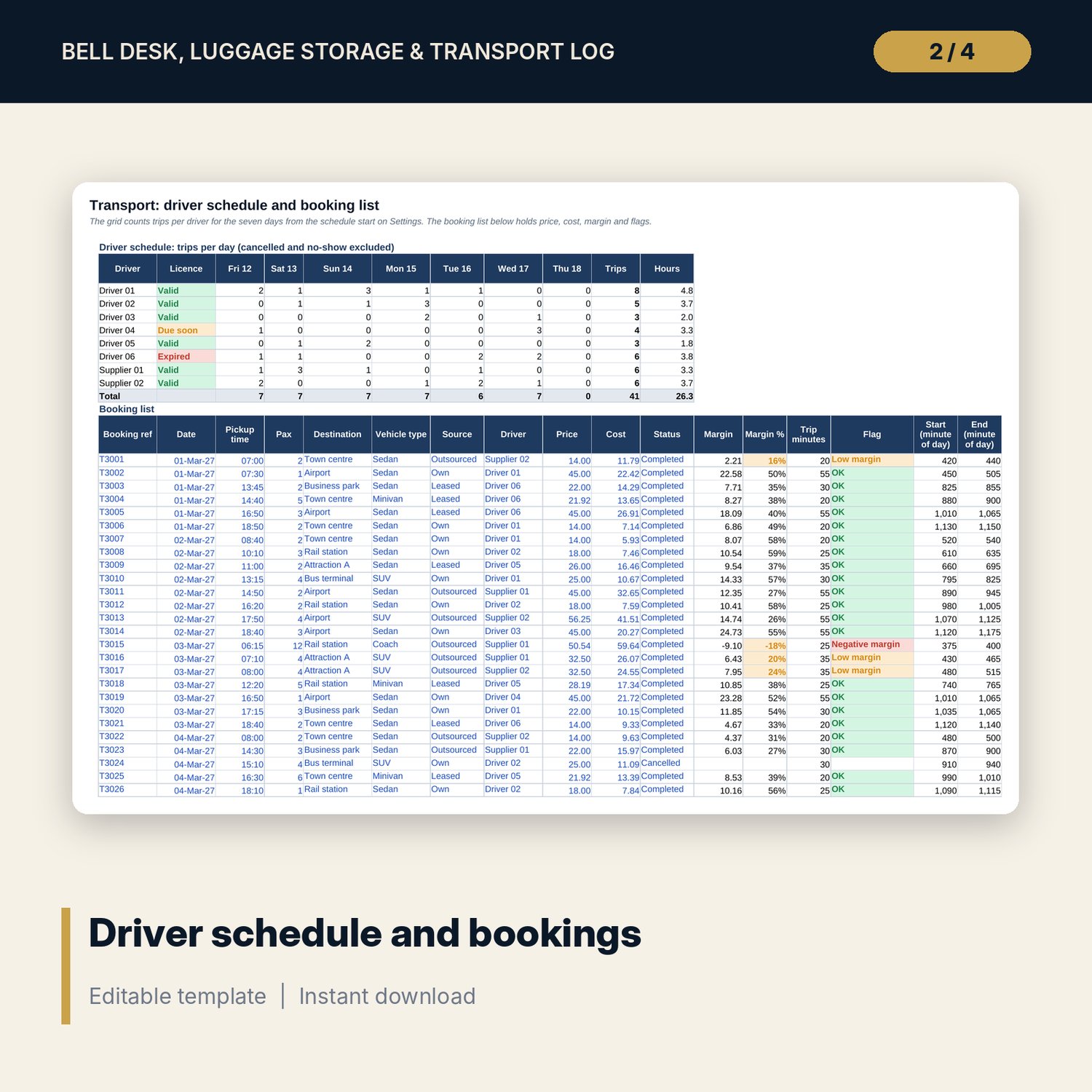
- Transport: seven-day driver schedule for 8 drivers and suppliers, 118 sample bookings, margin, clash and licence flags, 40 spare rows
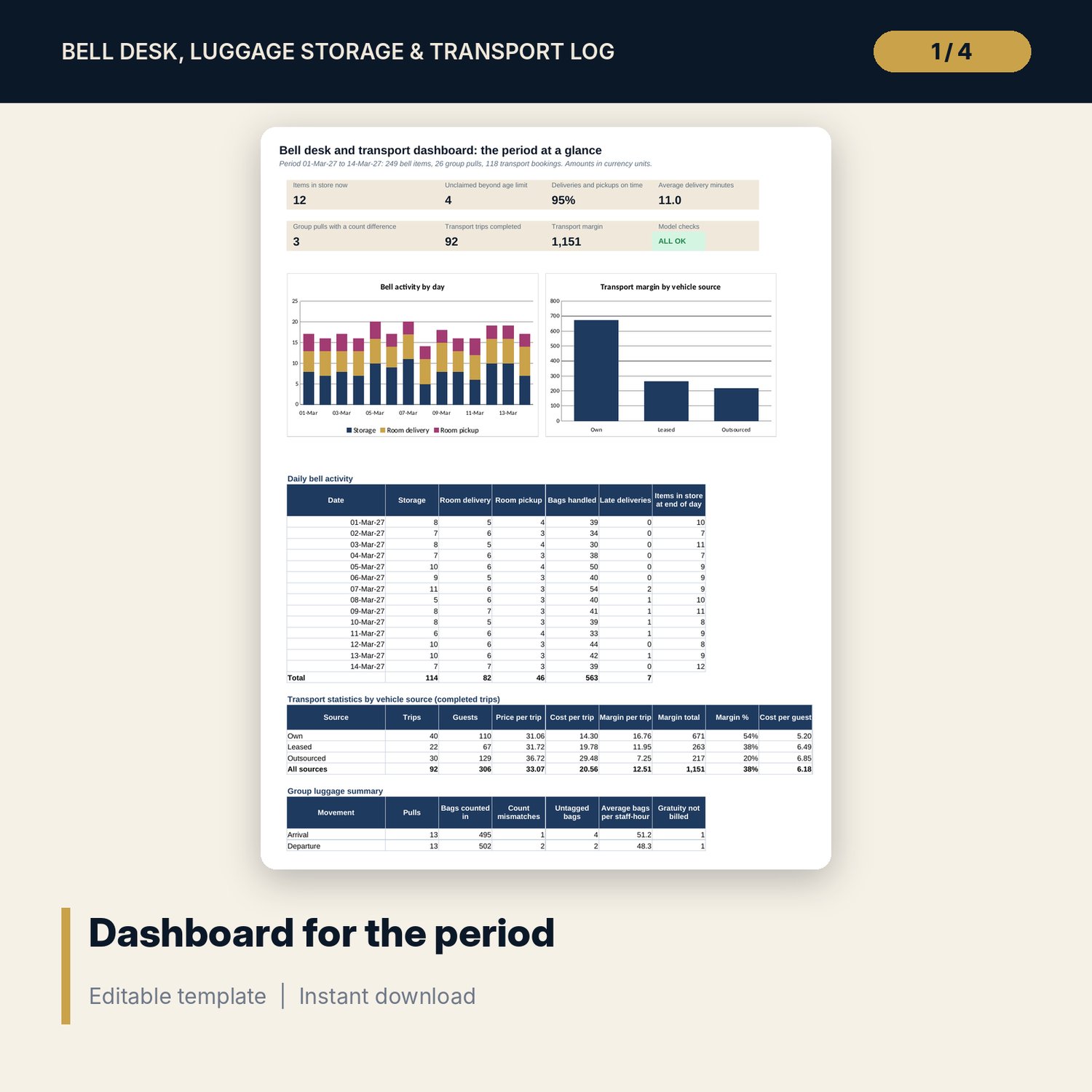
- Dashboard: 7 KPI tiles, a check tile, 2 charts, daily activity, transport statistics by source and group summary; 8 integrity checks on the Checks tab
- Bell_Desk_Standards_and_Forms.docx and PDF: 9 pages with 16 standards, procedures, forms, audit sheets, training record and a worked example
- README.txt and LICENSE-and-Terms.txt
How it works
- Set the period, ageing limit, delivery standard, destinations and driver roster on Settings.
- Log each claim check, delivery and pickup, each group pull and each transport booking.
- Read the Status and Flag columns each shift and act on unclaimed items, count differences and clashes.
- Use the Dashboard for the monthly figures and the Word forms for the standards at the desk.
Details
- Formats: 1 Excel workbook (.xlsx), 1 Word standards and forms document (.docx) and PDF, English
- Software: Excel 2016 or later, or LibreOffice Calc 7 or later
- No macros, no external links, no data tables, no array formulas
- 3 files plus README and license; instant digital download
Good to know
- Sample data is illustrative. Replace it with your own figures.
- Ageing limits, delivery standards and margin thresholds are examples. Verify local requirements and your insurer's rules.
- These files are management tools, not legal advice.
- Single-user license. Do not redistribute.
FAQ
How does it find unclaimed luggage?
Days stored is the as-of date less the date stored. An item still in store beyond the age limit on Settings shows Report to management and the flag Report unclaimed.
What does the group sheet check?
Bags counted in against bags counted out and against the tour leader count. Any difference above your tolerance, untagged bags, an unbilled gratuity or a slow pull is flagged.
How is transport margin calculated?
Price less cost for each completed trip. The Dashboard shows trips, guests, price and cost per trip, margin and cost per guest for own, leased and outsourced vehicles.
Does the driver schedule stop a double booking?
It flags one. A trip that overlaps another trip of the same driver on the same day shows Driver clash, and an expired licence shows Licence expired.
Do I need macros?
No. Every result is a standard worksheet formula.