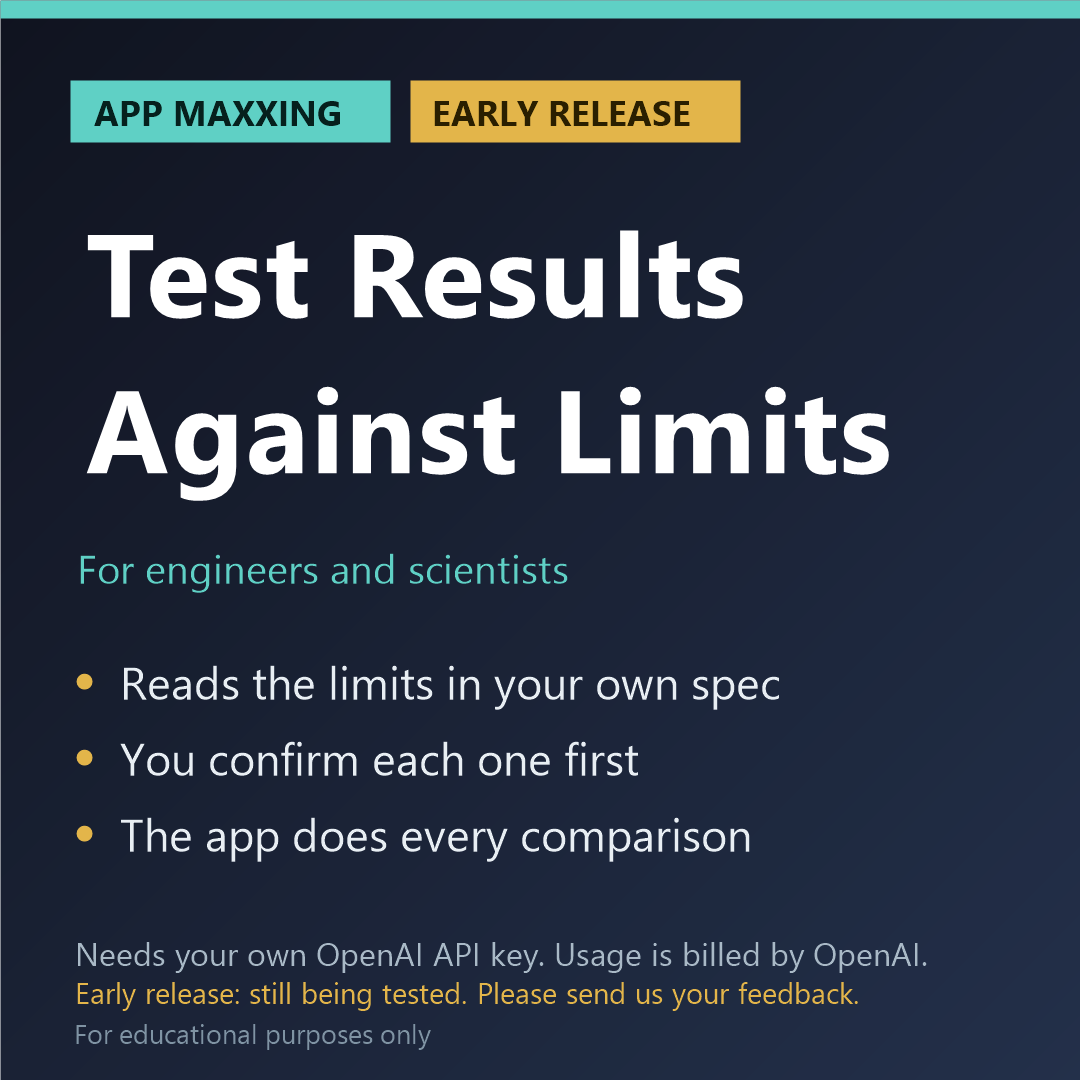
Test Results Against Limits (App Maxxing, early release)
EARLY RELEASE: PLEASE READ BEFORE BUYING
- This app needs your own OpenAI API key. It will not run without one, and a ChatGPT subscription does not include one.
- It is an early release that still needs further testing. So far each app has passed our own offline tests, and has been run on its built-in sample against the live service on both models (October 2026). It has not yet been tried on a wide range of real files of different kinds and sizes. You may meet faults.
- Please tell us what you find after you buy: email kit376351@gmail.com with the subject "Maxxing feedback". Every report is read, and fixes are sent to buyers free.
- If we cannot get it running for you, email us within 14 days for a refund of the app price.
Compare your measured results with the limits in your own specification. The model reads the limits; the app does every comparison.
WHAT IT DOES
Add your own specification or acceptance criteria, and your file of measured results. Your specification is sent to OpenAI. The results file stays on your computer: only the names of its columns are sent. The model reads the limits out of the specification, each with the sentence that states it, and suggests which column each limit belongs to. You then see every limit and every pairing, correct what is wrong, and confirm. Nothing is compared before that. After you confirm, the app itself converts the units, compares every value, works out the margin to the nearer limit and counts: so many values within the limit as read, so many outside the limit as read, so many not checked, and which columns had no limit. You get an Excel file with one sheet for each quantity and a Word summary marked "DRAFT, not a test certificate". For educational purposes only.
HOW IT IS BUILT
- The app's own code does the finding, the arithmetic and the unit conversions. The AI is used only for what code cannot do, and what it says is checked against your file.
- Anything the app cannot find in your file is marked "not found in the file", not trusted.
- The cost is shown before each run and after it, with a limit you set for one run.
- No verdicts: the app never says pass, fail or compliant. It shows you what it found and where.
WHAT YOU NEED
- Windows, Mac or Linux, and free Node.js 18 or newer
- Your own OpenAI account with API access and a key (platform.openai.com). This is separate from a ChatGPT subscription.
- You pay OpenAI for what you use, on top of the price of the app. In our own tests on a short sample file, a run of this app cost about 3 cents. Longer files cost more.
- The app uses OpenAI's GPT-6.1 Sol model by default, the cheaper of the two it supports. In Settings you can switch to GPT-6 Astra, at about five times the price.
- About ten minutes of setup. A step-by-step guide is included.
HONEST LIMITS
The model never sees your measurements and never decides a result, but it can misread a limit: check each one against its sentence before you confirm. A limit that holds only under a condition ("if the temperature is above 40") is shown but not applied unless you tick it, because the app does not know your test conditions. The lowest and highest allowed values are counted as inside the limit, and a value exactly on a limit is marked for you to read the wording. A result written with a less-than or more-than sign is compared only when that can be done without guessing. Limits that appear only in a graph, a scan or a picture cannot be looked up. Published standards are not an input: use your own document. There is no overall verdict, and the output is not a test certificate, a design check or an approval.
For educational purposes only, and for your own research and your own documents. The app points things out for you to check: it does not certify, approve or sign off anything, what the AI writes can be wrong, and it is not a substitute for review by a qualified person. You are asked to accept this when you first open the app.
PRIVACY
The app runs on your computer. It says before each run exactly what will be sent to OpenAI, under OpenAI's terms, and what stays on your computer; nothing is sent to us. Use it only with documents you are allowed to send to an AI service: not an employer's or customer's confidential documents, not export-controlled material, and not someone else's unpublished work. Your key is stored only on your computer and is sent only to OpenAI.
WHAT IS INCLUDED
The app (a zip file), start files for Windows, Mac and Linux, a sample to try, a setup guide and a README. Kitson Workshop is not affiliated with or endorsed by OpenAI.
REFUNDS
Digital download. If we cannot get it running for you, email kit376351@gmail.com within 14 days for a refund of the app price. Credit you bought from OpenAI is theirs to refund or not.
FEEDBACK AND IDEAS
Email kit376351@gmail.com with the subject "Maxxing feedback" to report a fault or tell us what worked. For a new app idea, use the subject "Kitson idea".