
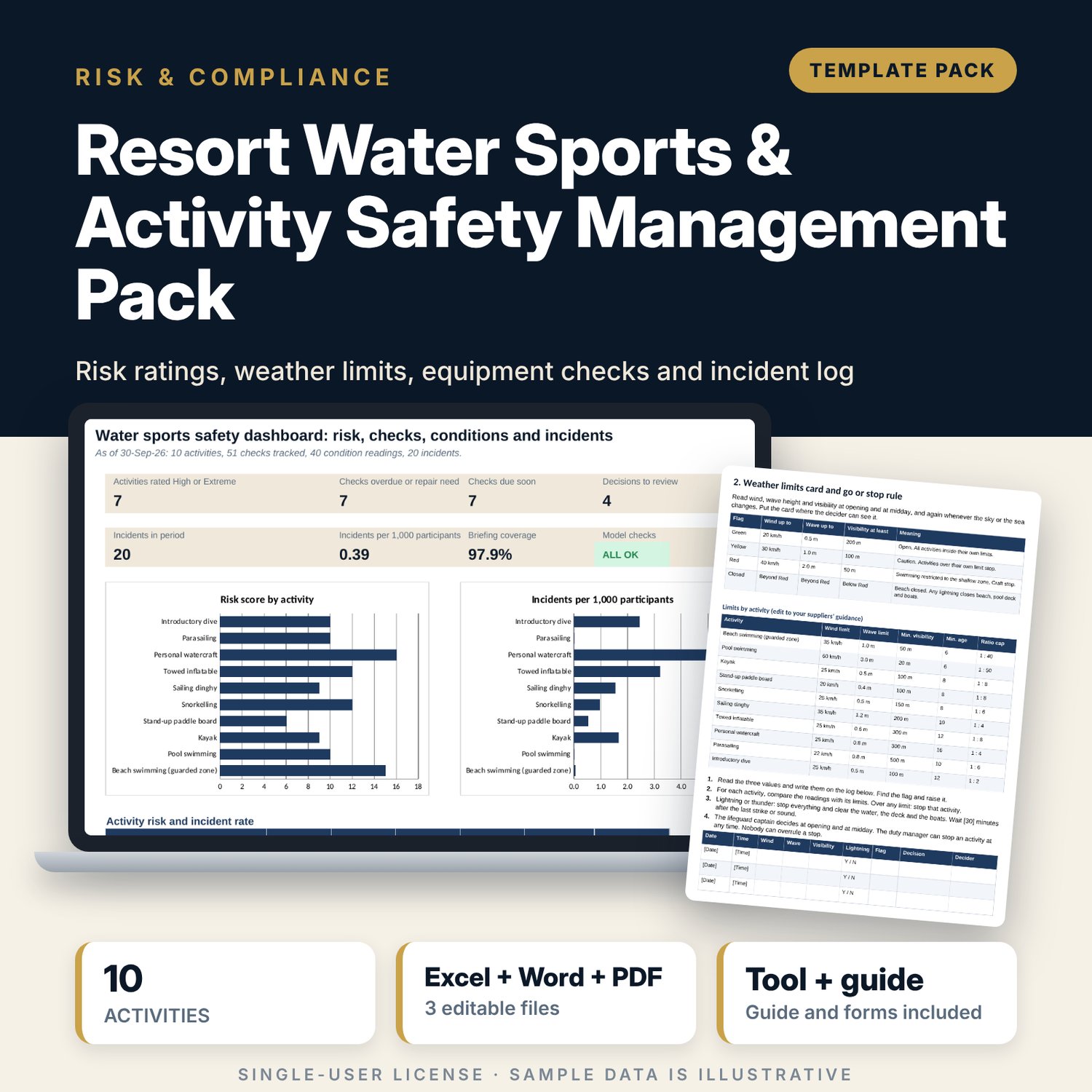
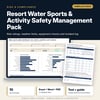
Resort Water Sports & Activity Safety Management Pack: Activity Risk Ratings, Weather Limits and Incident Log Template
Full description
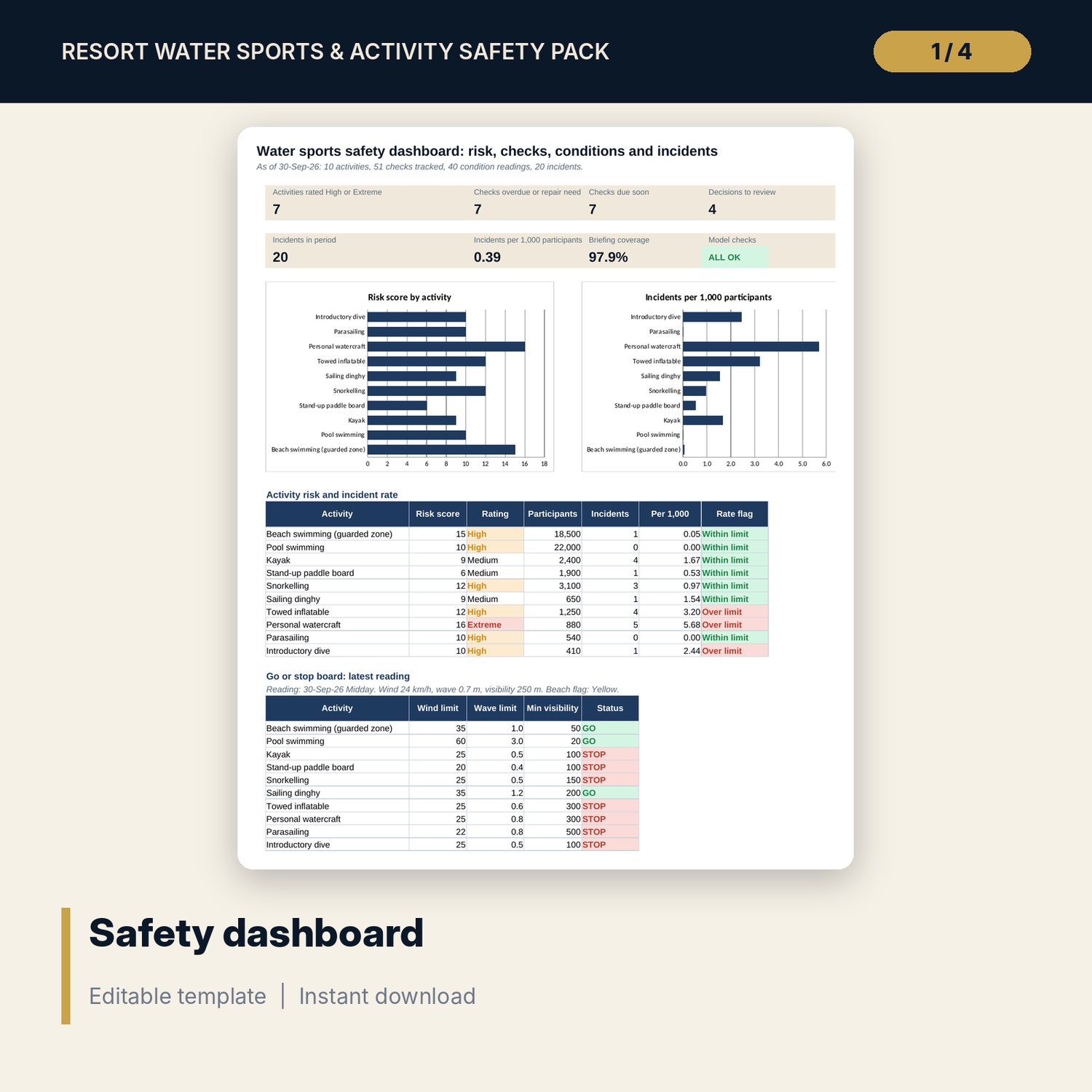
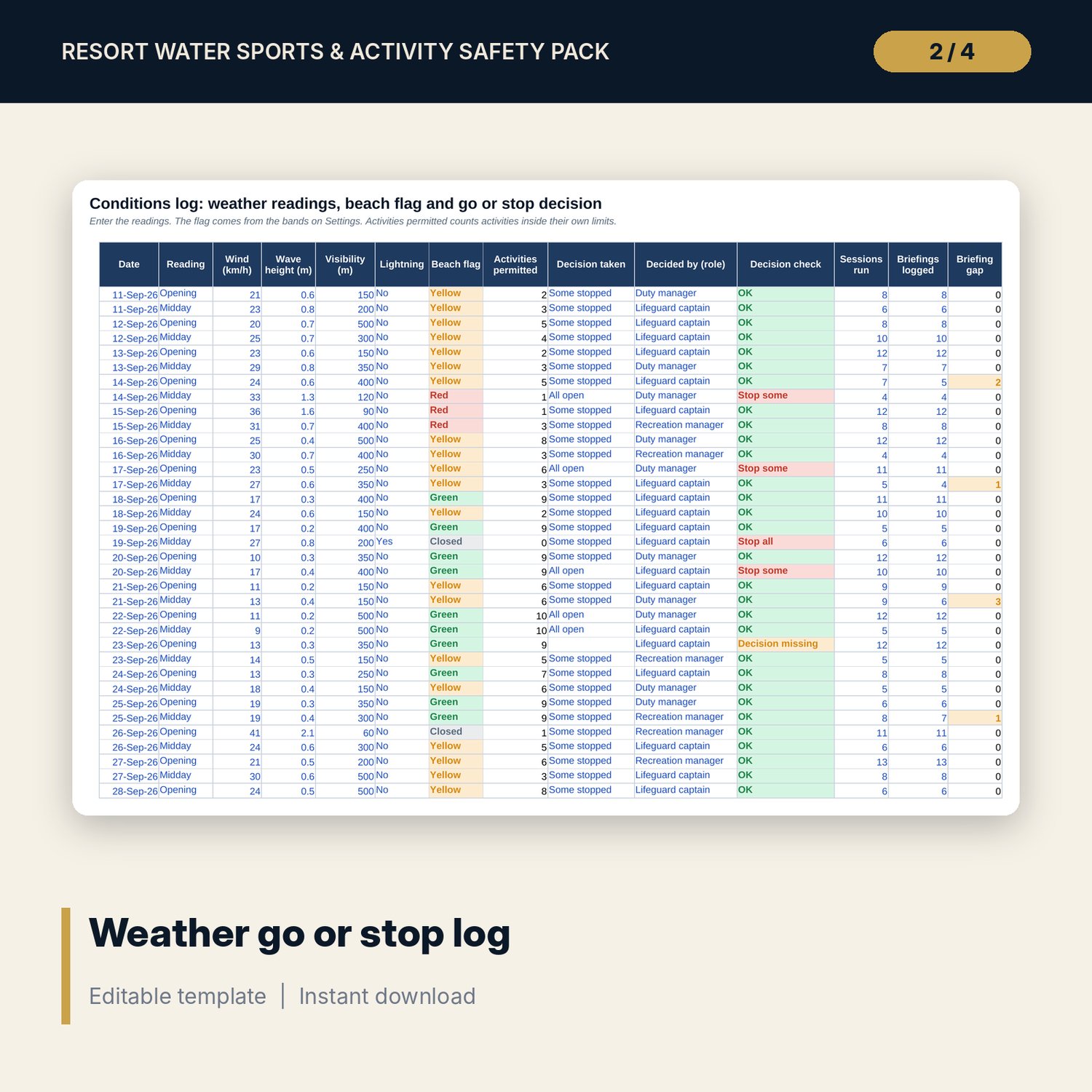
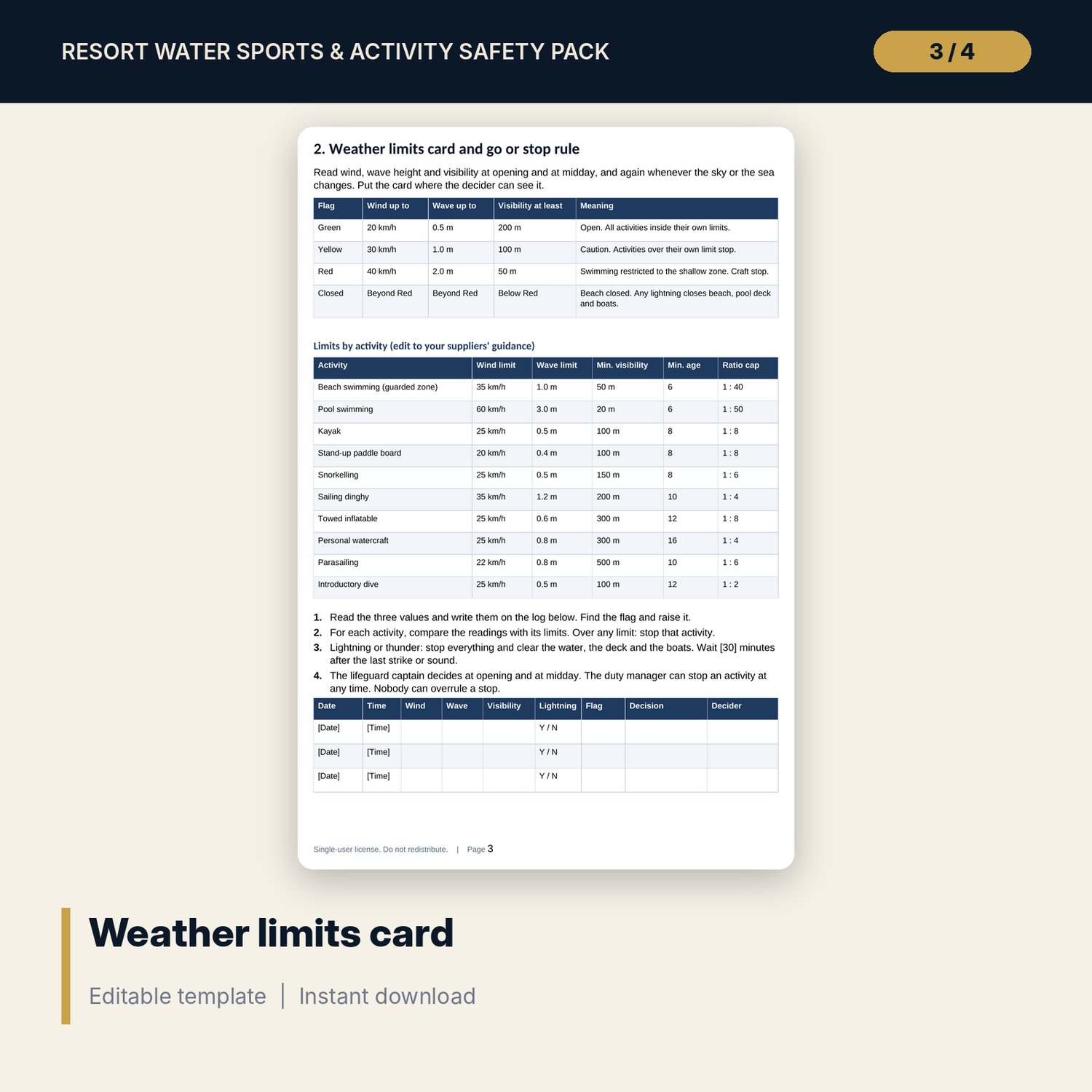
For resort recreation managers, lifeguard captains, security managers and general managers who run water sports, beach and pool activities. The workbook rates 10 activities by likelihood x impact, tracks 51 equipment, certificate, drill and water-test items by due date, and sets the beach flag from your written bands. For every wind, wave and visibility reading it counts how many activities sit inside their own limits and checks the decision taken. The incident log tests each incident against instructor ratio, minimum age, briefing and flag, and the dashboard shows incidents per 1,000 participants. The Word pack gives you the 16-item opening checklist, a limits card, a risk rating guide, four briefing scripts, a briefing and waiver sheet, equipment and incident forms and a worked example.
What is inside
- Water_Sports_Safety_Register.xlsx: 7 tabs, 748 formulas, 2 native charts, 30 drop-down and input rules
- Settings: activity register with 10 sample activities, flag bands, risk bands and drop-down lists
- Equipment & Checks: 51 sample items plus 15 spare rows, with next due date and status
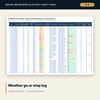
- Conditions Log: 40 sample readings plus 20 spare rows, with beach flag, activities permitted and a decision check
- Incident Log: 20 sample incidents plus 20 spare rows, with ratio, control gaps and result
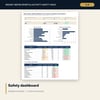
- Dashboard: 7 KPI tiles, a check tile, 2 charts and a go or stop board; 8 integrity checks on the Checks tab
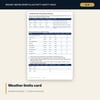
- Water_Sports_Safety_Pack.docx and PDF: 10 pages with the 16-item opening checklist, limits card, risk guide, 4 briefing scripts, briefing log, equipment sheet, incident report, drill record and a worked example
- README.txt and LICENSE-and-Terms.txt
How it works
- Set the flag bands, then rate each activity and enter its wind, wave and visibility limits from your supplier guidance.
- List equipment, certificates, drills and water tests with the last date done and the interval.
- Enter each reading and decision, and log every incident the same day.
- Read the dashboard and the go or stop board, and print the Word pack for each activity point.
Details
- Formats: 1 Excel workbook (.xlsx), 1 Word pack (.docx) and PDF, English
- Software: Excel 2016 or later, or LibreOffice Calc 7 or later
- No macros, no external links, no data tables, no array formulas
- 3 files plus README and license; instant digital download
Good to know
- Sample data is illustrative. The limits, ages and ratios shown are placeholders: set yours from supplier guidance, your insurer and local rules.
- These files are management tools, not safety certification, legal or insurance advice. Verify local requirements.
- Single-user license. Do not redistribute.
FAQ
Does it tell me what the safe wind or wave limit is?
No. You enter limits from your suppliers and local rules. The workbook applies them to every reading and shows which activities stop.
How is the risk rating calculated?
Likelihood (1 to 5) x impact (1 to 5). The bands Low, Medium, High and Extreme are inputs on Settings.
Can I add an activity?
Yes. Insert a row inside the activity table on Settings. The ranges grow with it. The dashboard shows the first ten rows.
What is a control gap?
A failed test on an incident: group above the instructor ratio cap, youngest participant under the minimum age, no briefing logged, or the activity ran in Red or Closed conditions.
Do I need macros?
No. Every result is a standard worksheet formula.