

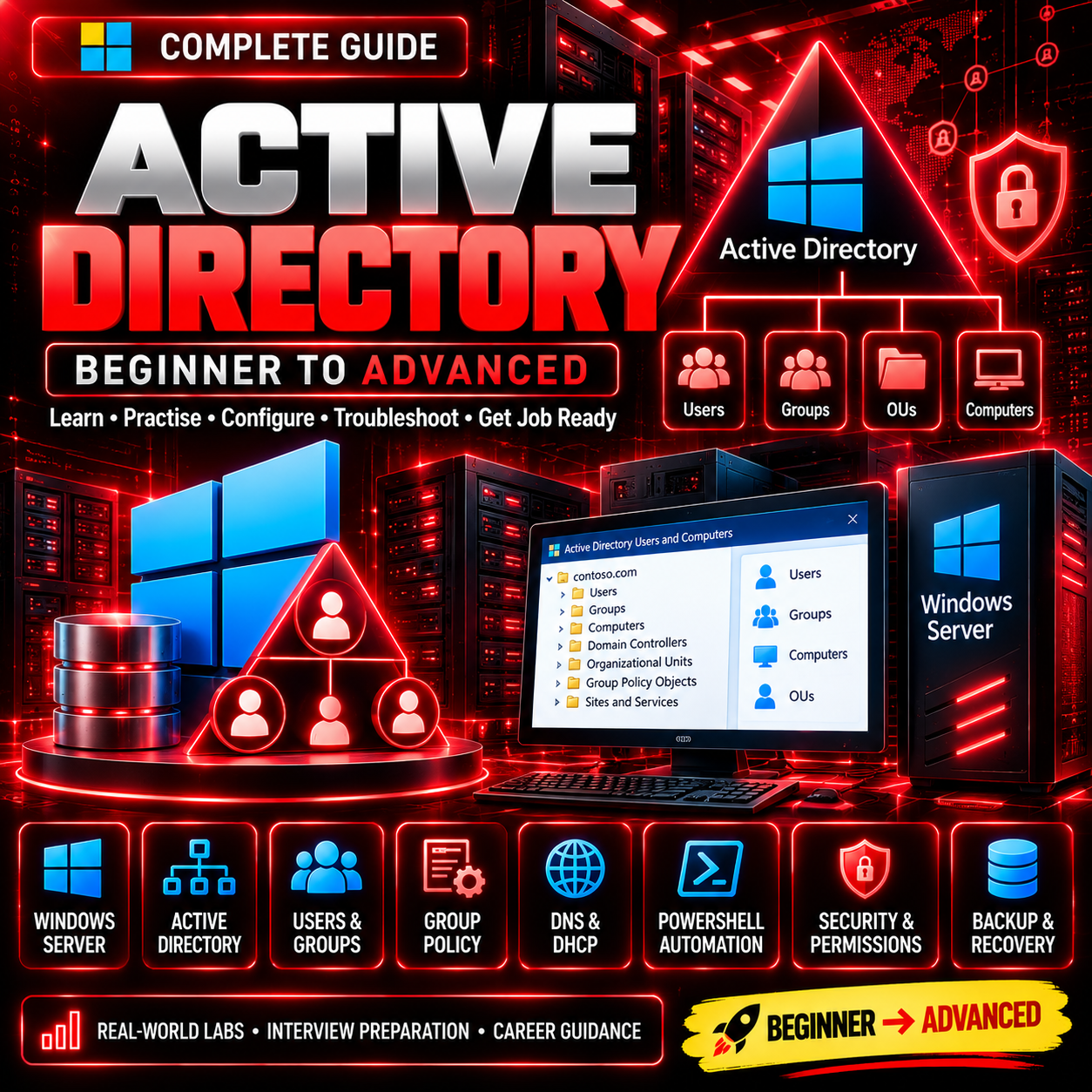
Active Directory Complete Guide
Active Directory Complete Guide
Master Windows Server Active Directory — From Fundamentals to Advanced Administration! 🚀
Want to build your career as a System Administrator, IT Support Engineer, or Windows Server Administrator? This guide helps you learn essential Active Directory concepts, user management, Group Policy, authentication, security, troubleshooting, and practical administration workflows.
📚 What Will You Learn?
✅ Active Directory Fundamentals & Architecture
✅ Windows Server Installation and Configuration
✅ Domain Controllers, Domains, Trees & Forests
✅ Active Directory Users, Groups & Organizational Units (OUs)
✅ User Accounts, Password Policies & Account Management
✅ Group Policy Objects (GPOs) & Policy Management
✅ DNS, DHCP & Active Directory Integration
✅ Active Directory Sites, Replication & FSMO Roles
✅ Authentication, Kerberos & LDAP Fundamentals
✅ Active Directory Security & Permissions
✅ PowerShell for Active Directory Administration
✅ Group Management & Bulk User Automation
✅ Backup, Restore & Disaster Recovery
✅ Active Directory Troubleshooting & Monitoring
✅ Domain Join, Trusts & Hybrid Identity Fundamentals
✅ Practical Labs & Real-World Administration Scenarios
✅ Interview Questions, MCQs & Technical Preparation
🛠️ Practical Skills
- Create and manage domain users and groups
- Configure organizational units and Group Policies
- Join Windows computers to a domain
- Manage permissions and access controls
- Troubleshoot DNS, authentication, and replication issues
- Automate administrative tasks using PowerShell
- Understand backup, recovery, and security procedures
🎯 Who Is This Guide For?
- IT students and freshers
- IT Support and Desktop Support Engineers
- Aspiring System Administrators
- Windows Server Administrators
- Active Directory beginners
- Professionals preparing for technical interviews
💼 Build Your IT Career
Develop practical knowledge of identity management, centralized administration, Windows domain environments, and enterprise IT operations.
📘 Learn → Configure → Secure → Troubleshoot → Grow Your IT Career
Start building your Active Directory skills with Digital Study Notes! 🚀
Note: Topic coverage depends on the final contents of your guide. Windows Server lab access and some advanced features may require a suitable test environment.