






Medical Office Voicemail Scripts and Follow-Up Dashboard
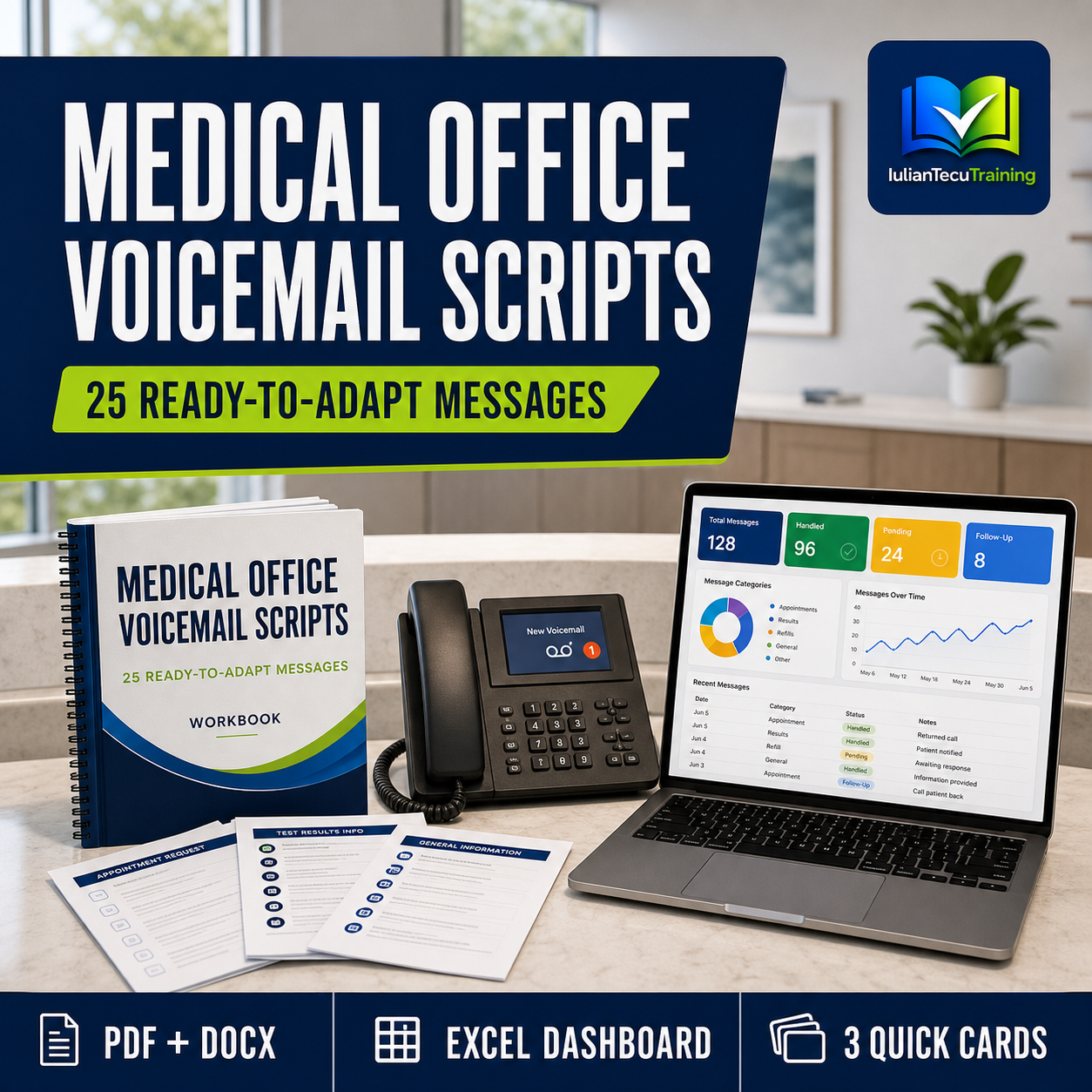
25 ready-to-adapt medical office voicemail scripts, an editable manual, quick-reference cards and an Excel dashboard for tracking callbacks and unresolved requests.
Clear voicemail messages make it easier for patients to understand what happens next—and easier for reception teams to manage the follow-up.
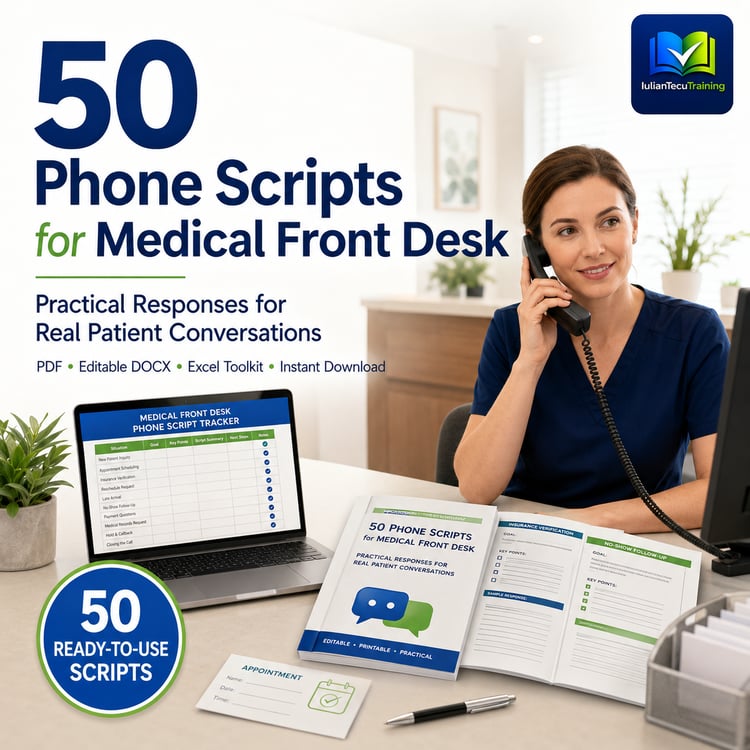
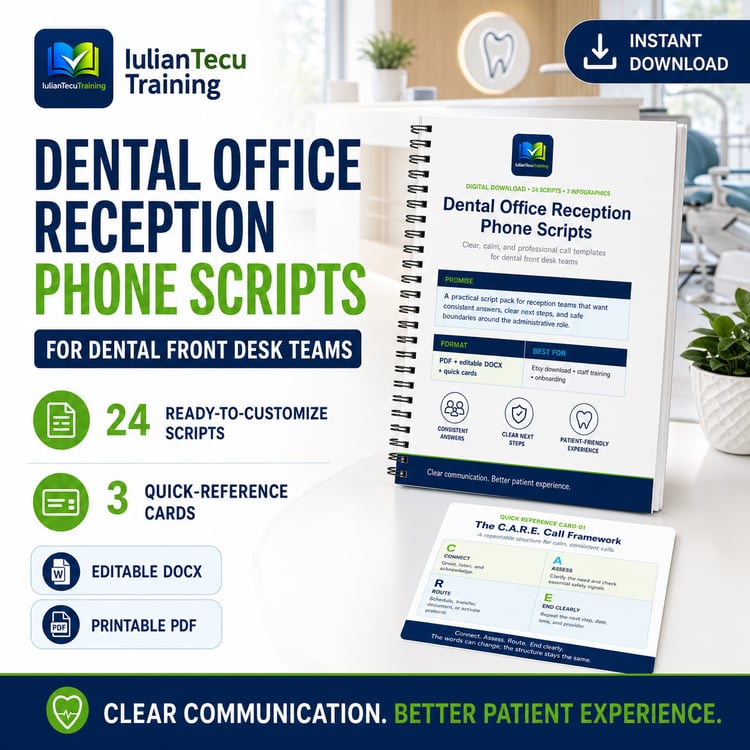
Medical Office Voicemail Scripts and Follow-Up Dashboard gives medical receptionists, clinic managers and small healthcare teams 25 practical messages for situations in which the phone cannot be answered normally.
The scripts are calm, direct and easy to adapt. They cover closed hours, lunch breaks, public holidays, urgent requests, test results, cancellations, unexpected clinician absence, schedule delays, high call volumes and other common front-desk situations.
Alongside the scripts, you receive an Excel system for recording messages, assigning responsibility and seeing which requests are still open, due today, overdue or completed.
WHAT IS INCLUDED
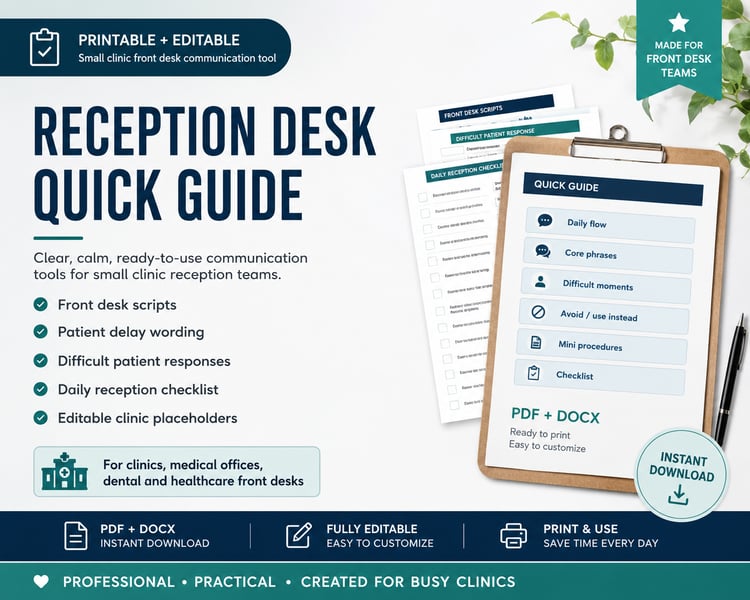
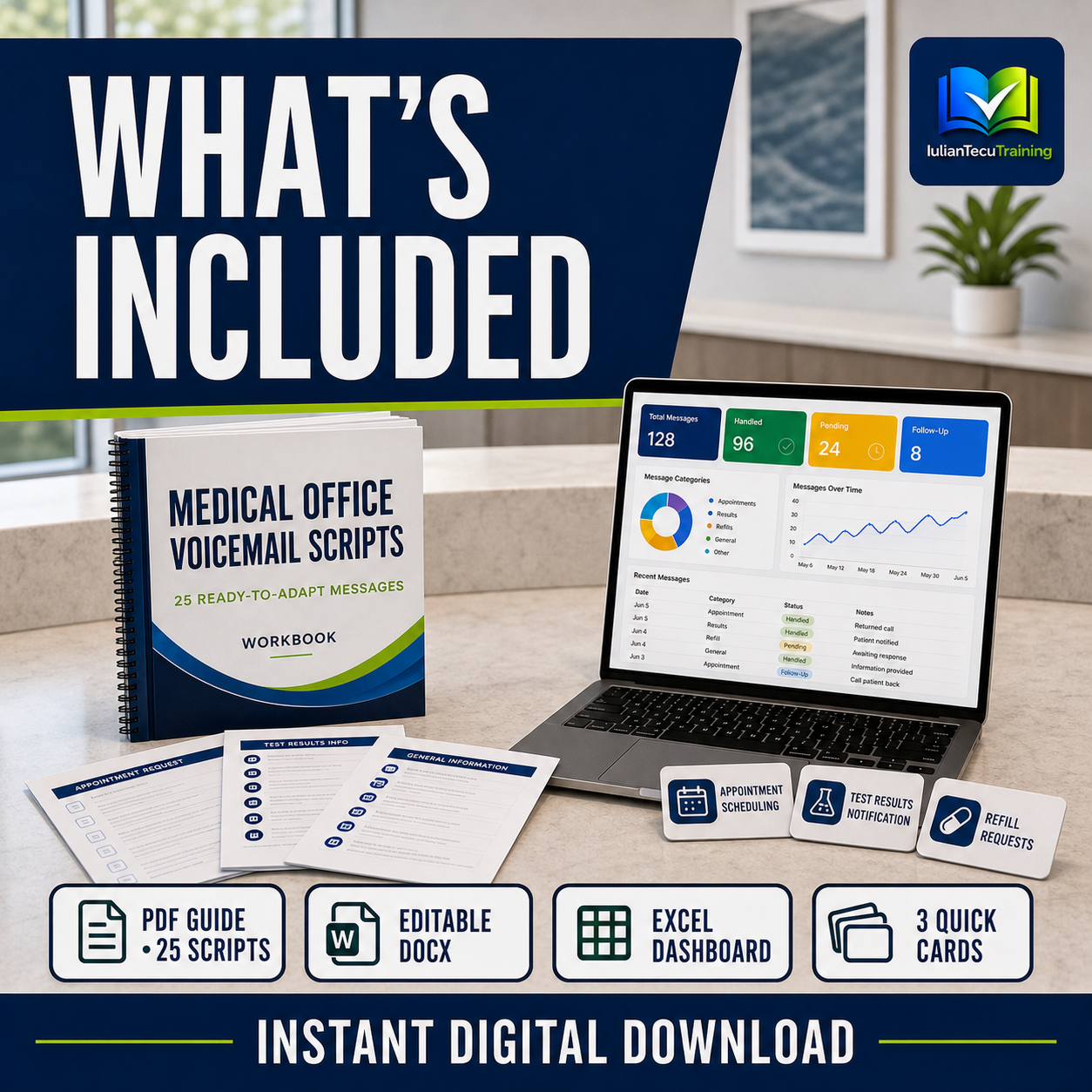
• Print-friendly PDF manual
• Fully editable DOCX manual
• 25 ready-to-adapt voicemail scripts
• Excel follow-up workbook
• Automatic clinic dashboard
• Script library inside Excel
• Message log with 500 editable rows
• Category, priority, owner and status dropdowns
• Due-date and overdue indicators
• Charts by request category and status
• 3 quick-reference cards in PDF format
• 3 high-resolution PNG quick cards
• Combined quick-card PDF
• Printing and use guide
• License and disclaimer
SITUATIONS COVERED
The 25 scripts include messages for:
• standard closed hours;
• reopening dates and times;
• lunch breaks and short team meetings;
• temporary reception unavailability;
• emergency boundaries;
• urgent but non-emergency requests;
• unexpected clinic closures;
• public holidays and reduced hours;
• results requests and pending results;
• prescription-request routing;
• cancellations and rescheduling;
• same-day cancellations;
• clinic delays;
• clinician absence;
• scheduled training or system maintenance;
• high call volumes;
• general callbacks.
USE THE WORKBOOK TO TRACK
• when the message was received;
• who needs a callback;
• the request category and related script;
• priority and responsible team member;
• the due date and current status;
• callback attempts;
• the final outcome.
The dashboard updates automatically as the team adds requests.
DESIGNED FOR
• Medical receptionists
• Clinic owners and managers
• Private practices
• Family medicine clinics
• Outpatient medical offices
• Healthcare administrators
• New reception employees
• Staff onboarding and refresher training
HOW TO START
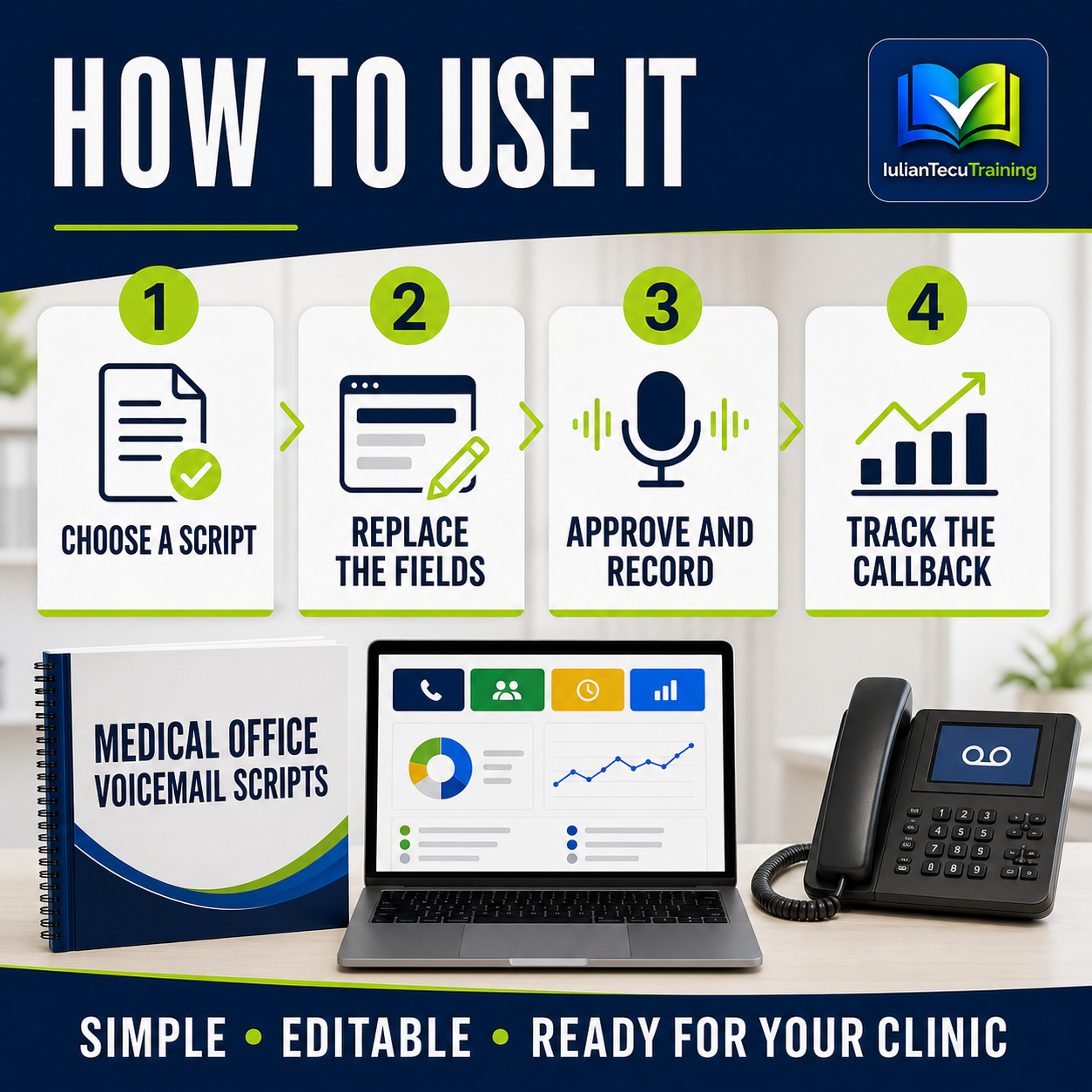
Choose a script, replace the marked fields, confirm the clinic’s approved wording and test the recording from another telephone. Use the Excel workbook to document messages that require follow-up.
IMPORTANT NOTICE
This resource supports administrative communication, team training, workflow and internal organization. It does not replace clinical judgment, medical or legal advice, privacy requirements, emergency procedures or local clinic policy.
Every message must be reviewed, adapted and approved before use.
DIGITAL DOWNLOAD
You will receive one ZIP archive containing PDF, DOCX, XLSX and PNG files. No physical product will be shipped.
LICENSE
Licensed to the original buyer for internal use within one clinic or organization. Customization for that clinic is permitted. Resale, redistribution, sublicensing or sharing the editable files is not permitted.