
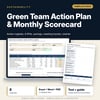
Green Team Action Plan & Monthly Scorecard: Green Team Charter, Action Register and Monthly KPI Scorecard
Full description
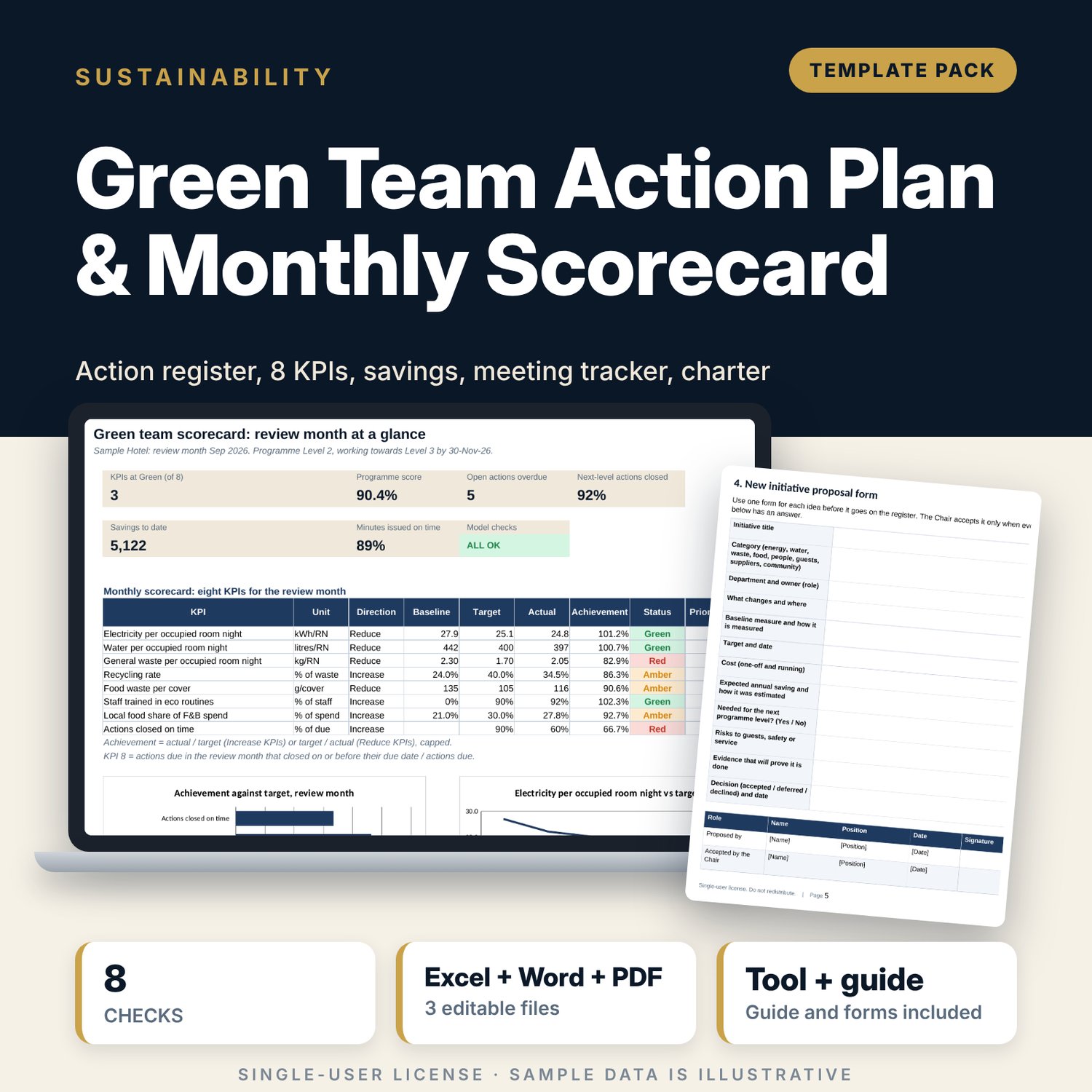
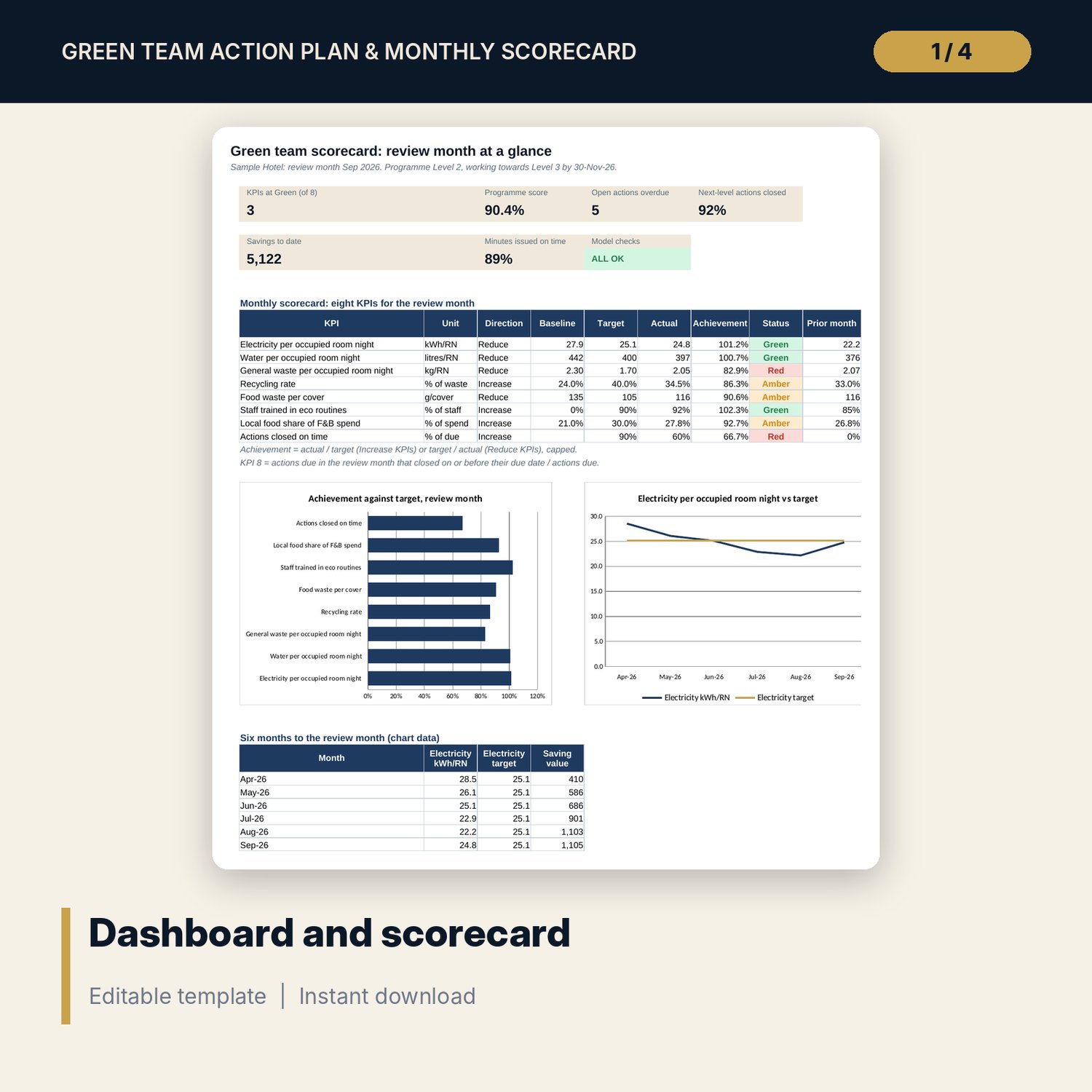
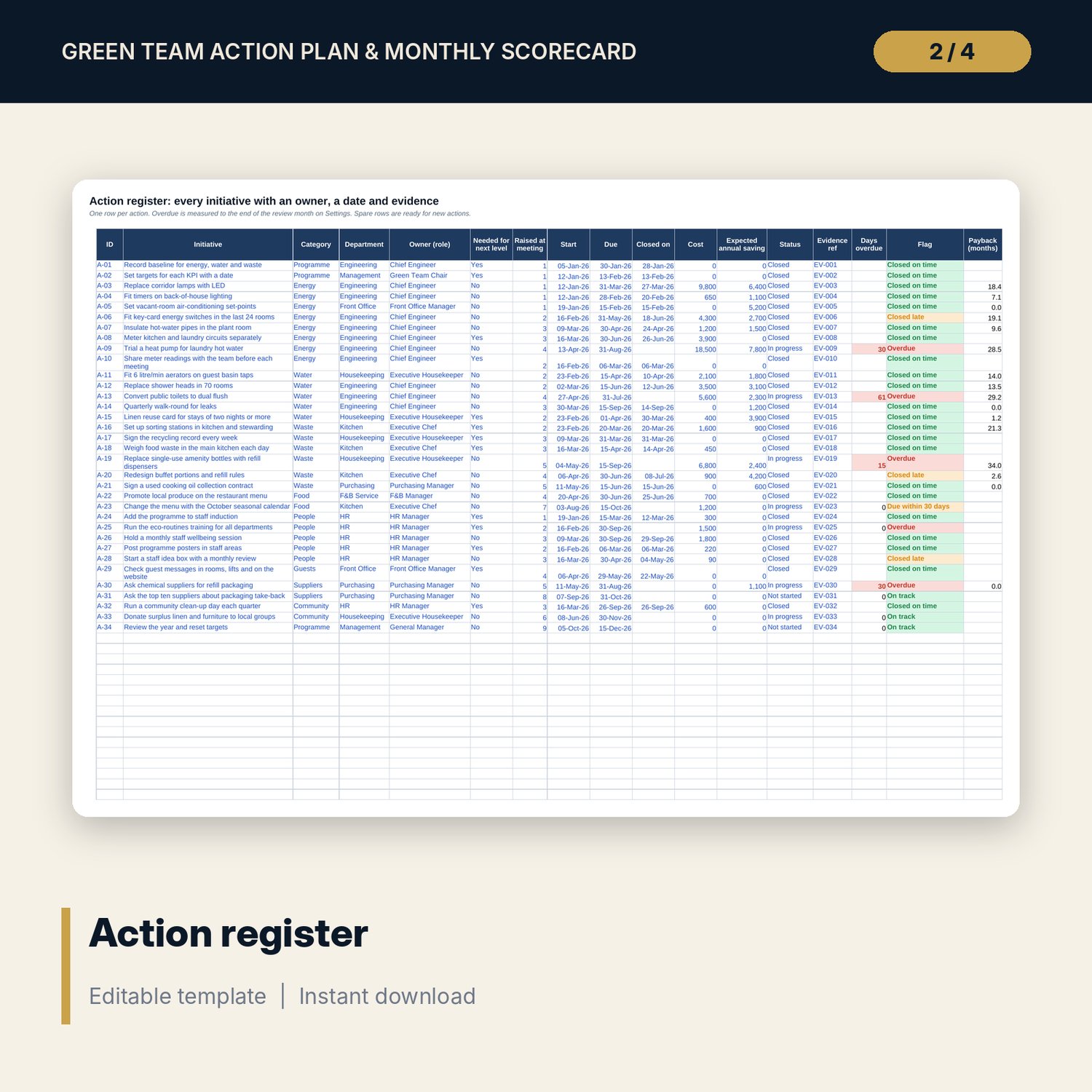
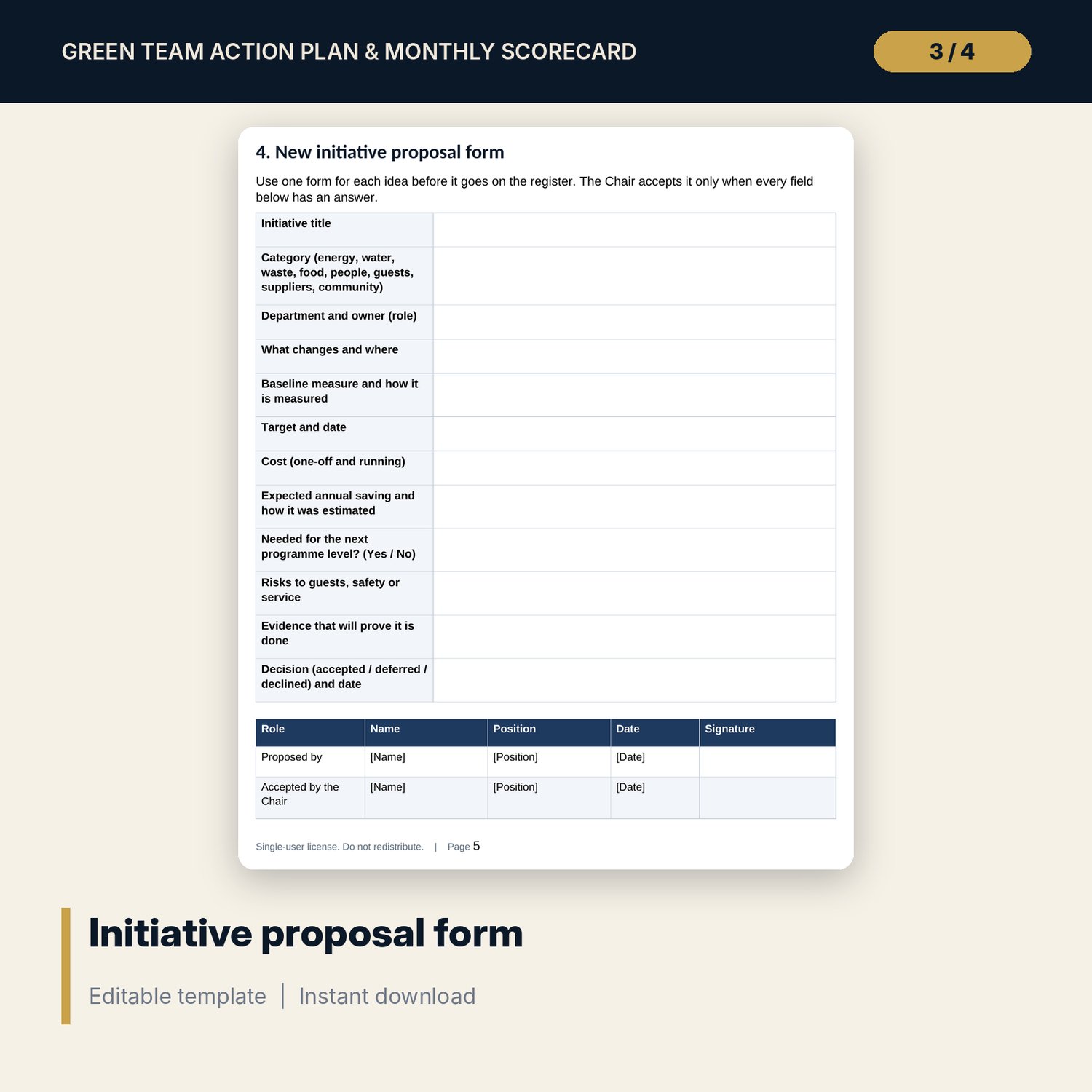
For general managers, chief engineers and sustainability leads who need a green team that meets every month and shows results. The workbook keeps an action register with owners, dates, costs, expected savings and evidence; 12 months of consumption inputs; eight KPIs scored Green, Amber or Red against targets; and a savings block that adjusts the baseline for occupancy so busy and quiet months compare fairly. The Word pack holds the charter, the monthly cycle (data by day 5, scorecard by day 7, minutes in 48 hours), an agenda and minutes form, a proposal form, a 16-item readiness checklist and a worked example read from the sample data.
What is inside
- Green_Team_Scorecard.xlsx: 7 tabs, 627 formulas, 2 native charts, 22 drop-down and input rules
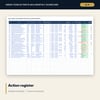
- Actions: 34 sample actions across 9 categories with overdue, late and payback flags, plus 16 spare rows
- Monthly Data: 12 months of inputs (9 sample months), 7 derived KPIs and an occupancy-adjusted savings block
- Meetings: 9 sample meetings with cycle-timing flags, plus 3 spare rows
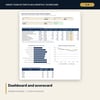
- Dashboard: 8-KPI scorecard, 6 tiles, a check tile and 2 charts; 8 integrity checks
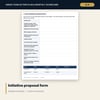
- Green_Team_Charter_and_Meeting_Pack.docx and PDF: 9 pages with the charter, monthly cycle, agenda and minutes form, proposal form, KPI rules, 16-item checklist, 10 quick wins and a worked example
- README.txt and LICENSE-and-Terms.txt
How it works
- Pick the review month and enter your baselines and KPI targets on Settings.
- Enter the month's consumption, waste, covers, training and F&B spend on Monthly Data.
- Update the Actions register and log the meeting dates on Meetings.
- Read the Dashboard, print the agenda and minutes form, and hold the meeting.
Details
- Formats: 1 Excel workbook (.xlsx), 1 Word pack (.docx) and PDF, English
- Software: Excel 2016 or later, or LibreOffice Calc 7 or later
- No macros, no external links, no data tables, no array formulas
- 3 files plus README and license; instant digital download
Good to know
- Sample data is illustrative. Replace it with your own figures.
- Baselines, tariffs and targets are your own policy. Verify local requirements for energy, water and waste reporting.
- Savings shown are measured against your baseline. Expected savings on actions are estimates.
- Single-user license. Do not redistribute.
FAQ
How many actions and KPIs does it hold?
34 sample actions with 16 spare rows, and 8 KPIs. Seven come from Monthly Data and one from the Actions register.
How is energy saving measured?
Against a baseline of fixed load per month plus variable load per occupied room night, so a busy month is compared with a busy baseline.
Can I change the Green, Amber and Red rules?
Yes. The 100% and 85% cut-offs and the 150% cap are inputs on Settings.
Does it work for any programme or certification?
It tracks your own actions and KPIs. You name the programme level you hold and the one you target.
Do I need macros?
No. Every result is a standard worksheet formula.