
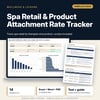
Spa Retail & Product Attachment Rate Tracker: Spa Retail Sales Tracker and Scripts
Full description
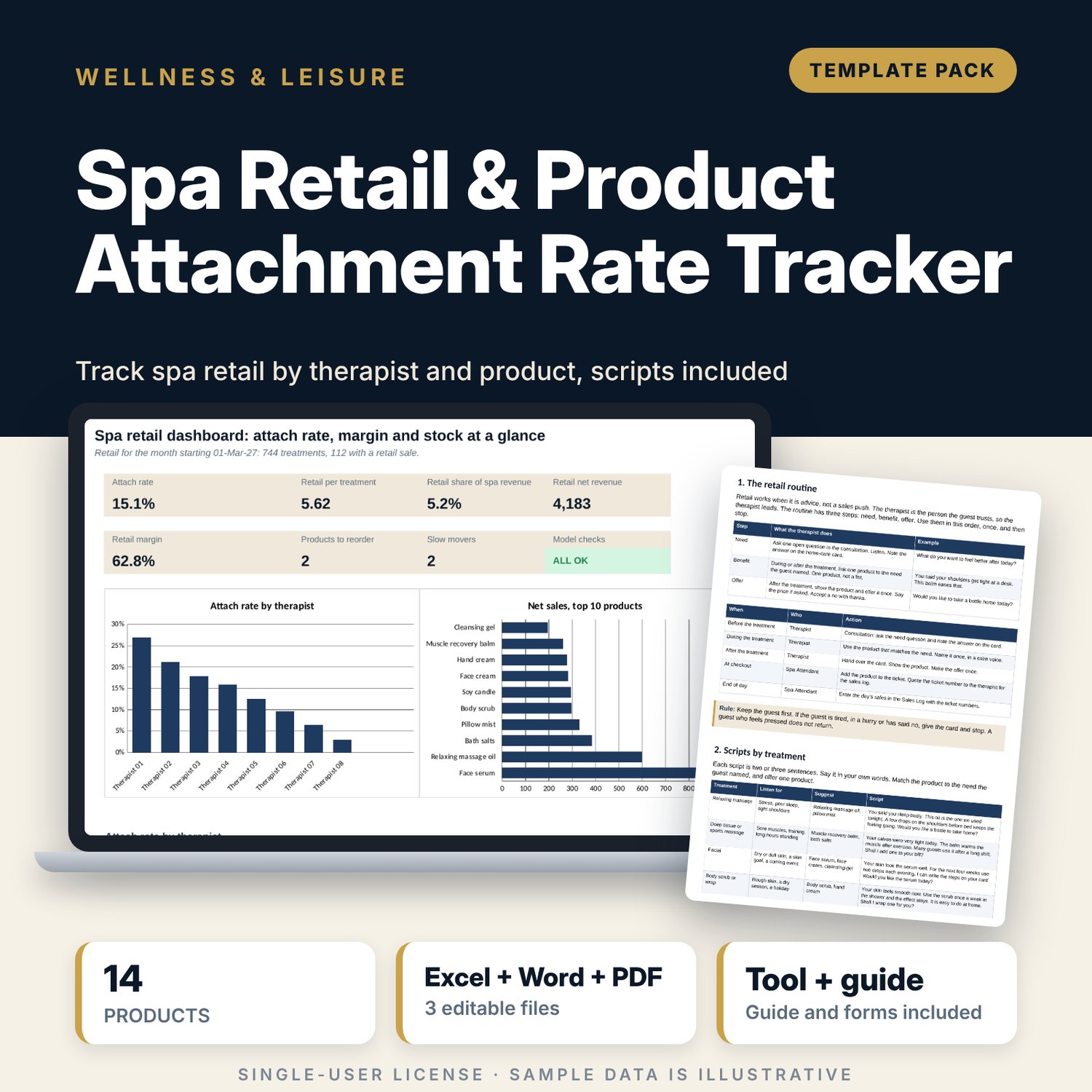
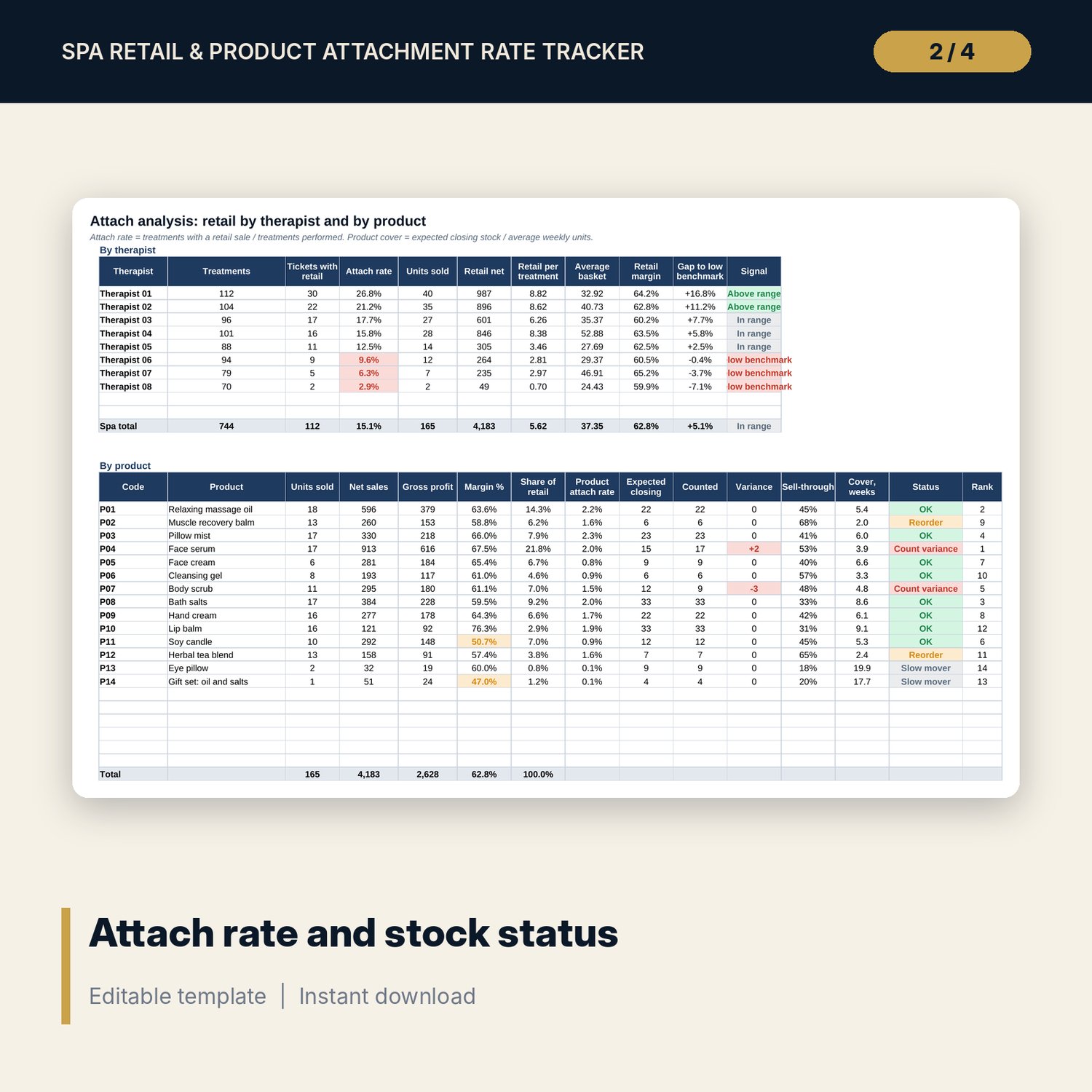
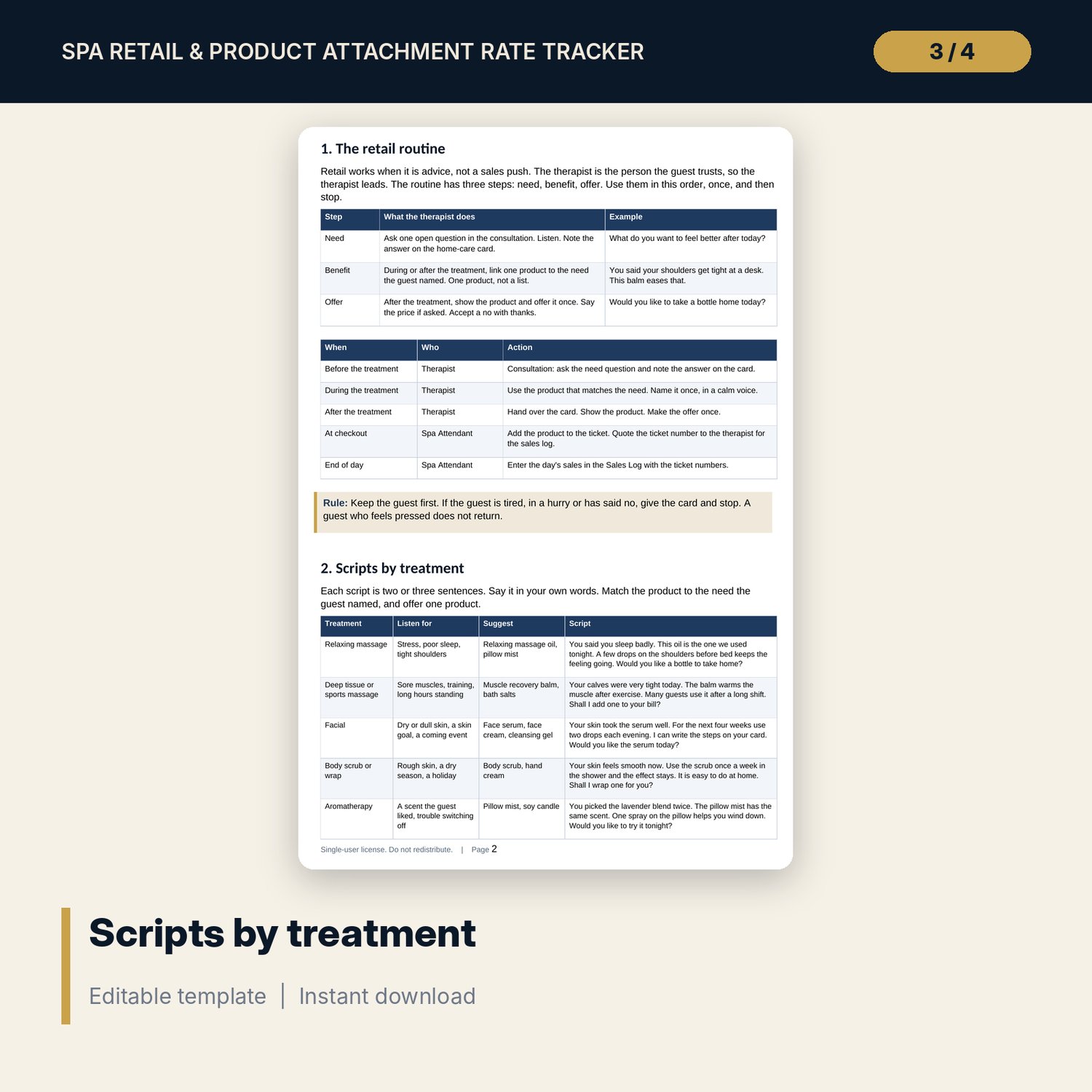
For spa managers and spa directors who sell retail but cannot say which therapist or which product drives it. The workbook holds a product range with a four-line cost build-up, a sales log with one line per product per treatment ticket, and an analysis that gives attach rate, retail per treatment, average basket and margin for every therapist. A product block shows units, net sales, margin, expected and counted stock, sell-through and weeks of cover, and labels each product Count variance, Reorder, Slow mover or OK. Benchmarks, service charge and tax are inputs you change. The Word guide gives the retail routine, 8 treatment scripts, 8 objection answers, a home-care card, a display plan, daily and weekly lists, a coaching plan and stock count rules.
What is inside
- Spa_Retail_Attach_Rate_Tracker.xlsx: 7 tabs, 2,295 formulas, 2 native charts, 12 drop-down and input rules
- Products: 14 sample products with price, four cost lines, net price, margin flag and stock inputs, plus 6 spare rows
- Sales Log: 147 sample sales lines for 8 therapists, with 90 spare rows
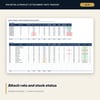
- Attach Analysis: attach rate, retail per treatment and margin by therapist, and units, margin, cover and status by product
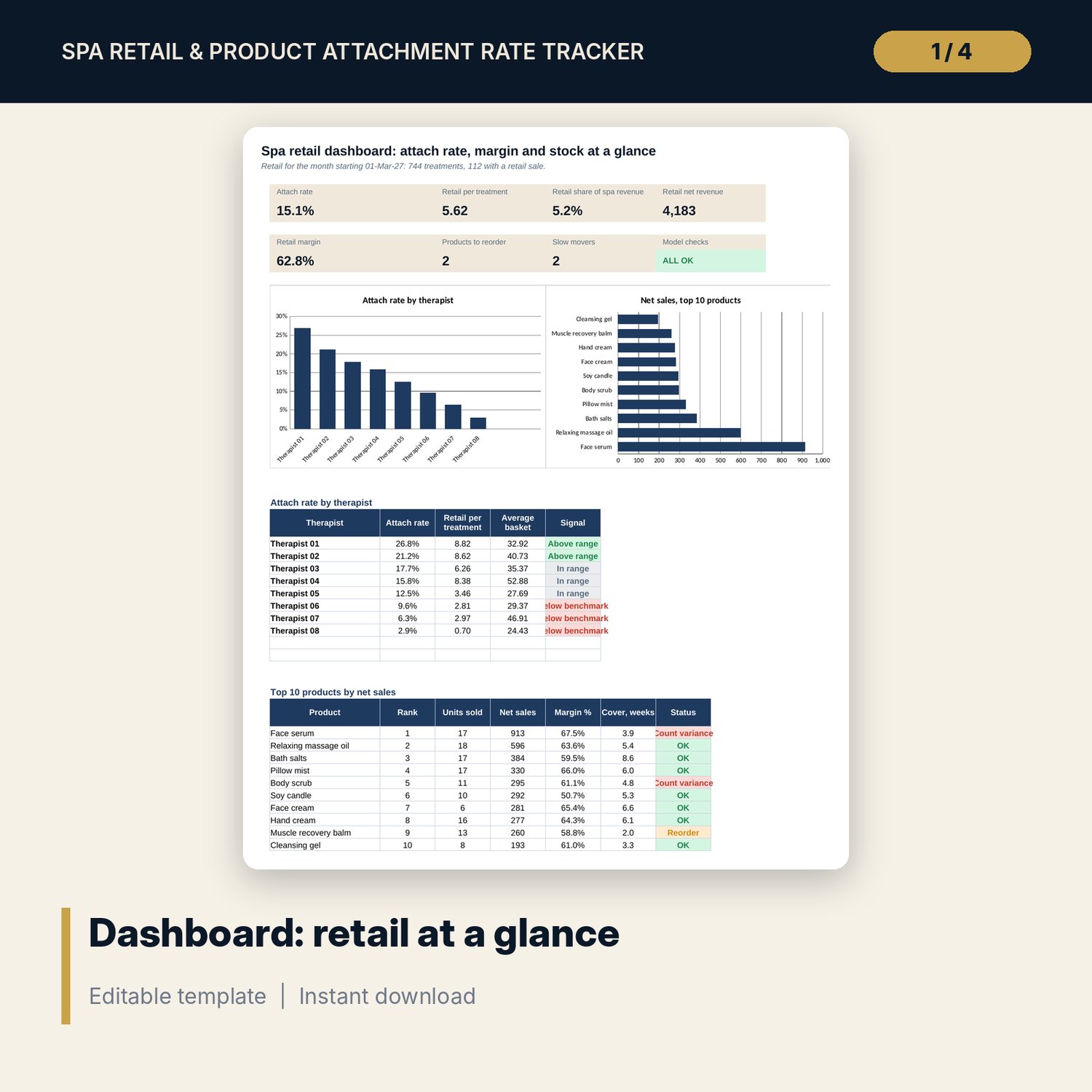
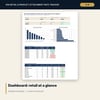
- Dashboard: 7 KPI tiles, a check tile, 2 charts, a therapist table and a top 10 product table
- 8 integrity checks on the Checks tab
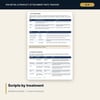
- Spa_Retail_Scripts_and_Standards.docx and PDF: 8 pages with the retail routine, scripts, objection handling, product card, display plan, checklists, coaching plan, stock rules and a worked example
- README.txt and LICENSE-and-Terms.txt
How it works
- Set the month, service charge, tax, spa revenue, benchmarks and the therapist list on Settings.
- Enter your products with all four cost lines and the month's stock figures.
- Add one line per product sold in the Sales Log with the ticket number of its treatment.
- Read the attach rate and product status, coach the therapists below benchmark and reorder or reposition products.
Details
- Formats: 1 Excel workbook (.xlsx), 1 guide in Word (.docx) and PDF, English
- Software: Excel 2016 or later, or LibreOffice Calc 7 or later
- No macros, no external links, no data tables, no array formulas
- 3 files plus README and license; instant digital download
Good to know
- Sample data is illustrative. Replace it with your own figures.
- Benchmarks, tax and service charge are examples. Verify local requirements.
- The files are management tools, not legal or tax advice.
- Single-user license. Do not redistribute.
FAQ
How is the attach rate calculated?
Attach rate = treatments with at least one retail sale divided by treatments performed. A ticket with three products counts once.
Can I track more than 14 products?
Yes. Add products in the spare rows on Products and the analysis picks them up. Formulas read every row down to the end of the table.
Why is net price lower than shelf price?
Shelf prices include service charge and tax. Net price = shelf price / (1 + service charge) / (1 + tax). Set both rates on Settings.
What does Count variance mean?
The counted stock differs from the expected stock by more than your tolerance. Expected stock = opening + received - sold - damaged.
Do I need macros?
No. Every result is a standard worksheet formula.