






Shuffle It! V4.0 - After Effects Text Animator
Shuffle It! — Advanced Text Animator Preset for After Effects
Full Showcase & Tutorial
User Guide
Create dynamic, high-end text animations effortlessly with Shuffle It! — a powerful procedural text animation system for Adobe After Effects.
Designed for motion designers, editors, and content creators, Shuffle It! lets you combine multiple animation styles, shuffle them across characters, and generate complex motion — all without manual keyframing.
Apply, customize, and animate — all from one flexible system.
✦ BONUS! 16 Shuffle It! Presets Animation ✦
Key Features:
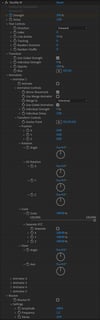
Multi-Animator System
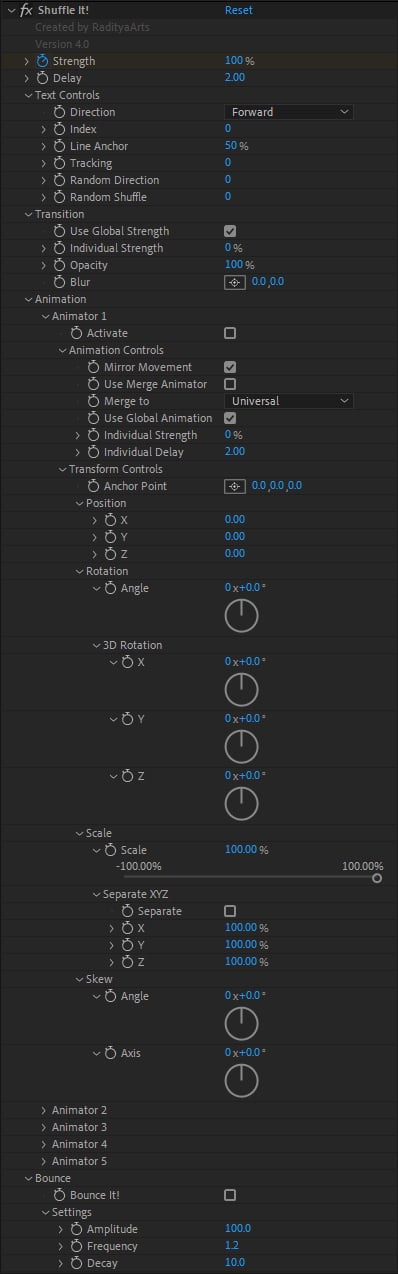
Build complex animations using up to 5 independent animators.
Each animator can control:
- Position
- Rotation
- Scale
- Skew
- Opacity
Create layered, alternating, or patterned motion — all within a single text layer.
Transition System (Opacity & Blur)
Add smooth, customizable transitions:
- Fade (Opacity)
- Blur-based reveals
- Global or independent strength control
Create polished intros, outros, and reveals with minimal setup.
Smart Shuffle System
Automatically distribute animations across characters with intelligent sequencing.
- Shuffle animator assignments per character
- Stagger timing with delay control
- Create alternating or randomized patterns
Turn simple setups into rich, procedural motion instantly.
Advanced Direction & Sequencing
Control how animation flows across your text:
- Forward / Backward
- Center Out / Edges In
- Random (stable per layer)
- Custom starting point (From Index)
Fine-tune animation order for precise motion design.
Merge Animator System
Combine multiple animators into unified motion patterns.
- Merge all animators globally
- Merge specific animators together
- Keep others independent
Tracking & Spacing Animation
Animate letter spacing dynamically using built-in tracking controls.
- Control spacing during transitions
- Adjust flow and readability
- Enhance motion clarity
Bounce System
Add procedural bounce motion between keyframes.
- Amplitude (strength)
- Frequency (speed)
- Decay
Perfect for energetic, playful animations.
Shuffle Flow (NEW in V4.0)
Create custom path-based text layouts and animations directly inside Shuffle It!
- Place characters, words, or lines along any custom path
- Animate seamlessly between original and path-based layouts
- Supports Character, Word, and Line segmentation
- Fully integrated with Copy, Paste, Bake, and Remove tools
Perfect for lyric videos, title sequences, creative typography, and advanced motion design.
Bake to Shapes (High Performance)
Convert text animations into shape layers with keyframes.
- Up to 10× better performance
- Editable shape layers
- Supports separated paths & mirrored movement
Unbake System
Restore your original Shuffle It! setup anytime.
- Non-destructive workflow
- Iterate freely between procedural and baked states
Compatibility:
Presets and Scripts works with Adobe After Effects CC 2019 and above.
Supports Windows & macOS.
License Agreement
This product is licensed for use in both personal and commercial projects. You are permitted to use, modify, and incorporate this product into your own motion graphics or video work.
Redistribution, resale, or sharing of the original product files, either in whole or in part, is not allowed. Each user must obtain their own license.
Copyright ©RadityaArts. All rights reserved.
Changelog
V4.0 – 19 Jun 2026
- Added Shuffle Flow
- Added Flow integration with Copy, Paste, Bake, and Remove
- Improvements and bug fixes
V3.2 – 01 Mar 2026
- Added Anchor Point property
- Added Line Anchor property
- Improved Unbake function
- Supports multiple bakes
V3.1 – 18 Feb 2026
- Improved Bake function
- Improved random logic
- Added 3D per-character bake
- Added blur animation bake
V3.0 – 31 Dec 2025
- Added Bake feature (convert text to shape layers with keyframes)
- CTRL/CMD: Separate path parts
- ALT/OPT: Separate with mirrored movement
- Added 2 new animation presets
V2.1.1 – 12 Oct 2025
- Fixed Undo group issue when applying presets
V2.1 – 10 Oct 2025
- Fixed keyframe ease on paste
- Fixed 3D per-character issue
- Performance improvements
V2.0 – 04 Oct 2025
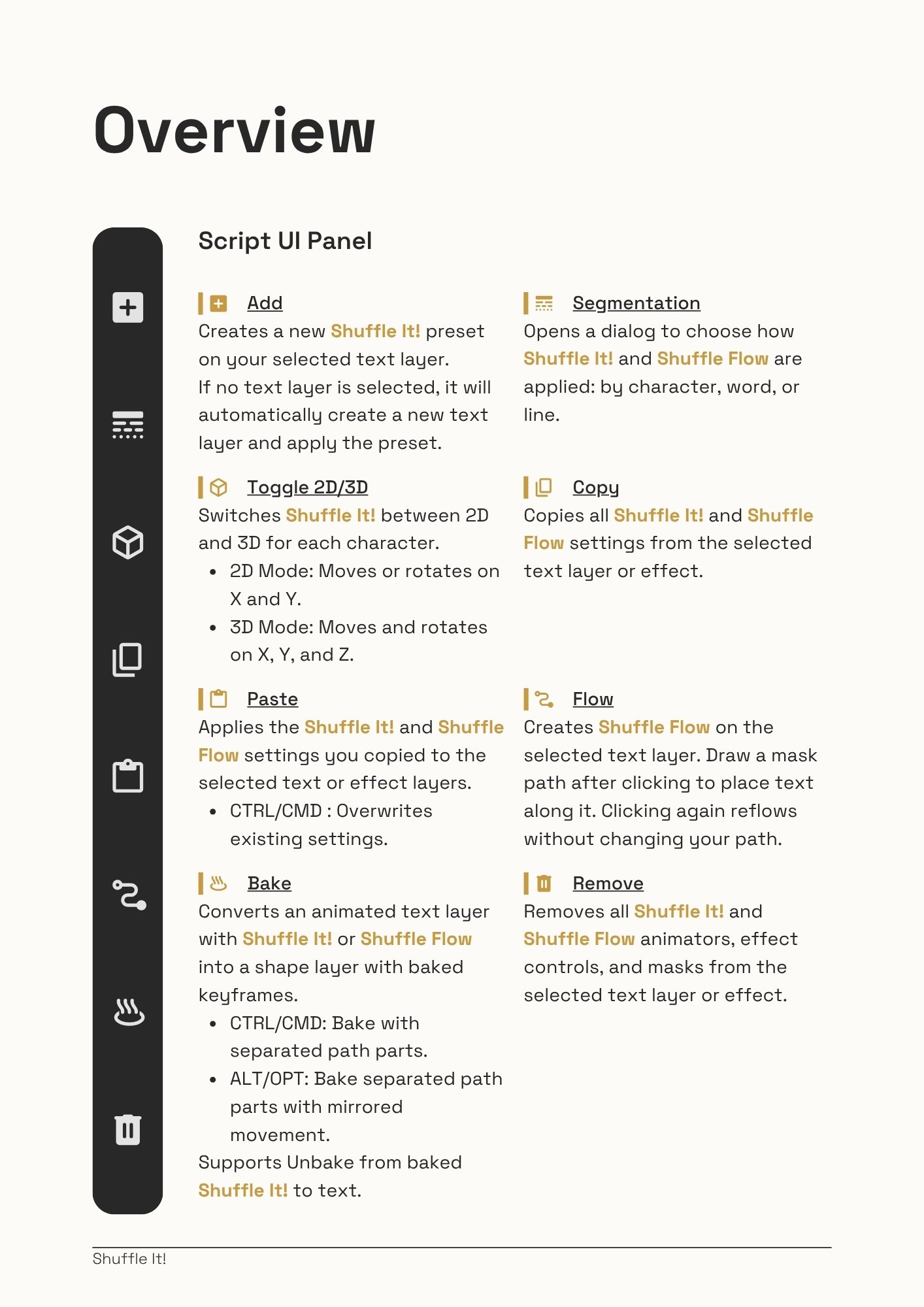
- Added UI Panel
- Added core tools: Add, Segmentation, 2D/3D Toggle, Copy, Paste, Remove
- Added Merge Animator feature for grouped animation control
V1.2 – 12 Aug 2025
- Stable randomization across copies
- Performance improvements
V1.1 – 07 Aug 2025
- Added Tracking control
- Improved performance & bounce animation
- Fixed Random Shuffle bug
- Supports AE CC2019+
V1.0 – 31 Jul 2025
- Initial release