

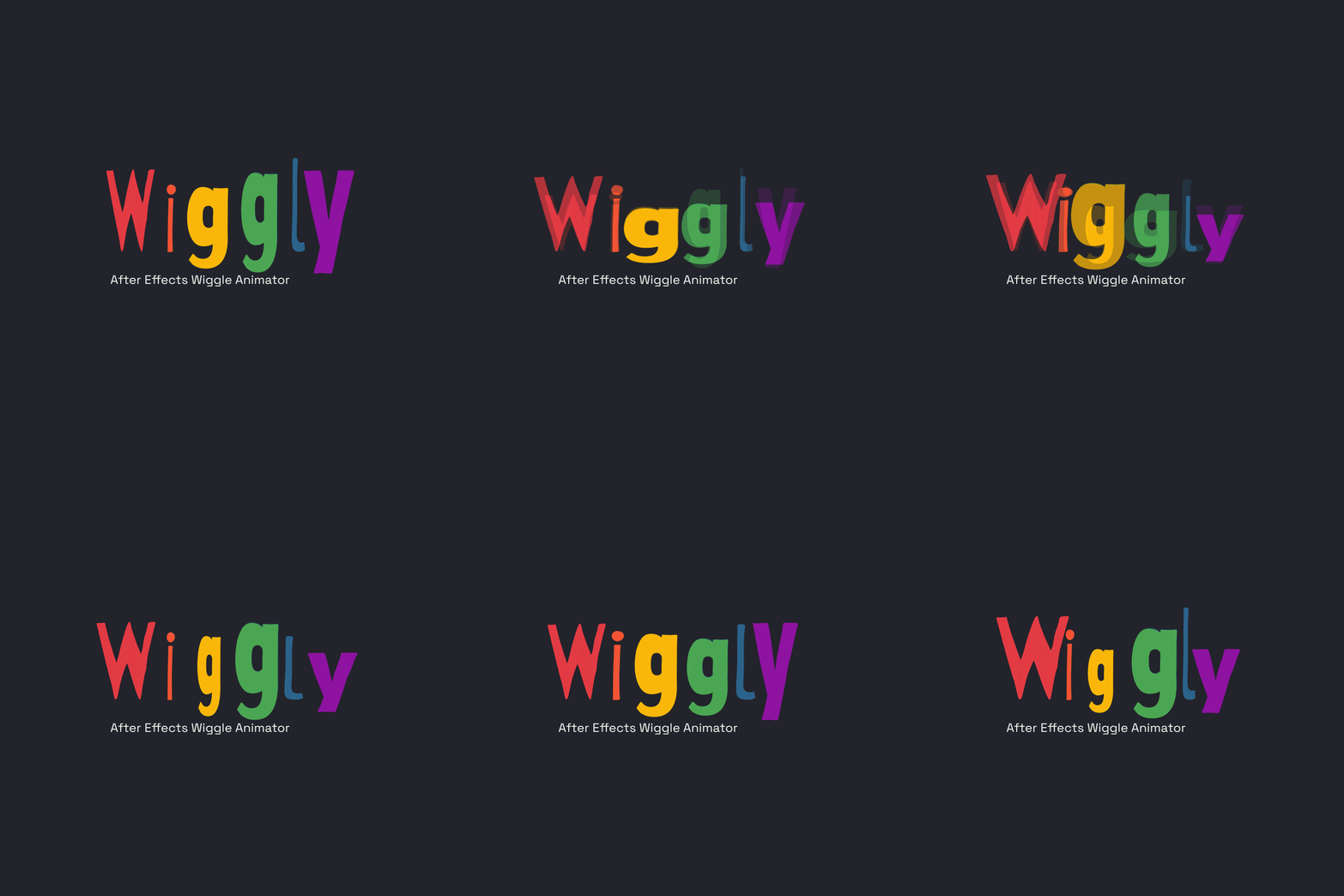
Wiggly V1.0 - After Effects Wiggle Animator
Wiggly — Advanced Wiggle Animation Controller for After Effects
User Guide
Bring life to your animations with Wiggly — a powerful and flexible wiggle automation tool for Adobe After Effects. Designed for motion designers, editors, and creators, Wiggly removes the need for manual expressions and replaces them with an intuitive, control-driven workflow.
Apply, customize, bake, and restore complex wiggle animations in seconds — all from a clean, unified system.
Key Features:
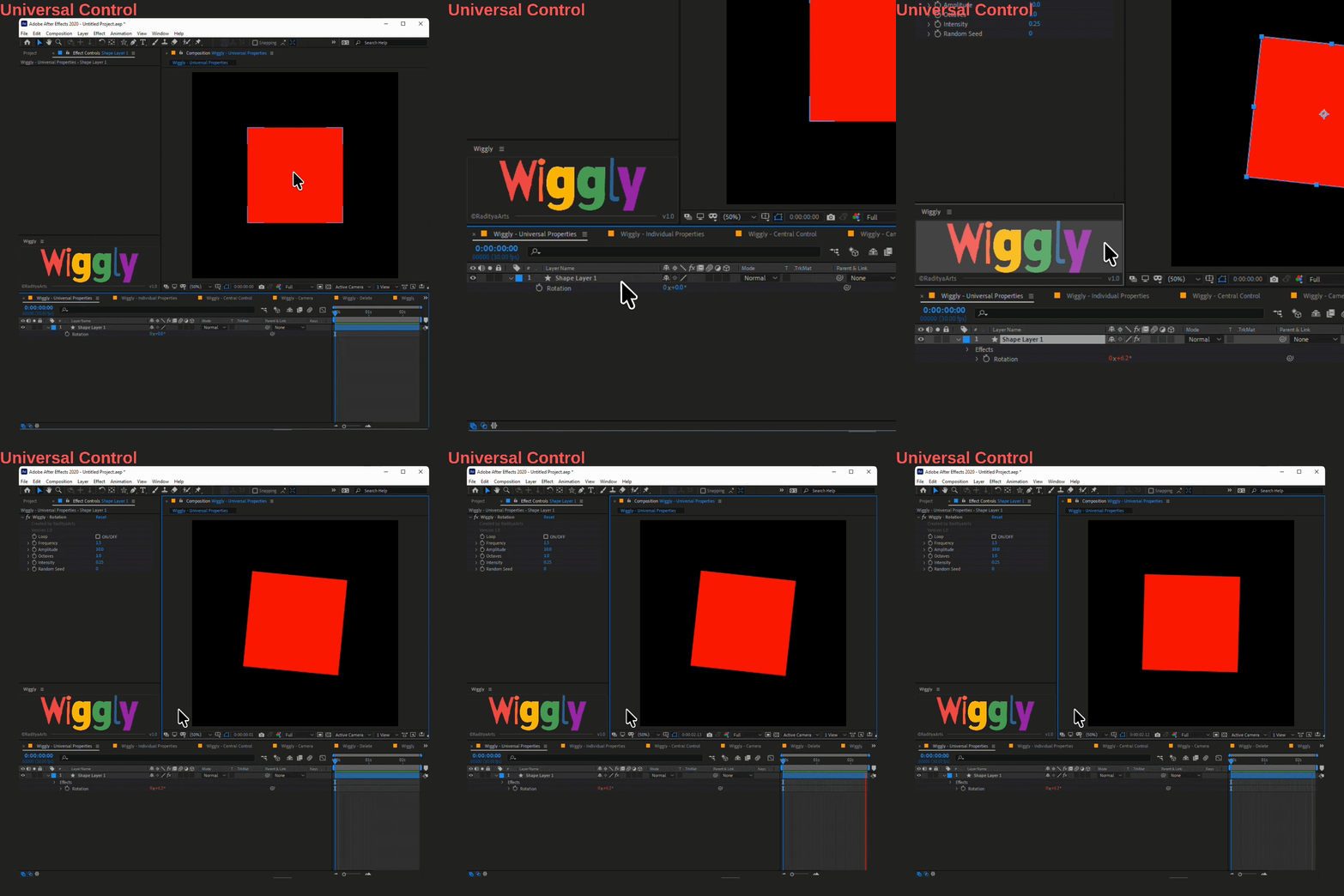
Universal Wiggle System
Apply wiggle animation instantly to any supported property — including Rotation, Opacity, sliders, and more.
Control everything with simple parameters:
- Frequency (speed)
- Amplitude (strength)
- Octaves & Intensity (motion detail)
- Looping support
- Random Seed for variation
Perfect for fast, natural motion without writing expressions.
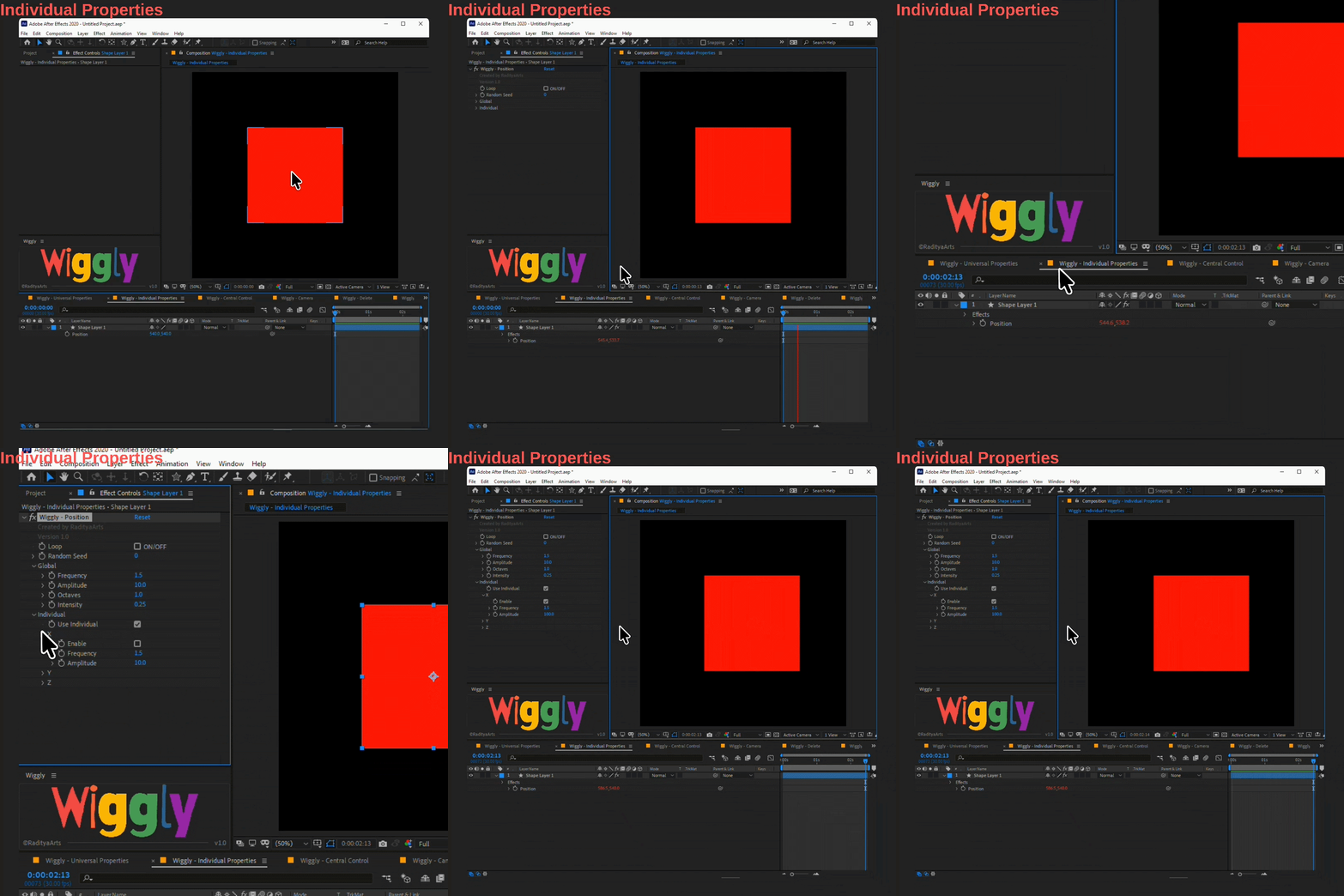
Per-Axis Control System
Gain full control over multi-dimensional properties like Position and Scale.
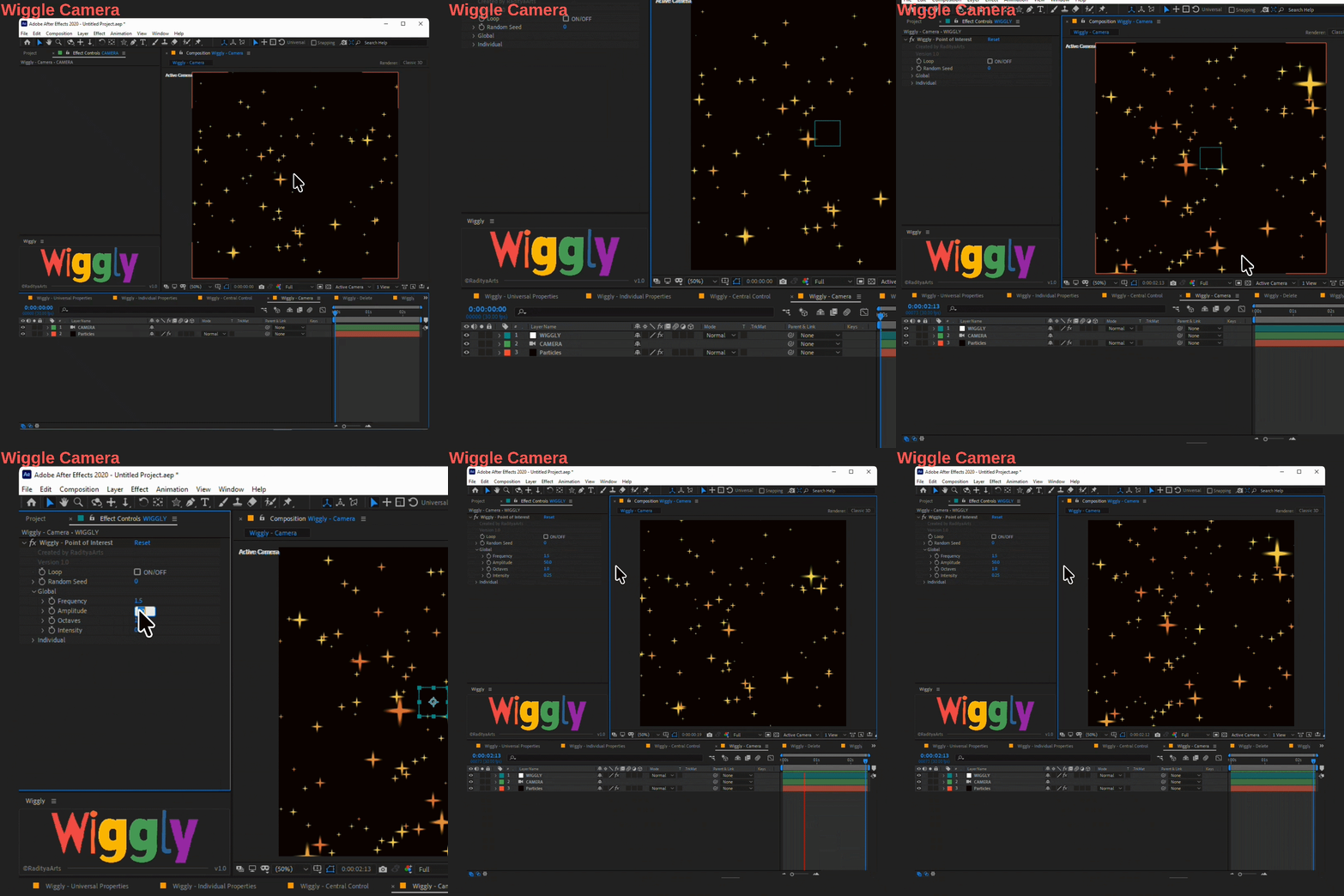
- Global controls for quick setup
- Individual axis overrides (X, Y, Z)
- Enable/disable axes independently
- Create asymmetric, realistic motion
From subtle drift to complex directional movement — fully customizable.
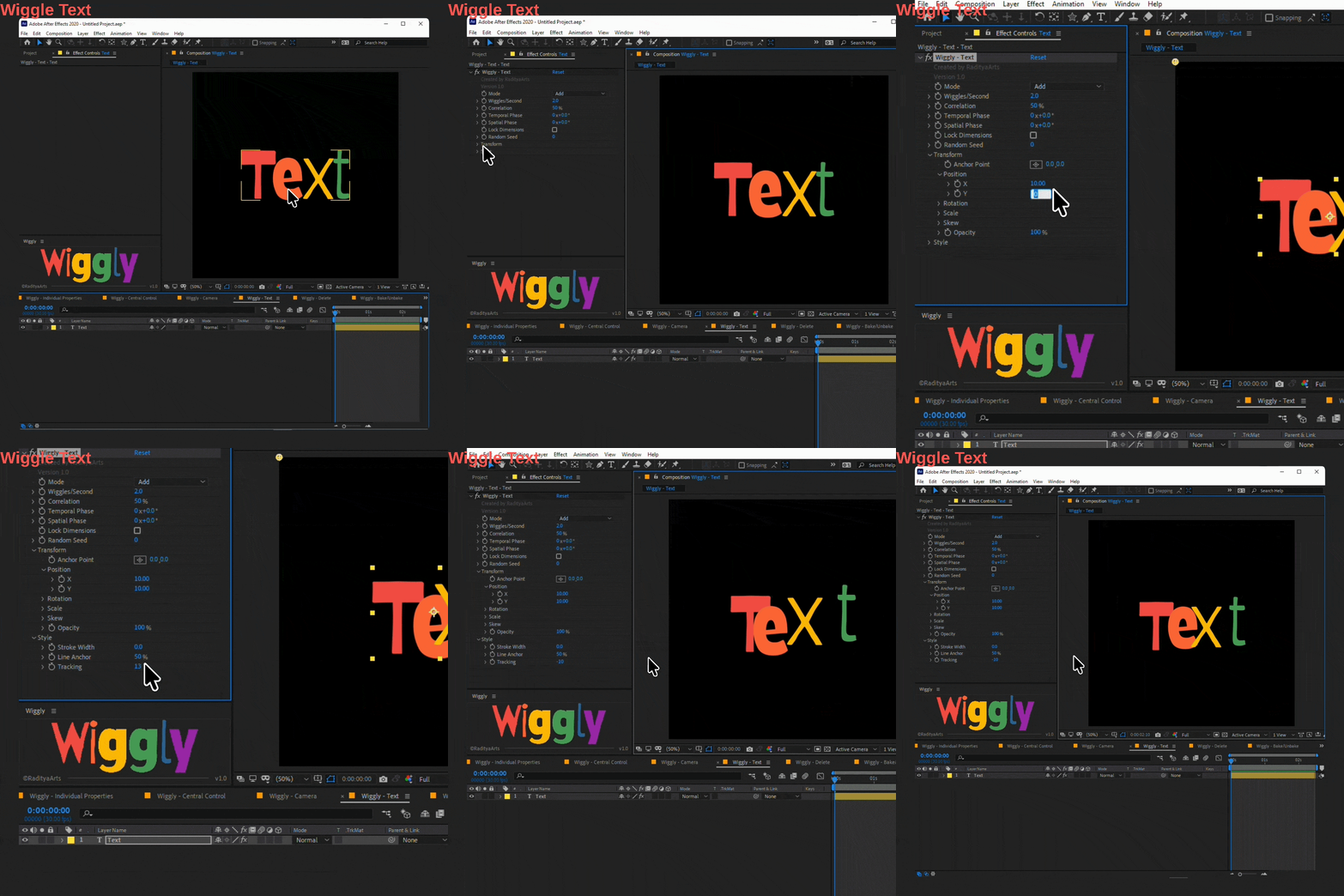
Advanced Text Wiggle System
Animate text at the character level with powerful procedural controls.
Includes:
- Transform animation (Position, Rotation, Scale, Opacity, Skew)
- Style animation (Tracking, Stroke Width, Line Anchor)
- Correlation & Phase controls for dynamic variation
- Multiple blend modes (Add, Subtract, Min, Max, Difference, etc.)
Smart Control Workflows
- Local Controls
Apply wiggle directly to a layer for independent animation.
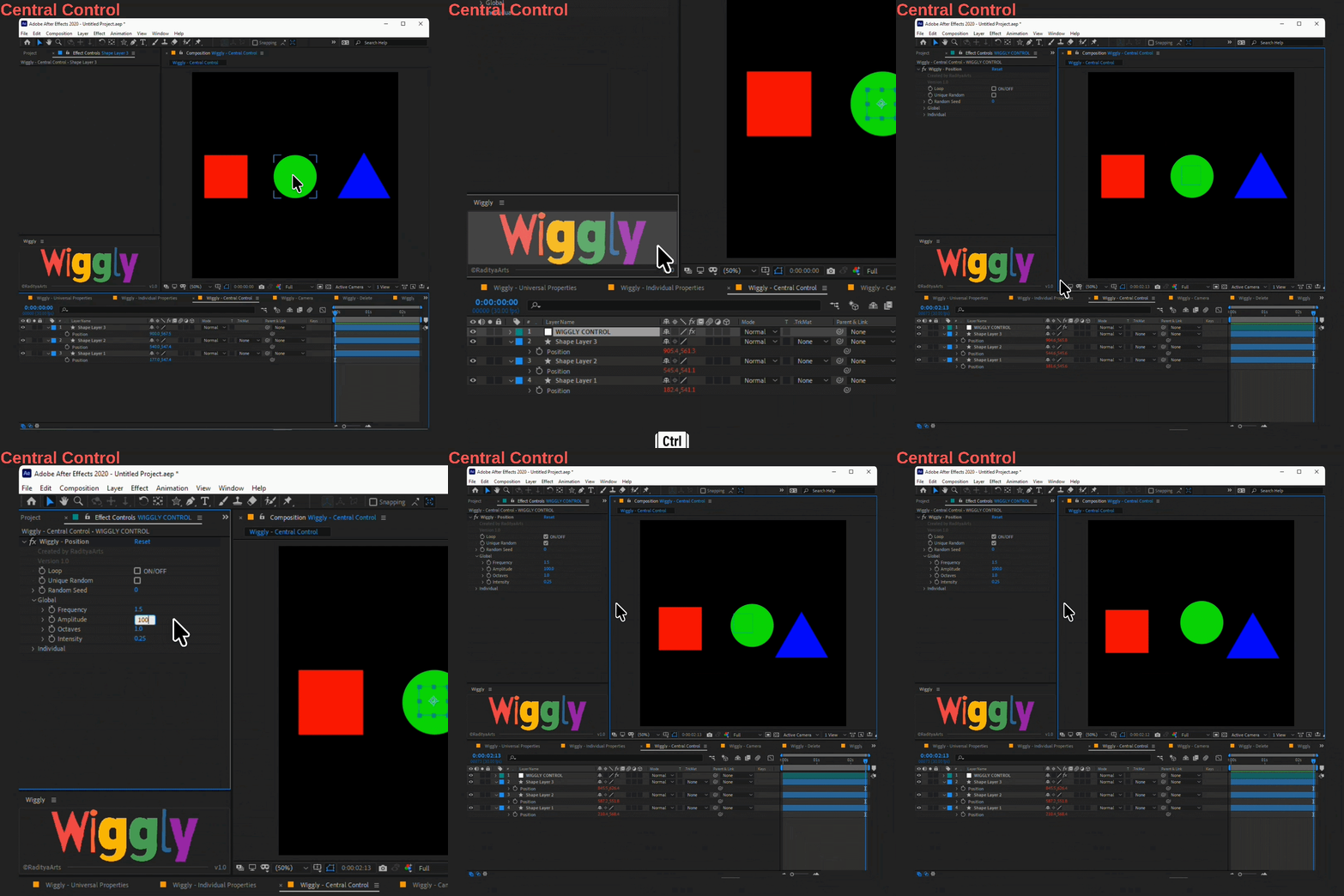
- Shared Controller System
Use a centralized WIGGLY CONTROL null to drive multiple layers at once.
- Synchronize motion across layers
- Maintain consistency with optional randomness per layer
- Faster iteration and cleaner setups
One-Click Workflow System
Wiggly simplifies your workflow with a single button:
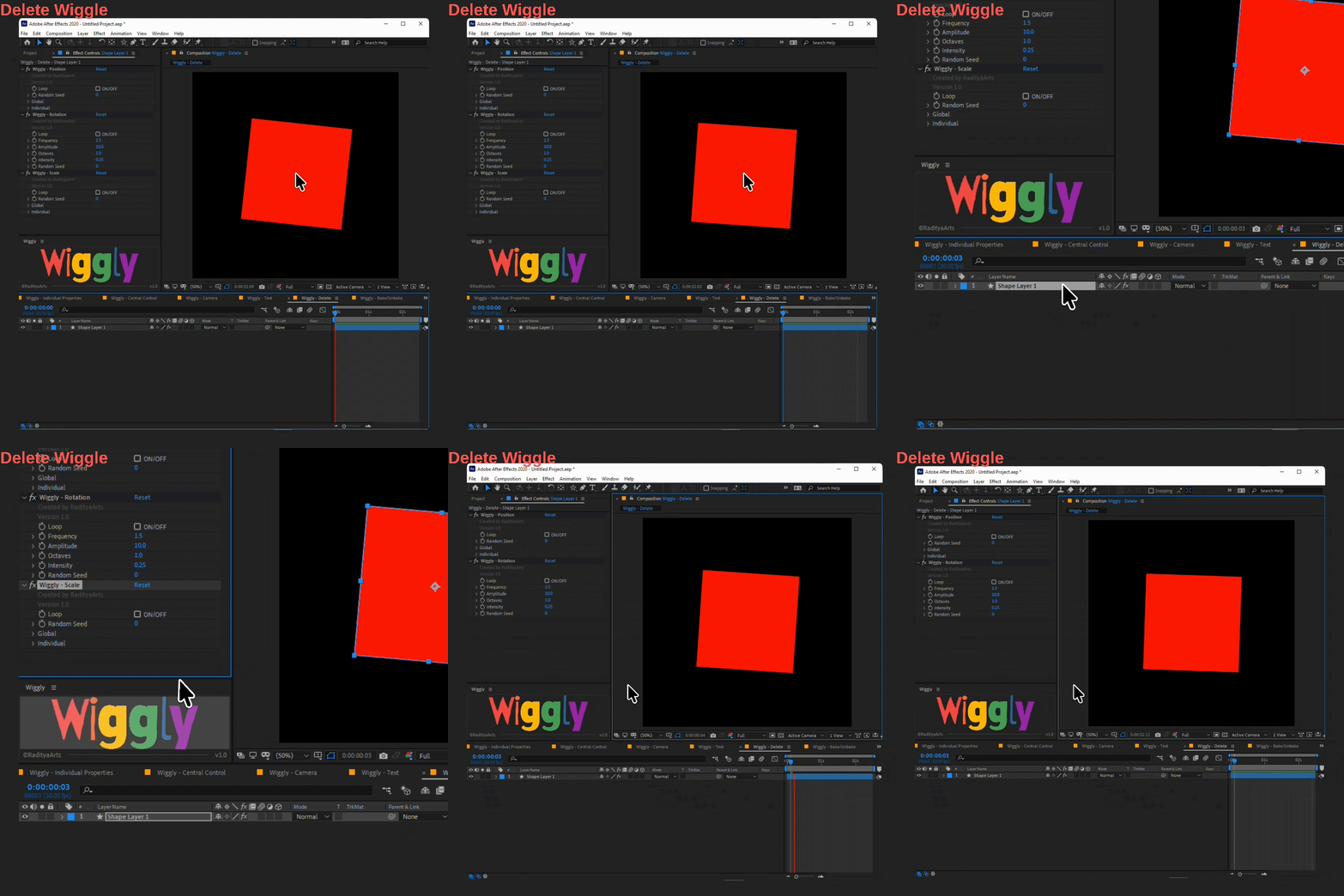
- Click → Add or remove wiggle setup
- Ctrl + Click → Use shared controller
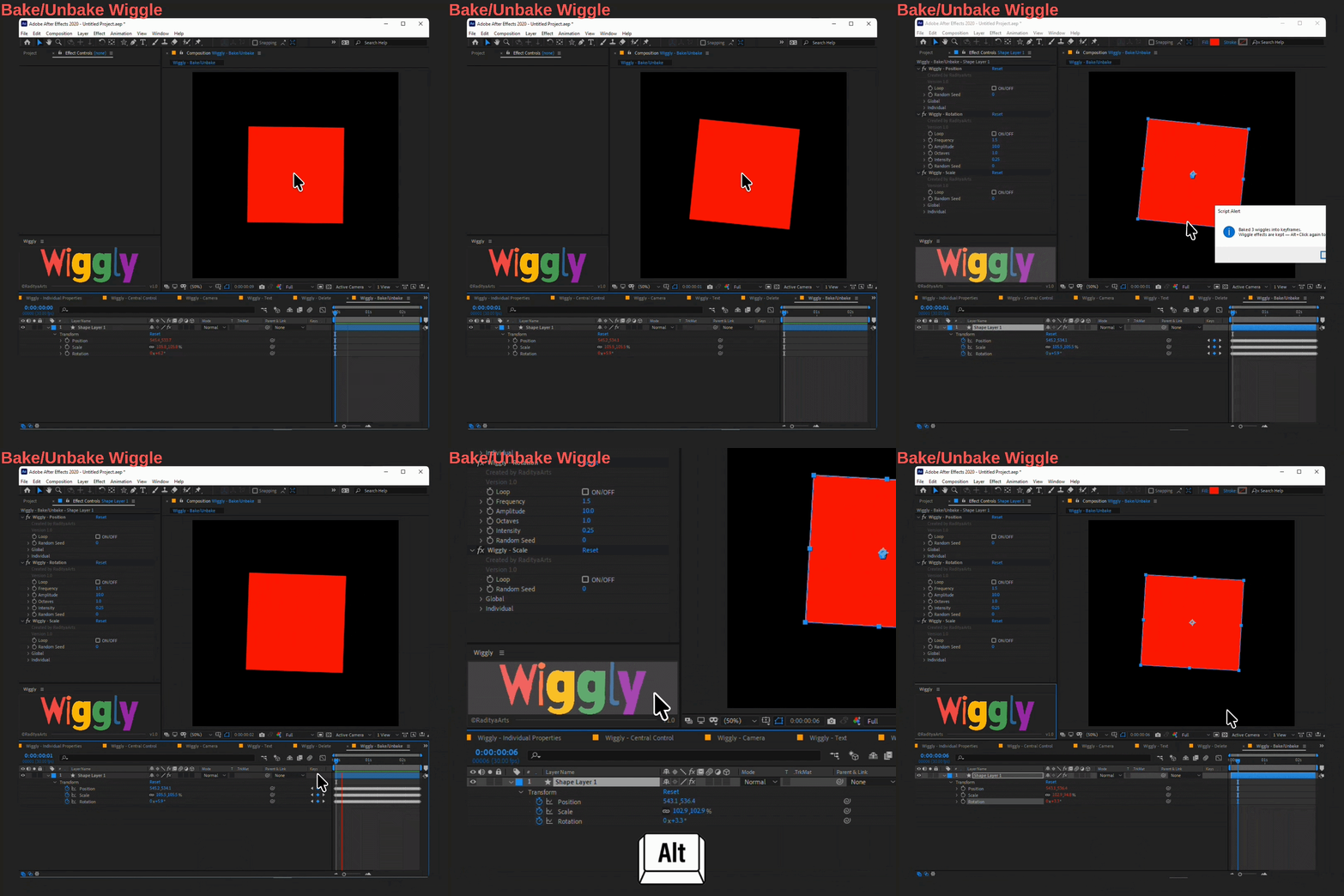
- Alt + Click → Bake to keyframes
- Alt + Click (again) → Restore live animation
No need for multiple tools — everything is unified.
Bake & Restore System
Convert procedural wiggle into editable keyframes instantly.
- Bake across work area
- Keep original controls intact
- Restore live expressions anytime
Compatibility:
Presets and Scripts works with Adobe After Effects CC 2019 and above.
Supports Windows & macOS.
License Agreement
This product is licensed for use in both personal and commercial projects. You are permitted to use, modify, and incorporate this product into your own motion graphics or video work.
Redistribution, resale, or sharing of the original product files, either in whole or in part, is not allowed. Each user must obtain their own license.
Copyright ©RadityaArts. All rights reserved.
Changelog
V1.0 – 01 May 2026
- Initial release of Wiggly