

MojiFlow V1.0.1 - After Effects Type Composer
MojiFlow — Advanced Typography Layout Composer for After Effects
User Guide
Design professional text compositions effortlessly with MojiFlow — a powerful typography layout panel for Adobe After Effects.
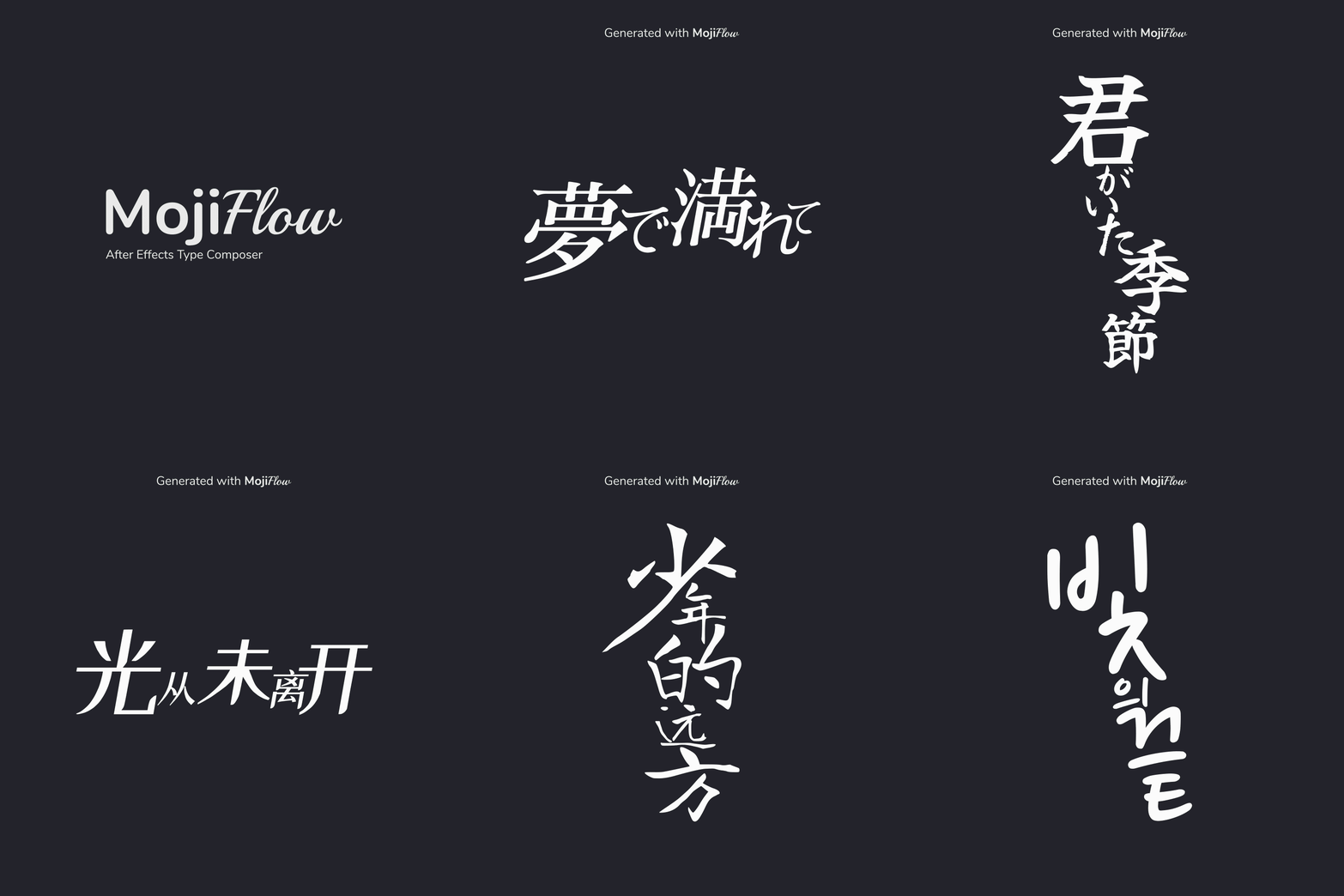
Designed for motion designers, editors, and MV creators, MojiFlow lets you draw a custom area, type or paste your text, pick a font, and instantly generate visually balanced kinetic typography — all without manually positioning a single character.
Type, generate, and apply — all from one intuitive panel.
Key Features:
Smart Typography Generator
Create balanced text layouts automatically inside any custom area.
- Generate typography from a simple text input
- Automatically distribute characters within a layout region
- Optimized for titles, lyrics, captions, and creative compositions
- Fully editable results inside After Effects
Transform plain text into professional layouts in seconds.
Custom Layout Area System
Design within a freely adjustable bounding area.
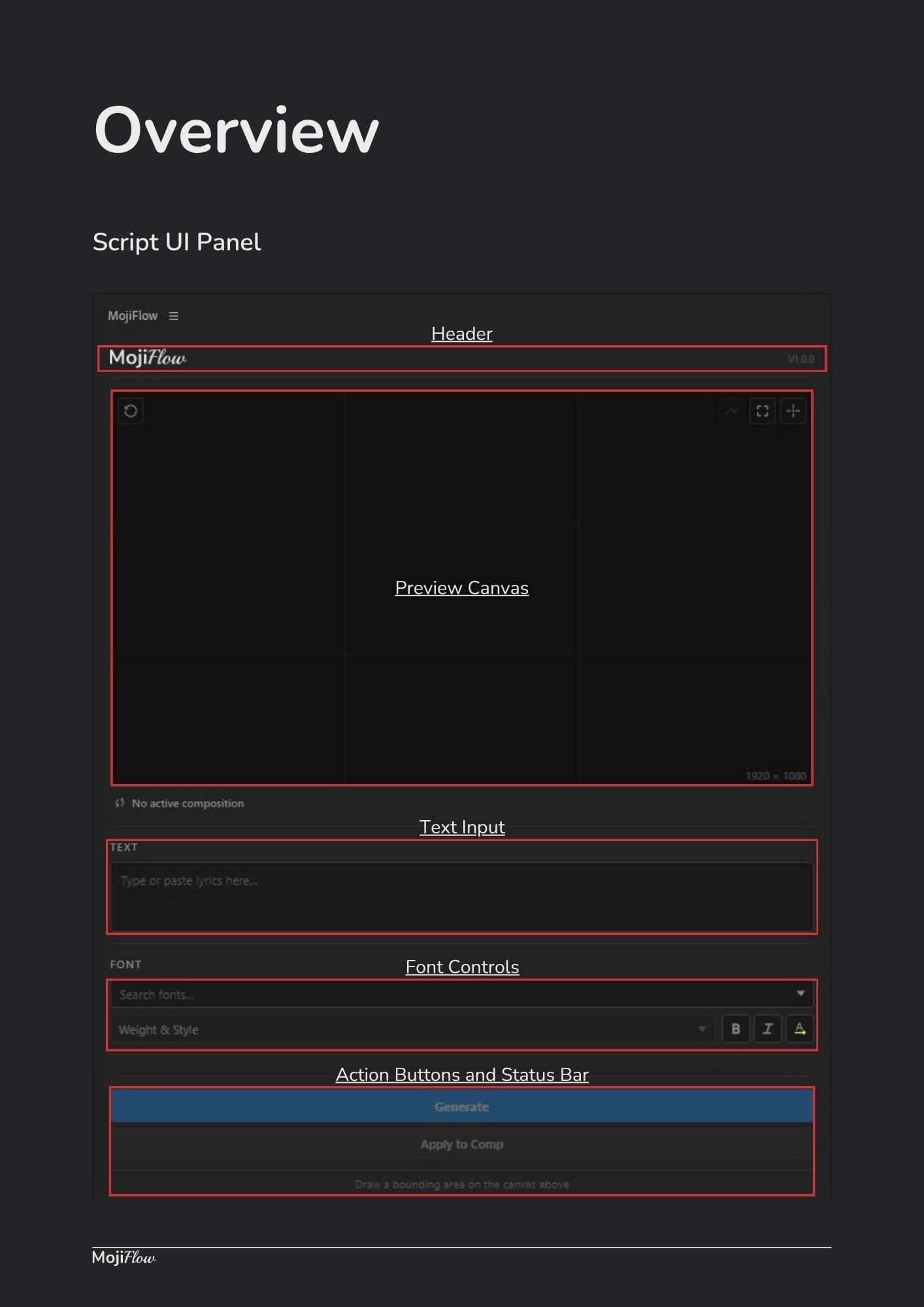
- Draw custom layout regions directly inside the preview canvas
- Move and resize areas interactively
- Responsive layout updates
- Precise composition-based positioning
Quickly define where your typography should live.
Custom Flow Line System
Create unique text arrangements using custom flow paths.
- Draw custom flow lines inside your layout area
- Characters automatically follow the path direction
- Flow paths scale together with the layout area
- Create curved, organic, and artistic typography arrangements
Perfect for creative titles, lyric animations, and experimental typography.
Horizontal & Vertical Layout Support
Instantly switch text orientation.
- Horizontal typography layouts
- Vertical typography layouts
- Ideal for multilingual projects
- Supports modern editorial and motion design styles
Adapt your layouts to any creative direction.
Advanced Font Controls
Manage typography directly inside MojiFlow.
- Font family search and filtering
- Weight and style selection
- Bold and Italic support
- Automatic matching of available font styles
- Faux style fallback when necessary
Maintain full control over your typography workflow.
Interactive Preview Canvas
Design and preview layouts before applying them.
- Real-time layout visualization
- Zoom and pan controls
- Snap system for accurate positioning
- Composition-aware workspace
- Area dimension and position feedback
Work visually without cluttering your composition.
Multi-Language Text Support
Create typography using virtually any language supported by your fonts.
Supports:
- Latin
- Japanese
- Korean
- Chinese
- Arabic
- Cyrillic
- Numbers
- Symbols
- Punctuation
Perfect for international projects and multilingual content.
Editable After Effects Layers
Apply layouts directly into your composition.
- Creates fully editable text layers
- Non-destructive workflow
- Easy to customize after generation
- Compatible with standard After Effects text tools
Generate first, refine later.
Shuffle Flow Integration
Unlock an even more powerful workflow with Shuffle It! V4.0+.
- Generate Shuffle Flow setups directly from MojiFlow
- Convert layouts into a single editable text system
- Path-based animation controls
- Flow controllers and masks included
- Simplified animation workflow
Create layouts in MojiFlow and animate them seamlessly with Shuffle It!.
Fast Creative Iteration
Experiment freely with typography ideas.
- Generate multiple layout variations
- Modify areas and flow paths instantly
- Refresh layouts with one click
- Quickly explore creative directions
Spend less time arranging text and more time designing.
Compatibility:
Scripts works with Adobe After Effects CC 2019 and above.
Supports Windows & macOS.
License Agreement
This product is licensed for use in both personal and commercial projects. You are permitted to use, modify, and incorporate this product into your own motion graphics or video work.
Redistribution, resale, or sharing of the original product files, either in whole or in part, is not allowed. Each user must obtain their own license.
Copyright ©RadityaArts. All rights reserved.
Changelog
V1.0.1 – 21 June 2026
- Fixed Shuffle It! shortcut issue on macOS.
V1.0.0 – 20 Jun 2026
- Initial release