
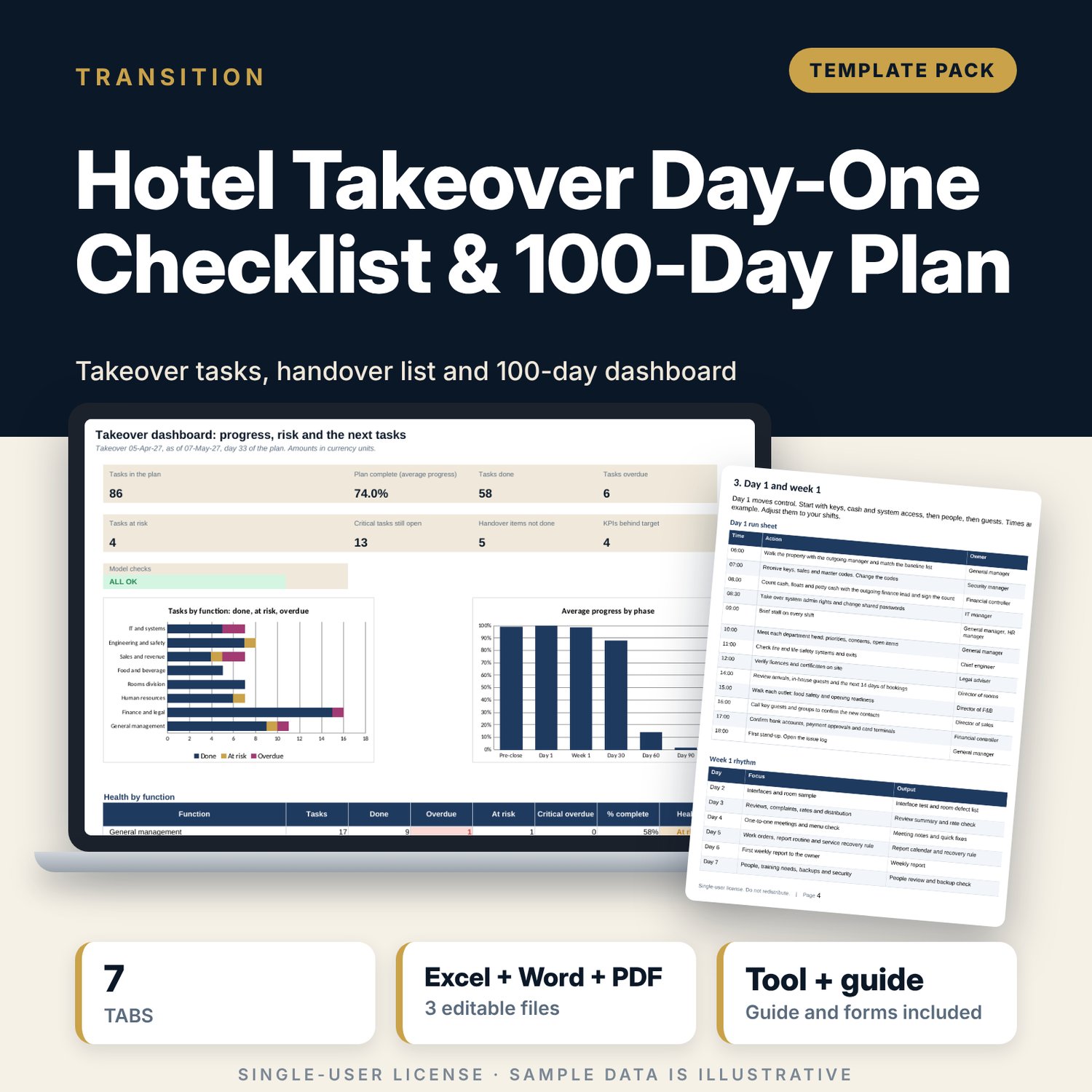

Hotel Takeover Day-One Checklist & 100-Day Plan: Hotel Takeover Checklist and 100-Day Transition Plan Spreadsheet
Full description
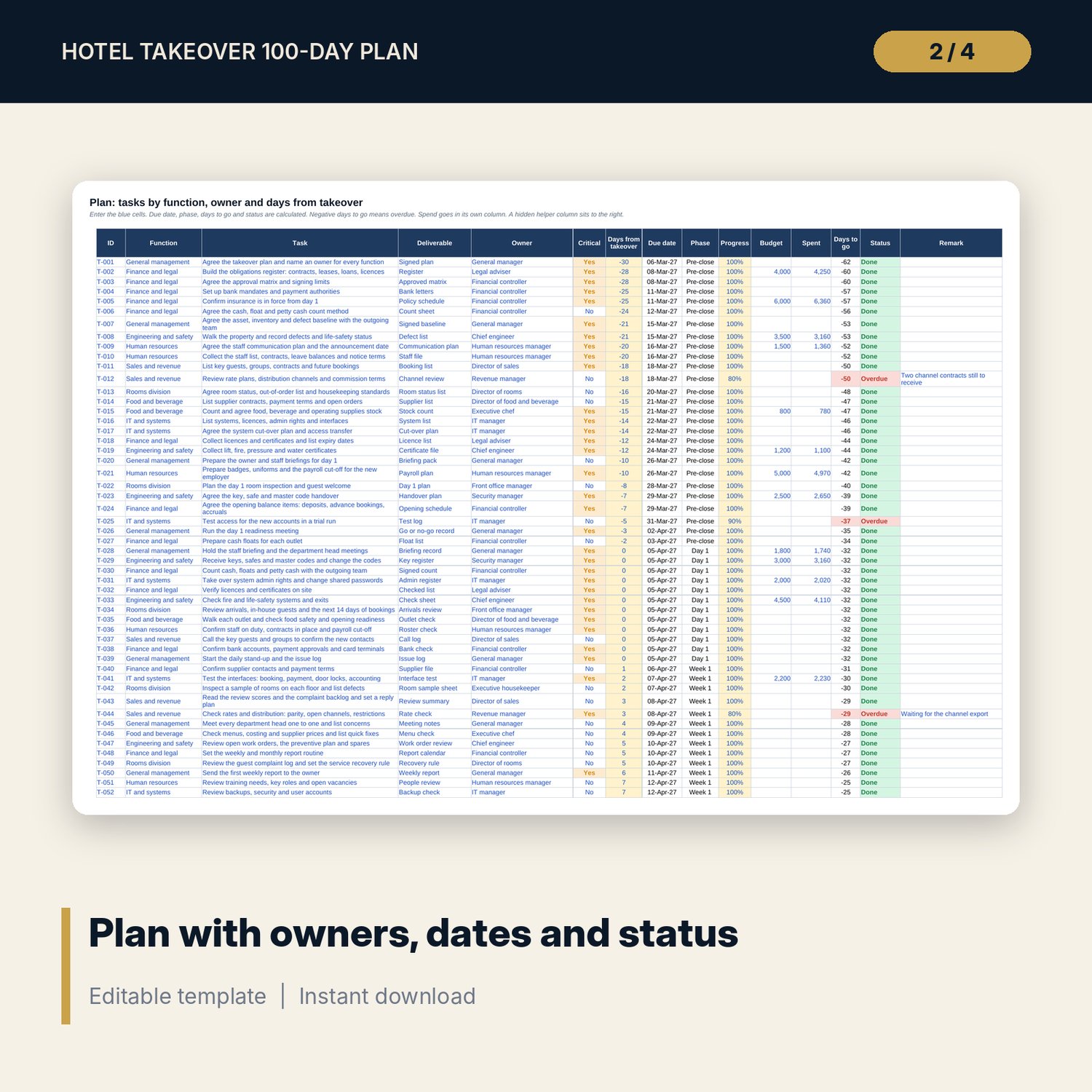
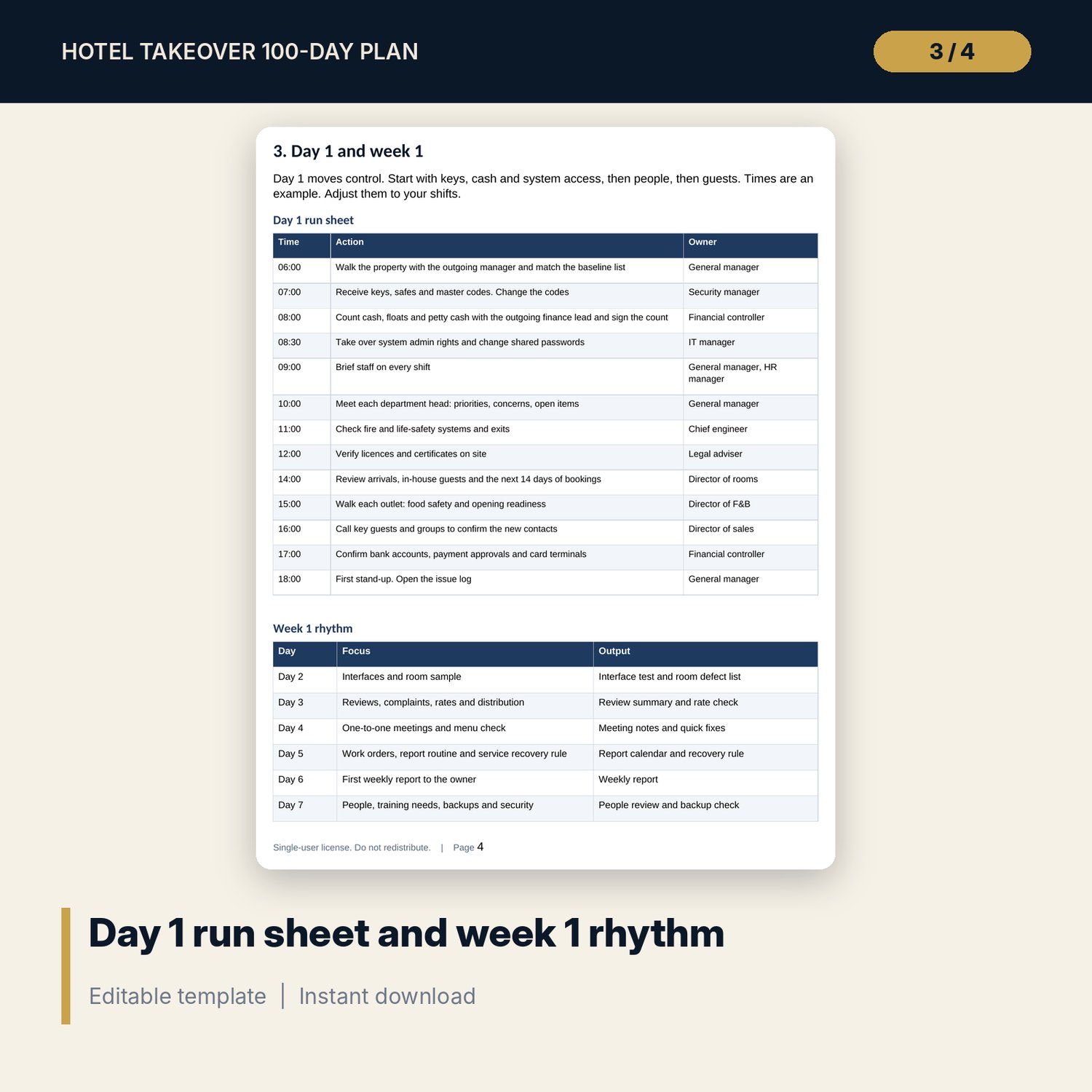
For new general managers, asset managers and owner representatives who take over a hotel. The workbook holds 86 sample tasks in 8 functions, each with an owner, a deliverable, a Critical flag and a number of days from the takeover date. Due date, phase, days to go and status (Done, Overdue, At risk, Due soon, On track) are calculated from two dates you set. A handover list of 25 items tracks what the outgoing team must deliver. A ramp table compares KPI targets for day 30, 60 and 90 with your actual results. The Dashboard rates each function Late, At risk or On track and lists the next open tasks. A Word transition memo sets roles, the readiness gate, the day 1 run sheet, the four reviews and three forms.
What is inside
- Hotel_Takeover_100_Day_Plan.xlsx: 7 tabs, 874 formulas, 2 native charts, 15 drop-down and input rules
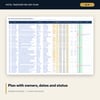
- Plan: 86 sample tasks plus 20 spare rows across 7 phases (pre-close, day 1, week 1, day 30, day 60, day 90, day 100) and 8 functions, with 15 owner roles
- Handover: 25 outgoing-team duties plus 10 spare rows with due date and flag
- Ramp: 11 KPIs plus 4 spare rows with baseline, three targets, three actuals and a result
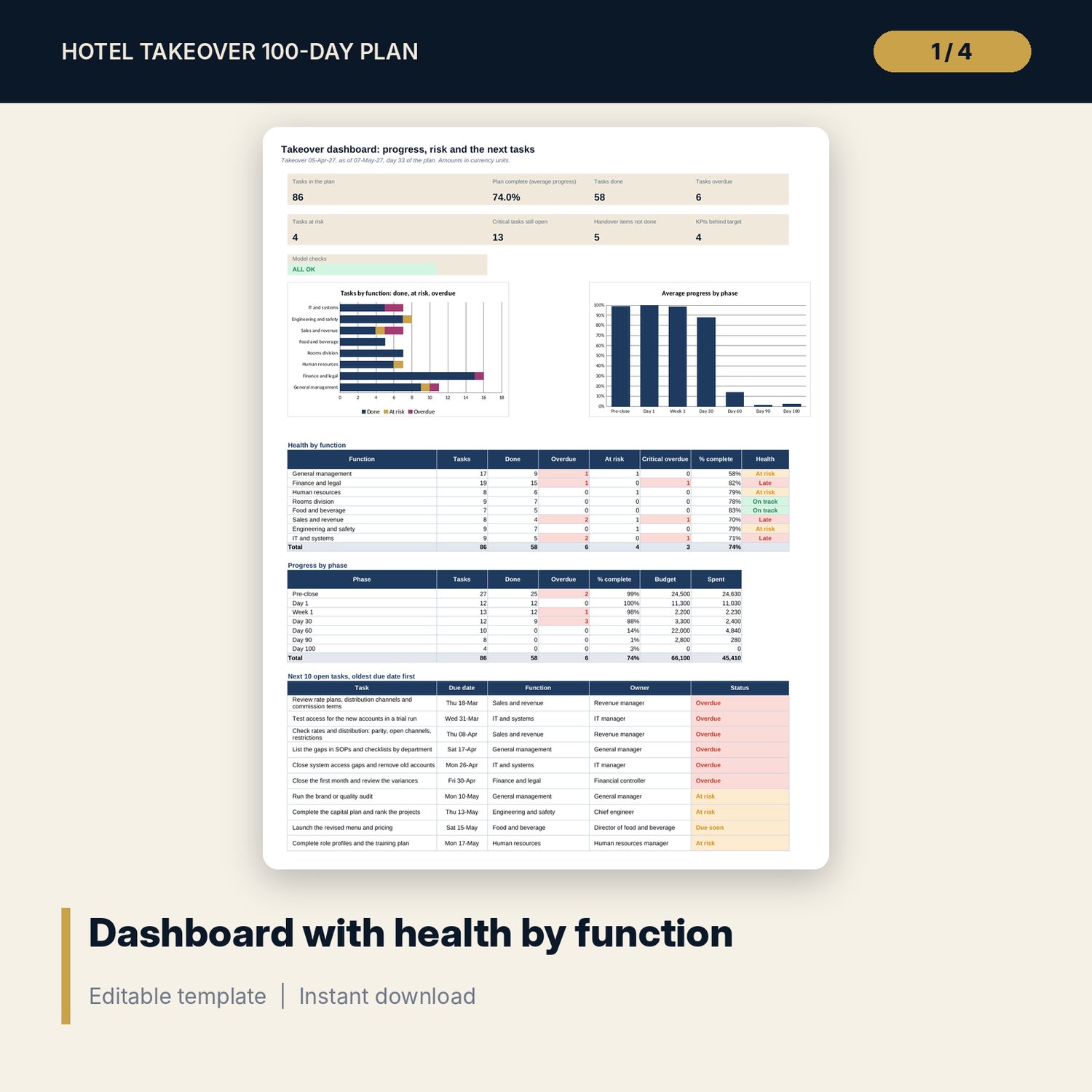
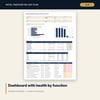
- Dashboard: 8 KPI tiles, a check tile, 2 charts, health by function, progress by phase and the next 10 open tasks; 8 integrity checks on the Checks tab
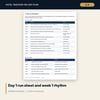
- Hotel_Takeover_Transition_Memo.docx and PDF: 10 pages with roles, a readiness gate, a day 1 run sheet, reviews, 11 KPI targets, 3 forms, a worked example and a readiness check of 9 lines
- README.txt and LICENSE-and-Terms.txt
How it works
- Enter the takeover date and today's date on Settings. Refresh today's date each day.
- Edit the sample tasks on Plan: owner, deliverable, days from takeover, progress, budget and spend.
- Tick off handover items and enter KPI results as the days pass.
- Read the Dashboard for the health of each function and send the memo to the owner at each review.
Details
- Formats: 1 Excel workbook (.xlsx), 1 transition memo in Word (.docx) and PDF, English
- Software: Excel 2016 or later, or LibreOffice Calc 7 or later
- No macros, no external links, no data tables, no array formulas
- 3 files plus README and license; instant digital download
Good to know
- Sample data is illustrative. Replace it with your own tasks and dates.
- Dates, limits, targets and budgets are editable examples. Verify local requirements and your agreements.
- The files are management tools, not legal, tax or employment advice. Have your adviser check the memo wording.
- Status depends on the as-of date. A stale date marks tasks overdue by mistake.
- Single-user license. Do not redistribute.
FAQ
How is the status of a task worked out?
A task with progress of 100% is Done. A task due before the as-of date is Overdue. A task due within the window is At risk if progress is under the limit, otherwise Due soon. All others are On track.
How is a function rated Late?
A function is Late when its overdue tasks exceed the share limit or any Critical task is overdue. It is At risk when any task is At risk. You set both limits on Settings.
Can I change the phases and the lists?
Yes. Edit the From day of each phase and the function and owner lists on Settings. The Plan and Dashboard follow.
Can I add tasks, handover items and KPIs?
Yes. The sample has 20 spare task rows, 10 spare handover rows and 4 spare KPI rows with formulas ready.
Do I need macros?
No. Every result is a standard worksheet formula.