
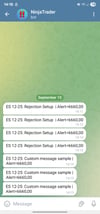
NinjaTrader Telegram Price Alert
Get instant trade alerts delivered straight to your phone.
The Telegram Price Alert indicator for NinjaTrader 8 is the fastest and most reliable way to stay connected to the markets. Whether you are scalping, day trading, or swing trading, this tool makes sure you never miss a signal.
🔑 Key Features
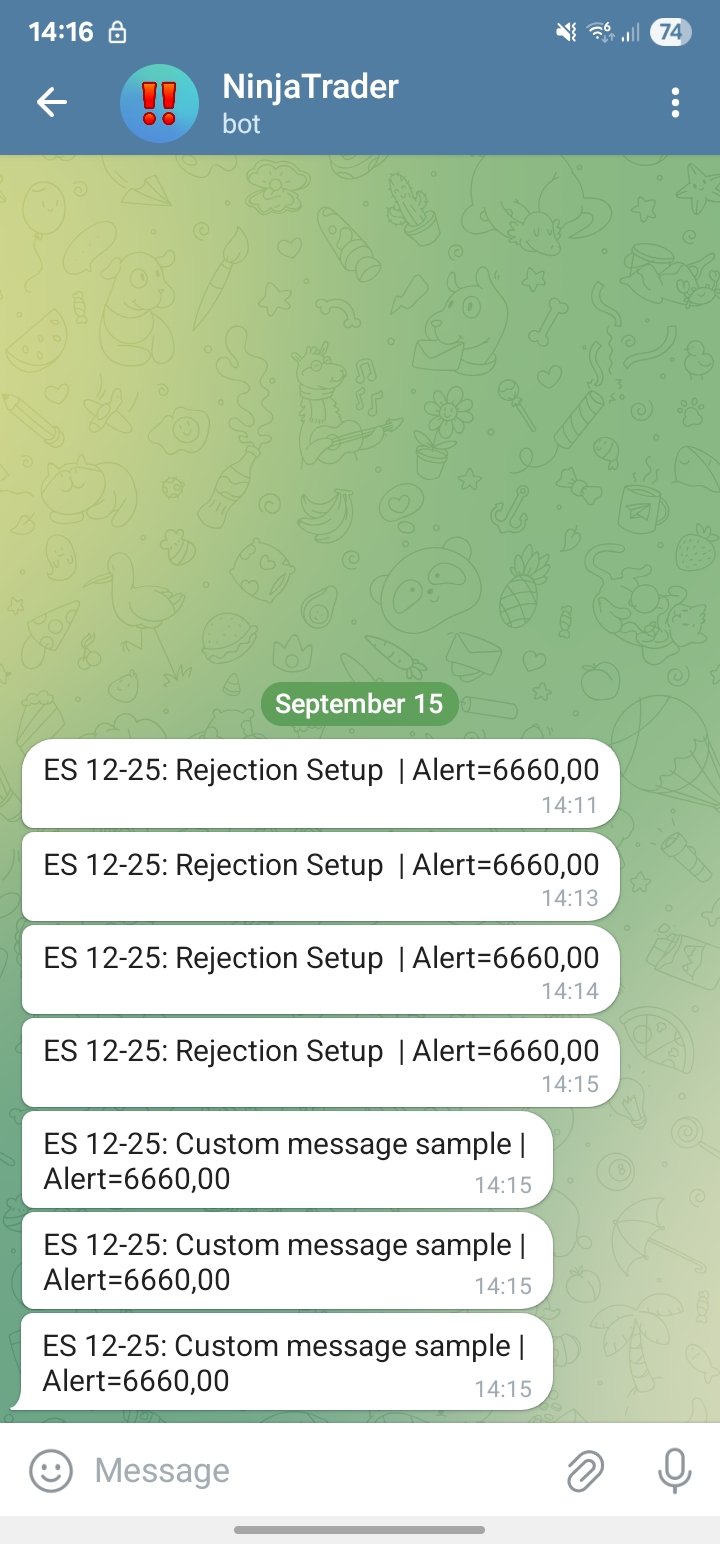
- Real-time Telegram notifications – Receive alerts instantly on your mobile or desktop Telegram app.
- Customizable messages – Include instrument, timeframe, price level, or any custom text in your alert.
- Easy setup – Import the indicator (.zip), paste your bot token and chat ID, and you’re ready to go.
- Flexible alert conditions – Works on OnBarClose or OnEachTick depending on your trading style.
- Secure distribution – Delivered as a compiled DLL
- Compatible with any account – Evaluation accounts, funded prop firms, or live brokerage accounts.
🛠 Installation
- In NinjaTrader 8, go to Control Center → Tools → Import → NinjaScript Add-On.
- Select the provided .zip file.
- Add the indicator to any chart from your Indicators list.
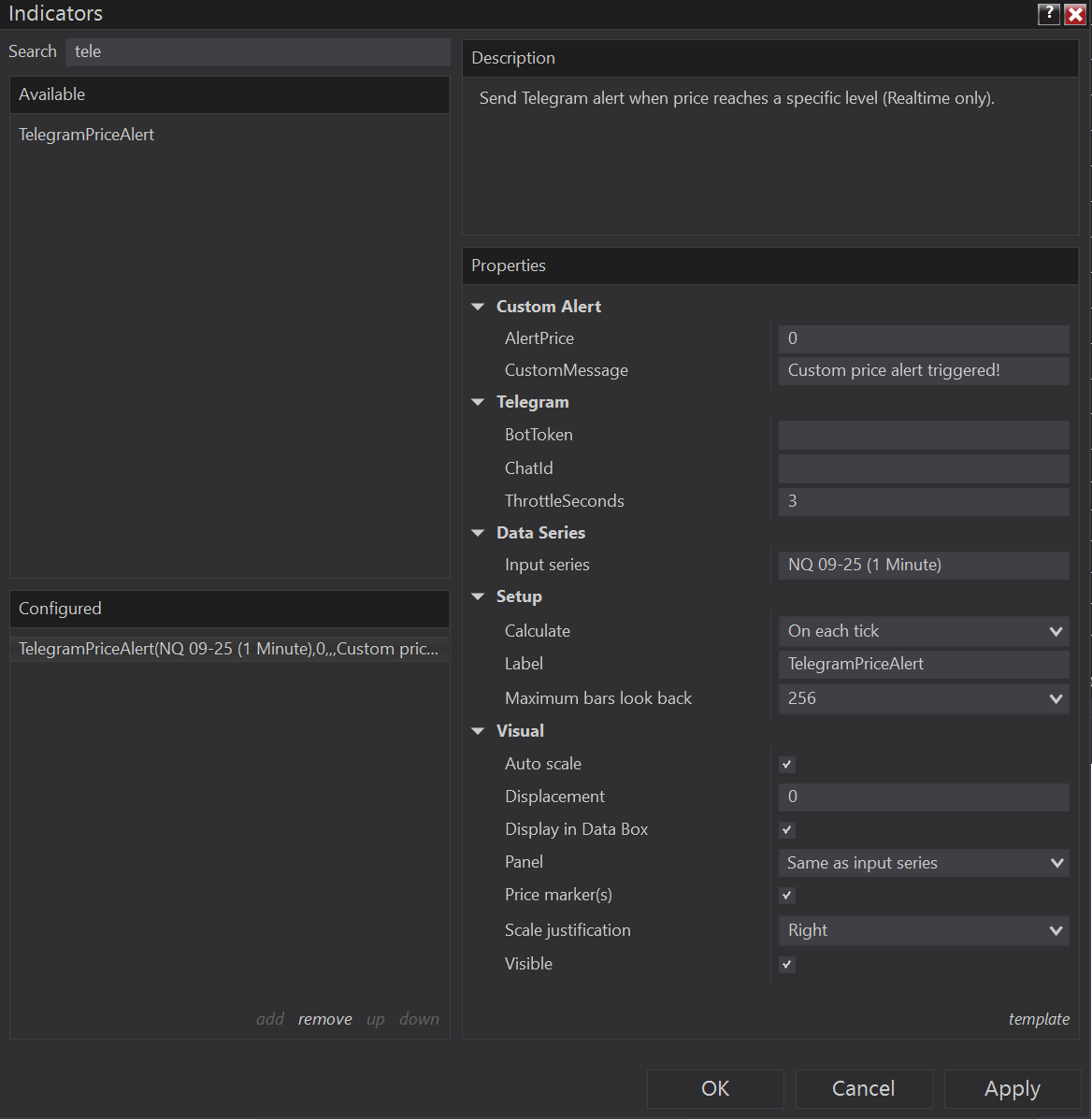
- Enter your Telegram Bot Token and Chat ID in the settings.
- Done – alerts will now be delivered automatically.
💼 Ideal For
- Prop firm traders who must react instantly to setups
- Day traders monitoring multiple instruments
- Swing traders who don’t want to sit in front of the screen all day
⚡ Stay connected. React faster. Trade smarter.
👉 Get your copy today and never miss a trading signal again.
How to Create Your Telegram Bot and Get Chat ID
Follow these steps to set up your own Telegram bot and connect it with the NinjaTrader Telegram Price Alert indicator.
1. Create a Telegram Bot
- Open the Telegram app on your phone or desktop.
- Search for BotFather (this is the official Telegram bot management account).
- Start a chat and type:
- /newbot
- BotFather will ask for a name → e.g. MyTradingAlertsBot.
- Then it will ask for a username → must end with bot (e.g. MyTradingAlerts_bot).
- Once created, BotFather will give you a Bot Token, something like:1234567890:ABCdEfGhIjKlMnOpQRsTuVwXyZ
👉 Copy this token – you will need it in NinjaTrader.
2. Get Your Chat ID
You need the Chat ID where the alerts will be sent. There are two options:
Option A: Personal Chat ID
- Start a chat with your new bot.
- Send any message (e.g. “hi”).
- Open this link in your browser (replace BOT_TOKEN):
- https://api.telegram.org/botBOT_TOKEN/getUpdates
- Look for "chat":{"id":123456789} → this number is your Chat ID.
Option B: Group Chat ID
- Create a new Telegram group.
- Add your bot to the group.
- Send a test message in the group.
- Open the same link:
- https://api.telegram.org/botBOT_TOKEN/getUpdates
- Find "chat":{"id":-123456789} → negative numbers indicate a group Chat ID.
3. Enter Data in NinjaTrader
- Import the indicator in NinjaTrader.
- Add it to your chart.
- In the indicator settings, paste:
- Bot Token
- Chat ID
!4.Save as template!
Warning!
Risk Disclosure: Futures and forex trading contains substantial risk and is not for every investor. An investor could potentially lose all or more than the initial investment. Risk capital is money that can be lost without jeopardizing ones' financial security or lifestyle. Only risk capital should be used for trading and only those with sufficient risk capital should consider trading. Past performance is not necessarily indicative of future results.