
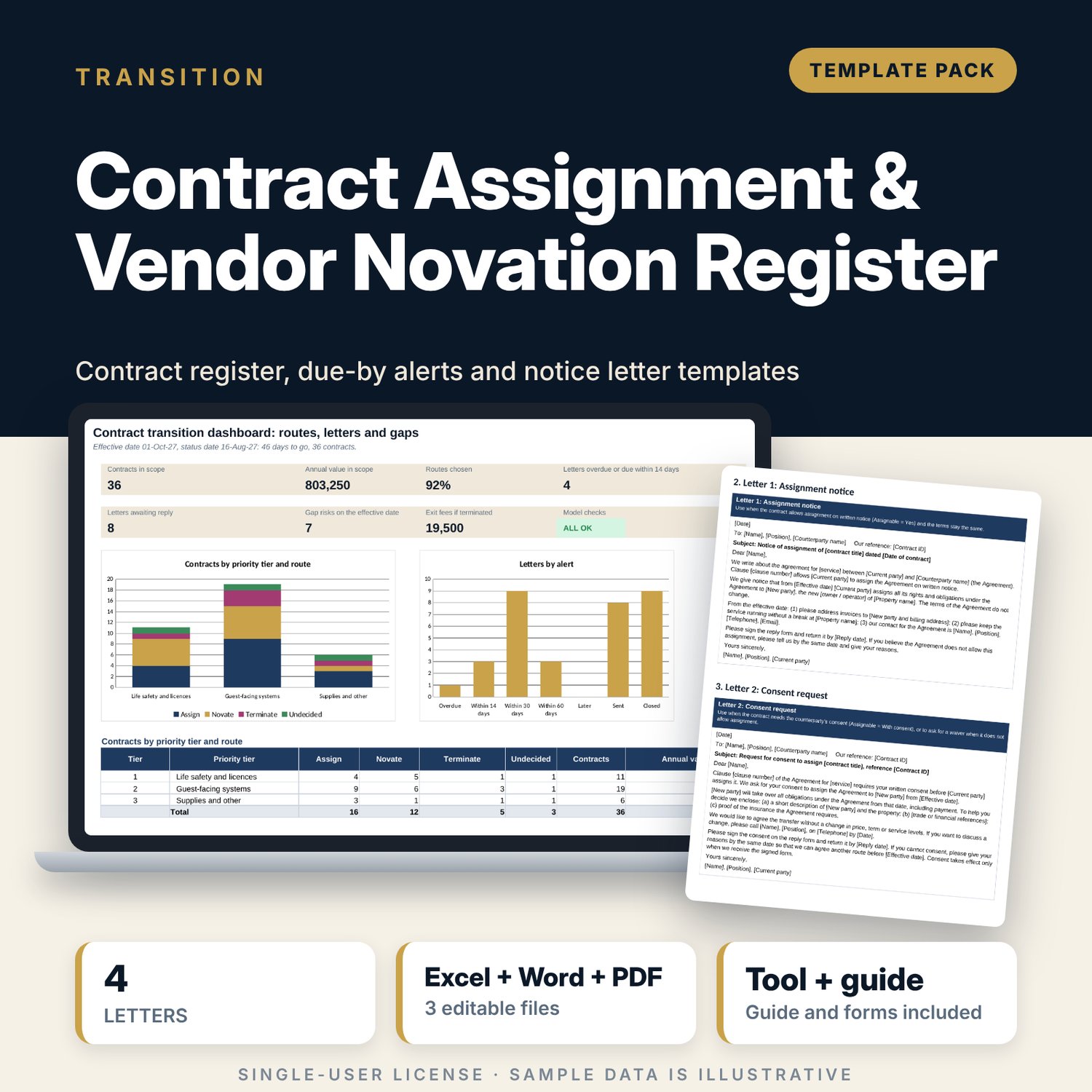

Contract Assignment & Vendor Novation Register: Contract Tracker and Notice Letter Templates for a Hotel Takeover
Full description
For general managers, owners, asset managers and transition leads who must move dozens of supplier, licence and channel contracts to a new owner or operator by a fixed date. The workbook holds one row per contract with dates, notice period, annual value, assignable status, consent source, change-of-control clause, exclusivity, minimum purchase and exit fee. For each contract you choose to assign, novate or terminate, and the file works out the letter to send, the due-by date, the days left, an alert at 60, 30 and 14 days, the price change, the restrictions and one control flag. The Dashboard shows routes by priority tier, gap risks and the next letters to send. The 8-page Word pack gives four notice letters, a reply form and the continuity check for the effective date.
What is inside
- Contract_Transition_Register.xlsx: 7 tabs, 1,076 formulas, 2 native charts, 19 drop-down and input rules
- Contracts: 36 sample contracts in 16 service types with room for 14 more; 19 columns including assignable, consent, change of control, exclusivity, minimum purchase and exit fee
- Transition: route, date sent, reply received, replacement, new price, term, payment days and service levels for every contract
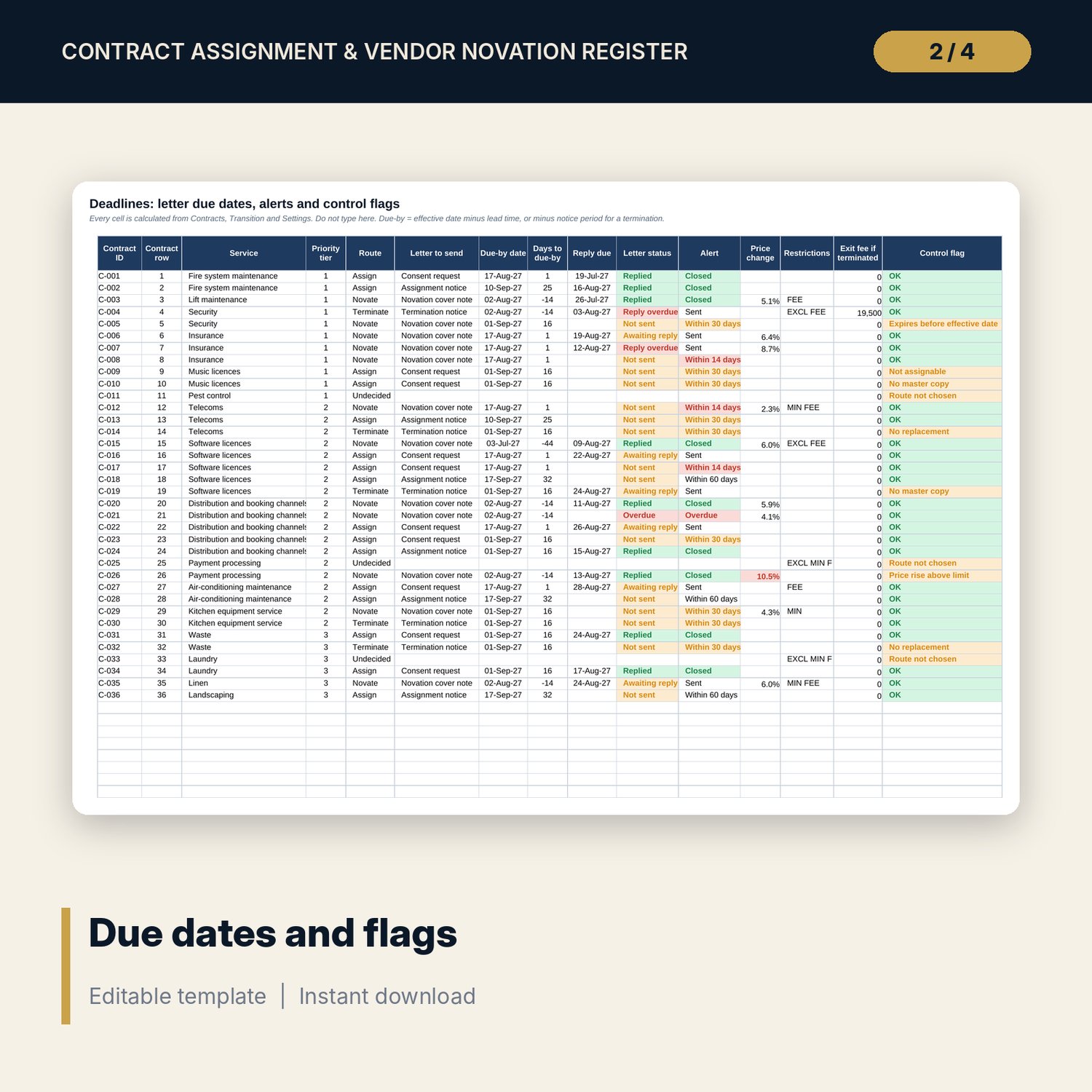
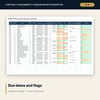
- Deadlines: letter, due-by date, days left, status, alert, price change, restrictions, exit fee and control flag
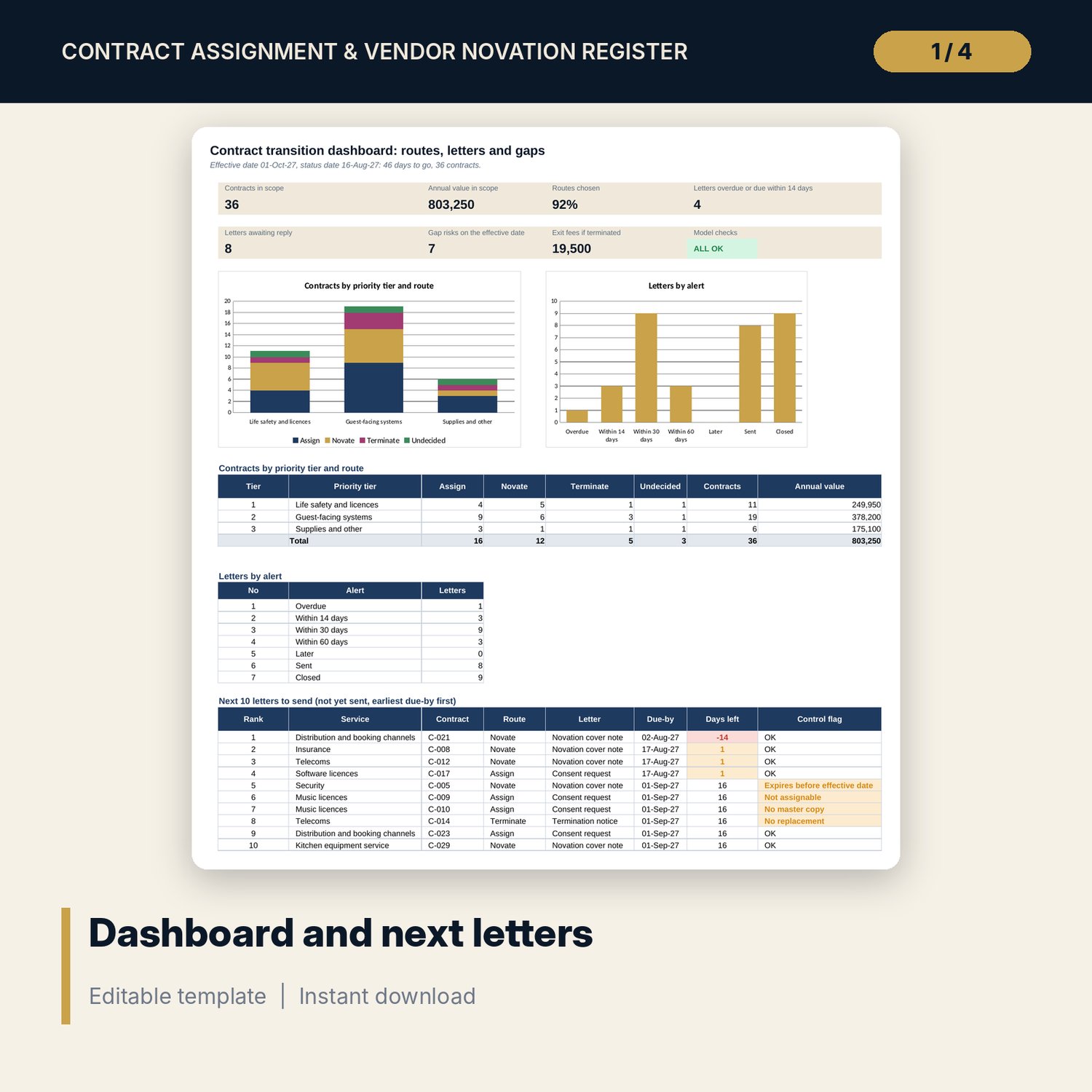
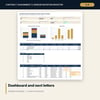
- Dashboard: 7 KPI tiles, a check tile, 2 charts, a tier-by-route table and the next 10 letters; 8 integrity checks
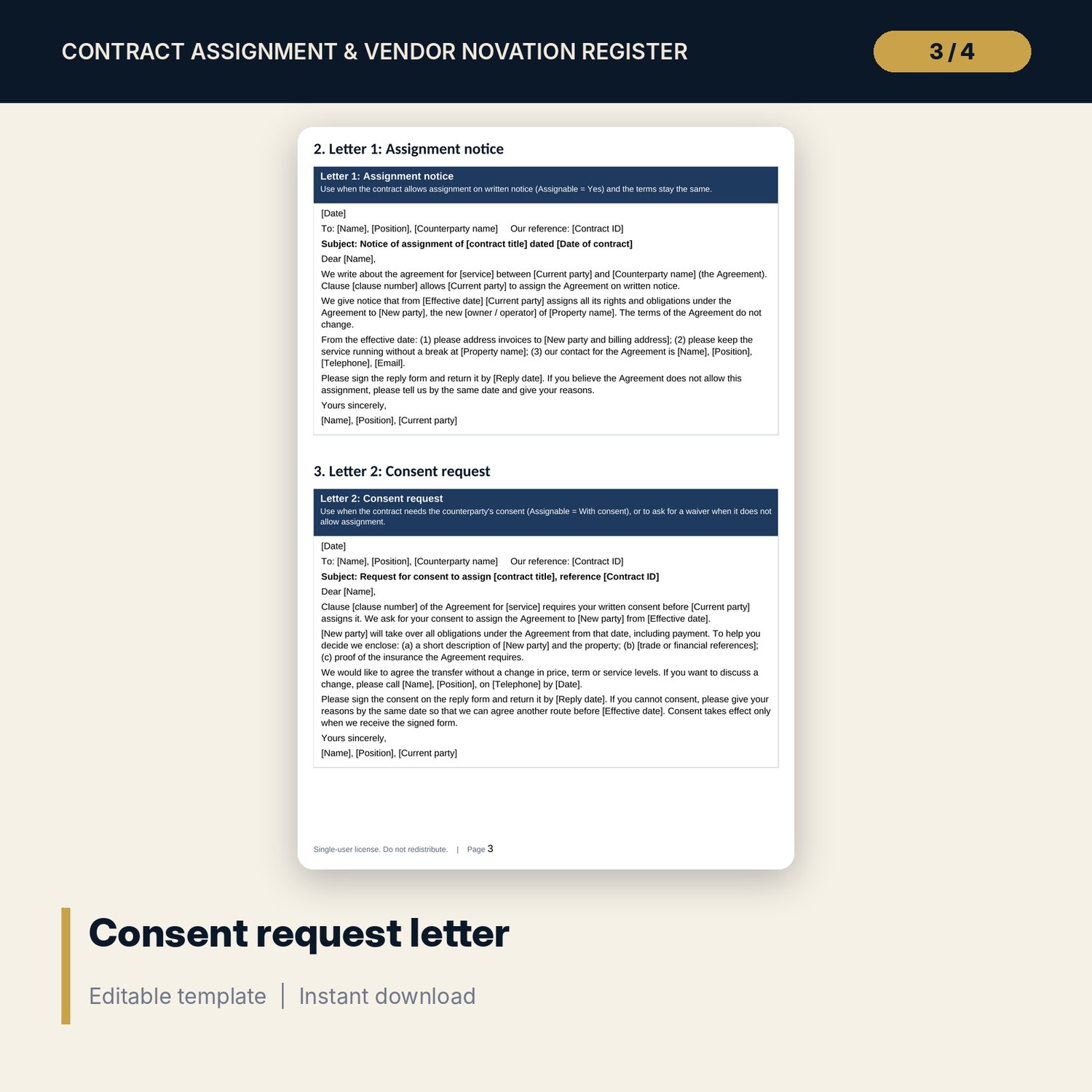
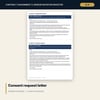
- Contract_Notice_Letters.docx and PDF: 8 pages with a route guide and timeline, 4 letter templates (assignment notice, consent request, novation cover note, termination notice), a reply form, a continuity checklist and a worked example
- README.txt and LICENSE-and-Terms.txt
How it works
- Enter the effective date and today's date on Settings, then list each contract from its master copy.
- Choose the route for each contract on Transition. Contracts left Undecided show as gap risks.
- Read Deadlines for the letter, due-by date and alert. Work in priority order: life safety and licences, guest-facing systems, supplies.
- Send the letter from the Word pack, enter the date sent, then the date the reply arrives and the new terms.
- On the effective date run the continuity check. The gap-risk tile must read 0.
Details
- Formats: 1 Excel workbook (.xlsx), 1 letter pack in Word (.docx) and PDF, English
- Software: Excel 2016 or later, or LibreOffice Calc 7 or later
- No macros, no external links, no data tables, no array formulas
- 3 files plus README and license; instant digital download
Good to know
- Sample data is illustrative. Replace it with your own contracts.
- The letters are starting drafts, not legal advice. Notice periods, consent rules and fees come from your contracts and local law: have a lawyer review each route and letter.
- The workbook holds only what you type from the contract. Check each entry against the master copy.
- Single-user license. Do not redistribute.
FAQ
How is the due-by date calculated?
For assignment and novation it is the effective date minus the lead time on the contract, or the default on Settings when the lead time is blank. For a termination it is the effective date minus the notice period.
What do the alerts mean?
A letter that is not yet sent shows Within 60, 30 or 14 days before its due-by date, then Overdue. A sent letter shows Sent until the reply is entered, then Closed. You can change the three windows.
What counts as a gap risk?
A contract with no route chosen, a route to assign a contract that cannot be assigned, a termination with no replacement in place, or a contract that expires before the effective date and does not renew.
Can I add contracts and services?
Yes. Add rows to Contracts and Transition, and add services to the service table on Settings. The checks tell you if an ID or a service is missing.
Do I need macros?
No. Every result is a standard worksheet formula.