

Home Tasks & Completion History — Excel Workbook v1.1
Keep the next household task and the last time you did it in one place.
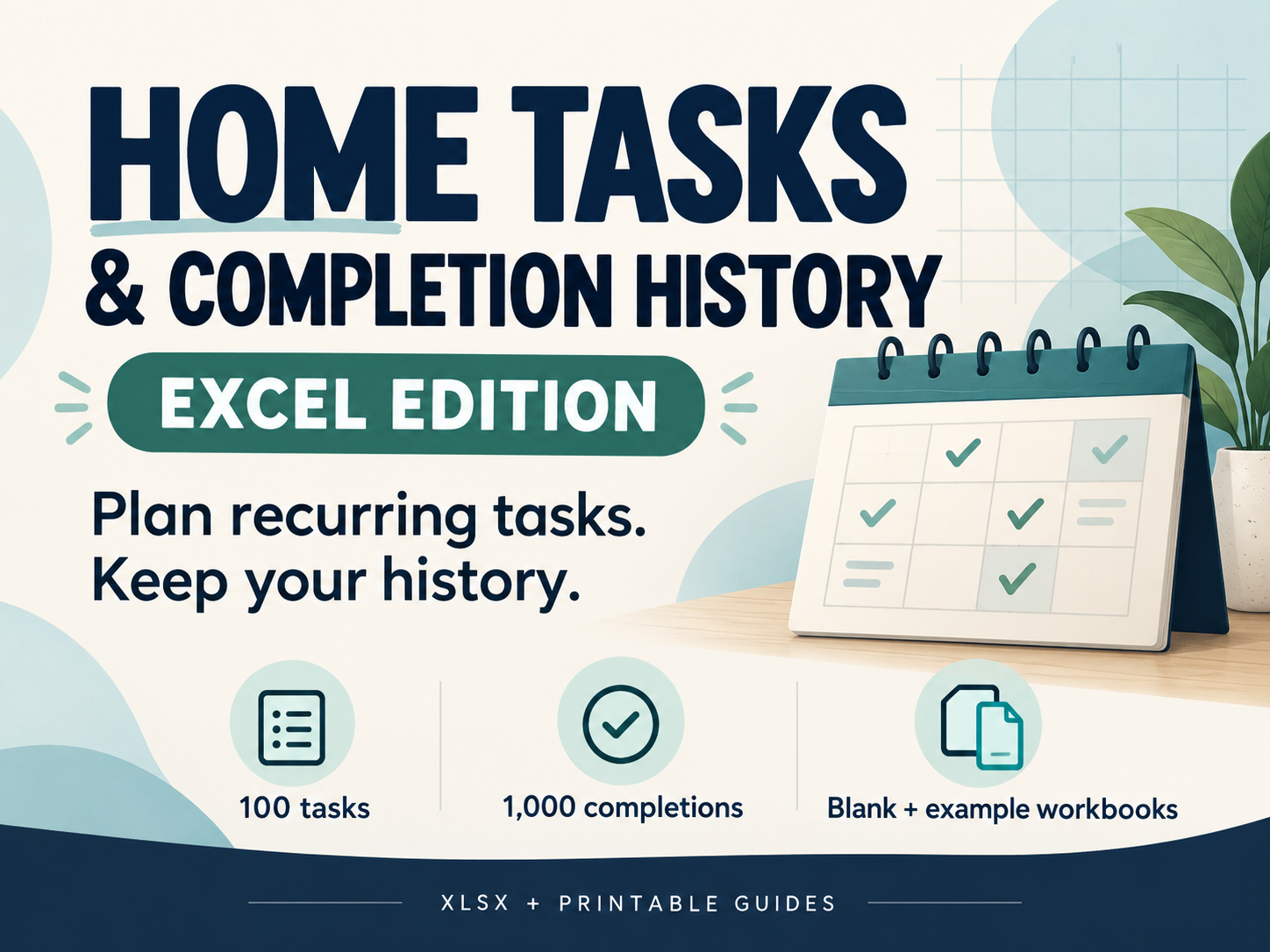
Home Tasks & Completion History is a downloadable Excel workbook for recurring tasks you choose yourself. Set intervals in days or months, add each completion as a new history row, and review calculated next due dates while earlier records stay intact.
WHAT YOU RECEIVE
One ZIP containing a blank XLSX workbook and a separate fictional-example XLSX workbook; three-page quick-start guides in A4 and US Letter; one-page printable task-capture sheets in both sizes; README with instructions and testing limits; three example preview images; and the PDF font license. Version 1.1 adds the missing table filters. The workbooks retain their v1 family filenames.
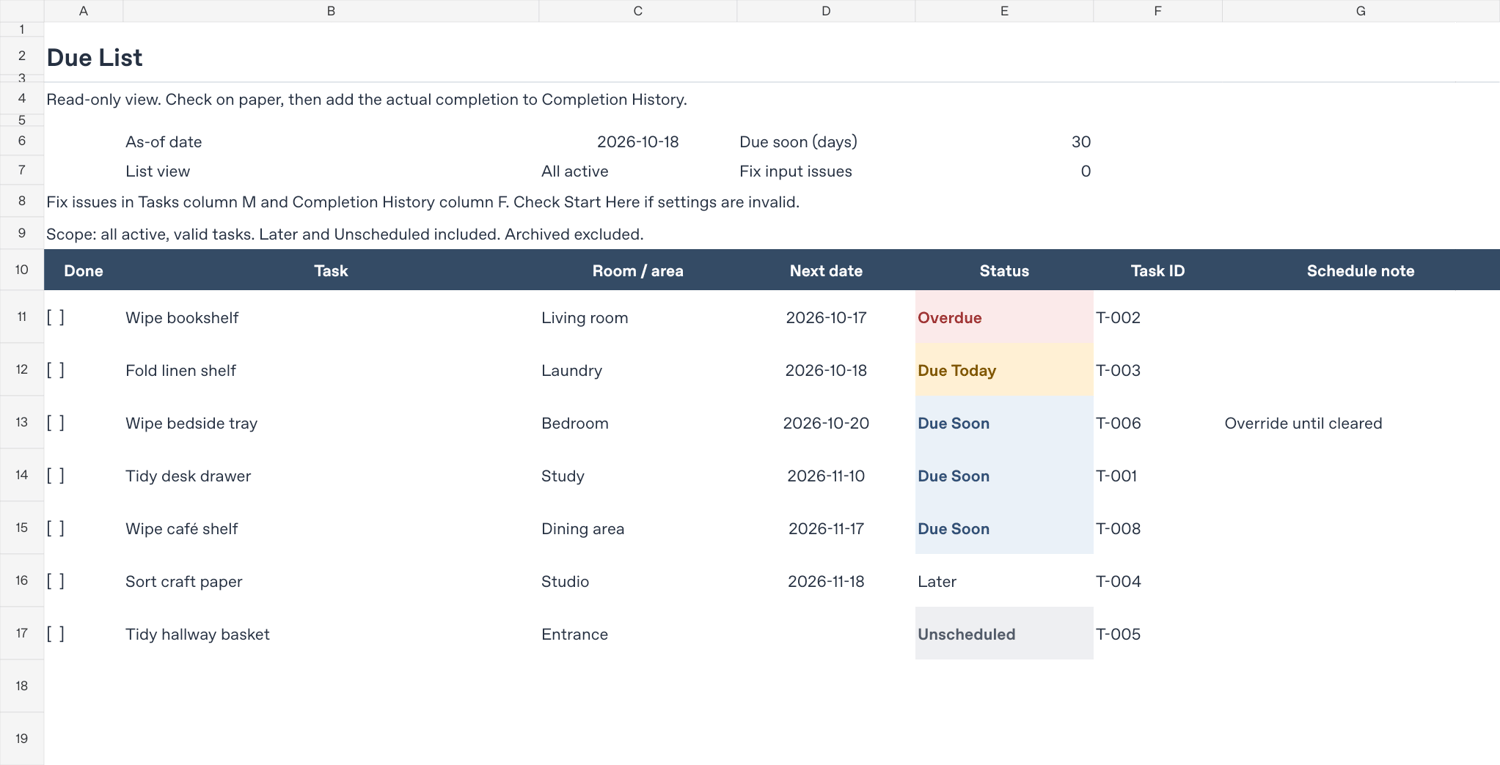
Four tabs: Start Here, Tasks, Completion History and Due List. Prepared capacity is 100 tasks, including archived tasks, and 1,000 completion records. The Due List shows Overdue, Due Today, Due Soon, Later and Unscheduled states. Choose a planning date and due-soon horizon; optional next-date overrides remain until you clear them.
HOW TO USE IT
Save a working copy of the blank workbook. Enter task details in the amber input cells and add a new completion-history row each time you finish a task. Recalculate and review the Due List. Use the header dropdowns to filter while the sheets remain protected.
For sorting, follow the README: temporarily unprotect without a password, select the ENTIRE table including hidden helpers (Tasks A9:R109 or Completion History A9:I1009), sort with headers, then restore protection with Sort and Use AutoFilter allowed. Never sort just one input column. Do not insert, delete or extend the prepared rows.
SOFTWARE AND TESTING
Desktop spreadsheet software that opens XLSX is required; Microsoft Excel is not included. Interactive checks in desktop Microsoft Excel on Windows covered protected filtering, full-table sorting with unprotect/reprotect, status dropdown/recalculation, formula-cell protection and populated Due List A4 print-selection preview. The exact installed Excel build was not captured. Original calculation, boundary and PDF checks used LibreOfficeDev 26.8.0.0.alpha0, a development build. Compatibility with every Excel version, Google Sheets, mobile apps or other spreadsheet software is not established. Check a saved copy in your application before relying on it. No physical printer test was performed.
IMPORTANT LIMITS
You enter completions manually. There are no macros, external data connections, reminders or background notifications. Open and recalculate the workbook to refresh it. Formula protection has no password and is an accidental-edit safeguard, not security. A next-date override takes priority until cleared. The example dates and intervals are fictional, not recommended maintenance schedules. This is a household recordkeeping aid, not equipment-care or safety advice.
PRINTING
Select the populated Due List range and check Print Preview; the default full print area includes 100 slots and can produce blank pages. The separate task-capture PDFs are handwriting sheets and do not update the workbook.
PERSONAL HOUSEHOLD LICENSE
Use the files and make copies for your own household. No resale, redistribution, public uploading or commercial property management use. No additional edition or service is included.
THIS IS THE EXCEL EDITION
The separate Home Tasks & History Google Sheets Tracker is a different purchase. Google Sheets template access is not included here; the editions do not sync.
Digital download only; no physical item is shipped. For support, use the seller contact on your purchase page and describe the issue with fictional data. Never send passwords or private household information.