
About Everyday Useful Studio
Everyday Useful Studio creates digital tools for home planning, moving and puzzle time, plus static design assets. Explore a printable home-maintenance planner, a Google Sheets household-task tracker, a moving spreadsheet with printable labels, a desktop-first Notion moving planner, freezer recordkeeping printables, large-print word searches, beginner logic-grid puzzles and an SVG/PNG control-panel art kit.
Each listing explains what is included, how to use it and any testing limits. Look through the product images and, where offered, choose Preview for a free sample. Purchases are digital downloads; no physical products are shipped.
Choose a product
Household tools
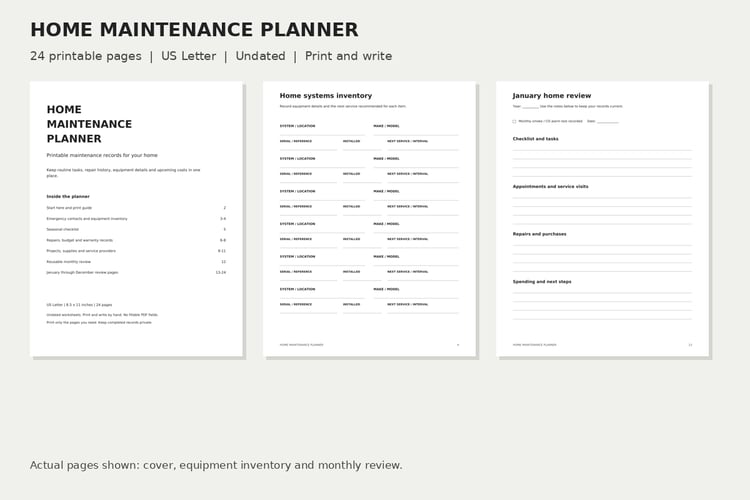
Home Maintenance Planner — $9; a 24-page US Letter PDF for handwritten maintenance, repair and warranty records.
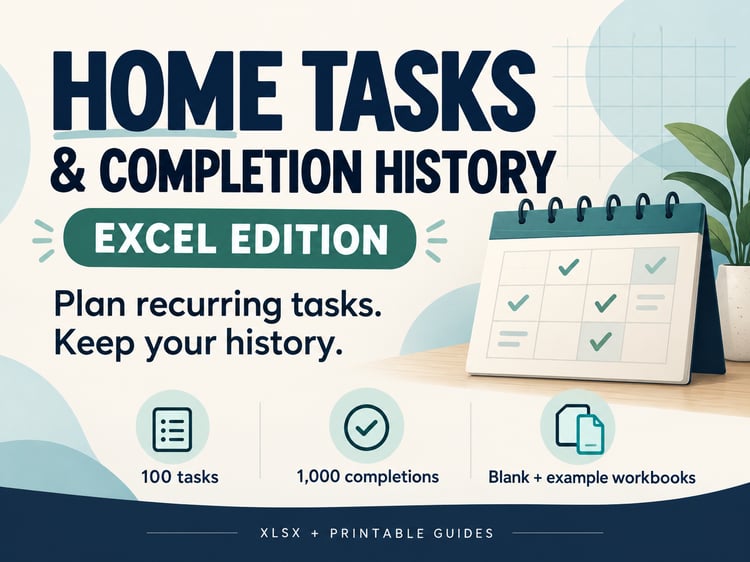
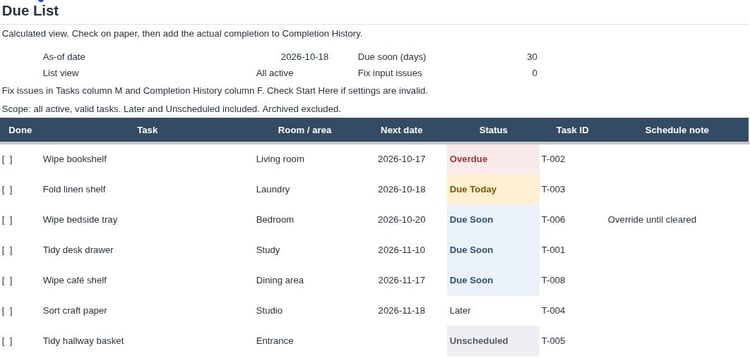
Home Tasks & History — $5; a Google Sheets template for recurring tasks, completion history and calculated next due dates. Requires a Google account and desktop browser; access links arrive in PDF guides.
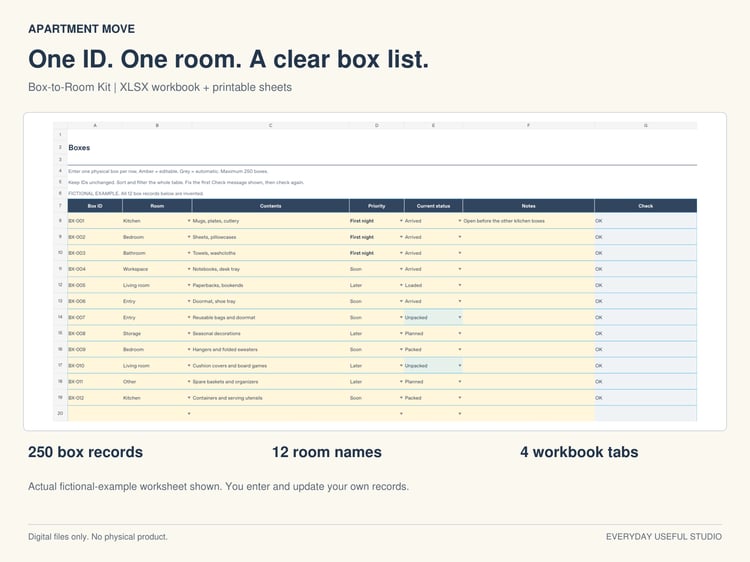
Apartment Move Box-to-Room Kit — $6; an XLSX organizer for up to 250 boxes, plus printable labels and worksheets in Letter and A4. Check the listing for software testing limits.
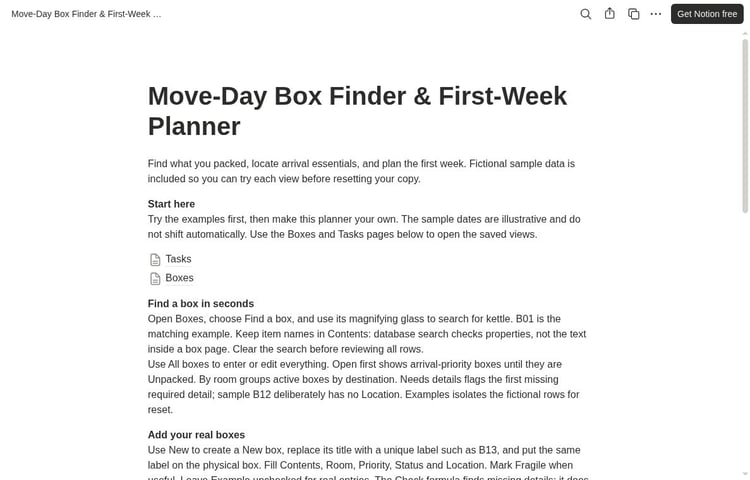
Move-Day Box Finder & First-Week Planner — $6; a desktop-first Notion template for box contents and moving tasks. Requires a Notion account; the PDF download provides access and setup instructions.
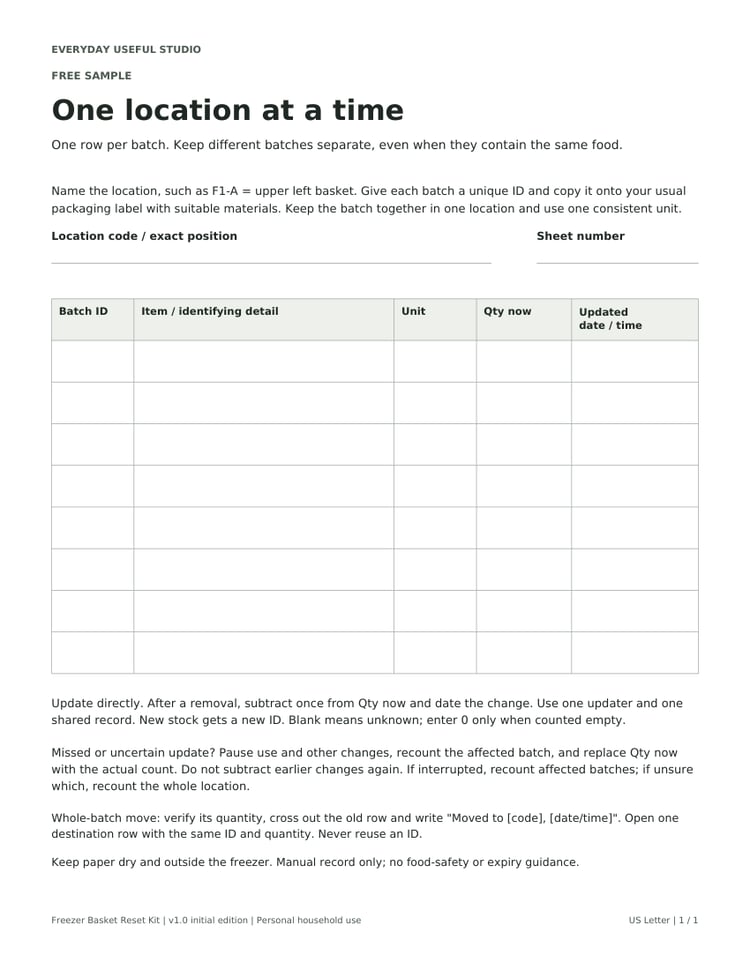
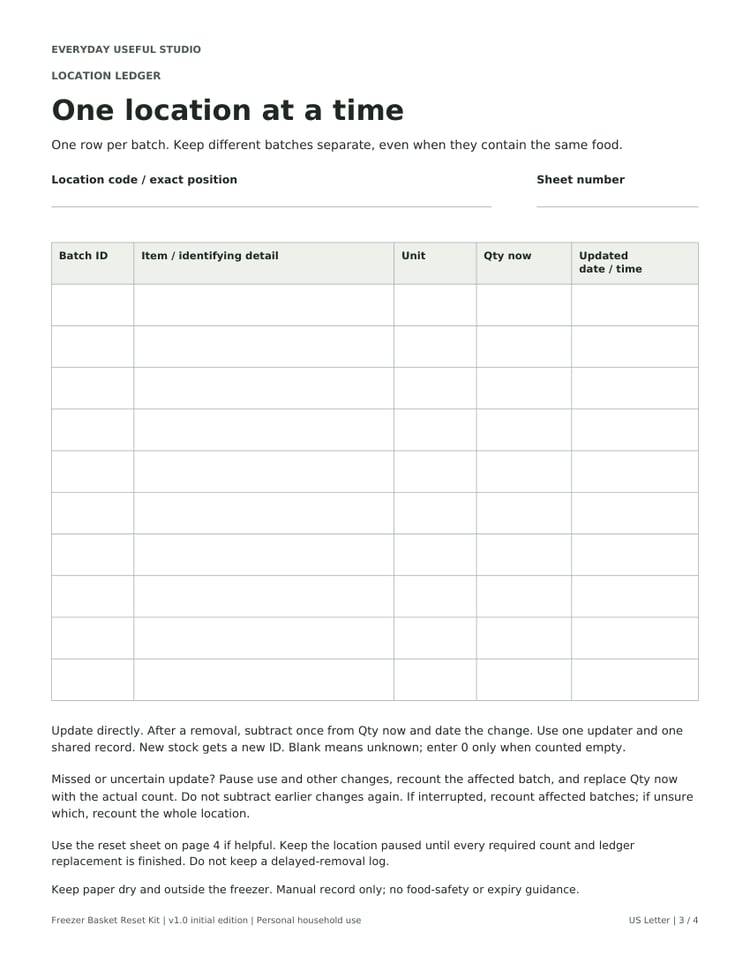
Free Freezer Location Ledger — free; an eight-row handwriting PDF in Letter and A4. Try this standalone sample before choosing the Freezer Basket Reset Kit — $3; adds a location map, ten-row ledger, recount/reset sheet and fictional worked example in both paper sizes. These are manual records, with no automatic calculations or food-safety guidance.
Puzzles
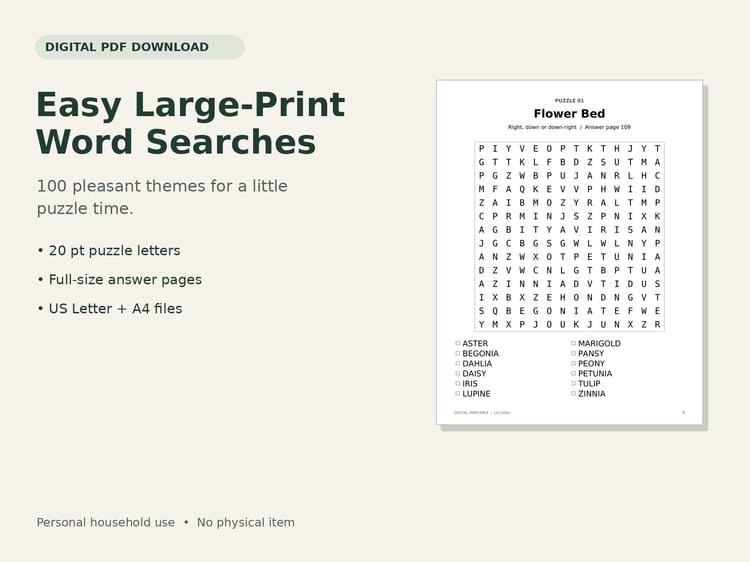
Easy Large-Print Word Searches — $3.99; 100 printable puzzles with answers in Letter and A4 PDFs.
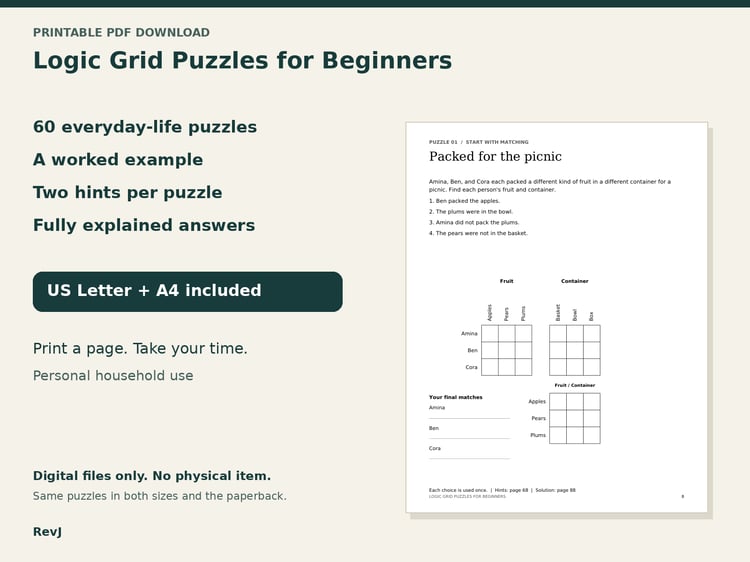
Logic Grid Puzzles for Beginners — $4.99; 60 printable puzzles with hints and explained answers in Letter and A4 PDFs. This is not a large-print edition. Both puzzle listings offer Preview samples.
Design assets
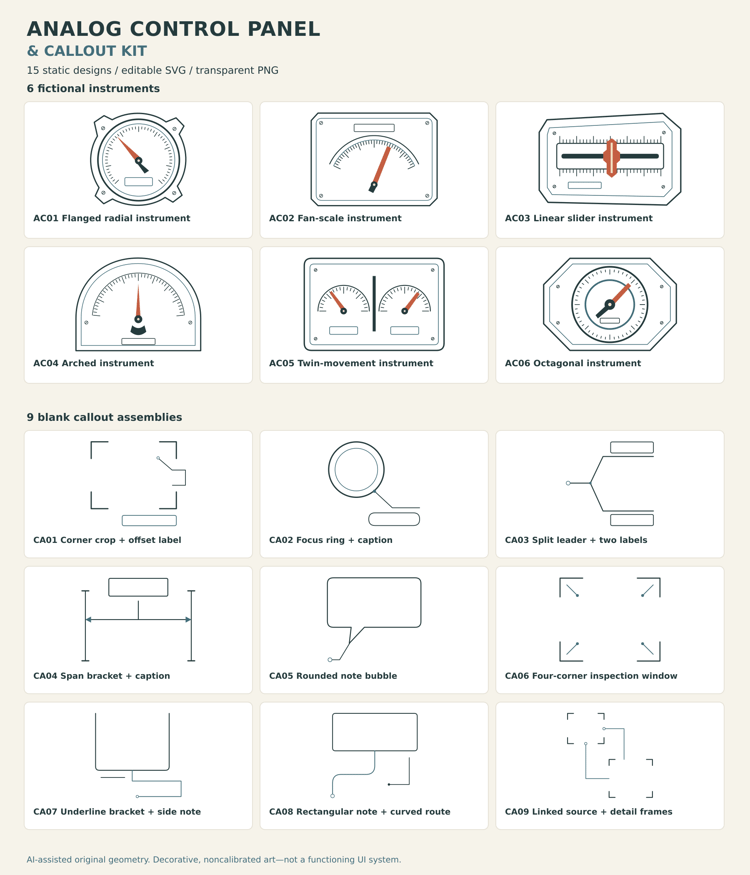
Analog Control Panel & Callout Kit — $4; 15 static designs supplied as editable SVGs and transparent PNGs. Decorative artwork, not functional controls, code or an engine plugin. See the listing for the sample, license and testing limits.
Other projects by this creator: Small Fix Atlas on YouTube offers free visual guides to everyday organization and practical tools. https://www.youtube.com/@SmallFixAtlas
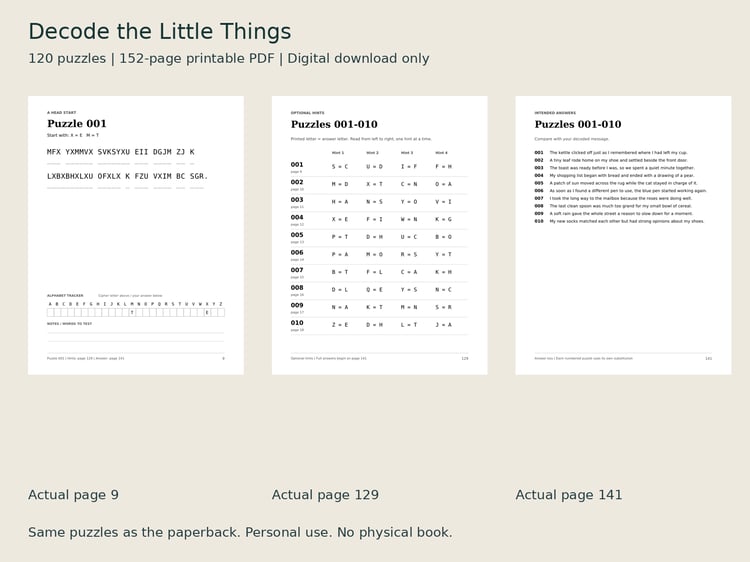
Prefer cracking codes? Decode the Little Things contains 120 cryptograms in a printable PDF. https://payhip.com/b/w8ZGM
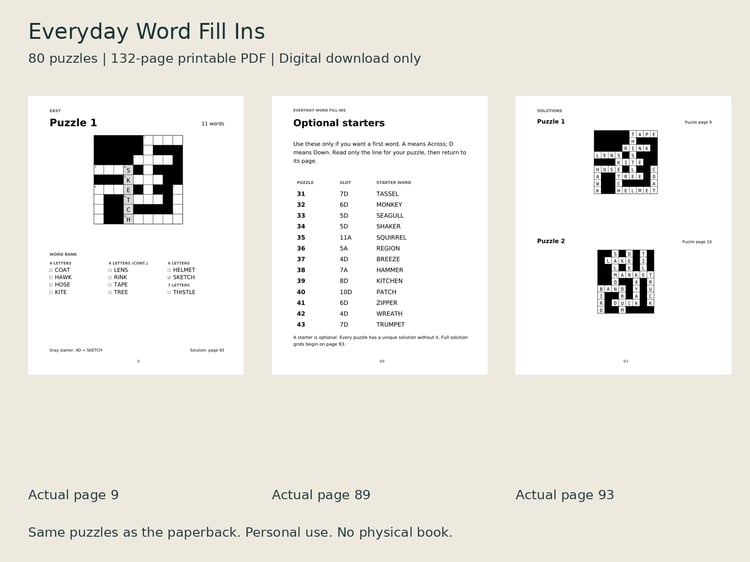
Prefer fitting words into grids? Everyday Word Fill-Ins contains 80 word-fill puzzles in a printable PDF. https://payhip.com/b/oAN5l
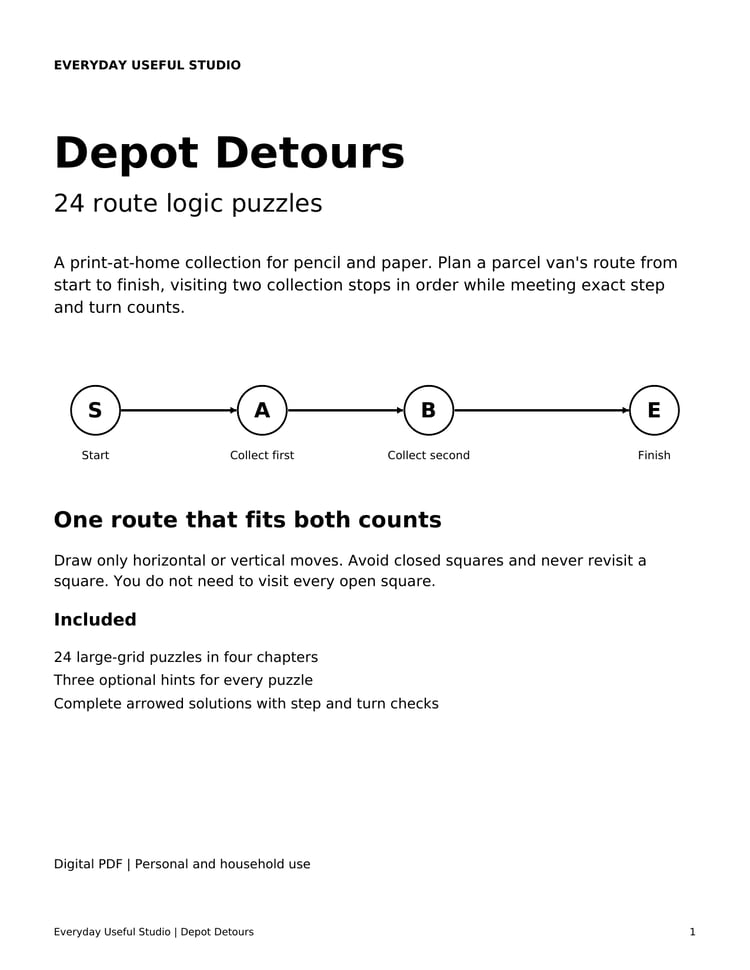
Prefer tracing routes? Depot Detours contains 24 route-logic puzzles, progressive hints and answers, with Letter and A4 PDFs. https://payhip.com/b/oTyXA
Before you buy
-
No. All products are digital downloads. Printing, paper and other physical supplies are not included.
-
- Home Maintenance Planner: one 24-page US Letter PDF.
- Apartment Move Box-to-Room Kit: a ZIP with two XLSX workbooks, four PDFs and a Start Here text guide. Clean files and fictional examples are separate.
- Move-Day Box Finder & First-Week Planner: a three-page access-and-quickstart PDF containing the link to a Notion template. The working planner is in Notion, rather than in the PDF.
- Easy Large-Print Word Searches: a ZIP with Letter and A4 PDFs, samples and a Start Here guide. Each full PDF contains the same 100 puzzles and answers.
- Logic Grid Puzzles for Beginners: a ZIP with Letter and A4 PDFs, samples and a Start Here guide. Each full PDF contains the same 60 puzzles, worked example, hints and explained answers.
- Home Tasks & History: a ZIP containing two access-and-quick-start PDFs, an example screenshot, a plain-text README and the embedded font license. The blank Google Sheets template and separate fictional example are opened through the PDF links and copied to your own Google Drive. No Excel workbook is included in this edition.
-
Choose Home Maintenance Planner if you want to print worksheets and keep handwritten equipment details, repair records, warranty references and a maintenance budget. It is a 24-page US Letter PDF; its pages are not fillable forms.
Choose Home Tasks & History if you want to keep recurring household tasks and their completion history in Google Sheets. You choose the intervals and enter each completion; formulas update the next due dates. The tested setup needs a Google account, internet access and a desktop browser.
Each works on its own and is purchased separately. Neither sends reminders. Read the chosen listing's included files and testing notes before buying.
-
Use the download link in your Payhip purchase receipt. Extract ZIP files before opening their contents. For the Notion planner, open the access PDF, follow its template link and choose Duplicate in Notion to make your own working copy. For Home Tasks & History, open the access PDF, follow the Google Sheets template link and choose File > Make a copy to save your own copy in Google Drive. Save your purchase file somewhere you can find it again. Use Contact on this store if you need help finding or opening a file.
-
You need a Notion account and a full-size desktop browser. The tested individual setup works on Notion's Free plan. Narrow windows can hide database search and other controls; widen the window and reopen the database if needed. Actual phone/app use and a different-account buyer duplication flow have not been tested. Testing covered desktop use and copying between separate Free workspaces under one account.
-
You enter and maintain box contents, locations, statuses and task dates yourself. Changing a moving date in a heading or note does not reschedule tasks. The planner does not book movers, track shipments, send reminders or sync with spreadsheets. Give each physical box a unique label; its missing-detail check does not detect duplicate labels. Keep your working copy private and keep an offline essentials list for moving day.
-
Choose the Notion planner if you want editable databases with saved views for finding recorded box contents and planning first-week tasks on a desktop. Choose the spreadsheet kit if you prefer an XLSX organizer plus printable labels, load tallies and a first-night plan. They are separate $6 USD purchases and do not sync. Check each listing's software and testing notes before choosing.
-
Use software that supports XLSX formulas, tables and dropdowns. The workbook has been opened and recalculated in LibreOfficeDev; Microsoft Excel and Google Sheets have not been tested. Formatting and dropdown behavior may vary by app.
-
The home planner, moving worksheets and puzzle PDFs are for printing and writing by hand. They are not fillable forms. The moving kit's XLSX workbook is editable. The Notion planner and Home Tasks & History PDFs provide access and instructions; you edit the working tools in your own Notion or Google Sheets copy.
-
The Home Maintenance Planner is US Letter only. The moving printables and both puzzle collections include Letter and A4 versions. Choose the file matching your paper. The two layouts contain the same content, rather than extra puzzles or worksheets. The Notion planner is a digital workspace and does not include a printable planner edition.
-
Follow the included instructions, choose matching paper, use portrait orientation and Actual size / 100%, and check the print preview. Test one page before printing more. Moving labels are for plain paper rather than pre-cut label sheets. The puzzle collections have not had a physical home-printer proof, so check the free samples with your own setup.
-
Easy Large-Print Word Searches uses 20-point puzzle letters and 18-point word lists. Logic Grid Puzzles for Beginners has clue text of about 11 points and is not a large-print edition. Use the previews to check the type size and layout. The word-search PDFs are not tagged screen-reader PDFs.
-
The home planner, moving kit and puzzle collections are sold for personal household use under their respective listing terms. The moving kit permits completed labels or working sheets to be given to helpers for your household's move. Classroom, group and commercial permissions are not included in those household purchases. Read the specific product's terms before sharing, or contact the store about an intended use that is unclear.
-
Use Contact on this store, or the seller contact shown on your purchase receipt. Include the product name and a short description of the issue. For access problems, include the file name and app or device you are using. Do not send passwords or payment-card details. This FAQ does not limit statutory consumer rights.
-
You need a Google account, an internet connection and a desktop browser for the tested Google Sheets workflow. You manually add tasks and completion records; formulas calculate the next due dates. Formula-edit prompts are warnings, not locked cells. The tracker does not send notifications or automatically record completed work. Desktop editing, recalculation, save/reopen and copying within one account were tested. Signed-out template links led to Google's sign-in page; anonymous viewing and completed copying in a different Google account remain unverified. Native Excel, mobile, offline use and downloaded or re-imported versions have not been tested.