
College Basketball Rosters - PS2 & Xbox
On Sale
$999.99
$39.99
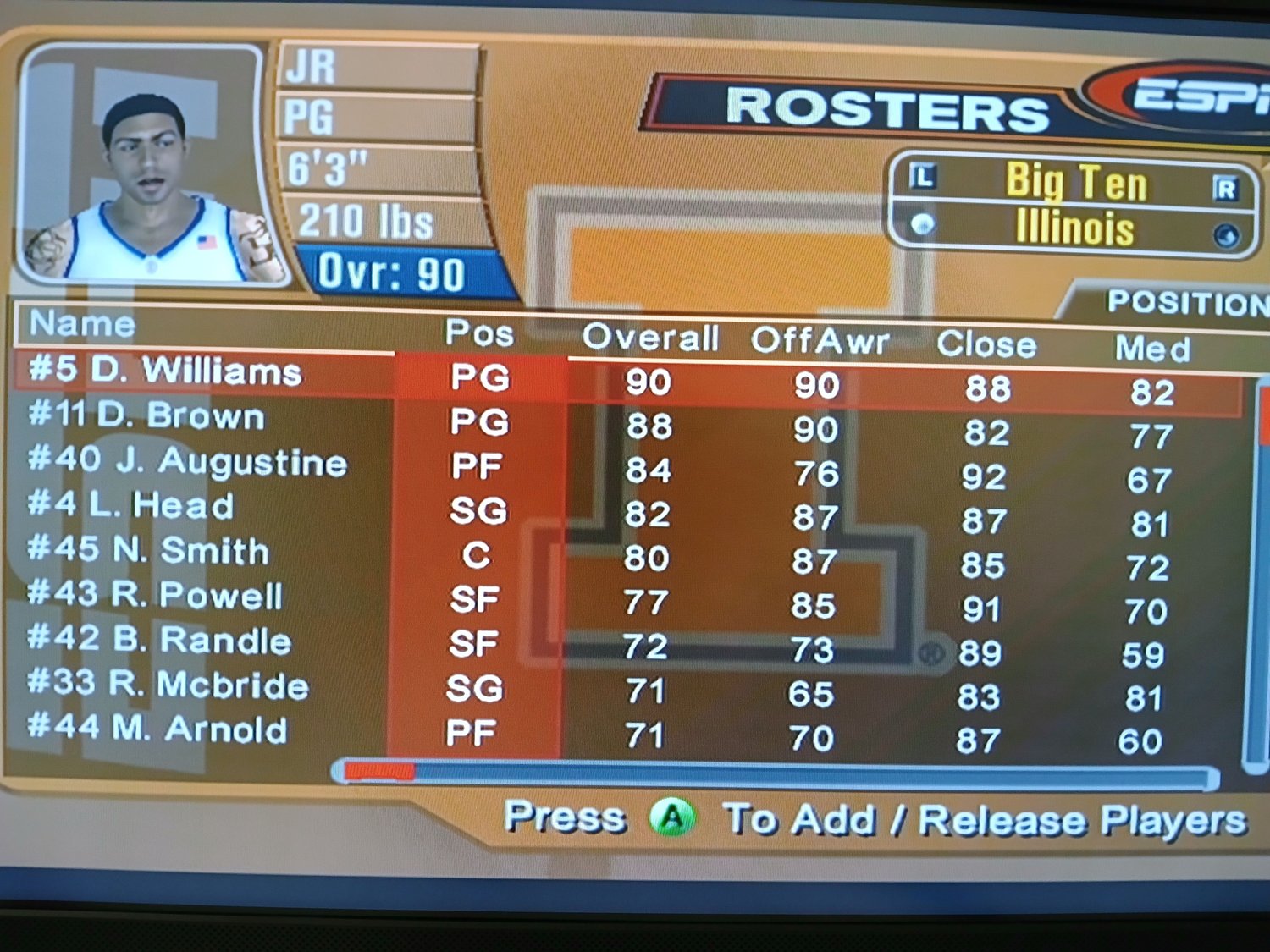
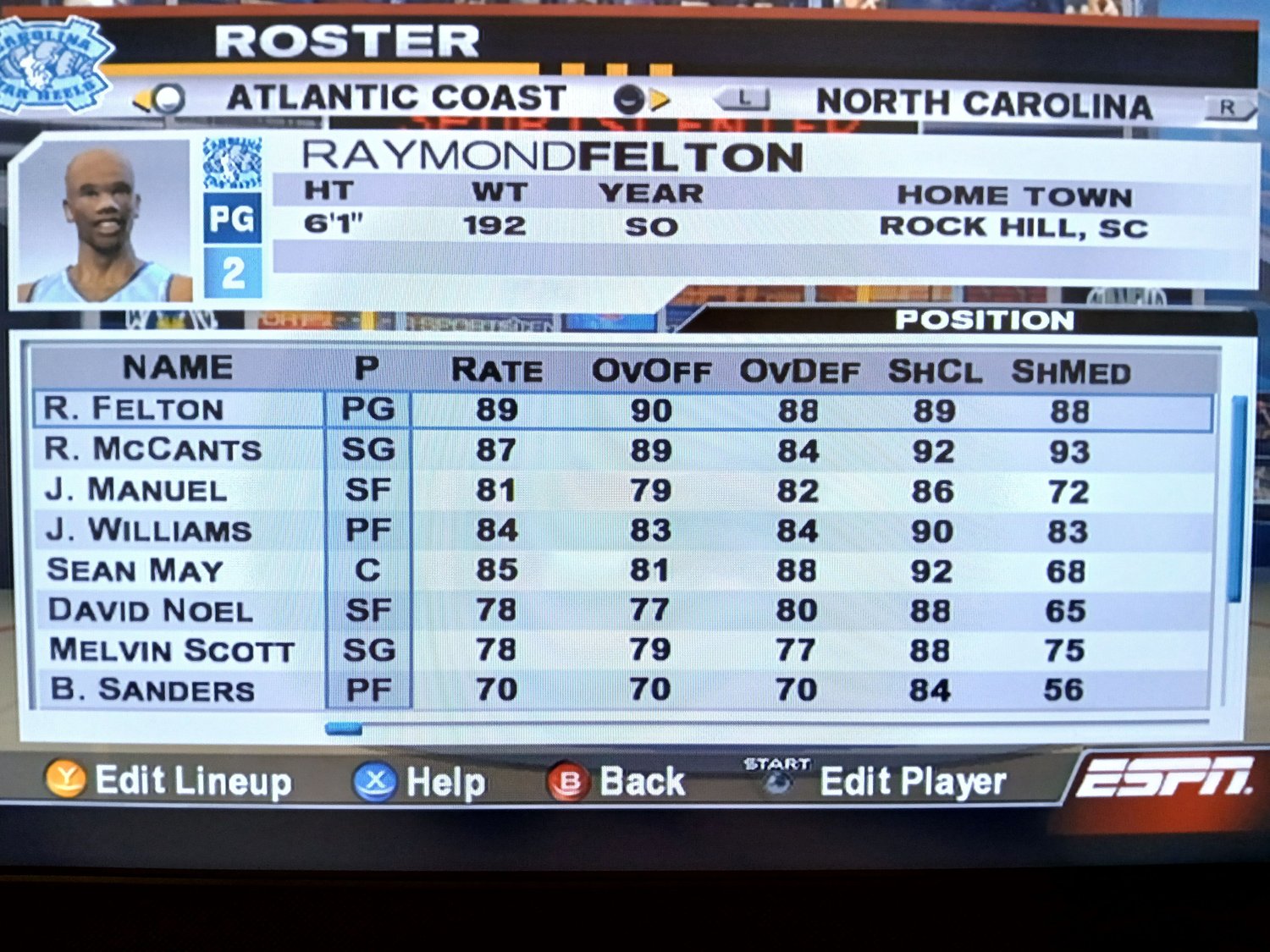
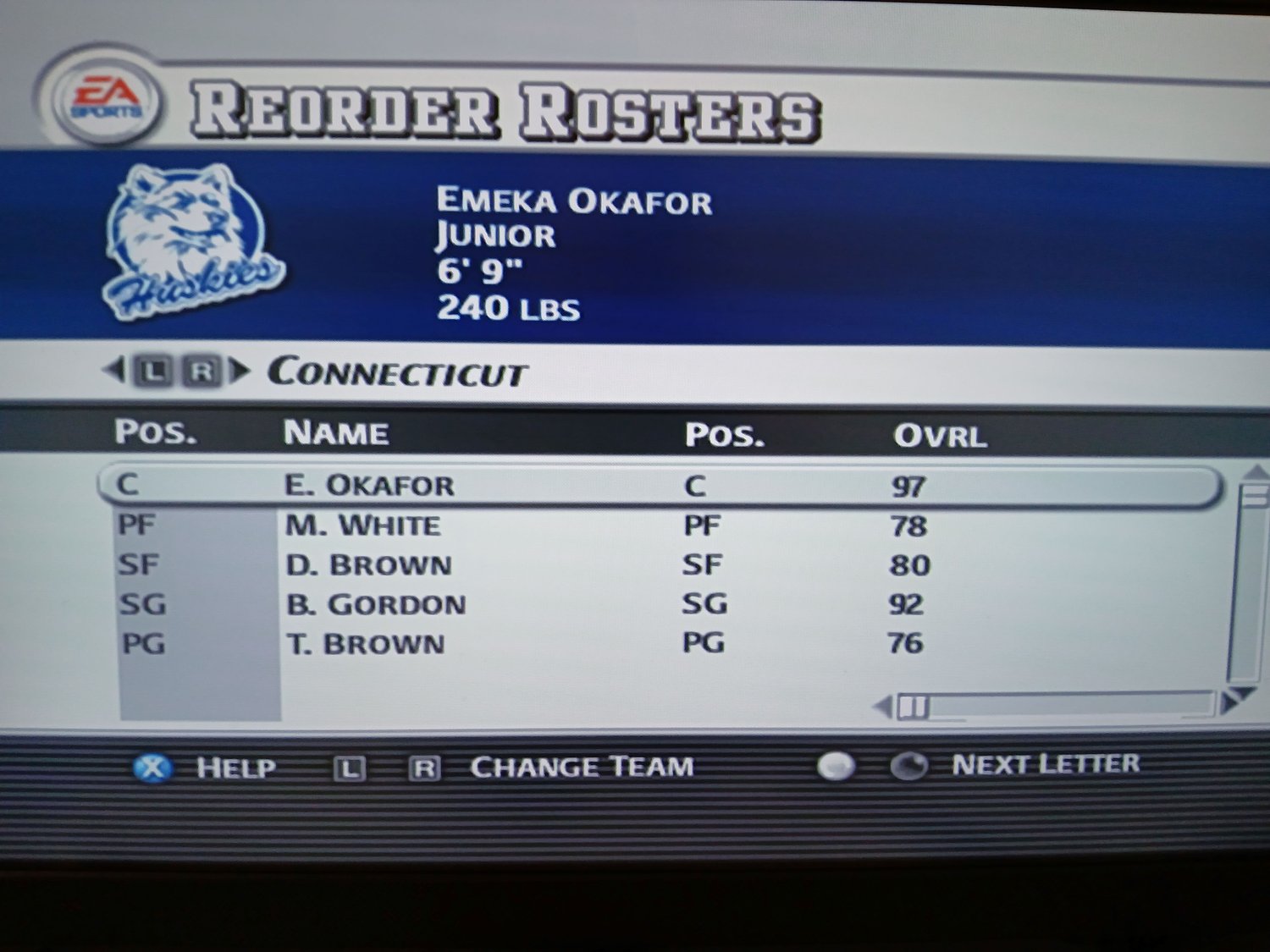
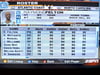
Enhance your gaming experience with named roster files for some of the best college basketball games for the Playstation 2 and original Xbox.
PS2
Files
Each roster file listed is for default season.
- ESPN Collge Hoops
- 2003/04
- ESPN Collge Hoops 2K5
- 2004/05
- College Hoops 2K6
- 2005/06
- College Hoops 2K7
- 2006/07
- NCAA March Madness 2004
- 2003/04
- NCAA March Madness 2005
- 2004/05 (partial)
- NCAA March Madness 06
- 2005/06
- NCAA March Madness 07
- 2006/07
Details
- New 128MB PS2 memory card will have tons of extra storage space
- Please specify in the Notes box on the checkout page if you only need certain files
- One memory card will be sent if your order contains multiple memory card products
- Ships within 3 business days
- Games not included and are needed to use files
Disclaimer
- These roster files are not mine, I’ve collected them over the years from various friends and sites.
- I do not check every single player and team to see if everything looked correct.
- Only use these files on a Playstation 2. I am not responsible if they don’t work on another consol
Xbox
Files
All rosters are for default season for each game.
- ESPN College Hoops
- 2003/04
- ESPN College Hoops 2K5
- 2004/05
- NCAA March Madness 2004
- 2003/04
Details
- One adapter will be sent if your order contains multiple Xbox file save products.
- Ships within 3 business days.
- Games not included and are needed to use files.
Disclaimer
- You will get all files listed above as it’s the same price regardless.
- The USB is formatted only for the Xbox, trying to use it for PC purposes will cause the USB to be reformatted and the files deleted.
- I do not check every single player and team to see if everything looked correct.
- These files are gathered from other sources shown above so some files may be named oddly.
- Profile images from the default game are used on updated rosters.
- Only use these files on the original Xbox. I am not responsible if they don’t work on another console.
Instructions
- Insert adapter into an extra controller port. The USB should already be connected on the other end.
- Do not unplug USB from the adapter, leave it as is.
- Turn on Xbox without a disc inside.
- Under the Memory option, copy the the files from the adapter (Controller Port…) to your hard drive.
- Do not delete files from the USB in case you need to copy them again later.
- Insert game and load the files.