
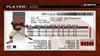
ESPN NFL 2K5 File Saves - PS2 & Xbox
On Sale
$999.99
$49.99
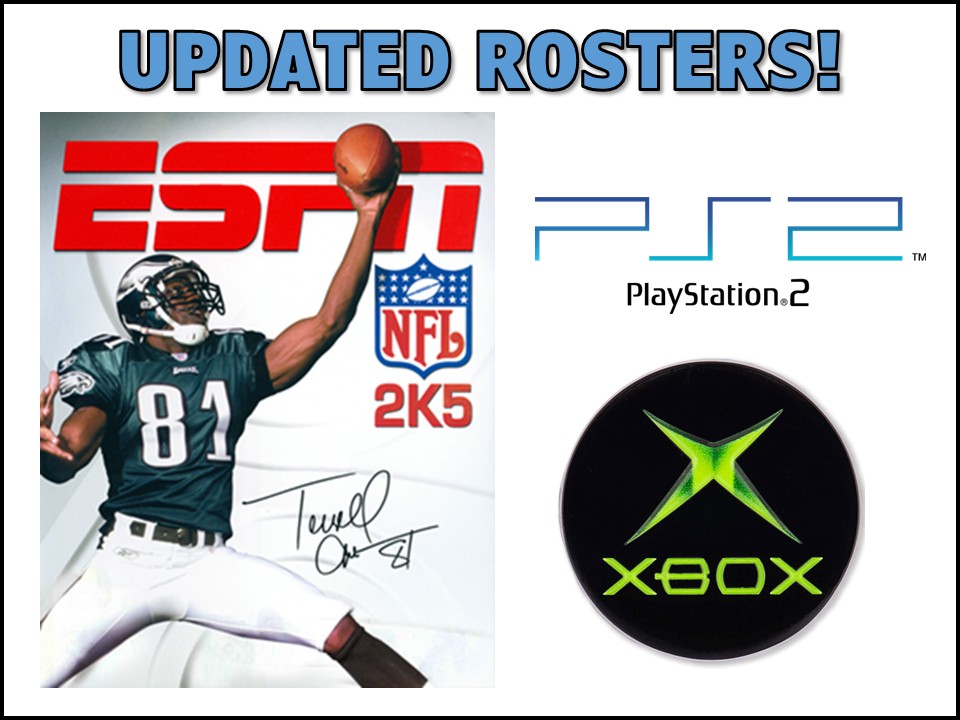
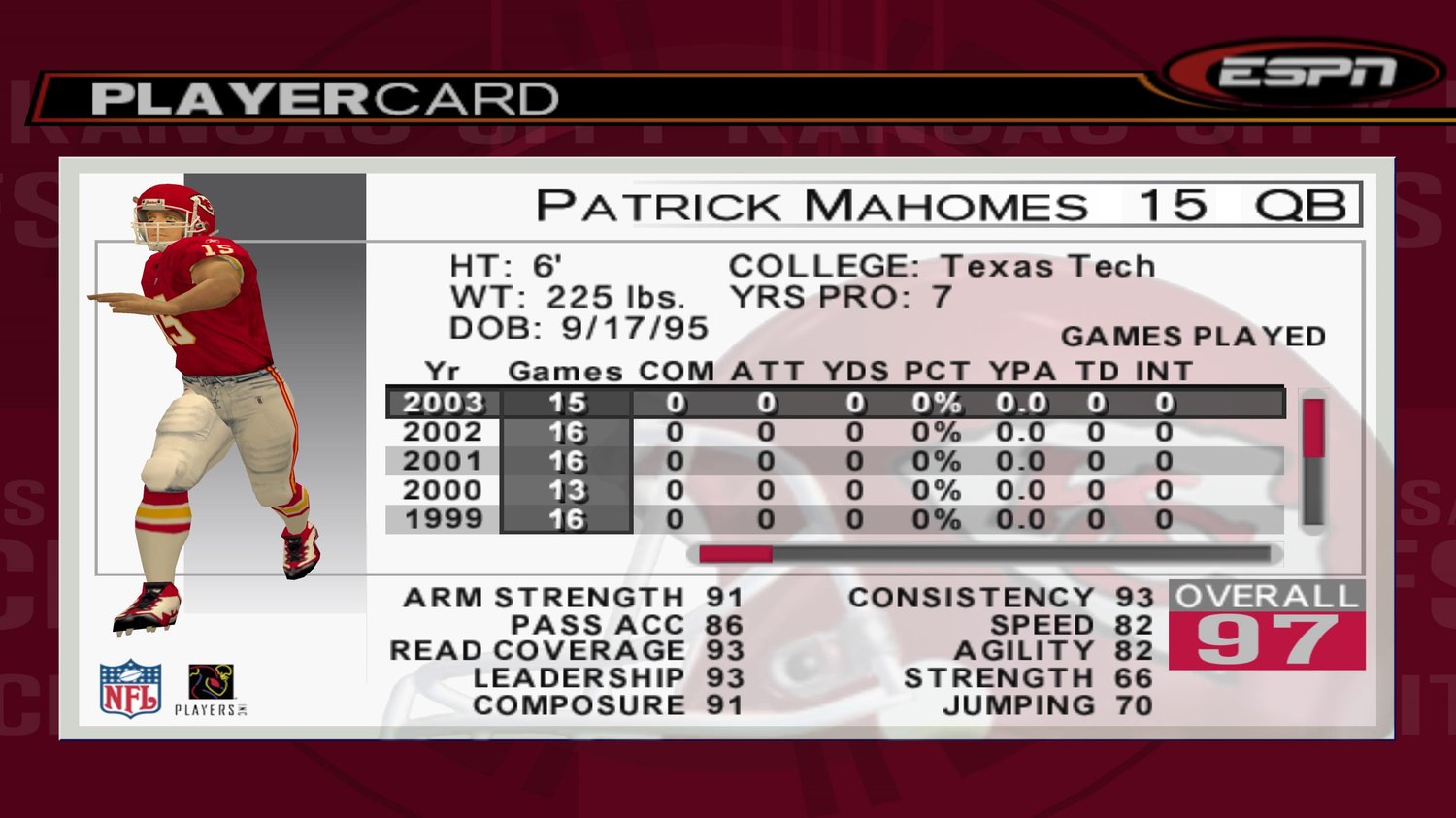
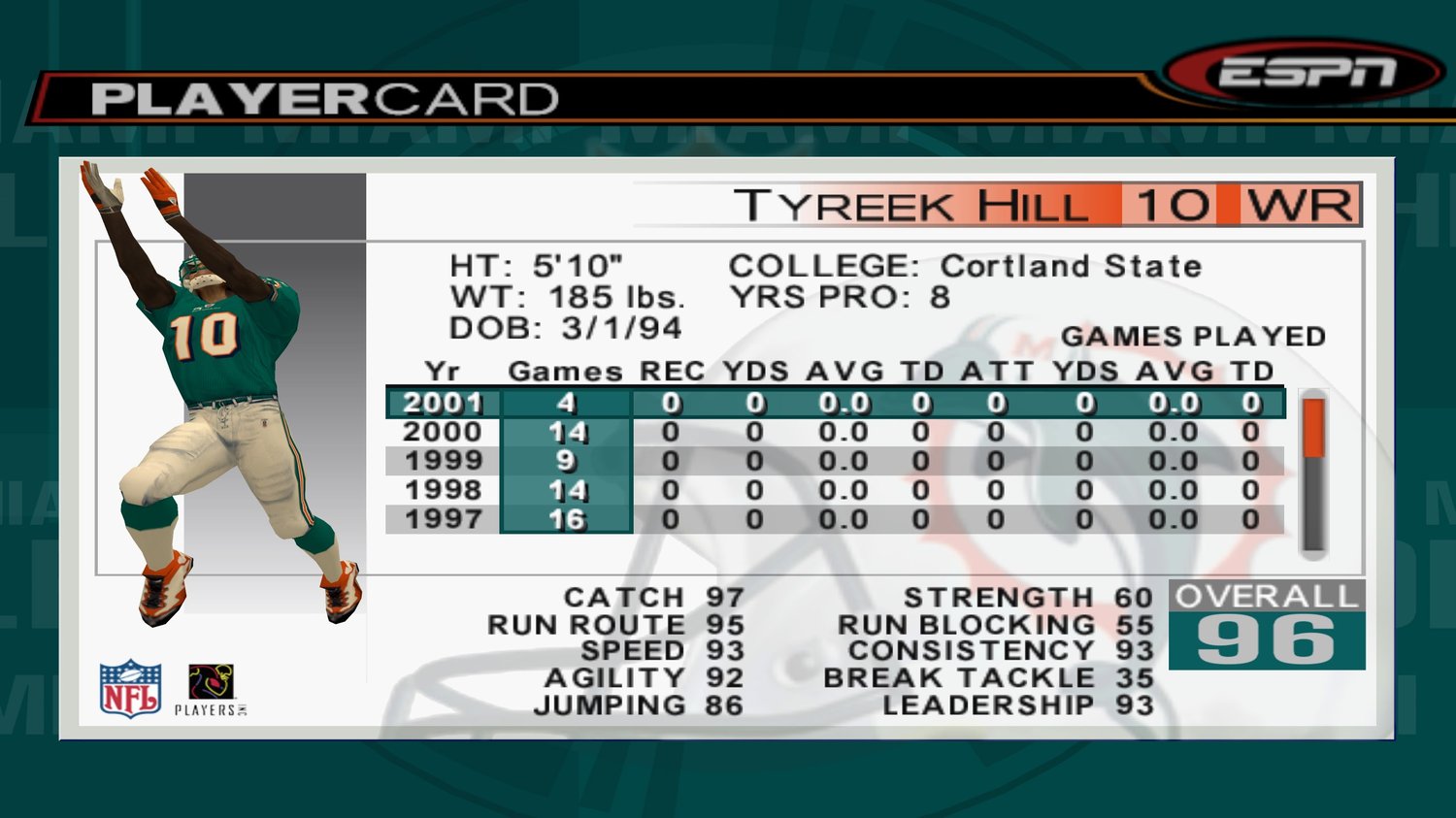
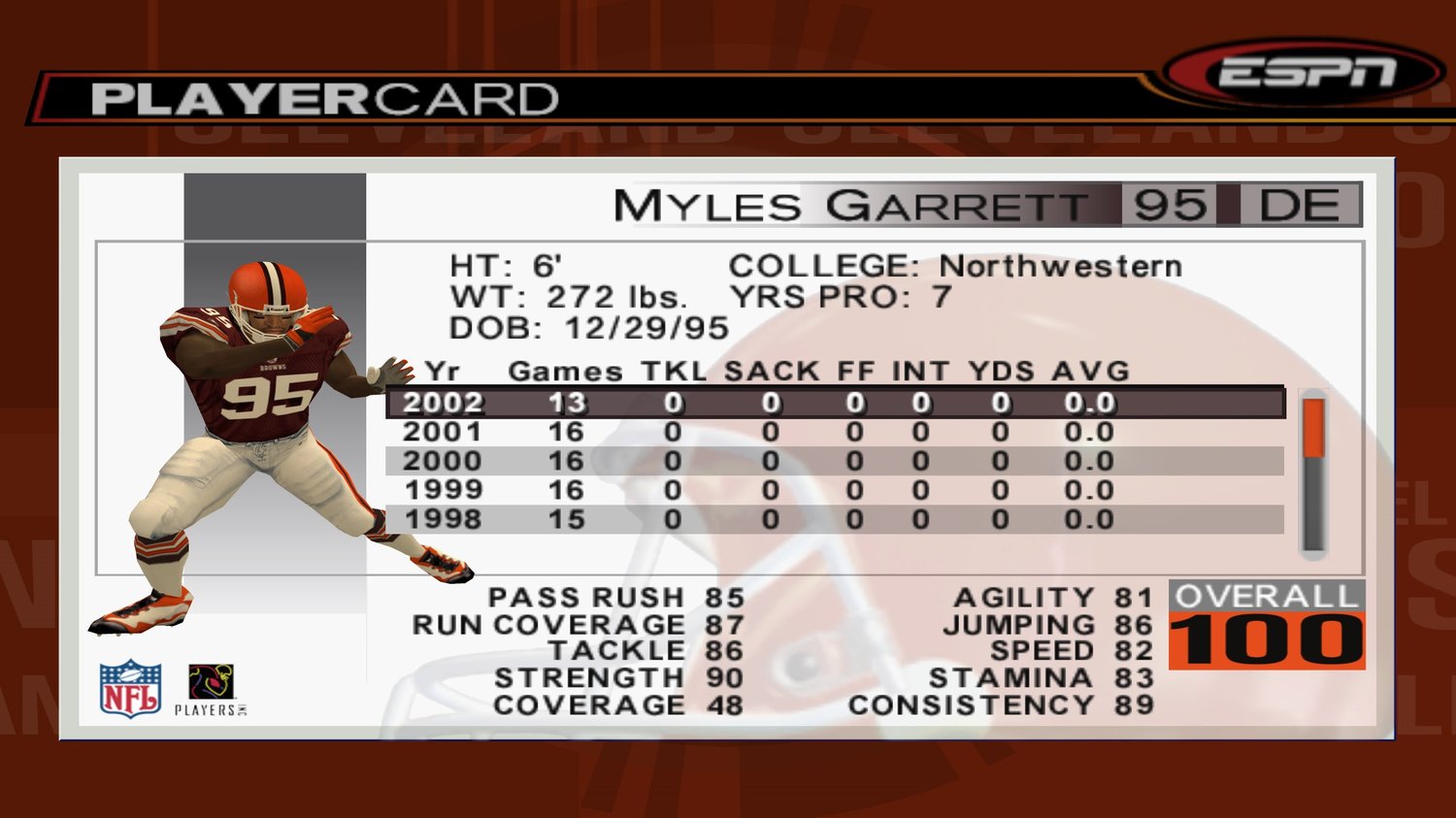
Enhance your gaming experience with updated rosters and file saves for ESPN NFL 2K5 on the Playstation 2 and original Xbox. All teams are user-controlled in the franchise files, but you can start a new franchise with updated roster files too. See below for details.
PS2
Files
- 1987 rosters
- 1992 rosters
- 1999 rosters
- 2006 rosters
- 2008 rosters
- 2009 rosters
- 2011 rosters
- 2012 rosters
- 2022 rosters & franchise file
- 2023 rosters & franchise file
- 2024 rosters & franchise file
- 2025 rosters – preseason & week 14 files
- 2026 rosters & franchise file - NEW
File source – 1987-2012
File source – 2022-2026
Details
- New 128MB PS2 memory card will have tons of extra storage space
- Please specify in the "Leave a Message" box on the checkout page if you only need certain files
- One memory card will be sent if your order contains multiple memory card products
- Ships within 3 business days
- Game not included and is needed to use files
Disclaimer
- I do not check every single player and team to see if everything looked correct.
- Profile images from the default game are used on updated rosters.
- Only use these files on a Playstation 2. I am not responsible if they don’t work on another console.
Xbox
Files
- 1970s – 79
- 1980s – 81, 83, 84, 85, 86, 88, 89
- 1990s – 90, 91, 92, 93, 94, 96, 98, 99
- 2000s – 05, 06, 07, 08, 09
- 2010s – 10, 11, 12, 13, 15, 16, 17
- 2020s – 25, 26 - NEW
- All-Time – 1958-80, 1980-07
File source – Classic
File source – 2025-26
Details
- One adapter will be sent if your order contains multiple Xbox file save products.
- Ships within 5 business days.
- Game not included and is needed to use files.
Disclaimer
- You will get all files listed above as it’s the same price regardless.
- The USB is formatted only for the Xbox, trying to use it for PC purposes will cause the USB to be reformatted and the files deleted.
- I do not check every single player and team to see if everything looked correct.
- These files are gathered from other sources shown above so some files may be named oddly.
- Profile images from the default game are used on updated rosters.
- Only use these files on the original Xbox. I am not responsible if they don’t work on another console.
Instructions
- Insert adapter into an extra controller port. The USB should already be connected on the other end.
- Do not unplug USB from the adapter, leave it as is.
- Turn on Xbox without a disc inside.
- Under the Memory option, copy the the files from the adapter (Controller Port…) to your hard drive.
- Do not delete files from the USB in case you need to copy them again later.
- Insert game and load the files.