
Hostel Bed Management & Dorm Pricing Workbook: Hostel Bed Allocation Grid and Dorm Price Spreadsheet
Full description
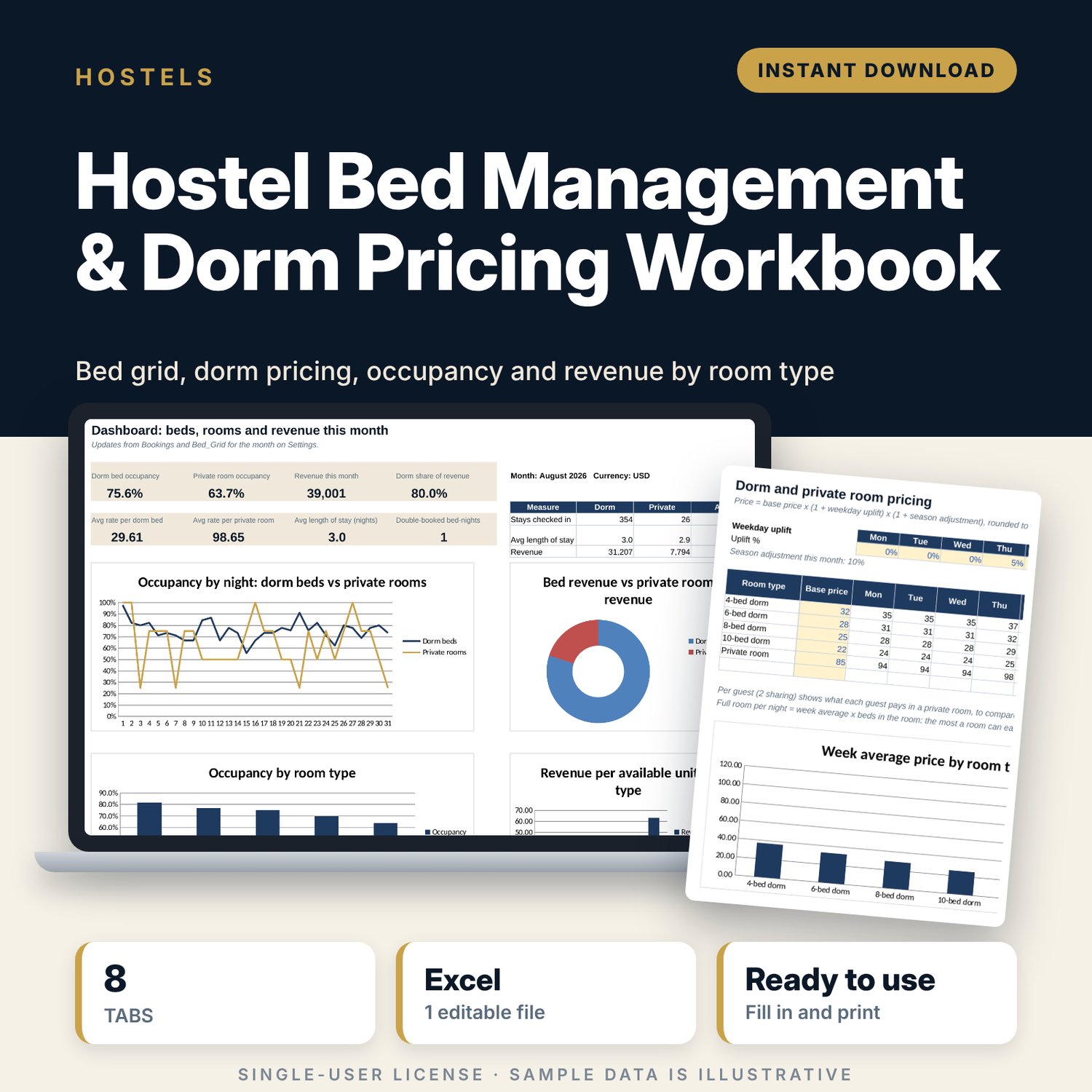
For hostel owners and managers who sell dorm beds and private rooms and want one place to plan beds and set prices. You list each bed and private room once, set a base price per room type with weekday uplifts, and log one row per bed per stay. The workbook draws a 31-day allocation grid, flags double bookings and discounts below your rate card, and shows occupancy and revenue by bed, by room and by room type, with a monthly dashboard.
Save with a bundle: this template is also in the Alternative Lodging Bundle, 10 templates for $29 instead of $74. All 141 templates are in the All-Access Hospitality Template Library for $79.
What is inside
- Hostel_Bed_Management_Dorm_Pricing.xlsx: 8 tabs, 9,969 formulas, 6 native charts, 13 drop-down or number rules.
- Settings: first day of the month, currency label, dorm and private occupancy targets, season adjustment, discount warning, 6 room-type rows (4-bed, 6-bed, 8-bed and 10-bed dorm, private room), 16 room rows and drop-down lists.
- Bed_Inventory: room for 70 beds or private rooms (50 sample units: 46 dorm beds and 4 private rooms) with position, status and this month's nights sold, occupancy and revenue.
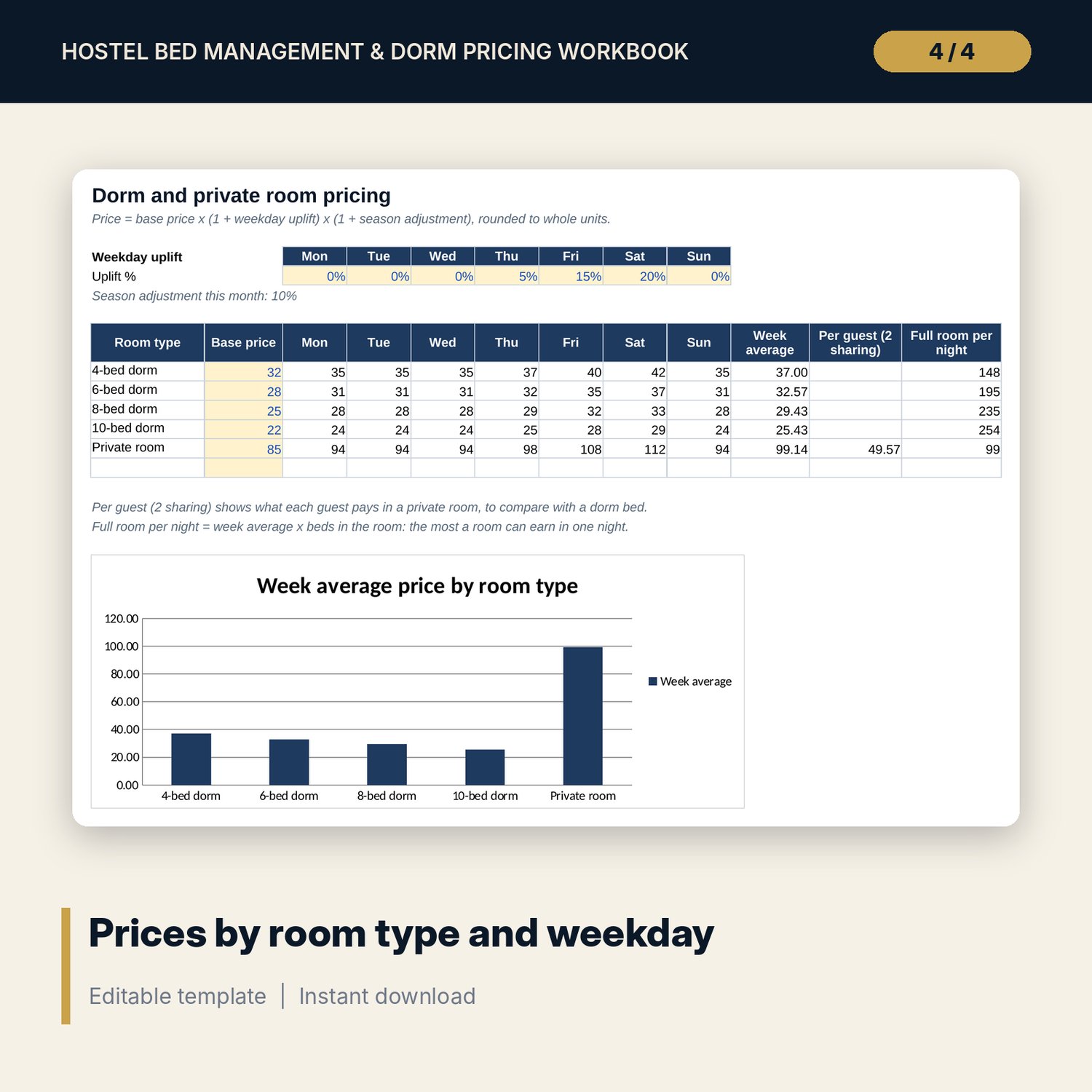
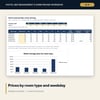
- Pricing: base price per room type, uplift % for each of the 7 weekdays and a season adjustment. The price matrix, week average, price per guest in a shared private room and full-room value calculate, with a chart.
- Bookings: room for 900 bed-stays (422 sample rows). Check-out, stay revenue, rate card total and the gap to the rate card calculate.
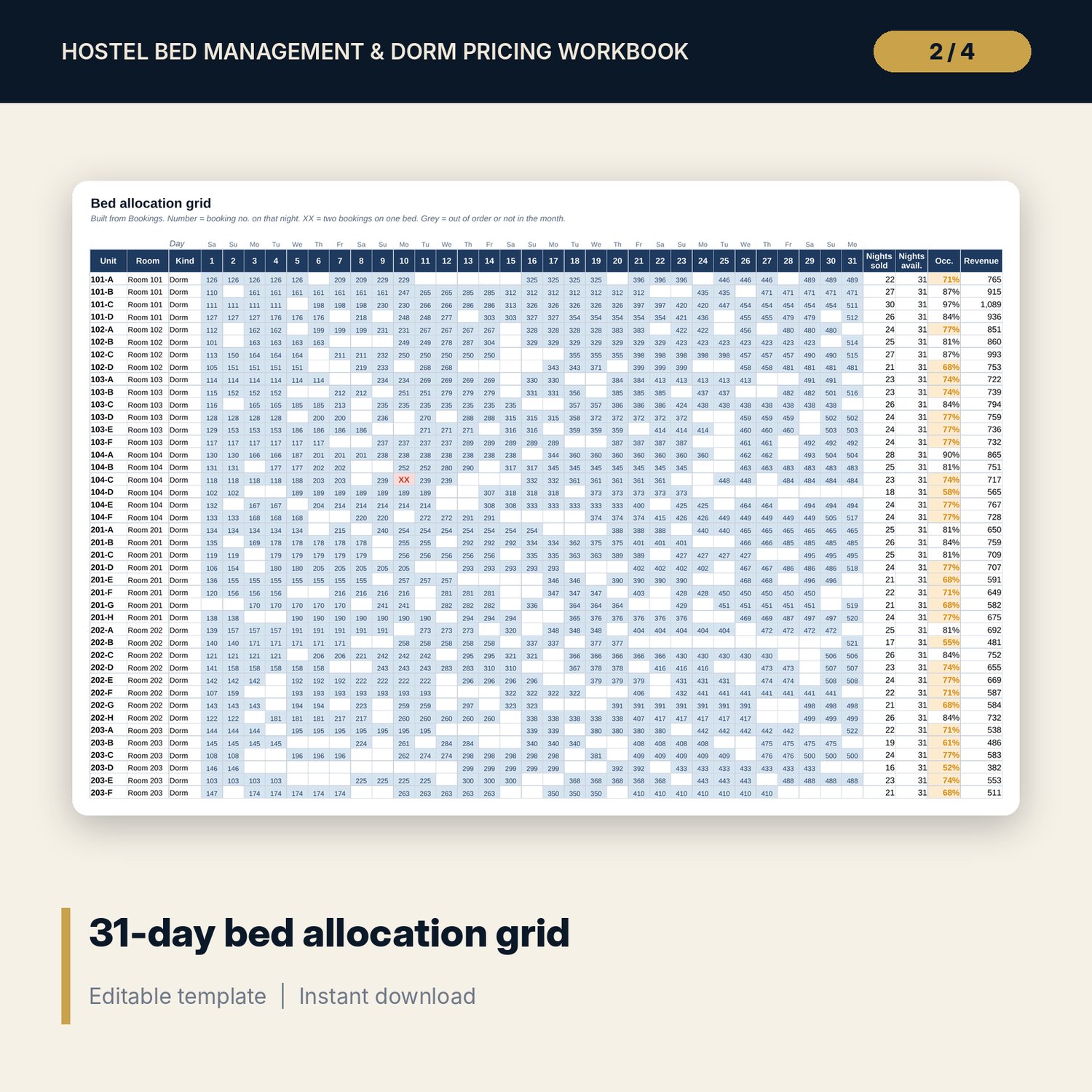
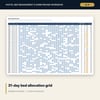
- Bed_Grid: 70 units by 31 nights. Each cell shows the booking number from Bookings; XX marks a double booking. Nights sold, occupancy and revenue per unit, plus beds sold and occupancy per night.
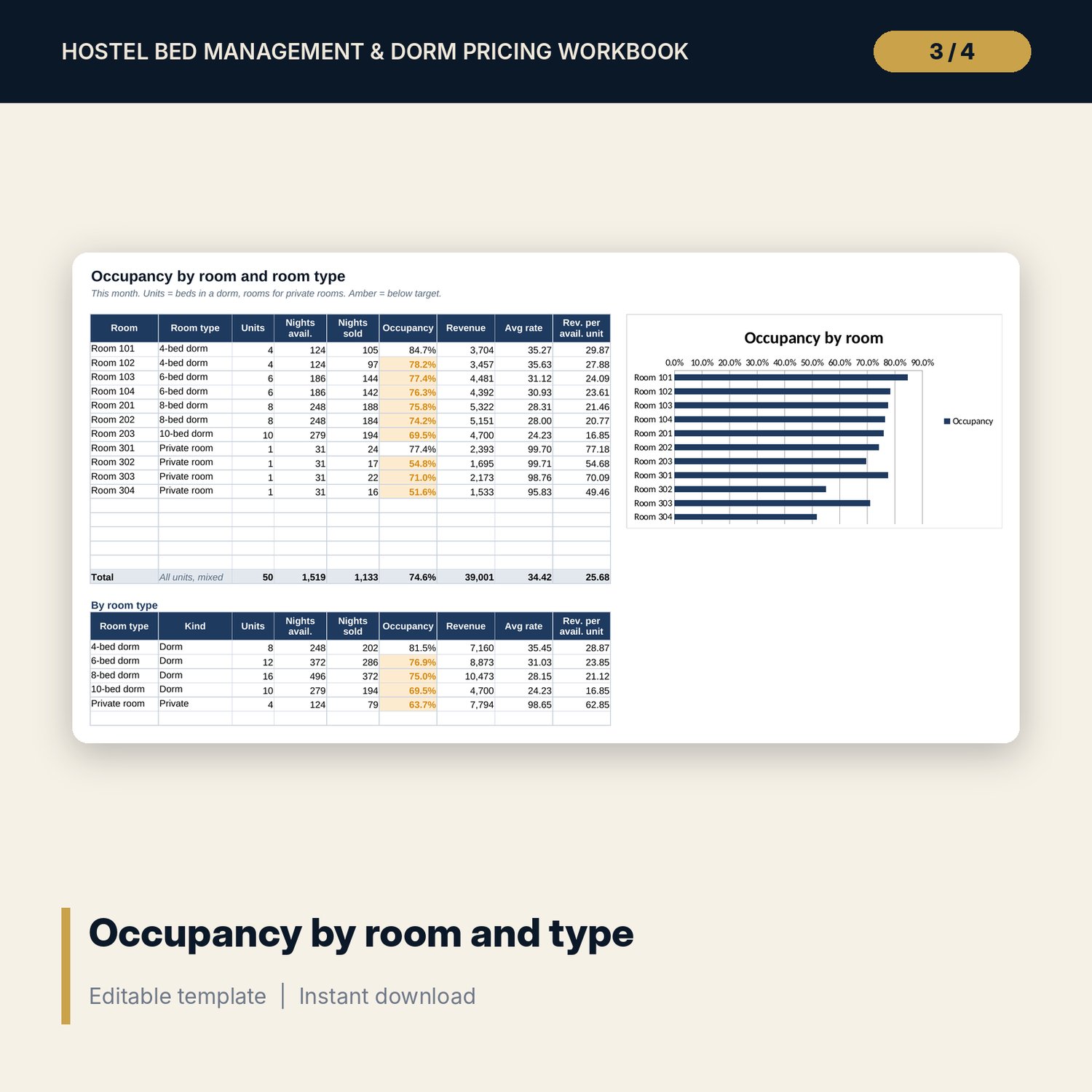
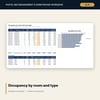
- Room_Occupancy: occupancy, revenue, average rate and revenue per available unit for each room and each room type, with a chart.
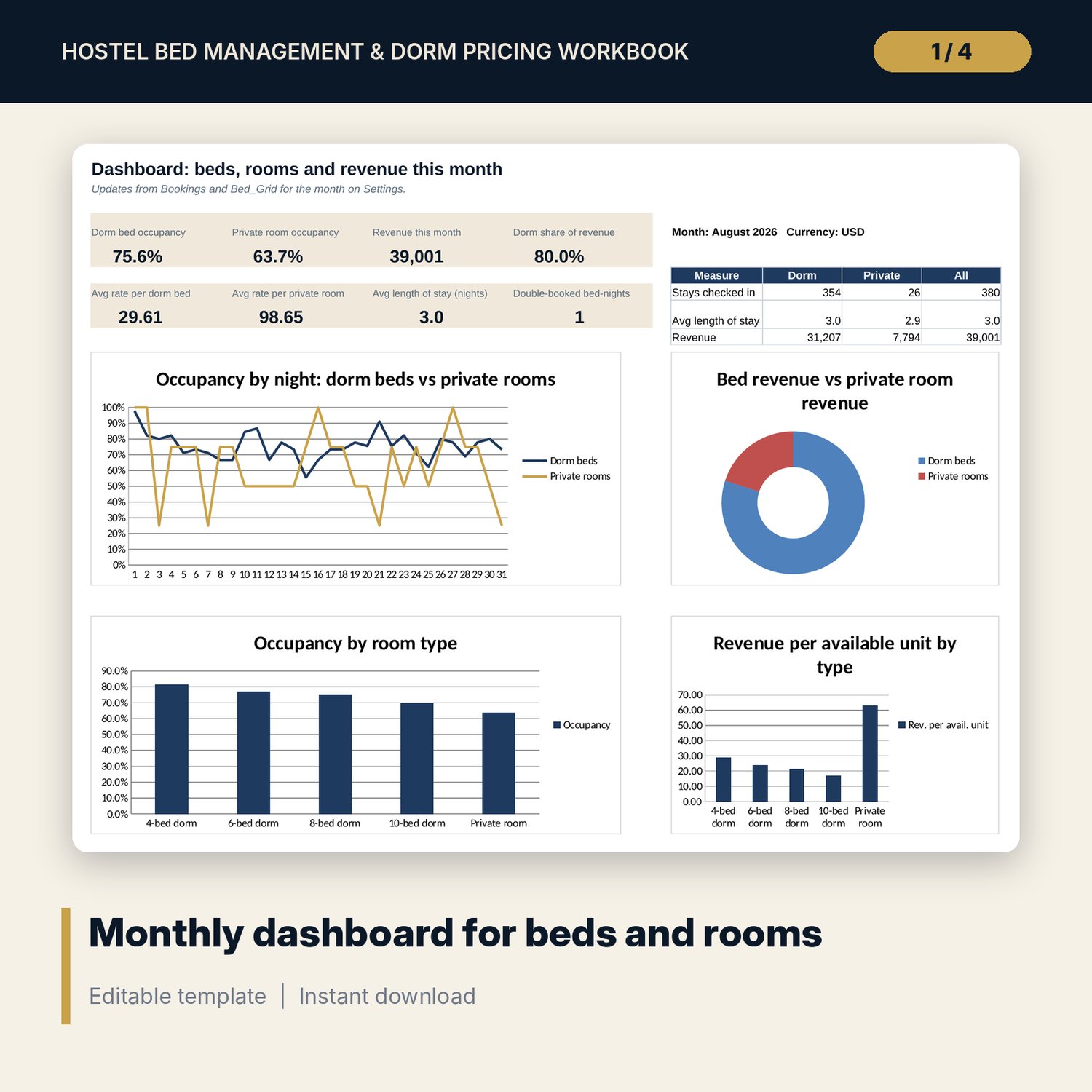
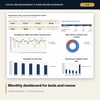
- Dashboard: 8 KPI tiles, stays and average length of stay for dorms and private rooms, and 4 charts on one printable page.
- README.txt and LICENSE-and-Terms.txt.
How it works
- Enter the first day of the month, your room types and your rooms on Settings.
- List every bed and private room on Bed_Inventory with a unique ID.
- Set base prices and weekday uplifts on Pricing.
- Clear the sample bookings and enter one row per bed per stay. The grid fills in.
- Use the grid to place new guests, then read Room_Occupancy and the Dashboard.
Details
- Format: Excel workbook (.xlsx). No macros.
- Language: English. Currency is a label you choose.
- Software: Excel 2016 or later, or a spreadsheet program that opens .xlsx files.
- Delivery: instant digital download. Nothing is shipped.
Good to know
- All sample beds, prices and bookings are illustrative. Replace them with your own data.
- The grid is a planning view built from your booking log. It does not connect to a PMS or booking channel.
- A group of guests is entered as one row per bed. A night marked XX is left out of revenue until the double booking is fixed.
- Single-user license. Do not share or resell the files.
FAQ
Do I need special software?
Excel 2016 or later works best. Other spreadsheet programs that open .xlsx files also work.
Does it work in Google Sheets?
It opens in Google Sheets and the formulas calculate. The grid has many formulas, so allow a moment after each change.
How do I start a new month?
Save a copy, change the first day of the month on Settings and keep adding bookings. The grid, occupancy and revenue move to the new month.
My hostel has more than 70 beds. Can I use it?
The inventory and grid hold 70 units. For a larger property, use one copy per floor or building.
Is this a physical product?
No. It is a digital download. Refund terms follow the store policy at the time of purchase.