


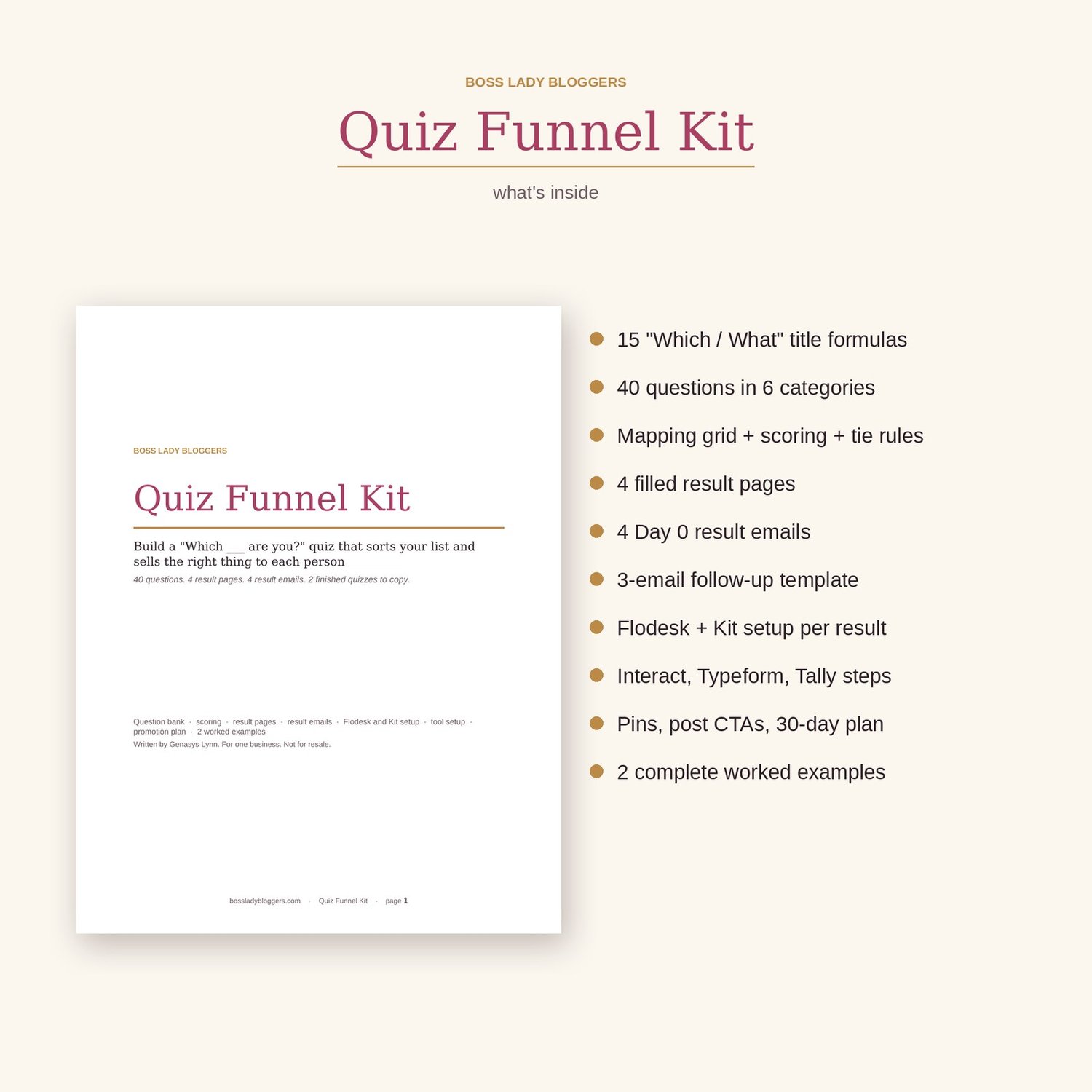


Quiz Funnel Kit
Build a "Which ___ are you?" quiz that grows your list and sends each person straight to the product that fits her.
A checklist freebie puts everyone on one list and everyone gets the same offer. A quiz asks first. Seven questions in, you know whether she wants a template, a course, coaching or someone to do it for her, and her first email from you recommends that one thing. This kit gives you one way to build it: the questions, the mapping, the result pages, the result emails, the Flodesk setup and the promotion plan. Plus two finished quizzes to copy, including mine.
What's inside
- 15 "Which / What" quiz title formulas, each with a filled example
- Intro screen and email gate copy, template plus filled version
- 40 quiz questions in 6 categories (situation, goal, time, skill, preference, budget and readiness), 4 answers each, every answer already tagged to a result
- The 6-step method for mapping answers to results, plus a mapping grid that keeps your results balanced
- 3 scoring methods (most-picked, points, scorecard) and tie rules, with how to set up scoring in each tool
- 4 complete result pages: headline, what this means, your next step, product recommendation, free next step
- 4 Day 0 result emails plus a 3-email follow-up template for every result
- Flodesk setup (one segment and one workflow per result) and Kit setup (tags and sequences)
- Short setup steps for Interact, Typeform, Tally and ScoreApp, plus a free Flodesk form + Showit page route that needs no quiz tool
- Promotion plan: 10 places to put the quiz, 5 Pinterest pin title formulas, pin description, 5 post CTAs, a 30-day plan
- 2 complete worked examples: my own "Which digital product should you sell first?" quiz, and Maya's "What kind of dinner planner are you?" quiz, every question, result page and email written out
- A before-you-launch checklist
Who it's for
Coaches, bloggers and course creators who have two or more things to sell (a template, a course, coaching, a service) and a freebie that puts everyone in one bucket. If your list doesn't buy because you're sending the same offer to everybody, a quiz fixes the sorting. Written for Flodesk and Showit, with Kit steps included.
How to use it
- Open the Google Doc link and make a copy. Fill the result planner first: 3 or 4 results, one product each.
- Pick 7 questions from the bank, map every answer, and pick your scoring and tie rule.
- Fill the brackets in the result pages and emails, set up one workflow per result, build the quiz in your tool, and put it on your homepage.
FAQ
Which quiz tool do I need?
None, if you want. The kit includes a free route using a Flodesk form and a Showit page. If you want a real quiz tool, there are steps for Interact (my pick if you're paying), Tally (my pick if you're not), Typeform and ScoreApp. Free plans change often, so check current pricing before you sign up.
What if I only have one or two products?
Two results can share a product with a different angle, and the kit shows you how. If you only have one product and no call, build a freebie first and come back to this.
Are the questions generic?
They're written with [TOPIC] brackets so they work for any niche, and every answer is already tagged to a result. Example 2 shows you how to rewrite them for a personality-type quiz, start to finish.
Will a quiz really get 40% of people to opt in?
No, and I say so inside. The 40% figure you see quoted (Interact's report) is measured from people who start the quiz, not everyone who sees it, and it comes from a company that sells quizzes. The kit shows you what that number means and which two numbers to track on your own quiz.


