
Invoice, Quote and payment tracker excel spread sheet
On Sale
$1.99
$1.99
How it works
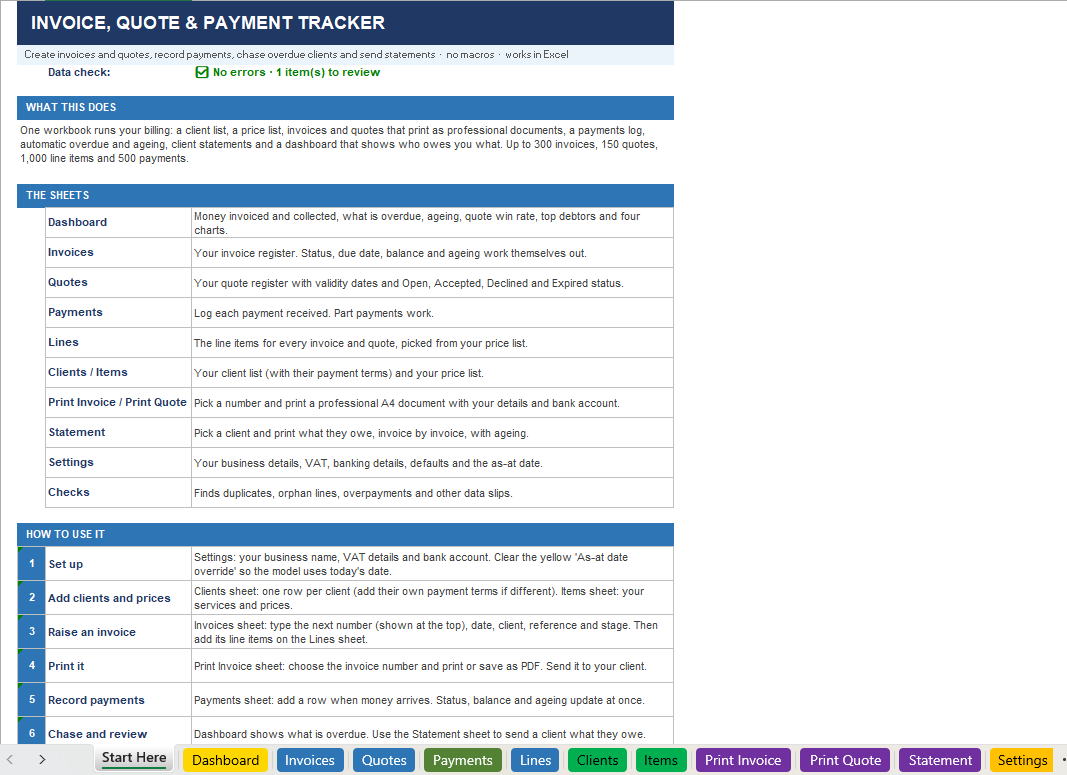
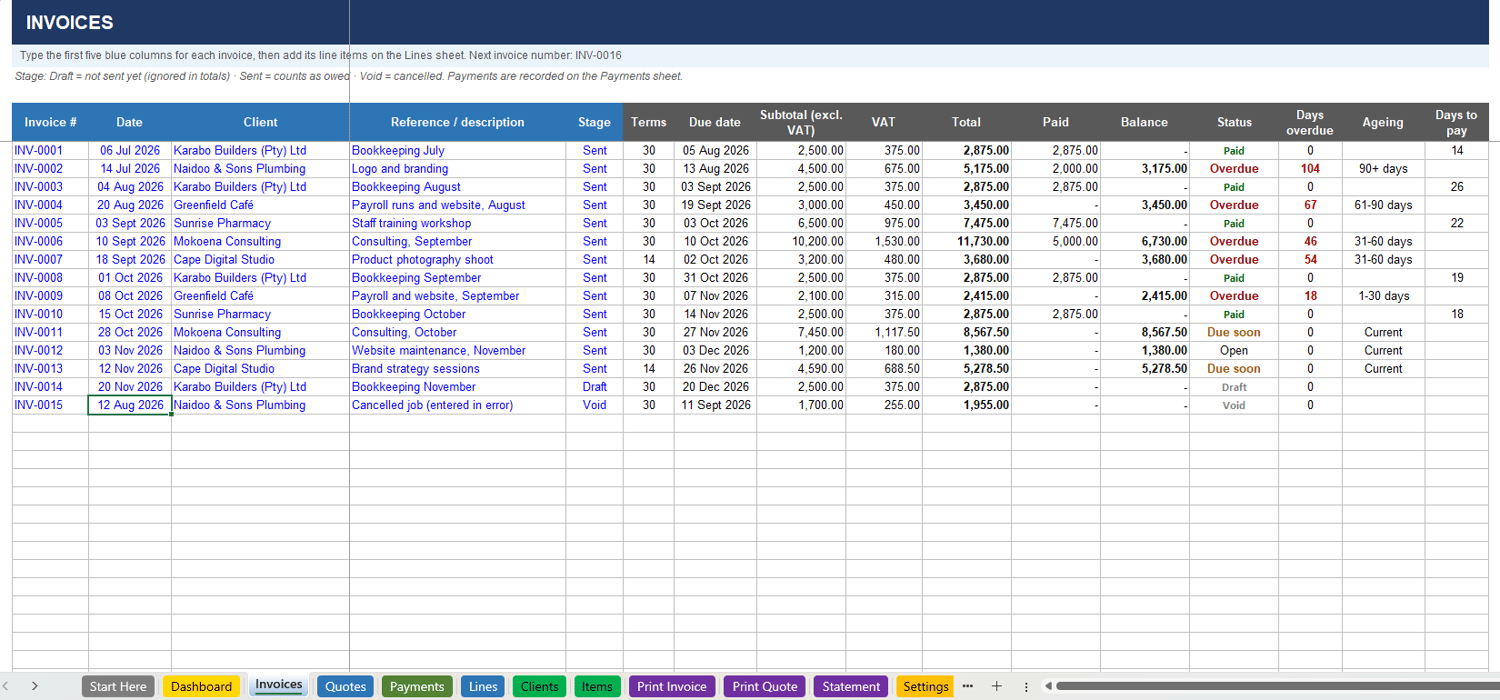
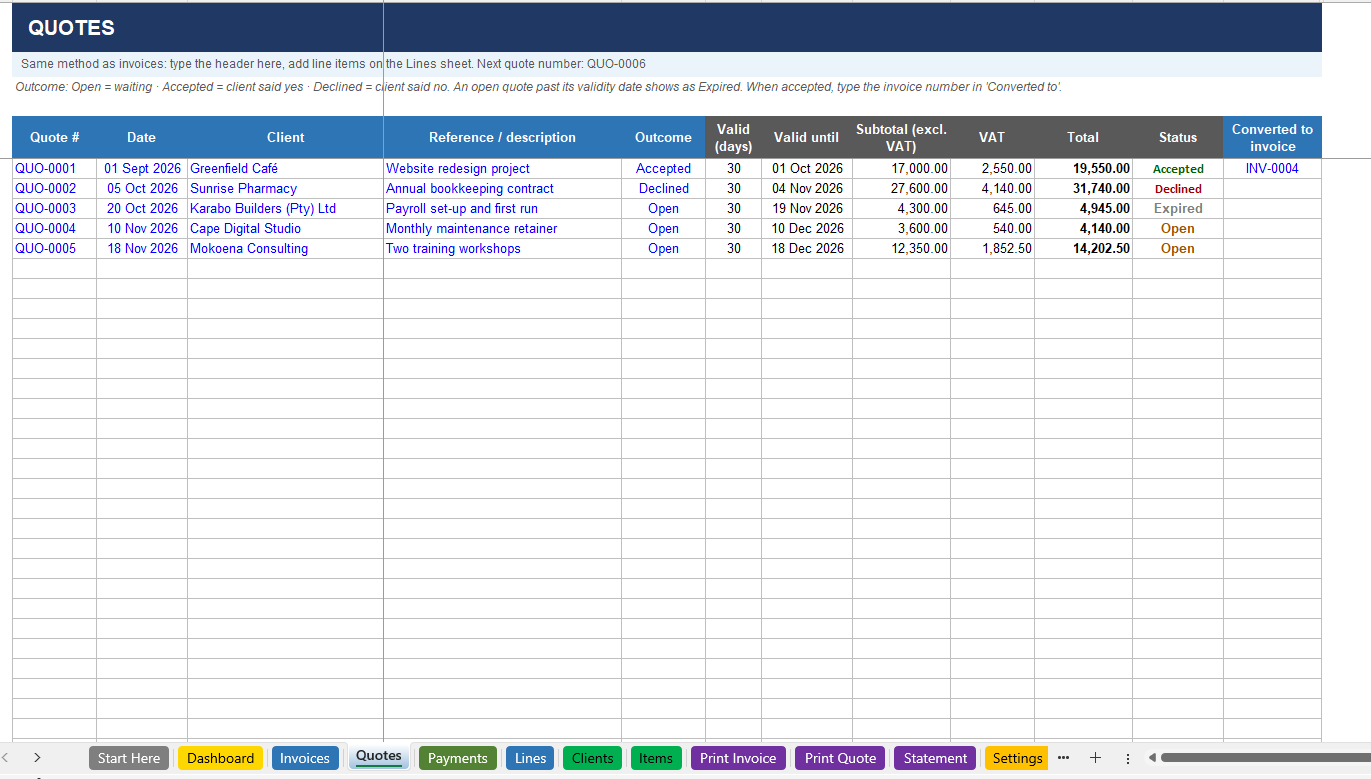
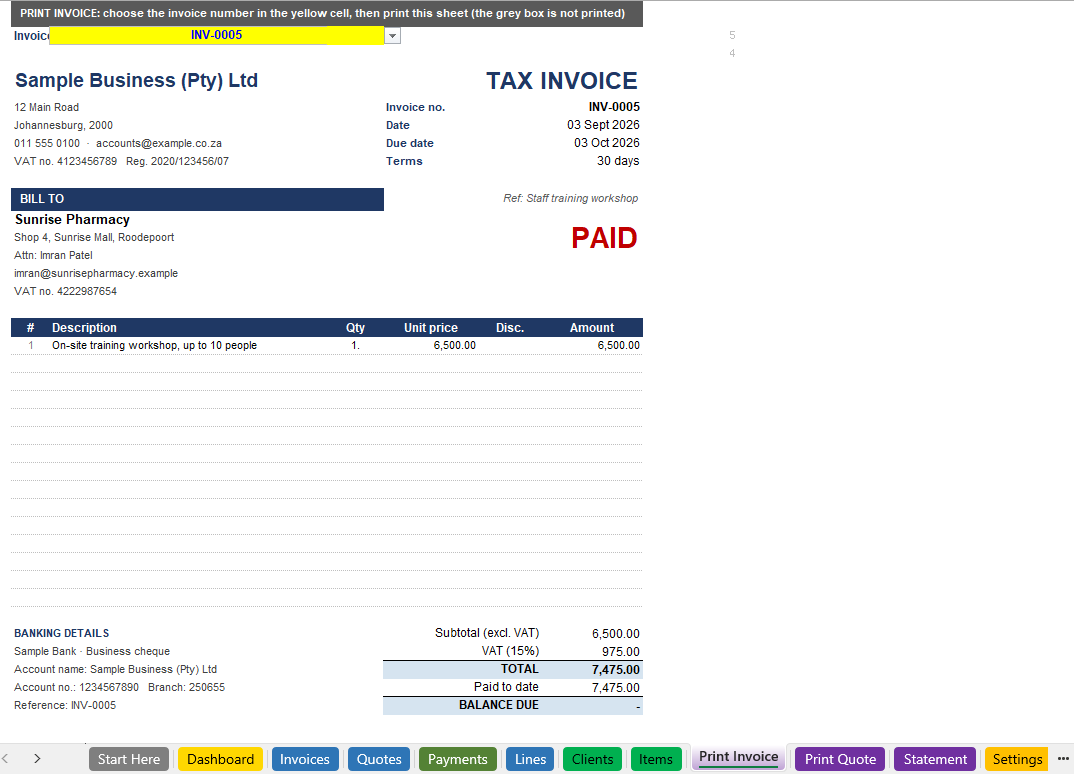
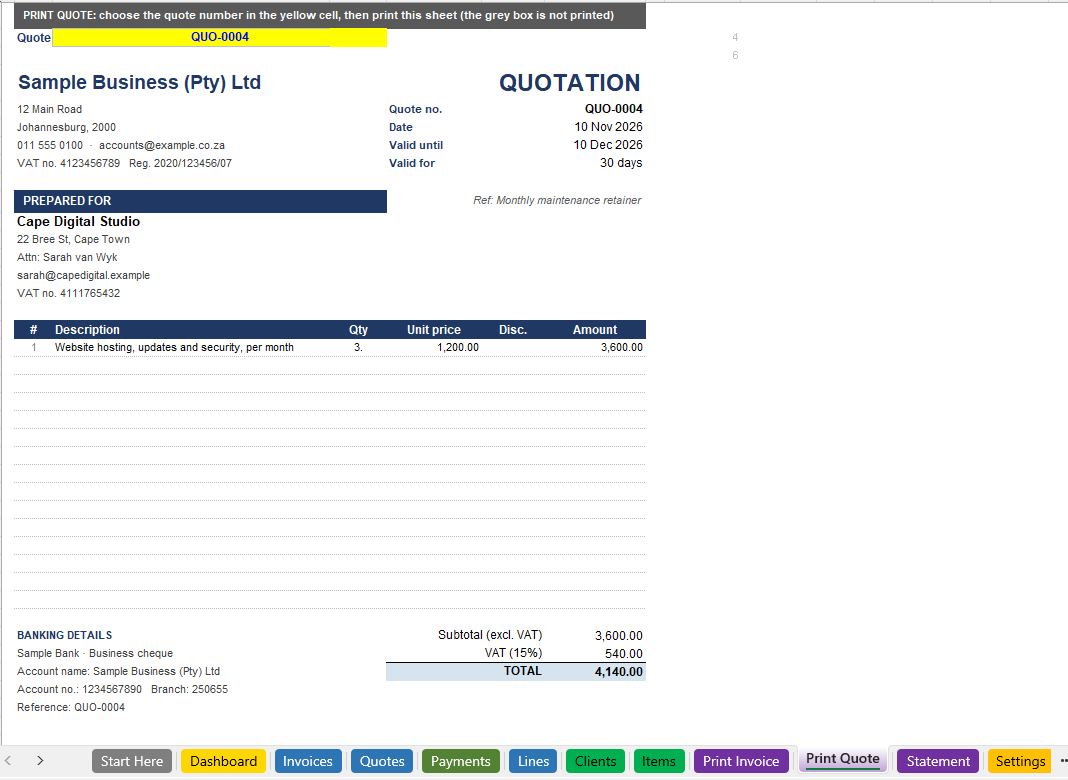
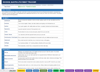
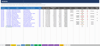
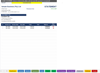
- Invoices and Quotes: you type the invoice number, date, client and reference. Terms, due date, VAT, totals, paid amount, balance, status, days overdue and ageing then calculate. Statuses are Paid, Part paid, Open, Due soon and Overdue for invoices. For quotes they are Open, Accepted, Declined and Expired.
- Lines: every invoice and quote gets its line items here, picked from your price list. Override columns let you change the wording or price on one line without touching the price list.
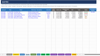
- Payments: log each payment, including part payments, and balances and status update at once.
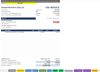
- Print Invoice and Print Quote: pick a number and print a one-page A4 document with your details, bank account and VAT. The invoice shows a PAID or OVERDUE stamp.
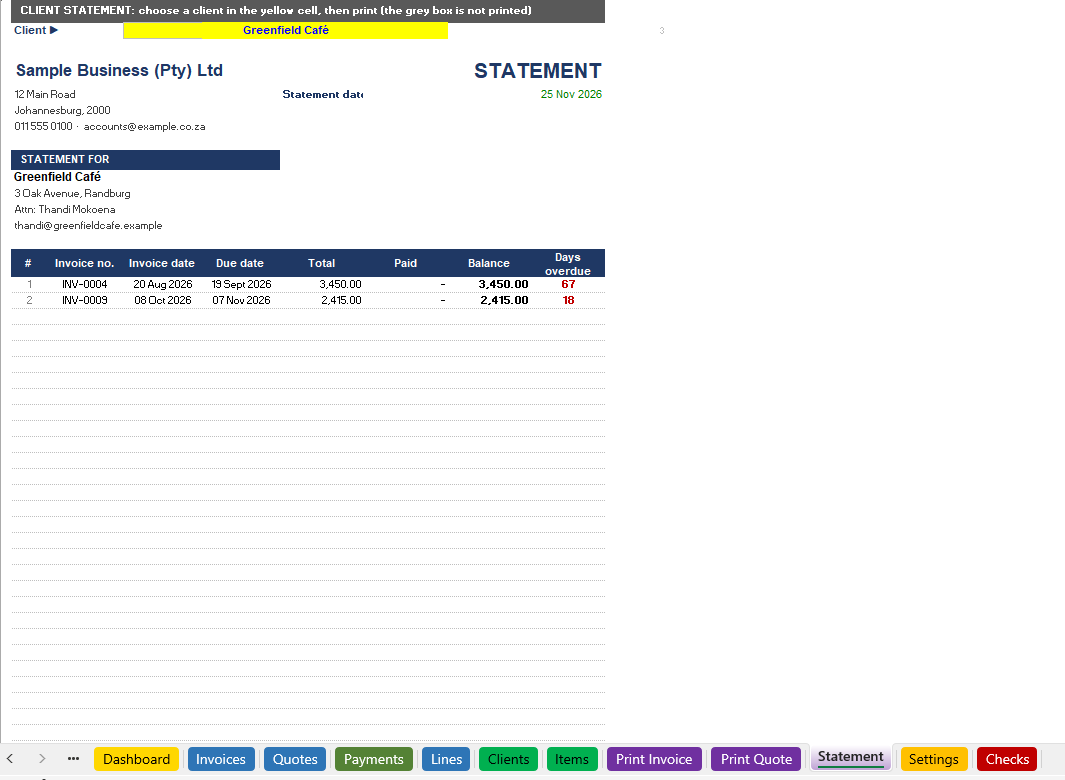
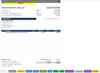
- Statement: pick a client and print an itemised statement with ageing.
- Clients and Items: the client list, which can hold per-client payment terms, and the price list.
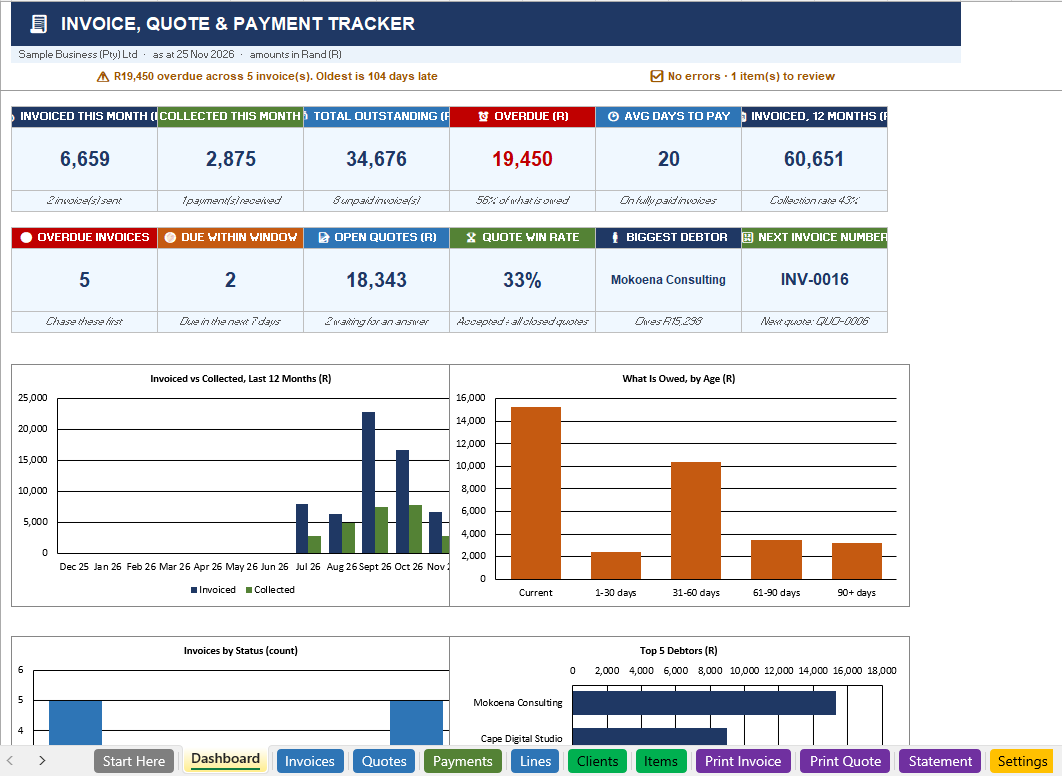
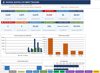
- Dashboard: 12 KPIs, 4 charts and a verdict banner.
- Checks: 12 data checks, covering duplicates, orphan lines, overpayments and similar slips.
Things to know
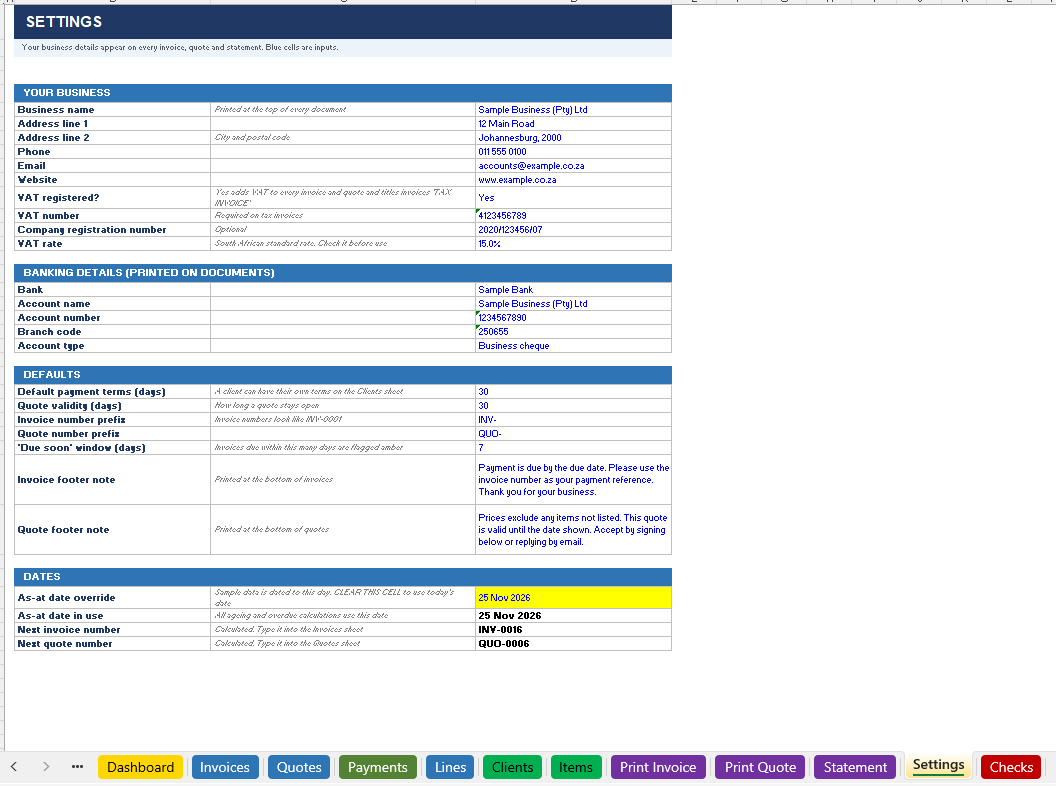
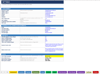
- Sample data: it is dated around 25 Nov 2026, so the Settings sheet has an "as-at date override" filled in to keep the demo stable. Buyers should clear that cell so ageing uses today's date. Start Here says so, and Checks flags it if it's left set.
- Capacity: the template holds 300 invoices, 150 quotes, 1,000 line items and 500 payments, with up to 15 lines per document when printing.
- VAT: VAT is at 15% with a Yes/No switch. Check the rate before use.
- Not covered: it's a billing tool, not accounting software.