
Bill & Subscription Tracker Excel Spread Sheet
On Sale
$1.99
$1.99
Due dates, amounts, a monthly and yearly total, a “cancel candidates” flag and a calendar view. Conditional formatting highlights bills due in the next 7 days.
What’s inside (5 tabs)
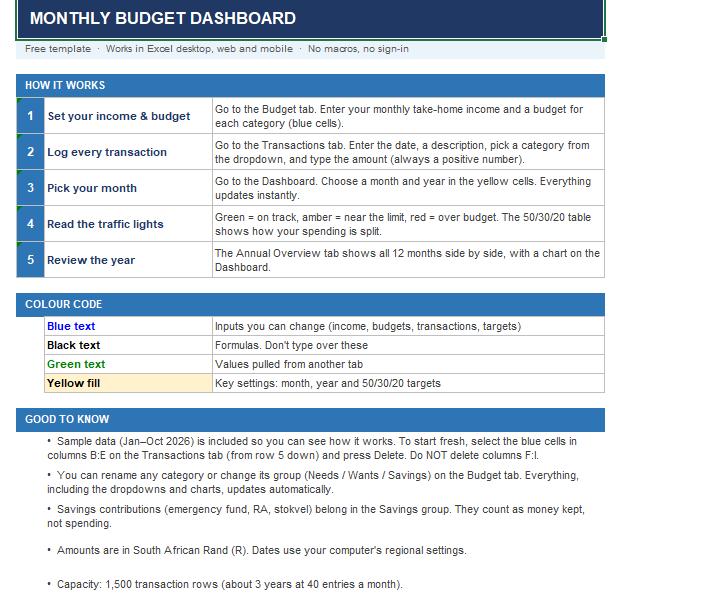
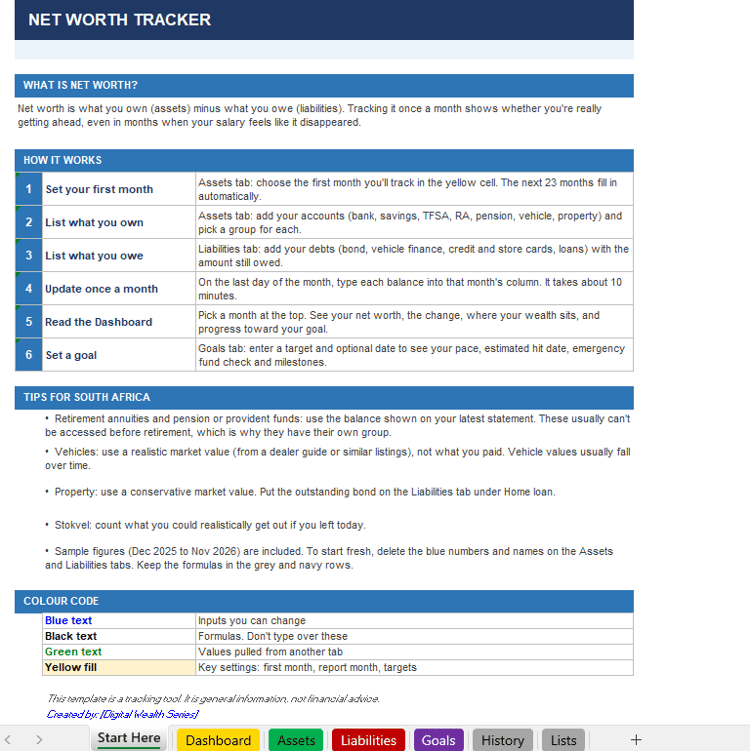
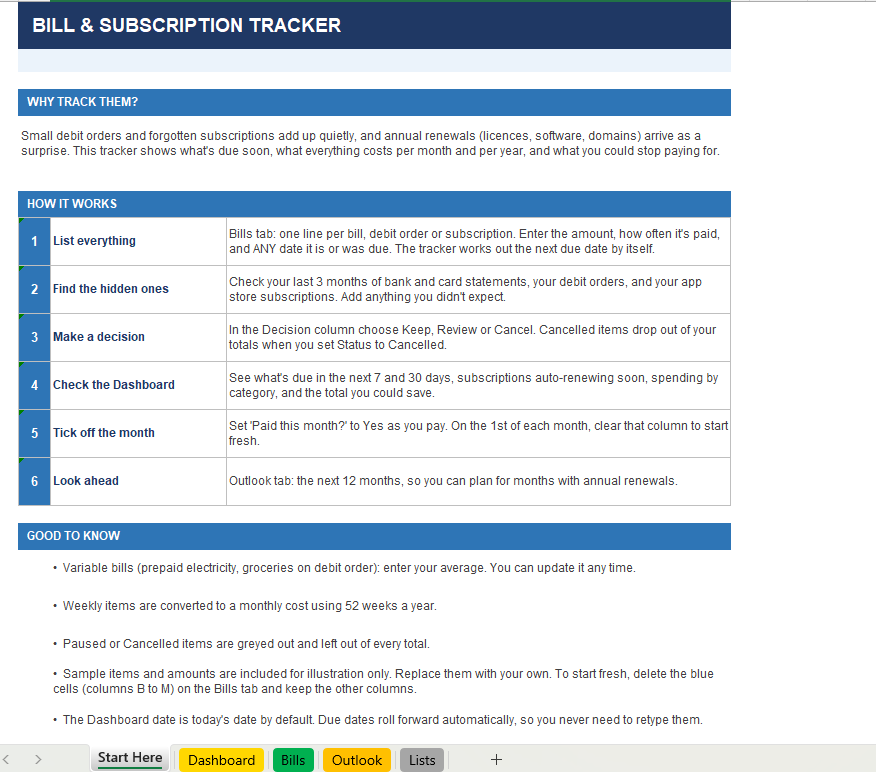
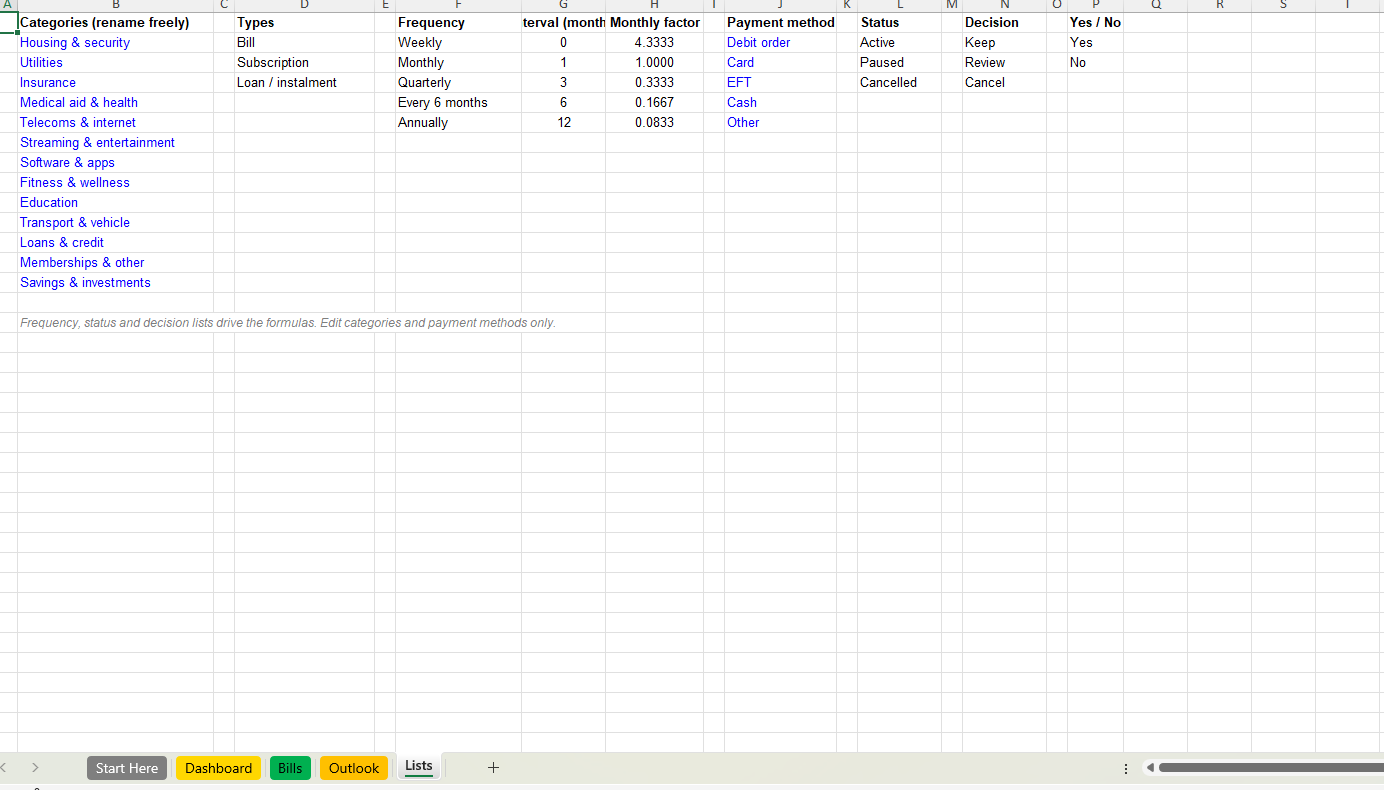
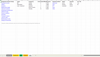
- Start Here: why track bills, a 6-step guide including how to find hidden subscriptions on bank statements, and the colour code.
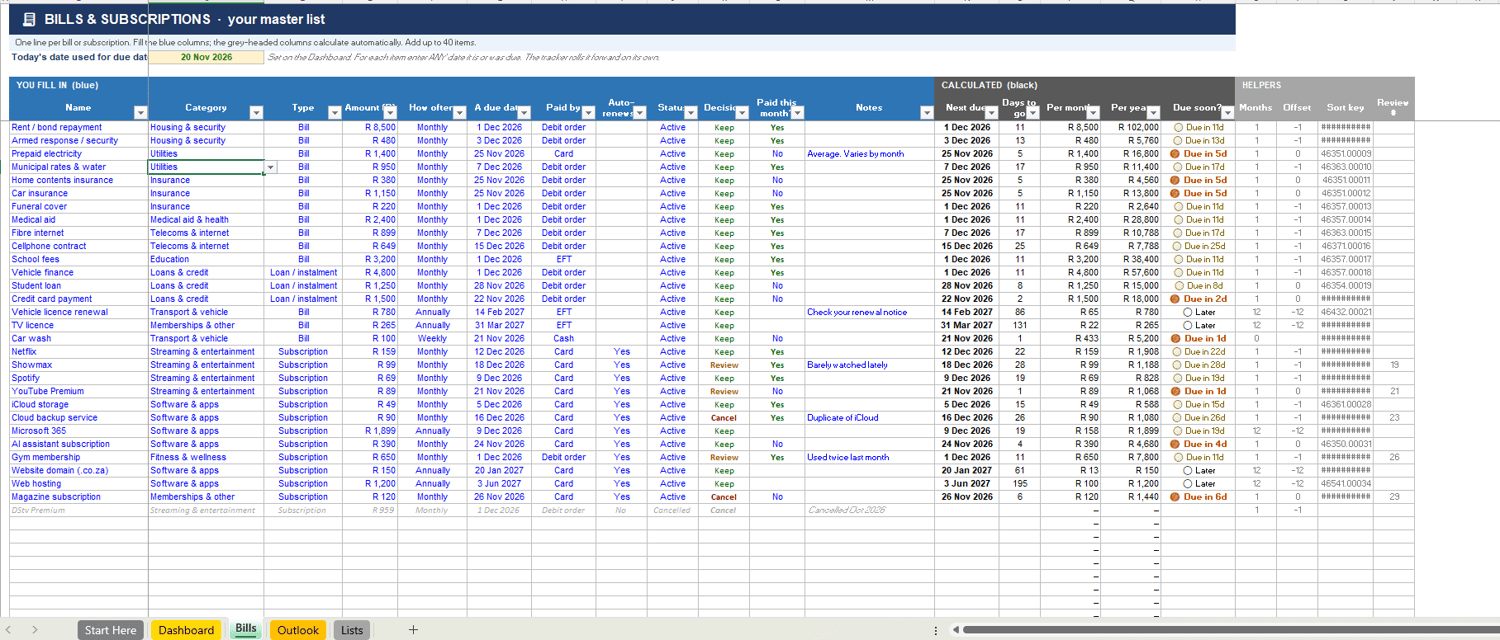
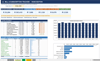
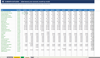
- Bills: the master list, with room for 40 items. For each item you enter the name, category, type, amount, how often it’s paid, and any date it is or was due. You can also set the payment method, whether it auto-renews, status, a Keep/Review/Cancel decision and a “Paid this month?” flag. The next due date, days to go, monthly and yearly cost, and a due-soon flag calculate automatically.
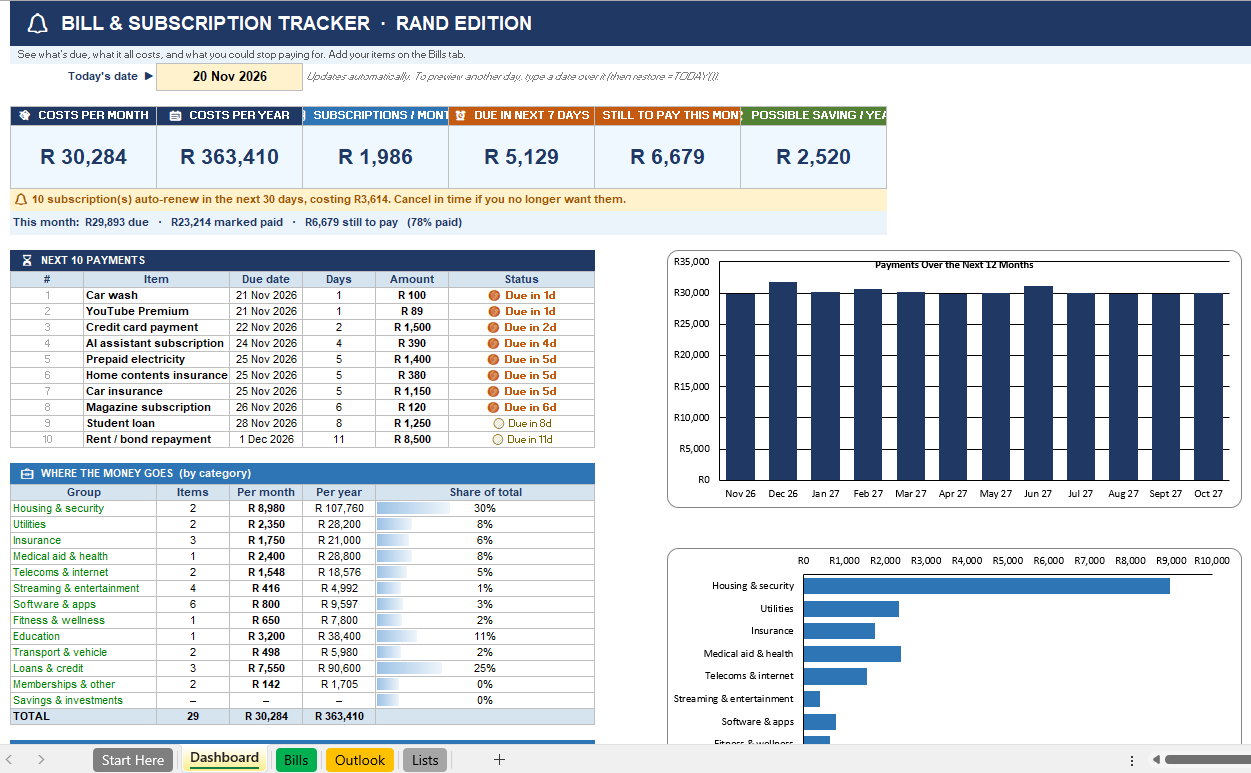
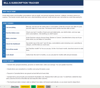
- Dashboard:Six KPI cards: costs per month, costs per year, subscriptions per month, due in the next 7 days, still to pay this month, and possible saving per year.
- A warning for subscriptions that auto-renew in the next 30 days.
- A next-10-payments list with colour-coded urgency.
- Spending by category, bills vs subscriptions vs loans, and a review list of items marked Review or Cancel, with the total you’d save.
- Three charts.
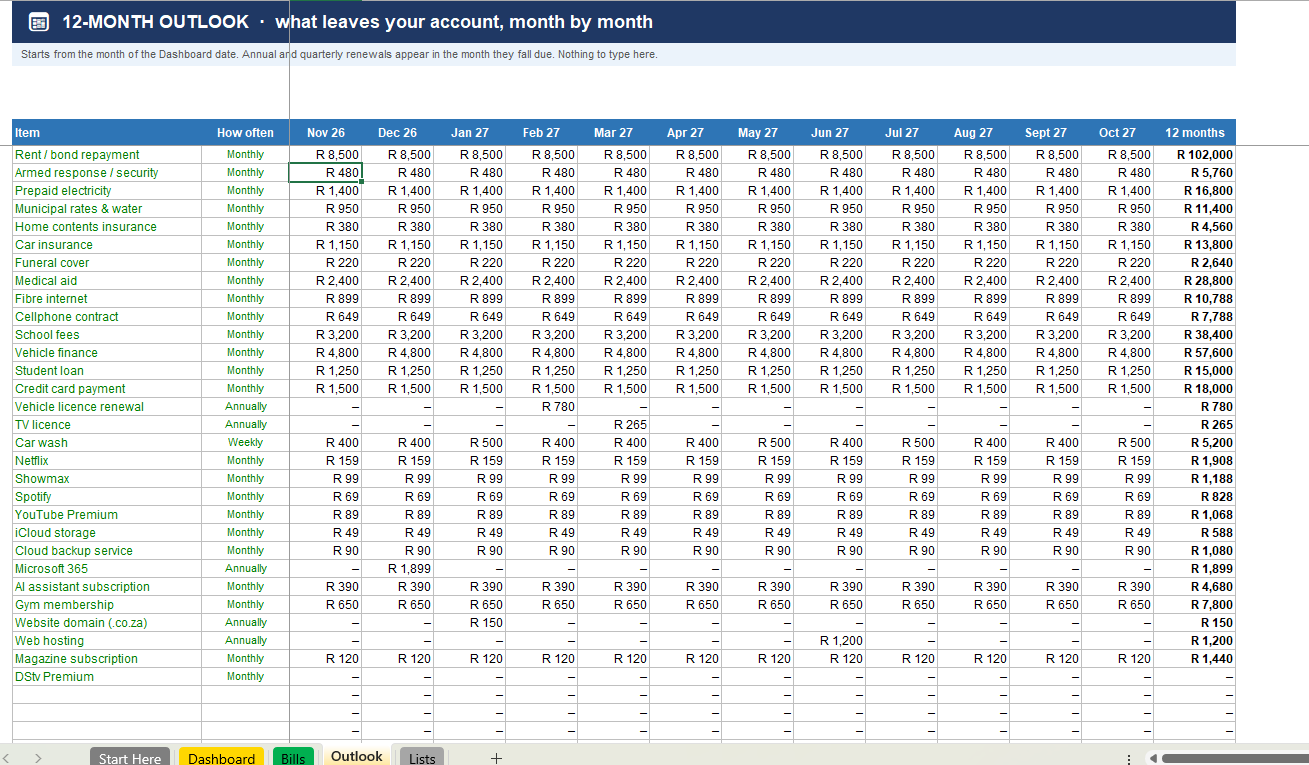
- Outlook: the next 12 months, month by month. Annual and quarterly renewals appear in the month they fall due, and expensive months are highlighted.
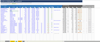
- Lists: the categories and dropdown options. Categories and payment methods are editable.