
Hotel Banquet & Events Operations Toolkit: BEO Template, SOPs & Checklists
Full description
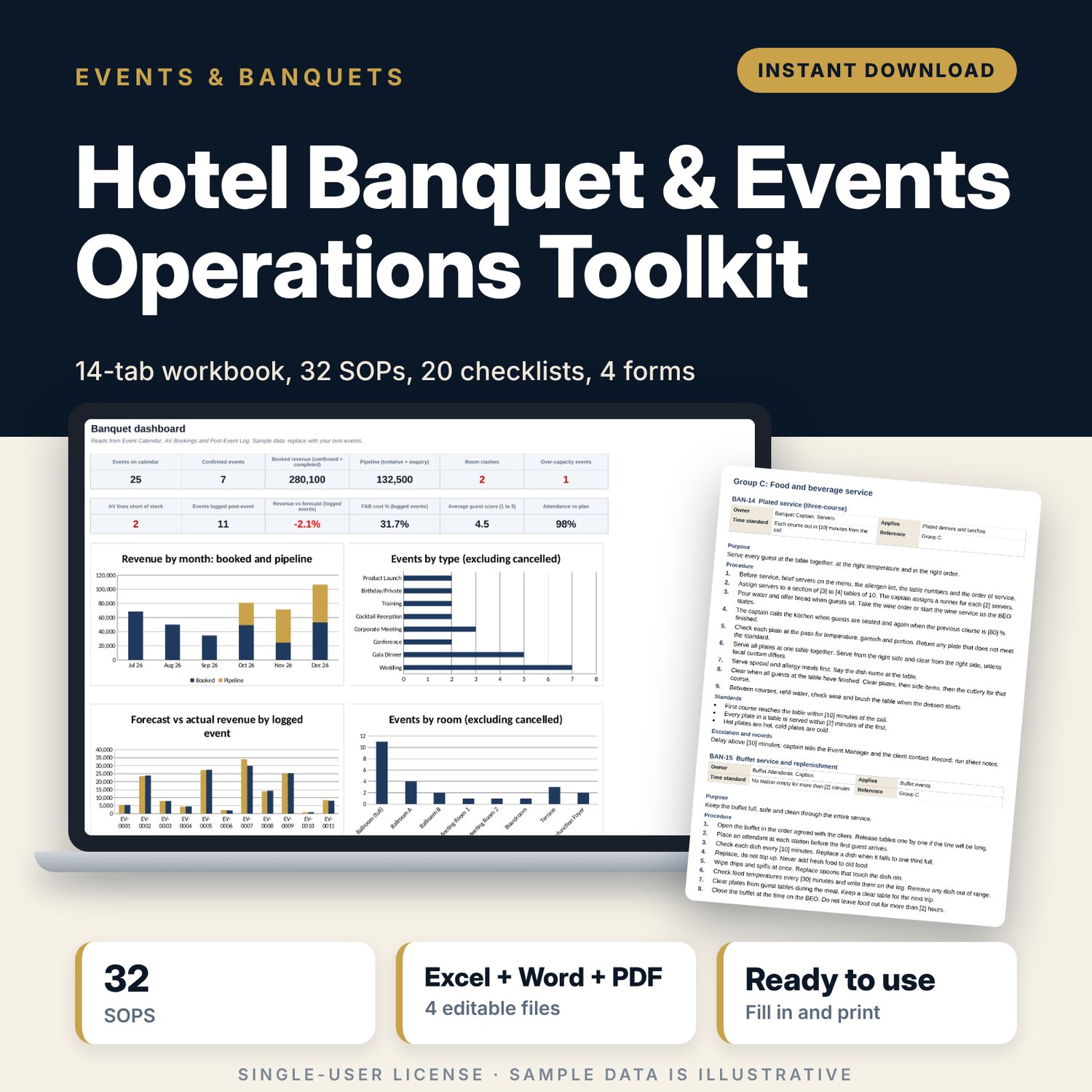
This toolkit is for banquet managers, event managers and F&B managers who run weddings, conferences, gala dinners and meetings in a hotel or venue. It gives you one Excel workbook to plan and control events, a Word manual that tells the team how to do each task, and a printable checklist pack for the floor. You open the workbook, replace the sample rooms, menus and events with your own, and print the BEO, run sheet and checklists for each event.
Save with a bundle: this template is also in the Events & Weddings Bundle, 10 templates for $29 instead of $67. All 141 templates are in the All-Access Hospitality Template Library for $79.
What is inside
- Banquet_Workbook.xlsx: 14 tabs, 1,969 working formulas, 27 drop-down lists, 4 charts on the dashboard.
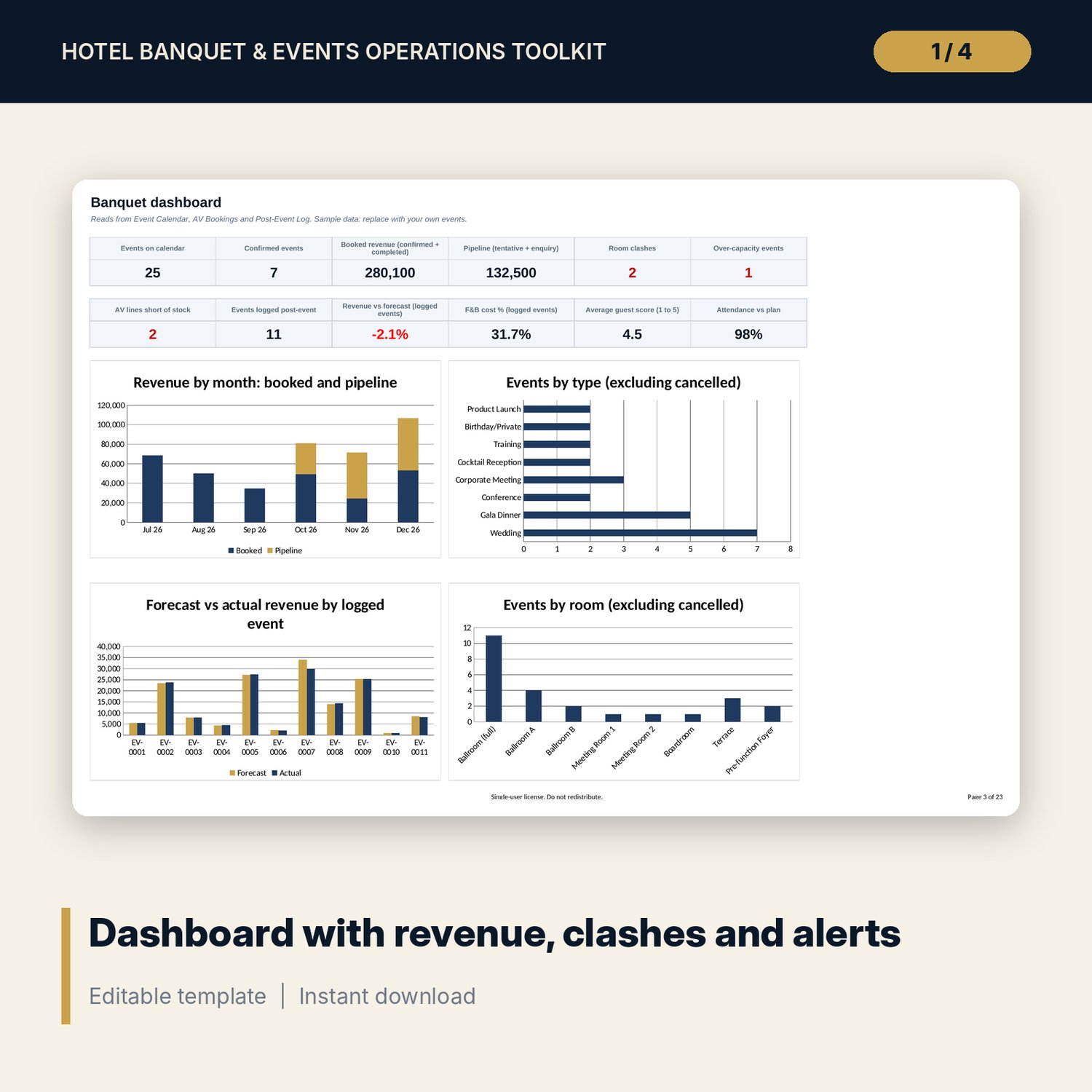
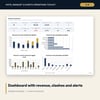
- Dashboard with 4 charts and 12 KPI tiles: booked revenue, pipeline, room clashes, over-capacity events, AV shortages, forecast vs actual revenue, F&B cost %, guest score.
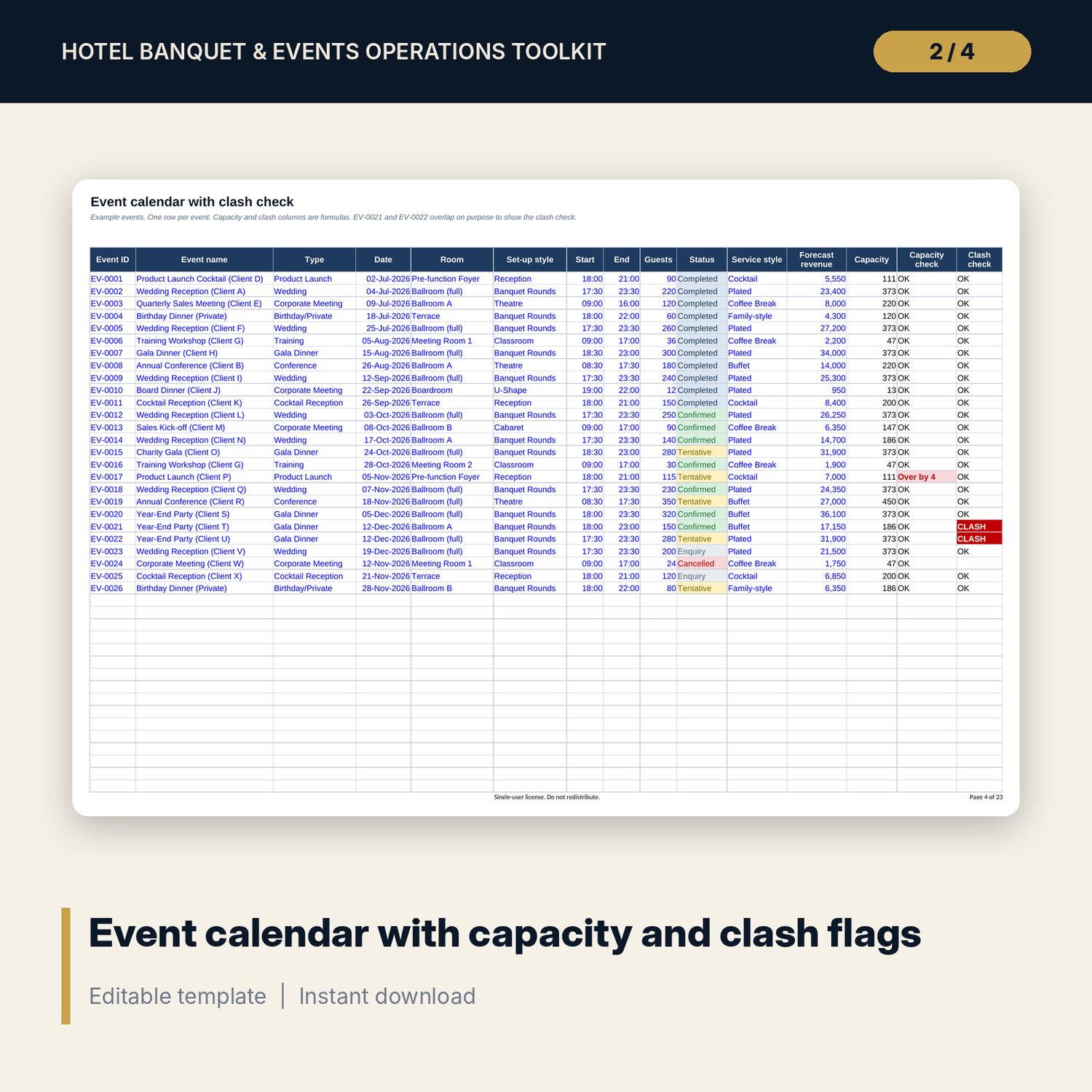
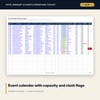
- Event Calendar: 26 sample events, capacity check and room clash check, including a divisible ballroom.
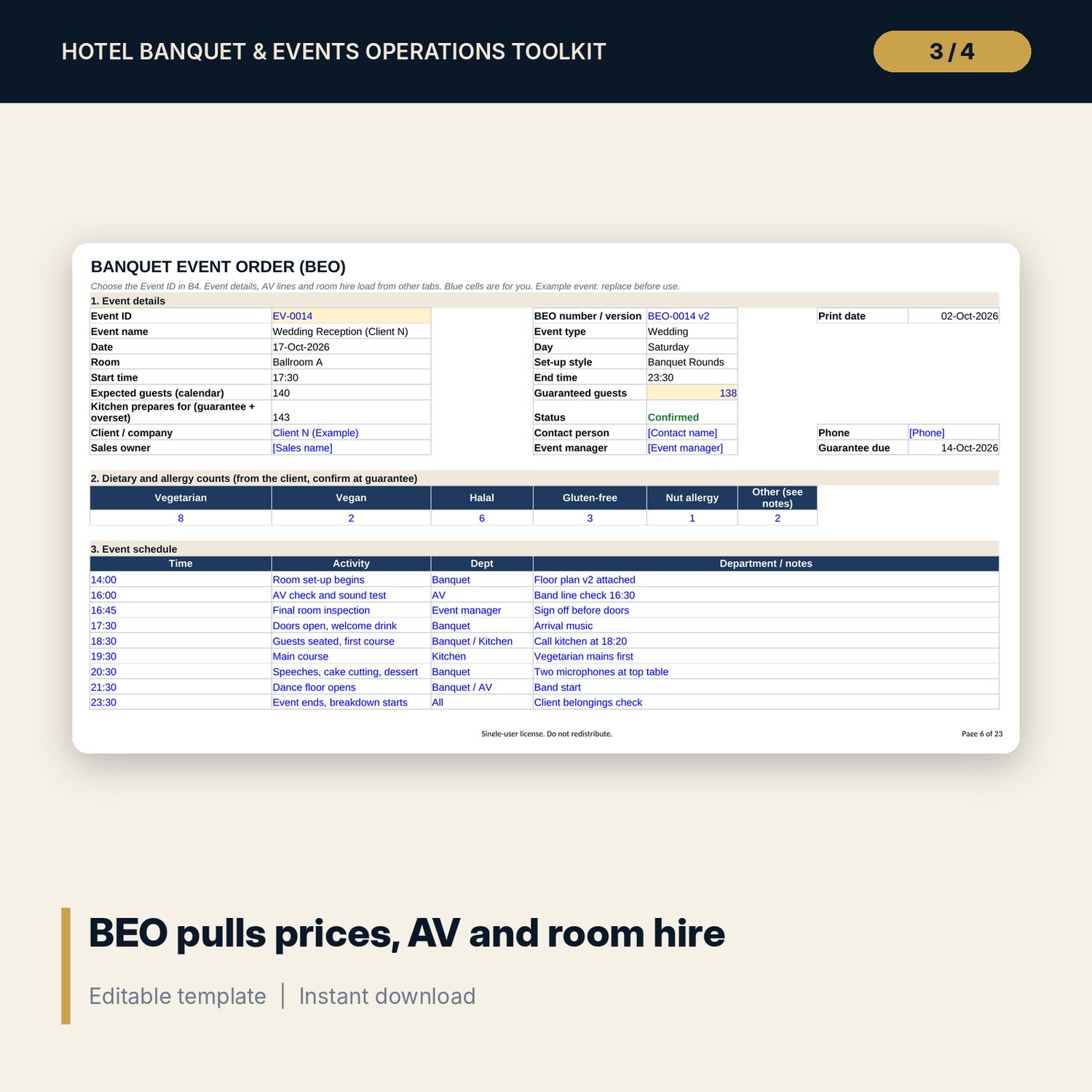
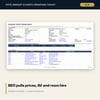
- BEO (banquet event order): pulls event details, menu prices, AV lines and room hire, and totals the bill with service charge, tax and deposit.
- Run Sheet: 25-line timed plan with status flags and progress.
- Room Capacity: 8 rooms and 7 set-up styles, with a fit check for any room, style and guest count.
- Menu Costing: 27 menu items with suggested price, actual cost % and margin. Menu Packages: 6 set menus and delegate rates.
- Staffing: headcount, hours and labour cost by covers and service style, plus a 50 to 400 guest scenario table.
- AV Inventory (20 items) and AV Bookings (24 lines) with a same-day shortage check.
- Post-Event Log (11 sample events), Post-Event Report (printable) and Settings.
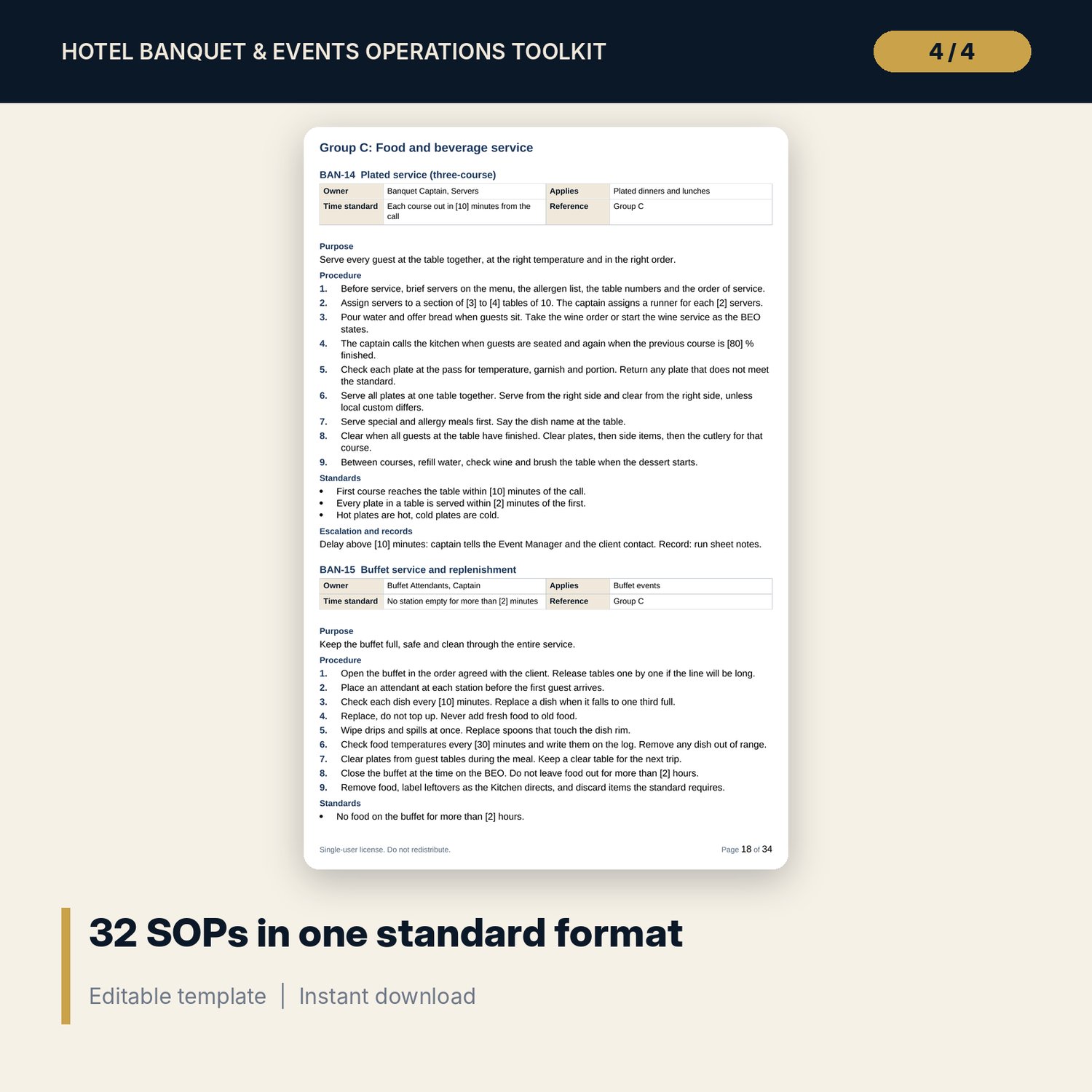
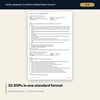
- Banquet_SOP_Manual.docx: 34 pages (A4), about 11,100 words. 32 SOPs in one format (owner, time standard, purpose, numbered steps, standards, escalation, records). Covers set-up, buffet, plated service, beverage service, breakdown, wedding day and VIP events. Also an event timeline from T-30 days to T+1, an hour-by-hour day plan and a wedding planning guide.
- Event_Checklists.docx and Event_Checklists.pdf: 26 pages. 20 checklists with 189 check items, and 4 forms (incident report, client feedback, handover sheet, BEO change request).
- README.txt and the license terms.
How it works
- Open Settings. Enter your currency, service charge, tax, target food cost %, staff on-cost % and buffers.
- Replace the sample rooms, menu items, equipment and staffing ratios with your own.
- Enter each enquiry on Event Calendar. Check the capacity and clash columns before you confirm.
- For each confirmed event, choose the Event ID on the BEO and Run Sheet tabs, add equipment lines, and print.
- After the event, enter the results on Post-Event Log and print the Post-Event Report. The dashboard updates.
Details
- Formats: 1 Excel workbook (.xlsx), 2 Word documents (.docx), 1 PDF, 1 text file, 1 license file.
- Language: English. Page size A4, metric units. Currency is an editable label with no symbol.
- Software: Excel 2010 or later, or a compatible spreadsheet application, for the workbook. Word or a compatible word processor for the documents. Any PDF reader for the checklists.
- Delivery: instant digital download. No physical item is shipped.
Good to know
- All names, rooms, events, prices, rates and results are illustrative samples. They are not benchmarks. Replace them with your own data.
- Tax, service charge, deposit, fire capacity, food-safety limits, alcohol rules and labour rules are editable inputs. Verify local requirements.
- This is a set of working tools, not legal, safety, tax or employment advice.
- Single-user license: use for your own property or team. Do not redistribute.
FAQ
What software do I need?
Excel 2010 or later for the workbook, Word for the manual and checklists, and any PDF reader for the PDF. The workbook uses standard formulas and no macros.
Does it work in Google Sheets?
You can upload the .xlsx file to Google Sheets. Drop-downs, formulas and charts should convert, but formatting and the print layout may change. Check the Dashboard and the BEO tab after upload. Excel is the supported application.
Can I edit everything?
Yes. Blue cells are inputs, black cells are formulas, yellow cells are key assumptions. The Word files are fully editable. Numbers in square brackets in the SOPs are example standards that you replace with your own.
Is this a physical product? Can I get a refund?
It is a digital download, so nothing is shipped. Refund terms follow the store policy for digital products at the time of purchase.
Who is it for?
Banquet managers, event managers, F&B managers, hotel operations teams and venue owners who want a ready structure for BEOs, run sheets, costing, staffing and SOPs.
Are the SOPs ready to use?
They are complete drafts in a standard format with example standards. Adjust the numbers, names and local rules to your property before you issue them.