
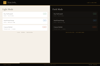

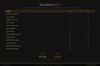
Project & Task Manager Pro — Templates, Timeline, Reports (Works Offline · No Login)
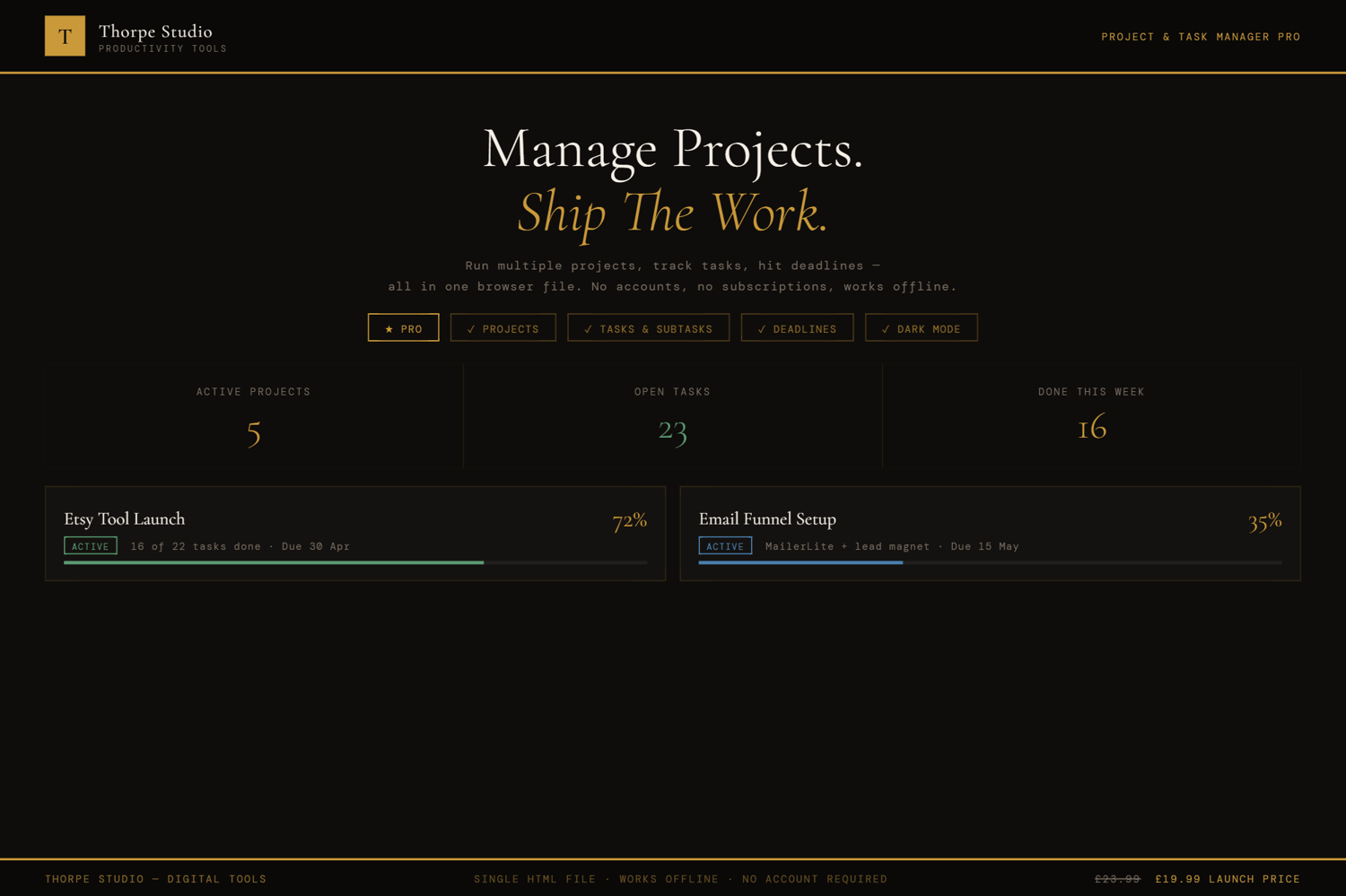
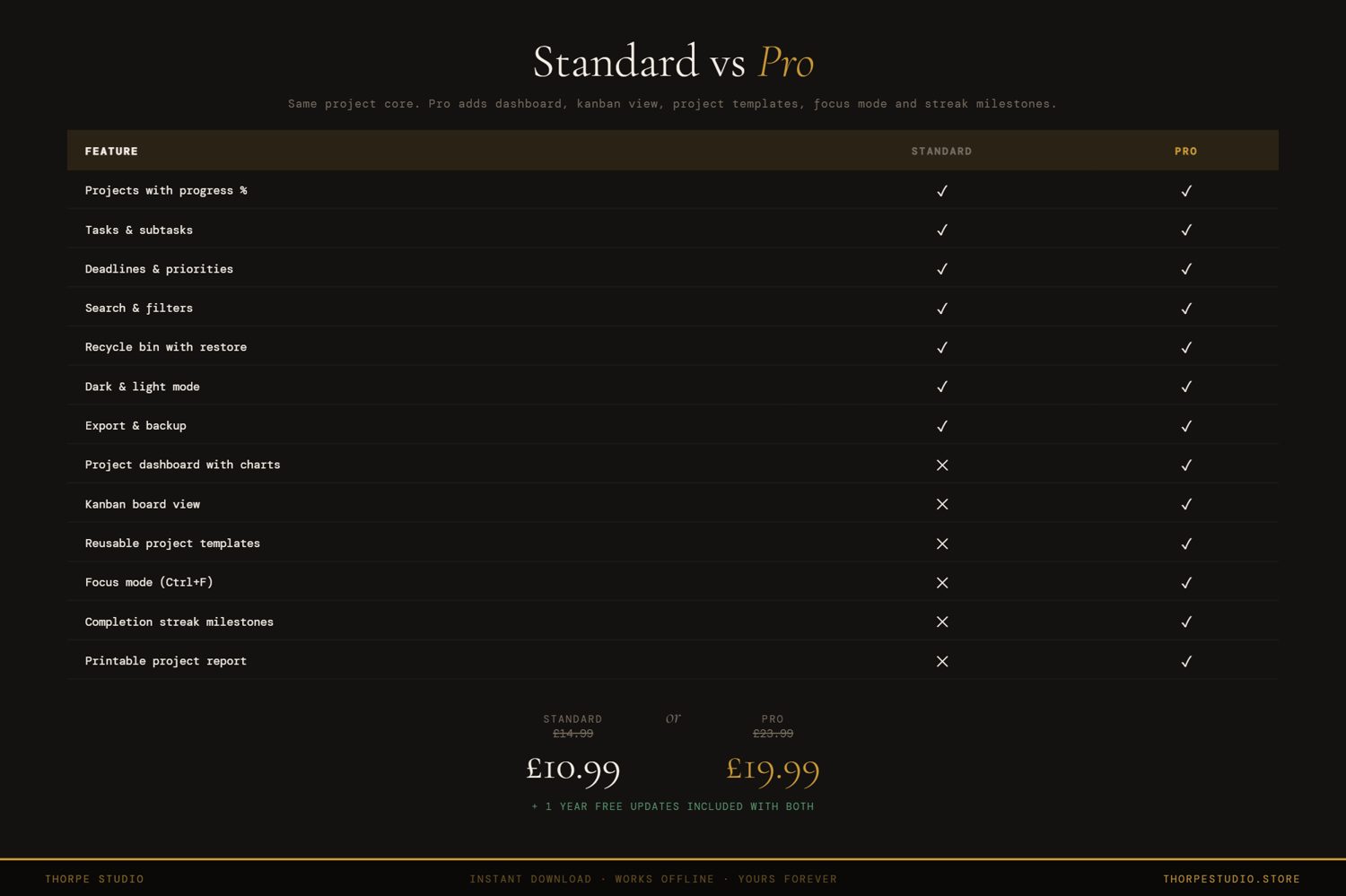
The Standard Project & Task Manager is a powerful kanban board. The Pro version adds task templates, swimlanes for better organisation, a timeline view for project scheduling, and printable reports.
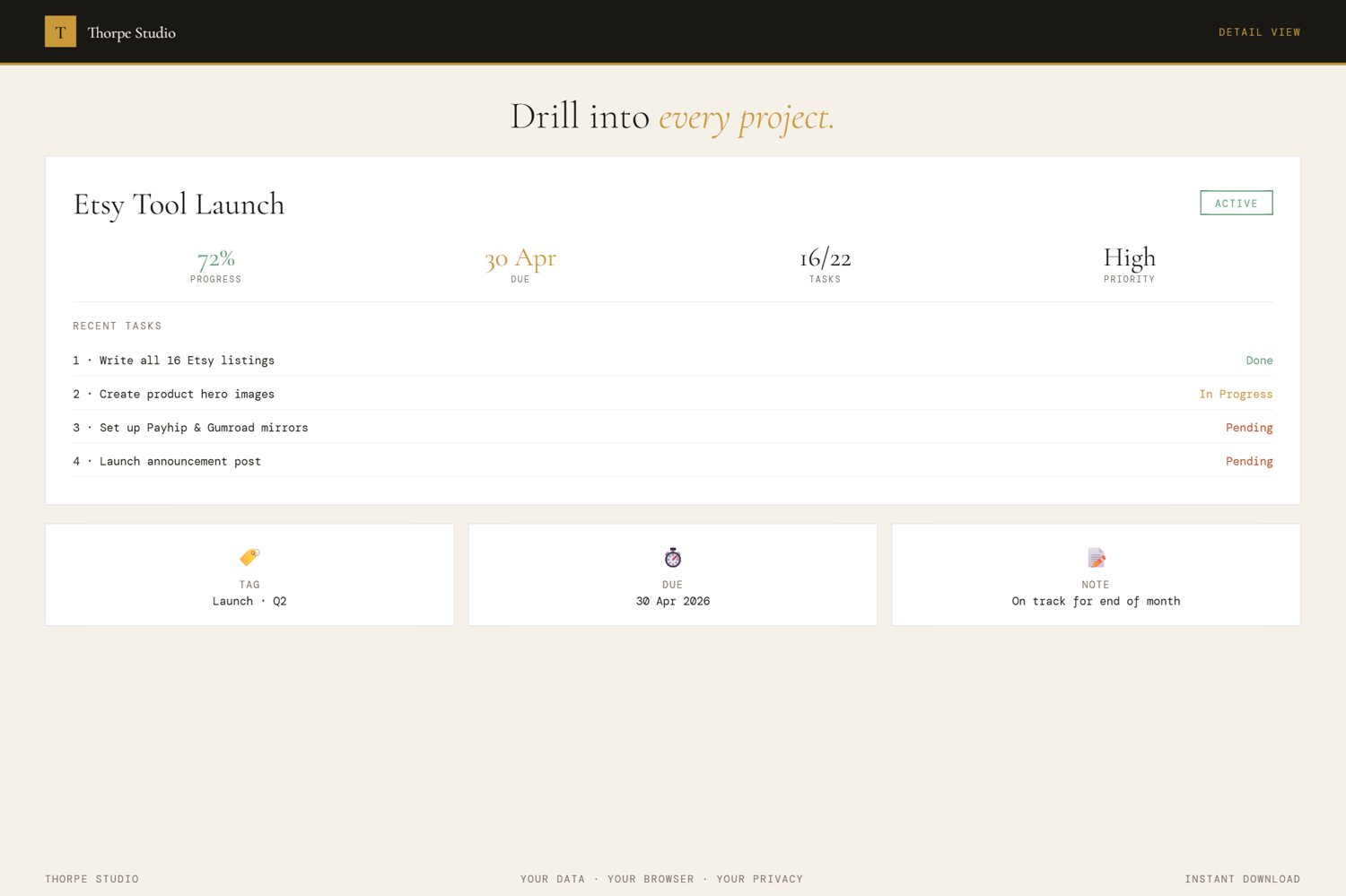
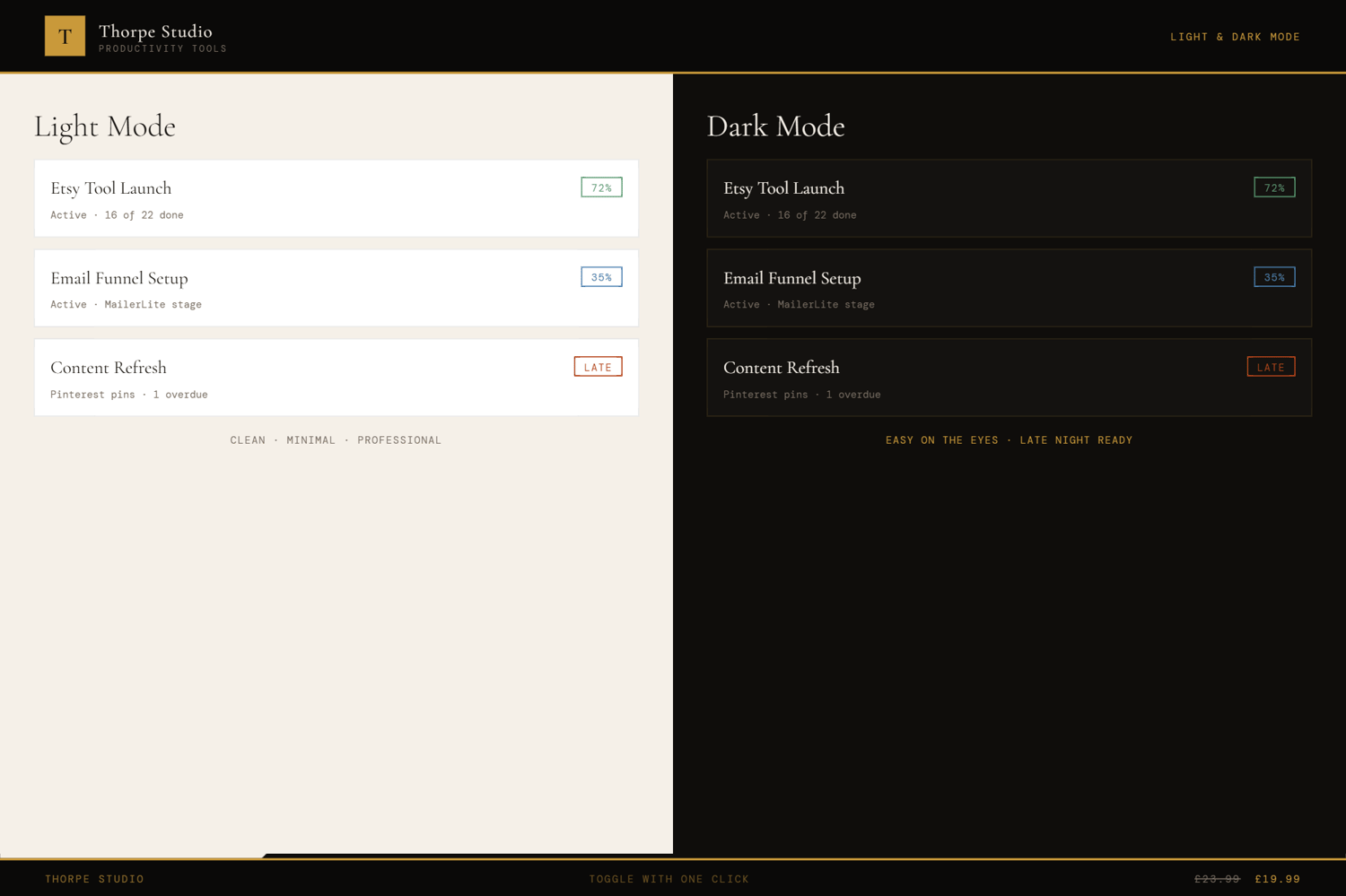
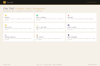
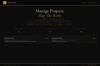
Start with the complete Standard edition—four-column kanban (To Do, Doing, Review, Done), multi-project support with colour-coded dots, priority indicators (High, Medium, Low), task descriptions and due dates, list view alternative, drag-and-drop movement, quick add form, task statistics, recycle bin, dark/light mode, export/import. Then unlock Pro: task templates let you save your most common task types—client onboarding always looks the same, so template it once and reuse. Enhanced kanban with swimlanes organises tasks by category or team—better control over large projects. Project timeline view shows your deadlines visually across weeks and months—spot bottlenecks before they happen. Focus Mode (Ctrl+F) strips everything except tasks in your Doing column. Printable project report packages your task breakdown and progress cleanly. Session quotes on load. Keyboard shortcuts (Ctrl+H). Premium visuals—subtle animations, frosted glass, textured background—make project management feel premium.
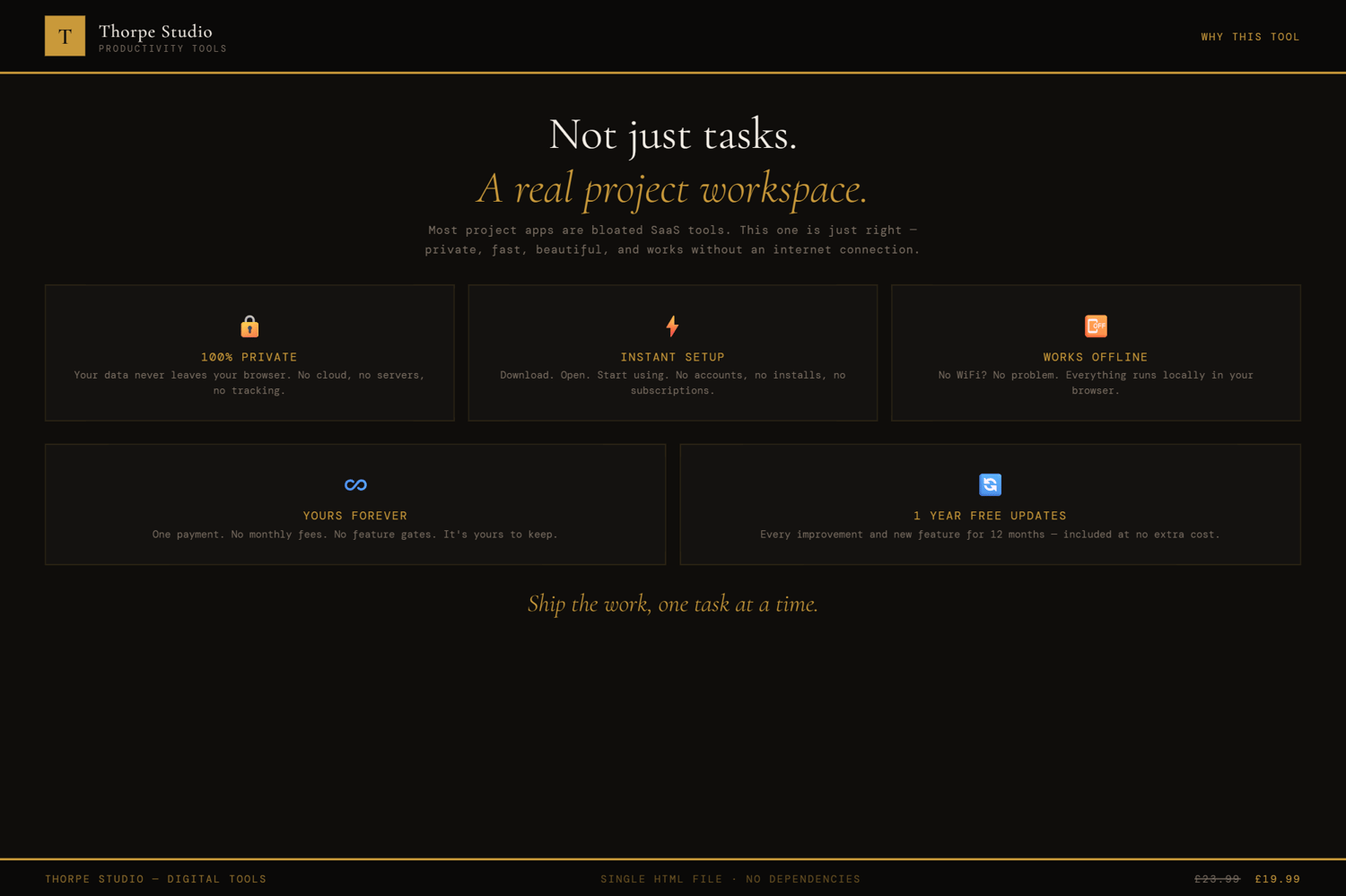
Everything saves locally to your device. No Google account. No app. Your projects are entirely yours.
◈ KEY FEATURES
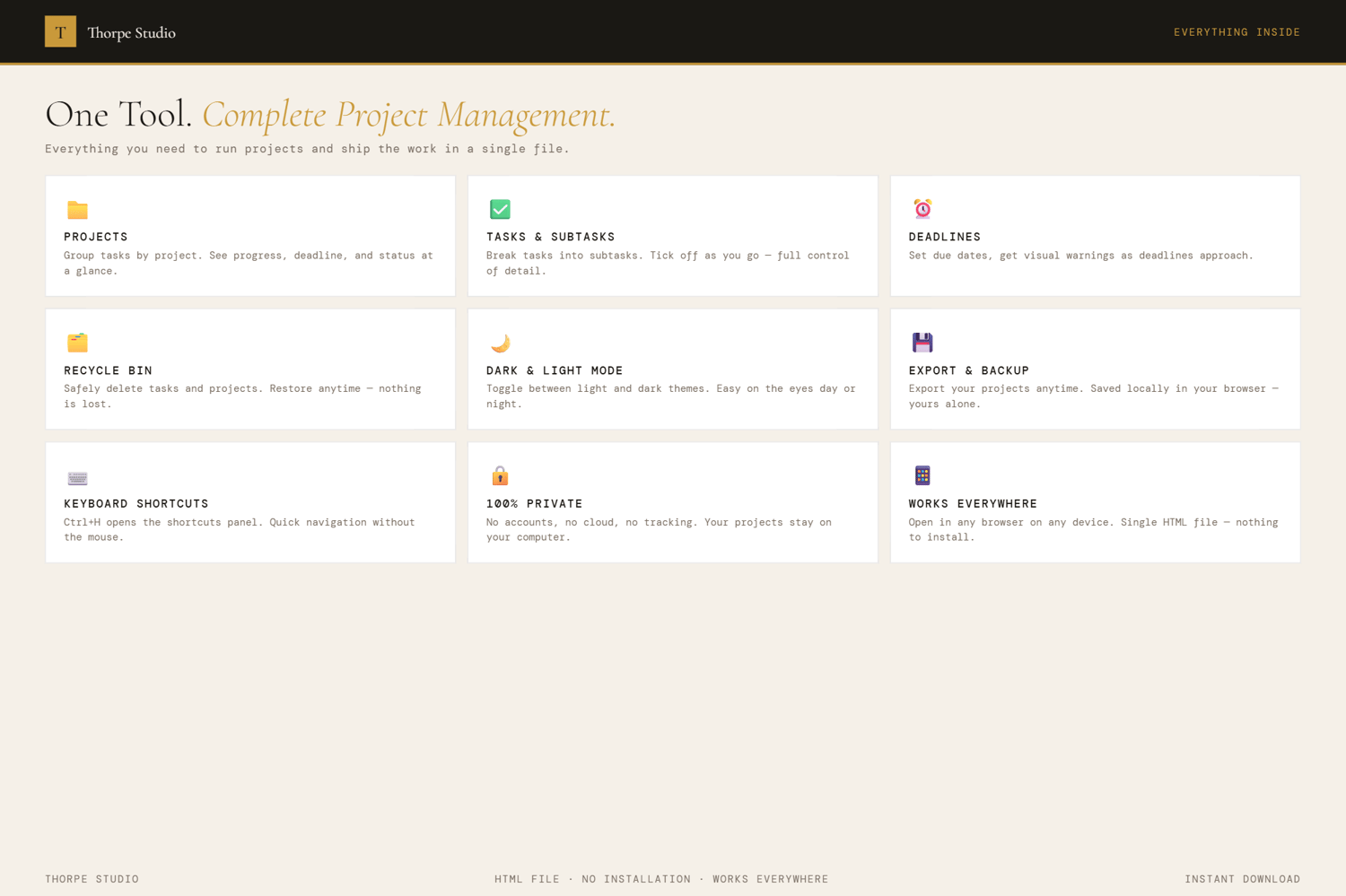
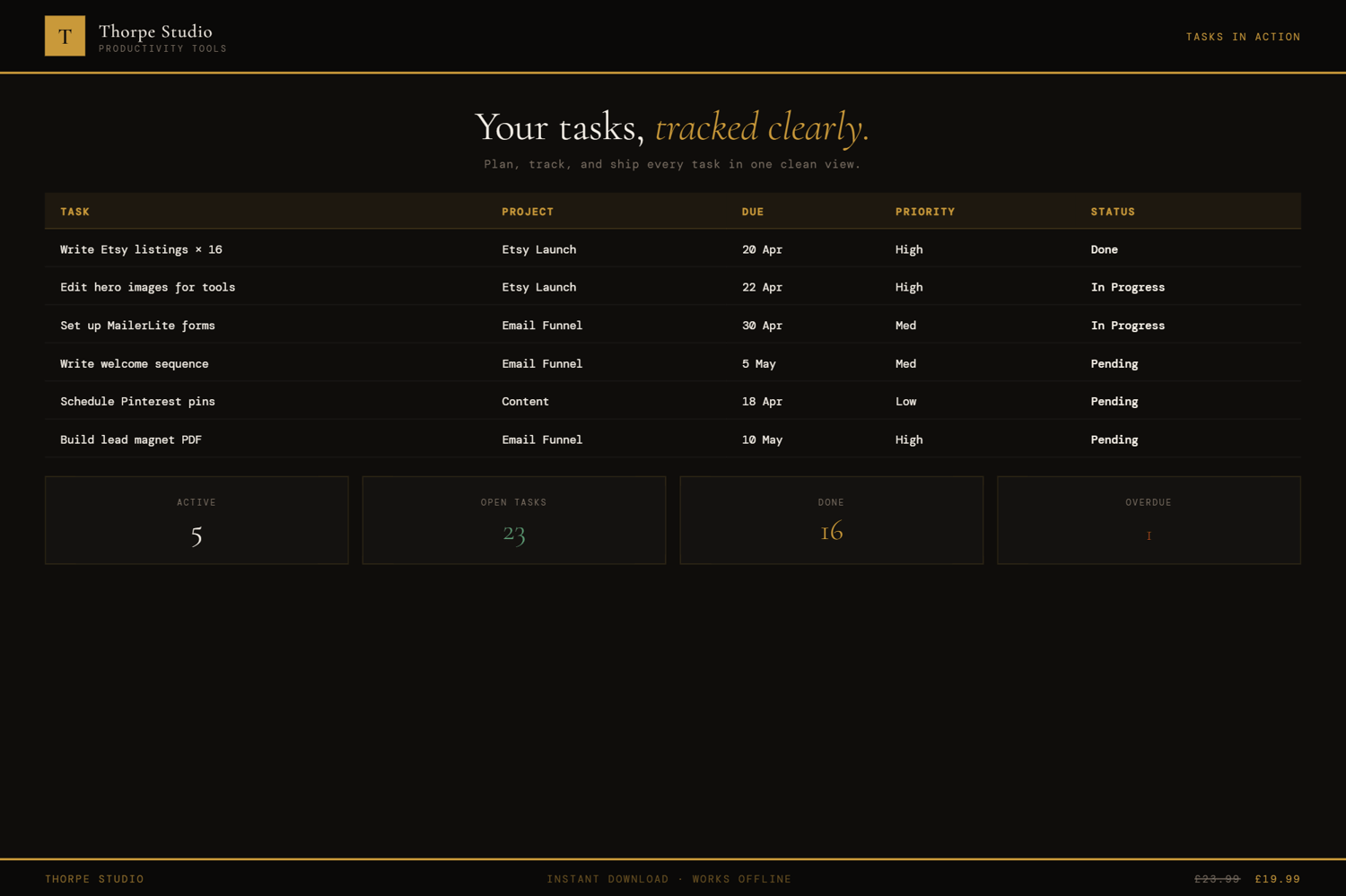
★ Everything from Standard Edition Four-column kanban (To Do, Doing, Review, Done), multi-project support with colour-coded dots, priority indicators, task descriptions and due dates, list view, drag-and-drop, quick add form, task statistics, recycle bin, dark/light mode, export/import.
★ Task Templates Save your most common task types as templates. Client onboarding? Project kickoff? Standard deliverable checklist? Template once, reuse endlessly. Consistency at speed.
★ Enhanced Kanban with Swimlanes Organise your kanban by category, team, or priority. Swimlanes within To Do, Doing, Review columns keep related tasks together. Better for large projects.
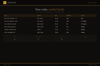
★ Project Timeline View See your project deadlines across a calendar timeline. Spot when multiple tasks are due the same week. Identify bottlenecks before they happen. Plan resource allocation visually.
★ Focus Mode Ctrl+F strips everything except your Doing column—the work you're actually doing right now. No To Do, no Review, no distractions. Just tasks in progress. Exit anytime.
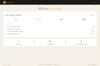
★ Printable Project Report Export a clean, printable summary of your project breakdown, task distribution, and progress. Share with stakeholders. Present to investors. Print for team meeting.
★ Session Motivational Quotes Each time you open the tool, a fresh quote appears. Subtle encouragement for the work ahead.
★ Keyboard Shortcuts Ctrl+H opens the shortcuts panel. Navigate between projects and views faster. Power users appreciate this.
★ Premium Visual Layer Subtle animations when tasks move between columns. Frosted glass effects on cards. Textured background. Project management feels premium because it is.
★ Pro Badge Your project manager shows a Pro badge. Proof you invest in your workflow efficiency.
◈ YOUR DATA — HOW IT WORKS
Your projects, tasks, templates, and timeline data live locally on your device using browser storage (localStorage). Nothing is sent to servers. Nothing is shared. When you close the tool, it's all there. When you open it tomorrow, next week, next month—your complete project history is intact. Want a backup before switching devices? Export your entire project manager as a JSON file. Your templates, your tasks, your project history—completely portable and yours.
◈ WHO IS THIS FOR
→ Freelancers juggling multiple client projects with complex requirements → Small agencies managing projects and team workflows → Solopreneurs with recurring project types (courses, campaigns, product launches) → Anyone feeling overwhelmed by enterprise project management tools → Project-based businesses who need better timeline visibility
◈ WHAT YOU RECEIVE
- 1 × HTML file — Project & Task Manager Pro
- Works in any modern browser: Chrome, Edge, Firefox, Safari
- No installation. No account. No internet connection required after download
- Built-in welcome guide on first open
- Lifetime use. No subscription. No expiry
- Designed for desktop use — best experienced on a laptop or computer
◈ HOW TO USE IT
- Download the file and save it on your Desktop
- Double-click to open in your browser
- The welcome guide introduces Standard features first
- Create a new project and start adding tasks
- Use the kanban to move tasks through your workflow
- Create task templates for recurring task types
- When you add new tasks, use templates for speed and consistency
- Switch to timeline view to see your project's deadline distribution
- Use swimlanes to organise related tasks together
- Use Ctrl+F to focus on just the work you're doing now
- Export a printable report to share progress with stakeholders
◈ IMPORTANT — PLEASE READ BEFORE PURCHASING
This is a digital HTML file—not Asana, not Monday.com, not a Notion template. You download it once and it lives on your device forever. Your projects, tasks, and templates are stored locally using browser storage (localStorage)—completely private on your computer. This tool does not support team collaboration or real-time syncing. If you clear your browser storage, data is lost—use the export function to back up regularly. There are no refunds on digital products. For technical help, contact us and we'll assist. This tool works offline; no internet required after download.
◈ ABOUT THORPE STUDIO
Thorpe Studio builds premium browser-based productivity tools for freelancers and solopreneurs. Every tool opens instantly in your browser, works offline, requires no account, and keeps your data private on your device. No subscriptions. No cloud. No friction. Just you, your ideas, and the tools you need to move forward.
£1.99