




Project & Task Manager Standard — Kanban Board, Task Tracker (Works Offline)
Kanban is the clearest way to see what's stuck and what's moving.
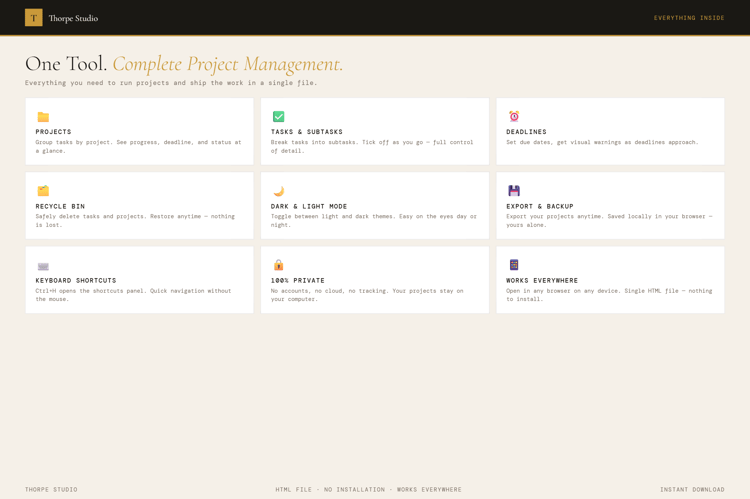
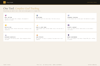
The Project & Task Manager uses a four-column Kanban board: To Do → Doing → Review → Done. Move tasks across the board as you work. Assign priority levels (High, Medium, Low) so you know what deserves focus first. Create multiple projects and colour-code them with dots—freelancers with three concurrent projects can see everything at once. Switch between Kanban view and a simpler list view depending on your mood. Drag and drop tasks between columns. Add descriptions and due dates to each task. The tool gives you a statistics dashboard showing task distribution, completion rates, and project progress. No Google account. No Notion subscription. No app. Your data saves automatically. Get to work.
◈ KEY FEATURES
★ Kanban Board with Four Columns To Do, Doing, Review, Done. The classic workflow made simple. Drag tasks between columns as you progress.
★ Multi-Project Support Create unlimited projects. Colour-code each with a dot. View all projects in the sidebar. Switch between them instantly.
★ Priority Indicators Mark tasks as High, Medium, or Low. Visual indicators show priority at a glance. High-priority work sits at the top where it belongs.
★ Task Descriptions & Due Dates Click any task to add more detail: full description, due date, notes. When it's due matters. So does context.
★ List View Alternative Prefer a traditional to-do list? Switch to list view. Same tasks, linear layout. Use what works for your brain.
★ Drag-and-Drop Movement Grab a task and drag it right to the next column. Movement feels smooth and fast.
★ Quick Add Form New task? Type and press Enter. It lands in the To Do column instantly. Speed matters for capturing ideas.
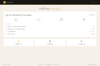
★ Task Statistics See at a glance: total tasks, tasks per column, tasks per project, completion rates. Numbers tell the story.
★ Recycle Bin Delete by accident? Tasks go to a recycle bin for 30 days before permanent deletion. Mistakes are recoverable.
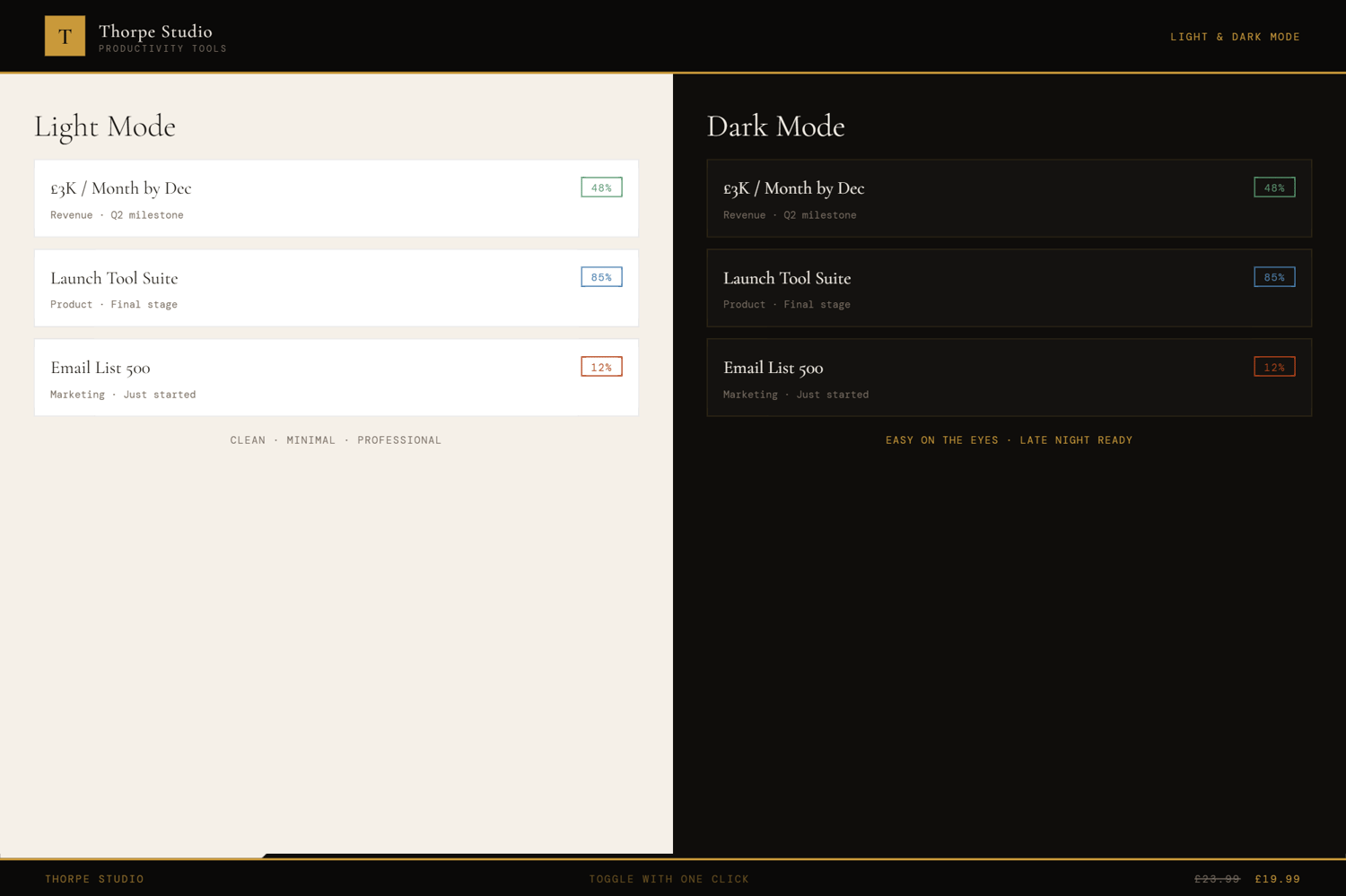
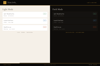
★ Dark & Light Mode Switch instantly between reading modes.
★ Complete Export & Import Back up your entire project board as JSON. Portable forever.
◈ YOUR DATA — HOW IT WORKS
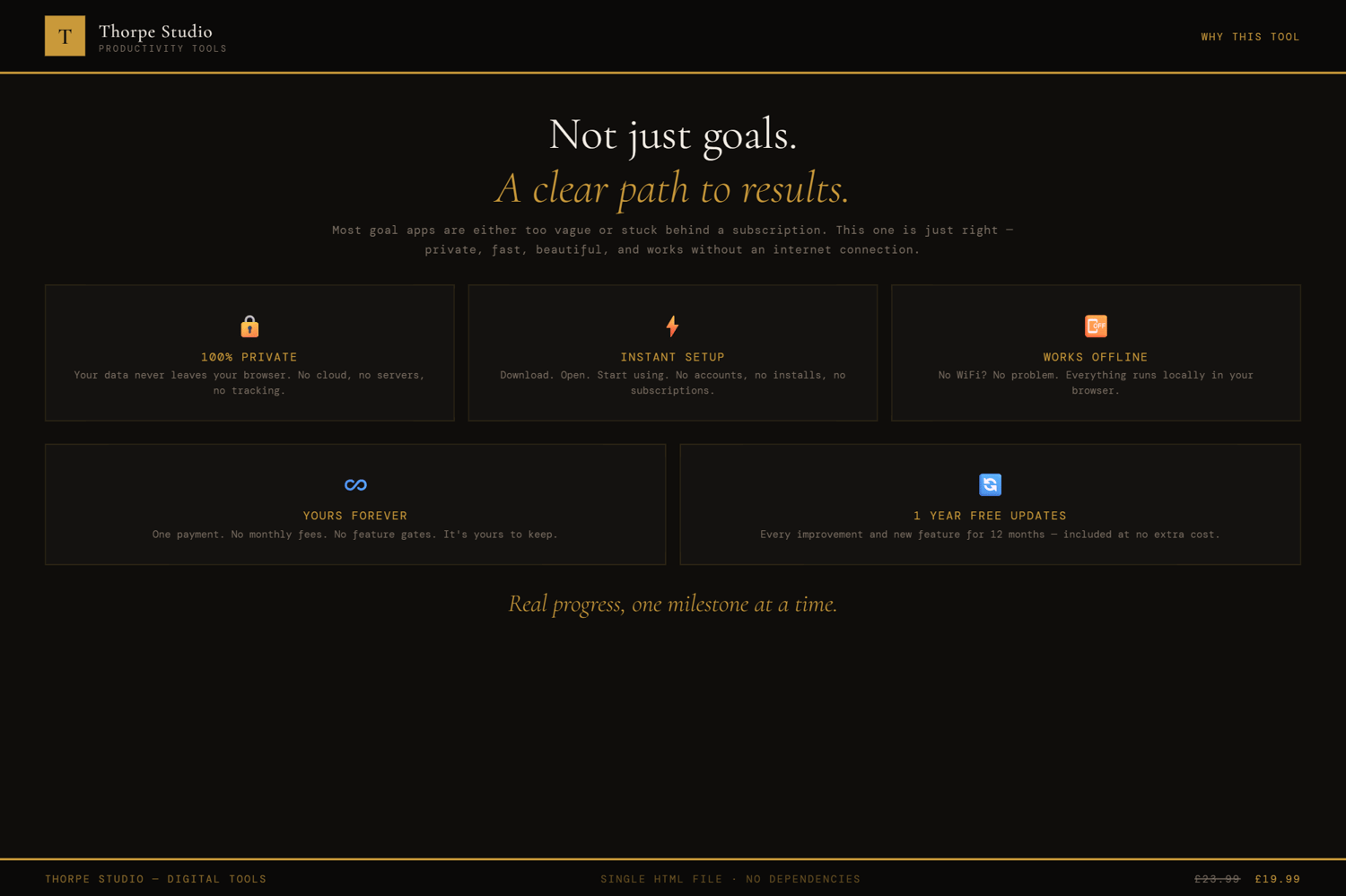
Your projects and tasks live locally on your device using browser storage (localStorage). Nothing syncs to servers. Nothing is shared. Close the tool, your work stays exactly where it is. Open it tomorrow—everything's still there. Need to switch devices or make a backup? Export your complete project board as a JSON file and import it anywhere, anytime.
◈ WHO IS THIS FOR
→ Freelancers juggling multiple client projects → Solopreneurs managing their own workflow without team software → Anyone overwhelmed by Asana, Monday, or similar enterprise tools → Small project teams who want simplicity over complexity → Entrepreneurs tracking personal and business tasks in one place
◈ WHAT YOU RECEIVE
- 1 × HTML file — Project & Task Manager
- Works in any modern browser: Chrome, Edge, Firefox, Safari
- No installation. No account. No internet connection required after download
- Built-in welcome guide on first open
- Lifetime use. No subscription. No expiry
- Designed for desktop use — best experienced on a laptop or computer
◈ HOW TO USE IT
- Download the file and save it on your Desktop
- Double-click to open in your browser
- The welcome guide walks you through setup
- Create a new project (give it a name and colour)
- Add tasks to your project by clicking "New Task" or using the quick add form
- Assign priority levels (High, Medium, Low) to each task
- Add due dates and descriptions as needed
- Drag tasks from To Do → Doing as you start them
- Move to Review when you're ready for final check
- Drag to Done when complete
- Check statistics to see your progress and bottlenecks
◈ IMPORTANT — PLEASE READ BEFORE PURCHASING
This is a digital HTML file—not a Notion template, not a Google Sheet, not a Trello clone. You download it once and it lives on your device forever. Your projects and tasks are stored locally using browser storage (localStorage)—on your computer, nowhere else. This tool is designed for individual use; it does not support team collaboration or real-time syncing. If you clear your browser storage, your tasks are lost—use the export function to back up regularly. There are no refunds on digital products. If you have technical issues, contact us and we'll help troubleshoot.
◈ ABOUT THORPE STUDIO
Thorpe Studio builds premium browser-based productivity tools for freelancers and solopreneurs. Every tool opens instantly in your browser, works offline, requires no account, and keeps your data private on your device. No subscriptions. No cloud. No friction. Just you, your ideas, and the tools you need to move forward.
£0.99