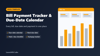
Bill Payment Tracker & Due-Date Calendar | Excel Monthly Bill Tracker Template
Stop paying late fees - see every bill and due date at a glance.
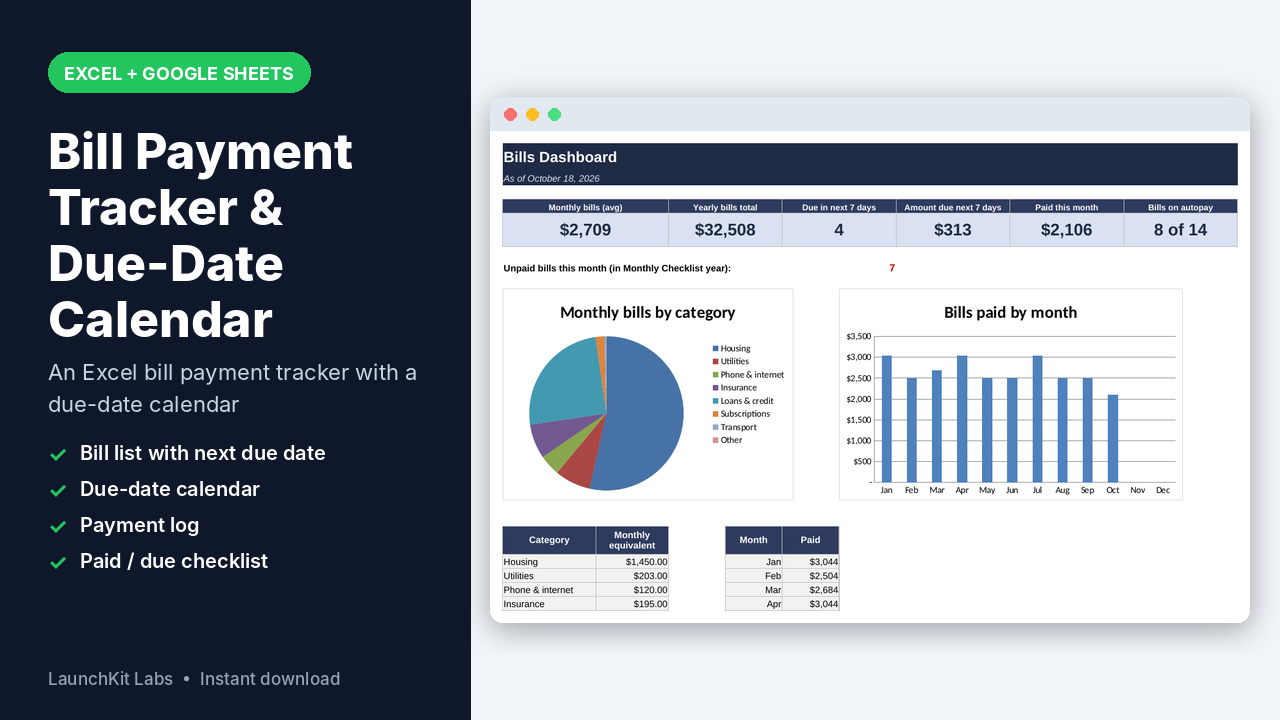
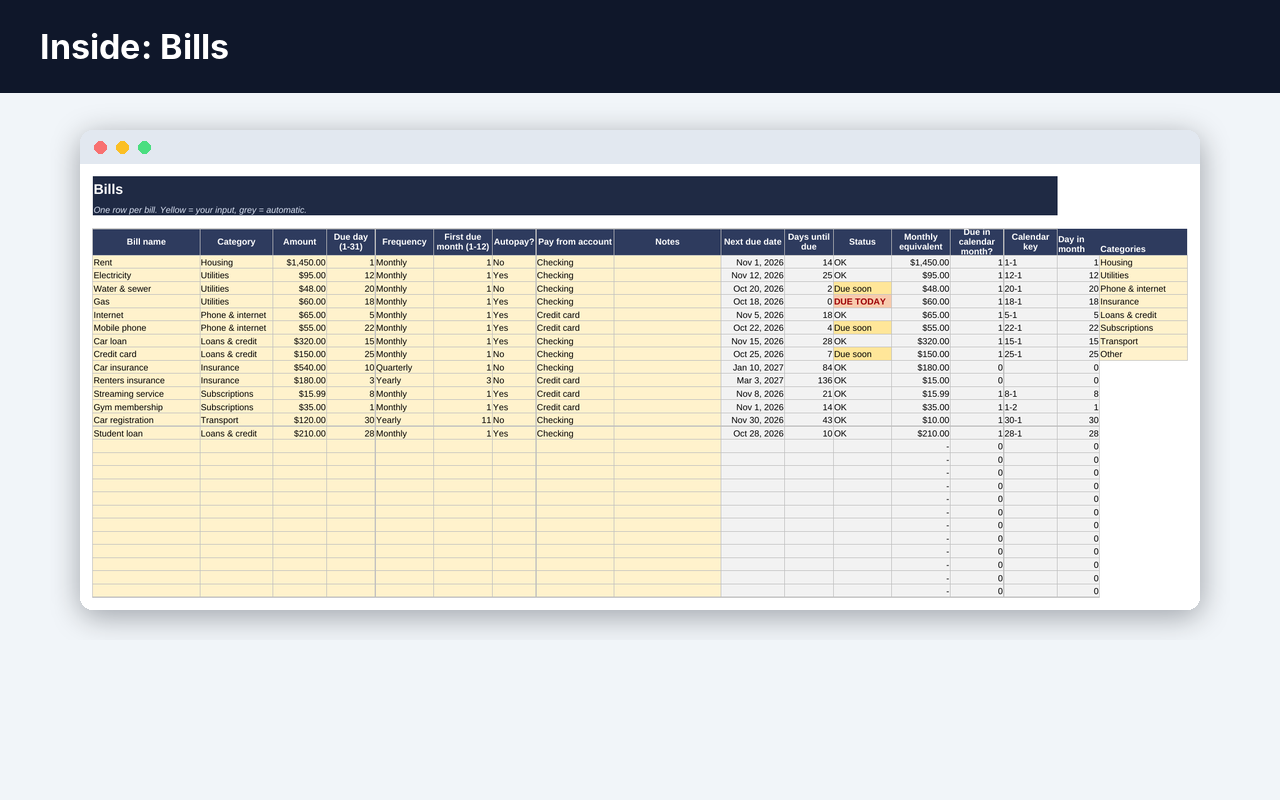
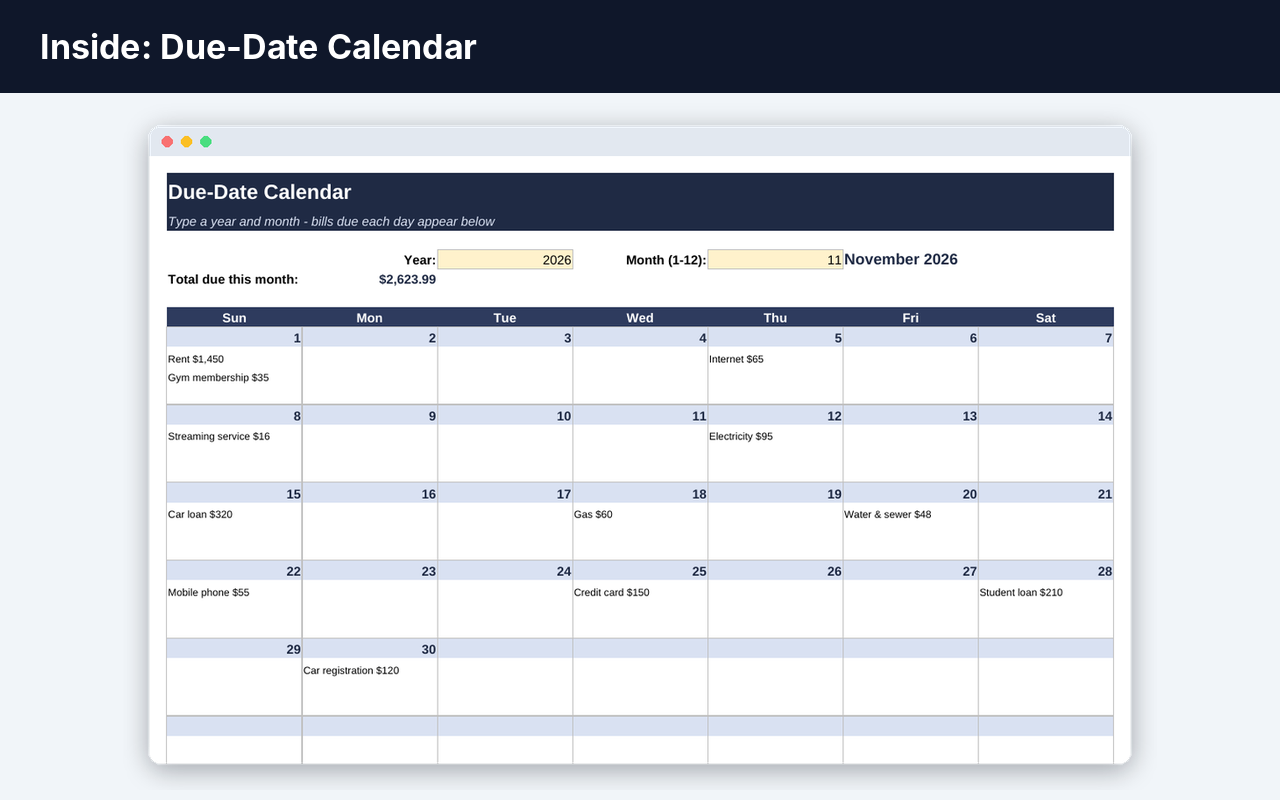
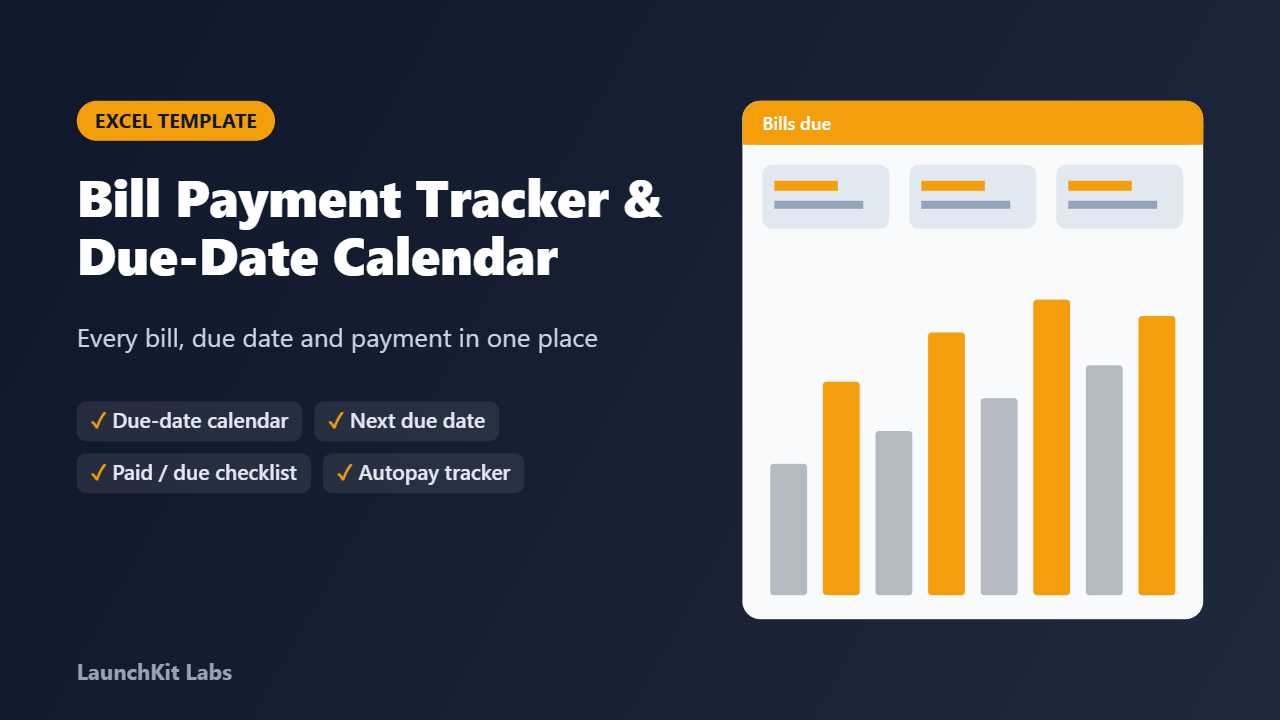
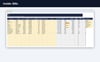
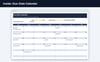
This bill payment tracker is an Excel template with a due-date calendar: list each bill once and it shows the next due date, days left, which bills fall on each day of the month and which ones you have already paid.
WHAT'S INCLUDED
• Bills list (60 rows): name, category, amount, due day, frequency (monthly, quarterly, yearly), autopay, account; next due date, days until due and status calculate automatically• Due-Date Calendar: pick a year and month to see the bills due on each day with amounts and the month's total• Payment Log (400 rows): date paid, bill, amount, method and note• Monthly Checklist: PAID / DUE status for every bill, January to December, colour coded• Dashboard: monthly and yearly bill totals, bills and amount due in the next 7 days, paid this month, autopay count, unpaid this month, category pie chart and paid-by-month chart
BEST FOR
Households, renters, students and anyone juggling rent, utilities, phone, insurance, loans and subscriptions who wants to stop missing due dates.
HOW IT WORKS
1. List each bill once in Bills (sample bills show the format)2. Log each payment in Payment Log3. Check the Calendar, Checklist and Dashboard to see what is due
FORMAT / DELIVERY
• Microsoft Excel (.xlsx) - also opens in Google Sheets and LibreOffice• Sample data included so you can see how it works• Instant digital download - no physical item is shipped
FAQ
What exactly do I get?
Bill payment tracker for Excel: bill list with next due date, monthly due-date calendar, payment log and paid/due checklist for every month.
What do I need to use it?
Any PDF reader and a home printer (colour or black-and-white).
How do I get it?
It is an instant digital download: right after payment you get the file on the page and by email. No physical item is shipped.
What if it is not right for me?
Contact me through my Payhip store within 30 days and I will refund you - no hard feelings.
I have a question
Use the contact link on my Payhip store page and I will help.