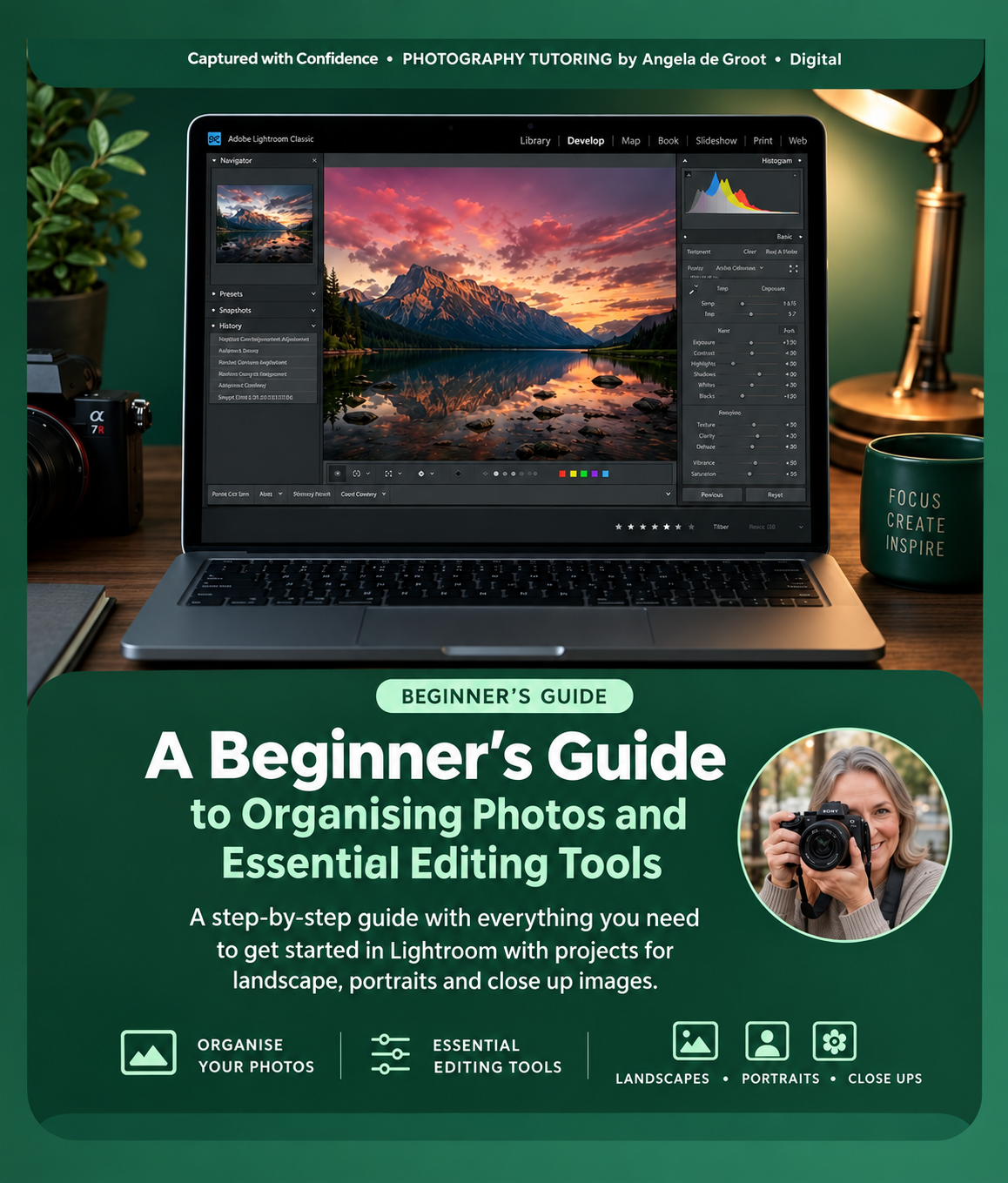
ADOBE LIGHTROOM CLASSIC A Beginner's Guide to Editing & Organisation
Master Lightroom Classic: From Memory Card to Finished Photo
Stop feeling overwhelmed by sliders and catalogs. Learn the exact, step-by-step system to import, organise, edit, and export your photography with absolute confidence.
Are you tired of staring at a complicated screen, worrying that you'll accidentally delete your photos or ruin your original files Many phone galleries and cloud services hide your file systems from you making Lightroom Classic's catalog system incredibly confusing for beginners.
Written by Angela de Groot, an experienced photography tutor Adobe Lightroom Classic: A Beginner’s Guide skips the confusing tech-jargon. It focuses strictly on the essential, foundational skills you need to take control of your creative workflow.
What You Will Master:
- The "Four-Layer" System: Understand exactly how Lightroom thinks so you never deal with a "missing file" or an accidental deletion again.
- Foolproof Importing: Learn how to get photos off your memory card safely and choose the right file location every single time.
- Stress-Free Culling: Use flags, stars, and color labels to quickly find your best shots out of hundreds of images.
- Clean Organization: Group your photos using collections and smart keywords without duplicating files on your hard drive.
- The Core Tonal Controls: Edit with a reliable, 5-step starting order (White Balance, Exposure, Highlights, Shadows, Whites & Blacks).
- Simple AI Retouching: Easily erase distracting sensor dust spots, blemishes, and stray objects.
- Perfect Exporting: Build reusable presets so your photos look crisp and vibrant on Instagram, web, or high-quality physical print.
Built for Active Learning
This isn't a book you just read—it is a book you do.
Every single chapter follows a predictable, highly practical rhythm.
- 🚀 Try It Now Tasks: Immediate, bite-sized actions to practice what you just read inside the software.
- ✅ "You Now Know How To" Checklists: Clear benchmarks to verify your confidence before moving forward.
- 🧠 Reflect Before Moving On Prompts: Intentional check-ins to anchor the concepts into your long-term muscle memory.
- 🛠️ 3 Full Capstone Practice Projects: Ready-to-go assignments to test your skills from import to final export.
Who Is This Guide For?
- Beginners who have never opened Lightroom Classic before.
- Photographers feeling completely overwhelmed by the complex interface.
- Anyone wanting a clean, efficient, professional routine to handle their photography library from start to finish
Say goodbye to headaches, missing images, and dull edits.
Grab your copy today and build a solid foundation you will keep for years.