
Hotel Package Pricing & Bundling Model: Room Package Pricing Calculator with Cannibalisation and Rate Parity Check
Full description
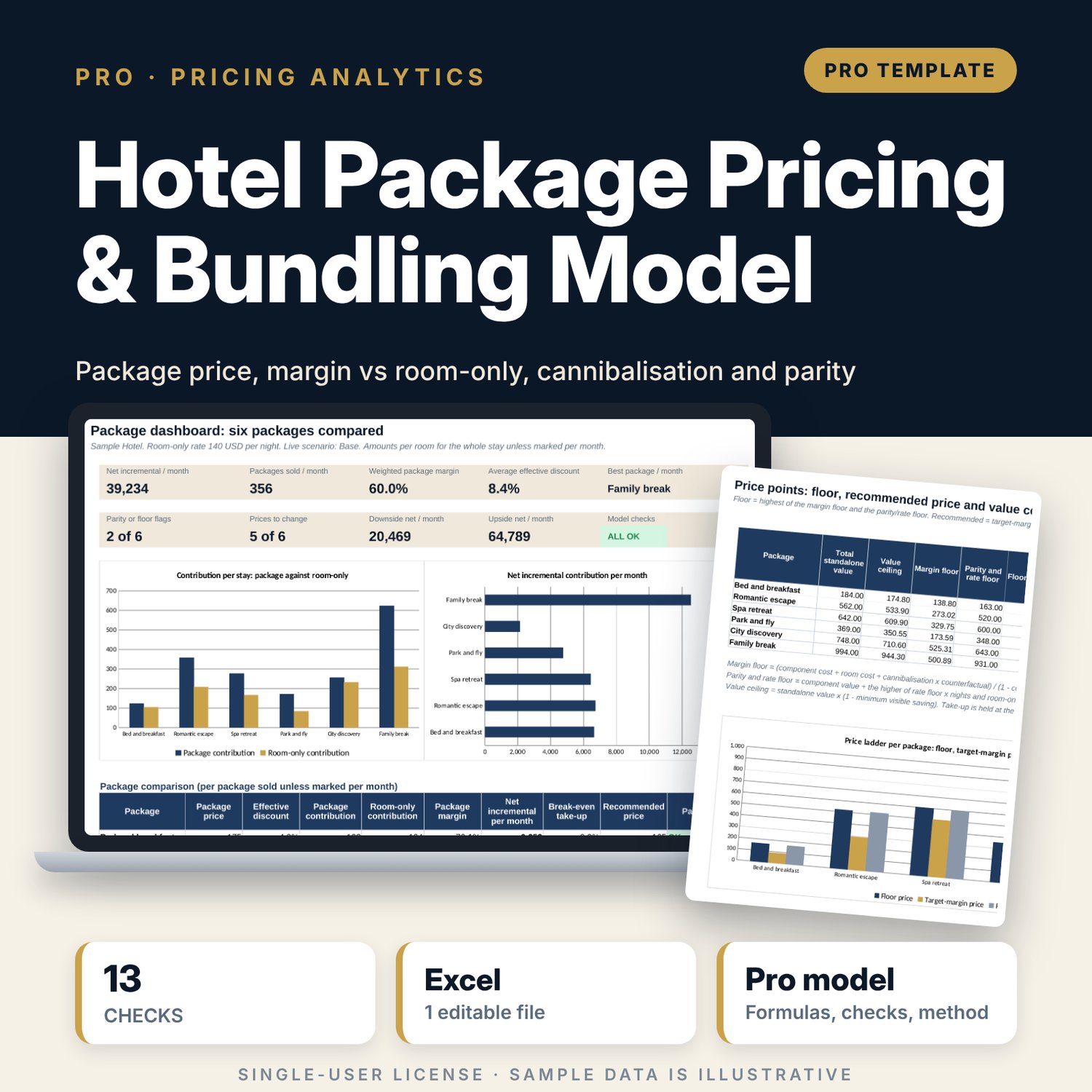
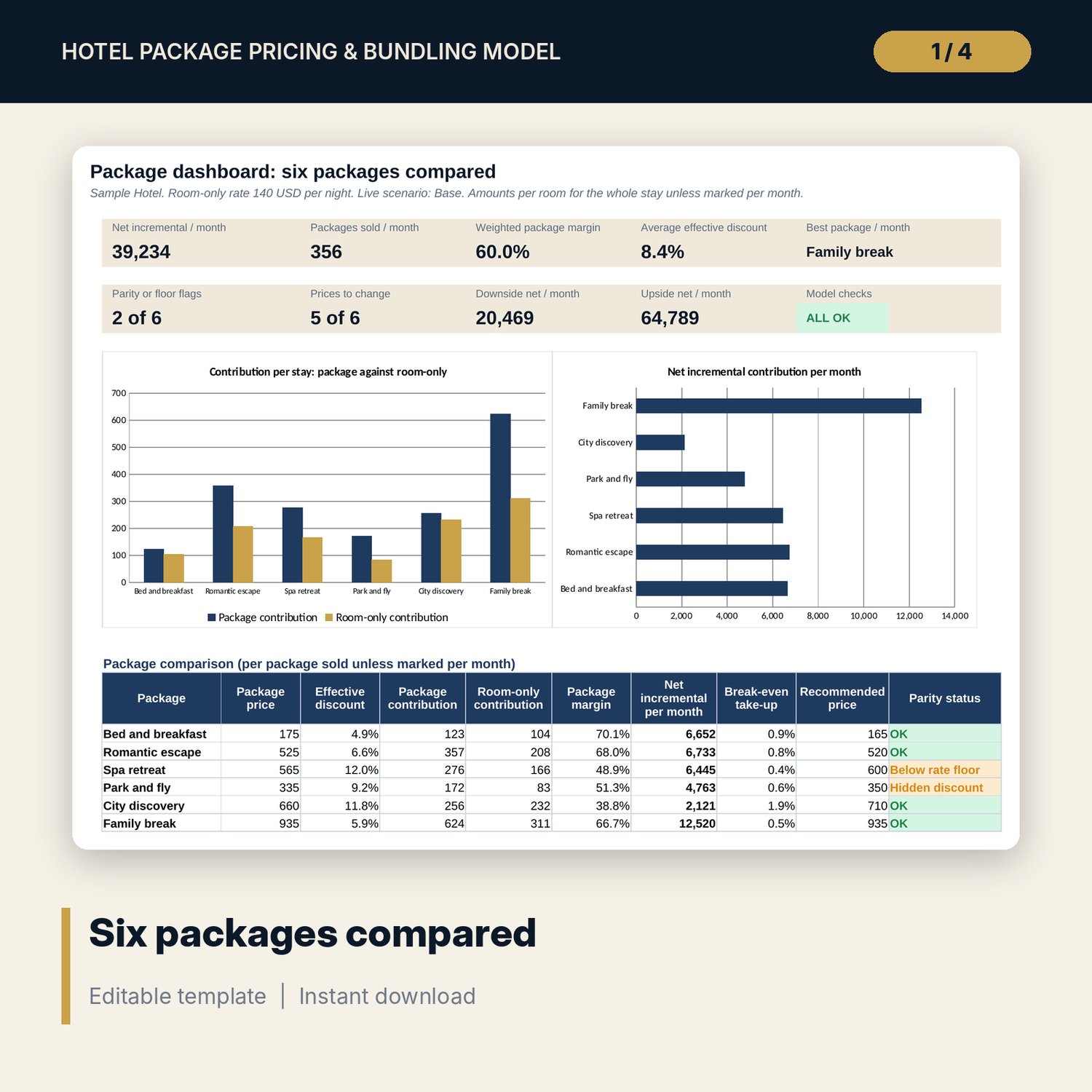
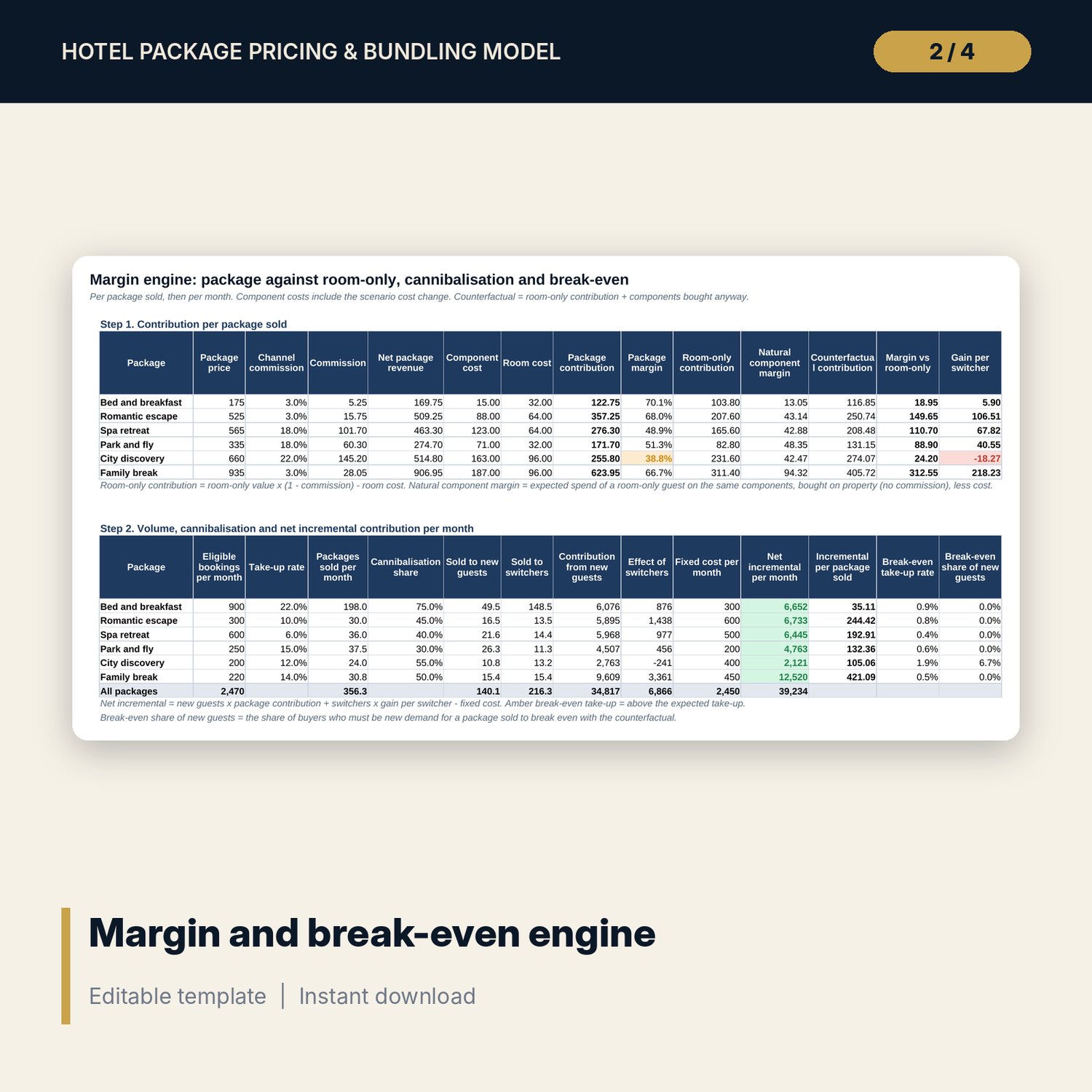
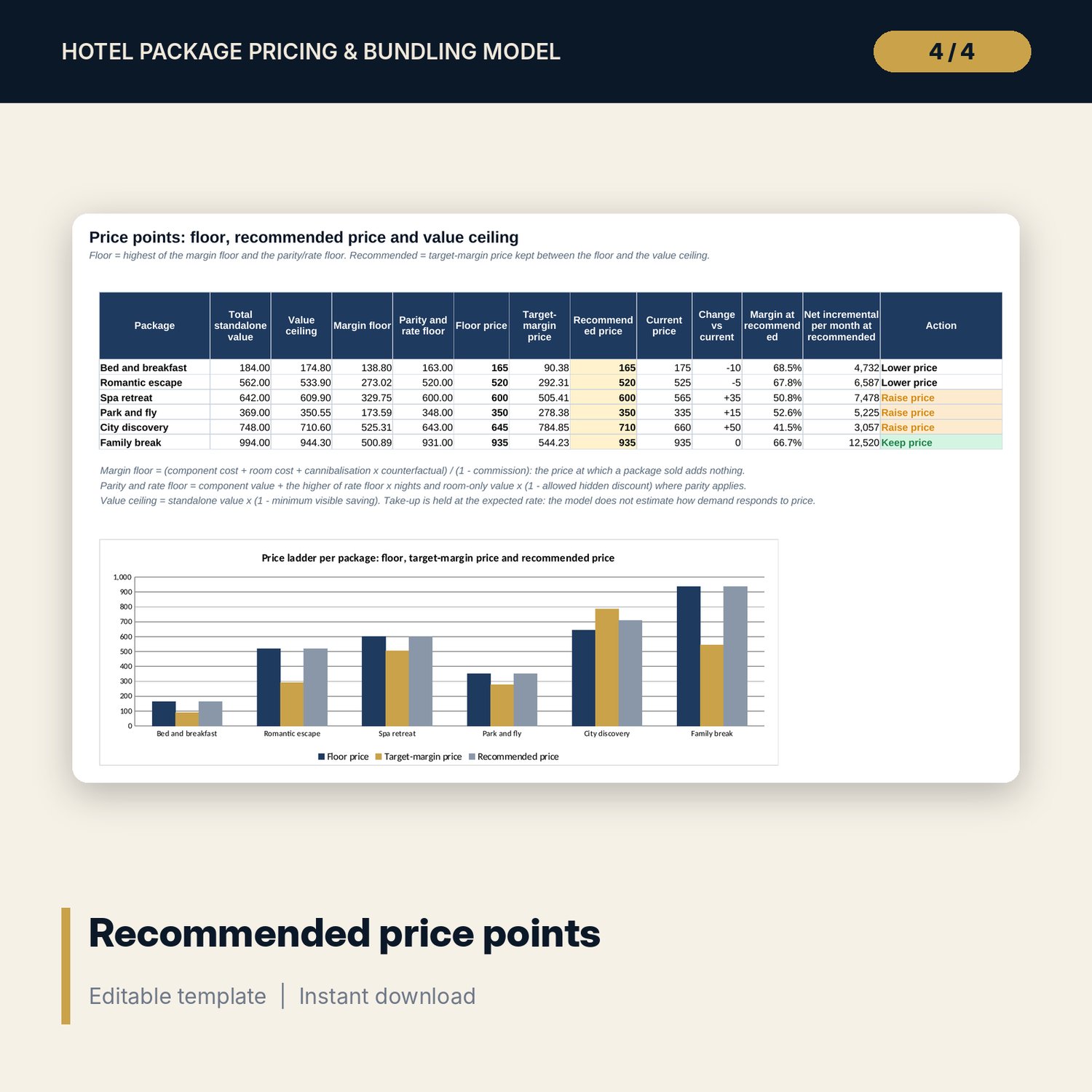
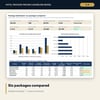
For revenue managers, general managers and financial controllers who build packages with breakfast, dinner, spa, parking or experiences and want to know whether each one earns more than selling the room alone. The workbook builds each package price from the standalone value of the room and its components, applies your target bundle discount and price step, and nets off the channel commission and the variable cost of every component. It compares the result with the room-only booking the same guest would have made, including components that guest would have bought anyway, then applies take-up and cannibalisation to give net incremental contribution per month and break-even take-up. A rate parity test flags packages that hide a room discount, and three price points (floor, recommended, value ceiling) are set for each of the six packages.
Save with a bundle: this workbook is also in the Hotel Revenue & Data Analytics Pro Bundle, 25 workbooks for $59 instead of $319. All 100 Pro workbooks are in the Pro Library for $119, and all 241 templates and workbooks are in the Ultimate Hospitality Library for $149.
What is inside
- Hotel_Package_Pricing_Bundling_Model.xlsx: 12 tabs, 1,363 formulas, 4 native charts, 18 drop-down and input rules
- Components catalogue with 20 sample components (room for 30), 4 pricing bases and natural attach rates
- 6 packages built from 21 sample component lines (room for 48), sold on 5 channels with their own commission
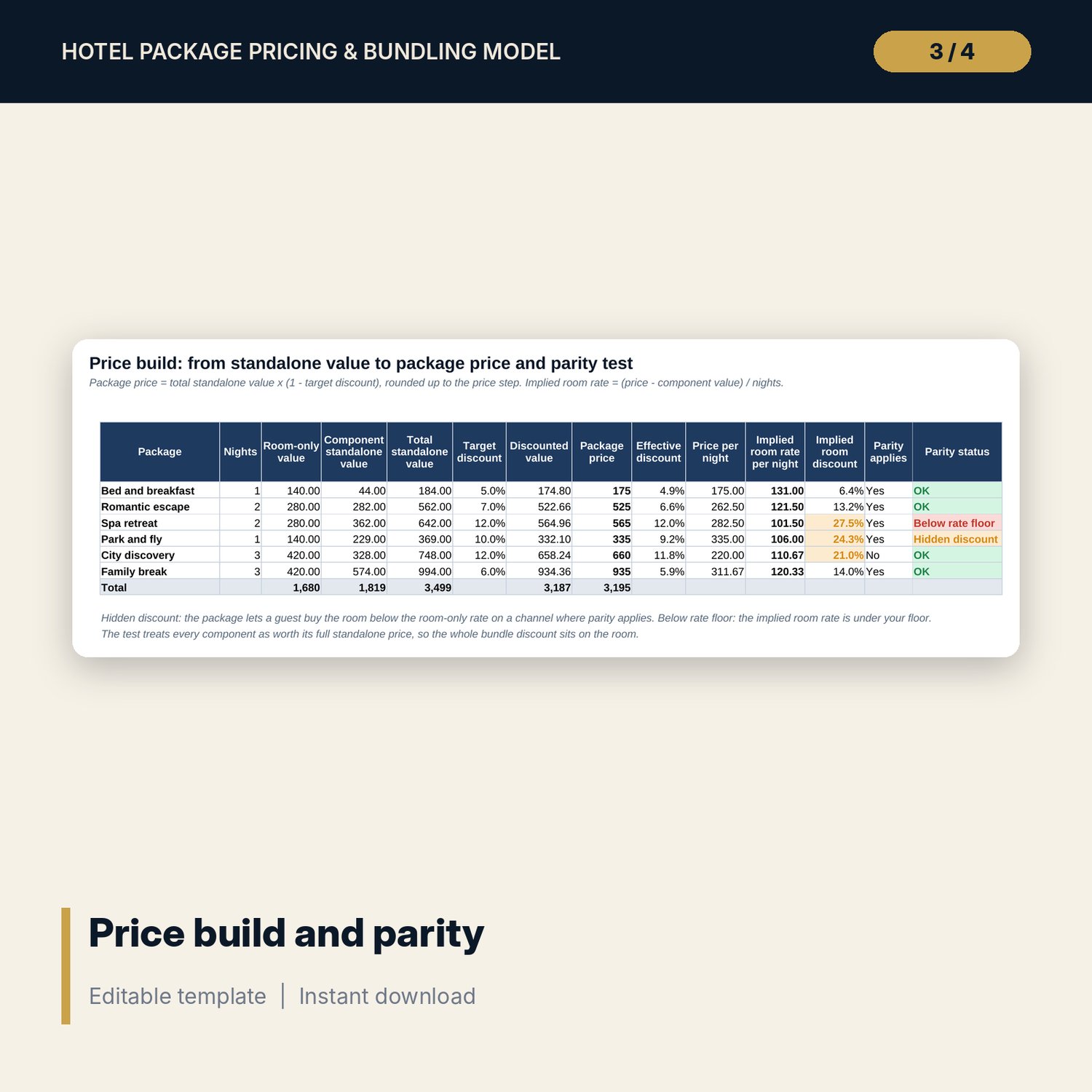
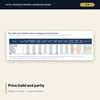
- Price_Build: standalone value, bundle discount, rounded price, implied room rate and parity status
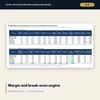
- Margin_Engine: contribution against room-only and against the counterfactual, cannibalisation, break-even take-up
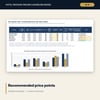
- Price_Points: margin floor, parity and rate floor, target-margin price, value ceiling and recommended price
- Scenarios: Base, Upside and Downside re-run for every package (18 engine rows), plus 2 sensitivity grids (55 cells)
- Dashboard (one printed page), 13 integrity checks and a Method tab with 18 documented calculations
- README.txt and LICENSE-and-Terms.txt
How it works
- Enter the room-only rate, variable room cost, rate floor, parity tolerance and channel commissions on Assumptions.
- List your components with standalone price, unit cost and the share of room-only guests who buy each one anyway.
- Set up six packages (nights, guests, channel, discount, eligible bookings, take-up, cannibalisation) and their components.
- Read the parity status, margin against room-only, net incremental contribution and the recommended price for each package.
- Switch between Base, Upside and Downside and test one package at a time in the sensitivity grids.
Details
- Format: one .xlsx workbook, English
- Software: Excel 2016 or later, or LibreOffice Calc 7 or later
- No macros, no external links, no data tables, no array formulas
- Instant digital download
Good to know
- Sample data is illustrative. Replace it with your own figures.
- Rate parity terms come from your distribution contracts and local rules. Verify local requirements before you publish a package.
- Take-up is an input: the model does not estimate how demand responds to a price change.
- Single-user license. Do not redistribute.
FAQ
What does cannibalisation mean here?
The share of package buyers who would have booked room-only anyway. For them the hotel only gains the difference between the package and what they would have spent without it.
How is the parity check done?
The model reads the whole bundle discount as a room discount: implied room rate = (package price - component standalone value) / nights. It flags packages below room-only, below your rate floor, or with a hidden discount above your tolerance on parity channels.
Can I change the number of components in a package?
Yes. Package_Lines has 48 rows. Add a line with the package code, component code and quantity.
Which channels are included?
5 channel slots with their own commission and parity setting. Rename them on Assumptions.
Does it need macros or add-ins?
No. Every result is a standard worksheet formula, including the scenarios and sensitivity grids.