
Marketing A/B Test & Sample Size Calculator: sample size, significance and winner log for A/B tests
Full description
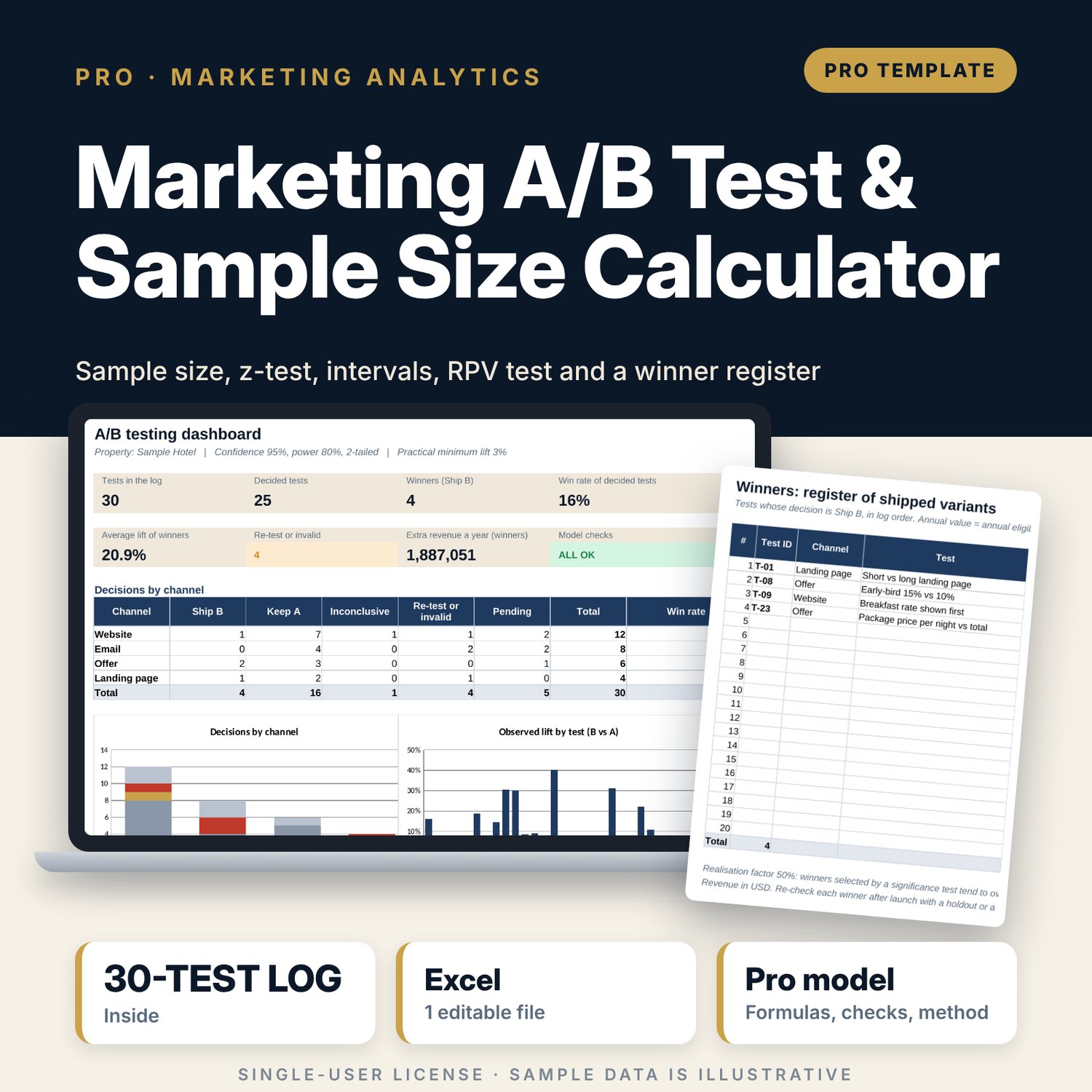
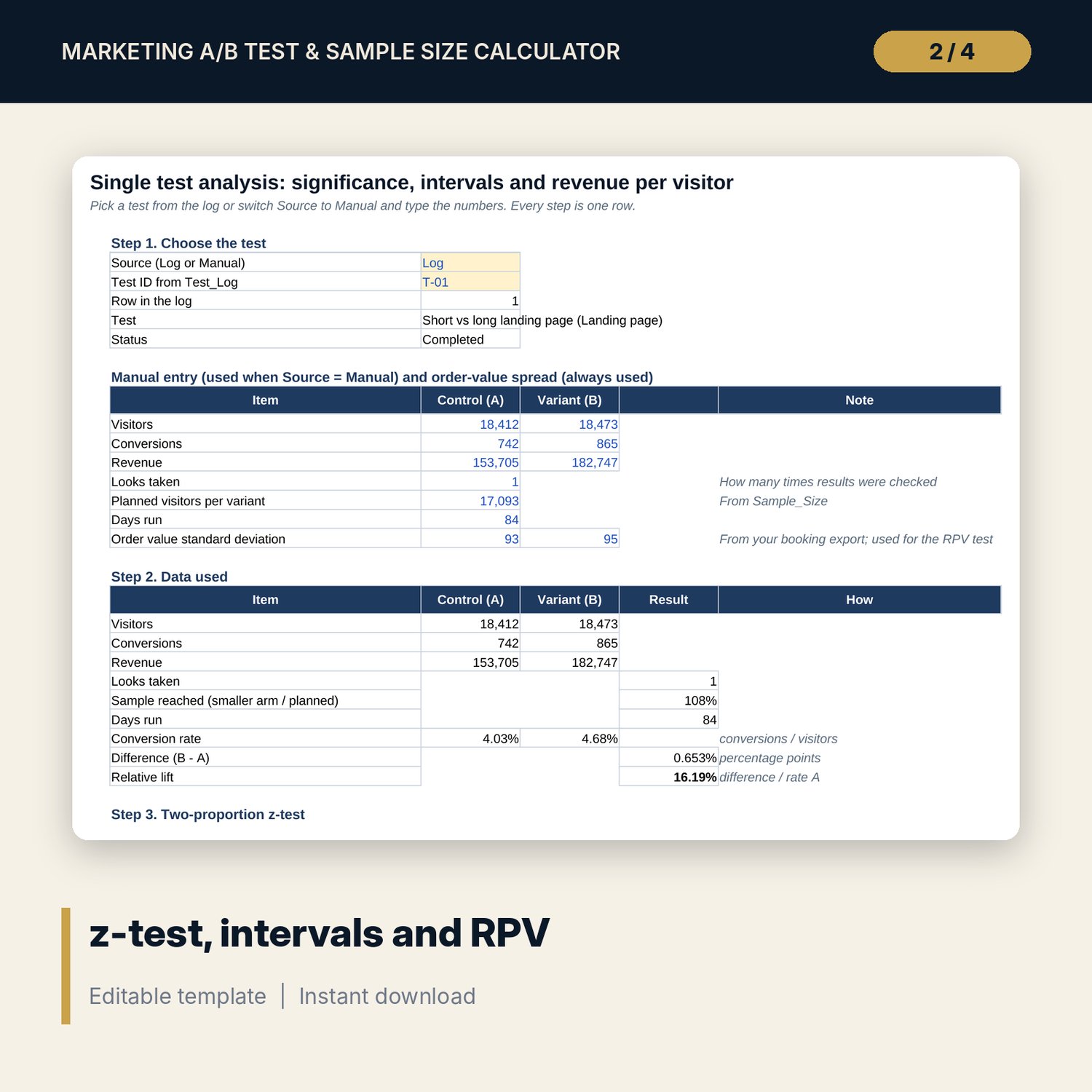
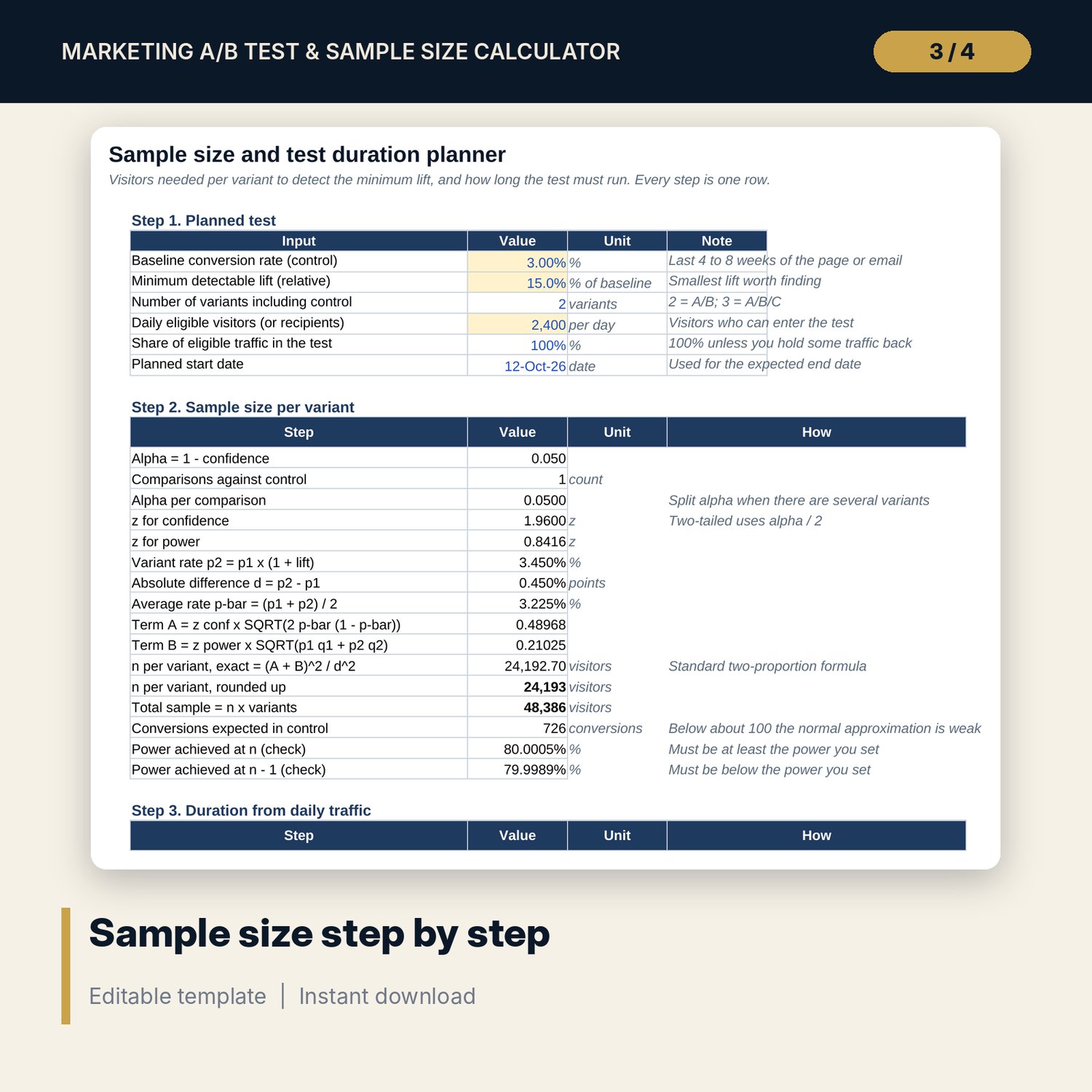
For marketing managers, revenue managers, e-commerce leads and general managers who run website, email and offer tests and need to know how long a test must run and whether a result is real. Sample_Size calculates visitors per variant from the baseline conversion rate, the minimum detectable lift, confidence and power with NORM.S.INV, step by step, then turns daily traffic into days and an end date, with two closed-form sensitivity grids. Test_Calculator analyses a test with a two-proportion z-test (p-value, interval for the difference and a log-ratio interval for the lift), compares revenue per visitor using average order value and order-value spread, checks the traffic split and shows how repeated looks inflate false positives. The test log applies the same maths to every test, writes a decision from rules you can read on Settings, and feeds a winner register with an estimated annual value.
Save with a bundle: this workbook is also in the Hotel Revenue & Data Analytics Pro Bundle, 25 workbooks for $59 instead of $319. All 100 Pro workbooks are in the Pro Library for $119, and all 241 templates and workbooks are in the Ultimate Hospitality Library for $149.
What is inside
- Marketing_AB_Test_Calculator.xlsx: 10 tabs, 1,922 formulas, 3 native charts, 13 integrity checks, a Method tab with 17 calculation notes.
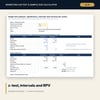
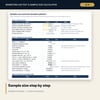
- Sample_Size: 16 visible calculation steps, duration and end date, detectable lift for 1 to 6 weeks, two 5 x 5 grids (sample size and days) and a chart.
- Test_Calculator: z-test, one- and two-sided p-values, chi-square cross-check, two intervals, revenue per visitor test, sample ratio check, decision and a 10-row peeking table.
- Test_Log and Log_Engine: 30 sample tests (illustrative) across 4 channels with 20 spare rows; 29 calculated columns per test, flags and 9 written decision outcomes.
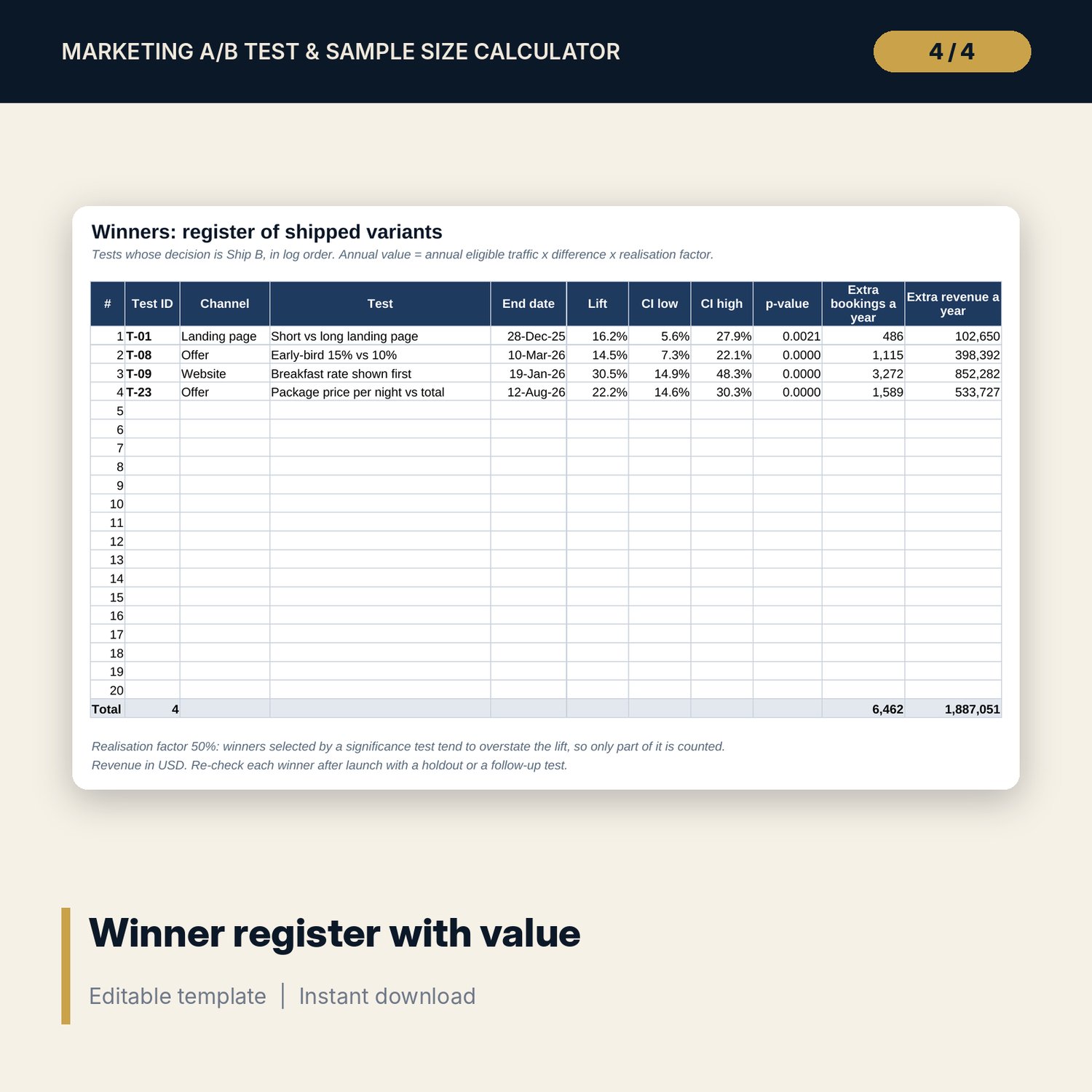
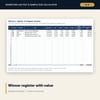
- Winners: register of shipped variants with lift, interval, p-value, extra bookings and extra revenue a year.
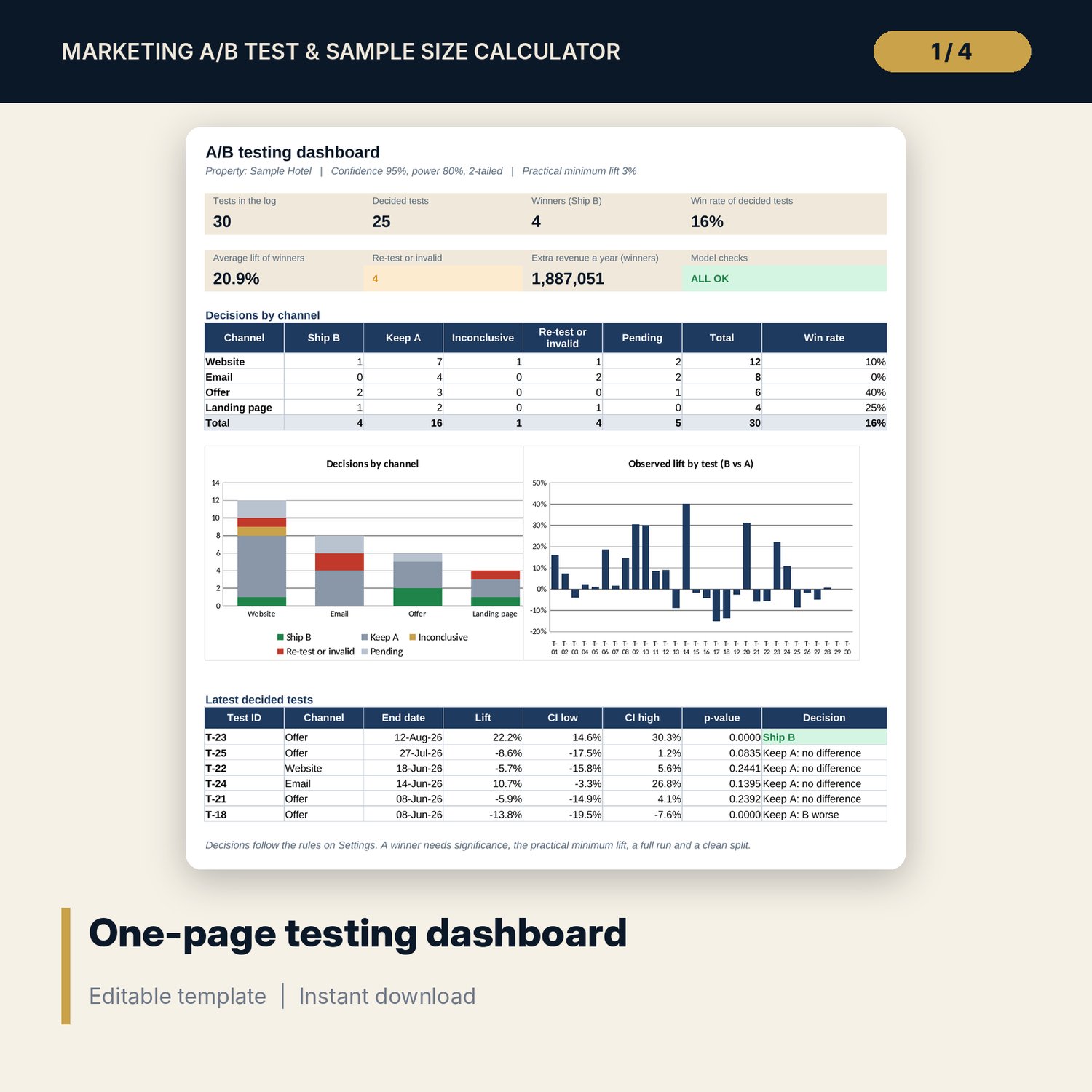
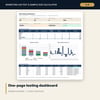
- Dashboard: 7 tiles, a check tile, decisions by channel, lift by test and the latest decided tests on one page.
- README.txt and LICENSE-and-Terms.txt.
How it works
- Set confidence, power, tails, the practical minimum lift and the minimum run length on Settings.
- Plan the test on Sample_Size: baseline rate, lift to detect, daily traffic. Note the sample per variant and the end date.
- Log the test with its planned sample. Update visitors, conversions, revenue, looks and status as it runs.
- At the planned sample, read the decision on Log_Engine or open the test on Test_Calculator to see every step.
- Track shipped variants on Winners and the Dashboard, and confirm the Checks tab shows ALL OK.
Details
- Format: XLSX workbook.
- Language: English.
- Software: Excel 2016 or later, or LibreOffice Calc. No macros, no add-ins.
- Works for any currency; conversion can be bookings per visitor, per recipient or per click.
- Delivery: instant download.
Good to know
- Sample data is illustrative and does not describe any hotel. Replace it with your own figures.
- Results assume visitors are assigned to A or B at random and counted once.
- Not legal advice: verify local requirements for marketing consent and data privacy before you test emails.
- Single-user license.
FAQ
How long should my test run?
Sample_Size gives days from your daily traffic and rounds up to whole weeks, with a minimum run length you set. The Dashboard flags tests that ran too short.
Can I check results before the test ends?
You can, but each look raises the chance of a false winner. The peeking table shows how much, and the workbook splits alpha across the looks you record.
Does it handle more than two variants?
Sample_Size splits alpha across comparisons with control for up to 4 variants. The calculator and log compare one variant with control at a time.
Why compare revenue per visitor as well as conversion?
A variant can win on conversion and lose on order value, for example a discount. The RPV test uses average order value and its spread to check the revenue effect.
What does the realisation factor do?
Winners chosen by a significance test tend to overstate their lift. The factor counts only part of the observed lift in the annual value.