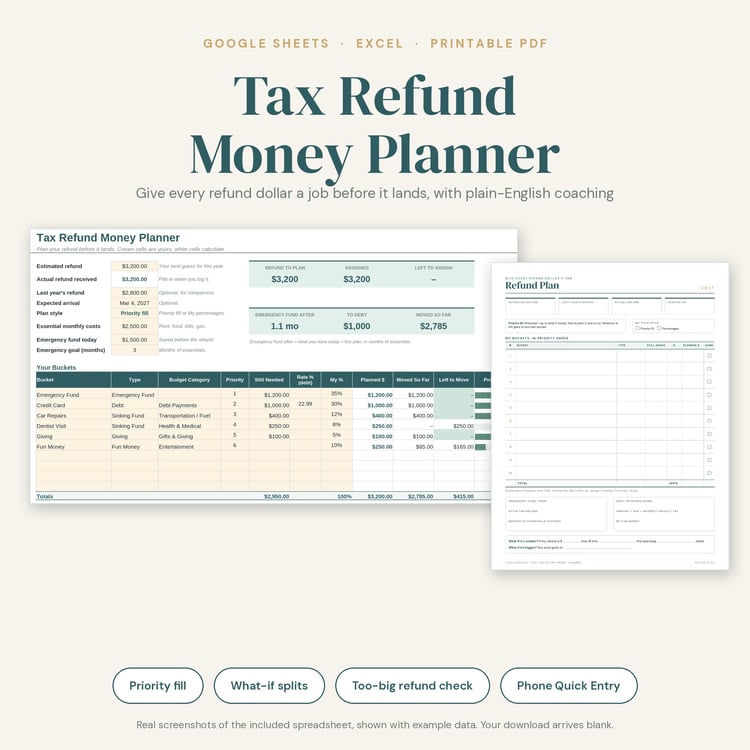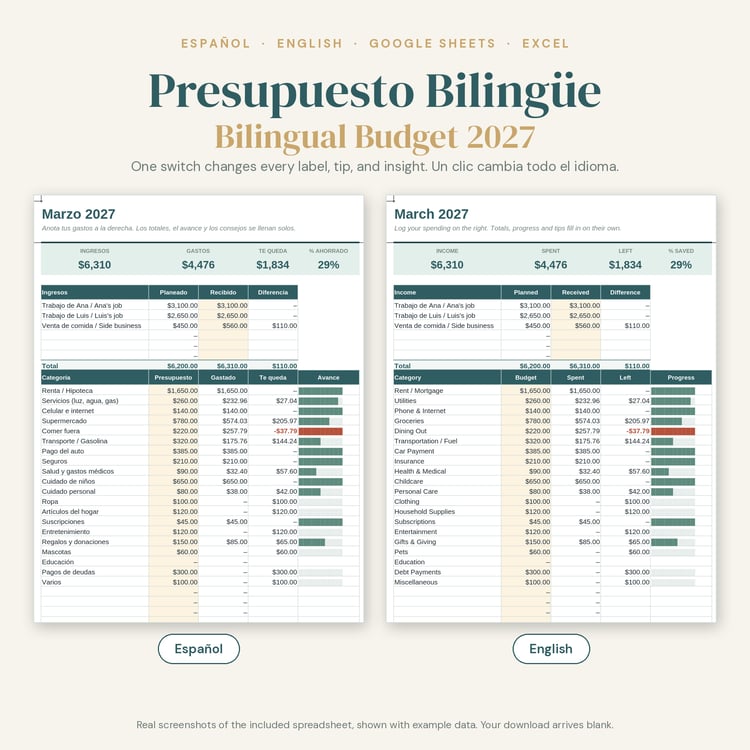



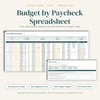


Budget by Paycheck Spreadsheet 2027, Google Sheets Excel Paycheck Budget Template, Bill Tracker, Sinking Funds, Printable PDF
Stop guessing which bills come out of which paycheck. The Budget by Paycheck Spreadsheet builds every 2027 payday for you, places each bill on the check that arrives before it is due, and tells you in plain English what to do when a paycheck runs short.
★ WHY IT STANDS OUT
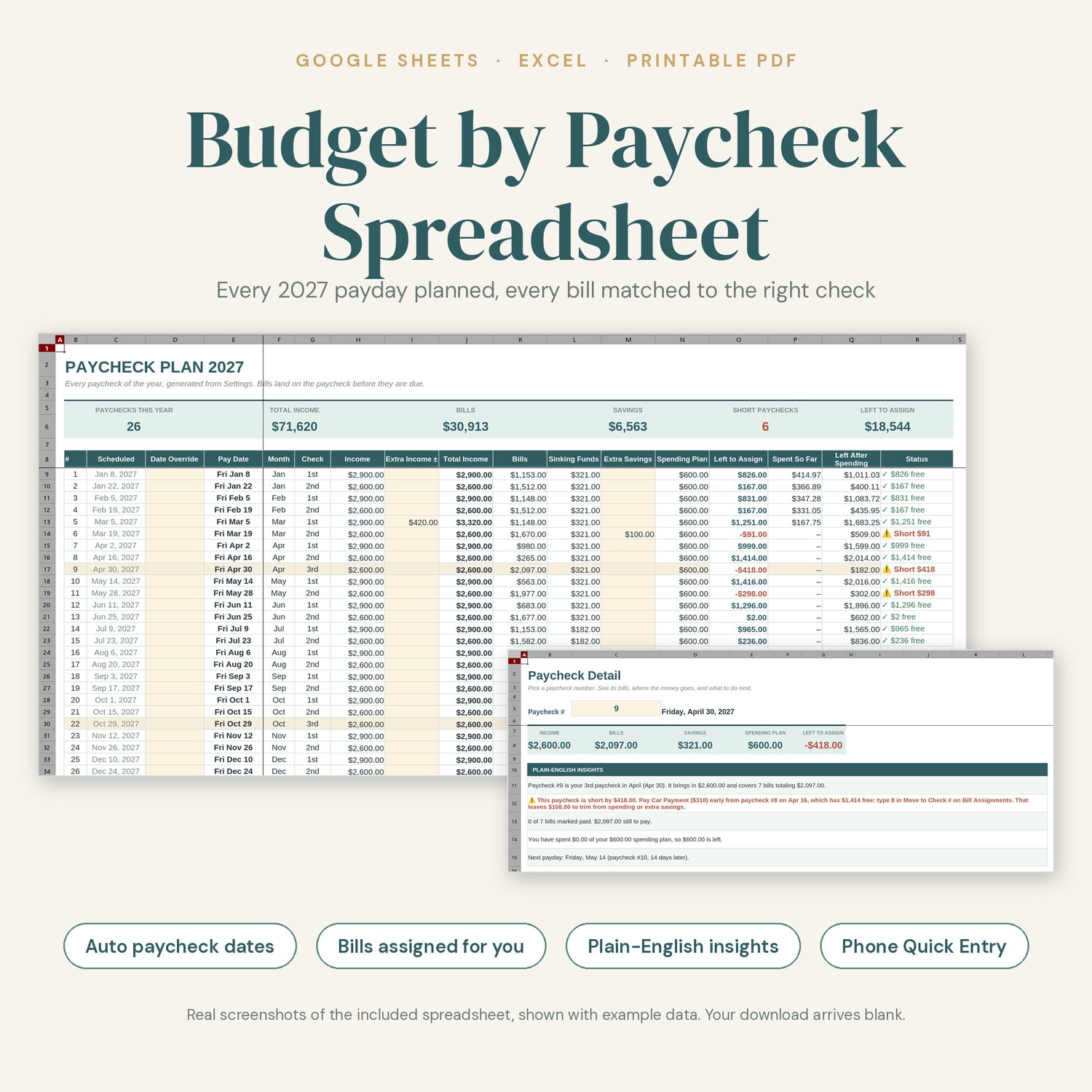
• Automatic pay dates: choose weekly, biweekly, semi-monthly, or monthly, type your first payday, and the whole year of paychecks appears.
• Bills assigned for you: every bill lands on the paycheck before its due date. Want a different check? Type a number in Move to Check #.
• Plain-English Insights that coach you, for example: "Your 3rd paycheck in April is short by $418. Pay Car Payment early from paycheck #8, which has $1,414 free." or "You have $167 unassigned this paycheck. Give it a job."
• What-if calculator: "If I save an extra $__ per paycheck" shows the total by December 31 and whether your tightest paycheck can handle it.
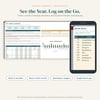
• Quick Entry tab for your phone: date, category, amount. Log a purchase in a few taps in the Google Sheets app, and it lands on the right paycheck.
• Bonus paycheck months (the 3rd check of a month) are highlighted automatically.
• Free 2028 update: when the 2028 version is ready, I'll add it to this product, and you can download it at no extra cost from your original purchase download link. I'll also email buyers when the update is ready. You can also reuse this file next year by entering your first payday of the new year.
★ WHAT'S INCLUDED
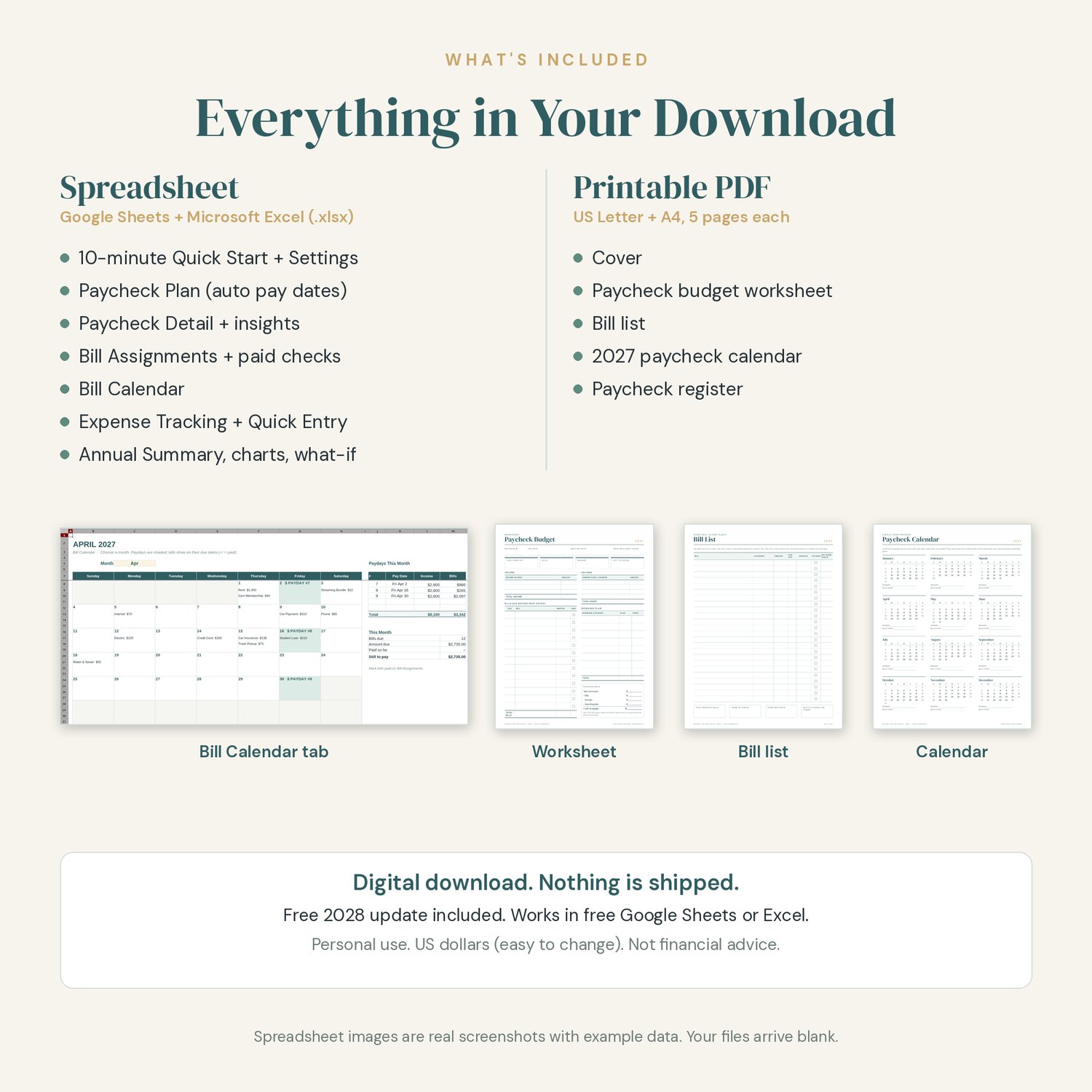
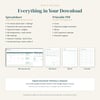
SPREADSHEET (one .xlsx file that works in Google Sheets and Microsoft Excel)
• Start Here: a numbered 10-minute Quick Start, color key (cream cells are for you, white cells calculate), and a guide to every tab
• Settings: pay frequency, first payday, weekend payday rule, income sources, bill list (due day, amount, how often it repeats, autopay), sinking funds, and spending categories that match our 2027 Annual Budget Toolkit
• Paycheck Plan: every 2027 paycheck with income, extra income, bills, sinking funds, extra savings, spending plan, and what is left to assign. Includes a date override column for early or late checks.
• Paycheck Detail: pick a paycheck to see its bills, paid status, money flow, and personal insights
• Bill Assignments: every bill due this year, the paycheck that pays it, a Move to Check # override, and paid ✓ dropdowns
• Bill Calendar: choose a month to see paydays and bills on a calendar
• Expense Tracking: spending by paycheck and by category, plus a full spending log
• Quick Entry: a narrow, phone-friendly spending log that feeds Expense Tracking
• Annual Summary: yearly totals, a month-by-month table, three charts, Plain-English Insights, and the what-if savings calculator
PRINTABLE PDF (5 pages, in both US Letter and A4)
• Cover
• Paycheck budget worksheet
• Bill list
• 2027 paycheck calendar
• Paycheck register
★ HOW TO SET IT UP IN GOOGLE SHEETS
1. Download the files from the link in your purchase receipt email (a computer is easiest).
2. In Google Drive, click New > File upload and choose Budget-by-Paycheck-2027.xlsx.
3. Open it and choose File > Save as Google Sheets. Work in that copy.
4. Follow the 10-minute Quick Start on the Start Here tab.
5. On your phone, open your copy in the free Google Sheets app and use the Quick Entry tab.
6. Optional: to use clickable checkboxes, select a ✓ column and choose Insert > Checkbox. Totals count either style.
★ HOW TO SET IT UP IN MICROSOFT EXCEL
1. Download and open Budget-by-Paycheck-2027.xlsx in Excel (desktop, web, or mobile).
2. If you see a Protected View bar, click Enable Editing.
3. Save a personal copy, then follow the Quick Start on the Start Here tab.
★ PRINTING
Print the PDF at home or at a print shop. Choose "Actual size" or "Fit" in your print settings. Print the worksheet once per paycheck, or only the pages you need.
★ PLEASE NOTE
• This is a DIGITAL DOWNLOAD. Nothing will be shipped to you.
• The listing photos show example data so you can see how it works. Your file arrives blank.
• You need a free Google account or Microsoft Excel to use the spreadsheet, and a PDF reader to print the worksheets.
• Amounts are shown in US dollars. You can change the currency format in your spreadsheet app.
• Insights and suggestions are based on the numbers you enter. This planner is an organizing tool, not financial advice.
• For personal use only. Please do not share or resell the files.
• Colors may look slightly different on screen than on paper.
★ ABOUT HOW THIS WAS MADE
This product was designed with AI assistance under my direction. I planned the planner, chose its features and look, and reviewed and tested the spreadsheet formulas and printable pages before listing.
Questions? Use the contact form on this store, or reply to your receipt email. I'm happy to help you get set up.