
AI Content Studio: The Small Business Content Creation Toolkit
AI Content Studio: The Small Business Content Creation Toolkit
29-Page Playbook • 72 AI Writing Prompts • Editable Content Templates • 30-Day Content Planner
Create Better Business Content With AI—Without Starting From Scratch Every Time
You know your business needs useful blog posts, engaging social media content, and marketing emails that connect with customers. Finding the time to create all of it is another story.
Maybe you have plenty of ideas but struggle to turn them into finished content. Perhaps you've tried ChatGPT or another AI writing assistant, only to receive generic responses that don't sound anything like your business. Or maybe you're spending too much time deciding what to publish next.
AI Content Studio gives you a practical system for planning, writing, editing, and organizing your business content with AI assistance.
Created by Vantec Digital Media, this downloadable toolkit combines step-by-step guidance, reusable AI prompts, editable writing templates, and a 30-day content planning workbook. It's designed for small-business owners, entrepreneurs, freelancers, and independent professionals who want a more organized approach to content marketing.
You don't need to be a professional writer or an AI expert to get started.
What's Included in AI Content Studio?
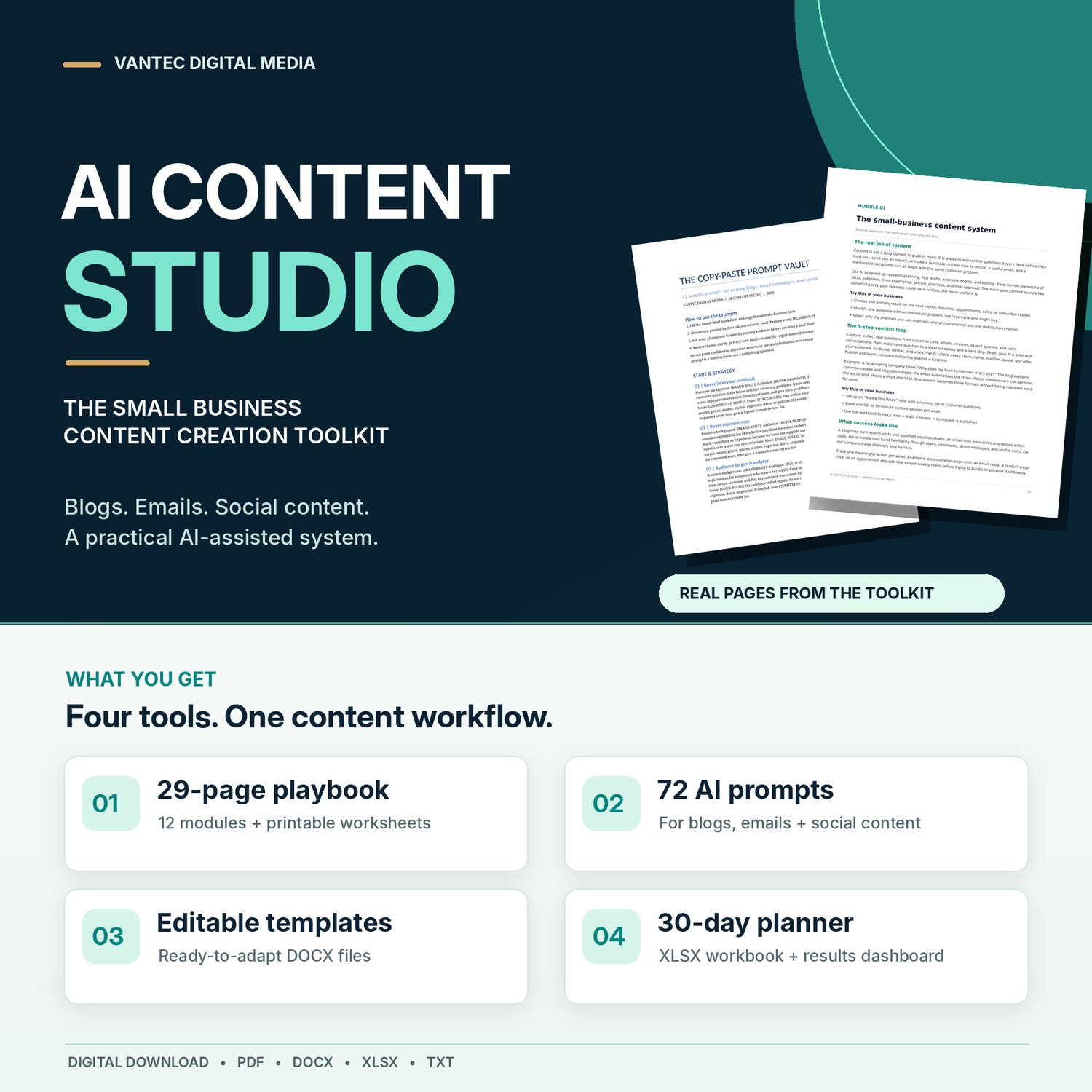
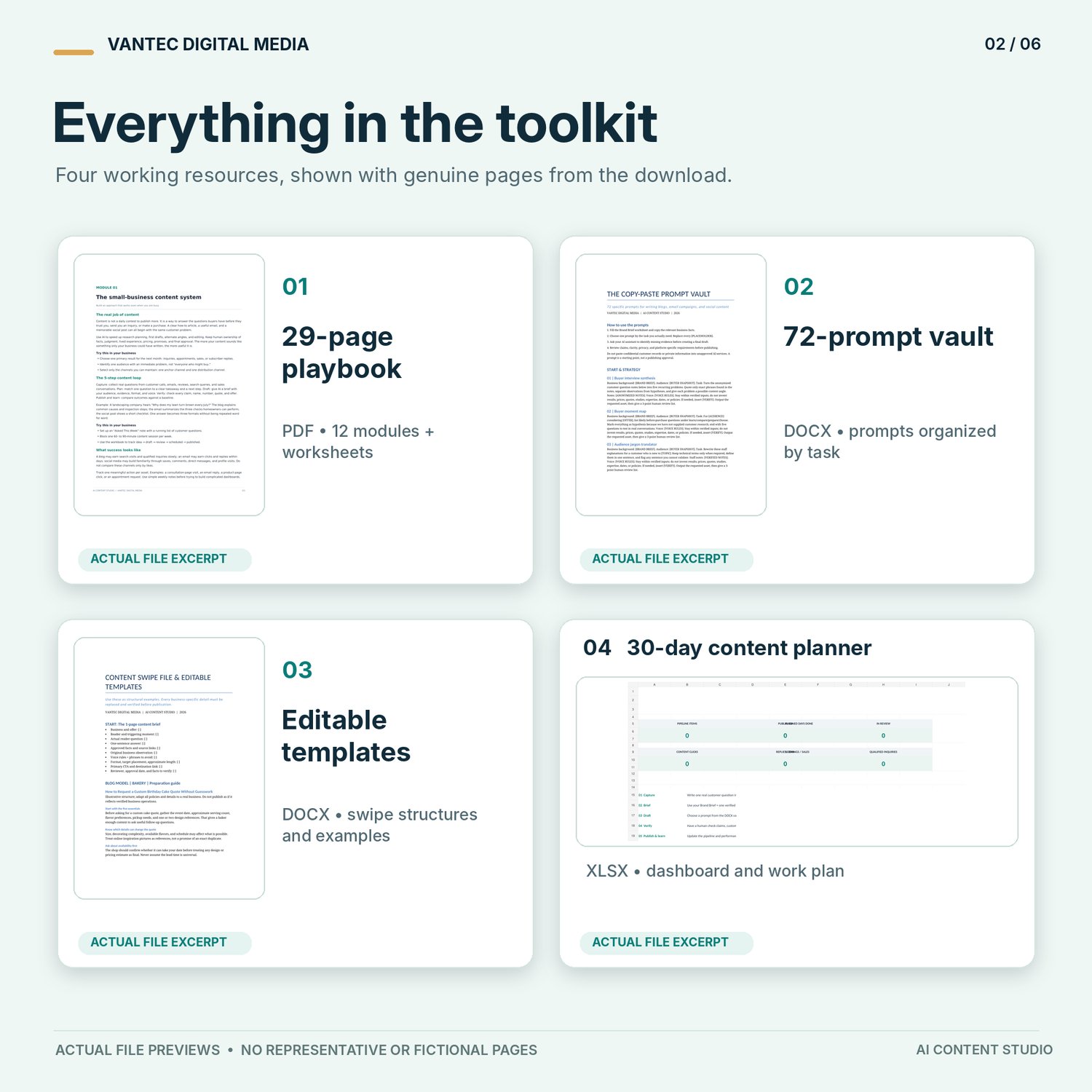
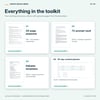
Your purchase includes four practical resources designed to work together.
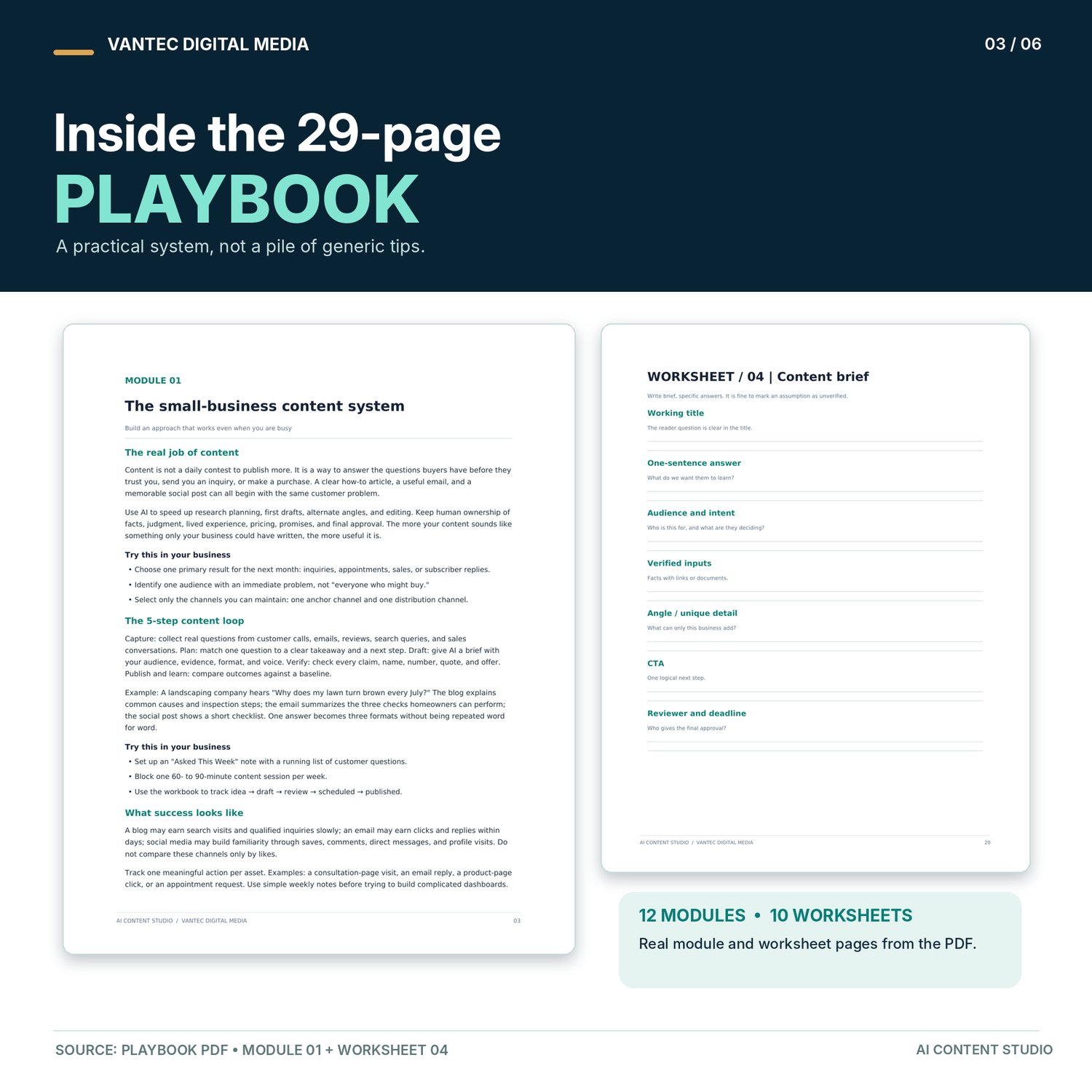
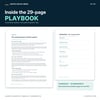
1. AI Content Creation Playbook — 29 Pages
Learn how to use AI as a practical writing assistant for your business.
This PDF guide includes 12 instructional modules and 10 printable worksheets to help you develop a repeatable content creation process.
Inside, you'll learn how to:
- Identify useful content topics based on customer questions.
- Create blog posts that provide helpful, relevant information.
- Plan marketing emails with a clear purpose.
- Develop social media content that fits your audience.
- Establish a recognizable brand voice.
- Write more effective instructions for AI assistants.
- Adapt one content idea for multiple marketing channels.
- Edit AI-generated drafts for clarity, accuracy, and natural wording.
- Check facts, claims, and other important details before publishing.
- Organize a manageable 30-day content plan.
The Playbook focuses on using AI thoughtfully—not simply publishing whatever it generates.
Format: PDF
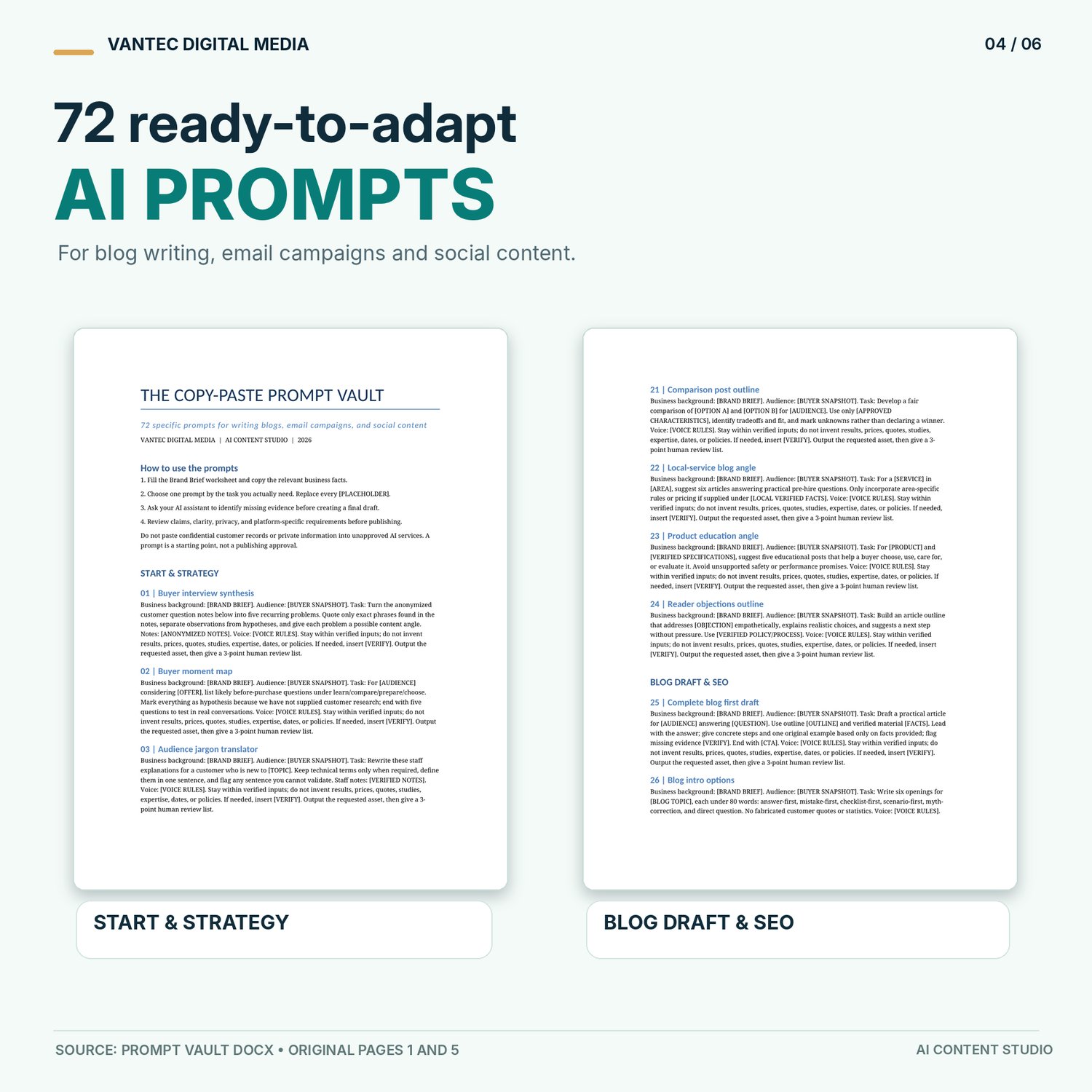
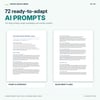
2. Copy-Paste AI Prompt Vault — 72 Prompts
Spend less time figuring out what to ask your AI assistant.
The Prompt Vault contains 72 editable prompts organized around common business content tasks.
Use them to help with:
- Blog post ideas, outlines, and first drafts.
- SEO-focused content planning and editing.
- Email marketing campaigns and welcome sequences.
- Social media ideas and captions.
- Brand messaging and audience research.
- Content repurposing.
- Rewriting unclear or overly generic content.
- Reviewing drafts for accuracy and usefulness.
Each prompt provides a starting structure you can customize with your business details, audience, goals, and verified information. Rather than relying on vague instructions such as "write a good blog post," you'll have more specific prompts to work from.
Format: Editable Word document (DOCX)
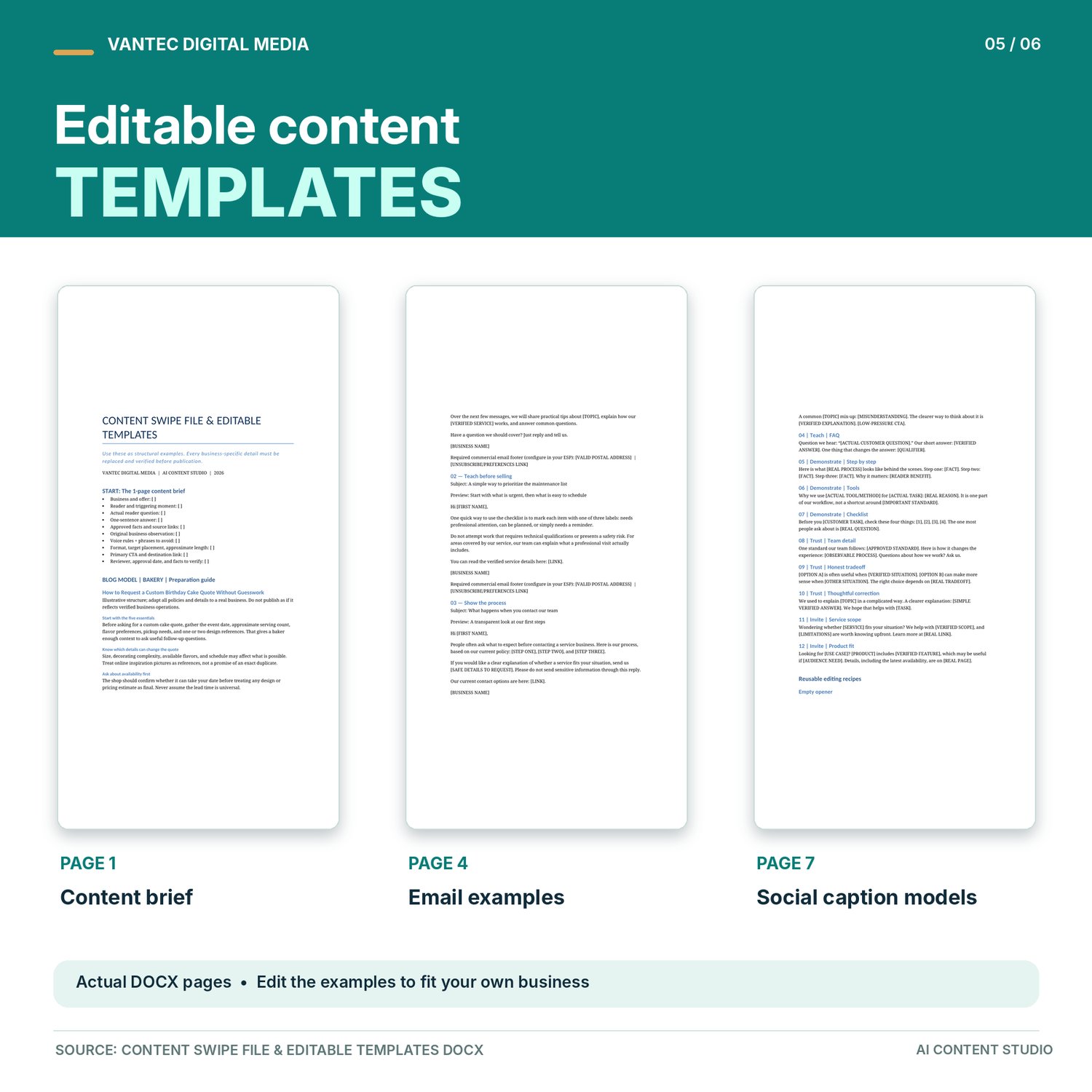
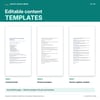
3. Content Swipe File & Editable Templates
Stop rebuilding your writing process every time you create something new.
This collection provides practical content structures and illustrative examples you can adapt to your own business.
You'll receive resources including:
- A reusable one-page content brief.
- Blog post structures and writing examples.
- A four-email welcome sequence.
- Additional marketing email templates.
- 12 social media caption models.
- Content editing and rewriting examples.
- A final review checklist.
Use these resources as starting points for original content that reflects your business. The examples demonstrate useful writing structures; they are not fabricated testimonials or claims about actual customer results.
Format: Editable Word document (DOCX)
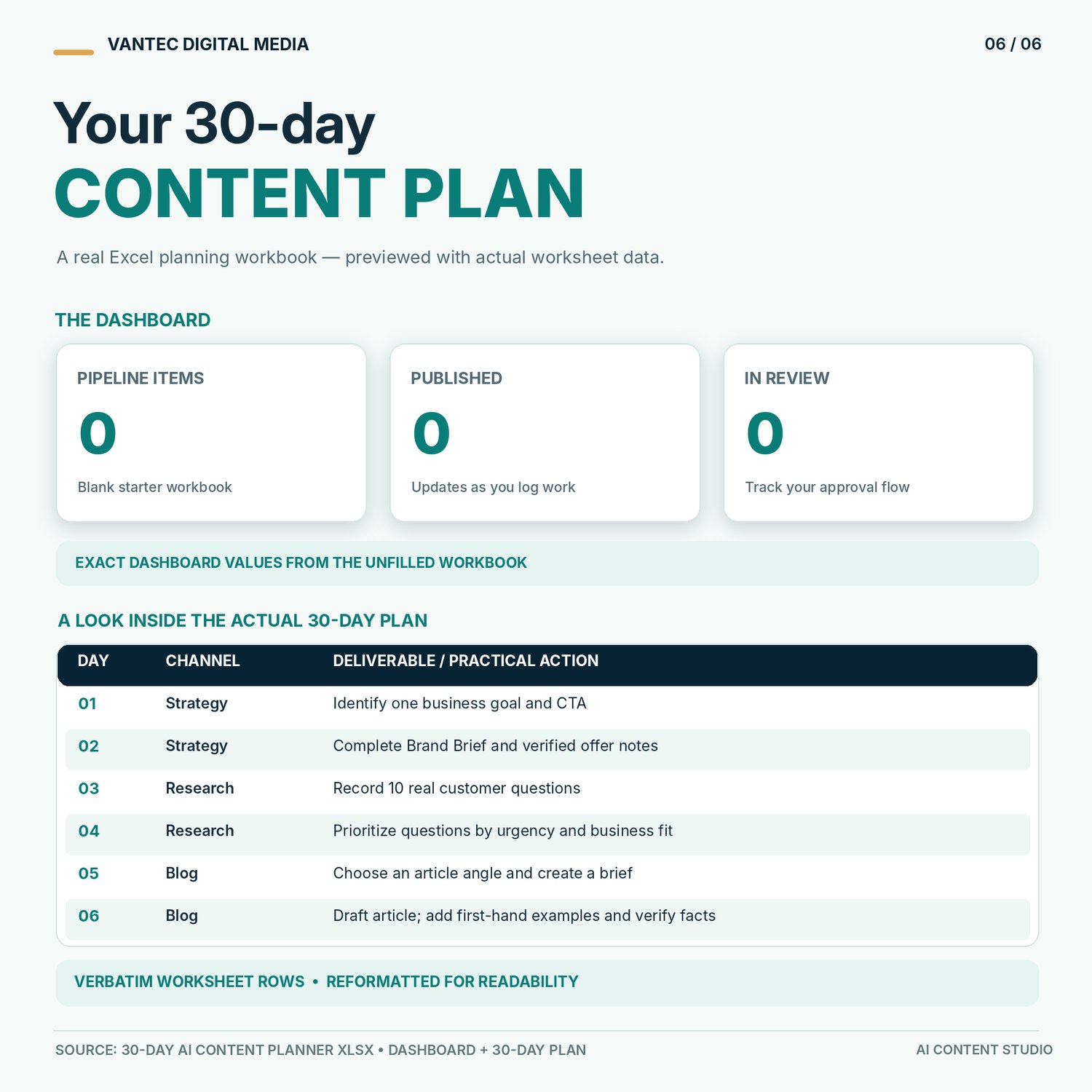
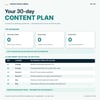
4. Interactive 30-Day AI Content Planner
Turn your content ideas into an organized publishing plan.
Knowing what to write is only part of the challenge. You also need a practical way to organize, prepare, and review your work. The included Excel workbook contains eight worksheets designed to support your content creation process.
Features include:
- Brand and audience planning.
- A 30-day content schedule.
- An organized content idea bank.
- A content production pipeline.
- Progress and publishing tracking.
- Content performance records.
- A formula-driven dashboard.
Use the workbook to organize upcoming blog articles, email campaigns, and social media content.
The planner gives you a place to manage your content activities without building a tracking system from scratch.
Format: Excel workbook (XLSX)
What Can You Do With This Toolkit?
AI Content Studio is designed to help you build a repeatable writing and planning routine. With the included resources, you can:
Plan content with greater clarity. Start with your customers' questions rather than guessing what to publish.
Prepare drafts more efficiently. Use task-specific prompts to help create blog articles, email messages, and social content.
Maintain your brand voice. Apply consistent writing guidelines so AI-assisted drafts better reflect your business.
Improve content before publishing. Use practical editing and fact-checking methods instead of posting unreviewed AI output.
Stay organized. Keep ideas, drafts, publishing schedules, and results in one planning workbook. You remain responsible for the finished content. The toolkit helps organize the process.
Who Is AI Content Studio For?
This toolkit is particularly useful for:
- Small-business owners who manage their own marketing.
- Entrepreneurs and solopreneurs who need a practical content workflow.
- Freelancers and independent professionals who regularly communicate with customers.
- Online business owners creating blog posts, promotional content, and marketing emails.
- Beginners using AI writing tools who want clearer instructions and a structured approach.
Whether you're building a new online business or trying to improve an existing content routine, the materials are designed to be adapted to your needs.
How to Get Started
You don't have to study the entire toolkit before creating something useful.
Step 1 — Read the Playbook - Begin with the introductory guidance and learn the basic process for planning, drafting, reviewing, and publishing AI-assisted content.
Step 2 — Define Your Business and Audience - Use the planning worksheets to identify your audience, brand voice, and content goals.
Step 3 — Choose a Prompt or Template - Select the resource that matches your task. Add your business information and use your preferred AI assistant to prepare a draft.
Step 4 — Review, Refine, and Plan - Check the draft for accuracy and clarity, make it your own, and organize the finished content in the 30-day planner.
From there, you can repeat the process for future articles, emails, and social posts.
Why Choose AI Content Studio?
There are plenty of individual AI prompts available online. But a collection of prompts alone doesn't tell you what to write, how to assess the results, or how to stay consistent.
AI Content Studio brings the process together.
The Playbook explains the method. The Prompt Vault helps with drafting. The editable templates provide useful structures. The Planner helps you organize the work. Instead of treating every blog post or marketing email as a completely separate project, you can begin developing a content routine that fits your business. It's a practical toolkit you can revisit as your content needs change.
Exactly What You'll Receive
Your digital download includes:
- AI Content Creation Playbook — 29-page PDF with 12 modules and 10 printable worksheets.
- Copy-Paste Prompt Vault — 72 editable AI prompts in DOCX format.
- Content Swipe File & Editable Templates — Word-compatible document.
- 30-Day AI Content Planner — Excel workbook with eight worksheets.
- START HERE Guide — TXT file with setup instructions.
- Terms of Use & Digital Product Policy — PDF.
All six files are supplied digitally. You can download the materials, work through them at your own pace, and return to them whenever you need to plan new content.
Important Information Before You Buy
Digital download only: No physical product will be shipped.
Software requirements: You'll need access to an AI text assistant of your choice, a PDF reader, a Word-compatible editor, and an Excel-compatible spreadsheet application. AI subscriptions and third-party software are not included.
What this product does not do: AI Content Studio is a self-paced educational toolkit. It does not automatically write or publish content, manage your social media accounts, or provide a done-for-you marketing service.
Product examples: Sample content and business scenarios are illustrative. They are provided to demonstrate methods and structures, not to represent actual customer outcomes.
License: Your purchase includes a single-business license for internal use by one business you own or directly operate. You may create and publish original content using the toolkit. However, the original prompts, documents, worksheets, and templates may not be redistributed, resold, shared, or repackaged. Expanded and multi-business uses require permission.
Refund policy: All sales are final once digital access has been provided, except where applicable law requires otherwise. If a file is missing or defective, contact support for assistance.
Results disclaimer: This toolkit provides educational resources and content creation guidance. It does not guarantee search rankings, increased website traffic, customer engagement, leads, or sales.
Ready to Build a More Organized Content Routine?
You don't need an endless supply of content ideas or years of marketing experience to start improving how you communicate with customers. You need a clear process, useful resources, and a willingness to review and refine what you create. AI Content Studio gives you a practical place to start.
Get AI Content Studio today and begin planning your next 30 days of business content.
Created by Vantec Digital Media - Practical digital resources for entrepreneurs and small-business owners.
Customer support: vantecdigitalmedia@gmail.com
Support hours: Monday–Friday, excluding holidays. Our response target is within 24 hours during the business week.