Business Operations Collection — HR, Payroll, Payments & Automation Guides
Business Operations, Payroll, Payments, and Workflow Automation App Guides
Running a small business involves more than the work customers see. Behind everyday operations are tasks such as managing employee information, processing payroll, paying bills, collecting information through forms, and coordinating activities across different apps.
Business operations apps provide tools for handling these responsibilities, each with its own features, settings, and workflows.
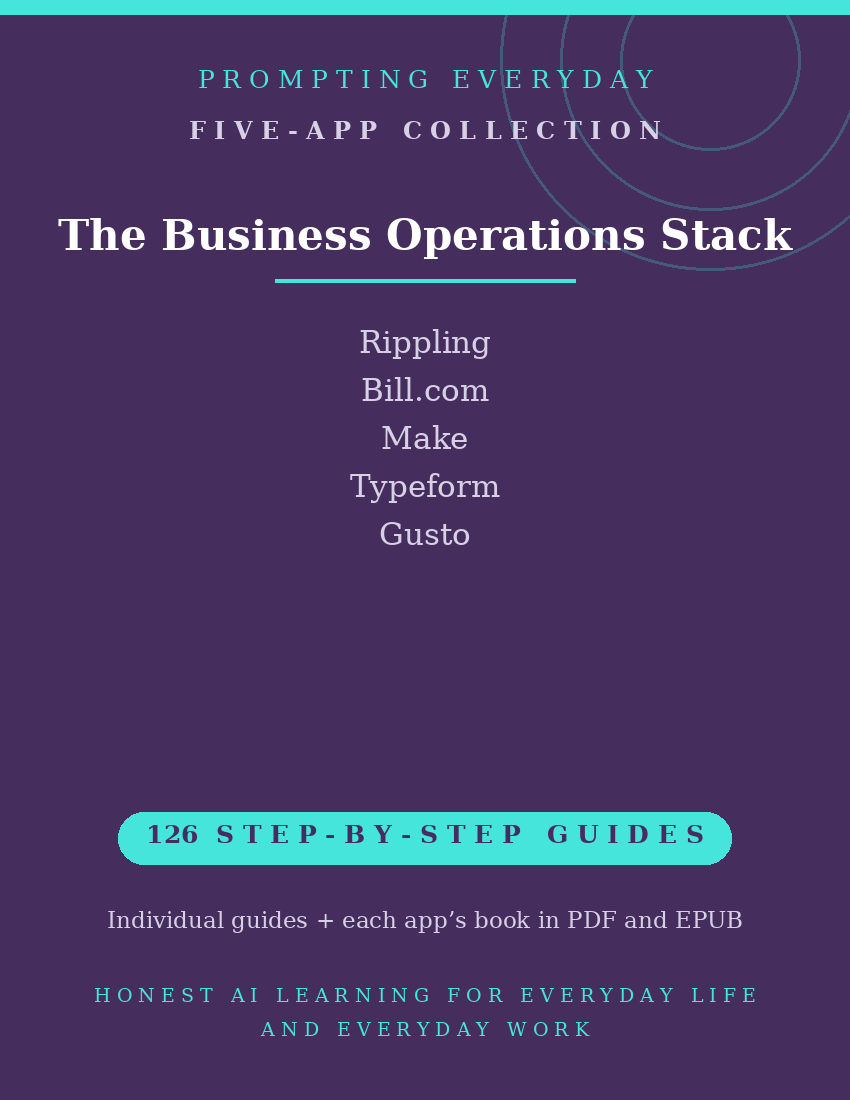
The Business Operations Collection brings together five app function-guide collections covering Rippling, BILL (Bill.com), Make, Typeform, and Gusto.
These apps support different aspects of business administration, including employee management, payroll processing, accounts payable, online forms, and workflow automation.
With 126 individual function guides, the collection provides plain-language instructions to help small business owners and operations staff understand and use these apps.
Each guide explains what a specific feature does, where to find it, and how to use it, with practical examples you can reference when needed.
Whether you're exploring employee and device management in Rippling, managing bills in BILL, creating automated workflows with Make, building forms in Typeform, or working with payroll in Gusto, these guides provide instructional resources for the individual apps.
What's included:
- 126 individual function guides across five apps.
- Five compiled app reference books, each available in PDF and EPUB formats.
- Individual guides organized by app for easy reference.
Designed for small business owners and the people responsible for everyday business operations, this collection focuses on learning app features rather than providing a ready-made operations system, payroll services, accounting services, or business automation setup.
The five apps are separate products. Available capabilities, integrations, payment methods, and administrative functions may depend on the user's account, permissions, geographic location, and subscription plan.
The purchase includes instructional guides, not app subscriptions, paid features, transaction fees, or access to the apps themselves.
Included App Collections
Rippling — 25 Function Guides
Learn about Rippling's workforce management tools for organizing employee information, supporting onboarding and offboarding, managing available HR processes, and working with supported employee device and app-access features.
BILL (Bill.com) — 26 Function Guides
Explore BILL's accounts payable tools for managing vendor bills, organizing payment information, reviewing invoices, setting up supported approval workflows, and tracking bill payments.
Make — 28 Function Guides
Understand Make's workflow automation tools for connecting supported apps, creating scenarios, configuring triggers and actions, mapping data between steps, and monitoring automation runs.
Typeform — 25 Function Guides
Learn about Typeform's online form tools for creating forms and questionnaires, collecting responses, customizing questions, using available branching logic, and reviewing submitted information.
Gusto — 22 Function Guides
Explore Gusto's payroll and employee management tools for managing employee records, setting up supported payroll processes, reviewing payroll information, working with payroll tax features, and using available onboarding tools.
Total: 126 individual function guides across five app collections.
Each app collection also includes its own compiled reference book in PDF and EPUB formats.
Who it's for: Small business owners and the people who run their operations.
Not for: Bookkeeping on its own — the Bookkeeping Stack fits better.
Not for: People who only need to learn bookkeeping apps. The Bookkeeping Collection may be a better fit.
What you get: Five business operations app function-guide collections containing 126 individual guides, plus one compiled reference book for each app in PDF and EPUB formats.
How it's delivered: Delivered as a Google Drive folder link after purchase. One-time
purchase.
Updates: Updates are included while the collection is maintained — if a guide changes,
the folder copy is updated.
Disclaimers: These are reference guides that teach the apps, they are not prompt packs,
and they don't include subscriptions to the apps themselves.