Presentations & Training Collection — Presentation & Tutorial App Guides
Presentation, Training, and Step-by-Step Tutorial App Guides
Creating presentations and training materials can involve designing slides, organizing information, recording demonstrations, and documenting processes for others to follow.
Different apps provide tools for these activities, from traditional slide presentations and AI-assisted content creation to screen recording and step-by-step instructions.
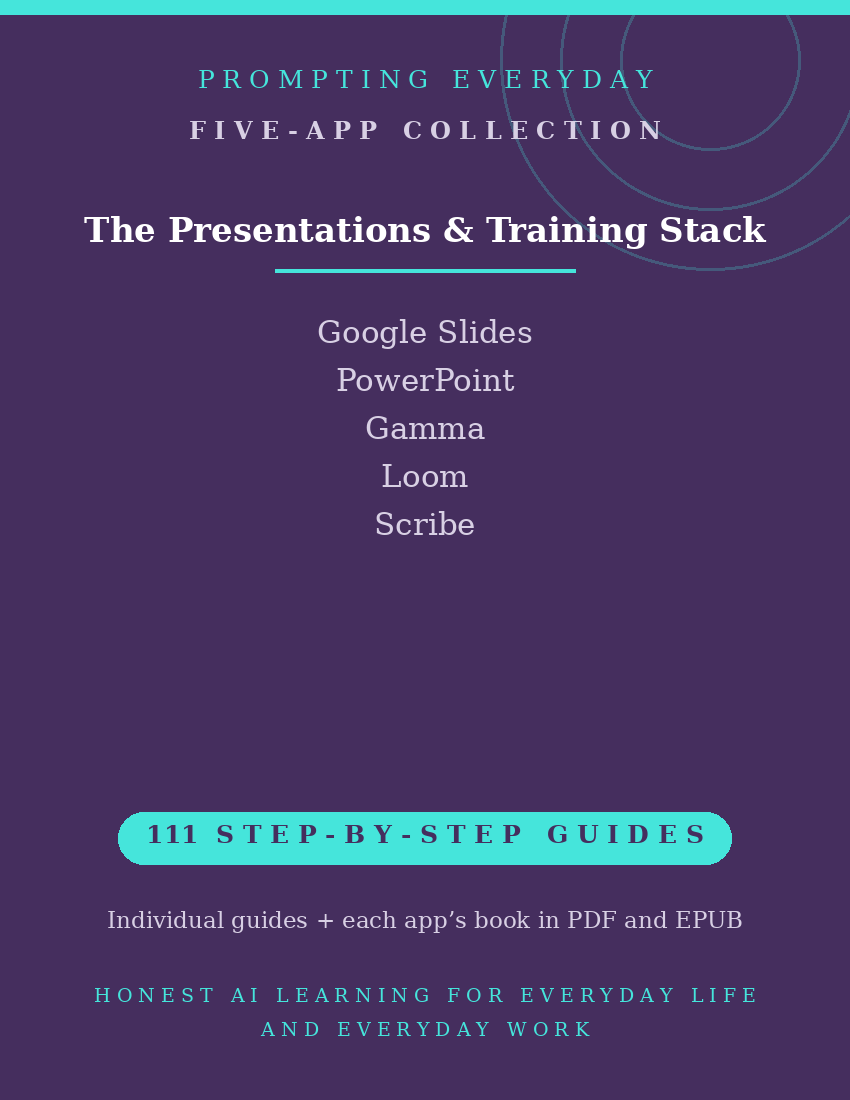
The Presentations & Training Collection brings together five app function-guide collections covering Google Slides, Microsoft PowerPoint, Gamma, Loom, and Scribe.
These apps support different aspects of creating and sharing instructional content, including designing presentations, preparing slide decks, recording video walkthroughs, and documenting processes.
With 111 individual function guides, the collection provides plain-language instructions to help trainers, teachers, managers, and everyday users understand and use these apps.
Each guide explains what a specific feature does, where to find it, and how to use it, with practical examples you can reference when needed.
Whether you're creating slides in Google Slides or PowerPoint, exploring AI-assisted presentations in Gamma, recording a demonstration with Loom, or documenting a process with Scribe, these guides provide instructional resources for the individual apps.
What's included:
- 111 individual function guides across five apps.
- Five compiled app reference books, each available in PDF and EPUB formats.
- Individual guides organized by app for easy reference.
Designed for trainers, teachers, managers, small business owners, and others who create presentations or instructional materials, this collection focuses on learning the apps rather than providing finished presentations, training courses, or ready-made tutorials.
Available features, recording limits, export options, and AI capabilities may vary by app and subscription plan.
The purchase includes instructional guides, not app subscriptions, paid features, or access to the apps themselves.
Included App Collections
Google Slides — 26 Function Guides
Learn about Google Slides' presentation tools for creating and editing slide decks, organizing layouts, adding visual content, collaborating with others, and presenting slides.
Microsoft PowerPoint — 15 Function Guides
Explore PowerPoint's tools for creating, formatting, and presenting slide decks, including working with animations, transitions, speaker notes, and available recording features.
Gamma — 20 Function Guides
Learn about Gamma's AI-assisted presentation tools for creating and editing presentations, organizing content, working with visual layouts, and exporting available presentation formats.
Loom — 26 Function Guides
Understand Loom's screen recording and video communication tools for capturing demonstrations, recording your screen or camera, sharing videos, and managing recording access.
Scribe — 24 Function Guides
Explore Scribe's process documentation tools for capturing supported workflows and turning recorded actions into step-by-step guides with screenshots and written instructions.
Total: 111 individual function guides across five app collections.
Each app collection also includes its own compiled reference book in PDF and EPUB formats.
Who it's for: Trainers, teachers, managers, and anyone who has to explain things to a room.
Not for: People who never present or train.
What you get: Five presentation, training, and tutorial app function-guide collections containing 111 individual guides, plus one compiled reference book for each app in PDF and EPUB formats.
How it's delivered: Delivered as a Google Drive folder link after purchase. One-time purchase.
Updates: Updates are included while the collection is maintained — if a guide changes, the folder copy is updated.
Disclaimers: These are reference guides that teach the apps, they are not prompt packs, and they don't include subscriptions to the apps themselves.